
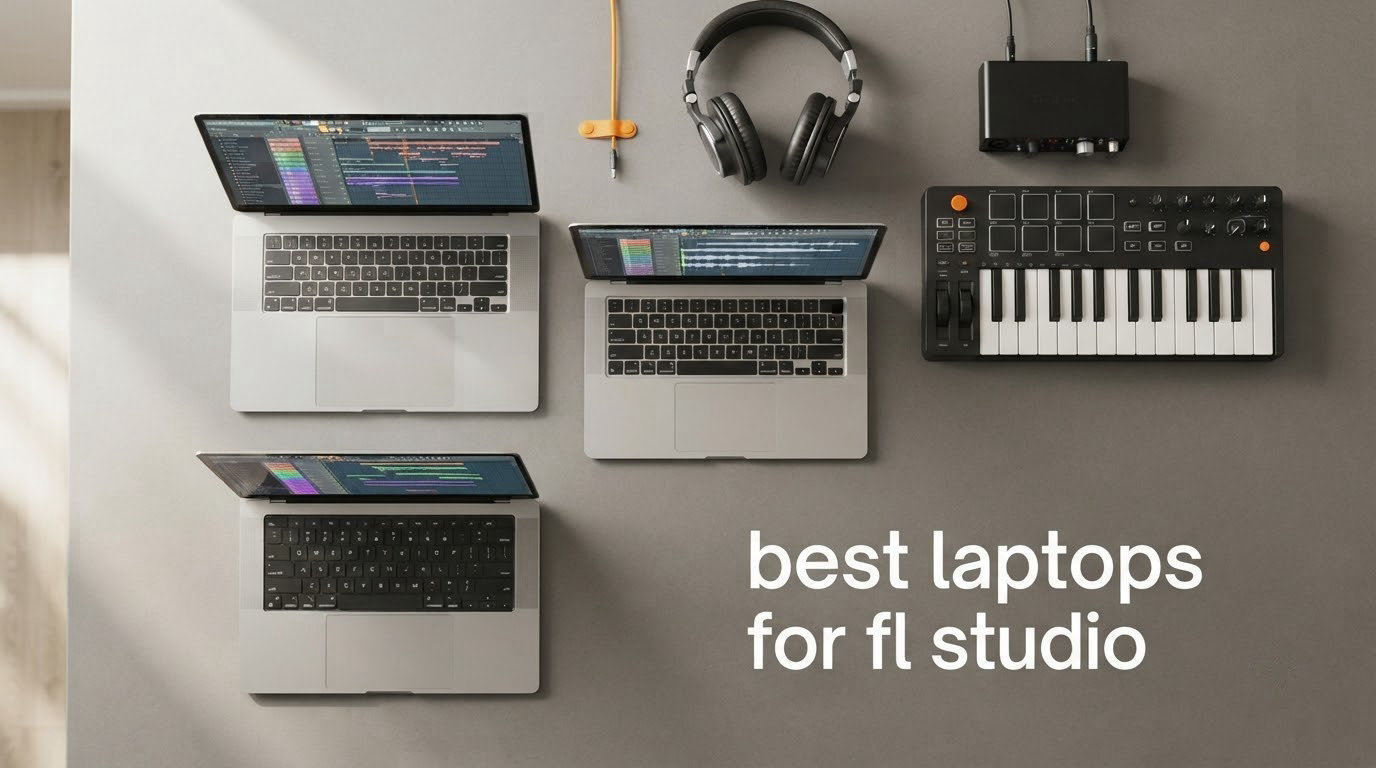
The best laptop for FL Studio is the one with the fastest single-core speed, 16GB of memory or more, a 1TB NVMe SSD and a clean driver stack. Two machines at the top of this list meet that bar with the fewest compromises: the Apple MacBook Pro 14-inch with the M3 Pro as the best overall pick, and the ASUS ROG Strix G16 as the best Windows performer. If you are starting from nothing, the HP Victus 15.6 is the least painful first step.
FL Studio is Image-Line’s pattern-based digital audio workstation, and it runs entirely on the CPU. When you press play, each mixer channel renders a block of audio and every plug-in chain on that track has to finish before the deadline. Miss the deadline and you get clicks and pops. That is why per-core speed, memory, fast storage and tidy drivers decide whether a session feels tight, and why the graphics card barely appears in the conversation.
Here is how I put this list together. I did not bench-test ten laptops against an identical FL Studio project, so I am not going to pretend otherwise.
Instead I ranked configurations using manufacturer specification data, published lab measurements of the same or equivalent platforms, and the pattern that shows up again and again in owner reviews of each machine. Every pick below states its main compromise, because a list of ten without trade-offs is just a spec sheet.
One thing worth sorting out before you read further: the laptop’s built-in speakers and headphone jack are almost irrelevant to real work. If you are serious about tracking or monitoring, an interface such as a Scarlett-class box is the upgrade that matters. Our guides to the best studio headphones and the best laptops overall cover the hardware that sits either side of the machine.
Table of Contents
- Top 3 Best Laptops For Fl Studio (October 2026)
- The 10 Best Laptops for FL Studio at a Glance
- What specs does FL Studio actually need?
- 1. Apple MacBook Pro 14-inch (M3 Pro) – the best laptop for FL Studio overall
- 2. Apple MacBook Air 15-inch (M5) – quiet power for a big screen
- 3. ASUS ROG Strix G16 – the strongest Windows performer here
- 4. Acer Nitro V 16S AI – 32GB standard for heavy sample libraries
- 5. GIGABYTE Gaming A16 – 32GB in a thin chassis with the widest port spread
- 6. Acer Nitro 16 – the port-count pick for a busy studio desk
- 7. HP Victus 15.6 – a sensible first machine for learning FL Studio
- 8. Acer Aspire Go 15 – the budget pick
- 9. Lenovo V15 – a budget Windows workhorse with a numeric keypad
- 10. Apple MacBook Neo 13-inch – the lightest way to make beats anywhere
- Do you need a dedicated GPU for FL Studio?
- How much RAM do you need for FL Studio?
- The buffer size settings that actually matter
- Why a fast laptop still clicks and pops: DPC latency?
- Mac or Windows for FL Studio?
- Should you avoid Snapdragon and Windows-on-ARM laptops?
- Storage: how much SSD you need for sample libraries?
- Fan noise: the spec nobody publishes
- Ports, audio interfaces and MIDI keyboards
- Audio interface vs a better laptop: where beginners should spend?
- Setting up a new laptop for FL Studio in 10 minutes
- What we passed over and why?
- Frequently Asked Questions
- How good of a laptop do you need to run FL Studio?
- How much RAM do I need for FL Studio?
- Is FL Studio heavy on CPU?
- Which laptop brand is best for music production?
- What is the best buffer size for FL Studio?
- Is 32 GB of RAM enough for music production?
- Do I need a dedicated graphics card for FL Studio?
- Can I use a Snapdragon Windows laptop with FL Studio?
- Do I need an audio interface for FL Studio?
- Where I’d Land?
Top 3 Best Laptops For Fl Studio (October 2026)

MacBook Pro 14 M3 Pro
- M3 Pro 11-core CPU
- 18GB unified memory
- 512GB SSD
- Silent fanless operation
- 22-hour battery


ASUS ROG Strix G16
- Core i7-13650HX
- 16GB DDR5 upgradeable
- 1TB PCIe Gen4 SSD
- 16-inch 16:10 display
The 10 Best Laptops for FL Studio at a Glance
| Product | Key Specs | Pricing |
|---|---|---|
| Apple MacBook Pro 14 M3 Pro |
|
Check Latest Price |
| Apple MacBook Air 15 M5 |
|
Check Latest Price |
| ASUS ROG Strix G16 |
|
Check Latest Price |
 Acer Nitro V 16S AI Acer Nitro V 16S AI |
|
Check Latest Price |
 GIGABYTE Gaming A16 GIGABYTE Gaming A16 |
|
Check Latest Price |
 Acer Nitro 16 Acer Nitro 16 |
|
Check Latest Price |
 HP Victus 15.6 HP Victus 15.6 |
|
Check Latest Price |
 Acer Aspire Go 15 Acer Aspire Go 15 |
|
Check Latest Price |
 Lenovo V15 Lenovo V15 |
|
Check Latest Price |
 Apple MacBook Neo 13 Apple MacBook Neo 13 |
|
Check Latest Price |
What specs does FL Studio actually need?
A current-generation processor with strong single-core performance, 16GB of memory at minimum, 32GB if you use large sample libraries, and a 1TB NVMe SSD. Those three numbers are the whole requirement list. Image-Line’s own published minimums are far lower, and meeting them only means the software opens.
CPU: Single-core speed first, multi-core throughput second. FL Studio runs in real time, so a chip that boosts high on one core beats a chip with more cores that settle low.
Memory: 16GB covers bundled instruments and moderate projects. Kontakt, Omnisphere and orchestral libraries move the target to 24GB or 32GB.
Storage: 1TB NVMe. Sample libraries are measured in tens of gigabytes, and streaming them from a slow drive is what causes the stutter that people blame on the processor.
Display: A 16:10 panel gives the Playlist and the Mixer more usable width than a 16:9 screen at the same diagonal.
Drivers: A tidy Wi-Fi, Bluetooth, graphics and chipset stack matters more than any spec on the sheet. This is the part that causes clicks and pops.
1. Apple MacBook Pro 14-inch (M3 Pro) – the best laptop for FL Studio overall
Apple 2023 MacBook Pro Laptop M3 Pro chip with 11‑core CPU, 14‑core GPU: Built for Apple Intelligence, 14.2-inch Liquid Retina XDR Display, 18GB Unified Memory, 512GB SSD Storage; Space Black
★★★★★★★★★★M3 Pro 11-core CPU
18GB unified memory
512GB SSD
14.2-inch XDR display
22-hour battery
- Silent with no fan noise at all
- Fast per-core speed for low buffer sizes
- Excellent port selection with MagSafe HDMI and SDXC
- Bright colour-accurate XDR panel
- 512GB fills quickly with sample libraries
- Only three USB ports and no USB-A
- 18GB memory is not upgradeable
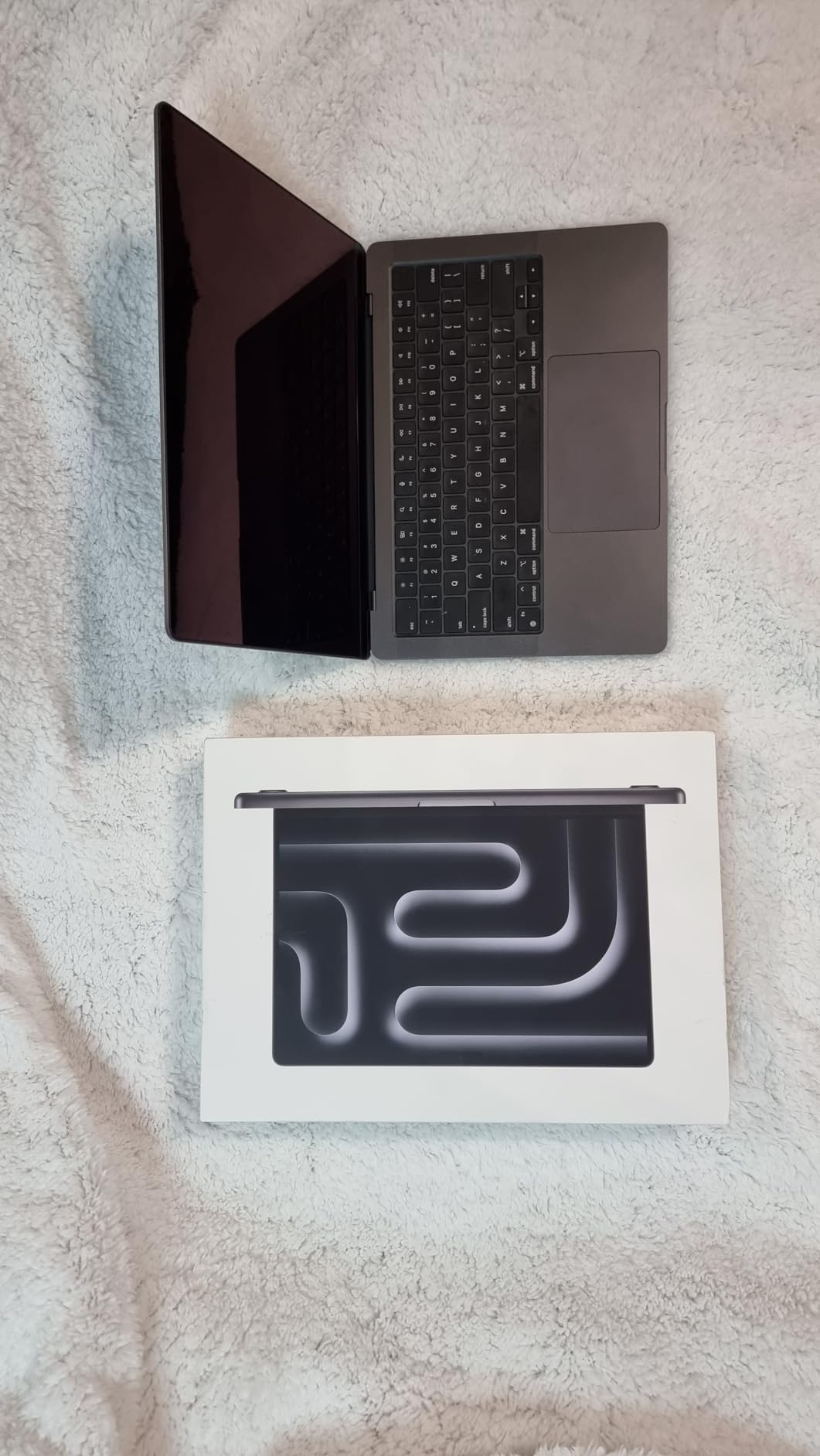
The M3 Pro configuration pairs an 11-core CPU with 14-core graphics, 18GB of unified memory and a 512GB SSD inside a 3.5-pound aluminium unibody. For FL Studio the interesting number is the core count on the CPU side, because that is what renders your mixer channels and drives each plug-in chain.
What separates this machine from every other entry here is silence. There is no fan, so there is nothing to hear when you hit play, and nothing to record into a vocal take from three feet away. If you sing beside your laptop, that alone can decide the purchase.
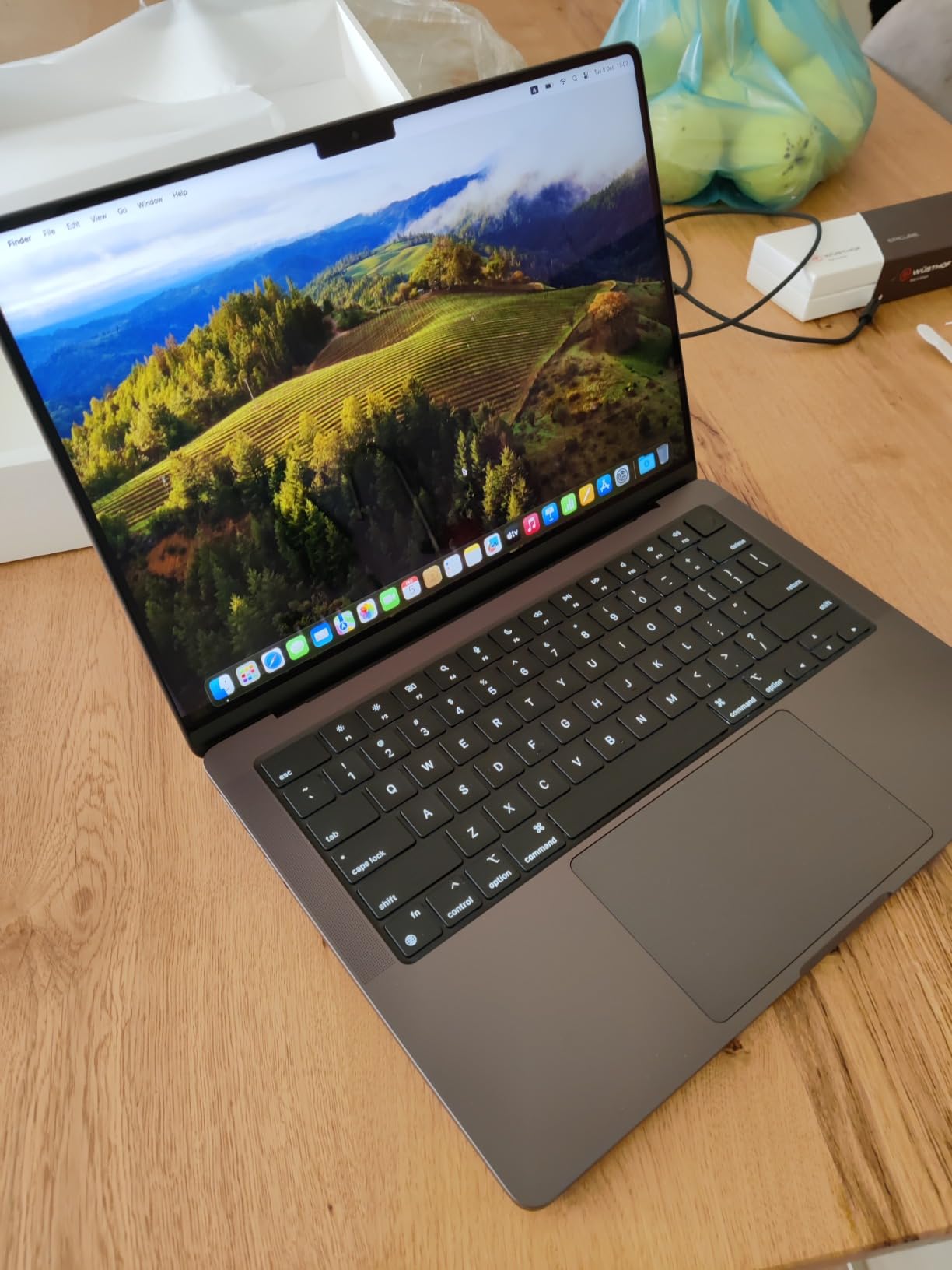
The port layout is the best in this group for a compact body: MagSafe charging, two Thunderbolt and USB 4 ports, an SDXC slot, HDMI and a headphone jack. The SDXC reader alone saves you a dongle every time you want to pull samples off a card. You are down to three USB ports total, none of them USB-A, so a small interface with a USB-A connector means an adapter.
Up to 22 hours of quoted battery means a full day of busking or writing on the move, and owners consistently report the machine stays responsive when plugged in. Build quality is described as top notch, and the machine runs cool and quiet enough that heat never enters the conversation.
What you should know before you buy?
Two things deserve a hard look. The 512GB drive is genuinely tight once a Kontakt instrument and an orchestral library are installed, and this memory is soldered, so 18GB is what you have for the life of the machine. If you already know your library will grow, buy the larger SSD configuration at purchase rather than planning to fix it later.
The display notch also annoys a number of owners, with some reporting that on-screen elements sit under it. This is a real annoyance, not a disqualifier, but it is worth checking against how you arrange your FL Studio interface.
Who should skip this one?
Anyone running large orchestral templates alongside video editing on the same machine will feel the 18GB ceiling before anything else. If your workflow is sample-heavy and you know you will add libraries, this is the wrong tier of memory and you should step up rather than plan around it.
It is also the wrong pick if your plug-in set is Windows-only. Several well-known third-party instruments still ship Windows-first or Windows-only builds, so check your specific catalogue before committing to macOS.
We earn a commission, at no additional cost to you. CERTAIN CONTENT THAT APPEARS ON THIS SITE COMES FROM AMAZON. THIS CONTENT IS PROVIDED 'AS IS' AND IS SUBJECT TO CHANGE OR REMOVAL AT ANY TIME.
2. Apple MacBook Air 15-inch (M5) – quiet power for a big screen
Apple 2026 MacBook Air 15-inch Laptop with M5 chip: Built for AI, 15.3-inch Liquid Retina Display, 16GB Unified Memory, 512GB SSD, 12MP Center Stage Camera, Touch ID, Wi-Fi 7; Starlight
★★★★★★★★★★M5 chip
16GB unified memory
512GB SSD
15.3-inch Liquid Retina
18-hour battery
- Completely silent fanless design
- Large 15.3-inch screen for the Playlist and Mixer
- All-day battery life
- Sharp display with accurate colour
- Fanless design limits sustained heavy load
- Only two Thunderbolt 4 ports
- No USB-A or card reader
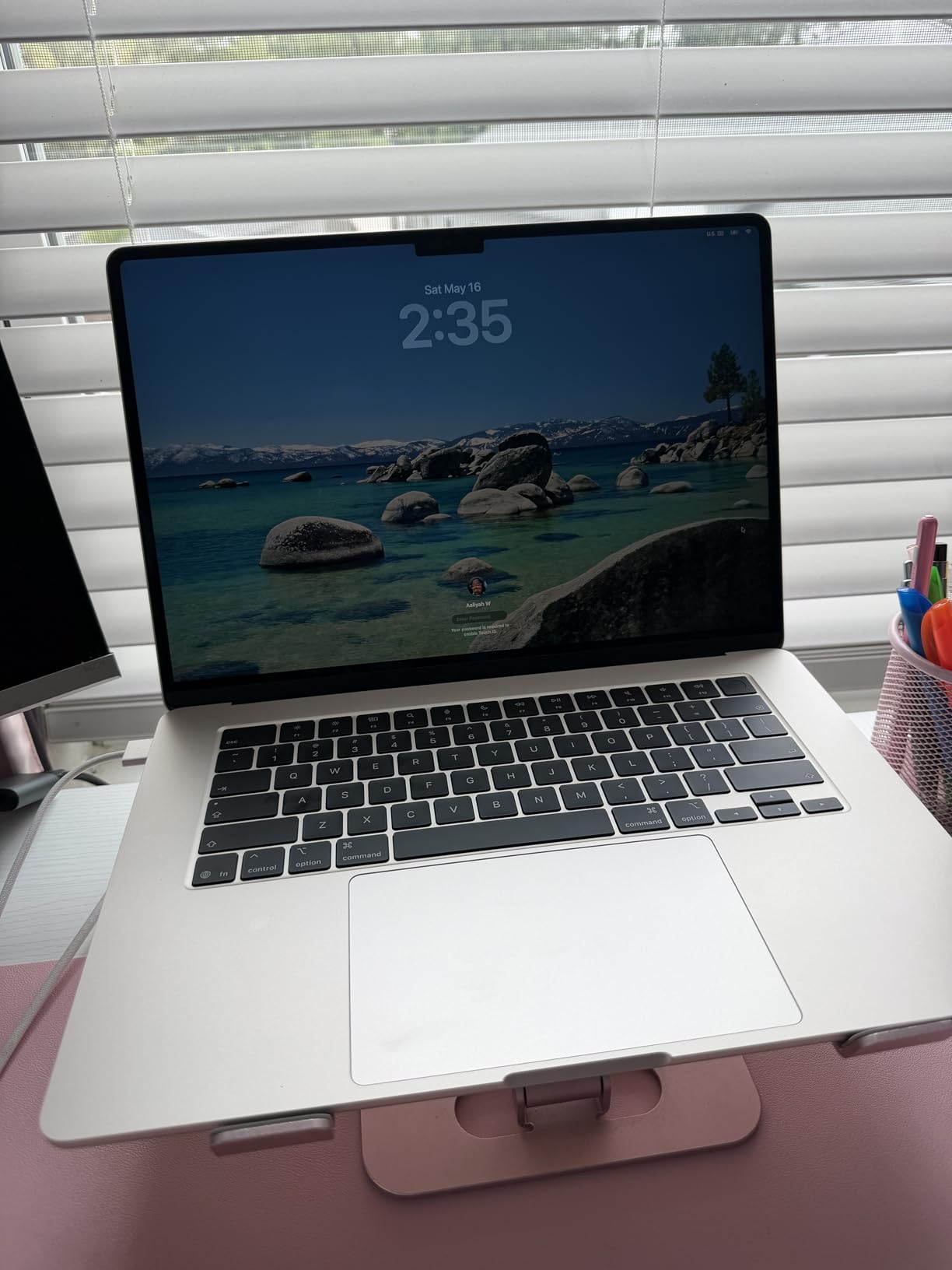
The M5 MacBook Air pairs the M5 chip with 16GB of unified memory and a 512GB SSD, wrapped around a 15.3-inch Liquid Retina display at 3.32 pounds. The extra screen width is the quiet hero of this configuration for FL Studio: the Mixer and Playlist windows both get more room without needing an external display.
Like the Pro, it runs with no fan at all. Owners describe it as fast, quiet and well built, with a keyboard that stays comfortable under long sessions and a large precise trackpad. The six-speaker system with Spatial Audio and Dolby Atmos is irrelevant to production work, but it does make the machine pleasant for mixing on the move with headphones.
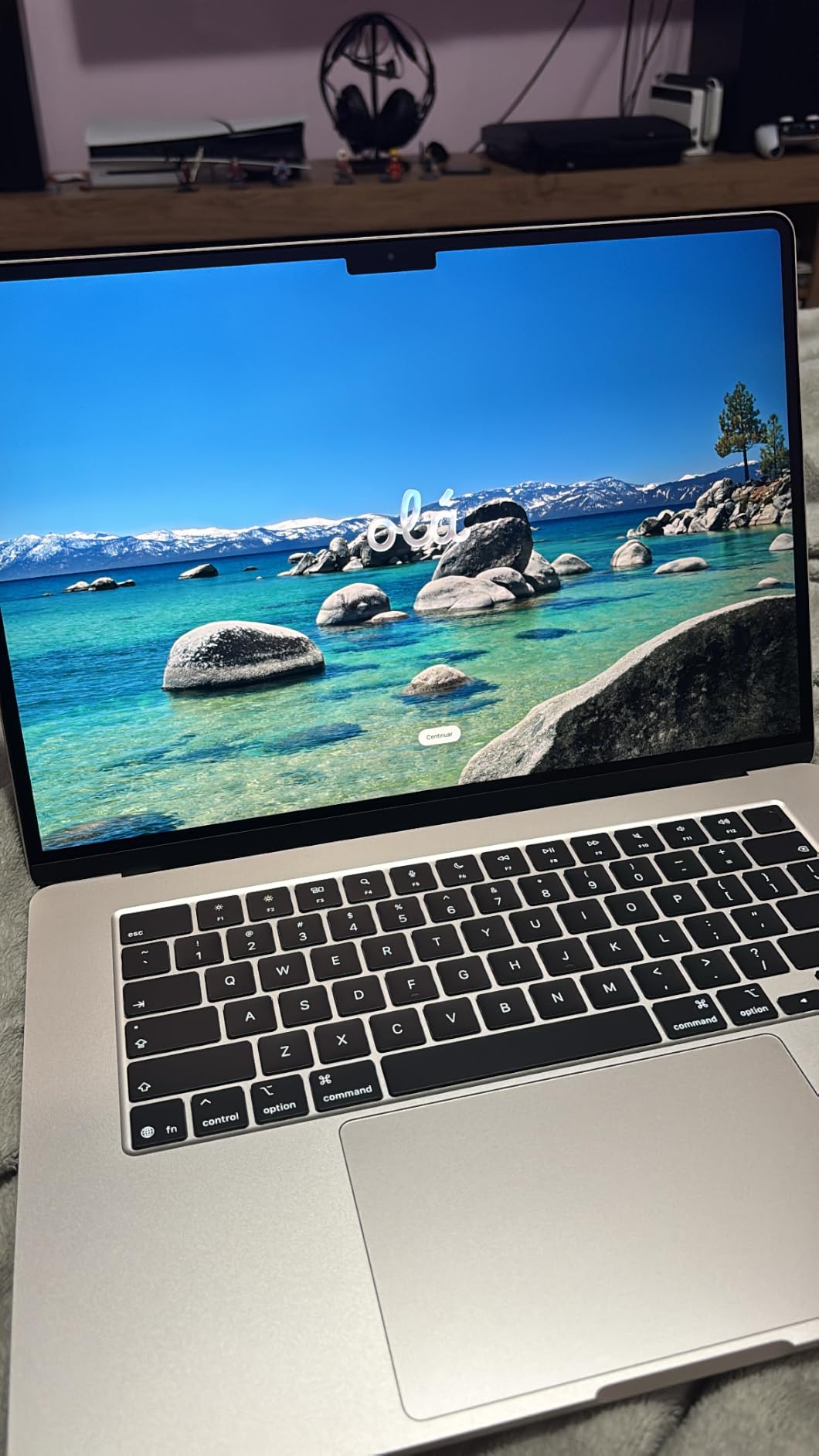
Up to 18 hours of quoted battery covers a long writing session away from a socket, and the machine supports up to two external displays if you work at a desk with a larger screen. It also ships with Wi-Fi 7 and Bluetooth 6 through the Apple N1 wireless chip, which matters more than it sounds when a congested 2.4GHz band is the difference between a clean render and a stuttering one.
A small minority of owners report a screen freeze during initial setup. It is not a widespread pattern, but it is one of the first things worth testing if you buy during a return window.
What you should know before you buy?
The fanless design is the trade-off that matters here. A sustained heavy render, a full bounce of a large project, has nowhere for the heat to go, and owners report that thermally constrained sustained work is the price of the silence. For ordinary producing and mixing at 128 to 256 samples, that rarely comes up. For overnight stem bounces, it can.
The port selection is minimal: two Thunderbolt 4 ports, MagSafe and a headphone jack. There is no USB-A and no SD reader, so count your interface and controller before you order.
Who should skip this one?
Skip it if you record in the same room with the laptop open next to the microphone and you need silence, because while there is no fan there, a room mic will still pick up whatever is running. In practice the noise floor is lower than a Windows machine under load, but it is not a studio.
Also skip it if you intend to run a large orchestral template plus a video editor at the same time. Sixteen gigabytes is workable, not roomy, and it is not upgradeable.
We earn a commission, at no additional cost to you. CERTAIN CONTENT THAT APPEARS ON THIS SITE COMES FROM AMAZON. THIS CONTENT IS PROVIDED 'AS IS' AND IS SUBJECT TO CHANGE OR REMOVAL AT ANY TIME.
3. ASUS ROG Strix G16 – the strongest Windows performer here
ASUS ROG Strix G16 Gaming Laptop, 165Hz Display, NVIDIA® GeForce RTX™ 4060, Intel Core i7-13650HX, 16GB DDR5, 1TB PCIe Gen4 SSD, Wi-Fi 6E, Windows 11, G614JV-AS74
★★★★★★★★★★Core i7-13650HX 14-core
RTX 4060 at 140W
16GB DDR5
1TB PCIe Gen4 SSD
16-inch 165Hz
- Fastest CPU in this list for per-core speed
- RAM and SSD both user-upgradeable
- 16:10 100% sRGB panel
- Ethernet plus Wi-Fi 6E
- Loud fans and heavy build at 5.5 pounds
- Bloated software that has to be removed
- Battery life of about four hours
The Strix G16 runs a 14-core Intel Core i7-13650HX boosting to 5.0GHz with 24MB of L3 cache, paired with 16GB of DDR5-4800 memory and a 1TB PCIe Gen4 SSD. For FL Studio the CPU is the headline: this is the fastest per-core performer in the group, and it is also the most upgradeable, with both memory and storage open to user replacement.
The 16-inch 16:10 display at 165Hz with 100% sRGB coverage and Pantone validation is a genuine 16:10 panel, which gives you more horizontal room in the Mixer than the 16:9 alternatives in this list. Owners describe it as crisp and smooth.
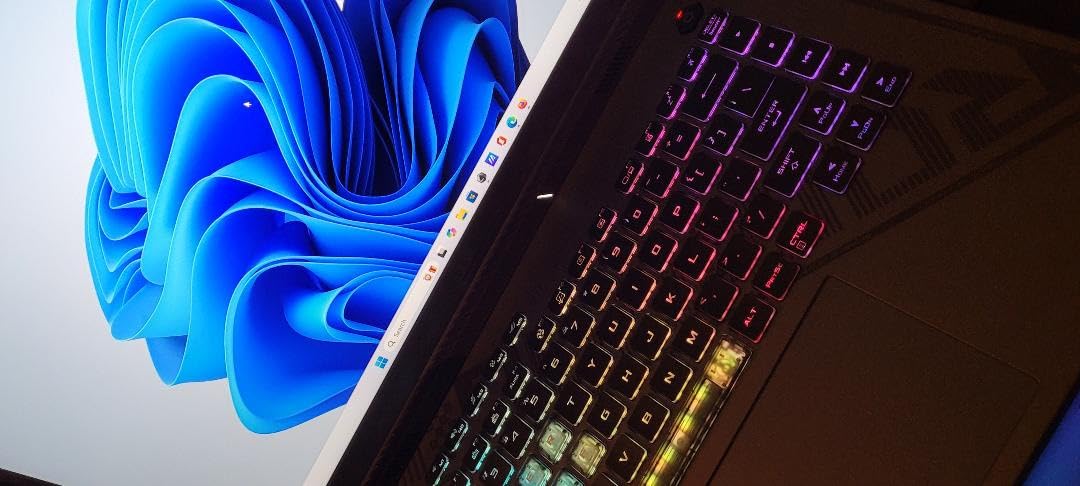
Cooling uses liquid metal on the CPU with a third intake fan, and owners report it keeps temperatures in check without excessive noise. The port list covers HDMI, Thunderbolt and four USB connections, plus Ethernet and Wi-Fi 6E, which is more than most creator laptops in this list offer.
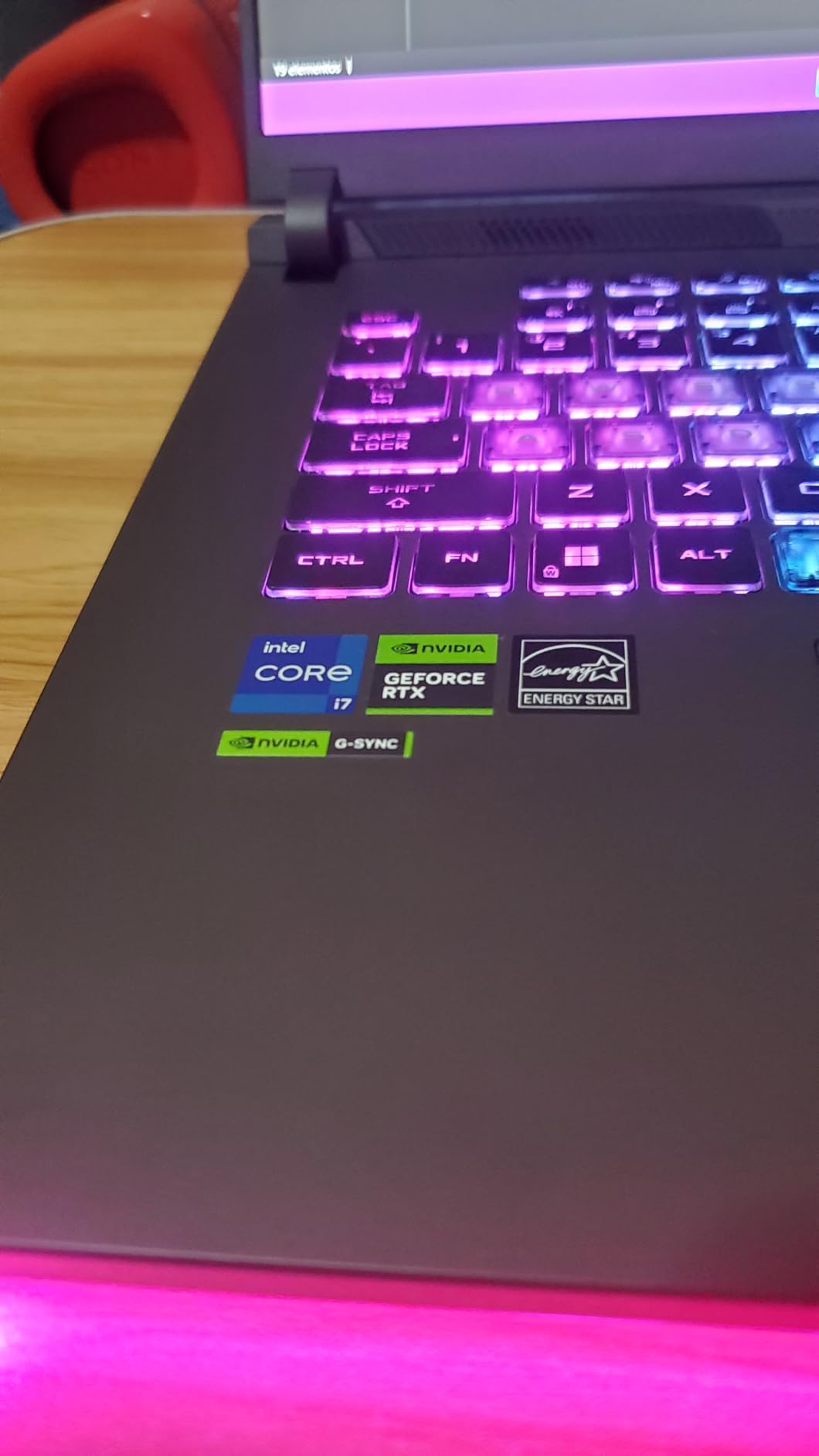
Be clear about what you are paying for. The RTX 4060 at 140W does nothing for FL Studio. It earns its place only if the same machine also handles video editing, 3D or gaming.
What you should know before you buy?
Two owners’ complaints come up repeatedly and both are fixable. Pre-installed ASUS software is widely reported to cause lag and stuttering until it is removed, so plan fifteen minutes at the start to strip it. The translucent WASD, SD and F keycaps also reduce keyboard readability, which is a small daily annoyance for anyone who works from the keyboard.
The 16GB that comes with this machine is often the first thing owners outgrow, and while the memory here is user-upgradeable, 16GB is the floor you should be buying at rather than the destination.
Who should skip this one?
Skip it if you are recording in the same room. At 5.5 pounds this is a heavy machine with a cooling system designed to move a lot of air, and it will be audible from a vocal booth position. A small number of owners also report screen malfunctions and poor support response on individual units.
Skip it if you plan to work unplugged. A 90 watt-hour battery with a four-hour quoted runtime means a long session is a session at a wall socket.
We earn a commission, at no additional cost to you. CERTAIN CONTENT THAT APPEARS ON THIS SITE COMES FROM AMAZON. THIS CONTENT IS PROVIDED 'AS IS' AND IS SUBJECT TO CHANGE OR REMOVAL AT ANY TIME.
4. Acer Nitro V 16S AI – 32GB standard for heavy sample libraries
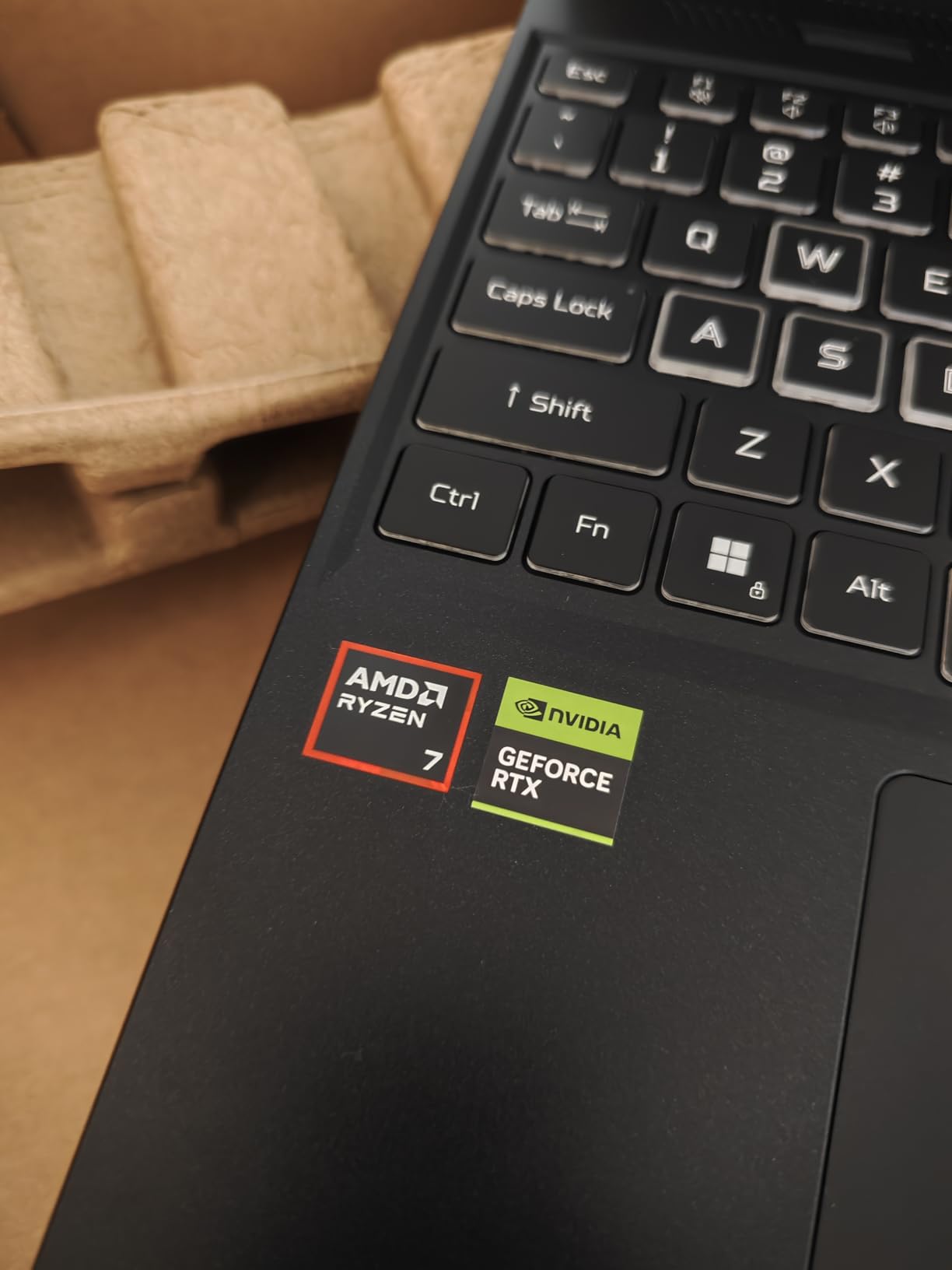
Acer Nitro V 16S AI Gaming Laptop | AMD Ryzen 7 260 Processor | NVIDIA GeForce RTX 5060 Laptop GPU (572 AI Tops) | 16″ WUXGA IPS 180Hz Display | 32GB DDR5 | 1TB Gen 4 SSD | Wi-Fi 6 | ANV16S-41-R2AJ
★★★★★★★★★★Ryzen 7 260 8-core
32GB DDR5-5600
1TB Gen4 SSD with free M.2
16-inch 180Hz
- 32GB of memory in this class is unusual and generous
- Free M.2 slot for storage expansion
- 180Hz 100% sRGB 16:10 panel
- 4.6-pound chassis
- Ryzen 7 260 is a lower-power design than the HX chips
- 65 watt-hour battery is modest
- Loud under sustained load
This is the memory-first pick. The Nitro V 16S AI comes with 32GB of DDR5-5600 across two slots alongside a Ryzen 7 260 with 8 cores and 16 threads boosting to 5.1GHz, plus a 1TB Gen4 SSD with a second M.2 slot still free. For a producer whose Kontakt and orchestral libraries are already installed, starting at 32GB removes the most common reason to replace a laptop in year three.
The 16-inch WUXGA IPS panel runs at 180Hz with 100% sRGB coverage. The refresh rate is irrelevant to audio, but the 16:10 aspect ratio and the colour coverage are useful if you are doing any visual work alongside your beats.
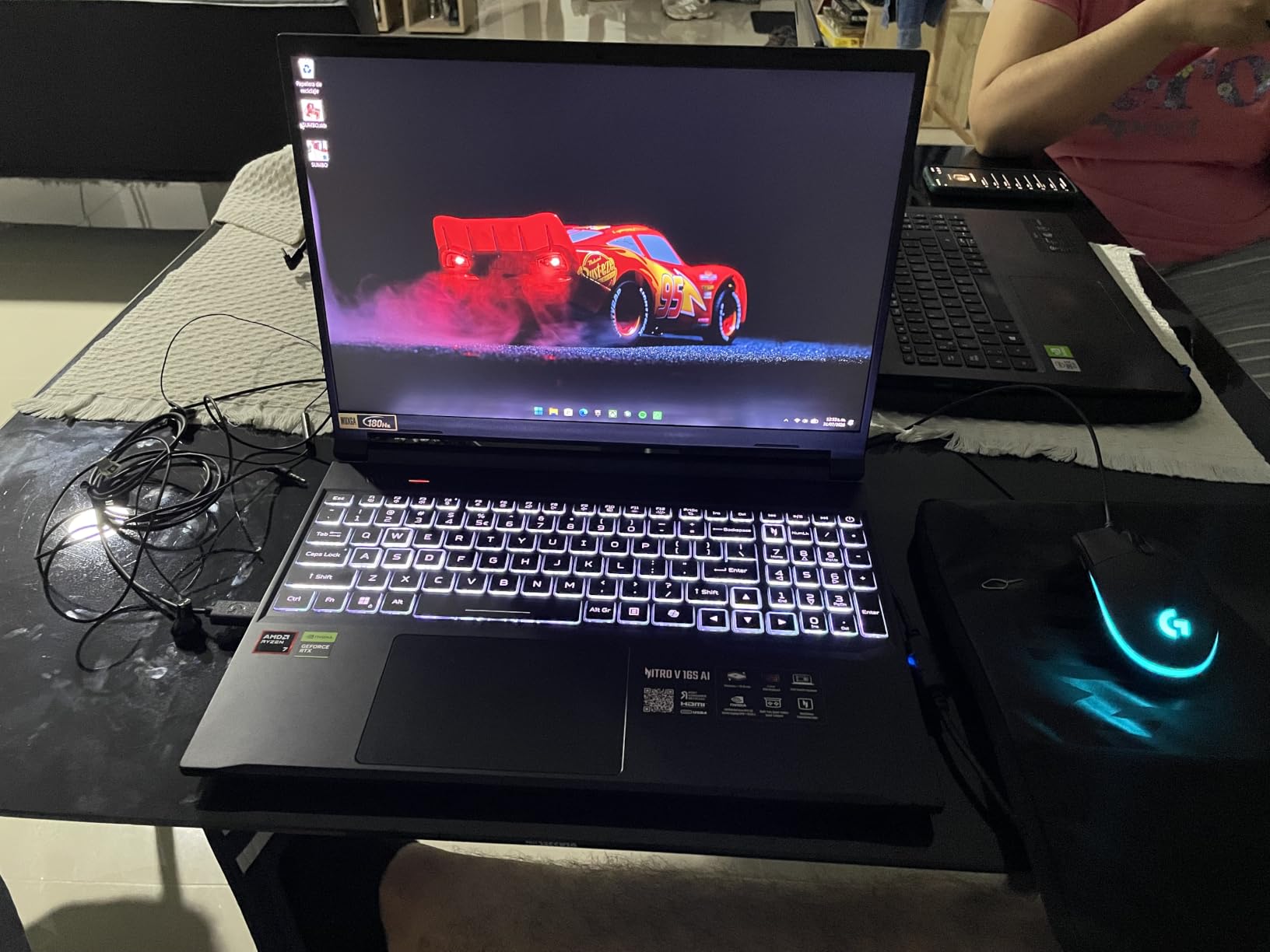
Connectivity covers Wi-Fi 6, Bluetooth, HDMI, DisplayPort over USB-C and three USB ports, with a backlit keyboard and numeric keypad. The storage layout is the practical win: you can add a second drive later without replacing the first, which matters when a single instrument library runs to tens of gigabytes.
Again, the RTX 5060 Laptop GPU is not what makes this machine good for FL Studio. The 32GB of memory is.
What you should know before you buy?
The processor is the compromise. The Ryzen 7 260 is a standard-power Zen part, not the faster HX-series silicon you would find in a workstation-class Windows machine, so per-core performance sits below the Strix G16 above it. If you work at a 64-sample buffer and chase every millisecond of tracking latency, that gap is real.
The 65 watt-hour battery is modest for a 16-inch machine of this class. Plan on a charger for anything longer than a couple of hours away from a desk.
Who should skip this one?
Skip it if your work is live performance driven, where a low buffer size and maximum per-core headroom matter more than memory headroom. A fanless Mac or a machine with a faster single core will serve you better in that situation.
It is also the wrong shape for a quiet recording room. A cooling system built to feed an RTX 5060 makes noise when it works.
We earn a commission, at no additional cost to you. CERTAIN CONTENT THAT APPEARS ON THIS SITE COMES FROM AMAZON. THIS CONTENT IS PROVIDED 'AS IS' AND IS SUBJECT TO CHANGE OR REMOVAL AT ANY TIME.
5. GIGABYTE Gaming A16 – 32GB in a thin chassis with the widest port spread
GIGABYTE Gaming A16 – Intel i7-13620H GeForce RTX 5070 16″ Laptop
★★★★★★★★★★Core i7-13620H 10-core
32GB DDR5-5200
1TB Gen4 NVMe
19.45mm chassis
Thunderbolt 4
- 32GB of DDR5 with two free slots
- Thunderbolt 4 plus a wide port selection
- 19.45mm chassis with 180-degree hinge
- 1TB NVMe drive
- 300-nit panel is dim for colour work
- i7-13620H is an older lower-tier chip
- Only two 2W speakers
- Thin owner-review history limits long-term reliability data
The Gaming A16 combines a 10-core Intel Core i7-13620H with 32GB of DDR5-5200 memory in two slots and a 1TB Gen4 NVMe drive, expandable to 64GB. Memory at 32GB out of the box with room to grow is rare at this price, and it is the reason this machine earns a place on a FL Studio list despite the graphics card being irrelevant.
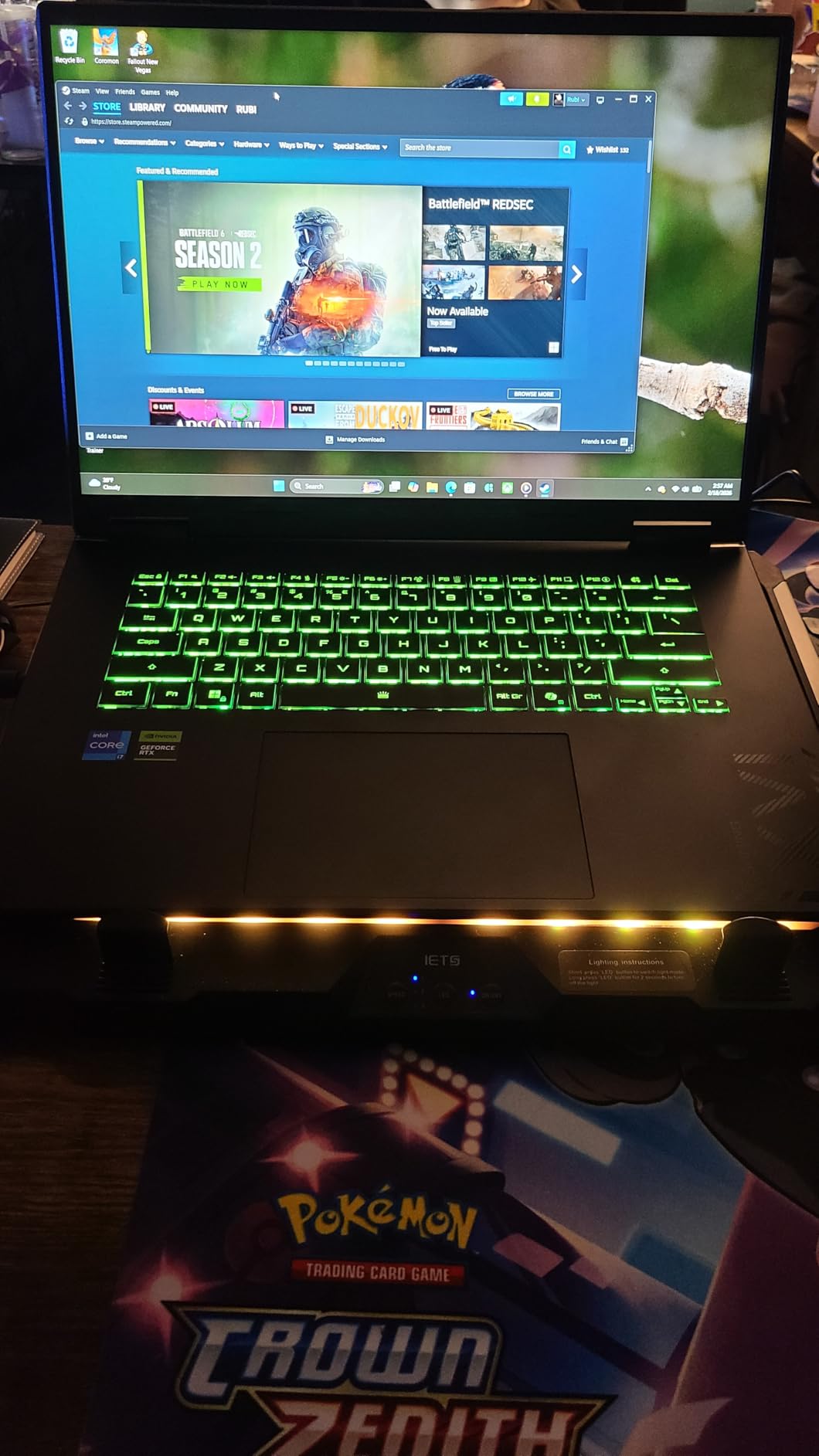
Port selection is the standout. Across eight ports you get Thunderbolt 4, USB-C, two USB-A connections, HDMI, Ethernet and Wi-Fi 6E, which is close to everything a small studio rig needs without a hub. The 180-degree lay-flat hinge is also handy if you ever want the keyboard flat.
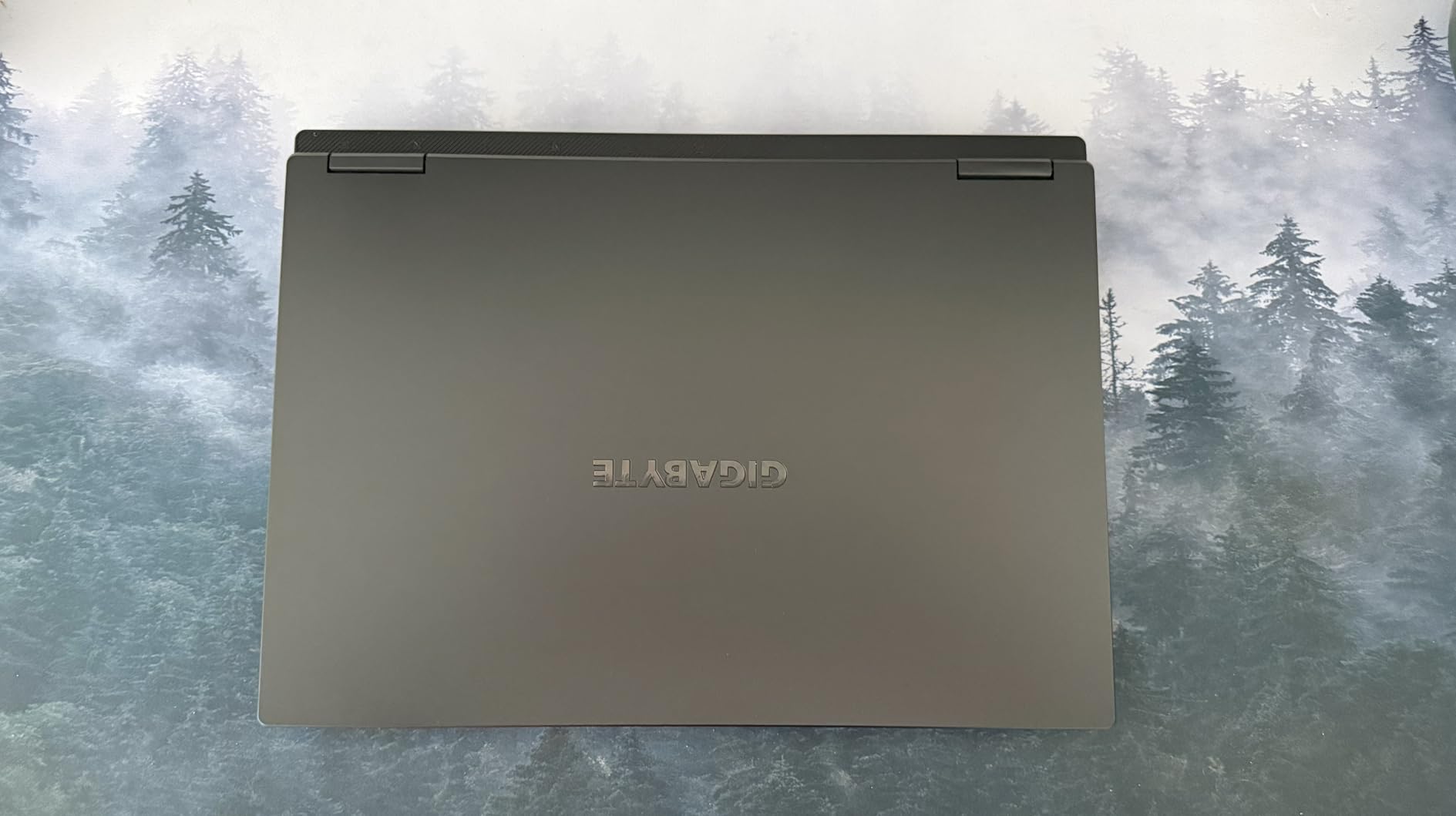
The chassis measures 19.45mm at 4.9 pounds, which is unusually slim for a machine carrying this class of graphics. That matters for a laptop you carry to sessions rather than leave on a desk.
The RTX 5070 Laptop GPU with DLSS 4 and Max-Q power limits is a strong graphics part. It contributes nothing to audio rendering, so treat it as a bonus for gaming or video work rather than a reason to buy.
What you should know before you buy?
The panel is the weak point. At 300 nits with a modest colour gamut, it is dim for any visual work next to the other 16-inch machines here, and owners call this out directly. For a pure audio workflow it matters less, but it will bother you on a bright day.
The i7-13620H is an older, lower-tier mobile part. Per-core performance is respectable but not class-leading, and that is the number that sets your lowest workable buffer size. It also has the thinnest owner-review history in this list, which means less long-term reliability data behind it.
Who should skip this one?
Skip it if you record in the same room, because a machine with this much cooling capacity makes noise under sustained plug-in load. Skip it too if you work in a bright space and use the display for anything visual.
If maximum per-core speed is your priority, step up to the Strix G16 instead of buying this one for the graphics.
We earn a commission, at no additional cost to you. CERTAIN CONTENT THAT APPEARS ON THIS SITE COMES FROM AMAZON. THIS CONTENT IS PROVIDED 'AS IS' AND IS SUBJECT TO CHANGE OR REMOVAL AT ANY TIME.
6. Acer Nitro 16 – the port-count pick for a busy studio desk
acer Nitro 16 Gaming Laptop | AMD Ryzen 7 7840HS OctaCore CPU | NVIDIA GeForce RTX 4060 Laptop GPU | 16″ WUXGA 165Hz IPS Display | 16GB DDR5 | 1TB Gen 4 SSD | WiFi 6E | RGB Backlit KB | AN16-41-R4CY
★★★★★★★★★★Ryzen 7 7840HS 8-core
16GB DDR5-5600
1TB Gen4 SSD
USB4 HDMI 2.1 microSD
Ethernet
- Widest port selection here including USB4 HDMI 2.1 Ethernet and microSD
- Liquid-metal dual-fan cooling stayed cool in owner reports
- 1TB SSD with a free M.2 slot
- Integrated graphics help on battery
- 16GB of memory is the bare minimum
- Downward-firing speakers are the worst in this group
- 6-pound weight and roughly 1 to 3 hours of battery
The Nitro 16 pairs a Ryzen 7 7840HS with 8 cores and 16 threads boosting to 5.1GHz, 16GB of DDR5-5600 across two slots and a 1TB Gen4 SSD with a spare M.2 connector. The reason it appears on this list is the port list: two USB-C including one USB4 port at 40Gbps, two USB-A, HDMI 2.1, RJ-45 Ethernet and a microSD reader.
That combination covers an interface, a controller, an external drive and a network cable at the same time. If your studio desk is the command centre, this removes the hub you would otherwise be plugging into between every take.
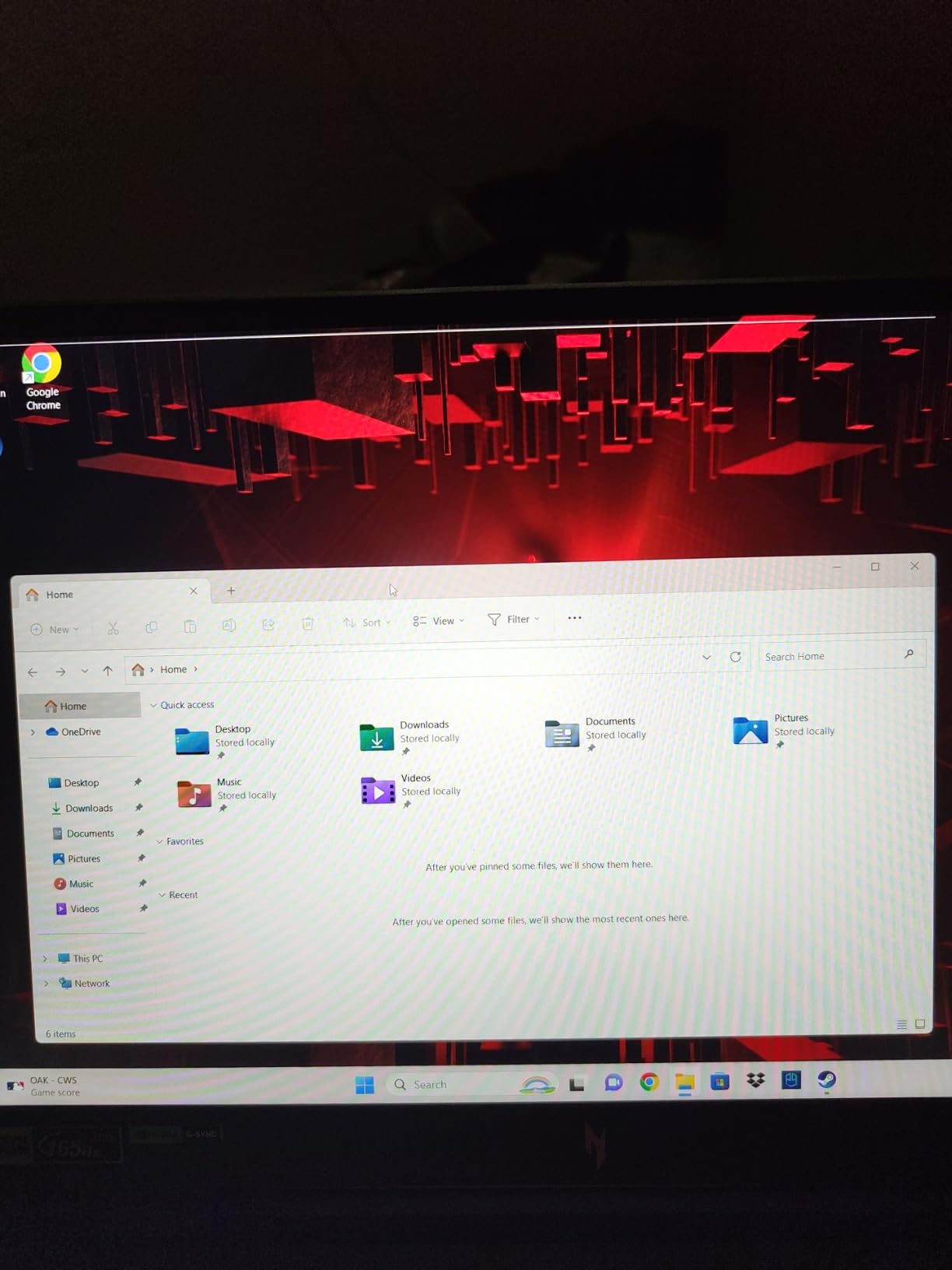
Cooling is a dual-fan, dual-intake, quad-exhaust design with liquid metal thermal grease, and owners report it never produced concerning temperatures even on turbo. The integrated graphics option also lets light workloads run without spinning the discrete card, which does stretch unplugged time slightly.
The 16-inch WUXGA IPS display at 165Hz is described as covering the full colour gamut, and the four-zone RGB keyboard is a matter of taste rather than function.
What you should know before you buy?
Sixteen gigabytes is the bare minimum in 2026, not a recommendation. Memory tops out at 32GB across two slots, which is workable but not generous, and a large orchestral template alongside a video editor will find that ceiling.
Owners are blunt about the downward-firing built-in speakers, calling them the worst part of the experience. That is irrelevant if you use an interface, and it is another reason not to judge the audio quality of this machine by what you hear out of it.
Who should skip this one?
Skip it if you carry the laptop anywhere. At 6 pounds with roughly 1 to 3 hours of unplugged life reported after about a year of use, this is a desktop machine. It is also the wrong choice for a laptop you intend to beatmake on in a café.
A small group of owners also report display failures and repeated unsuccessful warranty repairs on individual units, so test the screen early and keep your purchase protected.
We earn a commission, at no additional cost to you. CERTAIN CONTENT THAT APPEARS ON THIS SITE COMES FROM AMAZON. THIS CONTENT IS PROVIDED 'AS IS' AND IS SUBJECT TO CHANGE OR REMOVAL AT ANY TIME.
7. HP Victus 15.6 – a sensible first machine for learning FL Studio
HP Victus 15.6 inch FHD 144Hz Gaming Laptop Intel Core i5-13420H NVIDIA GeForce RTX 4050 6GB – 16GB DDR4 512GB SSD Mica Silver (2024)
★★★★★★★★★★Core i5-13420H
16GB DDR4-3200
512GB Gen4 SSD with second M.2
15.6-inch 144Hz
- Strong port spread with RJ-45 HDMI USB-C and an SD reader
- Free second M.2 slot for storage
- Excellent keyboard and large quiet trackpad
- Backlit keyboard included
- Dim panel with a limited colour gamut
- OMEN Gaming Hub is bloatware
- All-plastic chassis with screen flex
- Runs loud and needs the charger under load
The Victus runs a 13th Gen Core i5-13420H with 16GB of DDR4-3200 memory and a 512GB Gen4 NVMe drive with a second M.2 slot free. For a beginner working on FL Studio’s own bundled plug-ins at a 128-sample buffer, that is more than the job requires, and the free storage slot means you can add a drive for samples later instead of replacing what you have.
The port selection is genuinely good for the money: RJ-45 Ethernet, HDMI, Thunderbolt USB-C, three USB ports and an SD card reader. That is everything a small home rig needs to connect, which is why this machine makes so much more sense for a first FL Studio laptop than a thin ultraportable with two USB-C ports.
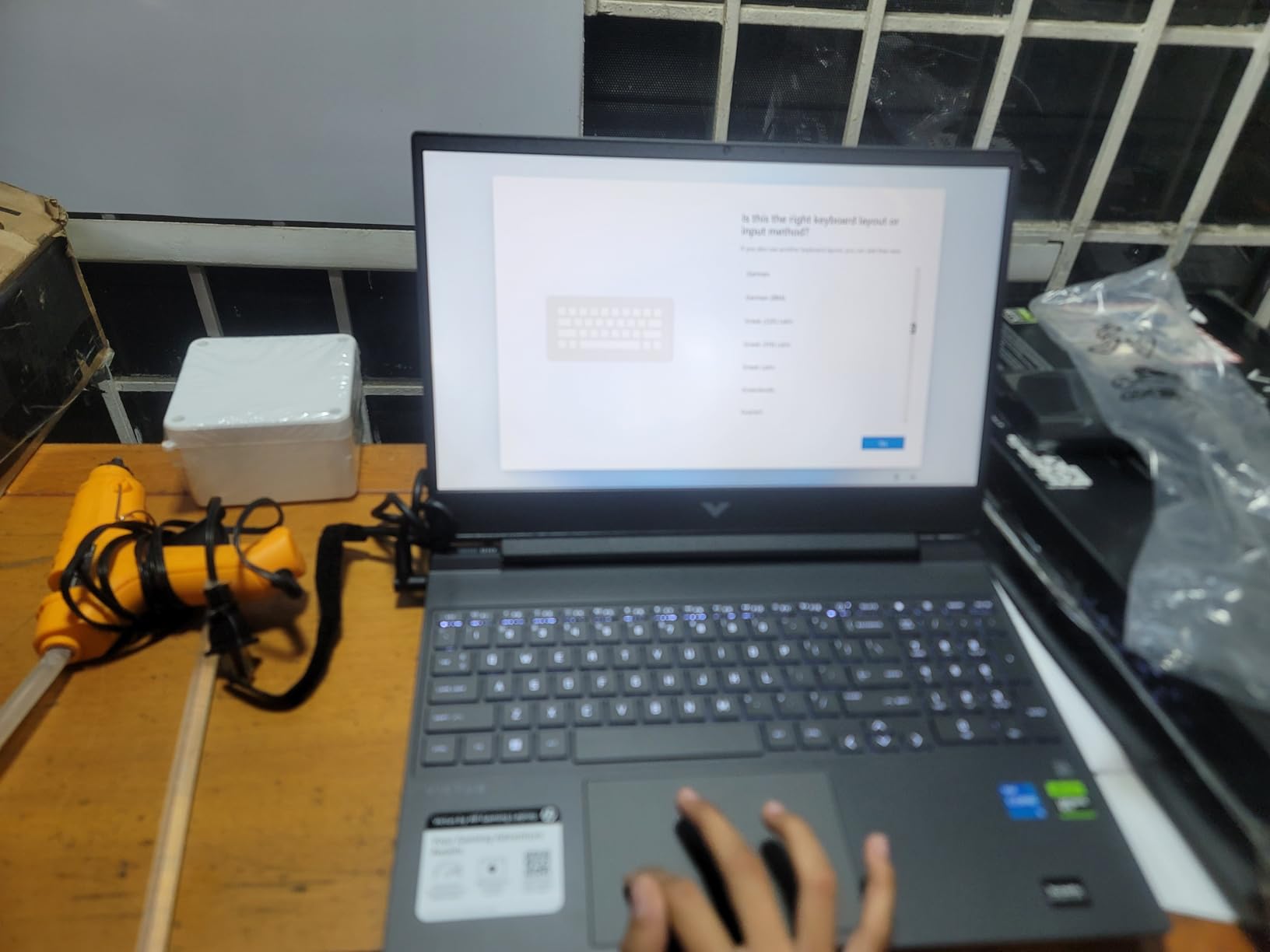
The keyboard draws consistent praise. Owners describe a soft-touch feel, quiet operation and good key travel, plus a large glass trackpad and a single hinge that feels solid. A 70 watt-hour battery with up to 8.5 hours of quoted life is more usable than any of the 16-inch gaming machines in this list.
Note that the RTX 4050 Laptop GPU does nothing for audio. It is there for games, and it is one of the reasons this machine exists on a list at all.
What you should know before you buy?
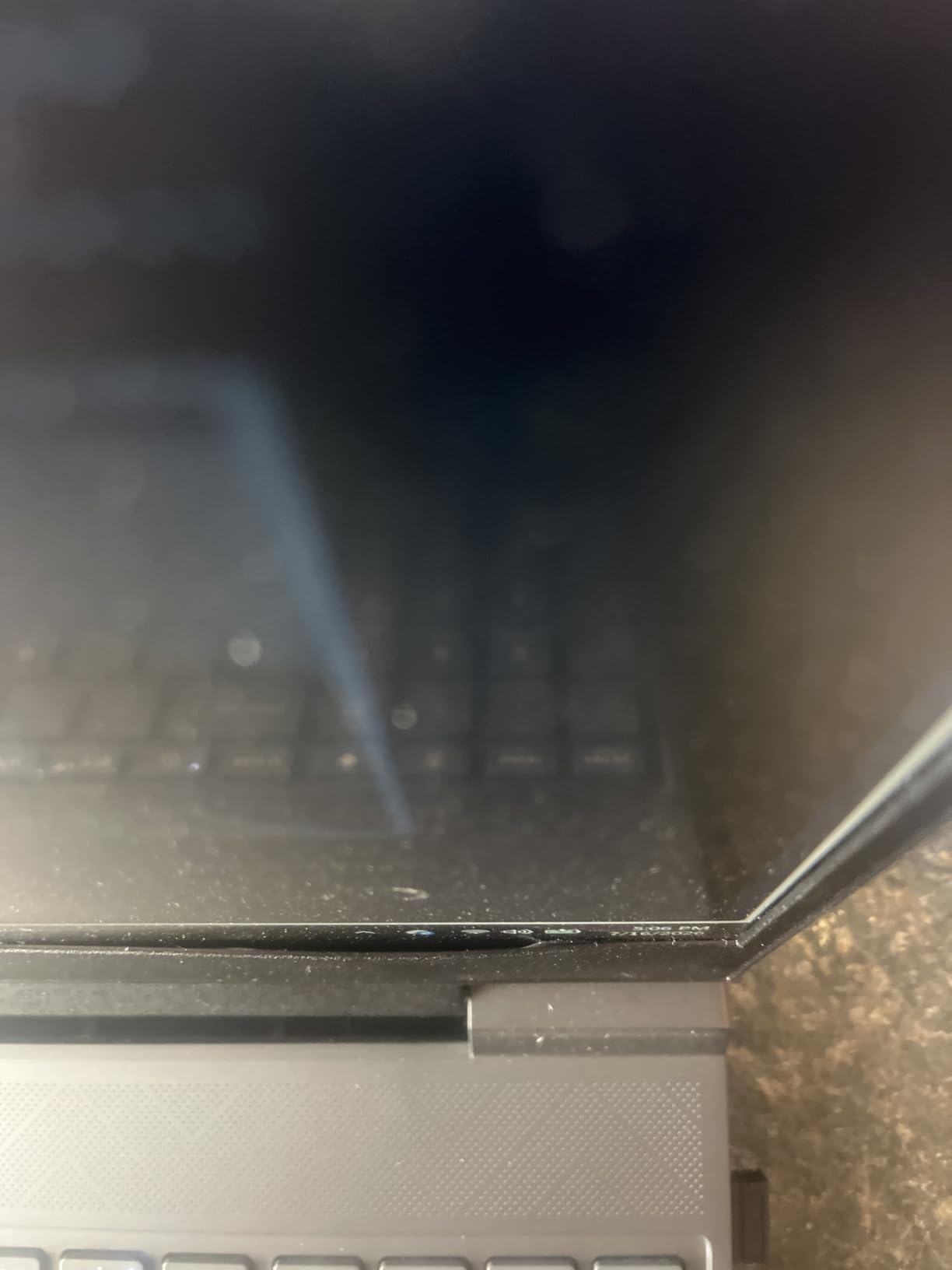
Two compromises show up in reviews. The display is dim with a limited colour gamut, and OMEN Gaming Hub is widely regarded as bloatware. The chassis is entirely plastic with noticeable screen flex and bounce, which is cosmetic rather than functional but is something you will feel every time you type.
This is also a machine that wants the charger. Owners report it running loud under load, and battery life dropping noticeably under heavy use. Budget for a desk-based setup.
Who should skip this one?
Skip it if you record at all. A fan that ramps up under plug-in load, on a plastic chassis, in a room with a microphone, is a problem you cannot configure away.
It is also the wrong machine if you plan to grow into large sample libraries quickly. Sixteen gigabytes of DDR4 is workable, and the 512GB drive will need a second drive sooner rather than later.
We earn a commission, at no additional cost to you. CERTAIN CONTENT THAT APPEARS ON THIS SITE COMES FROM AMAZON. THIS CONTENT IS PROVIDED 'AS IS' AND IS SUBJECT TO CHANGE OR REMOVAL AT ANY TIME.
8. Acer Aspire Go 15 – the budget pick
Acer Aspire Go 15 AI Ready Laptop | 15.6″ FHD (1920 x 1080) IPS Display | AMD Ryzen 7 7730U | AMD Radeon Graphics | 16GB DDR4 | 512GB PCIe Gen4 SSD | Wi-Fi 6 | Windows 11 Home | AG15-42P-R9FW
★★★★★★★★★★Ryzen 7 7730U 8-core
16GB DDR4
512GB Gen4 SSD
15.6-inch 300-nit IPS
3.9 pounds
- 16GB memory and a Gen4 SSD at the entry tier
- Light at 3.9 pounds and 0.78 inches thick
- Sharp 15.6-inch IPS display
- Backlit keyboard and eight ports
- Weak built-in speakers
- Noisy fans under load
- Integrated Radeon graphics only
- Keyboard backlight times out quickly
The Aspire Go 15 combines a Ryzen 7 7730U with 8 cores boosting to 4.5GHz, 16GB of DDR4 memory and a 512GB Gen4 SSD. At this budget that combination is the whole argument. FL Studio is a CPU-bound application, and an eight-core part with 16GB of memory will run a beginner’s project without complaint.
It weighs 3.9 pounds at 0.78 inches thick, which is light for a 15.6-inch machine, and the eight-port selection includes Ethernet, HDMI 2.1, a full-function USB-C and four USB connections. You are not short of ways to attach a controller or an interface.
Owners describe smooth, quiet everyday performance with fast startups and easy transfer from a previous machine, and the 300-nit IPS display with narrow bezels is well regarded for the tier. There is also a one-button AcerSense control for battery, storage and app management, which is handy if you are not sure what a power plan does.
Integrated Radeon graphics sharing system memory are the right choice here. No discrete graphics means less heat, less noise and better battery life, and for FL Studio none of that costs you anything.
What you should know before you buy?
Two reviews complaints come up repeatedly. The built-in speakers are very weak even at full volume, and the fans get loud under load. If you are monitoring through headphones or an interface, the speakers are irrelevant, but the fan noise is not.
Some units also show a yellow tint that resolves by switching off the eye shield setting, and the keyboard backlight shuts off after about 30 seconds of inactivity. Neither is serious, but both are annoying until you know the fix.
Who should skip this one?
Skip it if you need low latency. This is a general-purpose machine and it will run FL Studio, but it will not hold a 64-sample buffer comfortably while you track. Stay at 128 or above and it behaves well.
It is also the wrong choice for a quiet recording room, and for anyone planning to load Kontakt or orchestral libraries in the near future, because 16GB is the limit you have to live within.
You earn a commission, at no additional cost to you. CERTAIN CONTENT THAT APPEARS ON THIS SITE COMES FROM AMAZON. THIS CONTENT IS PROVIDED 'AS IS' AND IS SUBJECT TO CHANGE OR REMOVAL AT ANY TIME.
9. Lenovo V15 – a budget Windows workhorse with a numeric keypad
Lenovo V15 Laptop, 15.6″ FHD Display, AMD Ryzen 5 5500U Hexa-core Processor (Beat Intel i7-1065G7), 16GB RAM, 512GB SSD, HDMI, RJ45, Numeric Keypad, Wi-Fi, Windows 11 Pro, Black
★★★★★★★★★★Ryzen 5 5500U 6-core
16GB LPDDR4
512GB NVMe
15.6-inch glossy FHD
Windows 11 Pro
- 16GB memory handles many apps and tabs at once
- 512GB NVMe for fast boot and file transfer
- Numeric keypad is unusual at this size
- RJ-45 Ethernet HDMI and USB-C cover studio connections
- Only one memory slot capped at 16GB and not upgradeable
- Glossy display reflects a bright room
- Older Ryzen 5 5500U platform
- Integrated Radeon graphics
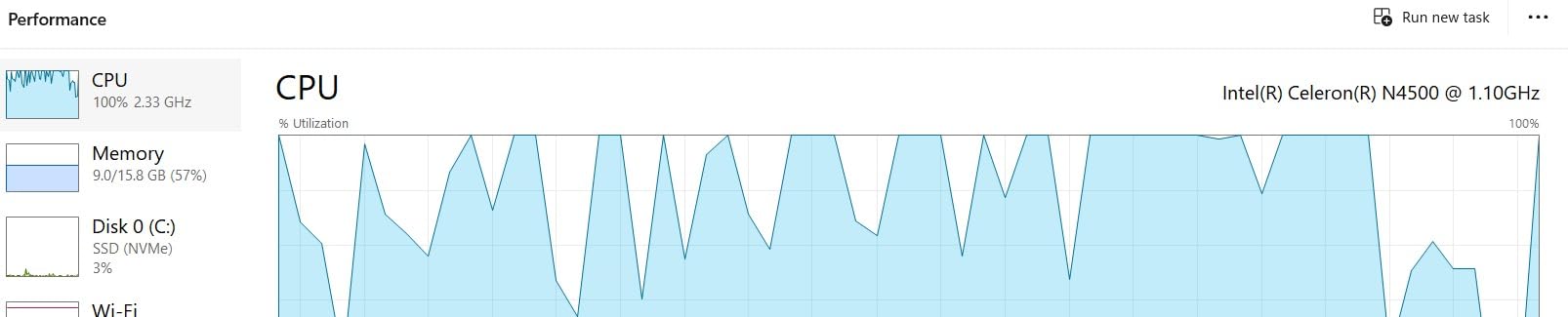
The V15 runs a Ryzen 5 5500U with 6 cores and 12 threads boosting to 4.0GHz, alongside 16GB of LPDDR4 at 3200MHz and a 512GB PCIe NVMe drive. Six cores is fewer than anything else in this list, and that is the honest trade: it is enough to learn FL Studio on its own bundled instruments, and it is not enough to load a heavy template while streaming samples.
What it does offer that most machines at this size do not is a numeric keypad. Producers who map that column to clip launchers or mixer groups get a genuinely useful control surface, and owners single it out as a feature they did not expect to find.
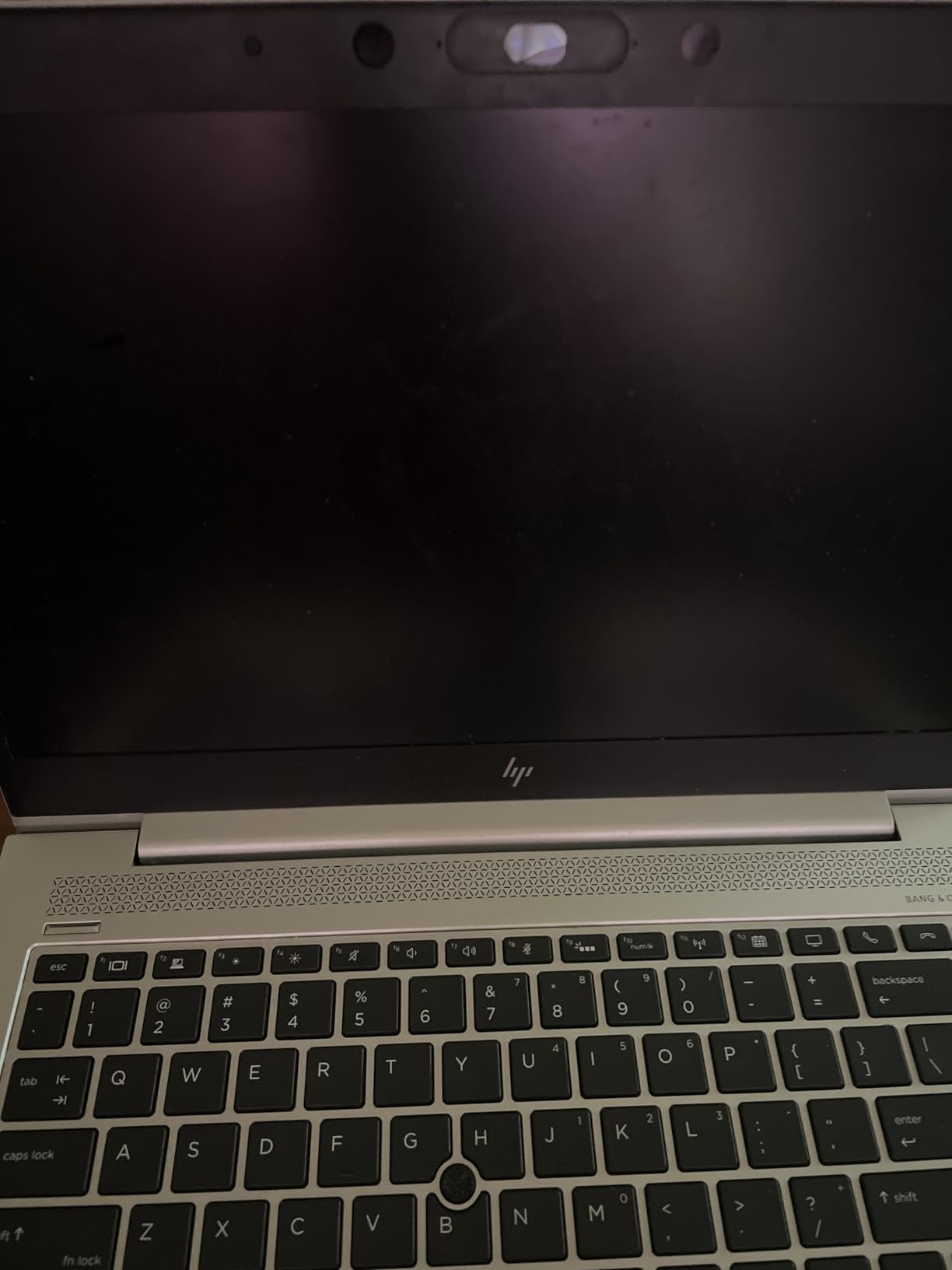
The port list covers a USB 3.0 Type-A, a USB 2.0 Type-A, USB-C, HDMI and RJ-45 Ethernet alongside the audio combo jack. Having a full-size USB-A port means many interfaces connect without an adapter, which removes one of the most common beginner frustrations.
It also includes Windows 11 Pro rather than Home, so you get BitLocker, Group Policy and mobile device management out of the box. None of that matters for making music, but it matters if the laptop is also your work machine.
What you should know before you buy?
The memory situation is the deciding fact. There is a single slot with 16GB installed and 16GB as the documented maximum, so this machine cannot be upgraded past 16GB and the memory is soldered. That is exactly the situation the rest of this list warns against buying into in 2026.
The 15.6-inch FHD panel is glossy and reaches up to 500 nits, which means it reflects whatever is in front of it. In a controlled room that is fine. Next to a window, it is not.
Who should skip this one?
Skip it if you intend to grow. The 16GB ceiling and the older Ryzen 5 5500U platform mean this is a machine for a first year, not a five-year studio computer. If you can stretch to 32GB of memory in a newer platform, that is where the money goes further.
It is also the wrong choice for any GPU-accelerated work, and the wrong choice for a quiet room.
We earn a commission, at no additional cost to you. CERTAIN CONTENT THAT APPEARS ON THIS SITE COMES FROM AMAZON. THIS CONTENT IS PROVIDED 'AS IS' AND IS SUBJECT TO CHANGE OR REMOVAL AT ANY TIME.
10. Apple MacBook Neo 13-inch – the lightest way to make beats anywhere
Apple 2026 MacBook Neo 13-inch Laptop with A18 Pro chip: Built for AI and Apple Intelligence, Liquid Retina Display, 8GB Unified Memory, 256GB SSD Storage, 1080p FaceTime HD Camera; Indigo
★★★★★★★★★★Apple A18 Pro chip
8GB unified memory
256GB SSD
13-inch Liquid Retina
2.71 pounds
- Lightest machine here at 2.71 pounds
- 16-hour battery for mobile beatmaking
- Runs macOS apps quickly
- Recycled aluminium enclosure in four finishes
- 8GB of memory and 256GB of storage are the real limit
- Only two side-firing speakers
- Smallest screen in the lineup
- Base configuration has no Touch ID
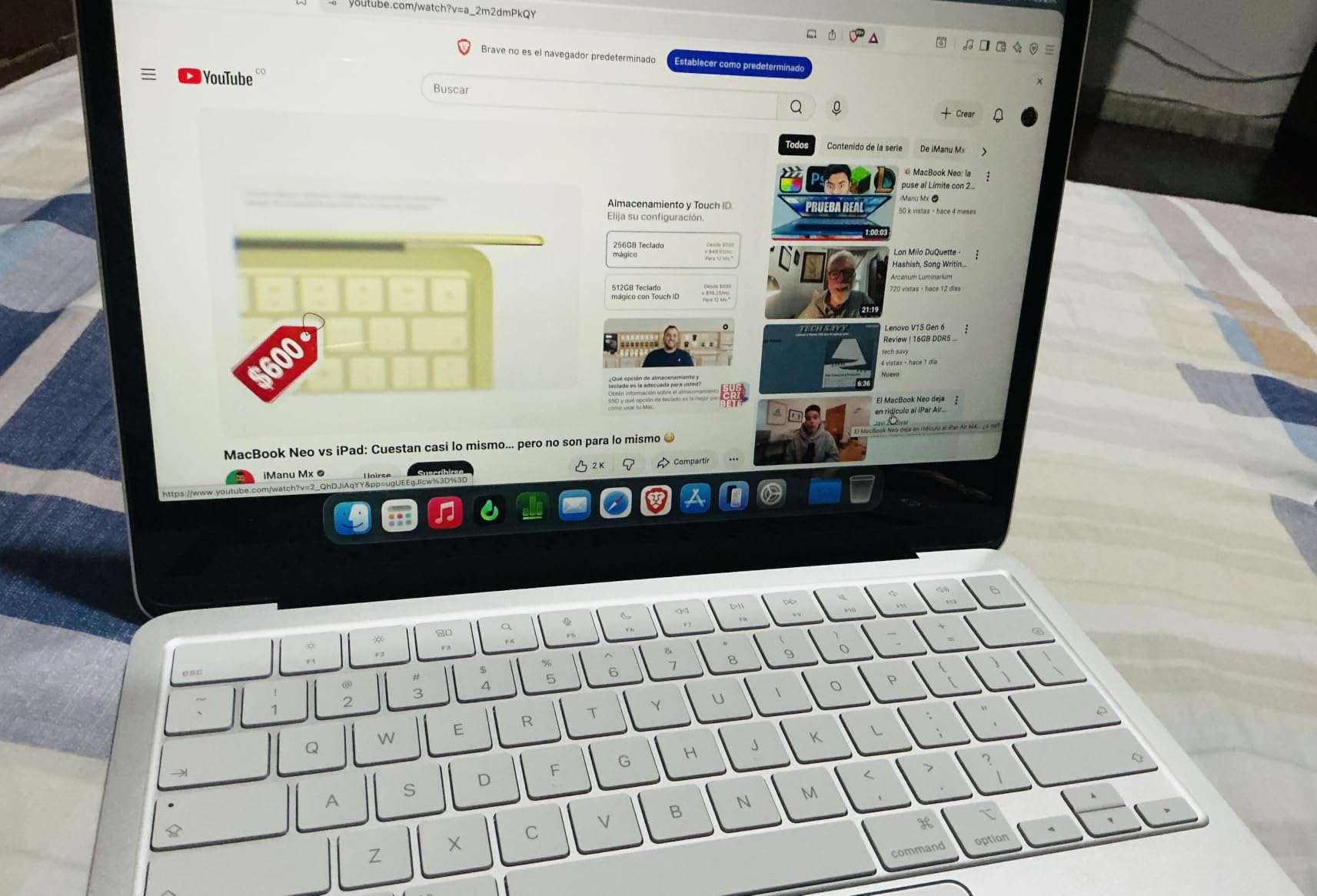
The MacBook Neo 13 pairs the A18 Pro chip with 8GB of unified memory and a 256GB SSD in a 2.71-pound, half-inch-thick recycled aluminium body. It has the largest review history of anything in this list at 1,385 reviews averaging 4.6 stars, and the consistent theme is a capable, portable entry Mac with strong battery life and a sharp display.
For a producer who sketches beats on a train, in a hotel room or on a sofa, that combination is close to ideal. The machine runs macOS applications quickly, the battery covers a full working day, and there is no fan noise to worry about in a shared space.
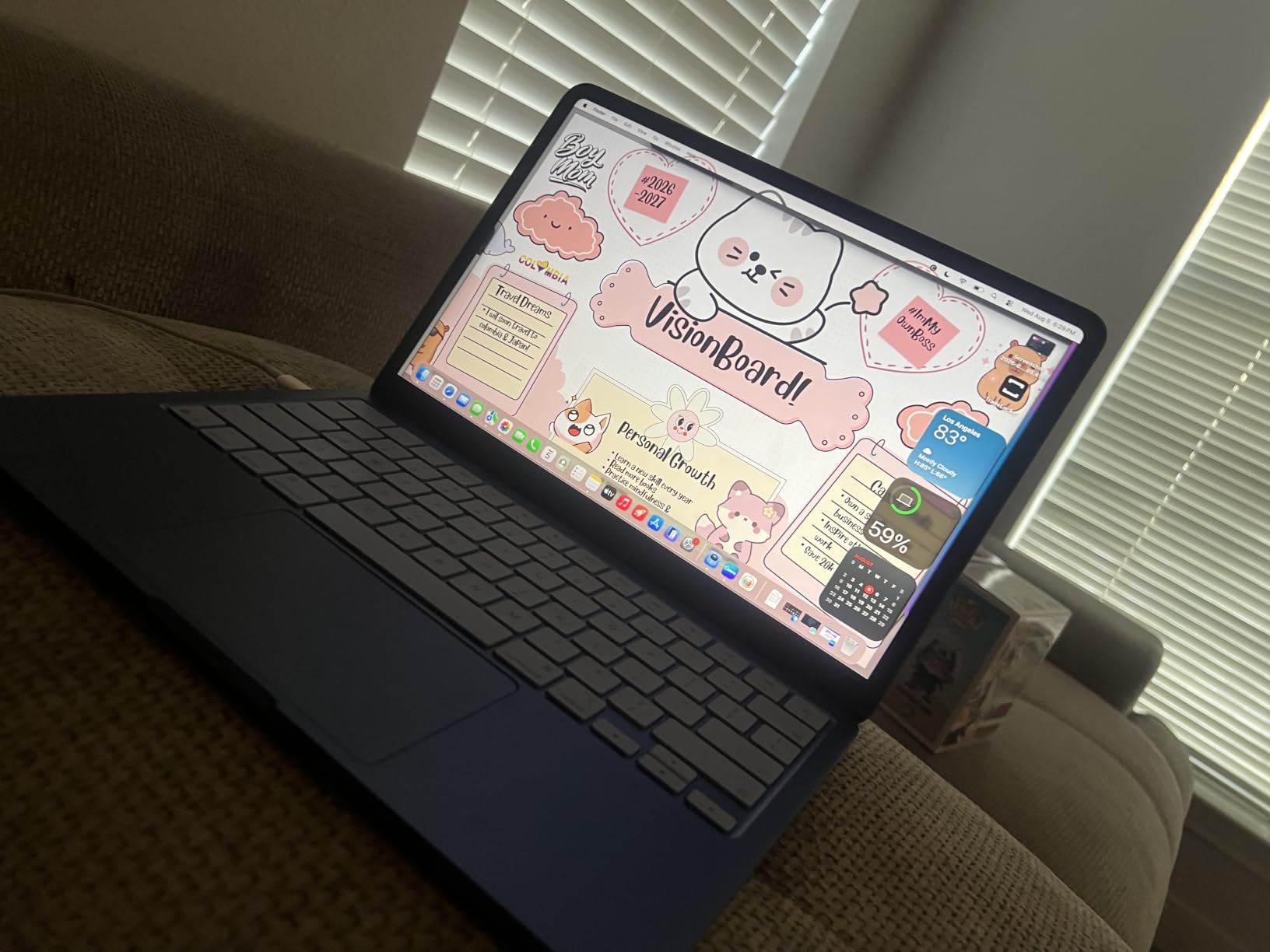
The 13-inch Liquid Retina display supports a billion colours, and a dual-mic array with a 1080p FaceTime camera handles calls. Speakers are two side-firing units rather than the six-speaker array on the larger Air, which again does not matter once you are on headphones.
It is a machine built for a specific job. If your job is mobile sketching rather than finishing, it is excellent at that job.
What you should know before you buy?
Eight gigabytes of unified memory and 256GB of storage are the whole story here, and reviewers name them as the recurring limitation. That is below the 16GB floor I would set for any FL Studio machine, and a large sample library will not fit on the drive at all. The higher-memory variants address this, and they add Touch ID.
The 13-inch screen is the smallest in the lineup, so a Mixer and Playlist side by side is a tighter fit than on the 15-inch Air.
Who should skip this one?
Skip it if this is the only machine you will ever own for production. At 8GB and 256GB you will outgrow it inside a year of serious use, and the memory cannot be replaced afterwards.
Skip it if you record with a microphone in the room, because a 13-inch body with the keyboard close to the mic position is not a layout you can work around.
We earn a commission, at no additional cost to you. CERTAIN CONTENT THAT APPEARS ON THIS SITE COMES FROM AMAZON. THIS CONTENT IS PROVIDED 'AS IS' AND IS SUBJECT TO CHANGE OR REMOVAL AT ANY TIME.
Do you need a dedicated GPU for FL Studio?
No. FL Studio does not offload DSP to the graphics card, so a discrete GPU sits idle during a session. Every recommendation on this list that includes a dedicated graphics card includes it because the machine is also good for video, 3D or games.
Buying a gaming laptop for music production is a well-worn path to the wrong outcome. You pay in heat, weight, fan noise and battery life for a processor the DAW never asks for. Several of the machines in this list do carry a dedicated card, and the honest reason to pick them is upgradeable memory and a good port spread, not the silicon on the graphics die.
How much RAM do you need for FL Studio?
Sixteen gigabytes covers bundled instruments and moderate projects. Once Kontakt, Omnisphere or orchestral libraries enter the picture, move to 24GB or 32GB. Sixty-four gigabytes is only for very large templates running alongside video work.
The tiering matters more than the number, because on a laptop the memory is decided at the point of sale:
Beginner, bundled instruments only: 16GB is fine. You are building arrangements, not streaming libraries.
Hobbyist with third-party plug-ins: 24GB gives you room for a synth, a mastering chain and a dozen effects without paging.
Sample-heavy producer: 32GB. This is the sweet spot for serious production in 2026 and the minimum worth paying extra for.
Professional, large templates plus video: 64GB, and only if the platform offers it at all.
Because every current laptop has soldered memory, buy the 32GB at checkout. Memory prices have moved sharply, and the machine you buy today is the amount of memory you will have in five years.
The buffer size settings that actually matter
Buffer size is the block of audio FL Studio renders at once, and it is the single setting that decides whether tracking feels instant or sluggish. Match it to the task rather than to a number you found in a forum post:
512 to 1024 samples while mixing and mastering a large session, where you want headroom and do not care about latency.
256 samples as the default while producing, the safe middle ground on most current hardware.
128 samples as the comfortable target on a modern machine, which is where most producers settle.
64 samples for tracking only, and only on hardware with per-core headroom to spare.
Lower buffers punish per-core speed and driver quality, which is why the same buffer size feels instant on one laptop and crackles on another. If you are getting clicks and pops, raising the buffer is a valid fix, but it treats the symptom. The driver question below is the permanent one.
Why a fast laptop still clicks and pops: DPC latency?
DPC latency is how long the operating system takes to service a hardware interrupt, measured in microseconds. It is the number most likely to explain clicks and pops on a machine that is otherwise fast enough, and it is the complaint that gets misdiagnosed almost every time.
The mechanism is straightforward. Something in the driver stack takes too long to respond, the audio callback misses its deadline, and you hear a click. Users consistently blame the laptop when the real cause is a Wi-Fi adapter, a power management setting or an out-of-date chipset driver. The chip is fine. The stack is not.
Here is the practical protocol. Inside the return window, run LatencyMon for ten minutes while your template, your interface and your controller are all connected and patched the way you will actually use them. Watch the highest DPC figures and identify which driver is named at the top. Disable USB selective suspend in the power settings, update the chipset, Wi-Fi and graphics drivers from the manufacturer rather than the installer, and re-test. This takes an evening and it tells you more than any spec sheet.
Second, run the same test with the laptop on battery. Some machines behave differently on the internal power plan. Third, if you are using a USB hub or a bus-powered dock, test the interface plugged directly into the machine before you blame the hardware.
Mac or Windows for FL Studio?
Both run FL Studio well, and the choice comes down to your plug-in catalogue and your tolerance for tinkering. There is no brand that wins outright for music production: Apple wins on quietness, battery life and driver simplicity, while Dell, ASUS and Lenovo win on ports, upgradeable memory and cores per unit of money.
Choose macOS if silence matters, you record beside the laptop, or you want the driver stack to work without intervention.
Choose Windows if you use any Windows-only plug-in, you want upgradeable memory, or you need the full range of ports on a single machine.
Check before you decide: list every VST and VST3 in your collection and look up whether the developer publishes a macOS build. A single Windows-only instrument can decide the platform for you.
Should you avoid Snapdragon and Windows-on-ARM laptops?
Yes, for a plug-in-heavy studio. FL Studio has no native ARM build, so it runs through the Prism x86 emulation layer, and your x86 plug-ins are emulated too. Emulation adds overhead precisely where you can least afford it, which is inside the audio callback.
For light note-taking and general browsing these machines are excellent. For a session running thirty plug-in instances, buy Intel, AMD or Apple silicon.
Storage: how much SSD you need for sample libraries?
One terabyte is the floor. A single large Kontakt instrument plus an orchestral library can consume tens of gigabytes before you have written anything, and loading samples from a slow drive is a common cause of the stutter people blame on the processor.
Check for a free M.2 slot rather than a replaceable drive where possible. The Acer Nitro V 16S AI and the Acer Nitro 16 both give you a second connector, which means you can add sample storage later without touching what you already have. On a soldered 256GB machine, plan the same upgrade before you need it.
Fan noise: the spec nobody publishes
Fan noise only becomes a production problem when the microphone is in the same room as the laptop. In a treated vocal booth or with the interface across the room, it does not matter at all. This is why the two fanless machines in this list score well for recording, and why the 16-inch gaming machines do not.
If your laptop shares a room with your microphone, count the fanless options first. If it does not, ignore this section and spend the difference on memory instead.
Ports, audio interfaces and MIDI keyboards
Count the connections before you buy, because this is where laptops disappoint. An interface, a MIDI controller, a drive and a network cable is four ports, and a two-port USB-C machine needs a hub between every take.
Look for at least one USB-A port. Many interfaces ship with a USB-A connector only, and pairing one with a USB-C-only laptop produces dropouts that get blamed on the machine. The Acer Nitro 16, the HP Victus and the Lenovo V15 each include full-size USB-A, and the HP Victus and the Acer Nitro 16 also include a card reader for pulling samples off a camera card.
Thunderbolt 4 matters less for audio than people expect, because a bus-powered interface is bandwidth-light. What matters is how many ports you can plug into at once, and whether a single cable also carries video to an external display. Our guides to the best studio monitors and the best studio desks cover what the other end of those cables plugs into.
Audio interface vs a better laptop: where beginners should spend?
For monitoring and recording, buy the interface. The laptop headphone output has no ASIO-style low-latency driver, no real preamp and no clean converter, so every take you record through it is a take you may end up re-recording.
This is the most repeated piece of advice in producer communities, and it is right. A beginner who spends the difference between a mid-range laptop and a good interface on the interface will produce better work. A beginner who spends it on more memory and faster storage will produce a slightly smoother version of the same takes.
The one exception is a machine with soldered 16GB memory. Buying the memory is not optional, so spend there first, and buy the interface second.
Setting up a new laptop for FL Studio in 10 minutes
Whatever you buy, do these six things before you open a project. Together they take about ten minutes and they fix most of the early complaints.
Install the chipset, graphics and Wi-Fi drivers from the manufacturer, not the copies that arrived pre-installed. The bundled versions are frequently older than the ones on the support page.
Turn off USB selective suspend in the power plan. This is the most common fix for a session that stutters only while recording.
Set the power plan to Balanced or High Performance and leave the laptop plugged in during long sessions.
Set the sample rate and buffer size once before you import anything, then leave them alone.
Point your plugin folders at the same drive structure you will use long term, so you are not moving sample paths in a year.
Run LatencyMon for ten minutes with your interface connected, and fix anything it flags before you trust the machine.
On macOS the equivalent is shorter. Install the interface driver from the developer, set the buffer size in Audio MIDI Setup to 128 to start, and leave the rest of the system alone. Core Audio is the reason many producers stay on a Mac.
What we passed over and why?
A list that only says what is good is not useful. Here is what we left out and why.
Arm-based Windows laptops. No native FL Studio build means everything runs through x86 emulation, including your plug-ins. Not worth the risk in a studio machine.
Dedicated-GPU workstations under 4 pounds. The heat and the fan noise are the wrong trade for a room with a microphone in it.
Machines with 8GB of memory as a starting point, other than the Neo as a portable sketch device. Sixteen gigabytes is the floor, and we would not spend a producer’s money on a studio machine below it.
Any recommendation that leads with a graphics card. If a roundup tells you the RTX model is why a laptop suits FL Studio, it has not read how the software works.
One more note on timing. Memory and SSD prices have moved sharply, and every current laptop has soldered memory, so the amount of RAM you buy today is the amount you will have in five years. Waiting for a price drop on memory is a gamble, whereas buying the larger configuration once is a decision you stop revisiting.
Frequently Asked Questions
How good of a laptop do you need to run FL Studio?
A current-generation Core Ultra 7, Ryzen AI 7 or Apple M-series chip, 16GB of memory and a 1TB NVMe SSD is a sensible floor in 2026. Image-Line’s published minimums are far lower, but meeting them only means the software opens. Per-core speed matters more than core count because FL Studio renders audio in real time.
How much RAM do I need for FL Studio?
Sixteen gigabytes covers bundled instruments and moderate projects. Move to 24GB or 32GB once Kontakt, Omnisphere or orchestral libraries enter the picture, and to 64GB only for very large templates running alongside video work. Since laptop memory is soldered, buy the 32GB at checkout rather than planning an upgrade later.
Is FL Studio heavy on CPU?
Yes for CPU, no for graphics. FL Studio is CPU-bound and sensitive to single-core speed because serial plug-in chains cannot be split across cores. It does not offload DSP to the GPU, so a dedicated graphics card sits idle during a session and only earns its place if the same laptop also does video, 3D or gaming.
Which laptop brand is best for music production?
No brand wins outright. Apple wins on quietness, battery life and driver simplicity, with fanless designs that suit recording in the same room. Dell, ASUS and Lenovo win on ports, upgradeable memory and cores per unit of money. HP and Acer cover the mid range. The right answer depends on your plug-in catalogue and your room more than on the badge.
What is the best buffer size for FL Studio?
Use 512 to 1024 samples while mixing and mastering large sessions, 256 while producing, 128 as a comfortable everyday target on a modern machine, and 64 for tracking only. Lower buffers punish per-core speed and driver quality, so the same setting feels instant on one laptop and crackles on another.
Is 32 GB of RAM enough for music production?
Yes, 32GB is the sweet spot for serious production in 2026 and the minimum worth paying extra for on a soldered-memory laptop. Sixty-four gigabytes only makes sense for very large orchestral templates or running video work at the same time. If a machine cannot be upgraded, the memory you buy today is what you will have in five years.
Do I need a dedicated graphics card for FL Studio?
No. FL Studio does not use the graphics card for audio processing, so a discrete GPU adds heat, weight, fan noise and battery drain without making your session smoother. Buy one only if the same machine will also handle video editing, 3D work, gaming or streaming. Otherwise put that money into memory and a better audio interface.
Can I use a Snapdragon Windows laptop with FL Studio?
Not for a plug-in-heavy studio. FL Studio has no native ARM build, so it runs through the Prism x86 emulation layer, and your x86 plug-ins are emulated as well. Emulation adds overhead inside the audio callback, which is the last place you want it. Choose Intel, AMD or Apple silicon for production work.
Do I need an audio interface for FL Studio?
For monitoring and recording, yes. The laptop headphone output has no low-latency audio driver, no real preamp and no clean converter, so takes recorded through it are often takes you re-record. An interface is usually the biggest quality-per-dollar upgrade in a beginner setup, though on a machine with soldered 16GB memory you should buy the memory first.
Where I’d Land?
The best laptops for FL Studio in 2026 come down to two questions: do you record in the same room as the machine, and how heavy are your sample libraries. If the answer to the first is yes, buy a fanless Mac and accept the storage ceiling. If the answer to the second is yes, buy 32GB of memory and do not look back.
My single recommendation is the MacBook Pro 14-inch with the M3 Pro. It is silent, fast per core, has an excellent port layout including a card reader, and lasts a full day on battery. The best value buy for Windows is the ASUS ROG Strix G16, chosen for its upgradeable memory and fast processor rather than its graphics. If you are learning rather than touring, the HP Victus 15.6 does the job for the least money, and the savings belong in an audio interface.
Whatever you order, run LatencyMon for ten minutes inside the return window. It takes one evening and it is the only measurement that reliably predicts whether your new machine will click.