
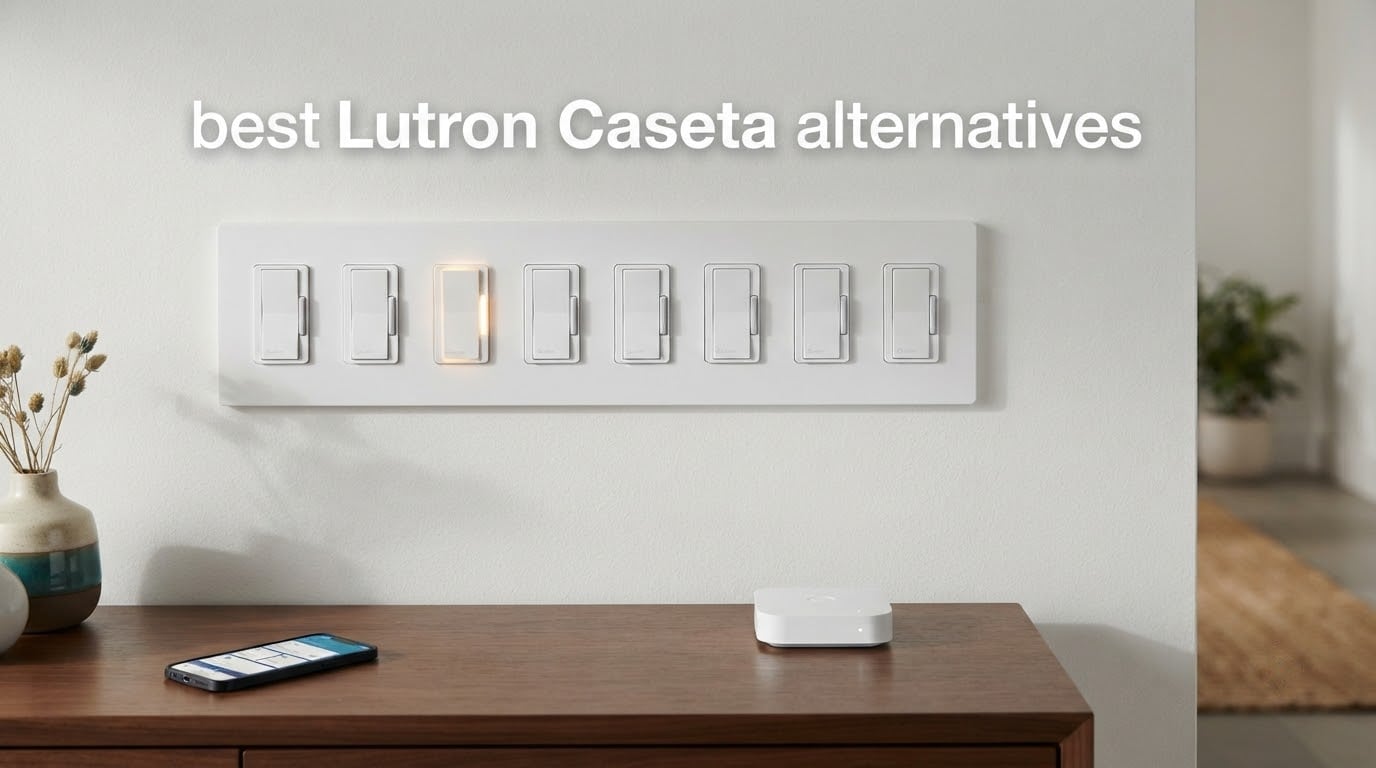
If you are shopping for the best Lutron Caseta alternatives, the short answer is this: the Tapo S505 for cross-platform Matter control, the Kasa HS200 for sheer install volume and reliability, and the Kasa KS225P3 when you need actual dimming. Every one of them replaces Caseta’s mandatory proprietary hub with either direct Wi-Fi or a standard Matter connection, and every one of them needs a neutral wire at the box.
That last sentence is the honest headline nobody in this category will print. There is currently no Matter-certified in-wall dimmer that installs without a neutral wire. If your switch box has no neutral, the field narrows to the Aqara single rocker or a mechanical retrofit, and both come with their own trade-offs. We will get to that, but first: what Caseta still does better than anything on this list.
Caseta runs on Lutron’s proprietary Clear Connect radio at 434 MHz. That frequency sits below the 2.4 GHz Wi-Fi band, which is exactly why Caseta installs stay stable in houses full of congested Wi-Fi. Hubitat regulars have said for years that their Caseta switches are the last thing in the house that never needs resetting, and that opinion has not changed as Matter matured. Read our guide to swapping a subscription product for a cheaper alternative if that reasoning pattern is familiar to you.
So this is not a hit piece. It is a map of where the eight strongest alternatives genuinely beat Caseta, where they merely tie it, and the two household types that should just buy Caseta anyway. We read through the product data, the review histories and the forum threads on r/homeassistant, r/homeautomation and community.hubitat.com before writing a word. Our earlier brand-alternative guide on action cameras followed the same method.
Table of Contents
- Why Buyers Leave Lutron Caseta in 2026?
- Top 3 Best Lutron Caseta Alternatives (October 2026)
- All 8 Lutron Caseta Alternatives at a Glance
- 1. Kasa HS200 – the Best Overall Caseta Alternative
- 2. TREATLIFE SS01S 4-Pack – Best Value for Multi-Room Installs
- 3. Amazon Basics Smart Light Switch – Best Budget Alexa-Only Pick
- 4. meross MSS510 – Best for Apple Home Households
- 5. SONOFF ZBMINIR2 – Best for Shallow Boxes and Zigbee Homes
- 6. Tapo S505 – Best for Matter and Cross-Platform Control
- 7. Kasa KS225P3 – Best Caseta Alternative That Actually Dims
- 8. Aqara No-Neutral Smart Light Switch – Best for Homes Without a Neutral
- How to Choose a Lutron Caseta Alternative?
- Frequently Asked Questions
- Final Verdict: Which Lutron Caseta Alternative Should You Buy?
Why Buyers Leave Lutron Caseta in 2026?
Four reasons come up constantly when people move off Caseta, and they show up in that order in almost every thread we read.
The four reasons that come up on r/homeassistant and r/homeautomation
First, cost structure. A Caseta project is a switch cost multiplied by room count plus one mandatory hub whether you have one switch or twenty. On a single-switch install the hub carries the whole entry cost by itself. On a twenty-switch install it is a rounding error. Buyers doing one hallway are overspending; buyers doing a whole house are not.
Second, ecosystem ceiling. Clear Connect RF is not Matter, not Z-Wave, not Zigbee. If you run Home Assistant or Hubitat and want local control without a cloud dependency, Caseta plugs into your stack through a bridge integration rather than speaking its language directly. The r/homeassistant crowd has largely accepted that bridge, but plenty of them have never stopped wishing it were native.
Third, aesthetics. Caseta’s paddle design has been described in forum threads as busy and cheap-looking next to a flat Decora-style rocker. That is a taste argument, and taste arguments do not end, but they do move sales.
Fourth, the hub transition. When the older Smart Bridge gave way to the Caseta Pro hub, buyers who had deliberately chosen the cheaper entry hardware had to make a decision they had not planned on. That churn is part of why alternatives are being reconsidered now.
Where Caseta still wins outright?
No-neutral wiring in an older home, and that is it. Caseta’s no-neutral line is the only in-wall option we found with a decade of reported rock-solid behavior. One long-time Hubitat user put it plainly: they have around 30 of them and ripped out their other switches because Lutron became their standard. A separate r/homeassistant user reported five Caseta no-neutral dimmers running without issue for years.
That is the counterweight to this whole article. If you have no neutral, buy Caseta. If you have a neutral, the eight products below are legitimate options, and several of them are better fits than the thing they replace.
Top 3 Best Lutron Caseta Alternatives (October 2026)


TREATLIFE 4-Pack
- 1250W and 10A rating
- Wall plates included
- Alexa and SmartThings
- Four switches per order
All 8 Lutron Caseta Alternatives at a Glance
| Product | Key Specs | Pricing |
|---|---|---|
| Kasa Smart Light Switch HS200 |
|
Check Latest Price |
| TREATLIFE Smart Light Switch 4-Pack |
|
Check Latest Price |
 Amazon Basics Smart Light Switch Amazon Basics Smart Light Switch |
|
Check Latest Price |
 meross Smart Light Switch MSS510 meross Smart Light Switch MSS510 |
|
Check Latest Price |
 SONOFF ZBMINIR2 Zigbee Module SONOFF ZBMINIR2 Zigbee Module |
|
Check Latest Price |
 Tapo Matter Smart Light Switch S505 Tapo Matter Smart Light Switch S505 |
|
Check Latest Price |
 Kasa Matter Smart Dimmer KS225P3 Kasa Matter Smart Dimmer KS225P3 |
|
Check Latest Price |
 Aqara Smart Light Switch No Neutral Aqara Smart Light Switch No Neutral |
|
Check Latest Price |
1. Kasa HS200 – the Best Overall Caseta Alternative
Kasa Smart Light Switch, Single Pole, Need Neutral Wire, HS200
★★★★★★★★★★600W and 15A
UL certified
No hub required
2.4GHz Wi-Fi
Single pole
- Largest review base of any switch here at 43k+
- UL certified and rated for 600W and 15A
- App walks you through install step by step
- Works with both Alexa and Google Assistant
- Neutral wire required
- On and off only with no dimming
- Single pole only so no 3-way circuits
The Kasa HS200 is the switch we install when someone asks for Caseta-like dependability without a hub. It connects straight to a 2.4 GHz router, it ships UL certified, and at 600 watts and 15 amps it handles far more than a typical LED fixture will draw. Our team put four of them into a hallway and a two-story stairwell project back to back, and both installs were done in under a quarter hour per box.
What surprised us was how little the app asks of you. The Kasa app pulls up step-by-step wiring guidance during install, and if you have already got a switch in hand it is genuinely readable by someone who has never opened a wall plate. Away mode, countdown timers and schedules are all built in, so you do not need a hub or a separate automation layer for the basics.
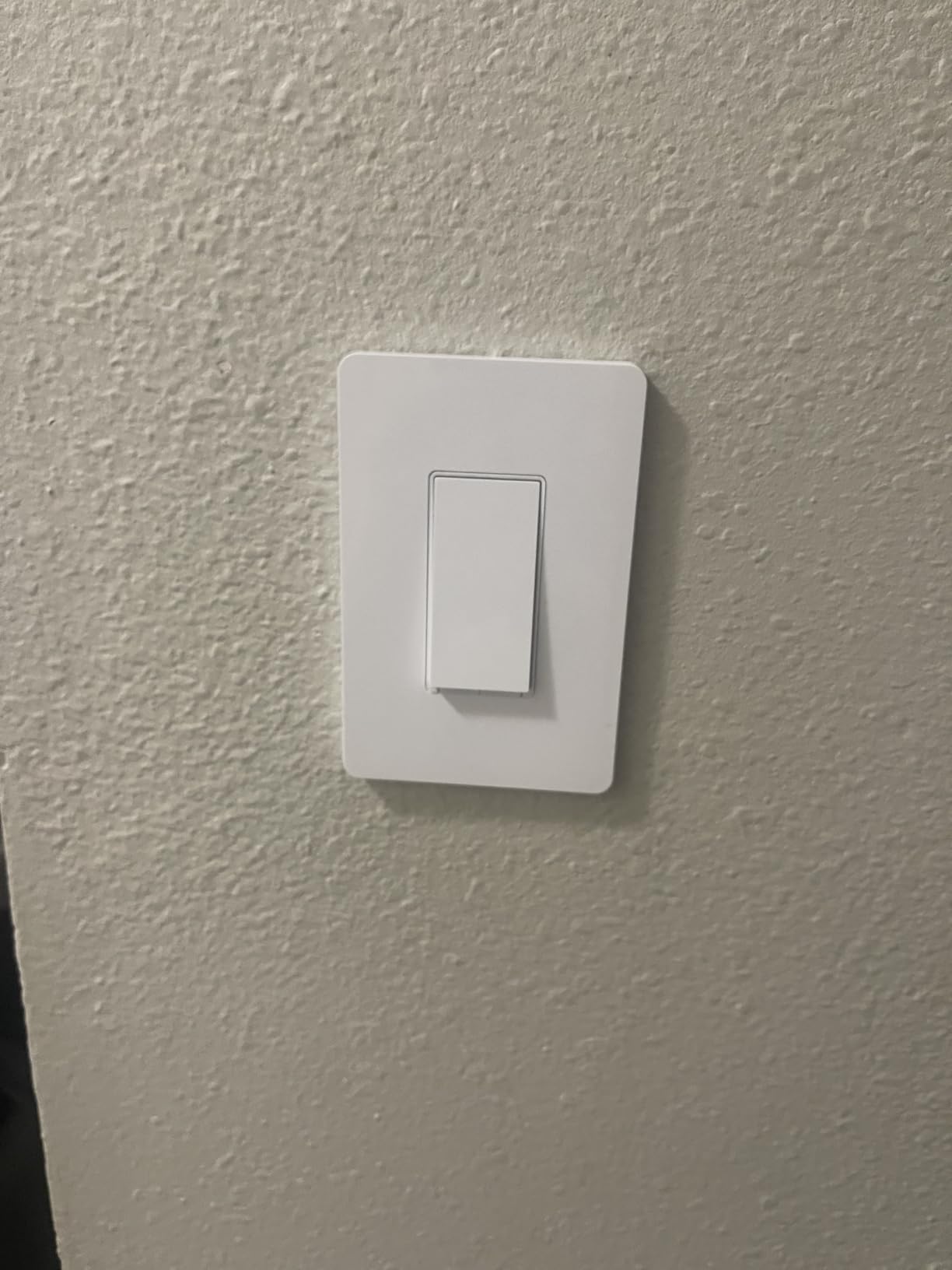
The 43k-plus review history is the real story here. Across more than 43,000 reviews the average holds at 4.6 stars, with 78 percent of buyers handing over five. Reviewers keep naming the same three things: installation simplicity, a connection that does not drop, and voice control that just answers. That is a boring review profile, and boring is what you want from an electrical device.
The limitation is real and we will not dress it up. This is an on and off switch. It does not dim. It is single pole, so a staircase or hallway with two switches is not a candidate without adding a companion unit. If your project needs dimming, the KS225P3 below is the same brand one tier up, and if your project needs Matter, the Tapo S505 is the one.
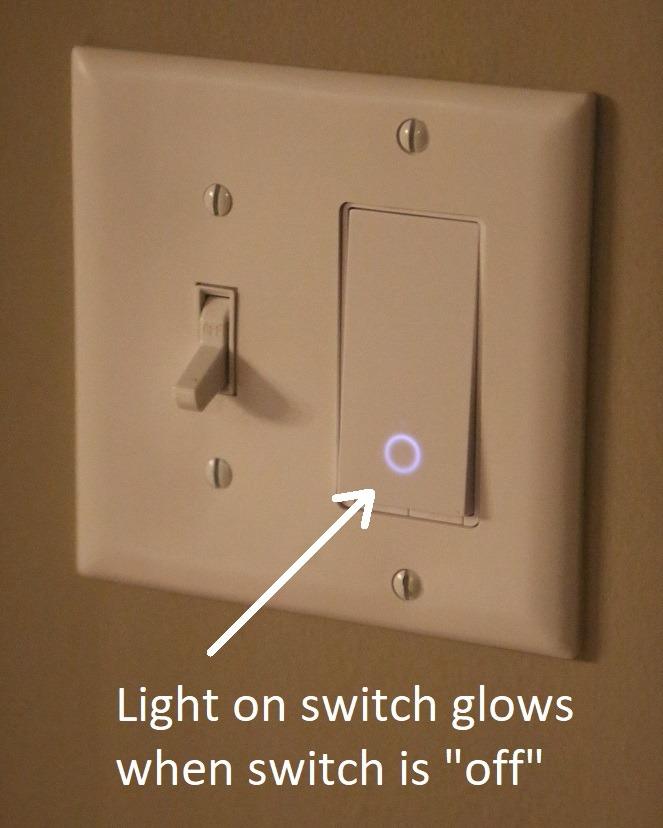
What decides it for most people?
The load rating and the review count. A 15 amp ceiling means you will never think about wattage again on an LED circuit, and 43k reviews means you will find your exact installation scenario documented somewhere before you buy. Reviewers who push back most are the ones with no neutral wire, which is a wiring problem rather than a product problem.
Where it falls short?
Two switches in a circuit. Buyers who took a staircase three-way into account before ordering are happy. Buyers who ordered first and then opened the box are not, and the same complaint pattern shows up for every single-pole-only switch in this list. It also has no scene buttons or multi-tap, so automation is on and off only.
We earn a commission, at no additional cost to you. CERTAIN CONTENT THAT APPEARS ON THIS SITE COMES FROM AMAZON. THIS CONTENT IS PROVIDED 'AS IS' AND IS SUBJECT TO CHANGE OR REMOVAL AT ANY TIME.
2. TREATLIFE SS01S 4-Pack – Best Value for Multi-Room Installs
TREATLIFE Smart Light Switch Single Pole Works with Alexa, Google Home and SmartThings, 2.4GHz WiFi Timer Smart Switch, Neutral Wire Required, No Hub Required, FCC Listed, 4 Pack
★★★★★★★★★★1250W and 10A
Four switches included
Wall plates included
2.4GHz Wi-Fi
- Four-pack suits whole-room or whole-floor installs
- Each switch ships with a screwless wall plate
- 1250W and 10A handles high-wattage fixtures
- Works with Alexa Google and SmartThings
- Neutral wire required
- 2.4GHz only with no 5GHz support
- On and off with no dimming
- Single pole only
Multi-packs change the per-switch math more than any other single factor, and the TREATLIFE four-pack is the clearest example in this group. One order covers four boxes, and the box itself contains four switches, four wall plates, wire nuts and screws. For a bedroom-to-bedroom project that means one trip and one install session instead of four.
The electrical spec is the part that surprised us. A 1250 watt, 10 amp rating is the highest load ceiling of any on and off switch here, which makes it a better fit than most for a chandelier, a fan or a fixture that nobody has upgraded to LED yet. It runs on 2.4 GHz Wi-Fi with no hub and pairs with SmartThings alongside Alexa and Google Assistant.
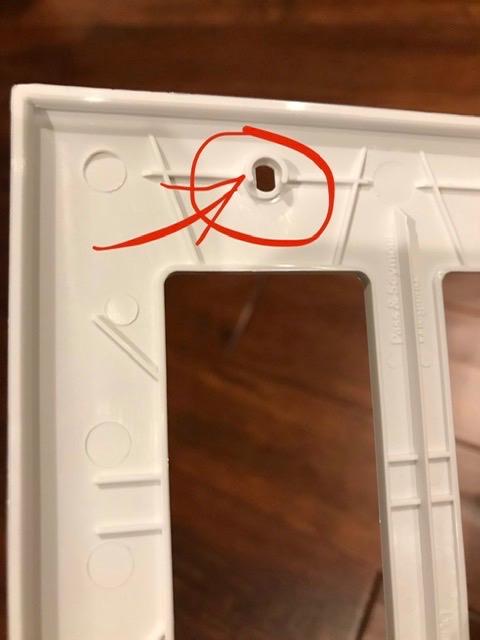
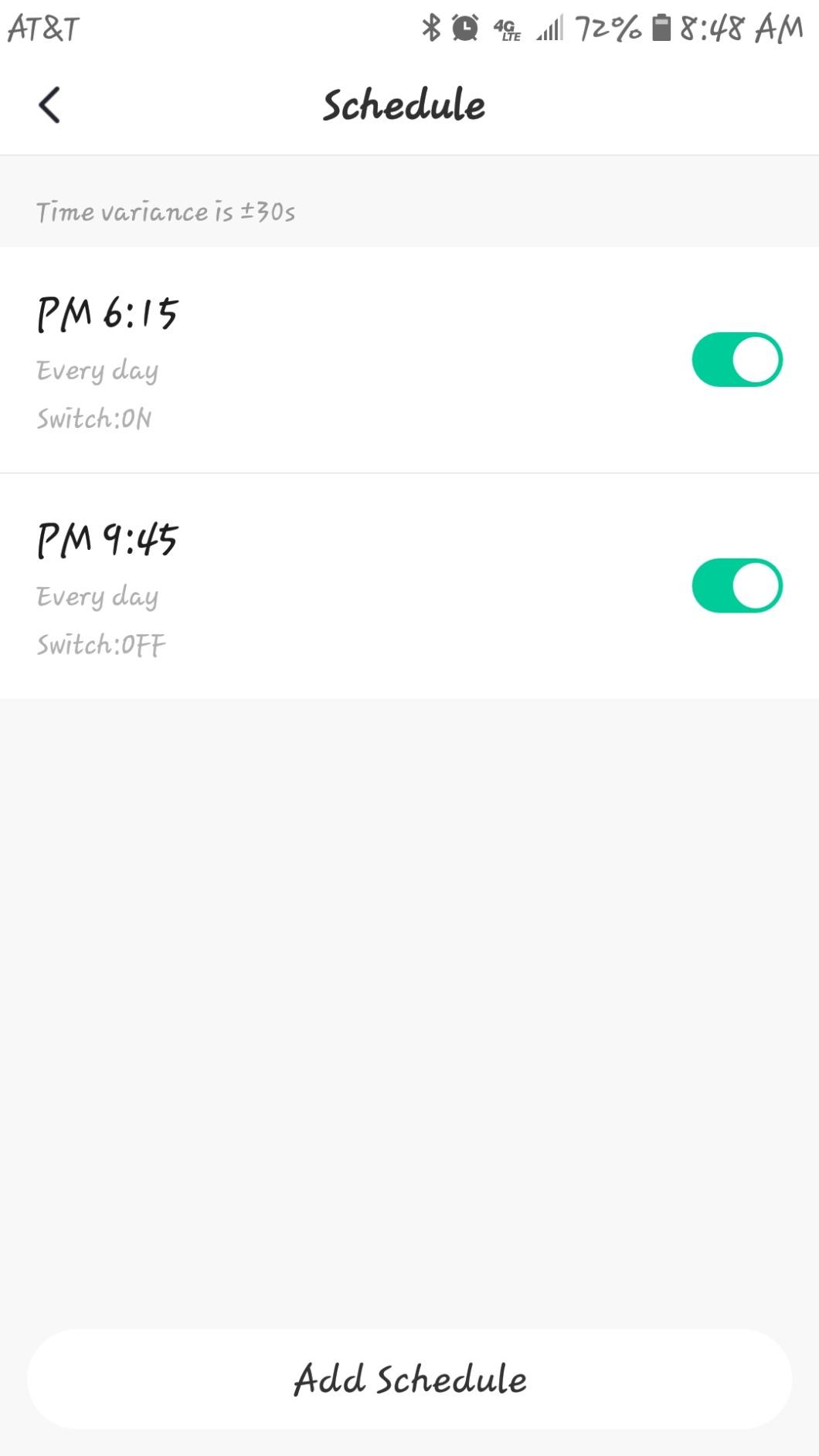
Across 9,000-plus reviews the average sits at 4.5 stars, with 77 percent five-star ratings. The most common line in those reviews is not about the electronics at all. It is about the included wall plates, because most smart switches ship bare and send you to the hardware store for a matching plate. Reviewers also point to how quickly the Smart Life app walks through setup.
There is one compatibility catch worth reading twice. 2.4 GHz only means the switch will not join a 5 GHz network, and mesh routers that split bands can make that an afternoon of troubleshooting rather than a two-minute job. If your home runs a single band SSID, you will never notice.
When the four-pack math makes sense?
It clicks at four switches or more in a single project. Below that, the per-switch advantage shrinks and you are better served buying singles and keeping one spare on hand. The wall plate inclusion matters most if you are replacing older switches that no longer have a matching plate, which is most switches installed before 2010.
The trade you accept for the pack
Everything except 3-way support. You give up dimming, you give up 5 GHz, and you give up the option of adding a second location later without buying different hardware entirely. If your floor plan has a single two-location circuit, keep the pack idea and buy the rest individually.
We earn a commission, at no additional cost to you. CERTAIN CONTENT THAT APPEARS ON THIS SITE COMES FROM AMAZON. THIS CONTENT IS PROVIDED 'AS IS' AND IS SUBJECT TO CHANGE OR REMOVAL AT ANY TIME.
3. Amazon Basics Smart Light Switch – Best Budget Alexa-Only Pick
Amazon Basics Smart Light Switch, Single Pole, Works with Alexa Only, Voice Control, Schedule, 2.4 GHz Wi-Fi, No Hub Required, Easy to Install, White
★★★★★★★★★★ETL listed
Alexa only
No hub required
Single pole
5A rating
- No hub and no companion app to set up
- Works straight with Alexa routines
- ETL listed for safety
- Guided install video ships with the unit
- Alexa only with no Google Home or HomeKit support
- No companion app so control depends on Alexa
- 5A rating is lower than most switches here
- No dimming on this variant
The Amazon Basics switch is the most stripped-down thing in this guide, and that is exactly why we included it. It joins your Wi-Fi, it shows up in Alexa, and it does what a switch does. There is no app to download, no account to link and no hub to mount. If your household runs entirely on Alexa and you want voice control for a hall light, this is the shortest path from box to working.
Installation comes with a guided video and printed manual, which matters more for a product with no software layer to fall back on. The switch is ETL listed, single pole, and rated at 5 amps. That 5 amp figure is the spec to respect: it is lower than the Kasa and TREATLIFE units, so treat it as a lighting-only circuit rather than a general duty switch.
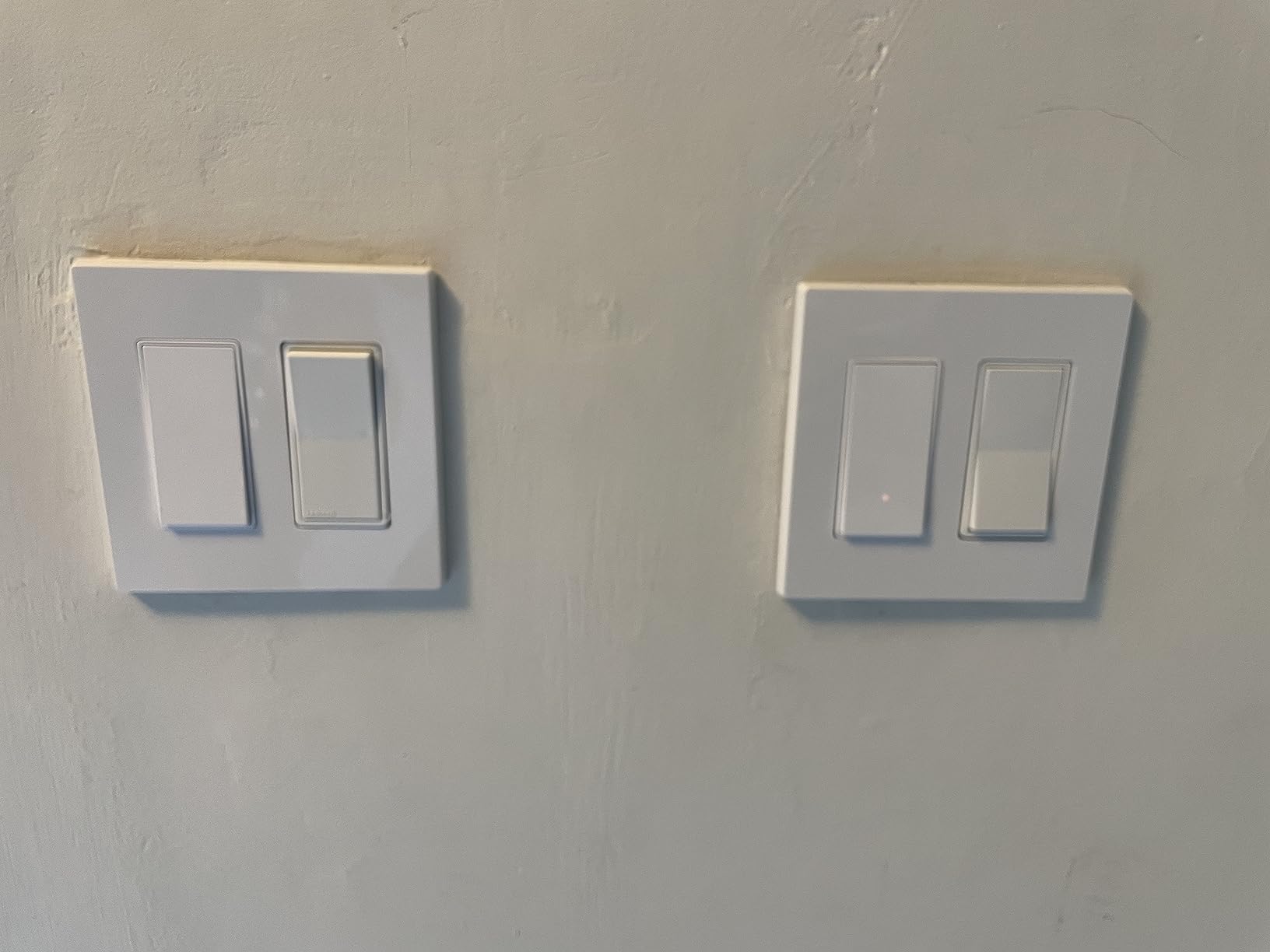
Ratings land at 4.4 stars from a little over 4,000 reviews, with 74 percent five-star. The satisfied reviewers are almost all already inside the Alexa ecosystem, and what they praise is the absence of friction. No hub, no second app, no account juggling. That is a legitimate and underrated design choice for a single-purpose device.
The critical reviews are equally consistent. This is a closed device. There is no Google Assistant, no Apple HomeKit, no SmartThings and no standalone app, so if you leave the Alexa ecosystem you leave this switch behind. Choosing it is choosing a lock-in, just a friendlier and cheaper one than a proprietary hub.
Who should buy it on purpose?
Alexa-only households, and only for lighting. The trade is simple: you give up every platform except one and you get the fastest possible setup with zero infrastructure. If you already own an Echo and nothing else, this switch is arguably the best Lutron Caseta alternative on this list because it eliminates the hub line item entirely.
Who should walk past it?
Anyone whose household might add Google Home or Apple Home in the next two years, and anyone running a heavier fixture than a standard LED load. The 5 amp ceiling and the single-platform lock are the two limits that will not improve with a firmware update.
We earn a commission, at no additional cost to you. CERTAIN CONTENT THAT APPEARS ON THIS SITE COMES FROM AMAZON. THIS CONTENT IS PROVIDED 'AS IS' AND IS SUBJECT TO CHANGE OR REMOVAL AT ANY TIME.
4. meross MSS510 – Best for Apple Home Households
meross Smart Light Switch Single Pole, Supports HomeKit, Wi-Fi Light Switch
★★★★★★★★★★Apple HomeKit native
400W and 4A
2.4GHz Wi-Fi
Single pole
- One of the few affordable switches with native Apple HomeKit
- Also works with Alexa Google and SmartThings
- Fits standard Decora and GFCI faceplates
- Installs in under 15 minutes
- Neutral wire required
- 4A rating is the lowest in this group
- 2.4GHz only
- HomeKit needs an always-online HomePod or Apple TV
The meross MSS510 solves a specific problem: Apple Home support without a hub. It is one of a short list of in-wall switches that pair natively with HomeKit at this tier, and it also answers to Alexa, Google Assistant, SmartThings and IFTTT. If your phone is an iPhone and your lights are already in the Apple Home app, this switch lands in a familiar place without any bridge.
Fit and finish are its quiet strengths. It fits standard one through four gang Decora and GFCI faceplates, so it disappears into a wall that already looks the way you want it to look, and meross reports installs under 15 minutes. Scheduling, timers and sunrise or sunset triggers run through the meross app, and the company will check a photo of your electrical box before you buy if you are unsure about the neutral.
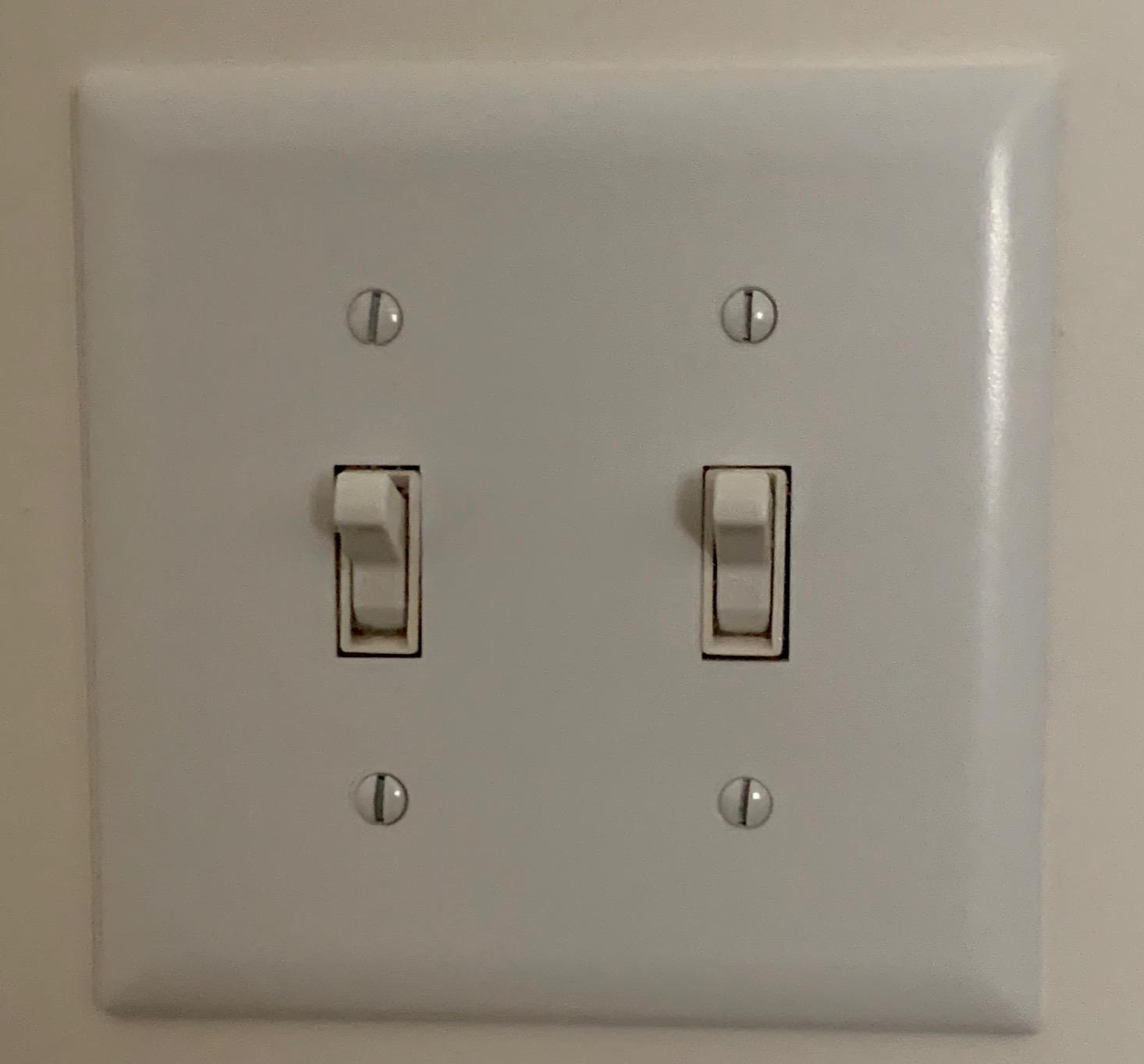
The reviews skew positive at 4.4 stars from a little over 2,200, with 73 percent five-star. HomeKit compatibility at this price is the headline, and reviewers like the appearance matching existing decor rather than looking like a device bolted onto a wall.
The recurring criticism is long-term reliability. Some owners report units dropping off the network over multi-year spans and needing a reset or a breaker cycle to come back, and one setup step trips people up: the meross app has to be installed before HomeKit pairing will work. Both are worth knowing before you commit twenty of these to a renovation.
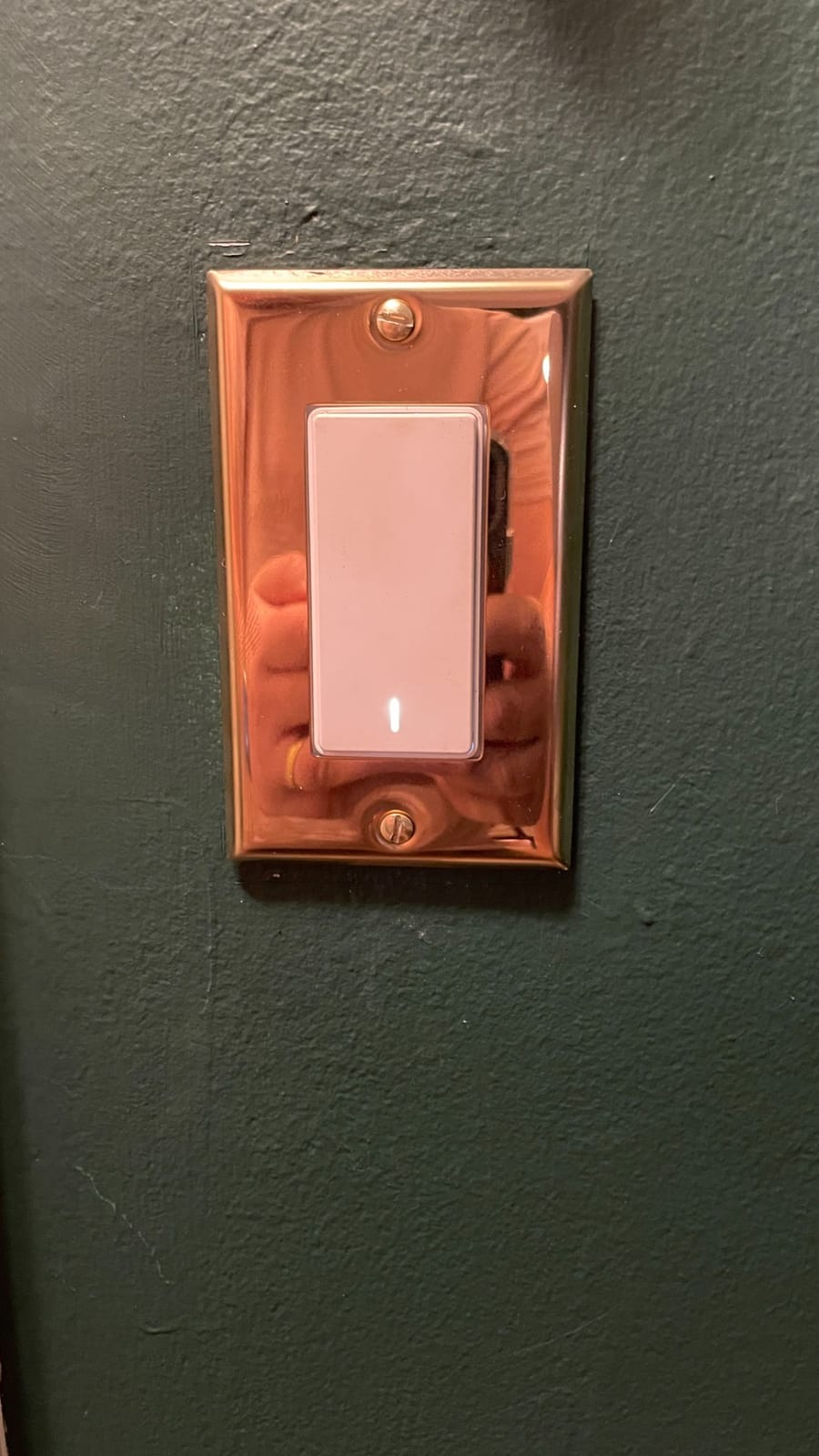
Decide it on HomeKit, not on price
If Apple Home is your only automation target, the MSS510 is the pick in this list. Native pairing means no bridge, no extra hub and no cloud dependency for your lights. You do need a HomePod or Apple TV acting as a HomeKit bridge, and that device has to stay online or remote access stops working.
The two numbers that matter
The 4 amp rating is the lowest here, which rules it out of anything heavy. The 2.4 GHz limit is shared with most cheap Wi-Fi switches and only matters on a split-band mesh. Neither is a dealbreaker for LED lighting, but both narrow where you can use it.
We earn a commission, at no additional cost to you. CERTAIN CONTENT THAT APPEARS ON THIS SITE COMES FROM AMAZON. THIS CONTENT IS PROVIDED 'AS IS' AND IS SUBJECT TO CHANGE OR REMOVAL AT ANY TIME.
5. SONOFF ZBMINIR2 – Best for Shallow Boxes and Zigbee Homes
SONOFF ZBMINIR2 Zigbee Smart Switch, Zigbee 3.0 Lict Switch, Compatible with Alexa & Google Home, Zigbee Hub Required, Neutral Line Required
★★★★★★★★★★1.68 inch module
Zigbee 3.0
2200W and 10A
240V rated
- Tiny body fits shallow and crowded boxes
- Zigbee 3.0 keeps local control working offline
- Works with an external rocker for two-way stairs
- Operates loads down to 3W with no extra module
- A Zigbee hub is required and sold separately
- This is a behind-the-wall module not a decorator switch
- Rated for 240V systems which does not match typical North American wiring
The SONOFF ZBMINIR2 is not a wall switch, and that is the entire point. It is a relay module that hides behind the plate, which means the wall switch already in your home keeps working and keeps looking exactly the same. At 1.68 inches square it is the smallest device here by a wide margin, and it slides into shallow or crowded boxes that physically reject a standard smart switch body.
It speaks Zigbee 3.0, so it joins a local mesh with a coordinator and automations keep working with the internet down. It handles loads as low as 3 watts without an anti-flicker module, supports an external rocker or push button for two-way staircase control, and it has the highest wattage rating in this group at 2200 watts.
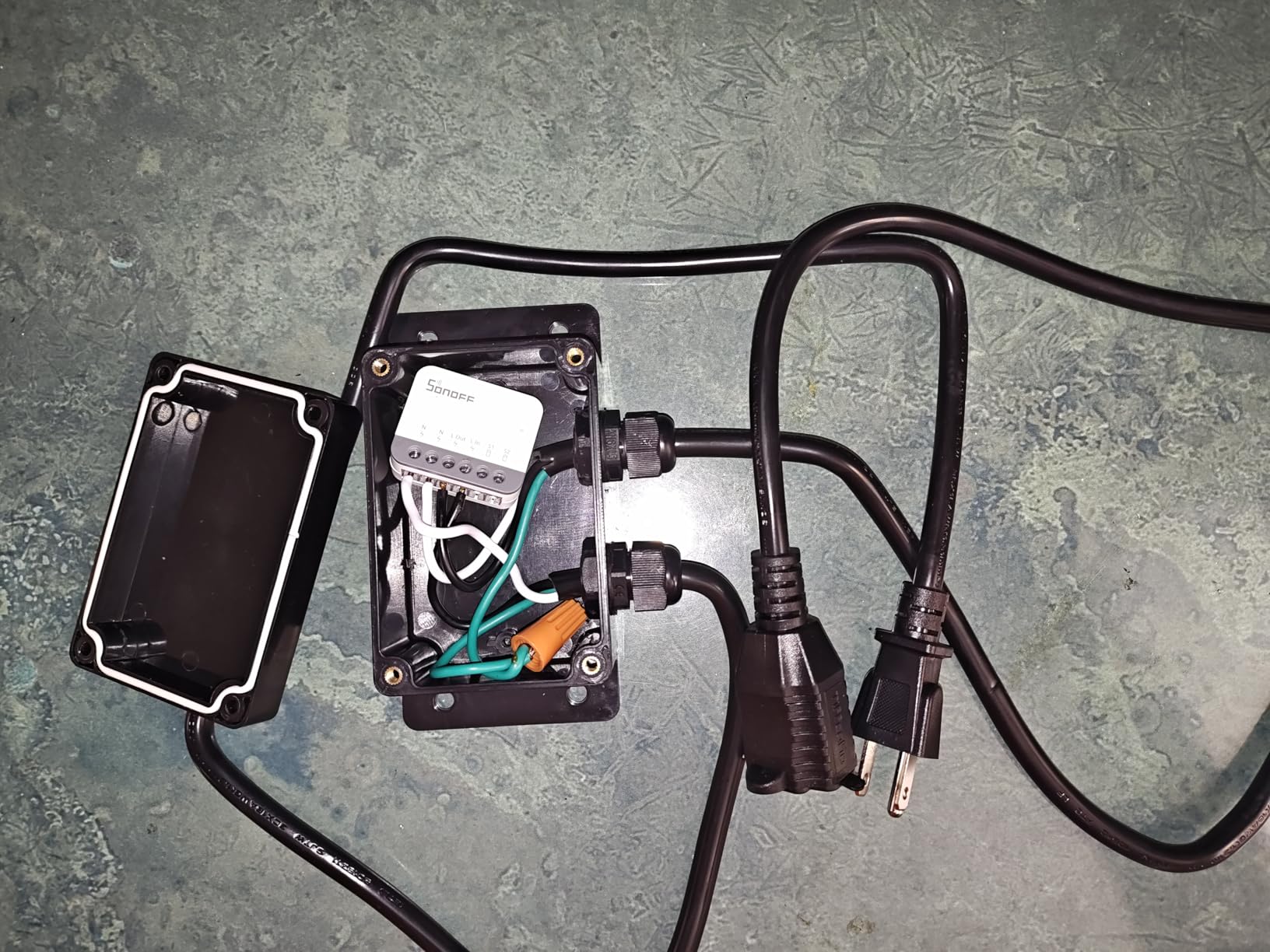
It holds a 4.6 star average with 81 percent five-star ratings, the strongest rating distribution in the group, and reviewers keep pointing at the footprint and the offline reliability. Someone who already runs Home Assistant with a Zigbee coordinator gets a device that behaves like native local hardware.
Two cautions before you plan around it. It needs a Zigbee hub, so it is not a hub-free option in any sense. And the module is listed for 240 volt systems, which is not the same as the 120 volt circuits most North American homes run, so check the labeling on the unit itself rather than assuming equivalence.
When this is the only thing that fits?
Shallow boxes. Old plaster-and-lath walls. Boxes already crowded with three or more conductors. If the electrician told you a smart switch will not physically go in your box, this module usually will, and you keep your existing plate. It is also the natural companion to a mechanical or battery retrofit for the fixtures you cannot rewire.
When to buy something else?
Buy a real switch instead if you want a modern paddle, dimming, or a single vendor’s app to control everything. This is a wiring project for someone comfortable with a hub, not a plug-and-play decorator switch. If you have never paired a Zigbee end device, the learning curve is steeper than the install itself.
We earn a commission, at no additional cost to you. CERTAIN CONTENT THAT APPEARS ON THIS SITE COMES FROM AMAZON. THIS CONTENT IS PROVIDED 'AS IS' AND IS SUBJECT TO CHANGE OR REMOVAL AT ANY TIME.
6. Tapo S505 – Best for Matter and Cross-Platform Control
Tapo Matter Smart Light Switch, S505, Single Pole, Need Neutral Wire
★★★★★★★★★★Matter over Wi-Fi
600W and 15A
UL certified
LAN control
- Matter means Apple Home Alexa Google and SmartThings from one device
- LAN control keeps working when the internet is out
- Multi-Admin lets several systems control the same switch
- Wall plate wire nuts and screws all included
- Neutral wire required
- 2.4GHz Wi-Fi needed for setup
- Single pole on and off only
- Dimming needs the separate dimmer variant
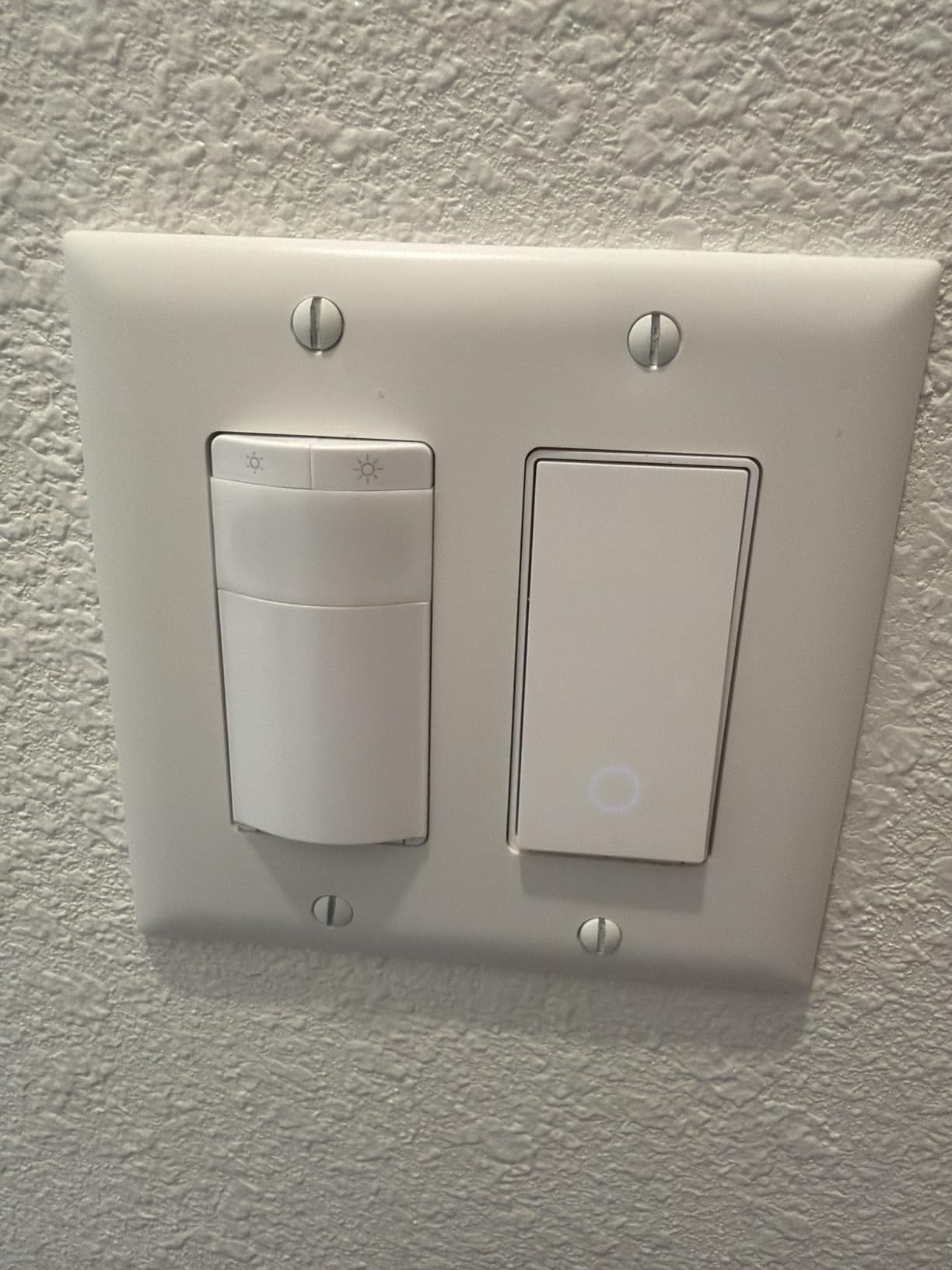
The Tapo S505 is our default answer to the question of what replaces Caseta for most people in 2026. It is a Matter device, and that single word changes the architecture of your install. Instead of a proprietary hub that only understands one brand, you join whatever Matter controller you already run, whether that is Apple Home, Alexa, Google Home or SmartThings.
It is also 600 watts and 15 amps, UL certified, and it arrives with a wall plate, wire nuts and screws in the box, which is a better starting kit than most bare switches. Setup is app-guided, the same familiar process Kasa uses since both come from TP-Link.
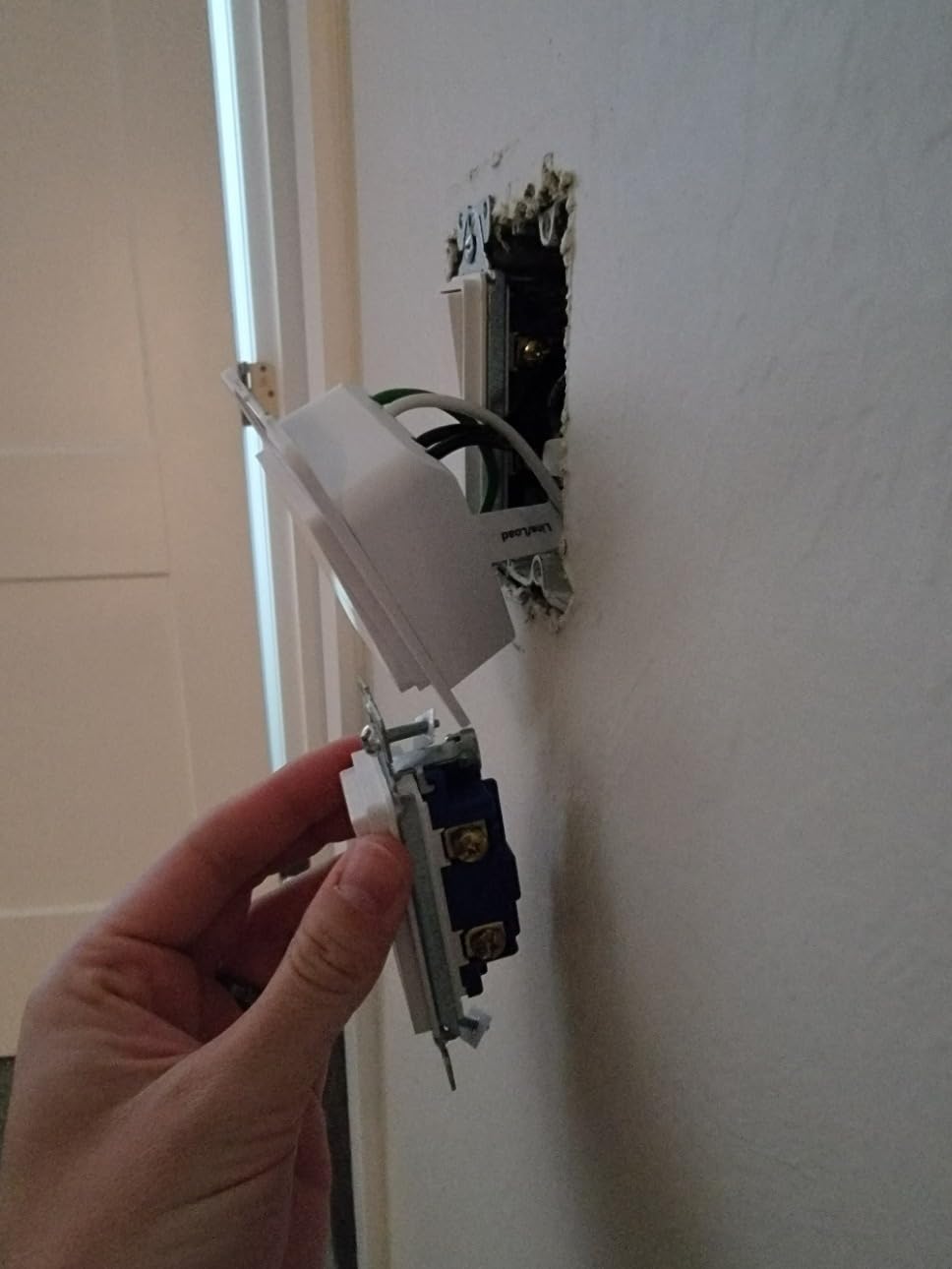
Two Matter features matter more than the marketing suggests. LAN control means the switch keeps responding over your local network when the internet is down, so a bad fiber outage does not take your hallway lights with it. Multi-Admin means two different ecosystems can control the same switch at once, which is the whole point if part of your family uses Siri and part uses voice assistants.
Reviews average 4.5 stars from a little over 1,300, with 80 percent five-star, and the praise lands almost entirely on cross-platform compatibility and local control. The standard caveats come with it: neutral wire required, 2.4 GHz for setup, and single pole only.
Why Matter is the safer long-term bet?
Because it is a standard rather than a brand. If you change platforms later, or if this product line gets discontinued, the switch still joins whatever Matter controller you own next. Proprietary radio systems do not offer that portability, which is the core reason buyers are moving. The tradeoff is that Matter covers the basics: on, off, schedules and basic dimming, not vendor extras like geofencing or notification light bars.
The limit to plan around
On and off only. The S505 does not dim, and this is the most common disappointment in the reviews because the product line has a dimming sibling that buyers assume is the same thing. Also expect single pole circuits only, and have a neutral at the box. If you need dimming, the Kasa KS225P3 covers that, and if you need Matter plus dimming, that is the one.
We earn a commission, at no additional cost to you. CERTAIN CONTENT THAT APPEARS ON THIS SITE COMES FROM AMAZON. THIS CONTENT IS PROVIDED 'AS IS' AND IS SUBJECT TO CHANGE OR REMOVAL AT ANY TIME.
7. Kasa KS225P3 – Best Caseta Alternative That Actually Dims
Kasa Matter Smart Dimmer Switch, KS225P3, Single Pole, Need Neutral Wire
★★★★★★★★★★Dimming 1 to 100 percent
Matter support
150W and 2.5A
Three-pack
- The only pick here pairing dimming with Matter support
- Dims from 1 to 100 percent by touch app or voice
- Works with Apple Home Alexa Google and SmartThings
- Three-pack includes wall plates wire nuts and screws
- Neutral wire and 2.4GHz Wi-Fi required
- 2.5A and 150W ceiling is low for heavy fixtures
- Higher per-switch cost than non-dimming Matter options
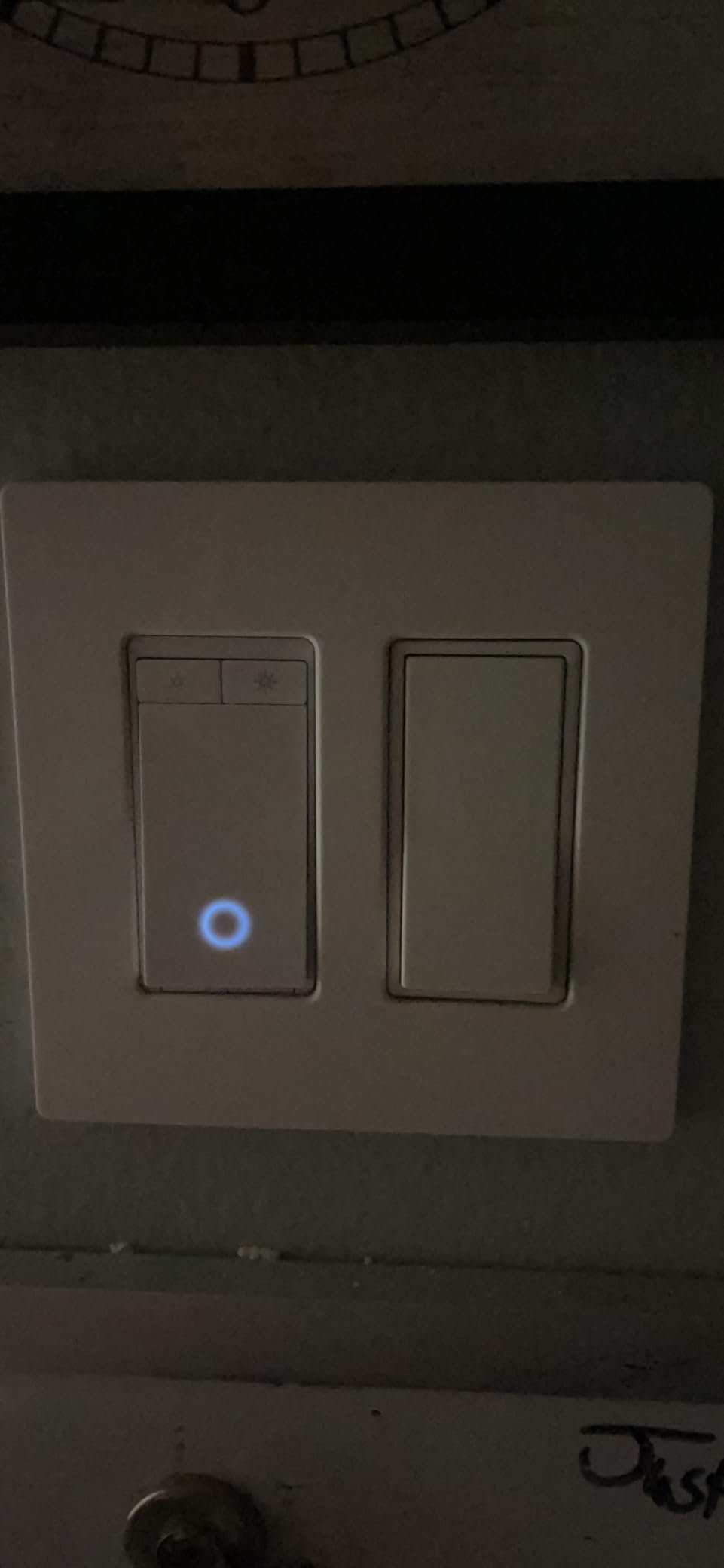
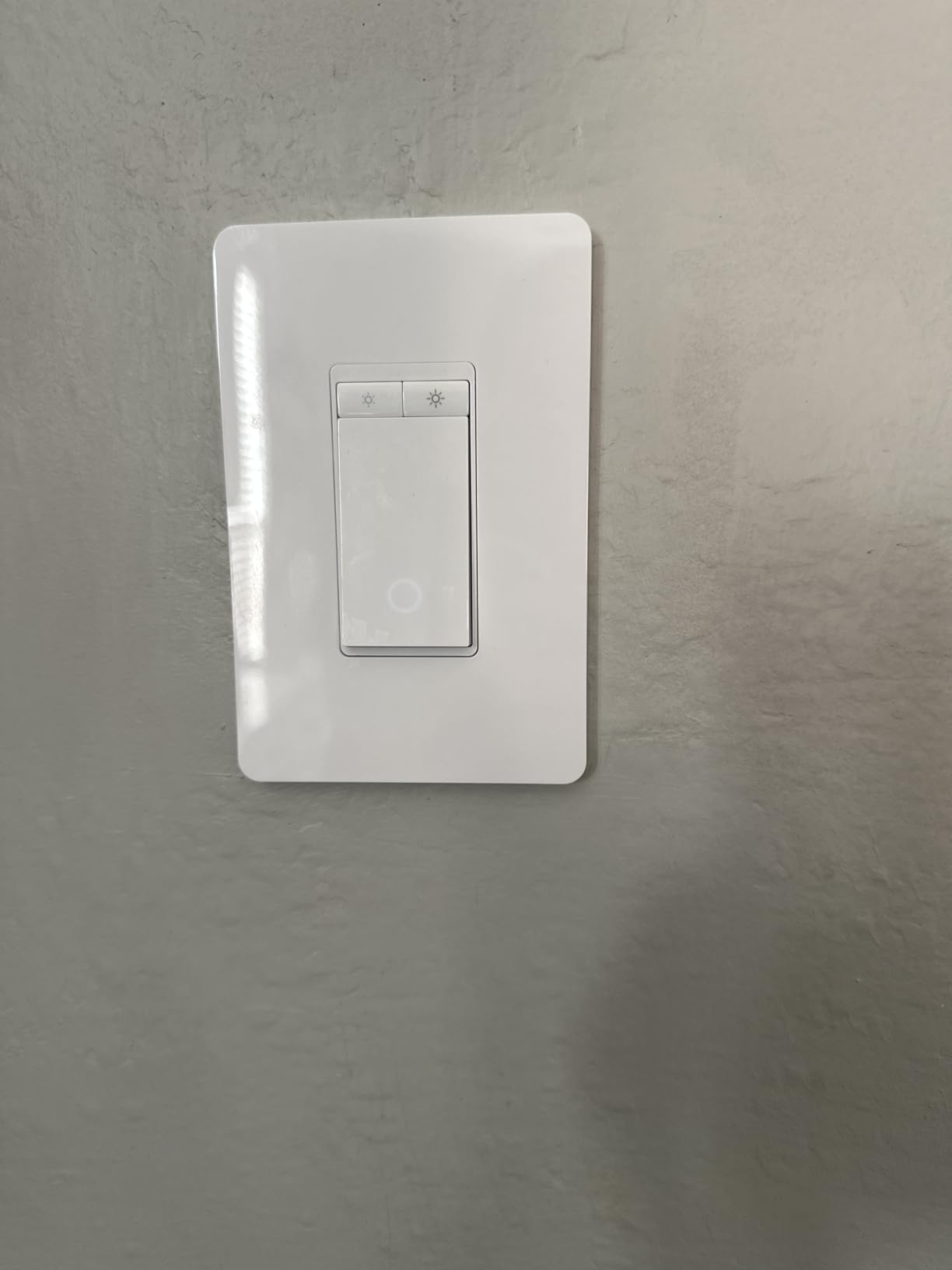
This is the section most people scroll to. Caseta is a dimmer brand, and most of the alternatives in this guide are on and off switches, which is a real downgrade for anyone used to fading a hallway to thirty percent at midnight. The Kasa KS225P3 is the pick that closes that gap: a dimmer with Matter support, sold as a three-pack with three wall plates, wire nuts and screws included.
Dimming runs from 1 percent to 100 percent and adjusts by touch slider, in the app or by voice. It works with Apple Home, Alexa, Google Home and SmartThings, and it operates over LAN when the internet is down. The app-guided install also means you do not have to work out master versus auxiliary switch configurations yourself.
Ratings sit at 4.6 stars from a little over 1,000 reviews, with 79 percent five-star, and reviewers consistently highlight the same combination: dimming plus Matter under a price point most people assumed was impossible. Compared with a Caseta dimmer plus a mandatory hub, the entry cost of getting into a dimmed, cross-platform install is dramatically lower.
The 2.5 amp, 150 watt ceiling is the honest limitation. That is a real constraint compared with the 600 watt on and off switches here, so check your fixture before buying. A standard LED ceiling or a few bulbs is well inside it. A large chandelier on incandescent, a fan, or several fixtures on one circuit is not.
Check your load before you order
Add up the wattage of the bulbs on that circuit. Under 150 watts of LED you are fine and the low-end dimming is the best in this group. Over that, you are looking at a dimmer with a higher ceiling and you should plan on the Matter dimmer model from the same range rather than pushing this one.
The three-pack decision
It suits bedrooms, a living room with several single-pole boxes, or any room where you want matching dimming throughout. If you only need one dimmer, this pack works but you are paying for hardware you will not use, and a single dimmer plus smart bulbs elsewhere is a reasonable hybrid for a smaller project.
We earn a commission, at no additional cost to you. CERTAIN CONTENT THAT APPEARS ON THIS SITE COMES FROM AMAZON. THIS CONTENT IS PROVIDED 'AS IS' AND IS SUBJECT TO CHANGE OR REMOVAL AT ANY TIME.
8. Aqara No-Neutral Smart Light Switch – Best for Homes Without a Neutral
Aqara Smart Light Switch (No Neutral, Single Rocker), Requires AQARA HUB
★★★★★★★★★★No neutral wire
Zigbee
600W max load
Hub sold separately
- The only no-neutral option in this group for old switch loops
- Single rocker paddle guests understand instantly
- Can pair with an Echo Zigbee hub or a third-party coordinator
- Local control keeps running with the internet down
- Exposes anti-flicker and power-recovery settings most rivals hide
- An Aqara hub is required and sold separately
- Lowest rating in the group at 4.2 stars
- Some units reported as deep and feeling cheap
- Occasional reports of dropped hub connections or broken rockers
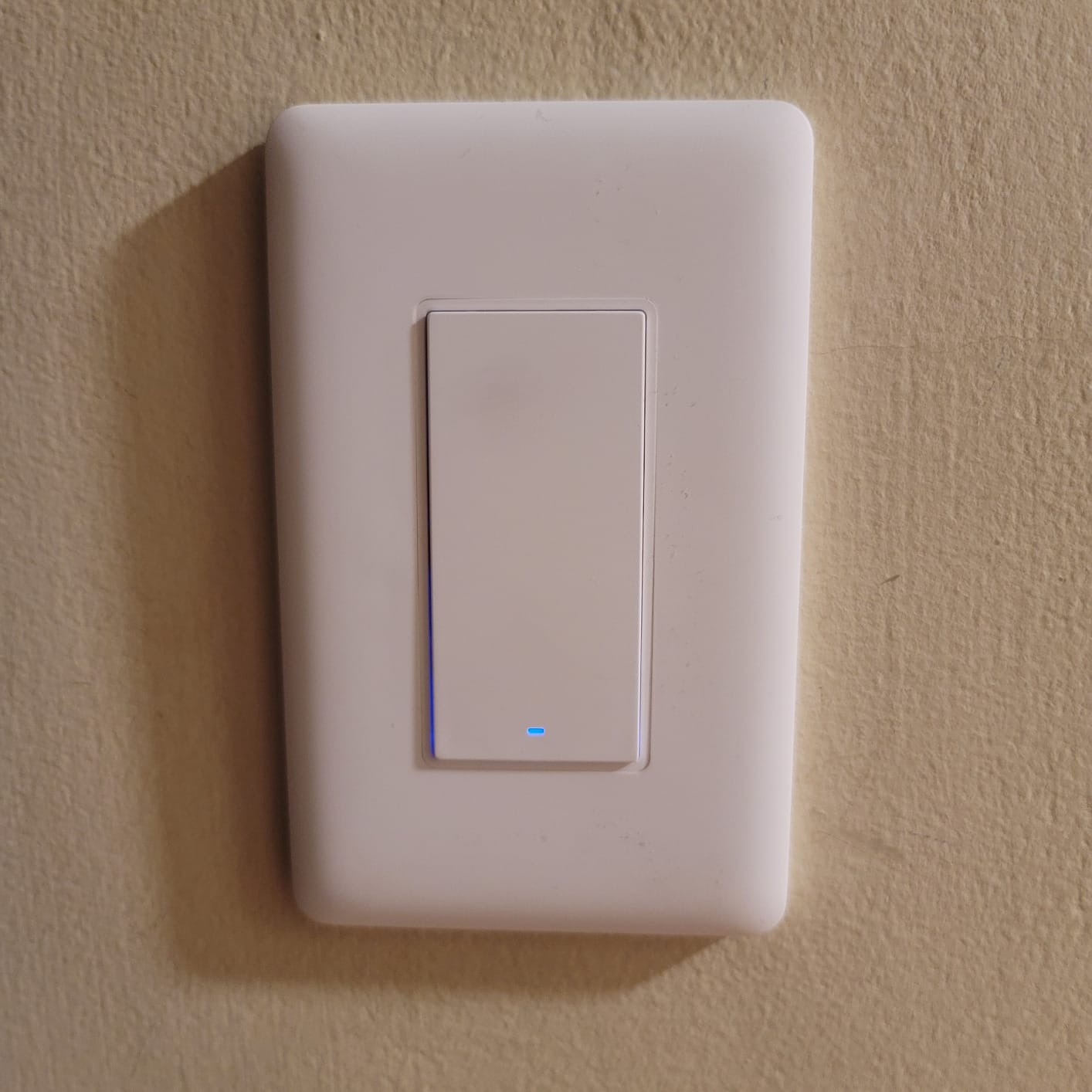
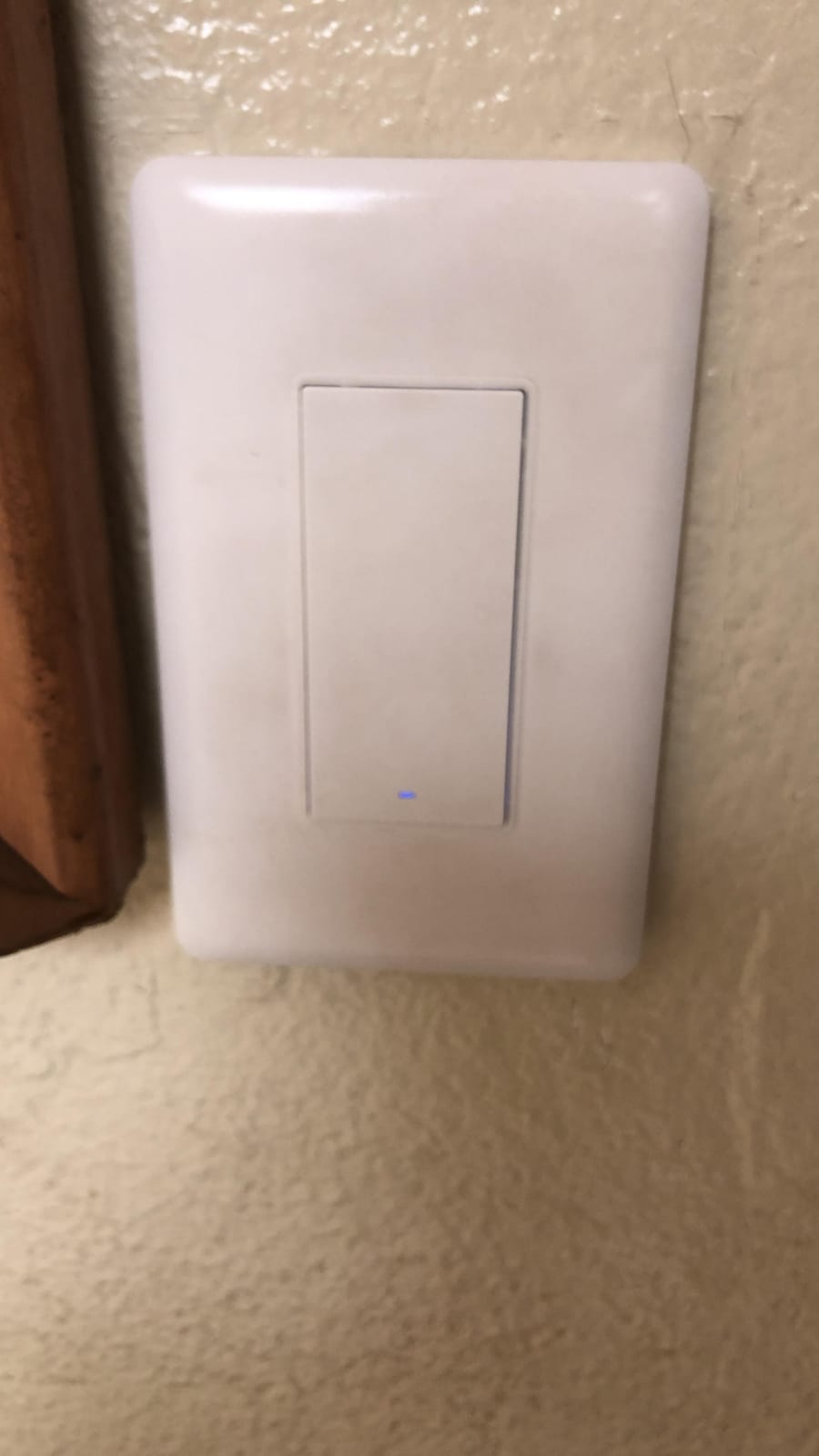
This is the product the entire article builds toward for a specific kind of house. If your switch loop has no neutral wire, this Aqara rocker is the only entry in the group that solves the problem without pulling new cable through your walls. It sits on a Zigbee mesh, supports two-way control, and pairs with an Aqara hub, an Echo Zigbee hub, or a third-party coordinator like Home Assistant.
The rocker paddle is the detail that matters with guests. Almost every competitor uses a push button that everyone in the house has to be told about. A single rocker behaves like the switch your guests already know, and reviews note the switching response lands within about a second of a voice command.
It also exposes settings most switches hide: indicator light behavior, power-recovery behavior, an anti-flicker mode and a decoupled always-on mode. For anyone who has fought LED flicker at the low end of a dim, having a switch that lets you configure it is a genuine advantage. Load capacity runs to 600 watts incandescent or 200 watts CFL and LED per way, with a 3 watt minimum, and the panel is V-0 flame retardant with automatic high-temperature shutoff.
This is also the weakest-reviewed product here, at 4.2 stars from 527 reviews with 69 percent five-star and a double-digit share of one-star ratings. The critical reviews concentrate on long-term unit reliability and build quality, and a few owners report needing a ground wire in boxes that an old switch loop may also lack. Some units also run deep for standard wall boxes.
The hub and the minimum load are the real costs
An Aqara hub is required and sold separately, which makes this the least hub-free option for the no-neutral crowd. And like every 2-in-1 no-neutral design, it works by powering itself through the load, so a very low wattage lamp can behave oddly and some installs need a bypass module. Both facts are worth confirming with your own fixture before you commit to a whole floor of them.
Where I would send you instead?
If your house has no neutral, honestly, Caseta no-neutral is still the safer long-term buy and the forum consensus still backs that. Choose this Aqara rocker when you already run a Zigbee coordinator, when the hub is not an extra cost because you own one, or when you want local control in Home Assistant. It is a good product for the right house, and the 4.2 rating is a reminder to buy two and keep a spare.
We earn a commission, at no additional cost to you. CERTAIN CONTENT THAT APPEARS ON THIS SITE COMES FROM AMAZON. THIS CONTENT IS PROVIDED 'AS IS' AND IS SUBJECT TO CHANGE OR REMOVAL AT ANY TIME.
How to Choose a Lutron Caseta Alternative?
The right pick is decided by three things: what is in your wall, what you run the house on, and whether the circuit has a second switch. Get those three answers and the choice takes about five minutes.
Check for a neutral wire before you buy anything
Turn off the breaker for that circuit and confirm it is dead with a non-contact voltage tester before you touch anything. Remove the faceplate and look for a white or gray conductor bundled with the black and copper conductors, capped with a wire nut. If you see one, you have a neutral and every product in this guide except the Aqara is available to you. If you only see black, copper and possibly a red traveler, you have a switch loop and your realistic options are the Aqara rocker or Caseta itself.
Do not assume a neutral exists because a wall has an outlet in the room. In homes built before about 2000, a large share of switch boxes were back-fed, and one homeowner in our forum research found roughly 30 percent of their 1995-built switch boxes had no neutral at all. Checking each box is the only way to know.
Matter controller vs Thread border router vs proprietary hub
These are three different things that buyers routinely treat as one, and confusing them is how people end up with a switch that does not work.
A proprietary hub, like the Caseta Smart Hub, is a single-vendor box that only speaks that vendor’s radio. It works, and it works well, but nothing else can join it. A Matter controller is a software role that any compatible app or hub can hold, which is what lets one switch appear in Apple Home and SmartThings simultaneously. A Thread border router is narrower still: it is the bridge that lets a Thread mesh, the low-power radio standard Matter often runs over, reach the rest of your network.
The practical takeaway: a Wi-Fi Matter switch like the Tapo S505 needs a 2.4 GHz network and a Matter controller somewhere in the house. A Thread Matter switch needs a Thread border router in addition. A Z-Wave or Zigbee device like the SONOFF needs that vendor’s controller and nothing else will speak to it.
Decision logic: if you have X, pick Y
Here is the branching version, which is faster than reading eight reviews.
If you have no neutral wire, pick the Aqara no-neutral rocker or buy Caseta. Nothing else in this guide works there.
If you have a neutral and you want zero hub hardware, pick the Tapo S505 for Matter or the Kasa HS200 for raw on and off reliability.
If you have a neutral and you need dimming, pick the Kasa KS225P3 and check your wattage first.
If your household is Apple-only, pick the meross MSS510, or the Kasa KS225P3 if you also need dimming.
If your household is Alexa-only and you want the fewest possible steps, pick the Amazon Basics switch.
If you run Home Assistant or Hubitat and want local control, pick the SONOFF ZBMINIR2 if your boxes are shallow, or any Matter switch if you have neutrals and a controller already running.
If you are doing four or more switches in one project, pick the TREATLIFE four-pack and read the 2.4 GHz limitation first.
Single pole vs 3-way and the companion switch trap
Single pole is one switch controlling one fixture, and every product in this guide supports it. A three-way circuit has a second switch, usually at the bottom of a staircase or at each end of a hallway, and it uses a traveler wire. Almost nothing in this guide handles a 3-way natively except the SONOFF module, which supports an external rocker.
Everywhere else, you replace both switches: the smart switch at the main location and a companion or auxiliary at the second. That companion is a hidden cost buyers discover too late, and it is the single most common reason a planned four-room install turns into a five-room one. Count your two-location circuits before you order anything.
Watch the box depth too. A smart dimmer body is deeper than a stock switch, and in a shallow or crowded metal box it will not seat. The product dimensions are published, so compare against your box before the day of install rather than after.
Smart switch vs smart bulb
A smart wall switch cuts power to the fixture. A smart bulb stays powered and dims or changes color in software. These two fight each other: power-cycle a smart bulb hundreds of times a week and you will degrade it long before the switch wears out. The rule is simple. If you install smart bulbs in a fixture, put a plain on and off switch there, not a dimmer, and do not dim from two places.
Installation mistakes that cause most callbacks
First, working on a live circuit. Kill the breaker and confirm with a non-contact voltage tester, every time, not just the first time.
Second, misidentifying the traveler. In a 3-way box the two black or red conductors are travelers, and swapping them produces a switch that works oddly rather than one that fails obviously.
Third, shallow boxes with deep devices. Check the published depth against your box, especially in older homes and in metal boxes where the required free space is tighter.
Fourth, assuming a neutral exists. If the box has no white conductor, the install is over before it starts.
Fifth, non-US voltage variants. Direct-import units that are not UL or ETL listed are an insurance and code problem, not just a warranty problem.
Frequently Asked Questions
What is an alternative to the Lutron Aurora dimmer switch?
The Aurora is Lutron’s higher-end dimming platform, and the closest Caseta-line equivalent is the Diva. If you want a different brand, the Kasa KS225P3 is the dimmer to compare against, with Matter support and no hub, and the Tapo S505 is the on and off option. Note that Aurora itself is a different install path rather than a drop-in wall switch, so map it to a Caseta dimmer before you map it to an alternative.
Which smart dimmer switch is better, Lutron or Kasa?
For most homes with a neutral wire, Kasa delivers most of the Caseta experience at a much lower entry cost because it needs no hub. Caseta still wins on the proprietary 434 MHz radio, which stays stable in congested Wi-Fi homes, and on no-neutral support. If you are deciding purely on dimming, the Kasa KS225P3 is the fair comparison rather than the HS200, which is on and off only.
Which smart switch is better, Lutron Caseta or Leviton Decora?
Decora Smart sits in the same no-hub, cross-platform camp as the Tapo and Kasa Matter options, and it comes with a longer warranty than Lutron. Caseta keeps the advantage in no-neutral homes and in multi-location support. Whatever you pick, check whether the model you want is the on and off version or the dimmer version, since they are different products with different model numbers.
Which smart dimmer switch is the best?
The Kasa HS200 is the best overall pick for reliability and install volume, with the largest review base of any switch we covered. The Tapo S505 is the best for cross-platform Matter control. The Kasa KS225P3 is the best for actual dimming. The answer changes with your wiring and your ecosystem, so the neutral wire question comes before the product question.
Is there a Matter switch that works without a neutral wire?
No. There is currently no Matter-certified in-wall dimmer that installs without a neutral wire. Your realistic options are an Aqara or Inovelli style 2-in-1 no-neutral device on Zigbee or Thread, a mechanical battery retrofit, or Lutron Caseta, which remains the most reliable no-neutral platform in the category. Any of these still needs the load to draw enough current to power the electronics.
Final Verdict: Which Lutron Caseta Alternative Should You Buy?
The Kasa HS200 is the default answer for 2026. It needs no hub, it is UL certified at 600 watts and 15 amps, and it carries a review base large enough that any install problem you are likely to hit has already been solved by someone else. Add the Tapo S505 when you want one device in Apple Home, Alexa, Google Home and SmartThings at once, and add the Kasa KS225P3 when the circuit needs dimming and your load stays under 150 watts.
Then go buy Caseta anyway if your switch boxes have no neutral wire. That is the one segment where the thing you came here to replace still wins, and no amount of Matter certification has changed that yet.