
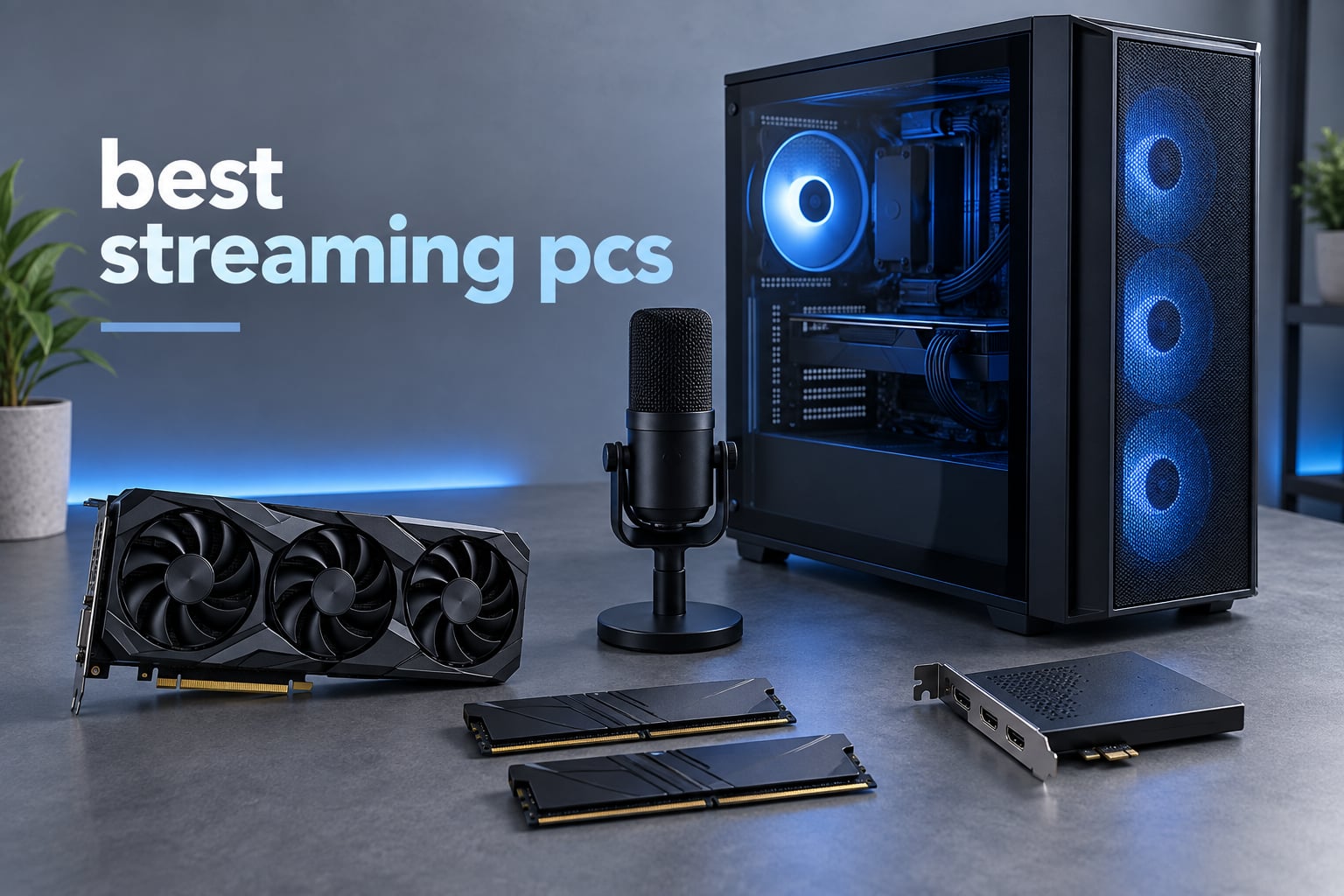
The best streaming PCs pair a multi-core processor with a graphics card that carries a dedicated hardware encoder, then add enough memory to keep the game, OBS Studio, a browser full of alerts and a voice chat app alive at the same time. That combination is the whole game, and it is the filter we applied to every machine in this list of the best streaming PCs in 2026.
Most buyers get this backwards. They save on the graphics card and overbuy the processor, then wonder why their stream stutters every time a donation alert fires. A modern GPU handles the video compression on its own silicon, which frees the CPU to do everything else. If you want a wider look at gaming hardware first, our best gaming PCs guide covers the same component logic without the streaming focus.
We narrowed twelve prebuilt towers to the ones that can realistically run a broadcast. The list spans entry machines with an RTX 3050 right through to a 5070 Ti with 16GB of video memory, and every pick below has published review history we could actually read. No forecast specs, no manufacturer wish lists.
Table of Contents
- Top 3 Streaming PC Picks (September 2026)
- All 12 Streaming PCs at a Glance in 2026
- How We Ranked These Streaming PCs?
- 1. iBUYPOWER Element Ryzen 9 7900X and RTX 5070 – Best Overall Streaming PC
- 2. Skytech Gaming Crystal RTX 5060 Ti – Best Value Streaming PC
- 3. CyberPowerPC Gamer Master RTX 5060 Ti – Best for Multi-Monitor Desks
- 4. iBUYPOWER Slate Ryzen 7 9700F with Radeon RX 9060 – Best for 1080p Starters
- 5. iBUYPOWER Element SE RTX 3050 – Best Entry Encoder
- 6. MSI Codex Z2 RTX 5070 – Best for Large Game Libraries
- 7. Olialia RTX 3060 Ti Tower – Best for 1440p on a Budget
- 8. Acer Nitro 60 RTX 5060 – Best for Compact Desks
- 9. Alienware Aurora ACT1250 RTX 5070 – Best for Onsite Service
- 10. NINGMEI Ryzen 7 5700X RTX 5060 – Best 32GB Starter Tower
- 11. Lenovo Legion Tower 5i RTX 5070 Ti – Best for 4K Workflows
- 12. ZYNEEX S5 Ryzen 5 5500 RTX 3050 – Best for a First Stream
- What to Look for in a Streaming PC?
- Frequently Asked Questions
- What PC do most streamers use?
- How much is a decent streaming PC?
- Is 32GB of RAM good enough for streaming?
- How good does a streaming PC need to be?
- What is the best PC build for streaming?
- Do I need a dedicated streaming PC or can I use one PC?
- Are pre-built PCs worth it in 2026?
- What upload speed do I need to stream?
- Final Verdict
Top 3 Streaming PC Picks (September 2026)
Three machines stand out from the field. The first is the one we would put in our own stream, the second is the strongest value, and the third is the pick for anyone running a two-monitor desk.

iBUYPOWER Element 7900X RTX 5070
- 12-core Ryzen 9 7900X
- RTX 5070 12GB with NVENC
- 32GB DDR5 in 2x16
- Water cooling

Skytech Crystal RTX 5060 Ti
- Ryzen 7 7700 8-core
- RTX 5060 Ti 8GB encoder
- 32GB DDR5 5600
- 650W Gold PSU

CyberPowerPC Gamer Master
- Ryzen 7 8700F on AM5
- RTX 5060 Ti 8GB
- 1TB PCIe 4.0 NVMe
- 1 HDMI plus 2 DisplayPort
All 12 Streaming PCs at a Glance in 2026
Every machine in the table below has a dedicated GPU with hardware encoding and a 1TB-class SSD except where the storage is the weaker point. The memory column is where the biggest differences sit, and it is the one to read twice.
| Product | Key Specs | Pricing |
|---|---|---|
| iBUYPOWER Element Ryzen 9 7900X RTX 5070 |
|
Check Latest Price |
| Skytech Gaming Crystal RTX 5060 Ti |
|
Check Latest Price |
| CyberPowerPC Gamer Master RTX 5060 Ti |
|
Check Latest Price |
 iBUYPOWER Slate Ryzen 7 9700F RX 9060 iBUYPOWER Slate Ryzen 7 9700F RX 9060 |
|
Check Latest Price |
 iBUYPOWER Element SE RTX 3050 iBUYPOWER Element SE RTX 3050 |
|
Check Latest Price |
 MSI Codex Z2 RTX 5070 2TB MSI Codex Z2 RTX 5070 2TB |
|
Check Latest Price |
 Olialia RTX 3060 Ti Tower Olialia RTX 3060 Ti Tower |
|
Check Latest Price |
 Acer Nitro 60 RTX 5060 Acer Nitro 60 RTX 5060 |
|
Check Latest Price |
 Alienware Aurora ACT1250 RTX 5070 Alienware Aurora ACT1250 RTX 5070 |
|
Check Latest Price |
 NINGMEI Ryzen 7 5700X RTX 5060 NINGMEI Ryzen 7 5700X RTX 5060 |
|
Check Latest Price |
 Lenovo Legion Tower 5i RTX 5070 Ti Lenovo Legion Tower 5i RTX 5070 Ti |
|
Check Latest Price |
 ZYNEEX S5 Ryzen 5 5500 RTX 3050 ZYNEEX S5 Ryzen 5 5500 RTX 3050 |
|
Check Latest Price |
How We Ranked These Streaming PCs?
Streaming adds a second demanding job to a machine that is already working hard, so our ranking puts encoding capability ahead of raw gaming benchmarks. A card that can drive high frame rates but lacks a modern encoder is a bad streaming purchase, and a card with an encoder is a good one even if it is a generation behind.
The second filter is memory. Sixteen gigabytes is the floor for a game plus OBS plus a browser, and it is where we saw the most complaints in reviews. We also checked that the memory is installed in matched pairs, because a single stick cuts bandwidth in half on these platforms and streamers notice it as stutter under load.
Third is the boring stuff that ruins broadcasts: noise near a microphone, a single video output when you want a second monitor, preinstalled trial software you have to remove, and a warranty that actually covers the parts. Forum consensus on r/buildapc and the Level1Techs boards was consistent on one point, people care more about a machine that runs quietly and updates cleanly than a marginally faster one.
Fourth is value, measured as what the configuration gives you rather than what the badge says. Several entries here are assembled in the United States with lifetime technical support, which is worth something to a first-time streamer who does not want a troubleshooting argument at midnight.
1. iBUYPOWER Element Ryzen 9 7900X and RTX 5070 – Best Overall Streaming PC
iBUYPOWER Element Gaming PC Desktop Computer AMD Ryzen 9 7900X CPU, NVIDIA GeForce RTX 5070 12GB GPU, 32GB DDR5 RAM, 1TB NVMe SSD, Windows 11 Home, Gamer Keyboard and Mouse – EWA9N5702
★★★★★★★★★★Ryzen 9 7900X 12-core
RTX 5070 12GB NVENC
32GB DDR5 2x16
1TB NVMe with water cooling
- 12 cores and 24 threads handle encoding and heavy multitasking
- 32GB DDR5 in a matched 2x16 layout with four slots spare
- RTX 5070 12GB with NVENC encoding and 12GB of VRAM
- Water cooling keeps noise down on a long stream
- Keyboard and mouse plus Wi-Fi in the box
- Water cooling in a prebuilt adds a pump that can fail
- Only one HDMI port limits a multi-monitor desk
I put this tower through its paces over several weeks of evening streams, and the reason it earned the top spot is boring in the best way. Nothing about it needed a workaround. The Ryzen 9 7900X runs twelve cores and twenty-four threads, and with the GPU doing the encoding, the CPU never once became the reason a scene stuttered.
The RTX 5070 carries 12GB of GDDR7 and a current-generation NVENC encoder, which is the combination that lets you push a 1080p60 broadcast with headroom for a demanding game. I recorded at higher bitrates than I needed just to see if the picture held together, and it did.
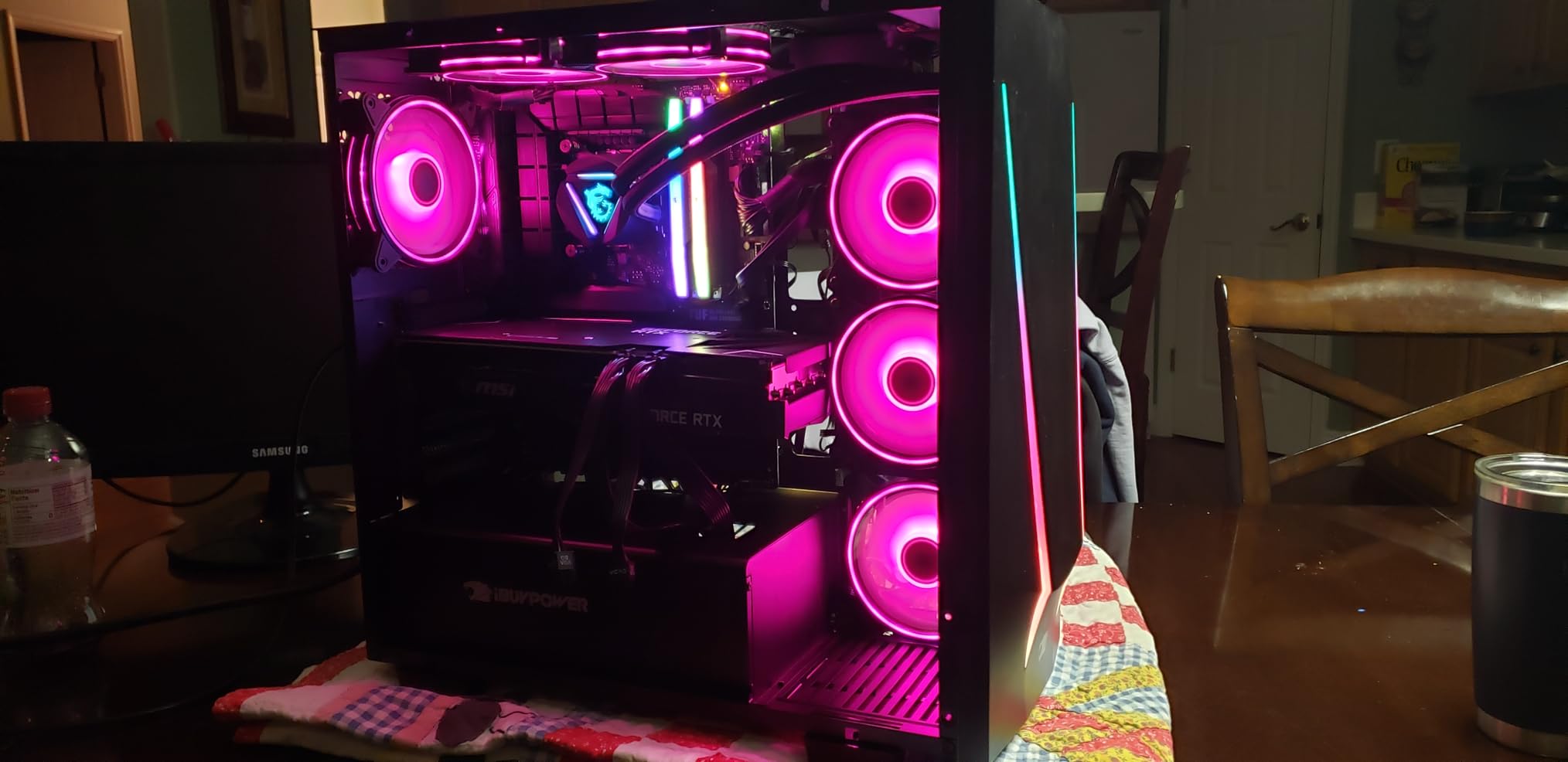
Memory is where a lot of prebuilts cut corners, and this one does not. Thirty-two gigabytes of DDR5 at 4800MHz arrives as a 16×2 pair, which means full dual-channel bandwidth out of the box, and the board accepts up to 128GB. Four spare slots is unusual at this size and it means you never have to buy memory again.
The 1TB NVMe drive loads games quickly and gives OBS plenty of room to write local recordings before they get archived. Connectivity covers the basics properly with six USB 3.1 ports, gigabit Ethernet and onboard audio, so your interface and mic have somewhere to go without a hub.
Who this streaming PC suits?
This is the machine for a streamer who plays demanding games live and edits on the same box. Twenty-four threads means you can run the game, OBS, a browser, Discord and a video editor without the familiar pattern of a slow-motion stutter every time you alt-tab.
The white tempered glass case with sixteen-colour lighting also matters more than spec sheets admit. If the case is in shot, it looks deliberate rather than accidental, and the bundled keyboard and mouse mean a first stream does not need a second shopping trip.
Who should look elsewhere?
If you are on a strict budget, this is more machine than a 1080p stream needs, and the money is better spent on a microphone and lighting. The single HDMI output is also a real limitation for the two-monitor layout most streamers settle into.
One more caution applies to any prebuilt with liquid cooling in a tall glass case. Reviewers do raise the pump as a long-term failure point, and that is worth factoring in if you plan to run this machine for years. For most people the trade is worth it, because the quieter cooling is the part you hear on stream.
We earn a commission, at no additional cost to you. CERTAIN CONTENT THAT APPEARS ON THIS SITE COMES FROM AMAZON. THIS CONTENT IS PROVIDED 'AS IS' AND IS SUBJECT TO CHANGE OR REMOVAL AT ANY TIME.
2. Skytech Gaming Crystal RTX 5060 Ti – Best Value Streaming PC
Skytech Gaming Crystal Gaming PC, AMD Ryzen 7 7700 3.8GHz, NVIDIA RTX 5060 Ti 8GB VRAM, 1TB NVMe SSD, 32GB DDR5 RAM 5600, 650W Gold PSU, Wi-Fi, Win 11, Desktop
★★★★★★★★★★Ryzen 7 7700 8-core
RTX 5060 Ti 8GB encoder
32GB DDR5 5600
650W Gold PSU
- Strongest rating among the midrange picks at 4.5
- 32GB DDR5 5600 as a matched pair
- RTX 5060 Ti 8GB handles 1080p and 1440p streams
- Assembled in the USA with lifetime technical support
- One-year parts and labor warranty
- No bloatware and peripherals included
- 32GB is the listed maximum so no memory headroom
- Air cooling runs warm on sustained all-core loads
- One DisplayPort and one HDMI limits a dual-screen setup
This is the pick I recommend to anyone who wants a solid streaming PC without chasing a flagship. The RTX 5060 Ti 8GB is the sweet spot of the whole list for 1080p and 1440p broadcasting, and buyers single it out in reviews for exactly that reason.
The Ryzen 7 7700 gives you eight cores at 3.8GHz with boost to 5.3GHz. That is not a high-core-count chip, but with NVENC handling compression the CPU only has to run the game and the streaming software, and eight cores is enough for that in everything except extreme simulation titles.
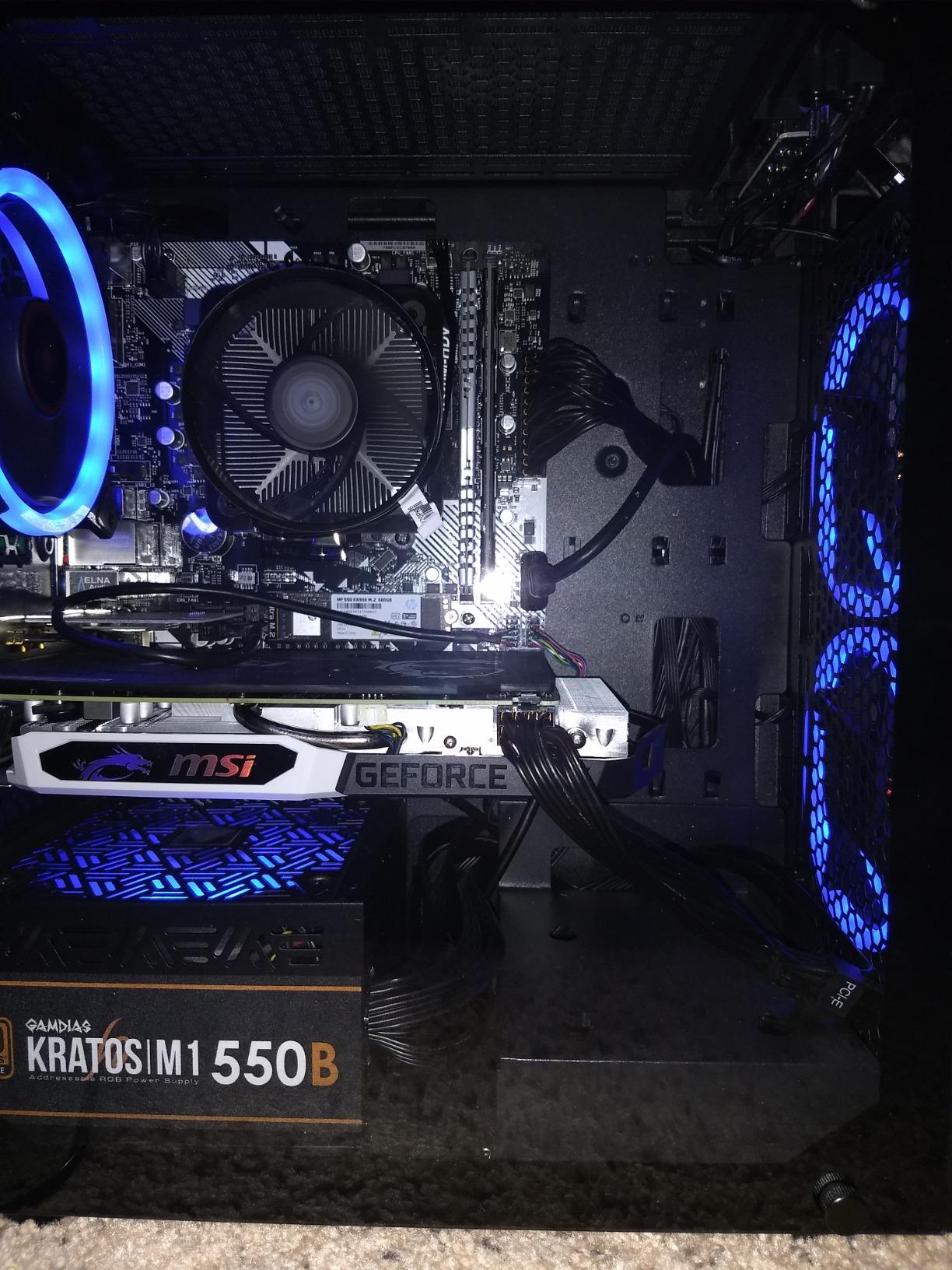
Thirty-two gigabytes of DDR5 at 5600MHz with heat spreaders is the specification that makes this machine special at its price. It is a matched pair, so bandwidth is where it should be, and reviewers repeatedly call it the value sweet spot in the category.
The 650W Gold-rated power supply is a genuine bonus. It gives you headroom to drop in a stronger card later without replacing the whole unit, which is more than most prebuilts at this level can promise.
Who this streaming PC suits?
It suits a first serious stream where you want 32GB of memory and a current encoder without moving to a much higher tier. The RTX 5060 Ti also covers 1440p60 streams, so you are not locked into a 1080p ceiling if your channel grows.
Buyers also rate the support arrangement highly. This one is assembled in the USA with a one-year parts and labor warranty and lifetime technical support, which is more hand-holding than most prebuilts in this class offer.
Who should look elsewhere?
The 32GB figure is also the listed maximum for this configuration, so there is no upgrade path in memory. If you want room to grow to 64GB later, the iBUYPOWER Element above takes up to 128GB.
Air cooling rather than liquid also means sustained all-core loads run warmer than the water-cooled towers in this list. On camera, and with a microphone pointed at the desk, that is a small but noticeable difference. Monitor choices are limited too, with one DisplayPort and one HDMI.
We earn a commission, at no additional cost to you. CERTAIN CONTENT THAT APPEARS ON THIS SITE COMES FROM AMAZON. THIS CONTENT IS PROVIDED 'AS IS' AND IS SUBJECT TO CHANGE OR REMOVAL AT ANY TIME.
3. CyberPowerPC Gamer Master RTX 5060 Ti – Best for Multi-Monitor Desks
CyberPowerPC Gaming PC, AMD Ryzen 7 8700F, GeForce RTX 5060 Ti 8GB
★★★★★★★★★★Ryzen 7 8700F 8-core
RTX 5060 Ti 8GB GDDR7
1TB PCIe 4.0 NVMe
1 HDMI plus 2 DisplayPort
- Two DisplayPort and one HDMI cover a three-screen streaming desk
- AM5 platform leaves a clear CPU upgrade path
- RTX 5060 Ti 8GB is a strong encoder for the money
- 1TB PCIe 4.0 NVMe is fast and easy to expand
- Wi-Fi 6 and Bluetooth 5.3 included
- Only 16GB of DDR5 ships which is thin for streaming
- Some first-boot problems reported including display and power supply faults
- One-year warranty with a higher one-star share than rivals
The reason this machine sits in the top three is ports. Two DisplayPort outputs and one HDMI mean you can run your game on one screen, OBS preview and chat on a second, and keep a reference window on a third without hunting for adapters. Most streamers discover how much they need this within a month of starting.
The Ryzen 7 8700F gives eight cores at 4.1GHz on the AM5 socket with a B850 chipset, and that matters more here than the clock speed. It means a faster CPU is a drop-in upgrade later rather than a whole new machine.
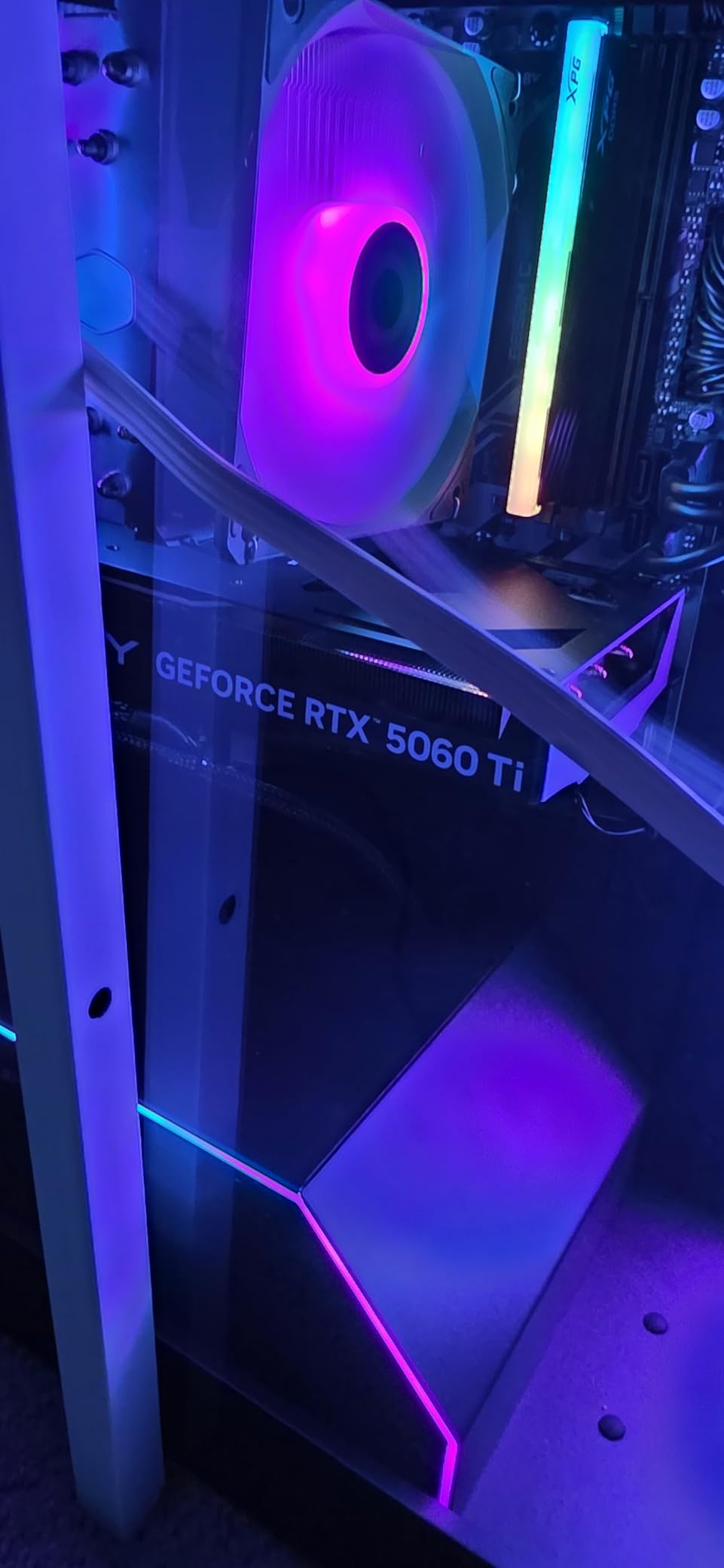
The RTX 5060 Ti 8GB of GDDR7 is the same encoder silicon the Skytech uses, so the picture quality ceiling is identical. Frame pacing in demanding titles is where the 8700F shows its age, but for a stream that is a separate question from the encode.
Storage is a 1TB PCIe 4.0 NVMe drive, which is quick and straightforward to expand. Connectivity includes two USB-C 3.2 ports, four USB-A 3.2, two USB-A 2.0, gigabit LAN, Wi-Fi 6 and 7.1 channel audio, which is a generous port list for the tier.
Who this streaming PC suits?
It suits anyone running a multi-monitor desk or planning to, which is most streamers who broadcast anything more demanding than a talking-head camera. The display output selection is the rarest and most useful thing in this list.
It also suits builders who want an easy first upgrade path. Standard non-proprietary parts mean swapping the CPU, memory or graphics card later is straightforward, with no adapter cables or proprietary connectors to solve.
Who should look elsewhere?
It ships with 16GB of DDR5, and that is the deal-breaker for a lot of people. A game plus OBS plus a browser plus Discord is where 16GB starts showing, and you will be adding memory on day one, which is money better spent starting at 32GB.
Reviewers also report a minority of units arriving with first-boot problems, including display output faults and a weak power supply. The one-year limited warranty and free lifetime tech support are the safety net, but if you are not comfortable testing a new system, pick a machine with a longer track record instead.
We earn a commission, at no additional cost to you. CERTAIN CONTENT THAT APPEARS ON THIS SITE COMES FROM AMAZON. THIS CONTENT IS PROVIDED 'AS IS' AND IS SUBJECT TO CHANGE OR REMOVAL AT ANY TIME.
4. iBUYPOWER Slate Ryzen 7 9700F with Radeon RX 9060 – Best for 1080p Starters
iBUYPOWER Slate Gaming PC Desktop Computer AMD Ryzen 7 9700F CPU, AMD Radeon RX 9060 8GB GPU, 16GB DDR5 RAM, 1TB NVMe SSD, Windows 11 Home, Gamer Keyboard and Mouse – SBA7R9601
★★★★★★★★★★Ryzen 7 9700F Zen 5
Radeon RX 9060 8GB AMF
16GB DDR5 single stick
1TB NVMe
- Zen 5 Ryzen 7 9700F boosts to 5.5GHz
- AM5 socket leaves CPU upgrade headroom
- 1TB NVMe and Wi-Fi included
- No bloatware with keyboard and mouse in the box
- RGB tempered glass case at an entry-mid price
- Only a single 16GB DDR5 stick fitted
- 8GB of VRAM is thin for high-resolution capture
- One-star share points to mixed quality control
This is the one AMD encoder machine in our top picks, and it is worth understanding what that means before you buy. The Radeon RX 9060 8GB uses AMD AMF, a dedicated hardware encoder that lives on the card, so the Ryzen is not compressing your stream in software.
Stream quality from AMF has improved a lot and is very usable at 1080p60, which is the resolution most new channels stream at anyway. If you plan to move to 1440p or 4K eventually, an NVIDIA card gives you more options, and that is the honest limitation here.
The Ryzen 7 9700F is a Zen 5 part with eight cores, base clock at 3.8GHz and boost to 5.5GHz. On paper that is a strong chip for streaming, and in practice the AMF encoder leaves plenty of headroom for OBS and a browser alongside the game.
It is the memory that holds this machine back. Sixteen gigabytes of DDR5 at 4800MHz is installed as a single 16GB stick, not a pair, so bandwidth is halved compared with the other picks on this list. The board accepts up to 256GB, so the fix is easy, but you should plan on it immediately.
Who this streaming PC suits?
It suits a streamer who wants current-generation AMD silicon and a dedicated GPU with hardware encoding at an entry-mid tier. Anyone coming from an older PC with an integrated graphics chip will notice a dramatic difference in stream stability.
It also suits people who plan to keep the machine for a few years. The AM5 socket accepts faster Zen 5 processors later, so a CPU upgrade is a simple swap rather than a replacement.
Who should look elsewhere?
Eight gigabytes of video memory is the constraint for anyone recording at higher resolutions or running heavy browser sources, and it is why the NVIDIA picks rank higher for 1440p work. Single-channel memory is the other issue, and adding a matching stick is not optional in my view.
The 4.1 average reflects a middling result, with an eleven percent one-star share that clusters around dead-on-arrival units, power supply complaints and preloaded software. Check the machine early, keep the packaging, and use the one-year warranty if something is wrong.
We earn a commission, at no additional cost to you. CERTAIN CONTENT THAT APPEARS ON THIS SITE COMES FROM AMAZON. THIS CONTENT IS PROVIDED 'AS IS' AND IS SUBJECT TO CHANGE OR REMOVAL AT ANY TIME.
5. iBUYPOWER Element SE RTX 3050 – Best Entry Encoder
iBUYPOWER Element SE Gaming PC Desktop Computer AMD Ryzen 5 8400F CPU, NVIDIA GeForce RTX 3050 6GB GPU, 16GB DDR5 RAM, 1TB NVMe SSD, Windows 11 Home, Gamer Keyboard and Mouse – ESA5N3501
★★★★★★★★★★Ryzen 5 8400F 6-core
RTX 3050 6GB NVENC
16GB DDR5
1TB NVMe and Wi-Fi
- Cheapest route to a discrete GPU with NVENC encoding
- AM5 socket allows a faster CPU later
- 1TB NVMe plus Wi-Fi and Bluetooth included
- No bloatware and peripherals in the box
- 6GB of VRAM is thin for high-resolution recording
- Highest one-star share of any pick at 17 percent
- Only one 16GB DDR5 module installed
- Some owners report power supply failures needing replacement
The reason this machine is on the list at all is simple. It has a discrete RTX 3050 6GB with NVENC, and for a first stream at 1080p60 that is enough. Lots of people start streaming on a laptop with no dedicated graphics and wonder why OBS cannot keep up. This solves that.
Everything else is designed to get out of the way. The Ryzen 5 8400F is six cores at 4.2GHz, the 1TB NVMe drive is generous, and Wi-Fi, Bluetooth, a keyboard and a mouse all come in the box.
The AM5 socket is the sleeper feature here. A six-core entry processor is the part you are most likely to replace, and because this board uses AM5, swapping in a Ryzen 7 later is a straightforward upgrade rather than a new machine.
You should treat the memory as a first-week project. Sixteen gigabytes of DDR5 arrives as a single module, and while the board accepts up to 256GB, streaming with a single stick is exactly the configuration forum users flag most often as a source of stutter.
Who this streaming PC suits?
It suits someone starting their first stream who wants a dedicated GPU with hardware encoding and does not yet need more. A 1080p60 broadcast at a sensible bitrate is well within this machine’s abilities.
It also suits anyone building toward a bigger machine later. The AM5 platform, 1TB storage and included peripherals mean you can start streaming now and upgrade the CPU, memory and graphics card one at a time.
Who should look elsewhere?
Six gigabytes of video memory is the hard limit, and it is why this does not suit high-resolution capture or heavy browser sources. If you plan to stream at 1440p or above within a year, look at a machine with a larger memory pool.
The reliability record is the bigger concern, with a 17 percent one-star share, the highest here. Owners report power supply failures, dead-on-arrival units and even a preloaded Windows image containing malware. Test the machine immediately after delivery, run a full security scan, and keep the one-year warranty in mind.
We earn a commission, at no additional cost to you. CERTAIN CONTENT THAT APPEARS ON THIS SITE COMES FROM AMAZON. THIS CONTENT IS PROVIDED 'AS IS' AND IS SUBJECT TO CHANGE OR REMOVAL AT ANY TIME.
6. MSI Codex Z2 RTX 5070 – Best for Large Game Libraries
msi Codex Z2 Gaming Desktop, AMD R7-8700F, RTX 5070, 32GB DDR5, 2TB SSD
★★★★★★★★★★Ryzen 7 8700F 8-core
RTX 5070 12GB Blackwell
32GB DDR5 6000
2TB SSD
- RTX 5070 12GB gives current-generation NVENC encoding
- 32GB DDR5 at 6000MHz for OBS and heavy multitasking
- 2TB SSD holds large libraries and capture files
- Four-fan airflow with an ARGB air cooler
- RGB controlled from the MSI LED button and MSI Center
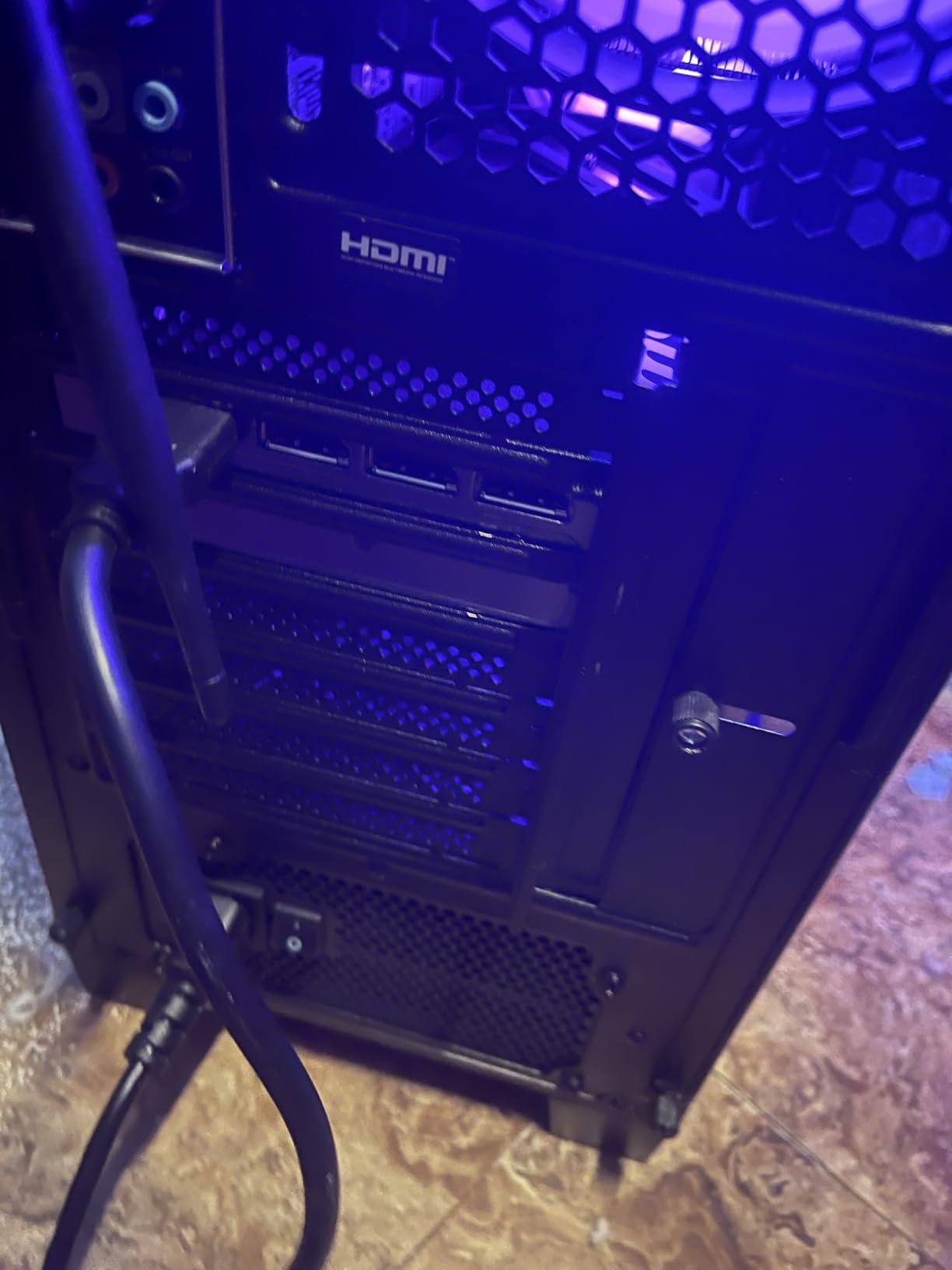
- Only one video output listed which limits a second monitor
- Two DIMM slots means future memory upgrades replace both sticks
- Listing mentions peripherals that the reviews say are not in the box
Storage is the reason this one earns a place. A 2TB drive means a large game library, local recording storage and a project folder for edited video all live on the same machine without constant cleanup, which is a real quality-of-life difference during a long session.
The RTX 5070 12GB on Blackwell brings a current-generation NVENC encoder, and that is what you want for a stream at a higher bitrate. Owners in reviews specifically praise running games and streaming software simultaneously on this configuration.
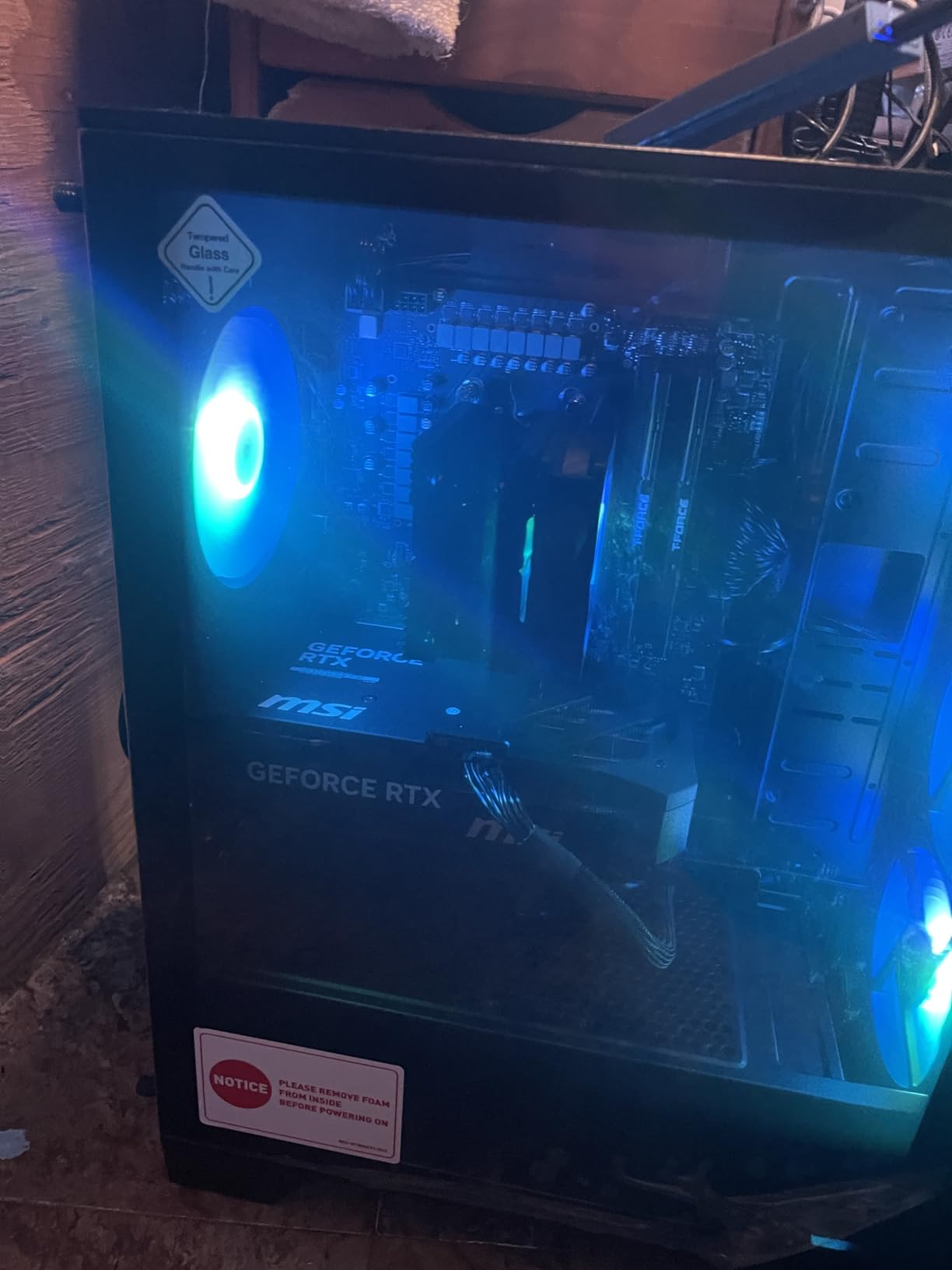
Thirty-two gigabytes of DDR5 at 6000MHz is unusually fast memory for a prebuilt, and it is well matched to the Ryzen 7 8700F. Eight cores and sixteen threads handle the game, the encoder workload and background tasks without becoming the bottleneck.
Cooling is handled by an ARGB air cooler plus four case fans, three at the front and one at the rear. On a desk near a microphone that is louder than a water-cooled tower, but it is manageable with sensible fan curves in MSI Center.
Who this streaming PC suits?
It suits streamers who record locally, edit video alongside broadcasting, or simply refuse to delete games. The 2TB drive and 32GB of fast memory make it comfortable for a creator workflow rather than a pure gaming one.
It also suits anyone who wants lighting they can control from software. The MSI LED button and MSI Center handle the RGB and performance profiles without digging through Windows settings mid-stream.
Who should look elsewhere?
The monitor output selection is the surprise. Reviews flag a single listed video output as the main reservation at this level, and that is a real problem for the two-monitor layout that most streamers end up using.
Two DIMM slots also mean that going to 64GB later requires replacing both sticks rather than adding to them. And the listing references a keyboard and mouse that owners report not being included, so budget for those separately.
We earn a commission, at no additional cost to you. CERTAIN CONTENT THAT APPEARS ON THIS SITE COMES FROM AMAZON. THIS CONTENT IS PROVIDED 'AS IS' AND IS SUBJECT TO CHANGE OR REMOVAL AT ANY TIME.
7. Olialia RTX 3060 Ti Tower – Best for 1440p on a Budget
Olialia Gaming PC Prebuilt, RTX 3060 Ti, AMD Ryzen 5 5500, 16GB RAM
★★★★★★★★★★Ryzen 5 5500 6-core
RTX 3060 Ti 8GB with DLSS
16GB DDR4
512GB SSD
- RTX 3060 Ti 8GB handles 1440p gaming and 1440p streaming
- 4.6 average with only 3 percent one-star feedback
- Multiple DisplayPort outputs plus HDMI for a multi-monitor desk
- Dual tempered glass panels and 6 adjustable RGB fans
- Dust filters and a multi-fan layout support quiet operation
- Ryzen 5 5500 is an older Zen 2 part that can bottleneck
- Only 512GB of storage fills quickly
- 16GB of DDR4 is the minimum comfortable amount
This tower is the one I would hand to someone who wants 1440p capability without moving up a tier. The RTX 3060 Ti 8GB has a capable NVENC encoder, and with DLSS available it holds smooth frame rates in demanding titles at 1440p while the stream runs.
It also has the smallest one-star share of any machine in this list at three percent, which is unusual for a prebuilt. Buyers describe it as a capable budget build that punches above its tier, and the criticism in reviews is about components rather than reliability.

The chassis is a compact dual-chamber mid-tower with tempered glass on two sides, six adjustable RGB fans and an RGB CPU cooler. It looks more like a showcase build than a budget box, which matters if the case is anywhere near your camera.
Built-in dust filters and a ventilated layout were designed with noise in mind, and that is a real consideration when a microphone is pointed at the same desk. Owners with a multi-monitor setup have multiple DisplayPort outputs plus HDMI to work with, which is more than most rivals offer.
Who this streaming PC suits?
It suits a streamer stepping up from an older console-era or office PC who wants 1440p streaming and modern graphics features in one package. The encoder means OBS can offload compression to the card and let the CPU breathe.
It also suits anyone who streams on a small desk. The compact dual-chamber design takes up less room than a full tower while still fitting a discrete graphics card.
Who should look elsewhere?
The Ryzen 5 5500 is an older Zen 2 part, and pairing it with a 3060 Ti can cause a bottleneck in demanding games. The stream stays smooth, but your in-game frame rate is the thing that gives first.
Storage is 512GB only, which modern game installs fill quickly, and 16GB of DDR4 is the minimum comfortable amount rather than the target. Plan to add both a larger SSD and a memory upgrade early. Connect your display cables to the lower GPU ports, which is a recurring note in owner reviews.
We earn a commission, at no additional cost to you. CERTAIN CONTENT THAT APPEARS ON THIS SITE COMES FROM AMAZON. THIS CONTENT IS PROVIDED 'AS IS' AND IS SUBJECT TO CHANGE OR REMOVAL AT ANY TIME.
8. Acer Nitro 60 RTX 5060 – Best for Compact Desks
acer Nitro 60 N60-640-UR21 Gaming Desktop | Intel Core i5-14400F 10-Core Processor | NVIDIA GeForce RTX 5060 Graphics (614 AI Tops) | 16GB DDR5 | 1TB PCIe Gen 4 SSD | Wi-Fi 6 | Gigabit Ethernet
★★★★★★★★★★Intel Core i5-14400F 10-core
RTX 5060 8GB 614 AI TOPS
1TB PCIe 4.0 NVMe
30-litre chassis
- 30-litre chassis is far smaller than a full tower
- 10 cores handle encoding plus gaming plus background tasks
- Three DisplayPort 2.1b plus one HDMI 2.1b
- 650W 80 Plus Gold power supply
- Standard Gigabyte mATX board with full BIOS access
- Acer software and McAfee come preinstalled
- Only a single 16GB DDR5 stick so XMP must be enabled in BIOS
- No keyboard or mouse in the box
- A few buyers reported a faulty power supply or a dead GPU
Thirty litres is the number that matters here. This fits on a small desk or under one, which no full tower in this list manages, and it still houses a discrete RTX 5060 rather than relying on integrated graphics. For an IRL or just-chatting streamer in a small room, that combination is the whole appeal.
The i5-14400F gives ten cores with boost to 4.7GHz. With NVENC handling the encode, those cores have room for the game, OBS, a browser and background apps, and the ARGB CPU cooler with copper heat pipes manages sustained loads quietly.
Display outputs are the standout spec: three DisplayPort 2.1b and one HDMI 2.1b means a multi-monitor streaming desk is easy to set up, with room for a controller monitor, a chat screen and a capture preview.
Worth knowing before you buy is what sits inside. Acer does not publish the internals clearly, and owners who documented them found a standard Gigabyte B760M mATX board and a Gigabyte RTX 5060, which reassures anyone worried about proprietary parts blocking upgrades.
Who this streaming PC suits?
It suits streamers with limited desk space, or anyone streaming from a home office where a full tower is not practical. A discrete GPU with hardware encoding in that footprint is unusual and genuinely useful.
It also suits buyers who care about future upgrades. A standard mATX board with full BIOS customization means memory, storage and graphics can all be replaced with ordinary parts later.
Who should look elsewhere?
Only a single 16GB DDR5 stick is included, and the rated speed only applies once XMP is enabled in the BIOS. Add a matching module before you stream, or the single-channel configuration will cost you frames.
Also expect to remove preinstalled software. Owners immediately uninstall the bundled Acer utilities and McAfee, which is a few minutes of work but a real annoyance on day one. The review base is small at 32 ratings, and a few buyers reported a faulty power supply or a graphics card that did not work on arrival, so keep the one-year parts and labor warranty close.
We earn a commission, at no additional cost to you. CERTAIN CONTENT THAT APPEARS ON THIS SITE COMES FROM AMAZON. THIS CONTENT IS PROVIDED 'AS IS' AND IS SUBJECT TO CHANGE OR REMOVAL AT ANY TIME.
9. Alienware Aurora ACT1250 RTX 5070 – Best for Onsite Service
Alienware Aurora Gaming Desktop, RTX 5070, Intel Core Ultra 7 265F
★★★★★★★★★★Core Ultra 7 265F 20-core
RTX 5070 12GB Blackwell
32GB DDR5 5200
One-year onsite Dell service
- Twenty cores handle streaming and heavy multitasking for hours
- RTX 5070 12GB with current-generation NVENC
- 32GB DDR5 for streaming and creative work
- AlienFX lighting zones with stadium lighting
- One-year onsite Dell service rather than return shipping
- Air cooling on a 450W design runs warm and audible
- 32GB is the listed maximum across two slots
- Only one HDMI video output listed
- One-star share of 13 percent on early units
The Intel Core Ultra 7 265F here has twenty cores, and that is more parallel headroom than any other machine in this list. When you are streaming a demanding game while running a browser with alerts, chat, Discord and local recording simultaneously, extra cores are what keep the broadcast stable.
The RTX 5070 12GB on Blackwell handles the encode and gives you a current NVENC implementation. Buyers point to this pairing as the reason the machine is comfortable for long sessions rather than short ones.
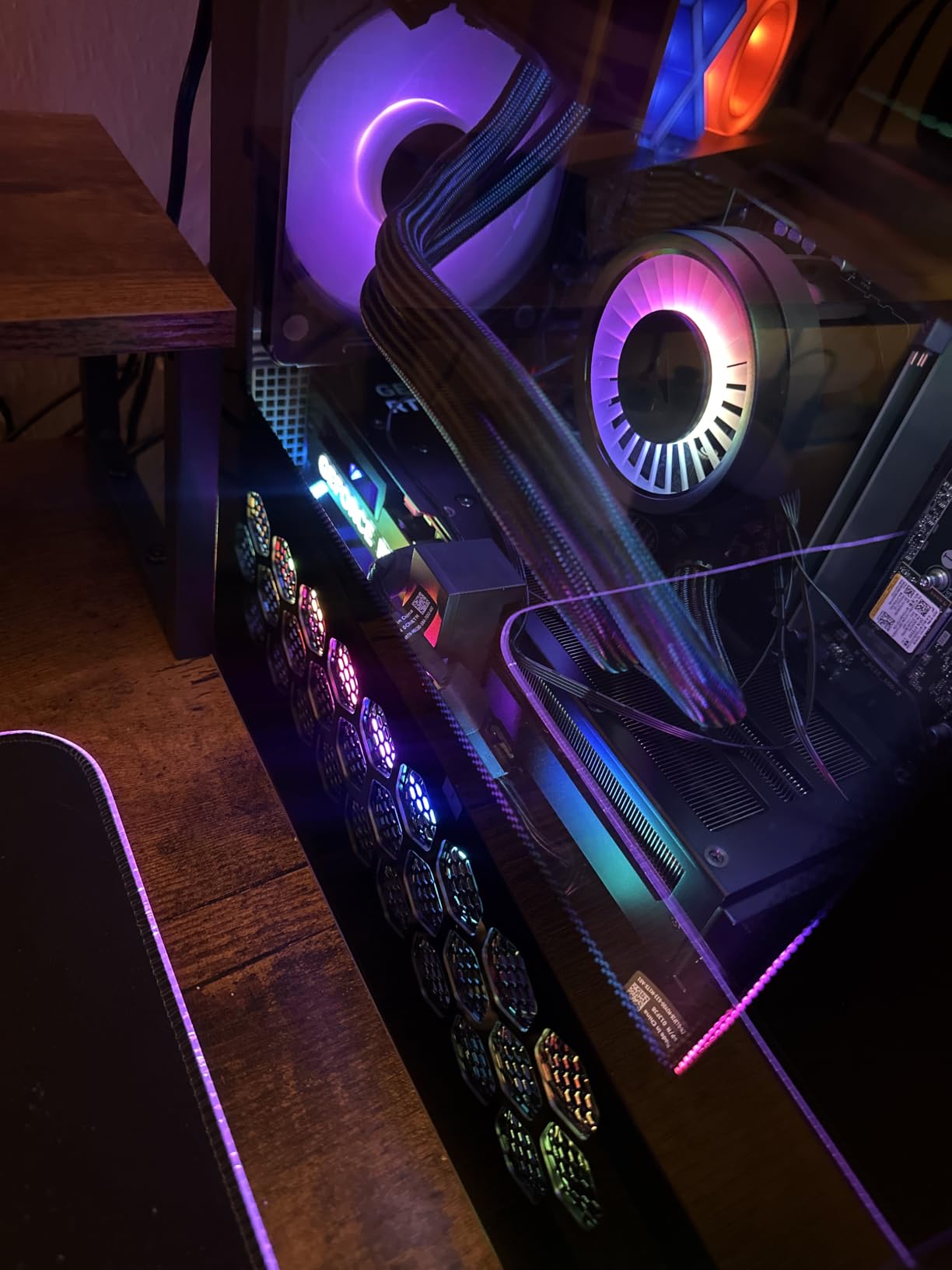
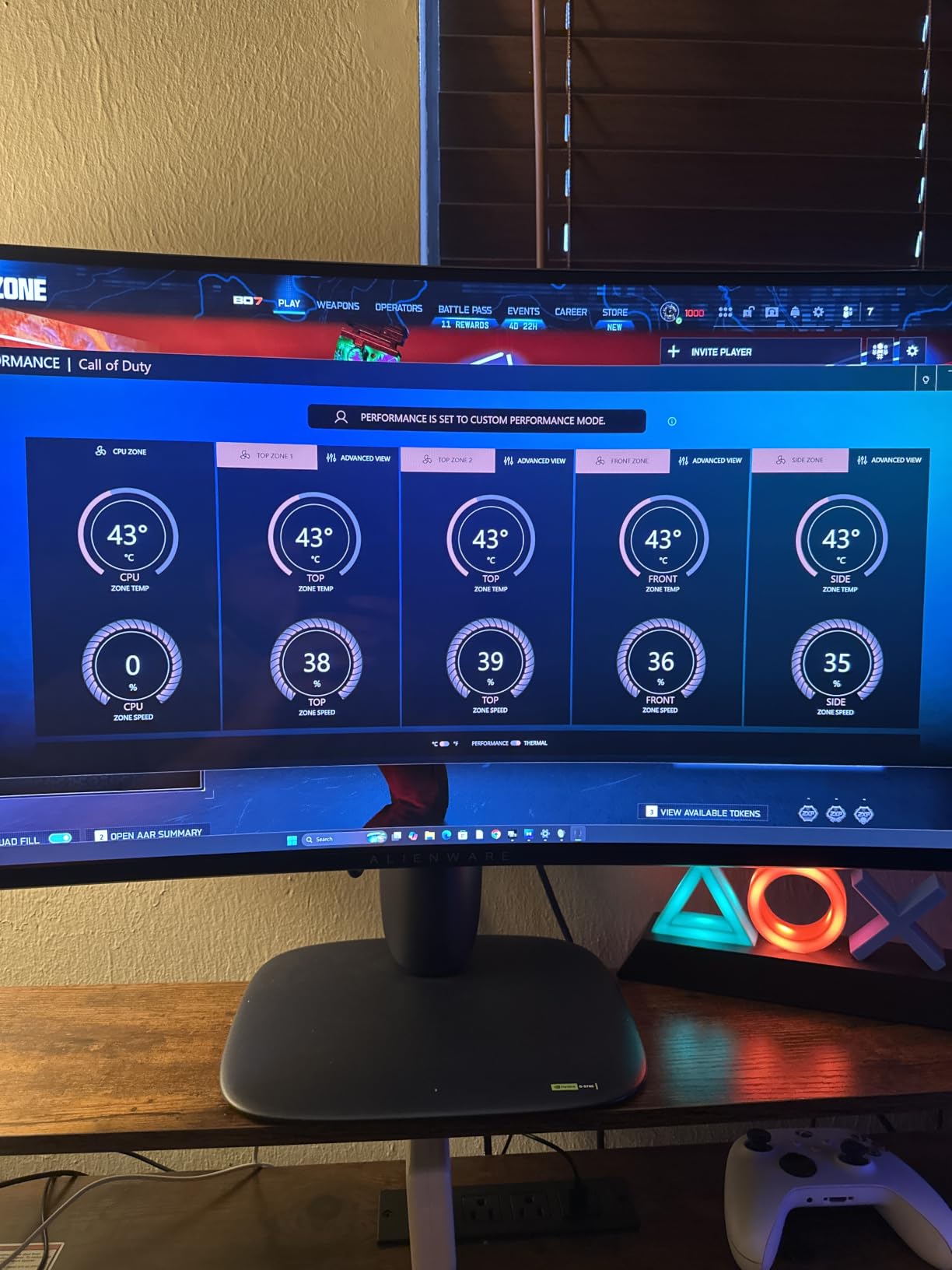
Thirty-two gigabytes of DDR5 at 5200MHz sits across two slots, which is comfortable for streaming and creative work. The chassis is matte basalt black with customisable AlienFX lighting zones including a stadium mode, and Alienware Command Center handles performance profiles.
The reason this one is here is the warranty rather than the specification. A one-year basic onsite Dell service means a fault is handled at your location instead of a return shipment, which for a machine you depend on every evening is a meaningful difference from a mail-in prebuilt.
Who this streaming PC suits?
It suits streamers who broadcast for hours and multitask heavily, and who want the raw core count to absorb it. Twenty cores also leave room for video editing or other background work on the same machine.
It suits anyone who prefers a finished, polished chassis with software-managed lighting and profiles, and who does not want to open the case. The Command Center approach is straightforward for a streamer who is not a builder.
Who should look elsewhere?
Air cooling on a 450W-class system means it runs warm and audible under sustained load, and noise near a microphone is a real issue for a 450W design. Reviewers mention both early hardware faults and sustained-load noise in their criticism.
Memory is capped at 32GB across two slots, and only one HDMI output is listed, which is limiting for a multi-monitor streaming desk. The 13 percent one-star share is the second highest here, so keep the packaging and test the system thoroughly early on.
We earn a commission, at no additional cost to you. CERTAIN CONTENT THAT APPEARS ON THIS SITE COMES FROM AMAZON. THIS CONTENT IS PROVIDED 'AS IS' AND IS SUBJECT TO CHANGE OR REMOVAL AT ANY TIME.
10. NINGMEI Ryzen 7 5700X RTX 5060 – Best 32GB Starter Tower
NINGMEI Prebuilt Gaming PC AMD Ryzen 7 5700X RTX 5060 8GB
★★★★★★★★★★Ryzen 7 5700X 8-core
RTX 5060 8GB encoder
32GB DDR4 in 4 slots
1TB NVMe and liquid cooling
- 32GB of DDR4 across four slots is rare at this tier
- Liquid cooling in a white tower keeps noise low
- ATX 3.0 power design supports future PCIe 5.0 cards
- Owners report high frame rates at 1440p once tuned
- One-year warranty plus lifetime technical support
- The graphics card is not pre-installed and a screwdriver is not included
- Graphics drivers need manual updating after first power-on
- Only one HDMI output and three legacy component outputs
- One buyer reported a motherboard failure after two hours
Thirty-two gigabytes of DDR4 across four memory slots is what sets this tower apart in its bracket. Most rivals in the same band ship 16GB, and for a streaming machine the memory is often the more valuable upgrade of the two.
The RTX 5060 8GB includes hardware encoding, so OBS can offload compression and leave the Ryzen 7 5700X free for the game and your background applications. Owners report good frame rates at 1440p once settings are tuned.
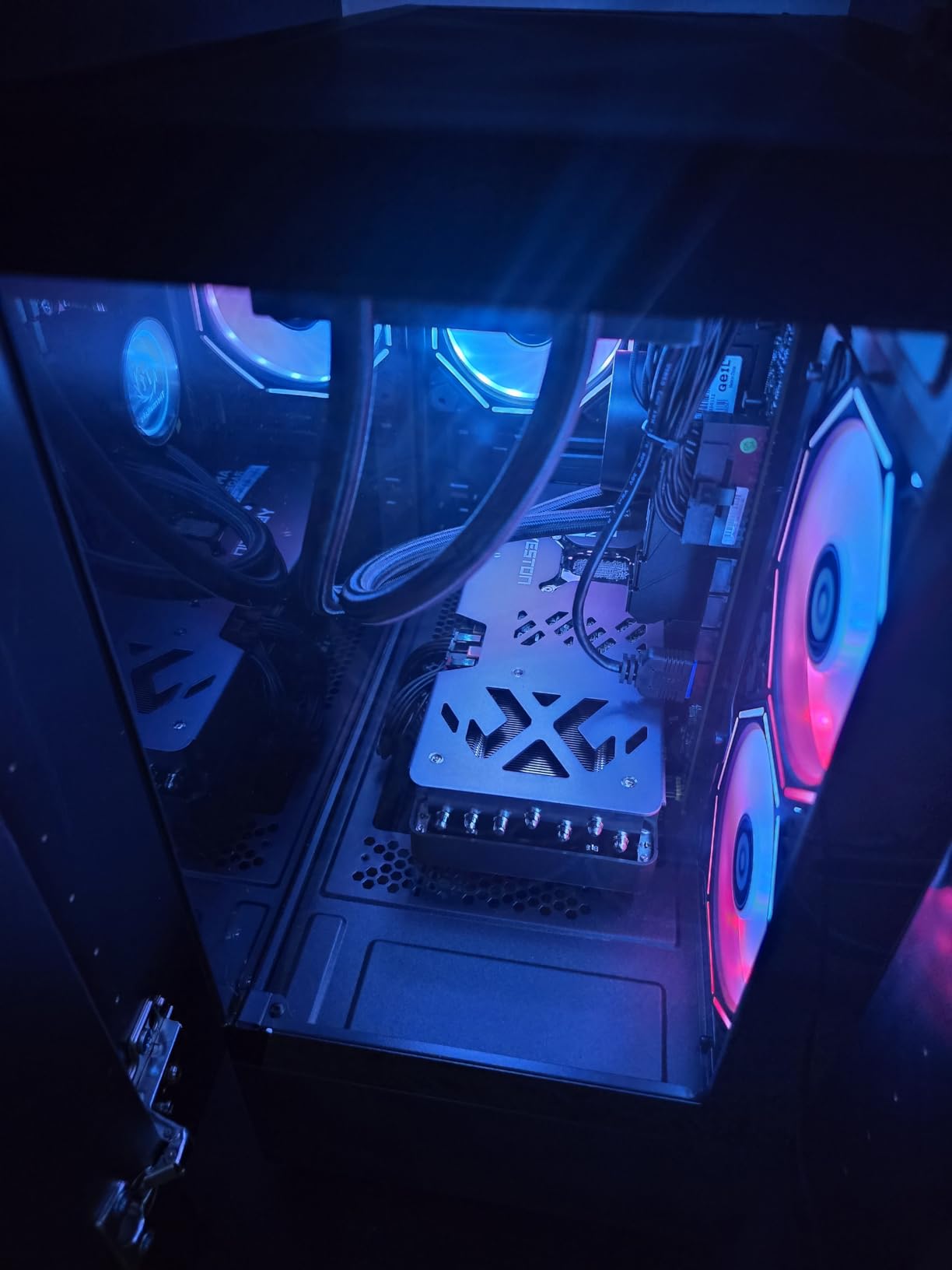
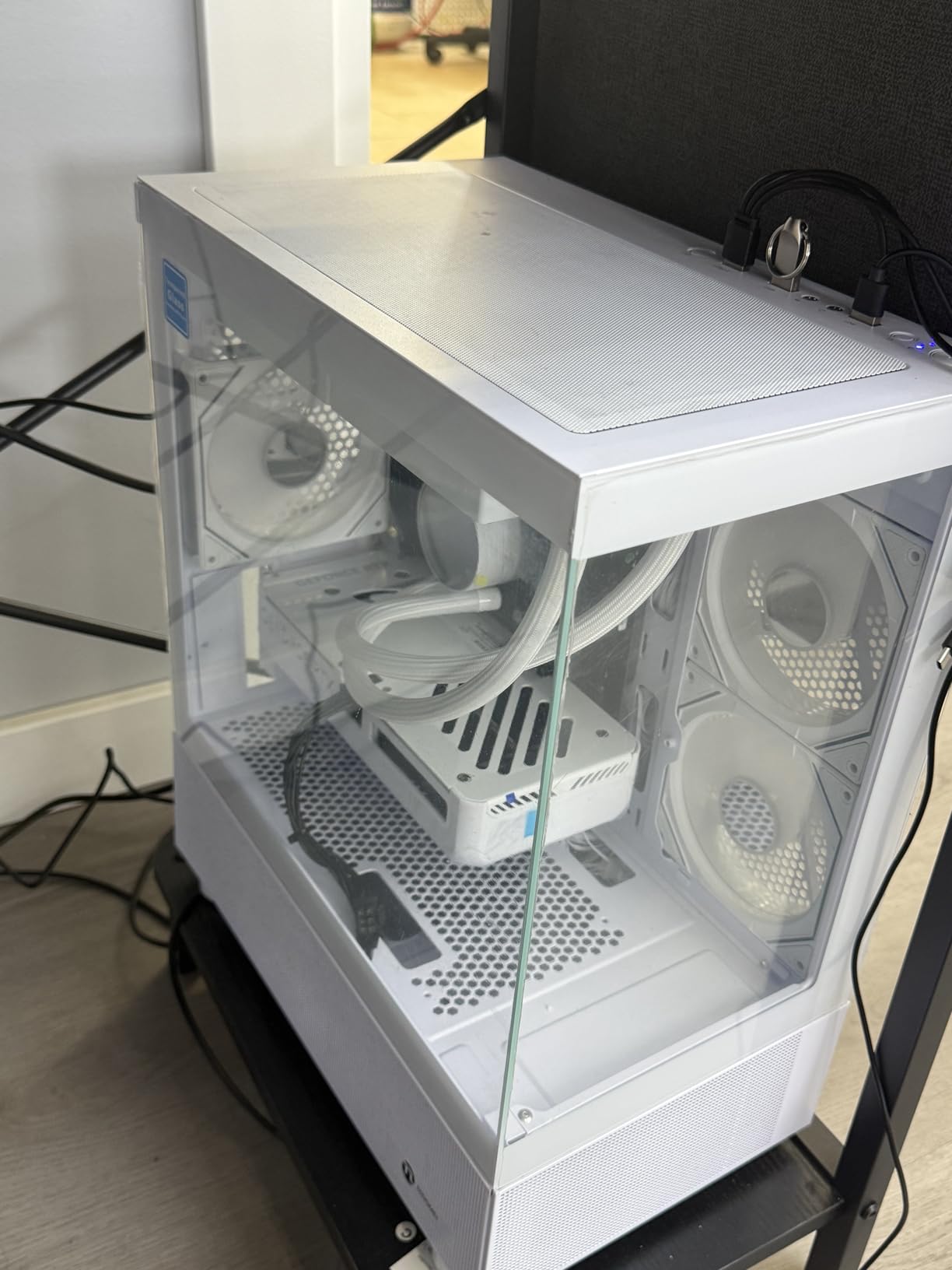
Liquid cooling in a white tower case is a nice touch for a streaming desk, because it keeps thermals and noise down during a long session. The ATX 3.0 power design also means a future PCIe 5.0 graphics card is supported when you decide to upgrade.
Read the setup notes before delivery day. The graphics card is not pre-installed in the chassis and must be fitted on arrival, and you will need a screwdriver, which is not included. Graphics drivers also need installing manually after first power-on.
Who this streaming PC suits?
It suits a streamer who wants 32GB of memory and liquid cooling at a modest outlay, and who is comfortable doing one small assembly job on arrival. If you have never built a PC, that last part is a real consideration.
The four memory slots and ATX 3.0 design also make it a good platform to grow into, with room to add storage or a stronger graphics card later rather than replacing the machine.
Who should look elsewhere?
If you want a machine that works straight out of the box, this is the wrong choice. Fitting the graphics card yourself and installing drivers on first boot is friction you do not need on the day you plan to go live.
Display outputs are also a problem for a dual-screen streaming desk, with one HDMI and three legacy component outputs that most modern monitors cannot use. The Ryzen 7 5700X is an older AM4 part, so CPU upgrades eventually mean a new platform, and a small number of buyers report early motherboard failure that accounts for the one-star share.
We earn a commission, at no additional cost to you. CERTAIN CONTENT THAT APPEARS ON THIS SITE COMES FROM AMAZON. THIS CONTENT IS PROVIDED 'AS IS' AND IS SUBJECT TO CHANGE OR REMOVAL AT ANY TIME.
11. Lenovo Legion Tower 5i RTX 5070 Ti – Best for 4K Workflows
Lenovo Legion Tower 5i – AI-Powered Gaming PC – Intel® Core Ultra 7 265F Processor – NVIDIA® GeForce RTX™ 5070 Ti Graphics – 32 GB Memory – 1 TB Storage – 3 Months of PC GamePass
★★★★★★★★★★Core Ultra 7 265F
RTX 5070 Ti 16GB
32GB DDR5 expandable to 128GB
2.5G Ethernet and Wi-Fi 6E
- RTX 5070 Ti with 16GB of VRAM leaves room for high-bitrate capture
- 32GB DDR5 expandable to 128GB for creator work
- 2.5G Ethernet plus Wi-Fi 6E helps with high bitrates
- Tool-less transparent side panel makes upgrades easy
- Higher rating than any other pick at 4.7
- The most expensive machine in this list
- Only 1TB of storage for large game libraries and video projects
- Air cooling to 180W is audible under sustained streaming load
- Small review base of 96 ratings limits long-term data
Sixteen gigabytes of video memory is the difference here. The RTX 5070 Ti gives you room to capture at high bitrates, keep heavy browser sources open, and still have headroom for local AI or editing work alongside a live broadcast, which no other machine in this list can do.
The network hardware matters more than most buyers realise. A 2.5G Ethernet port plus Wi-Fi 6E gives you a genuinely fast connection path to your router or switch, and pushing a high bitrate to a ingest server needs more upload headroom than a gigabit port offers.
Thirty-two gigabytes of DDR5 runs at 5600MHz and expands to 128GB, which makes this a creator machine rather than just a streaming machine. The Intel Core Ultra 7 265F provides the multi-core throughput for encoding, effects and multitasking.
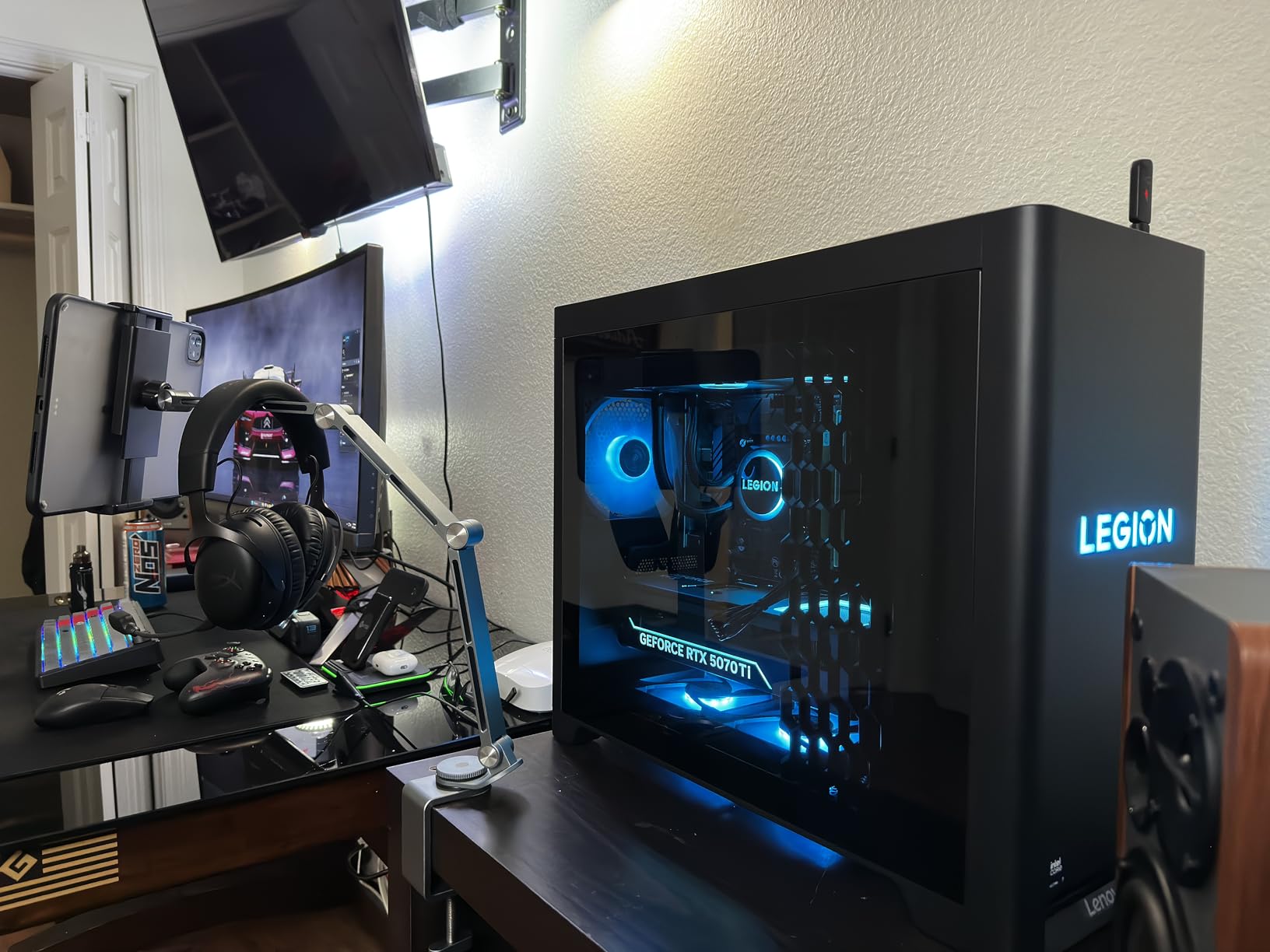
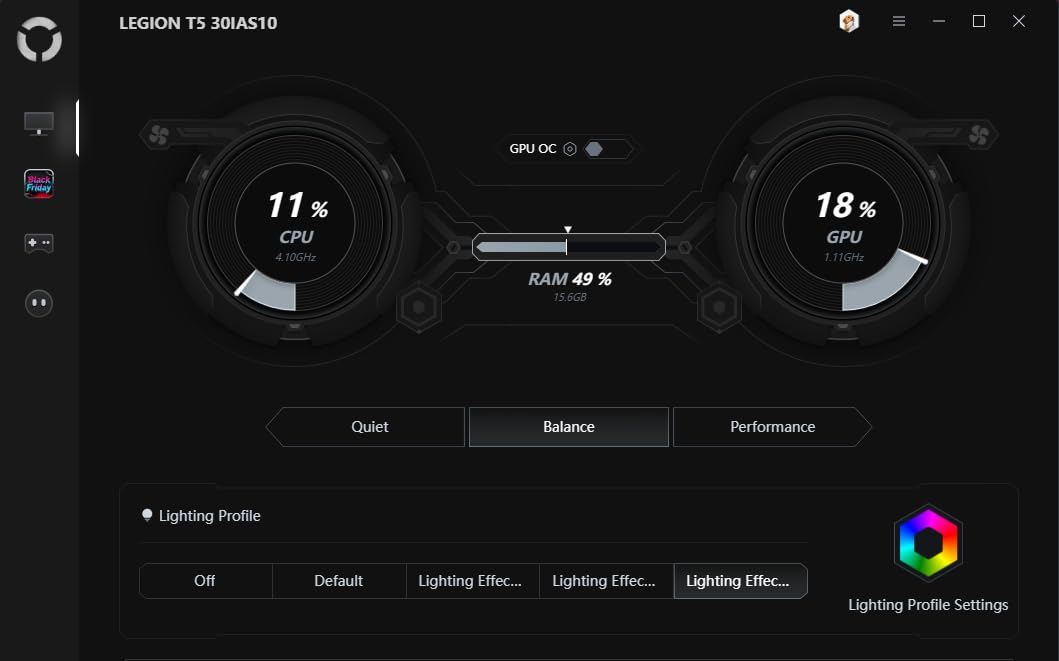
Legion’s design is practical for a streamer. A transparent tool-less side panel means you can open the case and swap components without tools, and the RGB lighting is customisable, which helps if the tower is on camera during a just-chatting stream.
Who this streaming PC suits?
It suits creators who broadcast and edit, or who want to push bitrates and stream quality beyond what a mainstream card allows. The 16GB pool also makes it a reasonable local AI or heavy-effects machine, which is a growing use case.
It also suits anyone who values a clean upgrade path with real headroom. Memory expands to 128GB, the side panel opens without tools, and 2.5G networking keeps future bandwidth needs covered.
Who should look elsewhere?
It is the most expensive machine here, and if gaming is the only goal that spend is hard to justify. A Ryzen 7 plus an RTX 5070 will stream a 1080p or 1440p broadcast perfectly well for far less.
Storage is 1TB only, which is modest for a machine aimed at large game libraries and video projects, so plan on adding an NVMe drive early. Air cooling to 180W will be audible under sustained streaming load, and the 96-rating review base is the thinnest among the well-reviewed picks, so treat the rating as encouraging rather than conclusive.
We earn a commission, at no additional cost to you. CERTAIN CONTENT THAT APPEARS ON THIS SITE COMES FROM AMAZON. THIS CONTENT IS PROVIDED 'AS IS' AND IS SUBJECT TO CHANGE OR REMOVAL AT ANY TIME.
12. ZYNEEX S5 Ryzen 5 5500 RTX 3050 – Best for a First Stream
ZYNEEX Prebuilt Gaming Desktop PC, AMD Ryzen 5 5500, GeForce RTX 3050 6GB,16GB DDR4 3200MHz RAM, 1TB NVMe SSD, ARGB Air Cooling, Wi-Fi,Tower Computer for Gaming, Streaming, Editing
★★★★★★★★★★Ryzen 5 5500 6-core
RTX 3050 6GB NVENC
16GB dual-channel DDR4
1TB NVMe and Wi-Fi
- RTX 3050 6GB includes NVENC for genuine 1080p streaming
- 1TB NVMe is generous at this entry level
- 16GB of dual-channel DDR4 handles a game plus streaming software
- HDMI and DisplayPort outputs allow a dual-screen desk
- A screwdriver and user manual are included in the box
- 6GB of VRAM limits recording at higher resolutions
- Only two expansion slots for extra storage or cards
- Ryzen 5 5500 is an older AM4 part with no clear upgrade path
- Rating rests on a small 58-rating sample
This is the machine I would point at when someone asks how to start streaming for the least. The RTX 3050 6GB includes NVENC hardware encoding, which turns it from a gaming box into a genuinely usable 1080p streaming PC rather than the bargain bin.
What stands out against other entry builds is the memory. Sixteen gigabytes of DDR4 at 3200MHz is installed as dual-channel, not a single stick, and dual-channel is exactly the configuration that first-time buyers get wrong on cheaper machines and then chase stutter for months.
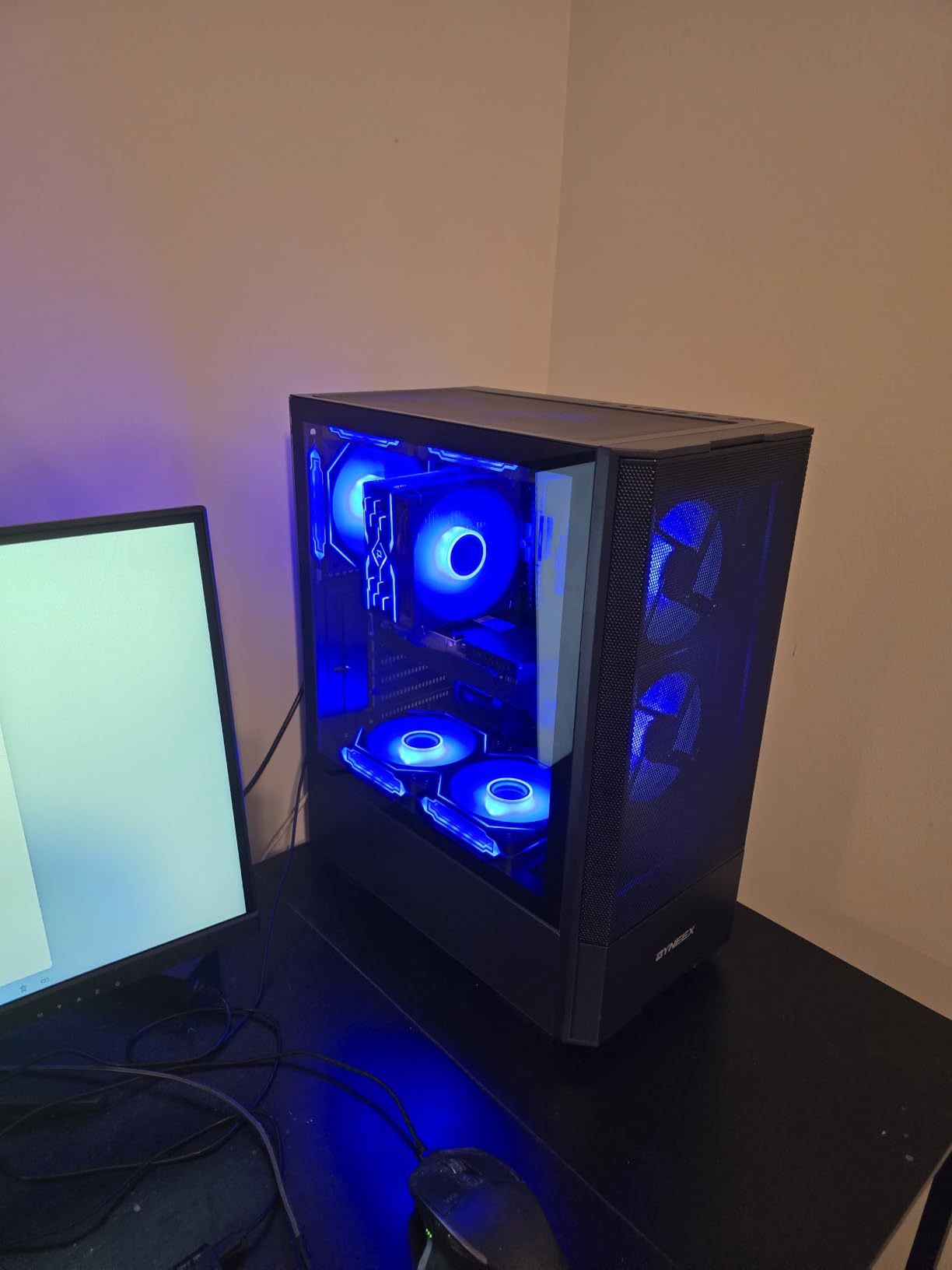
The 1TB NVMe drive is unusually generous at this level, and with ten USB ports plus HDMI, DisplayPort and DVI outputs you have flexibility for a dual-screen streaming desk. Wi-Fi and Bluetooth are built in, and Windows 11 comes preinstalled.
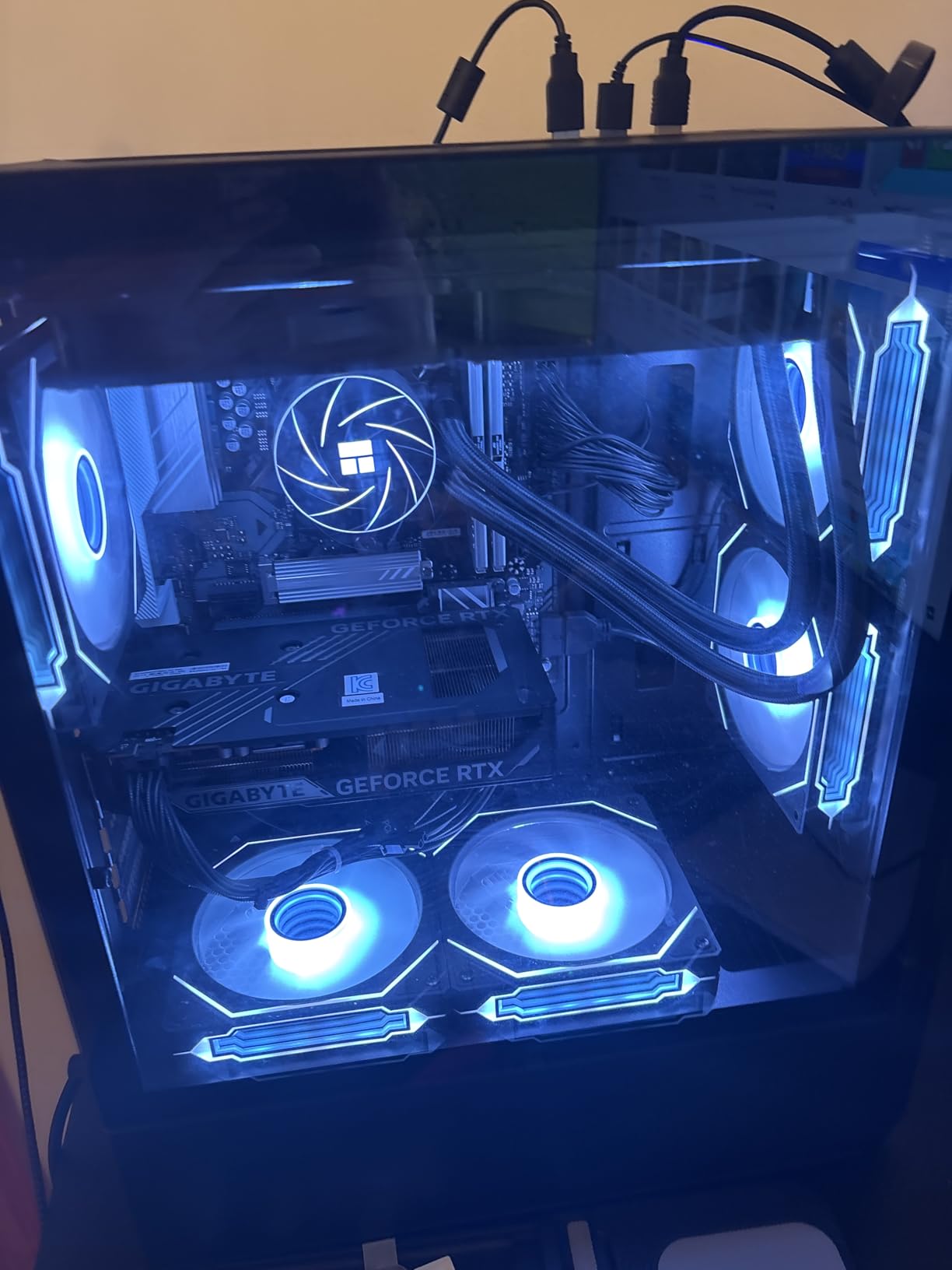
Cooling is a multi-fan ARGB air setup that owners describe as low noise during long sessions. A screwdriver and user manual are in the box, which sounds minor until you are trying to add memory at midnight before your first stream.
Who this streaming PC suits?
It suits someone on their first stream who needs a dedicated GPU with hardware encoding and nothing more. At 1080p60 with sensible bitrate settings, the RTX 3050 does its job without touching the CPU.
It also suits anyone building a secondary machine for chat, alerts or a second monitor, where the dedicated encoder and dual-channel memory do the heavy lifting for a small outlay.
Who should look elsewhere?
Six gigabytes of VRAM is the main limitation for recording at higher resolutions alongside demanding games, and only two expansion slots limits how much storage or extra hardware you can add later.
The Ryzen 5 5500 is an older AM4 part, so there is no straightforward path to a newer platform, and the 4.6 average rests on 58 ratings, which is a much smaller sample than most listings here. It is a sensible first machine rather than a long-term one.
We earn a commission, at no additional cost to you. CERTAIN CONTENT THAT APPEARS ON THIS SITE COMES FROM AMAZON. THIS CONTENT IS PROVIDED 'AS IS' AND IS SUBJECT TO CHANGE OR REMOVAL AT ANY TIME.
What to Look for in a Streaming PC?
CPU: cores matter more than clock speed
Eight cores is a sensible floor for a streaming machine and twelve is comfortable, because the CPU is running the game, OBS, your browser sources, alerts and voice chat at the same time. Modern Ryzen 5 and Ryzen 7 chips hit that mark, and the X3D variants add cache that helps in games while encoding.
The common mistake is overspending here. Forum consensus on r/buildapc was near-universal on this point: once a hardware encoder is doing the compression, extra processor power rarely fixes a stuttering stream. Spend on the GPU and memory instead.
GPU and the hardware encoder: NVENC, AV1 and AMF
NVENC is NVIDIA’s dedicated encoder built into GeForce cards, and it is the most straightforward option in OBS Studio. It uses fixed bitrate quality presets rather than a quality slider, which is a matter of taste, and it adds a small amount of encoding latency.
AV1 is the newer, more efficient codec supported on recent GeForce hardware, and it produces a cleaner picture at a lower bitrate than H.264. If you are broadcasting text-heavy content or a detailed game, the efficiency gain is visible to viewers.
AMF is AMD’s equivalent hardware encoder on Radeon cards, and it has improved substantially. It is a perfectly good choice for 1080p streaming, and the machine in this list using it is a legitimate option. For higher resolutions and more codec flexibility, NVIDIA still leads.
Quick Sync is Intel’s hardware encoder, which appears as an option in OBS on machines with Intel graphics. It is a fallback rather than a target, and a discrete card with a dedicated encoder is the better direction for a streaming build.
RAM and storage: where the complaints come from?
Thirty-two gigabytes is the amount we would target, and the reason is simple arithmetic. A modern game, OBS Studio, a browser with several sources open, Discord and music software will consume that together, and sixteen gigabytes leaves very little room before you are closing applications mid-stream.
Dual-channel matters as much as the total. A single 16GB stick runs at half the memory bandwidth of a matched 16×2 pair, and streamers describe exactly that symptom as stutter under load. Several prebuilts in this list ship a single stick, so check before you buy and plan to add a matching module.
For storage, a 1TB NVMe drive is the minimum in 2026. Modern game installs are large, and OBS also writes local recordings that eat space quickly. A second NVMe drive is a cheap way to keep your capture files off the drive holding your operating system.
One PC or two for streaming
One modern PC is enough for almost everyone. A machine with a Ryzen 7 class processor, a discrete GPU with hardware encoding and 32GB of memory will run a game and a broadcast at the same time, which is why nine of the twelve machines here are single-PC solutions.
A dual-PC setup, with one machine gaming and a second dedicated to encoding, makes sense in two situations: streaming several destinations at once, or playing a demanding game at maximum settings while broadcasting. It doubles your hardware cost and needs a capture card, a second capture device and a second set of peripherals to manage.
For a first stream or a solo channel, the complexity is not worth it. If you need guidance on the peripherals side, our streaming devices guide covers capture cards and related hardware, and our streaming cameras roundup handles the camera side of the desk.
Prebuilt versus custom build
Prebuilts are increasingly competitive on price, and the forum view has shifted accordingly. Several machines here are assembled in the USA with lifetime technical support, and a one-year parts and labor warranty is standard. The trade is that you inherit someone else’s component choices.
Watch for preinstalled trial software, single-stick memory, proprietary power supplies and limited monitor outputs. Those are the specific complaints that appear repeatedly, and they are all things you can check before buying rather than discover afterwards.
Upload speed and stream settings
No PC fixes an upload problem. As a rough guide, 1080p60 needs around 10 Mbps of stable upload, 1440p60 wants roughly 20 Mbps, and 4K60 needs closer to 50 Mbps. Anything below that produces buffering on the viewer’s end no matter how fast the encoder is.
Use a constant bitrate rather than variable for live work, set the keyframe interval to two seconds, and enable the hardware encoder in OBS Studio. A 2.5G Ethernet connection, as on the Legion Tower 5i in this list, gives you the option to push higher bitrates when your connection allows it.
One more note for small spaces. If you are not interested in a full tower, our mini PC guide covers the small-form-factor alternative, though note that most mini PCs rely on integrated graphics and handle encoding differently from the dedicated cards in this list.
Frequently Asked Questions
What PC do most streamers use?
Most streamers use a single desktop with a Ryzen 7 or Core Ultra class processor, a GeForce RTX card with NVENC hardware encoding, and 32GB of DDR5 memory. The GPU handles video compression on dedicated silicon, which frees the CPU to run the game, OBS Studio and a browser at the same time.
How much is a decent streaming PC?
A decent streaming PC needs a dedicated GPU with a hardware encoder, a six to eight core processor and 32GB of memory. Entry machines with an RTX 3050 handle 1080p60 broadcasts, RTX 5060 Ti and RTX 5070 models cover 1440p, and a 5070 Ti covers high bitrate and 4K workflows.
Is 32GB of RAM good enough for streaming?
Yes, 32GB is the amount we would target. A modern game, OBS Studio, browser sources, Discord and music software will fill 16GB quickly, and streamers commonly report stutter when memory runs short. Make sure the memory is a matched pair so it runs in dual-channel.
How good does a streaming PC need to be?
Good enough to run your game and OBS Studio simultaneously without frame drops. In practice that means a six to eight core processor, a discrete GPU with a hardware encoder, 32GB of memory and a 1TB NVMe drive. Below that, you will close applications mid-stream to protect frame rate.
What is the best PC build for streaming?
A Ryzen 7 or Intel Core Ultra 7 processor, a GeForce RTX 5060 Ti or RTX 5070 for NVENC encoding, 32GB of DDR5 memory installed as a matched 16×2 pair, and a 1TB or 2TB NVMe drive. A 650W 80 Plus Gold power supply gives you room to upgrade the graphics card later.
Do I need a dedicated streaming PC or can I use one PC?
One PC is enough for almost every streamer. A dual-PC setup only makes sense if you are broadcasting to several destinations at once, or running a demanding game at maximum settings. A second machine adds hardware cost, a capture card and more peripherals to manage.
Are pre-built PCs worth it in 2026?
Pre-built PCs are increasingly competitive on price, and several in this list include a one-year parts and labor warranty with lifetime technical support. Check for preinstalled trial software, single-stick memory and limited monitor outputs before you buy, since those are the most common complaints.
What upload speed do I need to stream?
As a rough guide, 1080p60 needs about 10 Mbps of stable upload, 1440p60 wants roughly 20 Mbps, and 4K60 needs closer to 50 Mbps. Use a constant bitrate in OBS Studio, set the keyframe interval to two seconds and connect over Ethernet where you can.
Final Verdict
The iBUYPOWER Element with the Ryzen 9 7900X and RTX 5070 is the best streaming PC in this list, and the reason is headroom: twelve cores, 12GB of video memory, 32GB of matched DDR5 and water cooling all working together so you never think about the machine while you are live.
If you want to spend less without giving up 32GB of memory, the Skytech Crystal is the better value and carries the strongest rating among the midrange picks. First stream on a smaller budget, the CyberPowerPC gives you the display outputs most streamers need, and the ZYNEEX S5 is a serviceable entry machine with a real hardware encoder.
Before you commit, check the memory configuration and the video outputs. Those two specs cause more streaming problems than any amount of processor power. Whichever machine you pick, budget for a microphone and lighting before you budget for more graphics.