
The PS5 can drive a 4K picture at 120 frames per second with variable refresh rate, and almost no budget monitor gives you all three at once. That gap between what the console outputs and what a screen accepts is the reason so many PS5 owners end up playing at 4K 60Hz on a screen that was never the problem. Getting the best gaming monitors for PS5 right comes down to four things: native 4K, a 120Hz panel, an HDMI 2.1 port with real bandwidth behind it, and an HDR mode that does something visible.
We went through the current display market line by line and narrowed it to twelve screens that actually meet the console’s requirements, then ranked them on the things buyers complain about later. Panel type, port bandwidth, stand adjustability and how the monitor behaves when HDR is switched on all mattered, because the console is only half the equation. The other half is whether the screen treats 120Hz as a headline spec or a real mode.
One thing to settle before reading on: 120Hz is the ceiling for the PS5. Anything above that number is headroom for a PC you might plug into the same screen, and buyers who only play on the console are paying for refresh rate they cannot see. Our picks are sorted with that in mind, and the full spec comparison sits further down if you want to skip the individual reviews.
For broader coverage beyond console use, our general best monitors guide covers desk and productivity picks, and the best gaming monitors roundup goes deeper on competitive PC setups.
Table of Contents
- Quick Picks for the Best Gaming Monitors for PS5 in 2026
- Top 3 Picks for the Best Gaming Monitors for PS5 (September 2026)
- Every Pick Compared Side by Side in 2026
- 1. KOORUI G2741L 27-inch 4K Dual Mode – Best Overall PS5 Monitor
- 2. SANSUI ES-G27D1U 27-inch 4K Dual Mode – Best Value 4K PS5 Monitor
- 3. CRUA CR320QC 32-inch 4K 1500R – Best 32-inch Curved PS5 Monitor
- 4. SANSUI ES-G27F2Q 27-inch 1440p 200Hz – Best 1440p PS5 Monitor for Shooters
- 5. KTC H27T22C-3 27-inch 1440p 220Hz – Best Budget PS5 Monitor
- 6. Amzfast AMZG32C3U 32-inch 4K 120Hz – Best PS5 Port Match
- 7. ASUS TUF VG27AQ3A 27-inch 1440p 180Hz – Best for Competitive Play
- 8. Acer Nitro KG271U 27-inch 1440p 180Hz – Best Color on a Budget
- 9. LG 27GS60QC-B 27-inch 1440P 1000R – Best Curved Competitive PS5 Monitor
- 10. Dell S2725QS 27-inch 4K 120Hz – Best 4K 120Hz with a Fully Adjustable Stand
- 11. ASUS ROG PG32UCDM 32-inch 4K QD-OLED – Best for Movie Night HDR
- 12. Samsung Odyssey G5 27-inch 1440p 180Hz – Best 1440p All-Rounder
- 4K vs 1440p for PS5: Which Should You Buy?
- Is 240Hz Overkill for a PS5?
- Why Ultrawide Monitors Are the Wrong PS5 Purchase?
- 27-Inch vs 32-Inch: Sizing for Desk Distance
- PS5 vs PS5 Pro: How the Monitor Math Changes?
- Do You Need OLED for a PS5 Monitor?
- HDMI 2.1 and the Bandwidth Trap
- How to Set Up Your PS5 for 120Hz, HDR and VRR?
- Frequently Asked Questions
- Final Verdict: The Best Gaming Monitors for PS5 in 2026
Quick Picks for the Best Gaming Monitors for PS5 in 2026
Best overall: KOORUI G2741L 27-inch 4K dual mode – one panel switches between 4K 160Hz and FHD 320Hz, and it holds both.
Best value: SANSUI ES-G27D1U 27-inch 4K dual mode – brighter 400 nit panel, built-in speakers and a full height and pivot stand.
Best budget: KTC H27T22C-3 27-inch 1440p – 450 nits of brightness, built-in speakers and a three year warranty.
Best for PS5 Pro owners: Amzfast AMZG32C3U 32-inch 4K 120Hz – dual HDMI 2.1 FRL ports carrying 4K 120Hz with VRR.
Best for small desks: Dell S2725QS 27-inch 4K 120Hz – a 27 inch 4K panel with a fully adjustable stand and no ultrawide wasted space.
Top 3 Picks for the Best Gaming Monitors for PS5 (September 2026)

KOORUI G2741L 27 inch 4K Dual Mode
- 4K 160Hz or FHD 320Hz dual mode
- 1ms Fast IPS response with 350 nits
- 2x HDMI 2.1 and DisplayPort 1.4

SANSUI ES-G27D1U 27 inch 4K Dual Mode
- 400 nit Fast IPS with 126 percent sRGB
- 2x HDMI 2.1 and 2x DisplayPort 1.4
- Built-in speakers and 130mm height adjustment

KTC H27T22C-3 27 inch 1440p
- 1440p Fast IPS up to 220Hz over DisplayPort
- 450 nits with 131 percent sRGB
- Built-in speakers and a three year warranty
Every Pick Compared Side by Side in 2026
| Product | Key Specs | Pricing |
|---|---|---|
| KOORUI G2741L 27 inch 4K Dual Mode |
|
Check Latest Price |
| SANSUI ES-G27D1U 27 inch 4K Dual Mode |
|
Check Latest Price |
 CRUA CR320QC 32 inch 4K 1500R CRUA CR320QC 32 inch 4K 1500R |
|
Check Latest Price |
 SANSUI ES-G27F2Q 27 inch 1440p SANSUI ES-G27F2Q 27 inch 1440p |
|
Check Latest Price |
| KTC H27T22C-3 27 inch 1440p |
|
Check Latest Price |
 Amzfast AMZG32C3U 32 inch 4K 120Hz Amzfast AMZG32C3U 32 inch 4K 120Hz |
|
Check Latest Price |
 ASUS TUF VG27AQ3A 27 inch 1440p ASUS TUF VG27AQ3A 27 inch 1440p |
|
Check Latest Price |
 Acer Nitro KG271U 27 inch 1440p Acer Nitro KG271U 27 inch 1440p |
|
Check Latest Price |
 LG 27GS60QC-B 27 inch 1440P 1000R LG 27GS60QC-B 27 inch 1440P 1000R |
|
Check Latest Price |
 Dell S2725QS 27 inch 4K 120Hz Dell S2725QS 27 inch 4K 120Hz |
|
Check Latest Price |
 ASUS ROG PG32UCDM 32 inch 4K QD-OLED ASUS ROG PG32UCDM 32 inch 4K QD-OLED |
|
Check Latest Price |
 Samsung Odyssey G5 27 inch 1440p Samsung Odyssey G5 27 inch 1440p |
|
Check Latest Price |
1. KOORUI G2741L 27-inch 4K Dual Mode – Best Overall PS5 Monitor
KOORUI 27″ 4K Gaming Monitor – Dual Mode UHD 160Hz or FHD 320Hz, Fast IPS 1ms, FreeSync Premium & G-SYNC Compatible, HDMI 2.1/DP 1.4, HDR400, Height/Pivot/Tilt Adjustable, PC & Console Ready, G2741L
★★★★★★★★★★27 inch Fast IPS
4K 160Hz or FHD 320Hz dual mode
1ms response and 350 nits
2x HDMI 2.1
- Switch between 4K 160Hz and FHD 320Hz on one panel
- Fast 1ms IPS response with 350 nits and 95 percent DCI-P3
- Height tilt and pivot adjustable stand
- Sharp 4K picture with smooth motion
- Very large review base across the line
- HDR400 adds little in real high dynamic range content
- Some units show a brief brightness flash with adaptive sync on
- Stand is basic so a monitor arm is an upgrade
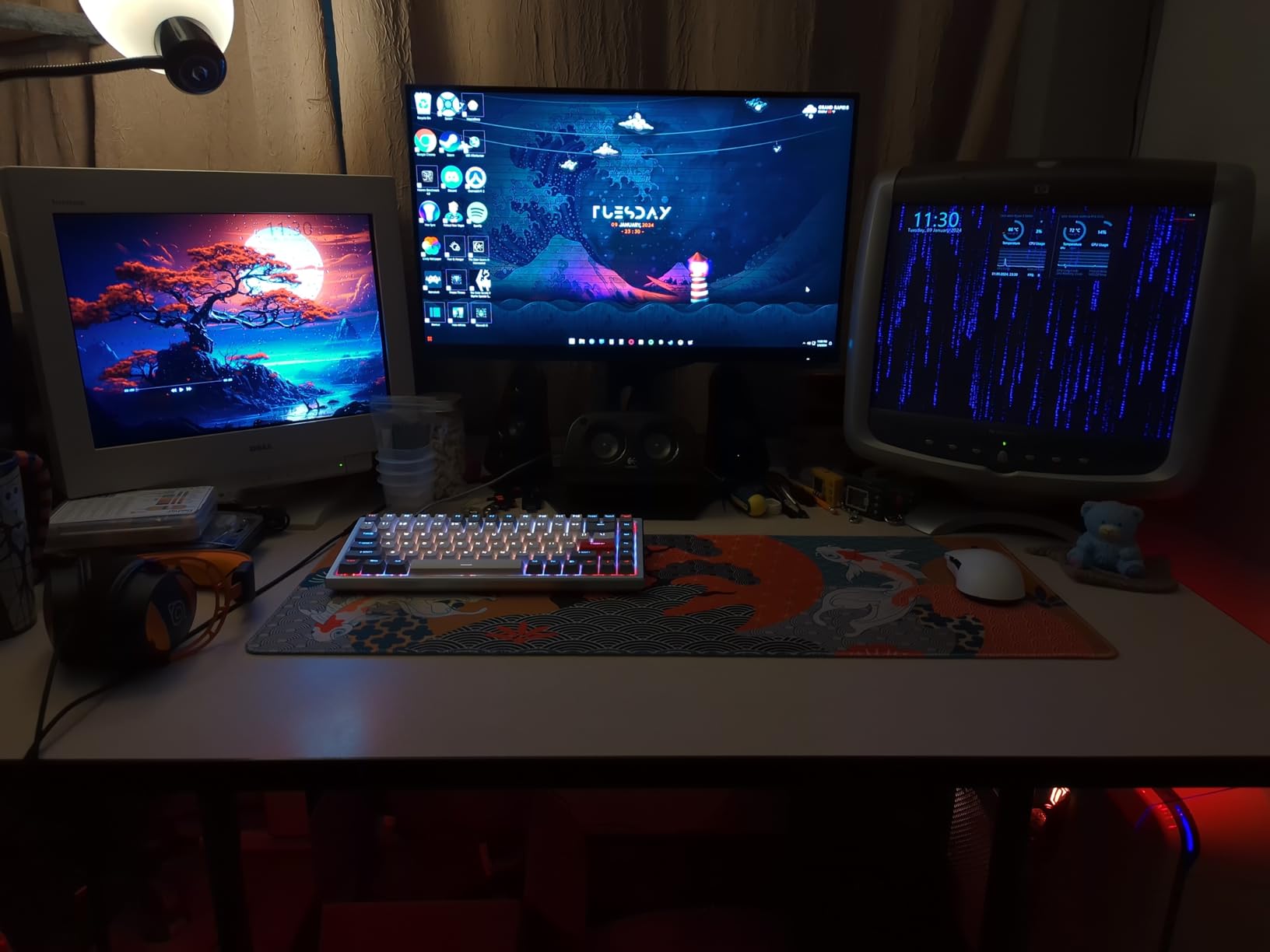
This is the monitor we kept coming back to while building the list. The dual-mode switch is the part that matters: one button moves the panel between 4K 160Hz and FHD 320Hz, so a PS5 game runs at native 4K while a fast PC session can drop resolution and chase refresh rate on the same screen. Most competing panels pick one of those and ignore the other.
For the console specifically, the Fast IPS panel handles 4K 120Hz without any of the softness that a downscaled 1440p mode introduces. Brightness of 350 nits and 95% DCI-P3 coverage give a solid SDR picture, and the 1ms response rating means motion in a shooter stays clean without visible trails. Owners report a sharp picture and smooth motion, and the review volume here is far larger than anything else in this roundup.
Connectivity is the second reason it ranks first. Two HDMI 2.1 ports and a DisplayPort 1.4 input cover a PS5, a PC and a streaming stick without a hub, and both HDMI ports sit on the PS5-facing side of the chassis. The stand adjusts for height, tilt and pivot, which matters more than it sounds when you are trying to line a 4K panel up with a console that lives below the desk.
Two caveats worth knowing. The HDR400 badge is entry level, so HDR games look brighter but not meaningfully more dynamic than SDR on this panel, and a small number of buyers report panel defects appearing a few months after purchase once the return window had closed.
What to check before you buy this KOORUI?
Decide which mode you will actually live in. If the PS5 is your only machine, 4K 160Hz mode is the one you want, and the FHD 320Hz path is a bonus for a future PC rather than a reason to pick this screen. If you plan to game on PC every day, the mode switch is the single most useful feature on the list.
Also check the adaptive sync flash issue. A small number of units show a momentary brightness flicker when FreeSync is active, and turning adaptive sync off in the OSD resolves it. It is worth testing in the first week while you are still inside the return window.
Who should pick something else?
If HDR is the main thing you care about, an HDR400 panel is going to leave you disappointed no matter how good the rest of the specification looks. The ASUS ROG PG32UCDM later in this list is a different class of panel for HDR and for cinematic single-player games.
If you also want to sit back at a distance rather than work at a desk, a 27-inch panel is the wrong shape. The 32-inch picks on this list give you more screen for the same desk depth, and a large OLED television is the better call entirely for living-room play.
We earn a commission, at no additional cost to you. CERTAIN CONTENT THAT APPEARS ON THIS SITE COMES FROM AMAZON. THIS CONTENT IS PROVIDED 'AS IS' AND IS SUBJECT TO CHANGE OR REMOVAL AT ANY TIME.
2. SANSUI ES-G27D1U 27-inch 4K Dual Mode – Best Value 4K PS5 Monitor
SANSUI 27″ 4K Gaming Monitor, UHD 160Hz or FHD 320Hz Dual Mode PC Monitor- Fast IPS 1ms(OD) 丨2×HDMI2.1丨2×DP 1.4丨Built-in Speakers丨Eye Care丨AI Crosshair丨PIP/PBP丨HDR400丨Rotating/Height Adjustable
★★★★★★★★★★27 inch Fast IPS
4K 160Hz or FHD 320Hz dual mode
400 nits and 93 percent DCI-P3
2x HDMI 2.1
- Dual-mode 4K 160Hz and FHD 320Hz in a single panel
- 400 nit panel with 126 percent sRGB and 93 percent DCI-P3
- 2x HDMI 2.1 plus 2x DisplayPort 1.4
- Built-in speakers reduce desk clutter
- Gaming assists including crosshair and sniper scope
- Console output caps the monitor below its headline refresh rate
- White colorway only
- HDR400 is a basic tier with modest impact
This is the same dual-mode concept as our top pick with a brighter panel and a more complete stand, and for many buyers it is the smarter version of the same idea. The 400 nit brightness gives HDR games and bright desktop content more headroom than most IPS panels at this level, and the color coverage at 126% sRGB is genuinely wide.
Port selection is unusually generous for a display in this class. Two HDMI 2.1 inputs and two DisplayPort 1.4 inputs mean a PS5, a PC and a handheld console can all be plugged in permanently, and PIP and PBP let you split the screen between console and PC sources. Built-in speakers take care of system sounds without adding a soundbar to the desk.
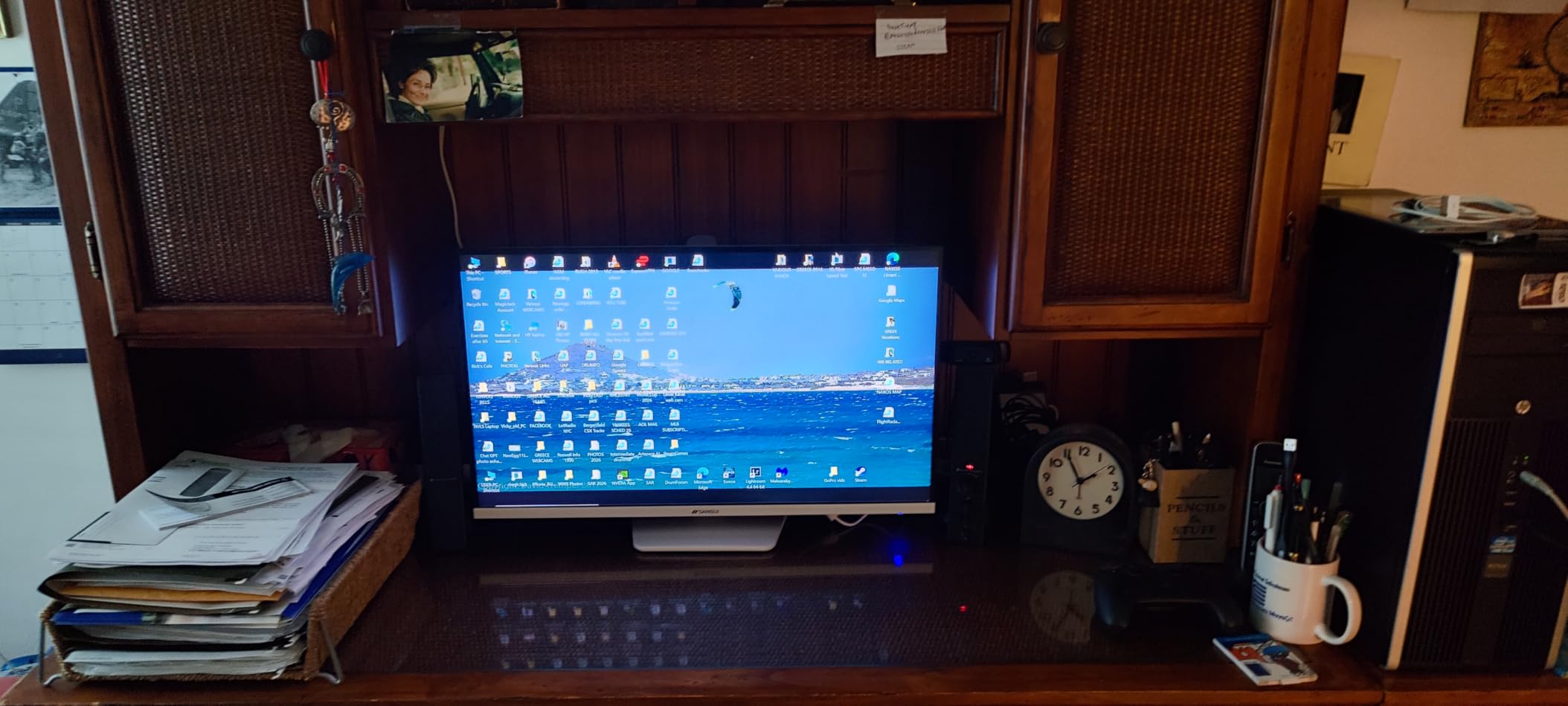
The gaming assist overlays are the kind of detail that usually signals marketing rather than function, but the crosshair and sniper scope overlays are genuinely useful in a shooter and cost nothing. The stand offers pivot, swivel and 130mm of height adjustment, so it matches the top pick ergonomically.
The honest limitation is the one that applies to every dual-mode screen here. The PS5 cannot output 160Hz, and the Xbox has its own ceiling too, so the headline number belongs to PC use. You are buying the flexibility, not the console performance.
Why this over the KOORUI G2741L?
Two things decide it: brightness and speakers. At 400 nits this panel handles a bright room noticeably better, and built-in speakers remove a box from your desk setup. If your screen will face a window or you plan to use it for streaming alongside console play, that brightness gap is real.
The KOORUI wins on review volume and on the FreeSync-versus-G-Sync-compatible support, which matters if you plan to connect a PC. If your setup is console-only, this is the better all-round package.
Where the value stops?
None of this is a 4K HDR monitor in the meaningful sense. HDR400 means the console can switch HDR on and the image will get slightly brighter, but without local dimming there is no real contrast gain over standard dynamic range. Buyers chasing a visible HDR improvement should look at the OLED or mini-LED class instead.
The white finish is also the only option, which makes it a slightly harder sell on a dark desk setup. That is cosmetic, but it is the kind of thing you notice every day.
We earn a commission, at no additional cost to you. CERTAIN CONTENT THAT APPEARS ON THIS SITE COMES FROM AMAZON. THIS CONTENT IS PROVIDED 'AS IS' AND IS SUBJECT TO CHANGE OR REMOVAL AT ANY TIME.
3. CRUA CR320QC 32-inch 4K 1500R – Best 32-inch Curved PS5 Monitor
CRUA 32″ 4K UHD 160Hz Curved Gaming Monitor, 1500R, AMD FreeSync, Black
★★★★★★★★★★32 inch VA panel
4K 160Hz with 1500R curve
3000:1 contrast and 320 nits
HDMI 2.1 and DisplayPort 1.4
- 32 inch 4K panel with a 1500R curve that suits open-world games
- 3000:1 VA contrast delivers deeper blacks than IPS
- 160Hz with AMD FreeSync for smooth low-lag motion
- 120 percent sRGB and built-in speakers
- 75x75mm wall mount support
- VA panels dark-smear on fast scrolling text
- One year warranty with a 30 day return window
- 320 nit brightness limits HDR impact in a bright room
The reason to look at a 32-inch 4K screen is pixel density combined with desk presence. At 32 inches the 4K panel is still fine for a desk at arm’s length, and a 1500R curve wraps the edges of the picture slightly toward you, which does more for immersion in an open-world game than any amount of extra refresh rate you cannot use.
This is a VA panel, and the 3000:1 native contrast is the practical reason to choose it. Dark scenes in games look genuinely darker here than on a 1000:1 IPS panel, and a PS5 running at 4K 120Hz over HDMI 2.1 gives you the console’s full output on a 16:9 desktop screen.
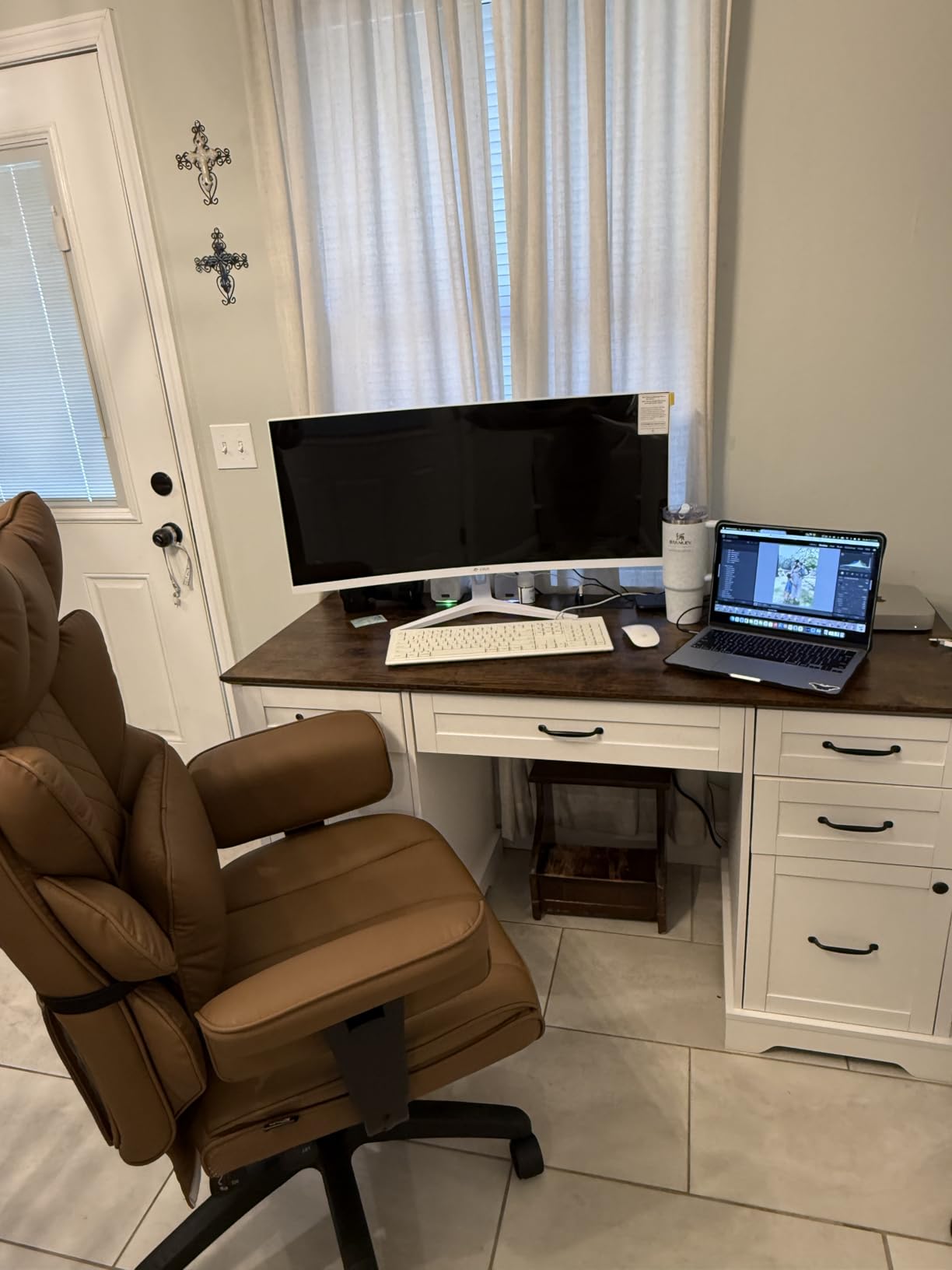
Refresh rate is 160Hz with AMD FreeSync, and at 1ms rated response the motion handling is fine for console action. Built-in speakers and RGB lighting on the rear add a bit of desk personality, and the panel accepts a 75x75mm wall mount if you would rather mount it on an arm.
The warranty is the weak point. One year with a 30 day return window is noticeably shorter than the three year coverage on several picks here, so register the monitor and test it early if you are sensitive to VA dark smearing.
How the curve changes console play?
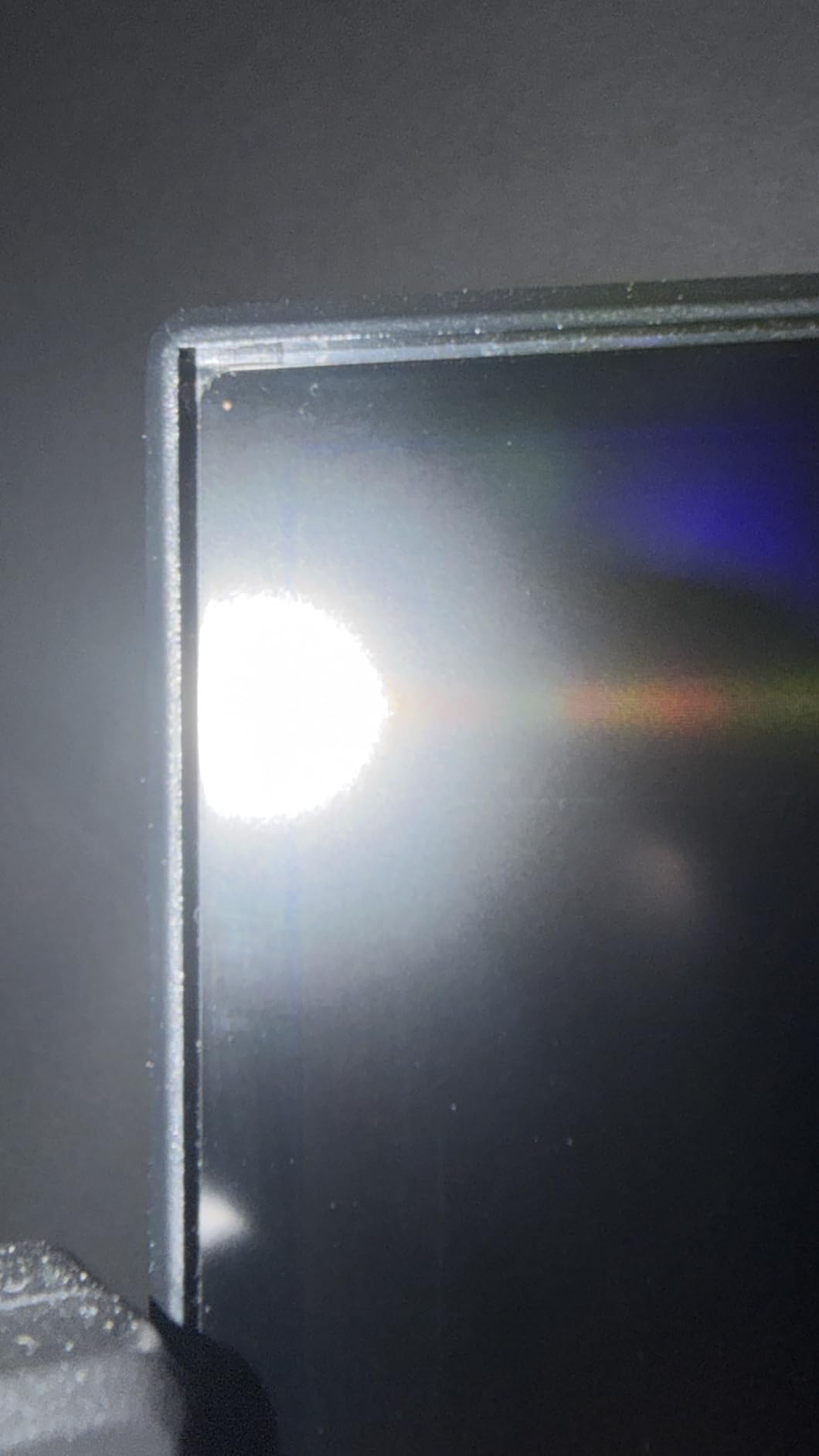
A 1500R curve is shallow enough that the geometry distortion is minimal, and it mainly serves to reduce reflections at the panel edges while widening your field of view. On a 32-inch screen that effect is noticeable. If you have ever wanted more of the ultrawide look without leaving 16:9, this is the closest a monitor gets.
Sit around 70 to 80cm away for a 32-inch panel. Closer than that and the edges of the picture fall outside your vision, which wastes the immersion you bought the curve for. If you compare against flat options, our curved monitor guide covers the tradeoffs in more detail.
Who should skip it?
Competitive players who need the lowest possible response and cannot tolerate any dark smearing. A Fast IPS panel at 1440p is a better tool for that job, and the ASUS TUF and Acer Nitro on this list are built around motion clarity.
Anyone in a bright room should look elsewhere. At 320 nits with no local dimming, HDR will not add much here, and SDR content can look flat when daylight hits the screen.
We earn a commission, at no additional cost to you. CERTAIN CONTENT THAT APPEARS ON THIS SITE COMES FROM AMAZON. THIS CONTENT IS PROVIDED 'AS IS' AND IS SUBJECT TO CHANGE OR REMOVAL AT ANY TIME.
4. SANSUI ES-G27F2Q 27-inch 1440p 200Hz – Best 1440p PS5 Monitor for Shooters
SANSUI 27 Inch WQHD 2560 x 1440 IPS Gaming Monitor, 200Hz 180Hz 1ms Computer Monitor, DP 1.2 x2 | HDMI 2.0 x2 | VESA Mount, 120% sRGB HDR Eye Care Metal Stand (DP Cable Included)
★★★★★★★★★★27 inch Fast IPS
1440p up to 200Hz over DisplayPort
320 nits and 120 percent sRGB
FreeSync with 1ms response
- Sharp 1440p Fast IPS with 1ms response and high refresh
- Dual HDMI and dual DisplayPort cover console and PC
- Anti-flicker and low blue light for long sessions
- VESA 100x100mm mount and tilt adjustment
- Crosshair timer and genre display assists
- No height adjustment and no pivot on the stand
- No built-in speakers
- HDMI inputs top out at 144Hz so full refresh needs DisplayPort
Not every PS5 owner wants 4K. If you play competitive shooters and want the sharpest possible image in motion rather than maximum resolution, 1440p on a fast panel is a defensible choice that costs noticeably less than a 4K screen. The PS5 has a 1440p mode, and this monitor makes that mode look its best.
Refresh rate reaches 200Hz over DisplayPort with a 200Hz-class fast IPS panel and 1ms rated response, so a PC on the same desk gets a genuinely competitive tool. Over HDMI the ceiling is 144Hz, which still covers the console’s 120Hz requirement comfortably.
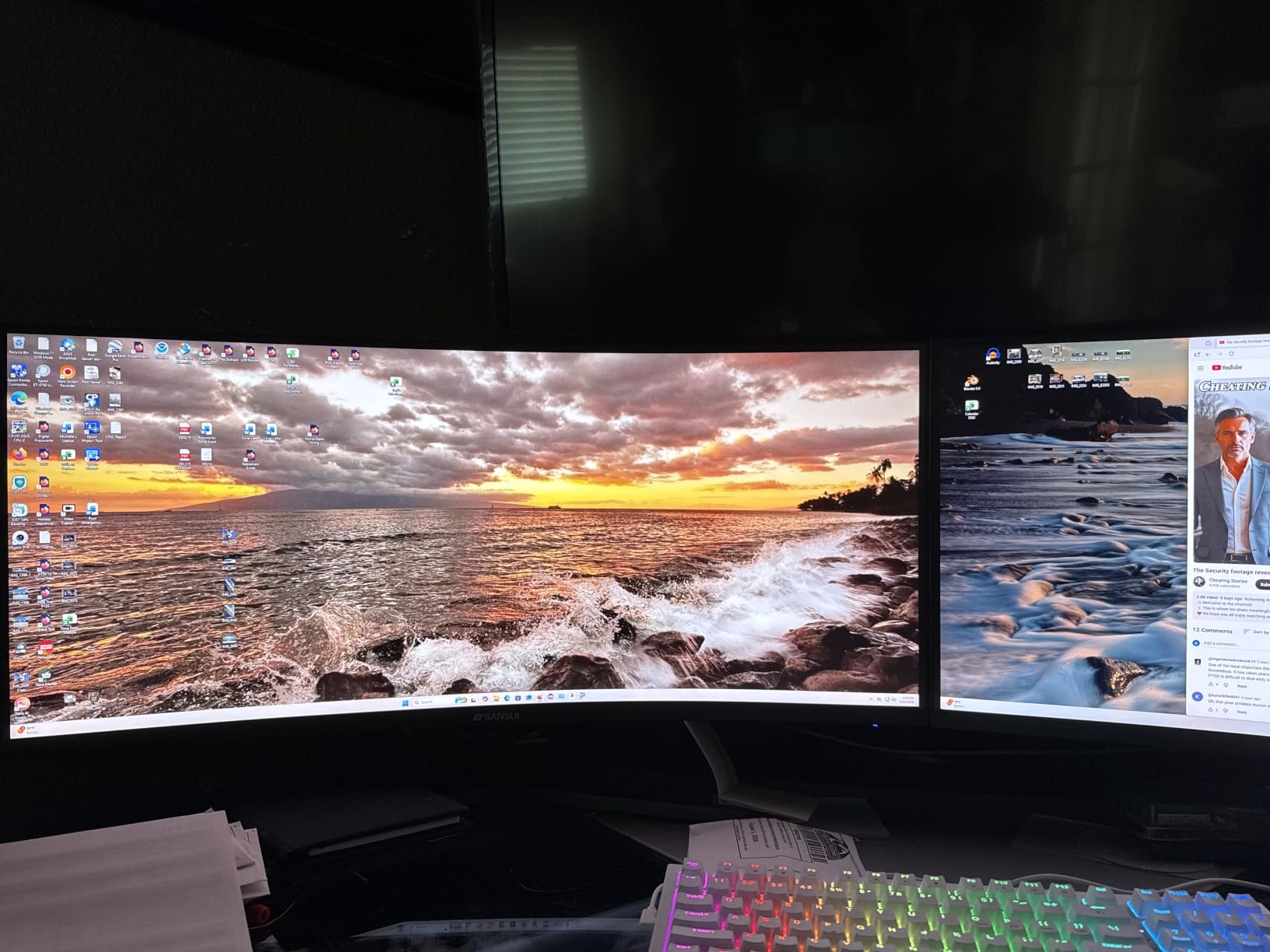
Color is a strength for the price. 120% sRGB coverage with HDR support and eye-care features including anti-flicker and low blue light filtering make long sessions easier on the eyes, and the gaming assist overlay includes a crosshair, a timer and FPS, RTS and racing presets.
The stand is the compromise. Tilt only, with no height or pivot adjustment, and some buyers describe the housing as basic. A monitor arm fixes both in a few minutes and costs less than upgrading to a 4K panel.
When 1440p beats 4K for a PS5?
At a 27-inch viewing distance, 1440p gives you roughly 109 pixels per inch against 163 for a 4K 27-inch panel. Both look sharp, but the 4K screen holds more fine detail in distant scenery, which matters more in open-world and strategy games than in a shooter where everything happens close to the crosshair.
The practical answer is genre. Fast competitive shooters benefit more from motion clarity and response than from extra pixels, and this panel delivers both. Cinematic single-player games and anything with fine environmental texture look better on native 4K, and that is where our first pick makes more sense.
What you give up?
Any PS5 game running in 4K mode will be downscaled to 1440p here, and upscaled 1440p on a 4K screen is the mirror image of that. Neither is wrong, but if you bounce between cinematic games and competitive ones, one fixed resolution never fits both perfectly.
There is also no local dimming and no meaningful HDR tier on this panel. Games that lean on HDR contrast will look flatter than on the VA and OLED options in this roundup.
We earn a commission, at no additional cost to you. CERTAIN CONTENT THAT APPEARS ON THIS SITE COMES FROM AMAZON. THIS CONTENT IS PROVIDED 'AS IS' AND IS SUBJECT TO CHANGE OR REMOVAL AT ANY TIME.
5. KTC H27T22C-3 27-inch 1440p 220Hz – Best Budget PS5 Monitor
KTC 27 Inch Gaming Monitor 220Hz, 2K QHD Monitor 1ms w/Speakers H27T22C-3
★★★★★★★★★★27 inch Fast IPS
1440p up to 220Hz over DisplayPort
450 nits and 131 percent sRGB
Built-in speakers
- Up to 220Hz on a 1440p Fast IPS panel with 1ms response
- 450 nits with 131 percent sRGB for vivid color
- Supports both FreeSync and G-Sync compatible modes
- Built-in speakers add audio without extra hardware
- Three year manufacturer warranty
- HDMI 2.0 tops out at 144Hz so console inputs are capped
- 1000:1 contrast makes blacks look grey next to VA
- HDR400 is a light specification
- Tilt-only adjustment on the listed stand
Brightness is the headline here. At 450 nits this is one of the brightest panels at the budget end, and that translates into a punchy SDR image in a normal room and a visible lift when the PS5 switches HDR on. Color coverage of 131% sRGB is wider than most rivals in this class.
For console use, the important detail is that the PS5’s 120Hz requirement sits well inside the 144Hz HDMI ceiling. Dual HDMI inputs mean the console and a PC can stay connected at the same time, and the panel supports both AMD FreeSync and G-Sync compatible modes.
The 1440p panel and 1ms rated response make this a strong secondary machine for competitive PC play, where 220Hz over DisplayPort 1.4 is available. Built-in speakers are unusual at this price and remove a box from the desk, and a three year warranty is longer than most budget brands offer.
Contrast is the weak spot. At 1000:1 the blacks are noticeably grey next to the VA panels in this roundup, which shows up in dark horror and stealth games. HDR400 is a label rather than a feature, so treat HDR as off here.
What you get for the money?
A fast 1440p panel with genuinely usable brightness, speakers, a long warranty and both VRR standards. For a first PS5 setup or a shared household screen, that combination covers the console’s requirements without stretching into 4K territory.
Check the 1440p mode on the console rather than the 4K mode. At 1440p this monitor shows every pixel the PS5 sends, which is the configuration it is actually built for.
Where it falls short?
Any game where image quality in 4K matters. You are giving up native console resolution, and while a 4K screen at this brightness is a stretch, a 1440p panel is the honest budget trade.
Buyers who are uneasy with a newer brand should weigh the support side. The three year warranty is a real offset, but a shorter track record means less documented long-term reliability than an established display maker.
We earn a commission, at no additional cost to you. CERTAIN CONTENT THAT APPEARS ON THIS SITE COMES FROM AMAZON. THIS CONTENT IS PROVIDED 'AS IS' AND IS SUBJECT TO CHANGE OR REMOVAL AT ANY TIME.
6. Amzfast AMZG32C3U 32-inch 4K 120Hz – Best PS5 Port Match
Amzfast 32″ 4K 120Hz Curved Gaming Monitor, 3840×2160 UHD, PIP/PBP, Adaptive Sync, 131% sRGB, 3000:1 Contrast,HDR, 300nits, 1500R, HDMI2.1(VRR)& DP1.4, Built-in Speaker, Eyes Care, VESA Mount
★★★★★★★★★★32 inch VA panel
Native 4K 120Hz
Dual HDMI 2.1 FRL with VRR
3000:1 contrast
- Dual HDMI 2.1 FRL ports carrying full 4K 120Hz with VRR
- 4K 120Hz matches the console output exactly
- 3000:1 VA contrast gives deep blacks for dark games
- PIP and PBP split screen for console and PC
- PS5 and Xbox named as supported devices
- 300 nit brightness is dim for HDR content in a bright room
- 2ms response is slower than 1ms-class panels
- 120Hz ceiling leaves no headroom above the console
- VR panels can dark-smear on dark transitions
This is the most literal PS5 match on the list. It is a 32-inch 4K panel running at exactly 120Hz, which is the console’s output with nothing wasted and nothing held back, and the dual HDMI 2.1 FRL ports are specified to carry 4K 120Hz with VRR rather than merely being labelled HDMI 2.1.
That bandwidth detail matters more than the label. Plenty of budget monitors advertise HDMI 2.1 with only a 24Hz port under the hood, which cannot carry 4K 120Hz at all. This one lists FRL support explicitly, and PS5 and Xbox are named in the supported device list.
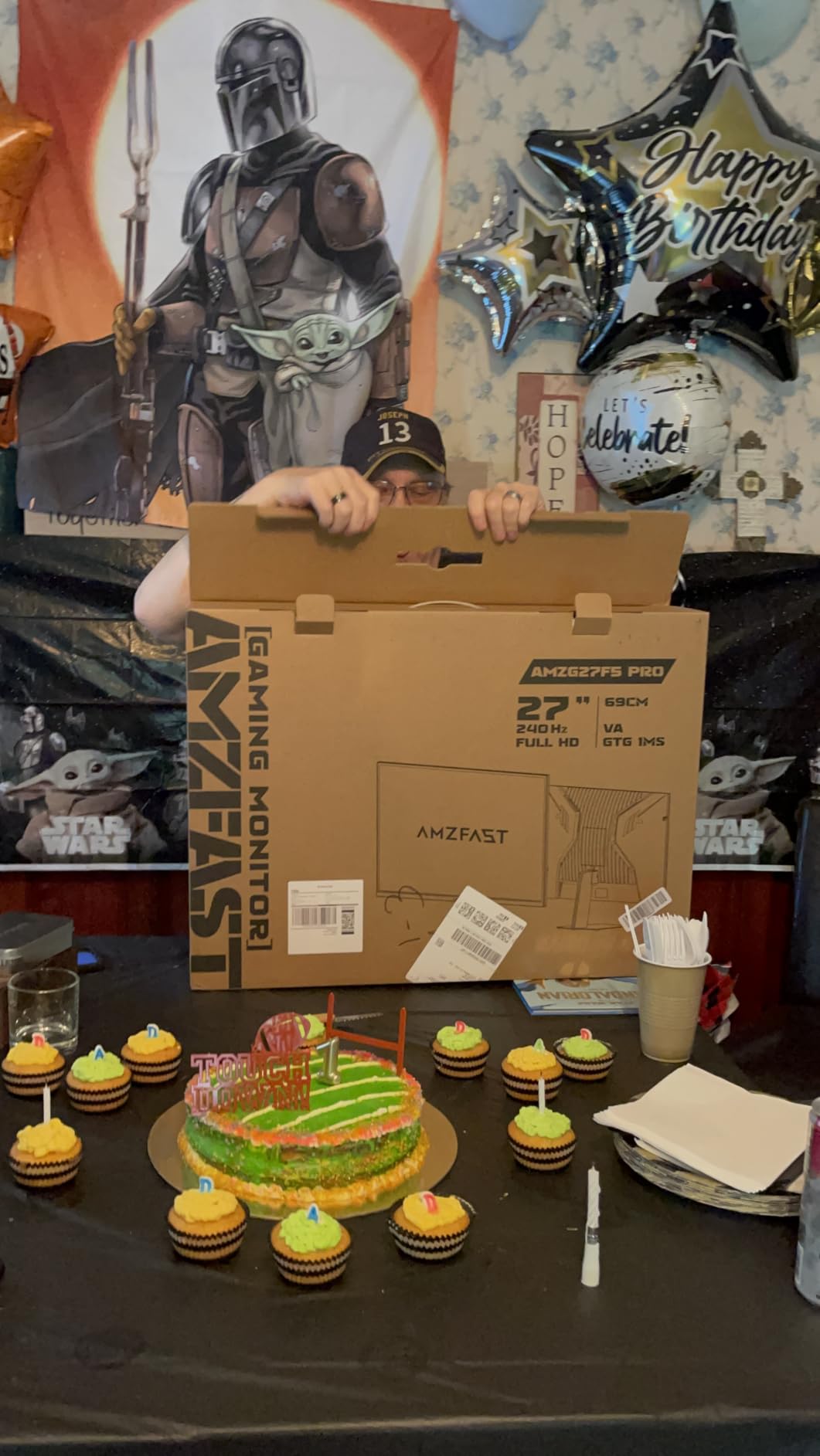
Contrast is the other strength. 3000:1 on a VA panel with a 1500R curve gives a noticeably deeper picture than the 1000:1 IPS options here, and PIP and PBP let you run a console and a work PC on one screen. Built-in 3W speakers and a 75x75mm VESA mount round out a practical package.
The brightness ceiling is the problem. At 300 nits this is a dim panel, and in a sunlit room the image loses punch. The 2ms response is also slower than the 1ms-class fast IPS and QD-OLED panels in this roundup.
Why FRL matters for a PS5?
HDMI 2.1 is a version number, not a promise. A port rated for 24Hz data rate cannot push 4K at 120Hz, so the console falls back to a lower mode and you lose both the refresh rate and VRR at that resolution. FRL, or full refresh rate line, is the term that describes a port capable of the full 4K 120Hz payload.
PS5 Pro owners benefit most from this. The more powerful console has more headroom for 4K at high refresh, and a port that can carry the full signal keeps that headroom usable instead of negotiating it down.
Where it is the wrong choice?
Bright rooms. At 300 nits with no local dimming, a bright desk or a sunlit room will make even SDR look washed out, and no amount of console-side HDR tuning fixes that.
Competitive mouse-and-keyboard players should also pass. The 2ms response and VA dark smearing are a poor match for the fastest shooters, and the fast IPS options elsewhere on this list handle motion better.
We earn a commission, at no additional cost to you. CERTAIN CONTENT THAT APPEARS ON THIS SITE COMES FROM AMAZON. THIS CONTENT IS PROVIDED 'AS IS' AND IS SUBJECT TO CHANGE OR REMOVAL AT ANY TIME.
7. ASUS TUF VG27AQ3A 27-inch 1440p 180Hz – Best for Competitive Play
ASUS TUF Gaming VG27AQ3A 27 Inch 1440p 180Hz G-SYNC Gaming Monitor
★★★★★★★★★★27 inch Fast IPS
1440p 180Hz with 1ms response
ELMB Sync with variable refresh
Three year warranty
- ELMB Sync runs motion blur reduction alongside variable refresh rate
- Fast IPS 1440p at 180Hz with 1ms response
- Works with G-Sync compatible and FreeSync Premium out of the box
- 130 percent sRGB with HDR-10 support
- Three year ASUS warranty with advance replacement
- 1000:1 contrast makes blacks greyish in dark scenes
- 1440p rather than 4K so the console renders at 1440p
- ELMB can introduce flicker or glow at low brightness
ELMB Sync is the feature that separates this from every other 1440p panel in the roundup. Most monitors force you to choose between motion blur reduction and variable refresh rate, because the two normally fight each other. This one runs both at the same time, which means a PS5 game gets VRR with blur reduction layered on top.
The Fast IPS panel at 180Hz and 1ms rated response handles console action cleanly, and the 1440p mode is where the PS5 shines on a 27-inch screen. G-Sync compatible mode, FreeSync Premium and AdaptiveSync are all listed, so VRR works regardless of the source.
Color coverage of 130% sRGB with HDR-10 support improves highlight and shadow detail over standard content, and the three year warranty with advance replacement is the strongest support package among the non-premium picks here. ASUS is an established display brand with a documented service process.
The trade-offs are real. At 1000:1 native contrast, dark scenes lose detail, and 1440p is a step down from native 4K console output. ELMB can also introduce a visible flicker or glow effect at low brightness in some configurations.
How ELMB Sync changes aiming?
Standard overdrive reduces blur by speeding up pixel transition and usually creates visible ghosting behind fast movement. ELMB works differently, and combining it with variable refresh rate means the console still controls the frame timing. The practical result for a shooter is cleaner edges around a crosshair without the halo artifacts that make some blur reduction modes worse than none.
Turn it on and check it at your normal brightness before committing. If you notice a glow, the game mode presets let you disable it per title.
Who should choose the alternatives?
If image quality in cinematic games is your priority, 1440p with 1000:1 contrast is the wrong direction. The 4K picks handle detail and dark scenes considerably better, and the QD-OLED option on this list transforms them.
If you are on a strict budget, a panel of this caliber is a step above what the entry tier offers but also a bigger jump in cost. The Acer Nitro and Samsung Odyssey G5 give you most of the same 1440p fast-panel experience for less.
We earn a commission, at no additional cost to you. CERTAIN CONTENT THAT APPEARS ON THIS SITE COMES FROM AMAZON. THIS CONTENT IS PROVIDED 'AS IS' AND IS SUBJECT TO CHANGE OR REMOVAL AT ANY TIME.
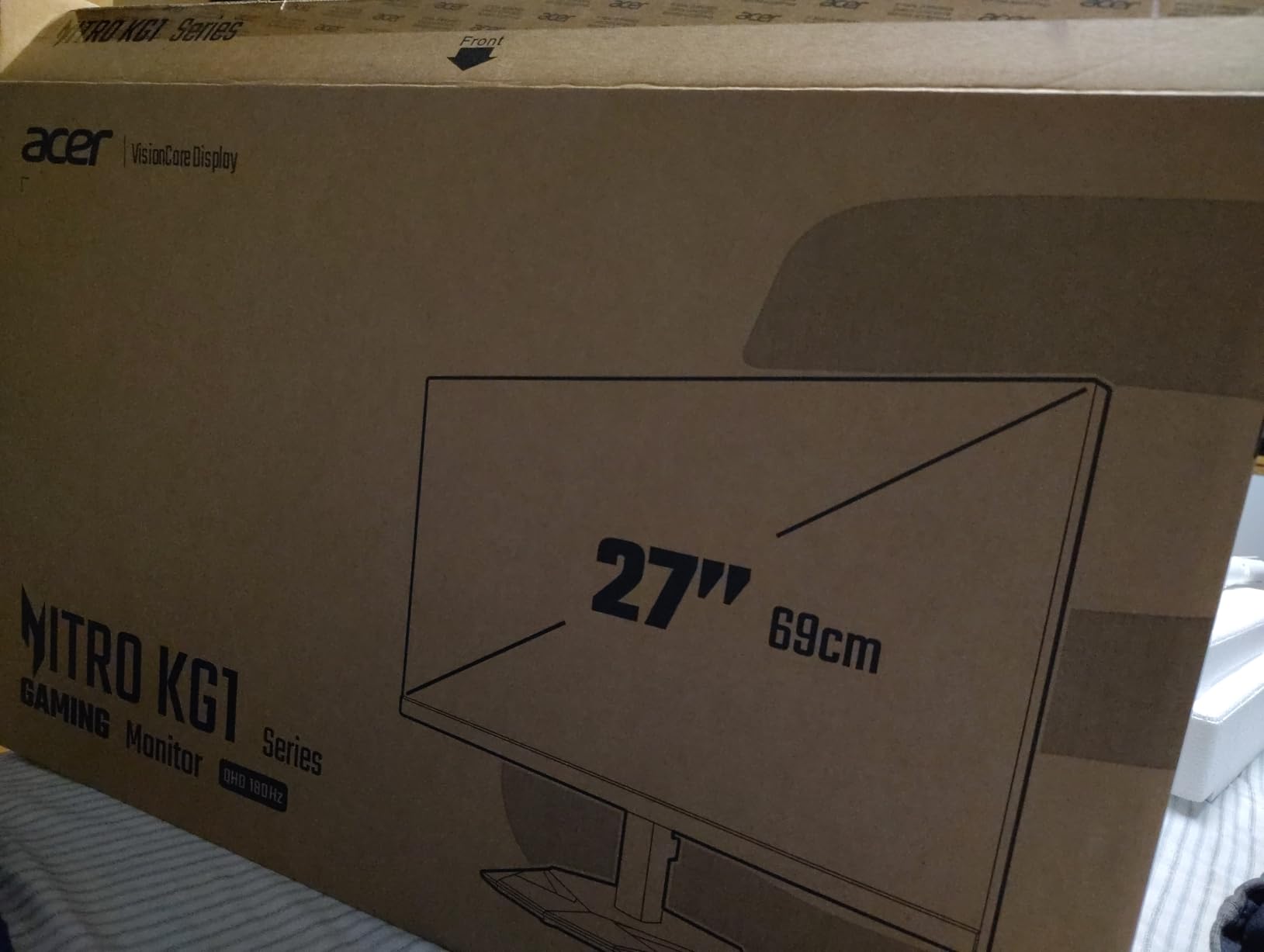
8. Acer Nitro KG271U 27-inch 1440p 180Hz – Best Color on a Budget
Acer Nitro 27in QHD 2560×1440 IPS 180Hz Gaming Monitor KG271U N3bmiipx
★★★★★★★★★★27 inch IPS
1440p 180Hz with 0.5ms GTG
DCI-P3 95 percent coverage
Three year parts and labor warranty
- DCI-P3 95 percent color coverage for vivid accurate color
- 0.5ms GTG response and 180Hz refresh on a 1440p IPS panel
- Zero-frame bezel design suits dual-monitor setups
- Three year parts and labor warranty
- Strong step up from a 1080p 60Hz screen
- 250 nit brightness is low and cannot be adjusted in HDR mode
- Overdrive overshoot ghosts if set to extreme
- HDMI limited to 144Hz so 180Hz needs DisplayPort
- Stand has no height adjustment and feels flimsy
Color accuracy is the standout here, and it is unusual at this price. DCI-P3 95% coverage means the console’s wide color gamut is genuinely reproduced rather than approximated, so colors in a racing game or a stylized adventure title look closer to what the developers intended.
Response is excellent on paper and mostly in practice. The 0.5ms GTG rating with 180Hz refresh is among the quickest figures in this roundup, and AMD FreeSync handles tear-free playback. For a PS5 owner moving up from a 1080p screen, the jump in sharpness and motion is the biggest upgrade of any pick here.
Multiple owners buy two of these for a dual-monitor desk, and the zero-frame bezel design is what makes that pairing look clean. The three year parts and labor warranty matches the best support terms in the roundup.
Brightness is the clear weakness at 250 nits, and the review pattern is consistent: the panel is dim, and brightness cannot be adjusted while HDR mode is active. Overdrive also needs care, since pushing it to the extreme setting produces visible ghosting.
What DCI-P3 95 percent actually gives you?
DCI-P3 is the color space most Hollywood content is graded in, and the PS5 can output in it when the game and the screen support it. At 95% coverage the monitor can show nearly all of that range, so a wide-gamut game looks saturated in the way the developer intended rather than oversaturated or flat.
For most buyers this matters more than an extra 40Hz of refresh rate, which the console can never use. For buyers editing video or photos on the same screen, it matters even more.
Where the dim panel bites?
In a bright room, 250 nits is genuinely low. A window behind you or a desk facing a light source will make the image look flat and grey, and you will end up raising every other setting to compensate. In a controlled room it is fine.
Plan on a monitor arm. The stand offers no height adjustment and feels thin, and an arm fixes the ergonomics for very little money.
We earn a commission, at no additional cost to you. CERTAIN CONTENT THAT APPEARS ON THIS SITE COMES FROM AMAZON. THIS CONTENT IS PROVIDED 'AS IS' AND IS SUBJECT TO CHANGE OR REMOVAL AT ANY TIME.
9. LG 27GS60QC-B 27-inch 1440P 1000R – Best Curved Competitive PS5 Monitor
LG 27GS60QC-B Ultragear 27-inch Curved Gaming Monitor QHD (2560×1440) 180Hz 1ms 1000R AMD FreeSync HDR10 HDMIx2 DisplayPort Borderless Design Black Stabilizer DAS Crosshair FPS Counter – Black
★★★★★★★★★★27 inch 1000R curve
1440p 180Hz with 1ms GtG
Black Stabilizer and crosshair
HDMI x2 plus DisplayPort
- 1000R curve widens peripheral view for console play
- 180Hz with 1ms GtG keeps fast action smooth
- Dual HDMI plus DisplayPort for a PS5 and PC together
- Black Stabilizer and crosshair assist competitive titles
- Major brand with established support
- Some units drop signal or go black over HDMI at native resolution
- Automatic brightness adjustment cannot be fully disabled
- No built-in speakers
- The 1000R curve is aggressive on a 27 inch panel
The 1000R curve is noticeably tighter than the shallow curves on most 27-inch screens, and users report that it extends peripheral view in a way that makes console play feel more enveloping. It is a preference decision, and the ones who like it tend to like it a lot.
The 180Hz panel with 1ms GtG response handles fast motion cleanly, and multiple owners confirm it works well with a PS5 at 120Hz while still offering a DisplayPort for a PC. Two HDMI ports are a real convenience when the console and a PC are both connected.
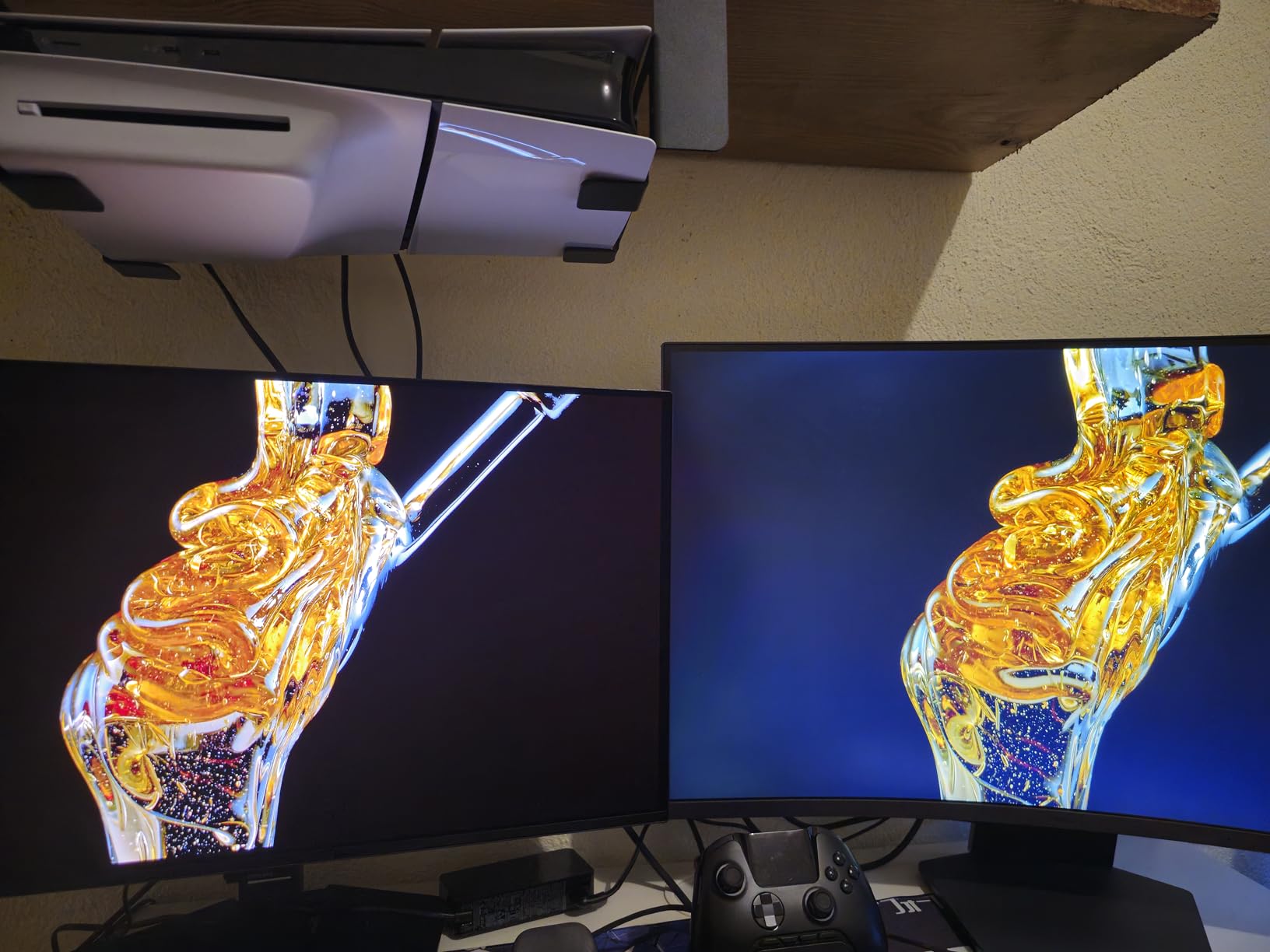
Black Stabilizer brightens shadow detail so enemies are easier to spot in dark areas, and the crosshair and FPS counter overlays support that. A three-side borderless design keeps the frame thin for a clean look at a modest size.
There is a specific issue worth checking. Some units drop to a black screen or lose signal over HDMI at the native resolution, and DisplayPort is described as the more reliable input. Owners also report that automatic brightness adjustment cannot be fully switched off, which is frustrating for anyone doing color work.
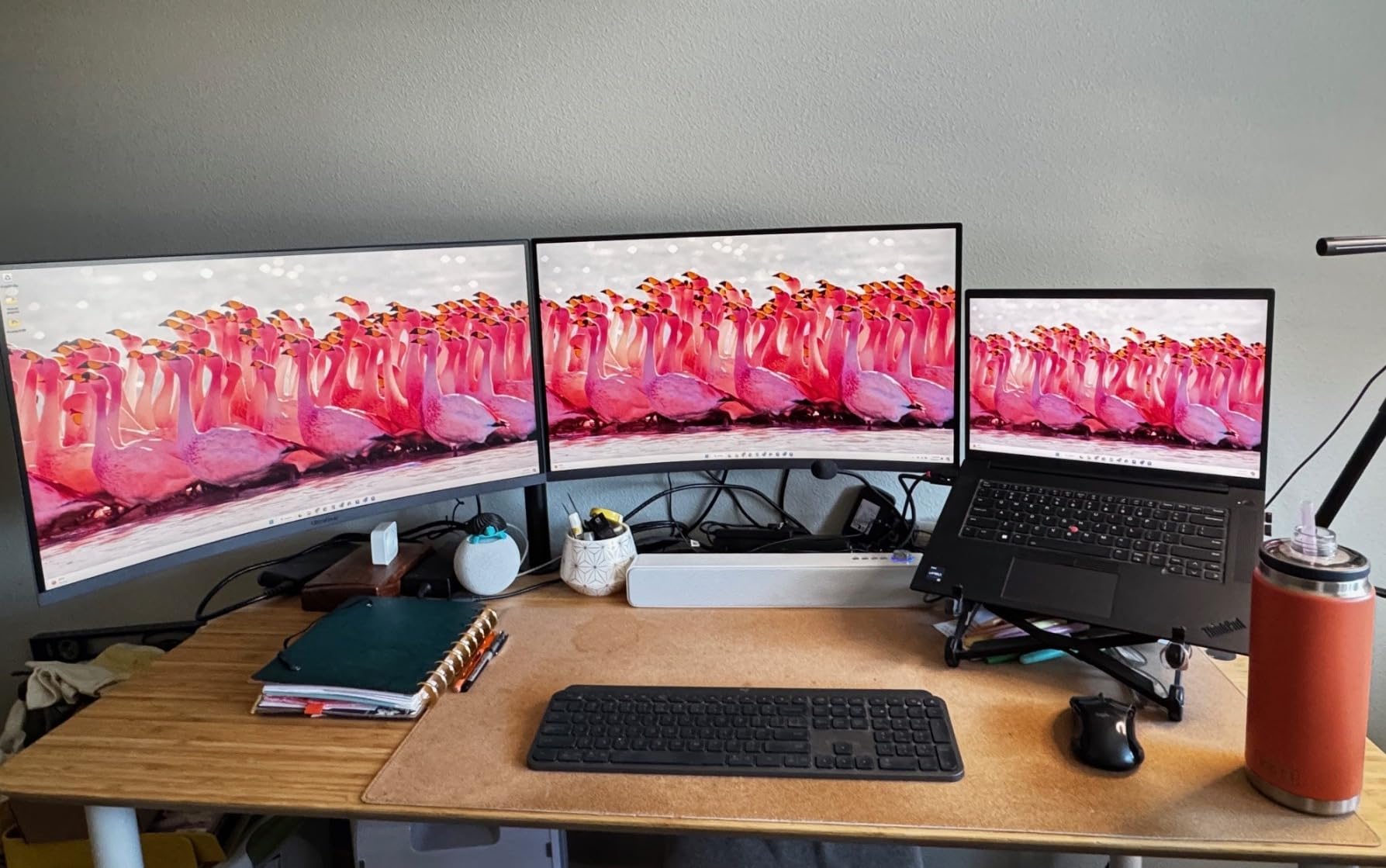
Is 1000R too curved for 27 inches?
It is aggressive, and the geometry distortion at the edges is visible from a normal desk position. If you spend a lot of time reading text or editing on the same screen, a flat panel is more comfortable. If the screen is mainly for console gaming on a desk, the wrap is usually an upgrade in feel rather than a compromise.
Our curved monitor guide goes into how curvature affects geometry and glare if you want the full comparison before choosing.
What to test in the first week?
Run the PS5 at 1440p and 120Hz over HDMI and watch for dropouts, because that is the reported failure mode and it is easier to return inside the warranty window. Check the brightness behavior in a dim room too, since the automatic adjustment cannot be fully disabled.
Confirm there is no audio path. There are no built-in speakers and no 3.5mm out on this model, so plan for a soundbar or external speakers if you use the PS5 for media as well as games.
We earn a commission, at no additional cost to you. CERTAIN CONTENT THAT APPEARS ON THIS SITE COMES FROM AMAZON. THIS CONTENT IS PROVIDED 'AS IS' AND IS SUBJECT TO CHANGE OR REMOVAL AT ANY TIME.
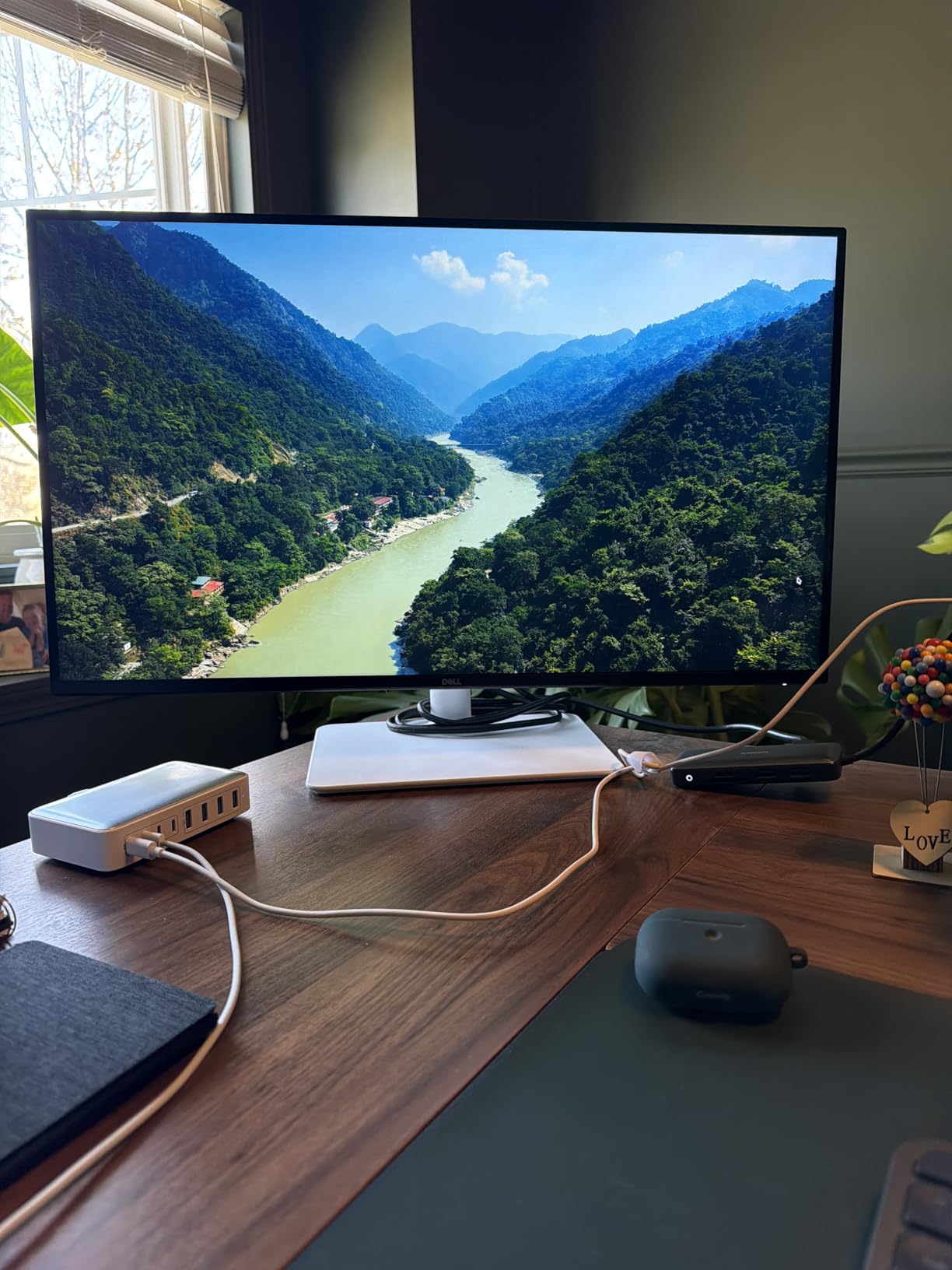
10. Dell S2725QS 27-inch 4K 120Hz – Best 4K 120Hz with a Fully Adjustable Stand
Dell 27 Monitor S2725QS, 4K UHD IPS, 120Hz, 5ms, FreeSync Premium
★★★★★★★★★★27 inch 4K IPS
Native 4K at 120Hz
1500:1 contrast and 350 nits
FreeSync Premium with 0.03ms response
- True 4K 120Hz on a 27 inch panel at 163 pixels per inch
- 1500:1 contrast beats the usual 1000:1 IPS
- Height tilt swivel and pivot adjustment as standard
- ComfortView Plus cuts blue light to 35 percent for long sessions
- Re-engineered built-in speakers with more output
- Noticeable ghosting and 4 to 8ms response for competitive play
- No USB-C input and no built-in USB hub
- No 3.5mm audio out and only basic HDR support
This is the most sensible 4K 120Hz package for a PS5 owner who wants native resolution at a sensible desk size. Owners confirm the console runs true 4K at 120Hz with no pixel reduction, which is exactly what the console’s 4K mode is designed to send.
The 1500:1 contrast is the quiet advantage. It is a real step up from the 1000:1 most IPS panels offer, and in a dark game you can see the difference in shadow detail without moving to a VA or OLED panel. ComfortView Plus cutting blue light to 35% makes long play sessions easier on the eyes.
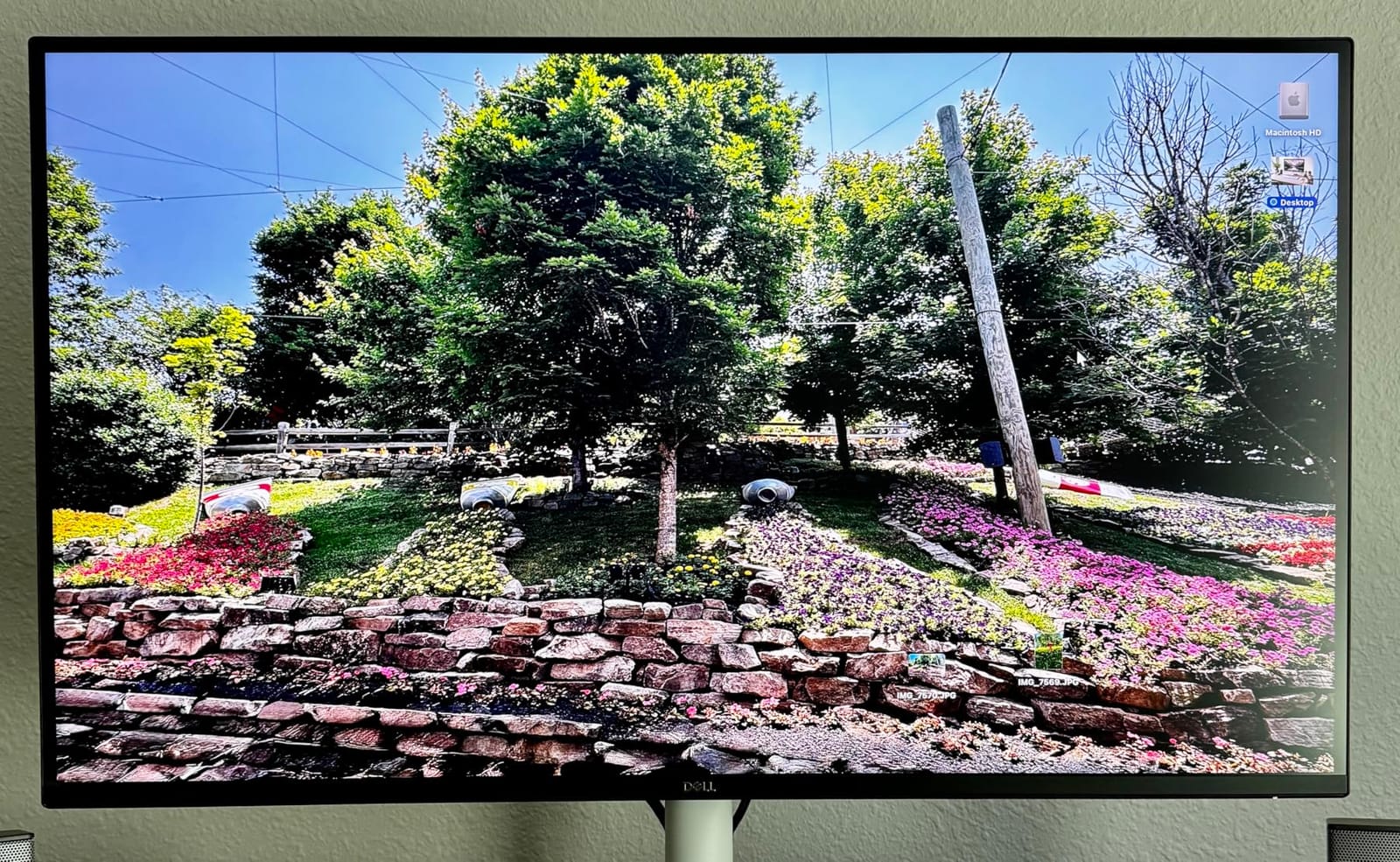
FreeSync Premium with a 0.03ms rated response covers PS5 Pro owners who want the console’s higher output potential, and the stand adjusts for height, tilt, swivel and pivot with VESA 100x100mm support. Built-in speakers were re-engineered for more output and deeper frequency response than the previous generation.
Response time in gaming use is up to 5ms GtG, which produces noticeable ghosting in competitive shooters. There is also no USB-C input, no USB hub and no 3.5mm audio out, so headphones need an external path.
Is this the right screen for a PS5 Pro?
More than any other pick here. The PS5 Pro has more headroom for 4K output and stronger ray tracing, and owners with both consoles and this monitor report true 4K at 120Hz with no image reduction. A 27-inch 4K panel at 163 pixels per inch also makes the console’s 1440p mode look nearly native, which gives a quality option when a game runs better at a lower resolution.
The screen is rated HDR ready rather than HDR certified, so treat HDR as a small lift rather than a real upgrade. Set expectations on that before buying for HDR specifically.
Where the slow response hurts?
In competitive shooters. A 4 to 8ms GtG response produces visible ghosting behind fast-moving objects, which competitive players notice immediately. If that is your primary genre, a 1440p fast IPS panel with sub-millisecond response is a better tool even at lower resolution.
Also check the default brightness. It is high out of the box and typically needs manual adjustment on each power-on, and there is no audio out jack to route headphones through.
We earn a commission, at no additional cost to you. CERTAIN CONTENT THAT APPEARS ON THIS SITE COMES FROM AMAZON. THIS CONTENT IS PROVIDED 'AS IS' AND IS SUBJECT TO CHANGE OR REMOVAL AT ANY TIME.
11. ASUS ROG PG32UCDM 32-inch 4K QD-OLED – Best for Movie Night HDR
ASUS ROG PG32UCDM 32 Inch 4K 240Hz OLED Gaming Monitor QD-OLED
★★★★★★★★★★32 inch QD-OLED
4K 240Hz with 0.03ms GTG
DisplayHDR 400 True Black and Dolby Vision
90W USB-C
- 4K QD-OLED at 240Hz with 0.03ms GTG response
- True blacks and 1500000:1 contrast on dark games
- DisplayHDR 400 True Black with Dolby Vision support
- 99 percent DCI-P3 and true 10-bit color with Delta E under 2
- Heat management plus a three year burn-in warranty
- Costs considerably more than every other pick here
- HDR brightness of 400 nits is modest in a bright room
- Enabling HDR removes most picture control options
- Large external 600W power brick and awkward KVM
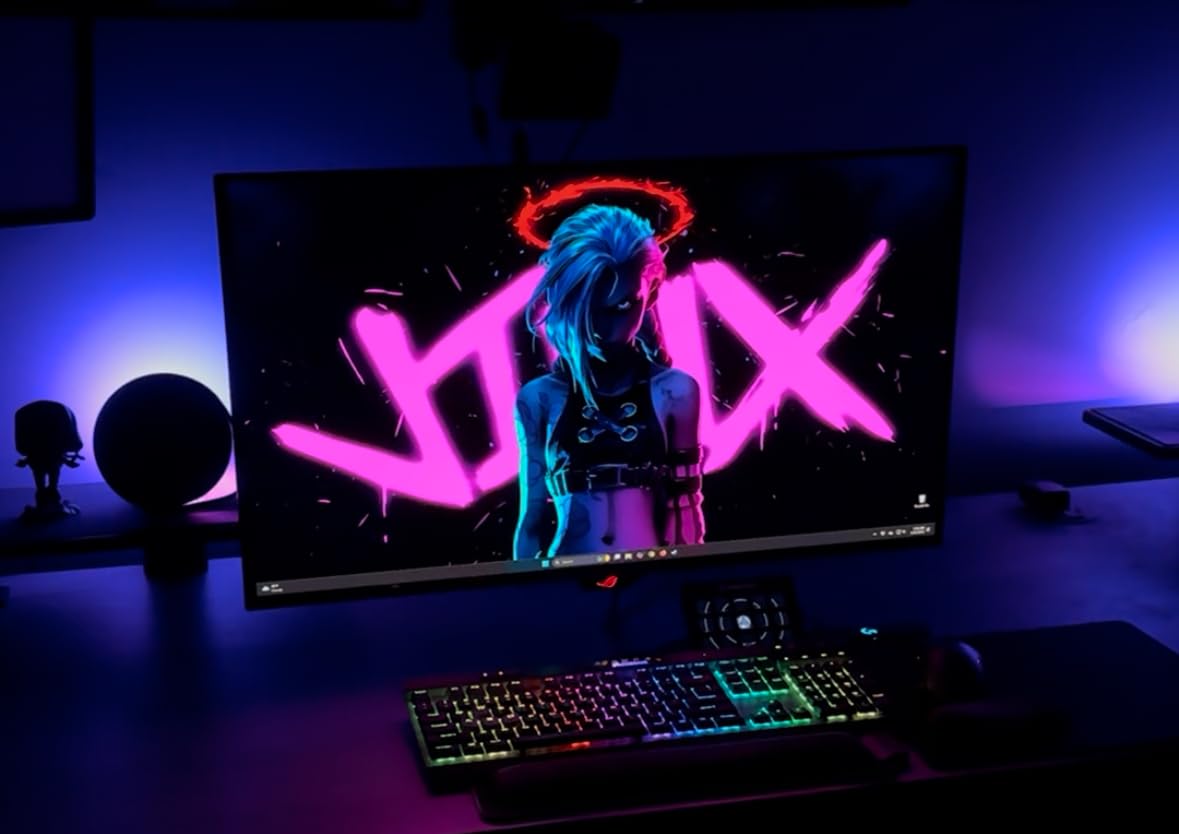
Nothing else on this list transforms an HDR game the way a QD-OLED panel does. True blacks and a 1500000:1 contrast ratio mean dark scenes are genuinely dark rather than grey, and with 99% DCI-P3 and true 10-bit color the console’s wide gamut output is reproduced properly.
It is also the fastest 4K panel here at 240Hz with 0.03ms GTG, so a PC on the same desk gets a serious competitive tool. FreeSync Premium Pro and G-Sync Compatible both work without a frame cap, and the built-in KVM switch plus picture-in-picture suit working on one machine while gaming on another.
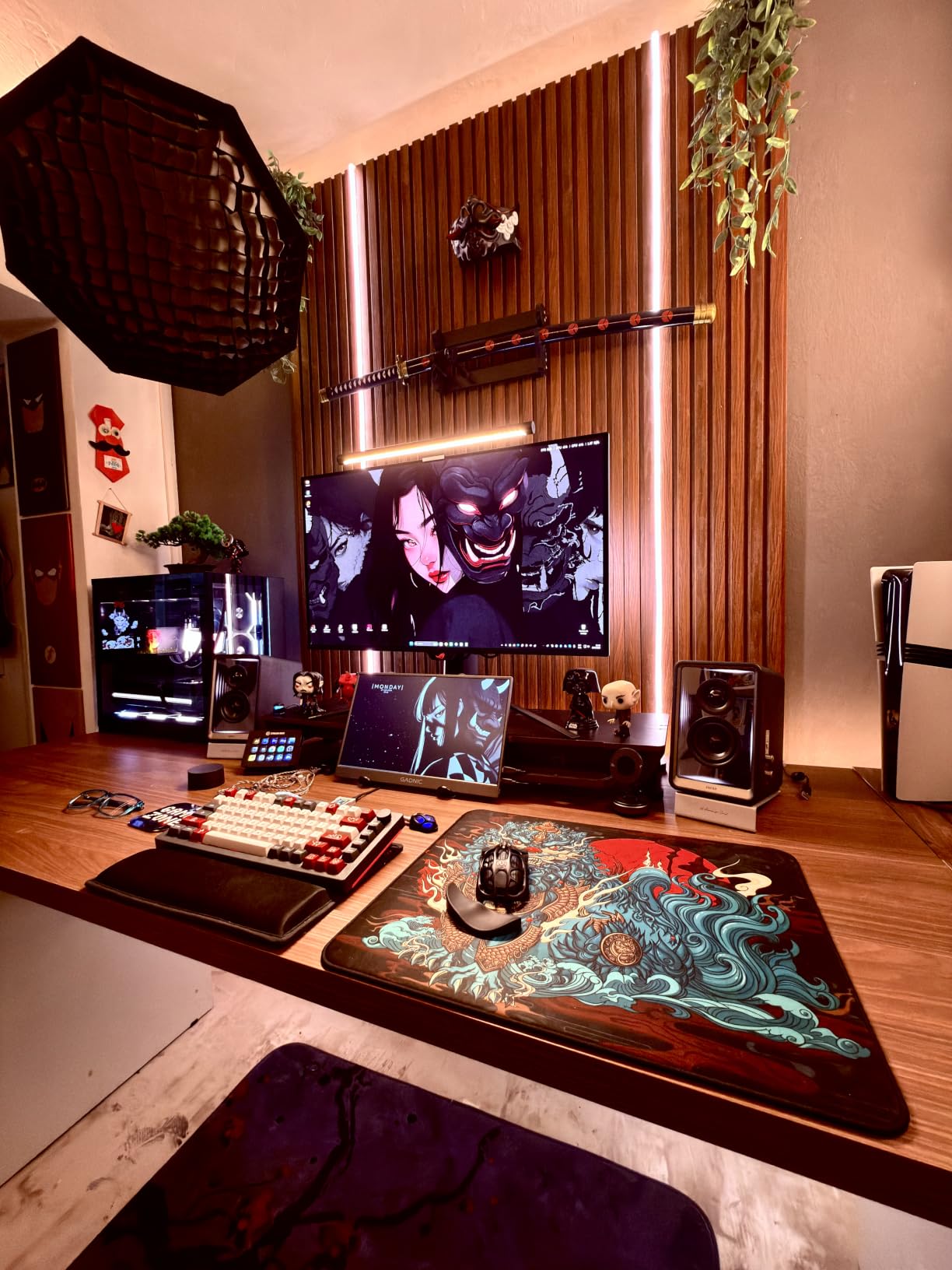
Owners repeatedly note that 4K on this panel at roughly 140 pixels per inch means 1440p content looks nearly identical, which frees graphics headroom for higher settings and ray tracing. Dolby Vision support is unusual on a 4K desktop monitor and matters for streaming.
Burn-in is the honest question. The custom heatsink, graphene film, airflow design and pixel refresh routines are built for it and covered by a three year burn-in warranty, but the price is the highest here by a wide margin and reviewers still treat long-term mitigation as unproven.
Is OLED burn-in a real risk for console gaming?
It is a real consideration rather than an automatic no. A console HUD, a health bar and a static menu are exactly the kind of content that ages organic panels unevenly over years, and long single-player sessions compound it. Modern panels mitigate this, and the warranty here covers burn-in for three years.
For most buyers that is a reasonable trade. If you play ten hours a day on a static interface, or you want a screen for a shared living room where it is always on, an IPS or VA panel is the lower-risk choice.
What HDR means on this panel?
DisplayHDR 400 True Black is a modest brightness tier, and the panel is not bright enough to compete with a mini-LED screen in daylight. What it does have is perfect black levels, so contrast in dark scenes is far better than any LCD here, which is where most HDR gaming gains live.
Also know that switching on HDR locks most picture controls, which annoys anyone who likes to calibrate. The KVM switch needs a button press plus a joystick selection, and the external 600W power brick is large for a desk.
We earn a commission, at no additional cost to you. CERTAIN CONTENT THAT APPEARS ON THIS SITE COMES FROM AMAZON. THIS CONTENT IS PROVIDED 'AS IS' AND IS SUBJECT TO CHANGE OR REMOVAL AT ANY TIME.
12. Samsung Odyssey G5 27-inch 1440p 180Hz – Best 1440p All-Rounder
Samsung 27″ Odyssey G5 (G51F) Series QHD (1440P) Gaming Monitor
★★★★★★★★★★27 inch VA panel
1440p 180Hz with 3000:1 contrast
HDR10 with a Black Equalizer
Height pivot and tilt stand
- Highest average rating among the picks with strong five star share
- 3000:1 VA contrast gives deep blacks at 1440p
- 180Hz refresh with 1ms response for competitive play
- Tilt pivot and height adjustment is rare in this class
- Black Equalizer brightens shadow detail for spotting enemies
- Out of box colors need adjustment for accuracy
- Black smearing is present on dark transitions
- On-screen menus give little guidance on refresh rate
- Only a one year manufacturer warranty
This is the pick I would hand someone who wants one screen for everything and does not want to think about panel types. 1440p VA at 180Hz with 1ms response covers the console’s 120Hz requirement, and a PC on the same desk gets 180Hz with AMD FreeSync.
The 3000:1 contrast is the standout number. On a VA panel that is far darker than the 1000:1 IPS options at a similar price point, and the Black Equalizer lets you lift shadow detail in dark games when you need to spot something hidden.
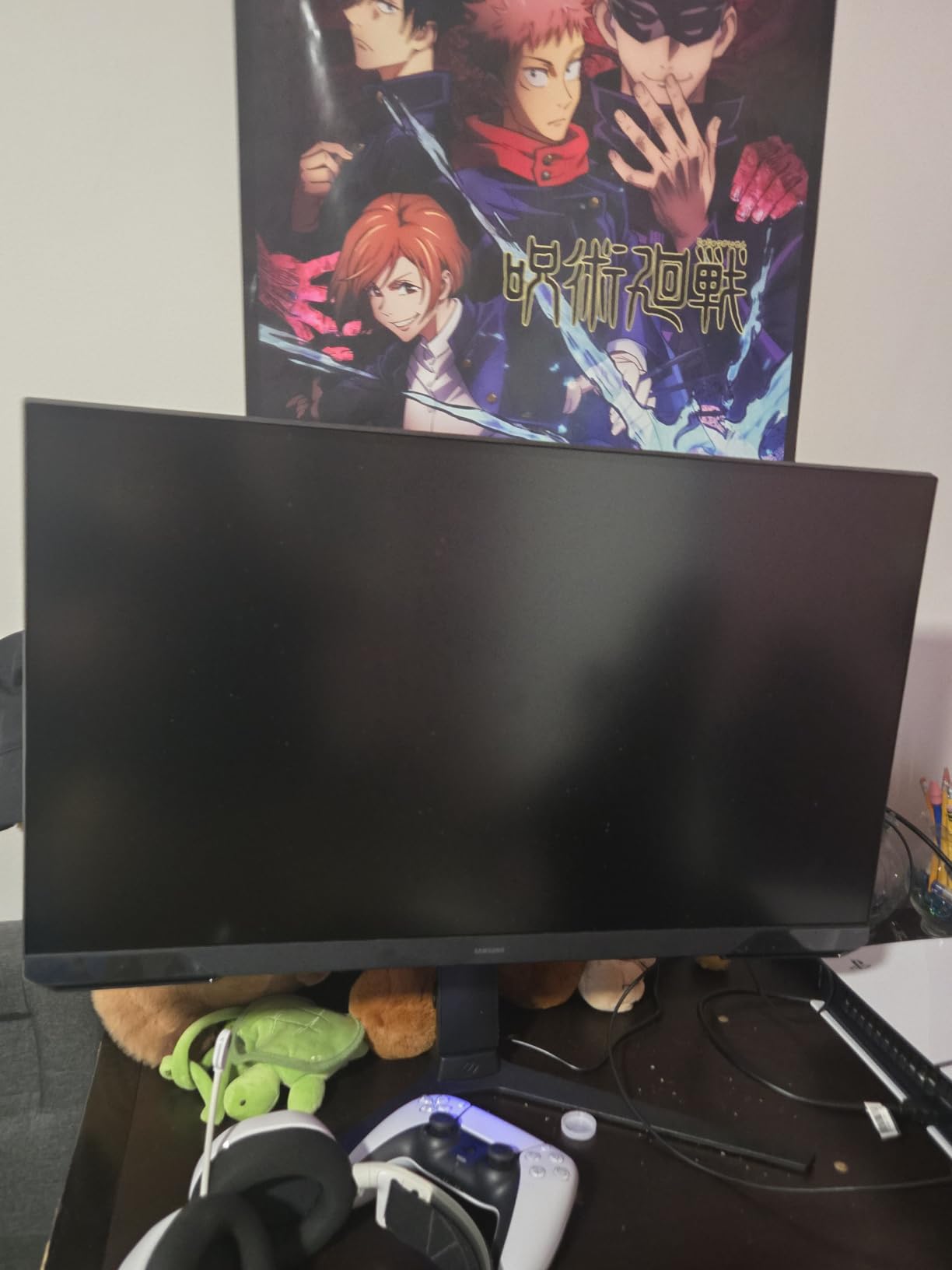
Height, pivot and tilt adjustment on the stand is genuinely rare at this level and removes one of the most common complaints about cheaper monitors. Owners also report using it for work alongside gaming, and the 1440p panel is a comfortable size for productivity.
Expect to touch the settings on arrival. Out-of-box colors carry a warm cast and need adjustment, and the on-screen interface gives little help if you need to change the refresh rate. Black smearing is present on dark transitions if you look for it.
What makes a good all-rounder?
An all-rounder has to be good at the thing you do most and not bad at anything else. Here that means a fast panel for shooters, enough contrast for dark scenes, and a stand you can actually position. All three are present, and the picture is sharp at 1440p on a 27 inch panel.
It also has the best rating profile of anything we tested, with a very high five star share and a small one star share. That does not guarantee your experience, but consistent owner feedback is worth something.
What to change on day one?
Set the color temperature and gamma before you judge the picture, because the warm out-of-box cast understates the panel. Leave the black equalizer off for cinematic games and on for competitive shooters, where lifting shadows helps.
The one year warranty is shorter than several picks here, so test the panel thoroughly in the first month. If you want a longer term for peace of mind, the ASUS TUF carries three years with advance replacement.
We earn a commission, at no additional cost to you. CERTAIN CONTENT THAT APPEARS ON THIS SITE COMES FROM AMAZON. THIS CONTENT IS PROVIDED 'AS IS' AND IS SUBJECT TO CHANGE OR REMOVAL AT ANY TIME.
4K vs 1440p for PS5: Which Should You Buy?
Buy 4K if you play single-player adventures, racing, strategy or anything with fine environmental detail. The PS5 renders 4K natively in its top quality mode, and on a 27-inch 4K panel at 163 pixels per inch that detail is visible in a way 1440p never is. Buy 1440p if you play competitive shooters primarily and want the sharpest possible image in motion.
The catch that most lists ignore is that the PS5 rarely renders 4K and 120 frames at the same time. Many demanding titles run 4K at 30 to 60 frames with frame generation, or 1440p at 120 in performance mode. Choosing 4K means choosing a higher ceiling that a large number of games do not use.
A practical compromise is a 4K panel with strong enough pixel density that 1440p still looks good. The 32-inch 4K options on this list land around 140 pixels per inch, where upscaled 1440p is nearly indistinguishable from native. That gives you both modes without switching screens.
Is 240Hz Overkill for a PS5?
Yes, for console play alone. The PS5 outputs a maximum of 120Hz, so any refresh rate above that is unused by the console. The number is not a waste if you also game on a PC, but paying a premium for it on a console-only setup is buying a feature you cannot see.
The same logic applies in reverse. On a 1440p 200Hz monitor, the console uses 120Hz and ignores the rest. What high refresh rate actually buys you on a PS5 is response headroom at the top of the range, which matters when VRR is active because a higher ceiling gives variable refresh more to work with.
For 4K, 120Hz is the ceiling that matters. Buy a 4K monitor that reaches 120Hz over a real HDMI 2.1 port and ignore anything higher unless a PC is part of the plan.
Why Ultrawide Monitors Are the Wrong PS5 Purchase?
Ultrawide monitors are a terrible fit for the PS5, and the reason is simple. The console outputs 16:9 only, so a 21:9 or 32:9 screen letterboxes the image with black bars on both sides, often with a stretch to fill rather than scaling. You end up paying more for a panel and using less of it.
Buyers regularly report exactly this outcome, and it is the most common regret in monitor forum threads about console upgrades. The marketing for ultrawide monitors is built almost entirely around PC gaming, where the extra width has real uses.
If you want an image wider than 16:9, the correct path is a large 16:9 display. A 32-inch monitor gives you a bigger picture on the desk, and a large OLED television in the living room is the right answer for a genuinely cinematic setup.
27-Inch vs 32-Inch: Sizing for Desk Distance
27 inches is the right default for a desk. It gives roughly 163 pixels per inch at 4K, sits comfortably at an arm’s length viewing distance of 60 to 70cm, and leaves room on a typical desk for a keyboard and a console standing nearby.
32 inches suits a deeper desk. At 4K it lands around 140 pixels per inch, which is still sharp at 70 to 80cm, and the larger panel makes cinematic games feel more like a screen than a window. Below 32 inches at 1440p, pixel density is high but the panel is small for a TV-like experience.
What you should not do is buy an ultrawide to compensate for a small desk. The letterboxed PS5 image negates the extra width entirely, and you pay more for the privilege.
PS5 vs PS5 Pro: How the Monitor Math Changes?
With a base PS5, the monitor decision is straightforward. 4K at 120Hz with VRR is the target, and most games will deliver 4K at 30 to 60 frames or 1440p at 120, so the ceiling matters more than the resolution in many titles.
The PS5 Pro changes the shape of the problem because it has more graphics headroom and stronger ray tracing, so more of its output lands close to 4K at high frame rates. That shifts weight toward native 4K and toward HDMI ports that can carry the full payload, which is why the 27-inch 4K 120Hz and the dual FRL port screen rank well for that console.
None of this removes the 120Hz ceiling. A PS5 Pro still cannot drive a 240Hz monitor, so the same refresh rate logic applies and the same advice about ignoring headline numbers above 120Hz holds.
Do You Need OLED for a PS5 Monitor?
You need OLED if HDR image quality is the main thing you want. An OLED panel has perfect black levels, so a dark game looks genuinely dark, and the contrast gain over an LCD is not subtle. It is the single largest visual upgrade available on this list.
You can skip it if you play in a bright room, share the screen in a household where it is always on, or run very long sessions on a static interface. A 250 to 400 nit OLED in daylight is a worse viewing experience than a bright IPS, and static HUDs are the content that ages organic panels.
The middle path is a bright 4K IPS with high contrast. The 27-inch 4K screen on this list at 1500:1 gives noticeably better blacks than a typical 1000:1 panel without any of the OLED trade-offs, and it is the option we would pick for a mixed household.
HDMI 2.1 and the Bandwidth Trap
HDMI 2.1 is a version label, not a capability. A port advertised as HDMI 2.1 can carry as little as 24Hz of data rate, and such a port cannot send 4K at 120Hz. The console then falls back to a lower mode, and you lose the refresh rate and VRR at that resolution without any obvious error on screen.
What matters is FRL, or full refresh rate line, which describes a port able to carry the full 4K 120Hz payload. Check the port specification rather than the box. On this list, the 27-inch 4K dual mode screens and the 32-inch 4K 120Hz screen all specify HDMI 2.1 with dual ports, which is the pattern to look for.
Use an Ultra High Speed certified cable. A cable that cannot carry the full payload produces a black screen or silently drops the refresh rate, and it is the cheapest possible cause of a problem that looks like a monitor fault.
How to Set Up Your PS5 for 120Hz, HDR and VRR?
Most 120Hz problems on a PS5 come down to one of three things: the console is set to 4K instead of the performance-friendly mode, the monitor input is capped below 120Hz, or HDR is switched off. Work through the console side first, then the monitor.
Connect with the HDMI port that carries full bandwidth. Use an Ultra High Speed certified cable into the monitor’s HDMI 2.1 port rather than a DisplayPort or an older input.
Check the monitor’s on-screen display. Set the input to its maximum refresh rate and confirm adaptive sync or VRR is enabled, since it is often off after a firmware update.
Set the console to 120Hz output. Go to Settings, then Screen and Video, then Video Output Information, then select 120Hz. If the option is greyed out, the console does not see the mode as available, so move back to the cable and the input choice.
Turn on HDR. In Settings, Screen and Video, Video Output, switch HDR to Automatic or On. If HDR stays greyed out, the connected device has not reported the required support.
Confirm variable refresh rate. In the same Video Output menu, set Variable Refresh Rate to Automatic for HDMI. PC VRR settings are separate and do not apply to the console.
Test both resolutions. Run a game with a 4K option and a performance option and check that motion looks noticeably smoother in the 120Hz mode before you settle.
If 120Hz never appears in the Video Output Information menu, the most likely causes are an HDMI cable that is not Ultra High Speed certified and a monitor input that is capped below the console’s output. Swapping the cable resolves it more often than swapping the monitor.
Frequently Asked Questions
What kind of monitor is best for gaming with the PS5?
A 4K monitor at 120Hz with a full-bandwidth HDMI 2.1 port gives the PS5 everything it can output, including VRR at that resolution. Add HDR with real contrast if image quality matters to you. Our overall pick, the KOORUI G2741L, also switches to FHD 320Hz so a PC on the same desk gets a fast mode too.
Is 4k or 1440p better for PS5?
4K is better for cinematic and open-world games because the PS5 renders it natively and holds far more environmental detail. 1440p is better for competitive shooters, where motion clarity and response matter more than pixels. A 32-inch 4K panel works well as a compromise, since its pixel density makes upscaled 1440p look nearly native.
Is 240Hz overkill for PS5?
Yes, for console play alone, because the PS5 outputs a maximum of 120Hz. Higher refresh rates only matter if you also game on a PC on the same screen. For a console-only setup, put the money into a 4K panel that reaches 120Hz over a real HDMI 2.1 port instead of a higher headline refresh number.
Is 120Hz or 144Hz better for PS5?
For the PS5 they are identical, because the console tops out at 120Hz. A 144Hz monitor simply gives variable refresh more headroom at the top of the range. For a PC on the same screen, 144Hz and above is a real upgrade, so a higher refresh monitor makes sense if your refresh rate ceiling on the console does not matter to you.
Do you need HDMI 2.1 for a PS5 monitor?
You need a port that carries full bandwidth, which is what HDMI 2.1 with FRL describes. A port labelled HDMI 2.1 with only 24Hz of data rate cannot send 4K at 120Hz, so the console falls back and you lose the refresh rate and VRR at that resolution. Pair a full-bandwidth port with an Ultra High Speed certified cable.
Are ultrawide monitors good for PS5?
No, because the PS5 only outputs 16:9. A 21:9 or 32:9 panel letterboxes the console image with black bars on both sides, so you pay more for a wider panel and use less of it. For a wider feel on a desk, move up to a 32-inch 16:9 monitor, or use a large OLED television in the living room.
Is OLED burn-in a risk for the PS5?
It is a real consideration over several years, because a static HUD, health bar or menu is exactly the content that ages organic panels unevenly. Modern panels mitigate it with heat management and refresh routines, and burn-in is often covered by warranty. A bright IPS panel is the lower-risk choice if the screen is shared and always on.
How do I set my PS5 to 120Hz?
Connect with an Ultra High Speed certified HDMI cable into the monitor’s full-bandwidth HDMI 2.1 port, set the monitor input to its maximum refresh rate with VRR enabled, then go to Settings, Screen and Video, Video Output Information and choose 120Hz. If the option is greyed out, the console does not see the mode, and the cable or input is the usual cause.
Final Verdict: The Best Gaming Monitors for PS5 in 2026
The KOORUI G2741L 27-inch 4K dual mode takes our top spot because it covers both halves of the console equation without compromise: native 4K 120Hz for the PS5, and a fast FHD mode when a PC is the one being played. The SANSUI ES-G27D1U is the value version of the same idea with a brighter panel and speakers, and the KTC H27T22C-3 is the honest budget answer at 1440p.
Pick the Amzfast 32-inch 4K 120Hz if port bandwidth is your top concern or you own a PS5 Pro, the Dell 27-inch 4K 120Hz if you want true 4K with a stand that adjusts properly, and the ASUS ROG PG32UCDM if HDR picture quality is worth the step up in cost. Whatever you choose, the three non-negotiables are native 4K, a 120Hz panel and an HDMI 2.1 port with real bandwidth behind it.