
A battery backup for a gaming PC is an uninterruptible power supply, usually called a UPS. It sits between your wall outlet and your PC, absorbs surges, corrects brownouts, and then runs your rig on internal batteries for long enough to save your game and shut down cleanly. That runtime is short and honest: roughly 10 to 20 minutes under a real gaming load, not hours. If your grid is unstable or your build costs more than you would enjoy replacing, a UPS is the least expensive line of defence you can add.
Most roundups in this category list three units and stop. We compared eight, from a 600W budget model to a 900W premium tower, and checked every one against the same questions: will it hold a full gaming load, does the output waveform match what a modern PSU expects, and how much clean runtime does it actually buy you. If you are still choosing hardware, our best gaming PCs guide covers the towers these units have to protect.
A few honest expectations before the list. A UPS is not a generator, and you cannot game through a multi-hour outage on one. It also does more than a surge protector: it conditions sag and brownout voltage, which a plain power strip cannot do. Everything below was verified for 2026, and we have flagged the units that simply cannot carry a modern GPU.
Table of Contents
- Top 3 Best Battery Backups For Gaming Pcs (October 2026)
- Quick Overview: Best Battery Backups for Gaming PCs in 2026
- 1. APC BX1500M – Best Overall UPS for a Gaming PC
- 2. CyberPower CP1500PFCLCD – Best Pure Sine Wave Unit for Active PFC Builds
- 3. CyberPower CP1000AVRLCD – Best Value 1000VA Battery Backup
- 4. APC BR1500MS2 – Premium Pure Sine Wave Pick for High-End Rigs
- 5. Eaton Tripp Lite SMART1500LCDT – Rugged Pick with Dataline Protection
- 6. GOLDENMATE 1000VA/800W Lithium UPS – Longest Battery Life
- 7. APC BR1000MS – Quietest Pick for a Desk Setup
- 8. Eaton Tripp Lite OMNI1500LCDT – Best for a PC with Two Monitors
- How to Size a UPS for Your Gaming PC?
- Runtime Expectations: How Long Will a Battery Backup Run a PC?
- Pure Sine Wave vs Simulated Sine Wave
- APC vs CyberPower: Which Brand Should You Buy?
- Surge Protector vs UPS: Which One Do You Actually Need?
- Battery Care, Self-Testing and That Constant Beeping
- Frequently Asked Questions
- Conclusion: Which Battery Backup Should You Buy?
Top 3 Best Battery Backups For Gaming Pcs (October 2026)
Quick Overview: Best Battery Backups for Gaming PCs in 2026
| Product | Key Specs | Pricing |
|---|---|---|
 APC BX1500M APC BX1500M |
|
Check Latest Price |
 CyberPower CP1500PFCLCD CyberPower CP1500PFCLCD |
|
Check Latest Price |
 CyberPower CP1000AVRLCD CyberPower CP1000AVRLCD |
|
Check Latest Price |
 APC BR1500MS2 APC BR1500MS2 |
|
Check Latest Price |
 Eaton Tripp Lite SMART1500LCDT Eaton Tripp Lite SMART1500LCDT |
|
Check Latest Price |
 GOLDENMATE 1000VA/800W Lithium GOLDENMATE 1000VA/800W Lithium |
|
Check Latest Price |
 APC BR1000MS APC BR1000MS |
|
Check Latest Price |
| Eaton Tripp Lite OMNI1500LCDT |
|
Check Latest Price |
1. APC BX1500M – Best Overall UPS for a Gaming PC
APC BX1500M UPS Battery Backup & Surge Protector for Computers, Electronics
★★★★★★★★★★1500VA/900W
10 protected outlets
68 min runtime at 100W
AVR from 88V
LCD status panel
- 900W continuous headroom for a mid-to-high range gaming build
- AVR corrects brownouts without touching the battery
- 10 outlets plus coax and Ethernet protection
- User-replaceable battery cartridge
- ENERGY STAR certified for 92% efficiency
- Simulated rather than pure sine wave output
- Heavy 24.2 pound tower that is bulky under a desk
- Sealed lead-acid batteries need periodic replacement
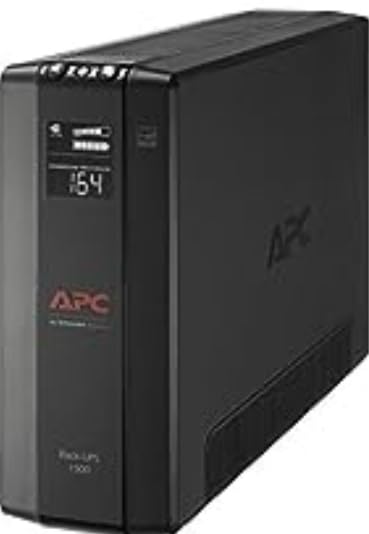
The APC BX1500M is the one we keep coming back to. With more than 13k reviews behind it, it is the most battle-tested unit in this roundup, and the 900W continuous rating gives a 650W to 850W PSU real breathing room rather than running the UPS at its ceiling every time you alt-tab.
What separates it from most of the field is the automatic voltage regulation window. It starts correcting as low as 88V and handles swings of plus or minus 13 percent, so the battery stays asleep during ordinary brownouts instead of draining on every flicker. For anyone on a grid that dips constantly, that is the feature that decides whether the batteries still work in year three.
Runtime is where the numbers look generous on paper. The published figure is 68 minutes at a 100W load, which is a monitor, a router and a modest office desktop rather than a 400W gaming machine. Scaled to a real mid-range gaming PC, expect single-digit minutes of headroom to save, quit and shut down. That is still the entire job.
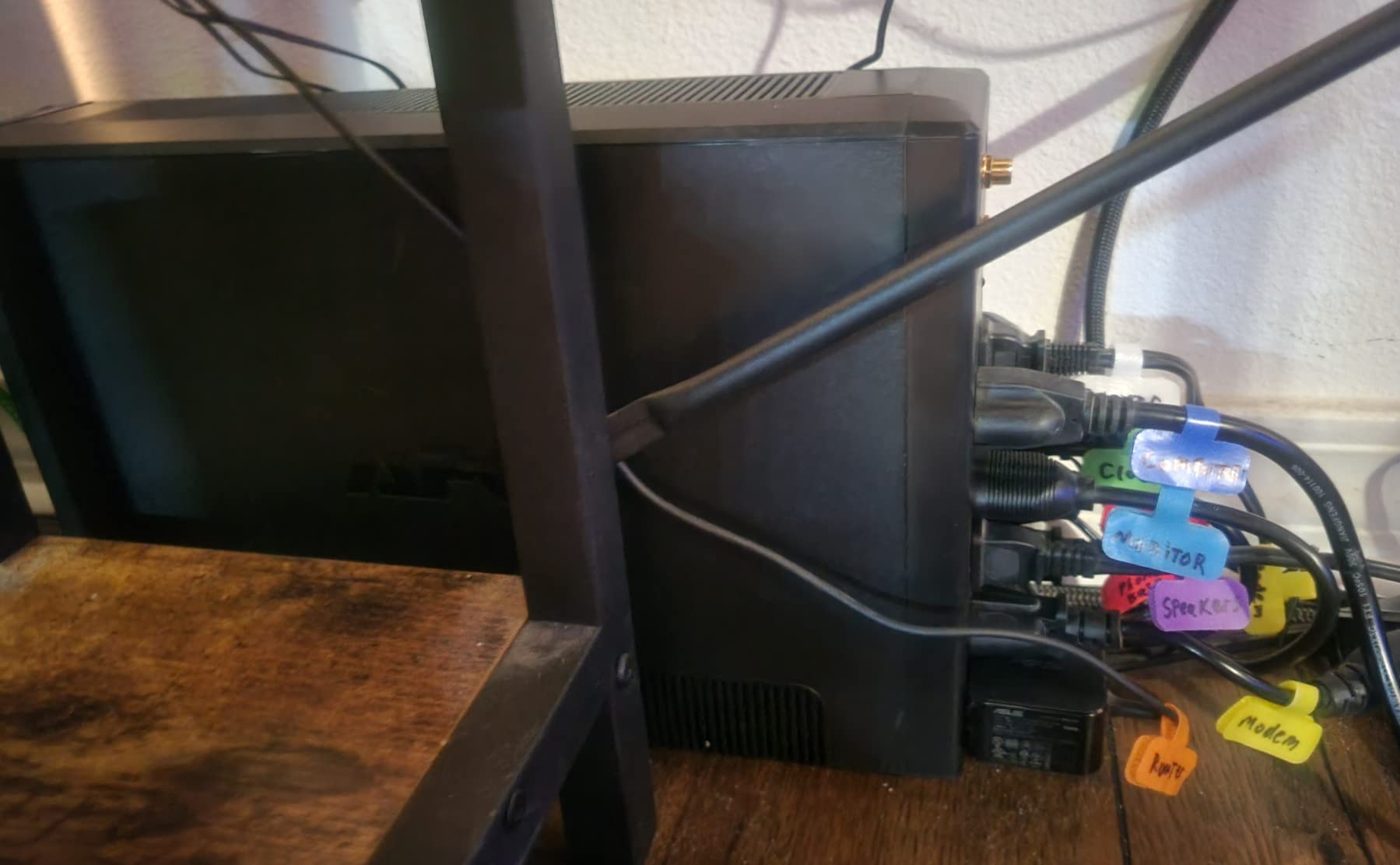
The outlet layout is unusually generous for a 1500VA tower: ten protected outlets split into five battery-backed and five surge-only, plus coaxial and Ethernet protection for the network side of the setup. The LCD tracks battery charge, estimated runtime, load capacity and input voltage, which makes it easy to see when you are close to overload before it becomes a surprise.
What we liked about the BX1500M?
The battery cartridge is user-replaceable, so a dead pack in three years does not mean a dead UPS. Energy Star certification matters too: an idle draw on a unit that sits plugged in all day quietly adds up over a decade of ownership.
It is also the most flexible option here for mixed loads. You can put the PC, monitor, router and a set of speakers on battery and still have the surge-only outlets left for peripherals. If you are building on a smaller budget, our budget gaming PC picks sit comfortably inside its 900W ceiling.
Where it falls short?
The output is a simulated sine wave, not pure. That is the single most important caveat on this page, and it is covered in detail further down. Most PSUs cope with it without drama, but if you have ever had a high-end build shut itself down the instant an outage started, this is the most likely explanation.
It weighs 24.2 pounds and measures 15 inches tall. That is fine beside a floor tower, less fine if you were hoping to tuck it behind a monitor arm on a small desk. Plan the placement before you buy.
We earn a commission, at no additional cost to you. CERTAIN CONTENT THAT APPEARS ON THIS SITE COMES FROM AMAZON. THIS CONTENT IS PROVIDED 'AS IS' AND IS SUBJECT TO CHANGE OR REMOVAL AT ANY TIME.
2. CyberPower CP1500PFCLCD – Best Pure Sine Wave Unit for Active PFC Builds
CyberPower CP1500PFCLCD PFC Sinewave UPS Battery Backup and Surge Protector
★★★★★★★★★★1500VA/1000W
PFC sine wave output
12 NEMA outlets
USB-A and USB-C charging
Tilting color LCD
- True sine wave built specifically for Active PFC power supplies
- 1000W continuous covers a high-wattage CPU and GPU build
- 12 outlets beats every rival at this class
- Color LCD shows live watt draw and load capacity
- Three-year warranty including the battery
- Batteries still need replacing every 2-3 years
- LCD dims and switches off after about 90 seconds
- No external terminal for extra battery packs
If your build uses an Active PFC power supply, this is the CyberPower model you want rather than the cheaper stepped-wave units. It outputs a PFC sine wave shaped for both Active PFC and conventional PSUs, which is why it is rated a full 1000W against a 1500VA nameplate.
Reviewers consistently credit this unit with fixing shutdown problems. Gaming PC owners describe moving off cheaper units and finding that the random cut-outs during brownouts simply stopped. That matches the waveform theory exactly: a PSU that dislikes a stepped wave will simply latch off, and no amount of extra capacity fixes it.
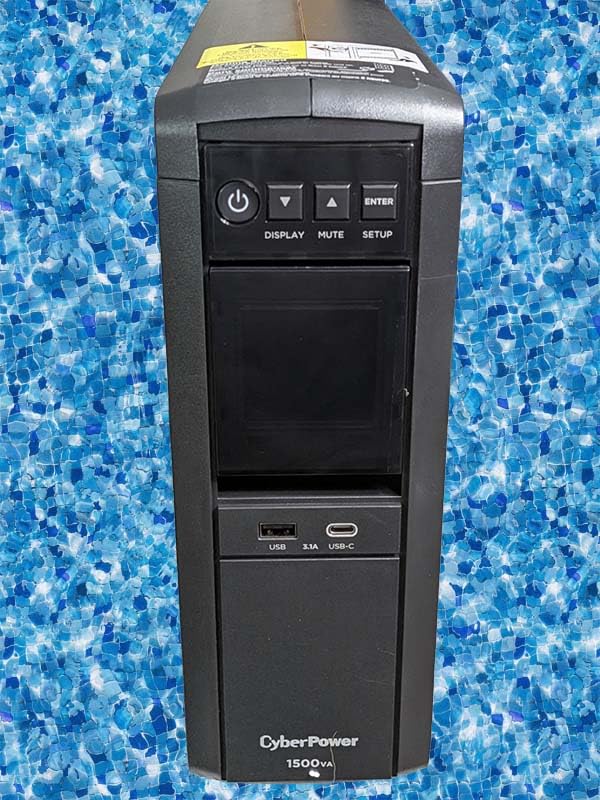
Outlet count is the quiet superpower here. Twelve NEMA 5-15R outlets, six on battery and six surge-only, plus a USB-A and a USB-C charging port on the front. On a rig with a monitor, a second screen, speakers, a capture card and a router, you will not be rationing sockets.
The tilting color LCD is genuinely useful rather than decorative. It reports live watt draw and load capacity, effectively a permanent inline power meter. At roughly 40 minutes of gaming runtime claimed under load, it also has a deep reserve in this group.
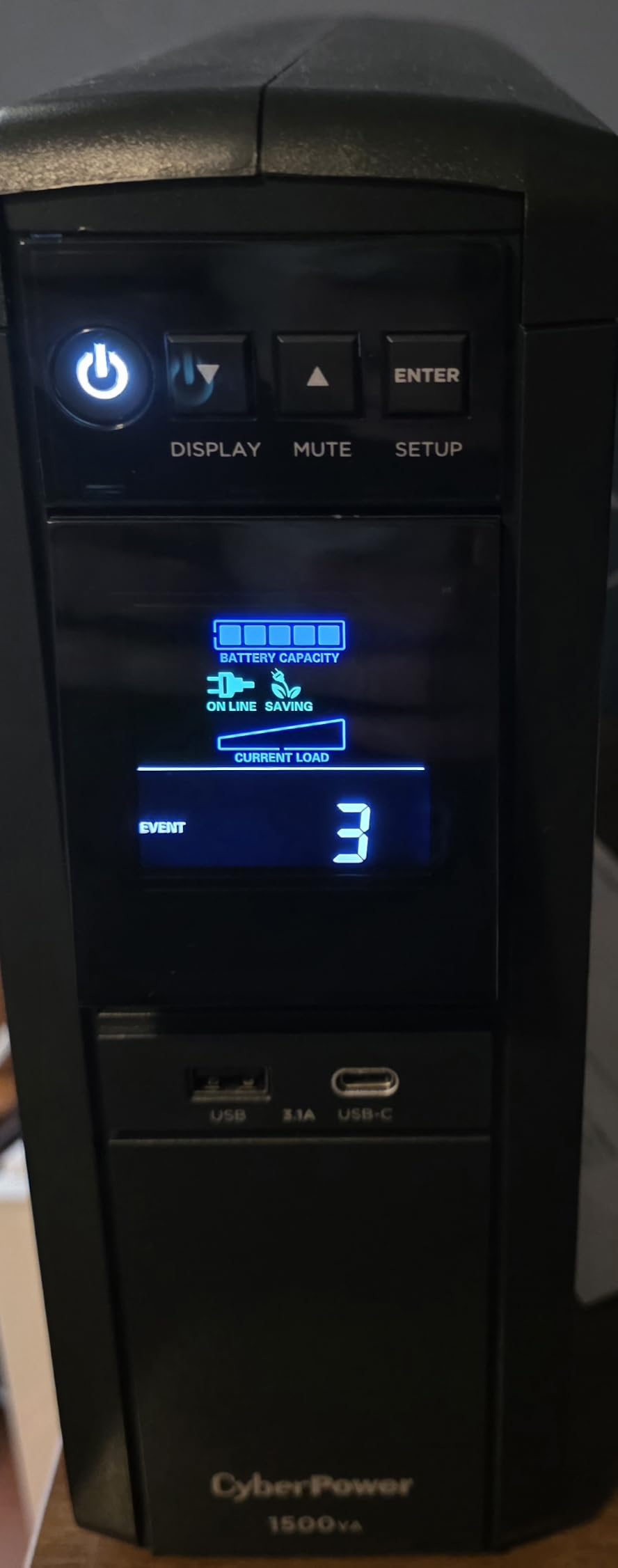
Why the waveform matters here?
A pure sine wave is the shape your wall socket delivers. A simulated or stepped wave is a cheaper approximation built with pulse-width modulation, and cheaper PSU designs can struggle with it, particularly when they are already stressed. That is why this unit is the safest match for a modern gaming desktop.
The warranty is three years and includes the battery, backed by a generous connected equipment guarantee. PowerPanel software logs surges and outage events to your PC, which is useful if you want a record of how often your grid misbehaves.
Where it falls short?
It is one of the heavier units in the group at 24.9 pounds and one of the largest, so it needs floor space. It also has no external terminal for bolting on extra 12V battery packs, which rules it out for anyone planning genuinely long runtime.
Two smaller annoyances: the LCD dims and shuts off after about 90 seconds of inactivity, and reviewers report that the internal charging circuit can fail after several years, leaving the batteries sitting uncharged. Expect to replace the batteries every two to three years regardless.
We earn a commission, at no additional cost to you. CERTAIN CONTENT THAT APPEARS ON THIS SITE COMES FROM AMAZON. THIS CONTENT IS PROVIDED 'AS IS' AND IS SUBJECT TO CHANGE OR REMOVAL AT ANY TIME.
3. CyberPower CP1000AVRLCD – Best Value 1000VA Battery Backup
CyberPower CP1000AVRLCD Intelligent LCD UPS Battery Backup
★★★★★★★★★★1000VA/600W
Simulated sine wave
9 outlets
Multifunction LCD
ENERGY STAR certified
- Low-cost route into 1000VA class protection
- AVR corrects minor fluctuations without draining the battery
- LCD shows runtime and load capacity at a glance
- ENERGY STAR certified with three-year warranty
- Nine outlets split five battery-backed and four surge-only
- Only 600W continuous output
- Simulated stepped sine wave output
- Lead-acid batteries typically need replacing around the three-year mark
- Fewer outlets than competing 1000VA units
The CP1000AVRLCD is the pick when the budget is the deciding factor and the rig is not a top-end build. It has been sold for years, it carries a 4.5 average across more than 4,600 reviews, and the AVR stage keeps it from leaning on the batteries during mild voltage wobble.
The intelligent LCD is the feature that earns it a spot over a bare power strip. It reports estimated runtime in minutes, battery capacity percentage and load capacity, so you can check after every major hardware upgrade that you are still inside safe limits.
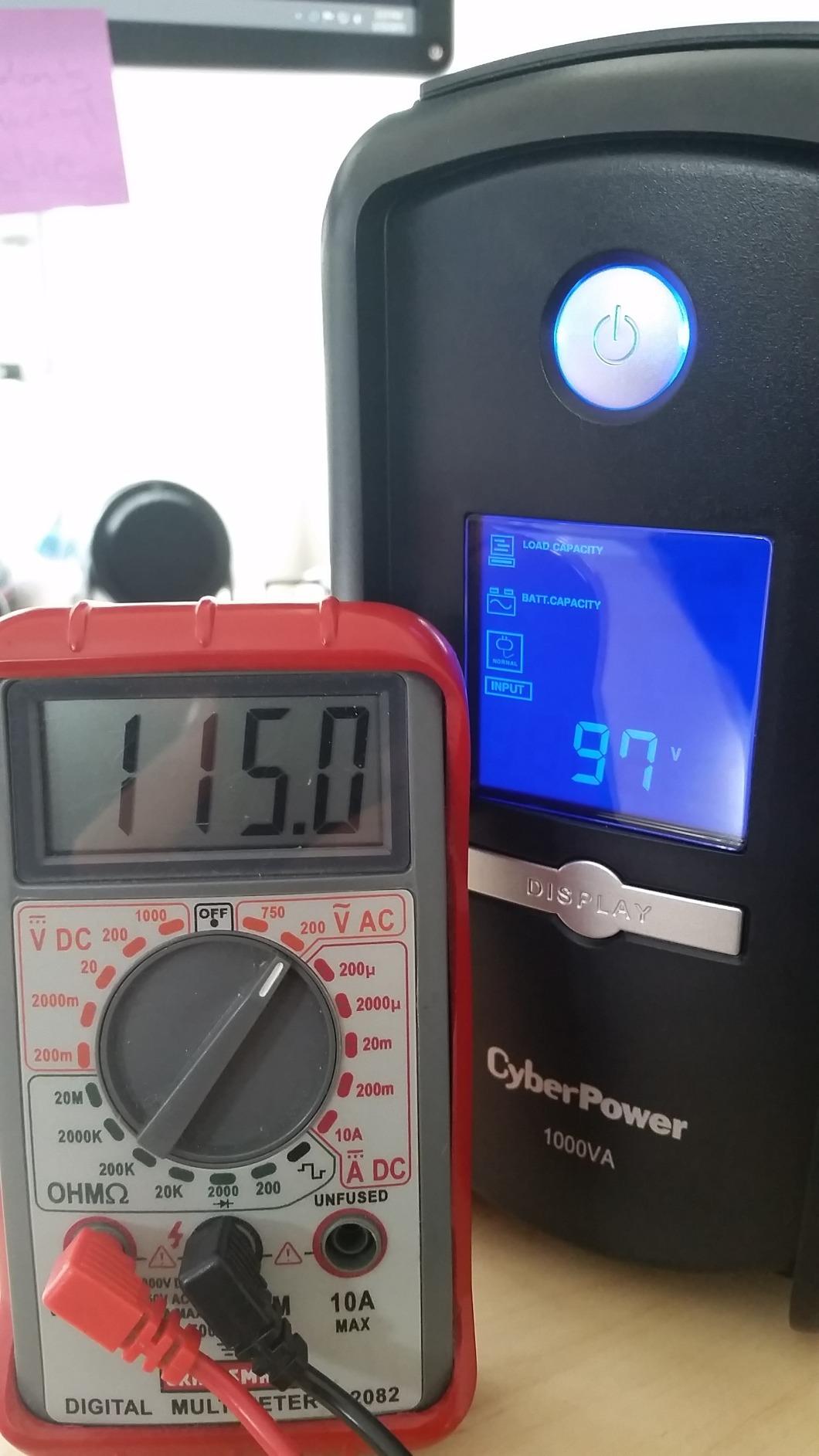
The waveform is simulated, and the output ceiling is 600 watts. Those two facts together define where this unit belongs: a mid-range desktop, a work PC, a NAS, or a gaming PC paired with a lean power supply and a single monitor. Ask it to carry an 850W build and you are asking for trouble.
Nine outlets is fine for a focused setup, and the surge rating of 1080 joules is joint highest in this group. ENERGY STAR certification keeps idle cost down on a device that will be plugged in permanently.
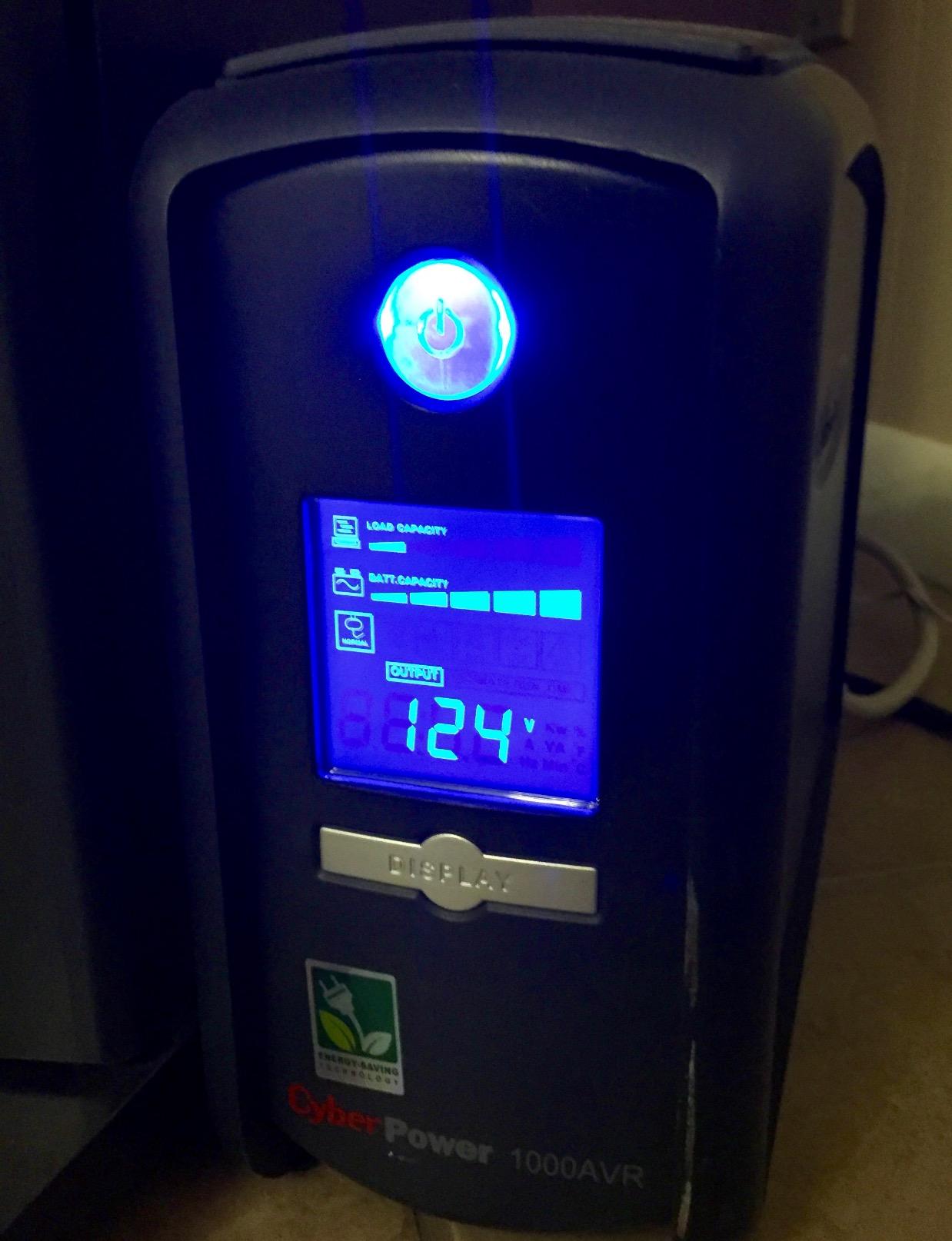
What we liked about the CP1000AVRLCD?
The warranty is the underrated part: three years including the battery, plus a connected equipment guarantee that covers attached gear. Free PowerPanel Personal Edition software handles the graceful shutdown hand-off to Windows, which is what actually saves your session when the lights go.
For owners of a smaller desktop or a home server, the runtime figure is comfortable. A NAS plus a router and a monitor sits far below the 600W ceiling and gets real minutes, not seconds.
Where it falls short?
Straight up: 600W continuous is the limit, and modern gaming hardware eats that quickly. An overclocked CPU with a discrete GPU will trip the overload on startup, which is the single most common complaint forum owners report.
The simulated stepped wave is the other issue. It works for most builds, but it is the reason to step up a class rather than settle here if you own a high-end card.
We earn a commission, at no additional cost to you. CERTAIN CONTENT THAT APPEARS ON THIS SITE COMES FROM AMAZON. THIS CONTENT IS PROVIDED 'AS IS' AND IS SUBJECT TO CHANGE OR REMOVAL AT ANY TIME.
4. APC BR1500MS2 – Premium Pure Sine Wave Pick for High-End Rigs
APC BR1500MS2 Pure Sine Wave UPS Battery Backup & Surge Protector
★★★★★★★★★★1500VA/900W pure sine wave
73 min runtime at 100W
10 outlets
Front USB-A and USB-C
Angled LCD
- Pure sine wave from a heavily reviewed brand
- 900W gives real headroom for demanding systems
- Up to 73 minutes of runtime at a 100W load
- Angled LCD with runtime and battery health plus a silenceable alarm
- User-replaceable battery cartridge
- Heaviest unit here at 27.6 pounds
- 16-hour battery recharge time is lengthy
- Large tower footprint
- Lead-acid batteries still need eventual replacement
The BR1500MS2 is the one to buy when you want pure sine wave output and you prefer the APC name on it. It is designed for Active PFC systems and outputs a waveform that mimics utility power, which is a close pairing for a modern gaming desktop.
Runtime is its headline number: up to 73 minutes at a 100W load, the longest published figure among the 1500VA units we tested. Scale that to a 400W gaming load and you still land in the range of a comfortable save-and-shutdown window rather than a panic.
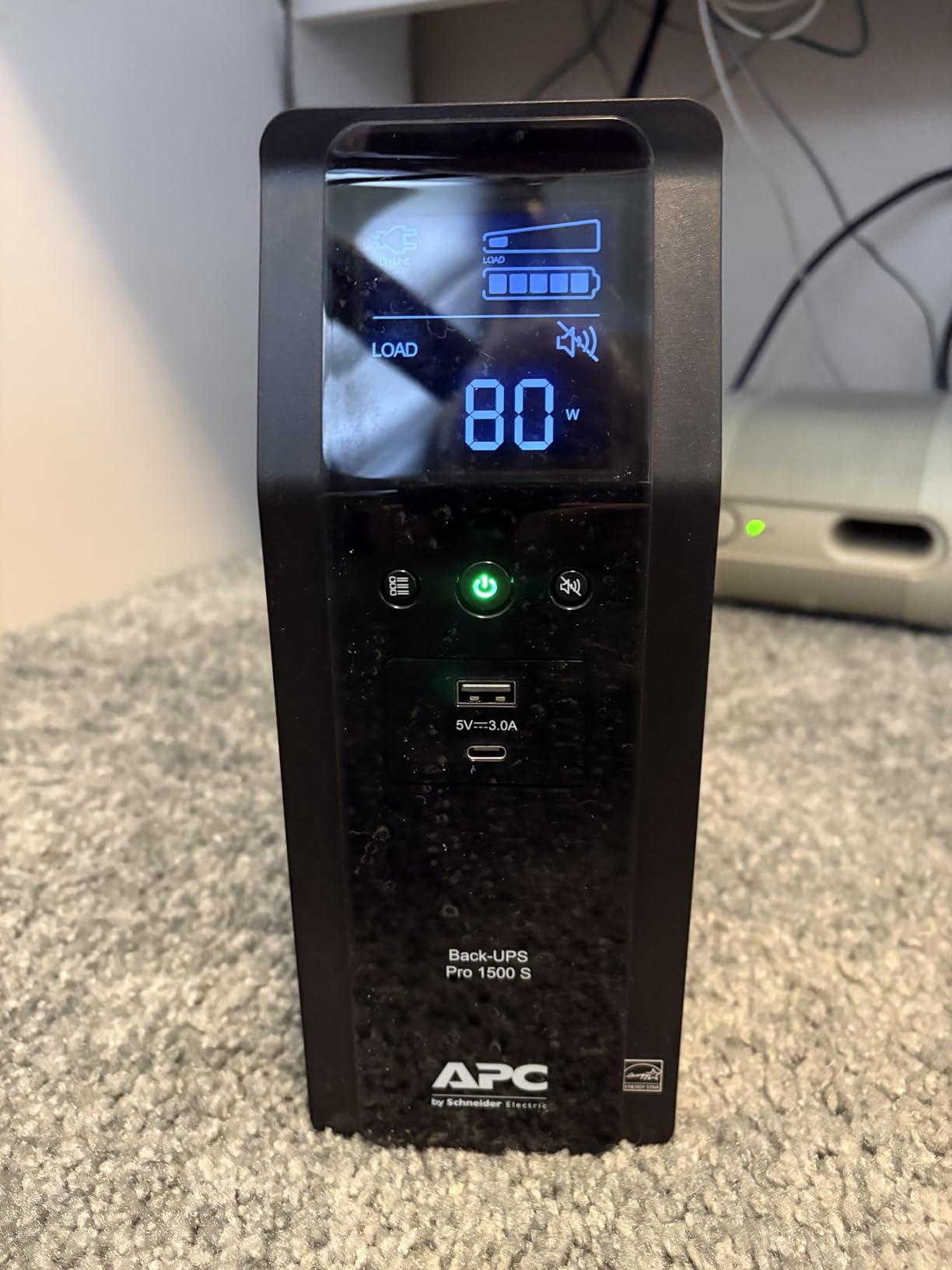
The angled front LCD shows runtime, watt draw and battery health, and the alarm can be silenced, which matters more than it sounds if the unit lives in a bedroom. Six battery-backed outlets and four surge-only outlets cover a full setup, and coax plus Ethernet protection is built in.
Front USB-A and USB-C charging ports free up a wall socket and double as phone charging during an outage. The design is explicitly Active PFC compatible, so there is no guesswork about pairing.
What we liked about the BR1500MS2?
This is the combination we would trust with the most expensive rig on this list. Pure sine wave removes the waveform risk entirely, 900W covers a power-hungry CPU and GPU, and 1080 joules of surge protection is joint best here.
The battery is user-replaceable, so the three-year warranty is not a dead end when the cells age out. That matters given the 16-hour recharge time, which is the slowest in the group.
Where it falls short?
Size and weight. At 27.6 pounds and just over 14 inches tall, this is among the bulkiest units we ranked, and moving it once it is wired is a two-person job in a tight corner.
Its warranty and connected equipment coverage are slightly less generous than some rivals in this lineup. If pure sine wave is your requirement and both brands are on the table, compare the two before committing.
We earn a commission, at no additional cost to you. CERTAIN CONTENT THAT APPEARS ON THIS SITE COMES FROM AMAZON. THIS CONTENT IS PROVIDED 'AS IS' AND IS SUBJECT TO CHANGE OR REMOVAL AT ANY TIME.
5. Eaton Tripp Lite SMART1500LCDT – Rugged Pick with Dataline Protection
Eaton Tripp Lite SMART1500LCDT 1500VA UPS 900W 10 Outlets 650 Joules AVR
★★★★★★★★★★1500VA/900W
10 outlets
650 joules surge protection
AVR 92V to 150V
RJ45 and RJ11 protection
- 900W output carries a PC monitor speakers and network gear
- AVR corrects 92V to 150V swings without touching the battery
- Detailed LCD cycling voltage frequency load and wattage
- Reliable behaviour on generator power where some units repeatedly switch
- User-replaceable RBC51 battery cartridge
- One of the bulkiest towers here at 19.29 inches deep
- Lowest-rated unit here at 4.2 stars
- Bundled USB cable is only about 6 feet
- 650 joules of surge protection is below the APC and CyberPower units
The SMART1500LCDT is the odd one out in this lineup, and that is why it is here. It is an Eaton Tripp Lite rather than a CyberPower or APC, built from metal and ABS, and it is the pick if you run long network cables into the room.
Both RJ45 Ethernet and RJ11 telephone line protection sit on the back, alongside 650 joules of surge protection on the outlets. If your router, modem or NAS lives in another room, the dataline ports are a genuine reason to choose this over a cheaper tower.
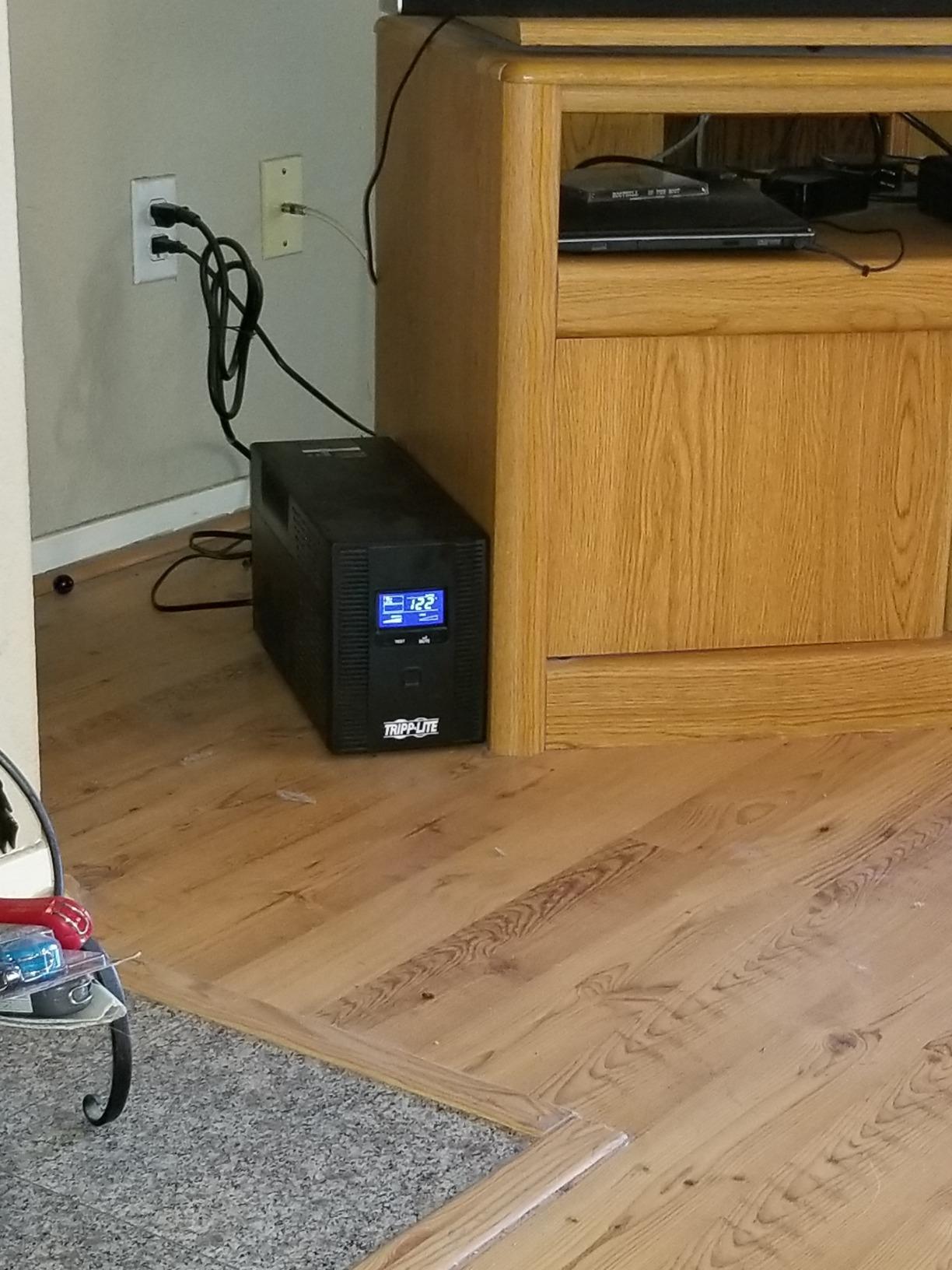
The AVR window is 92V to 150V, correcting brownouts and over-voltages back toward 120V without drawing on the battery. Runtime is quoted at 10 minutes, which lines up neatly with what long-term owners report for a unit of this class under a real load.
Owners also report that it behaves better on generator power than several competing units, which will not apply to most homes but matters if you ever run one through a multi-hour outage.
What we liked about the SMART1500LCDT?
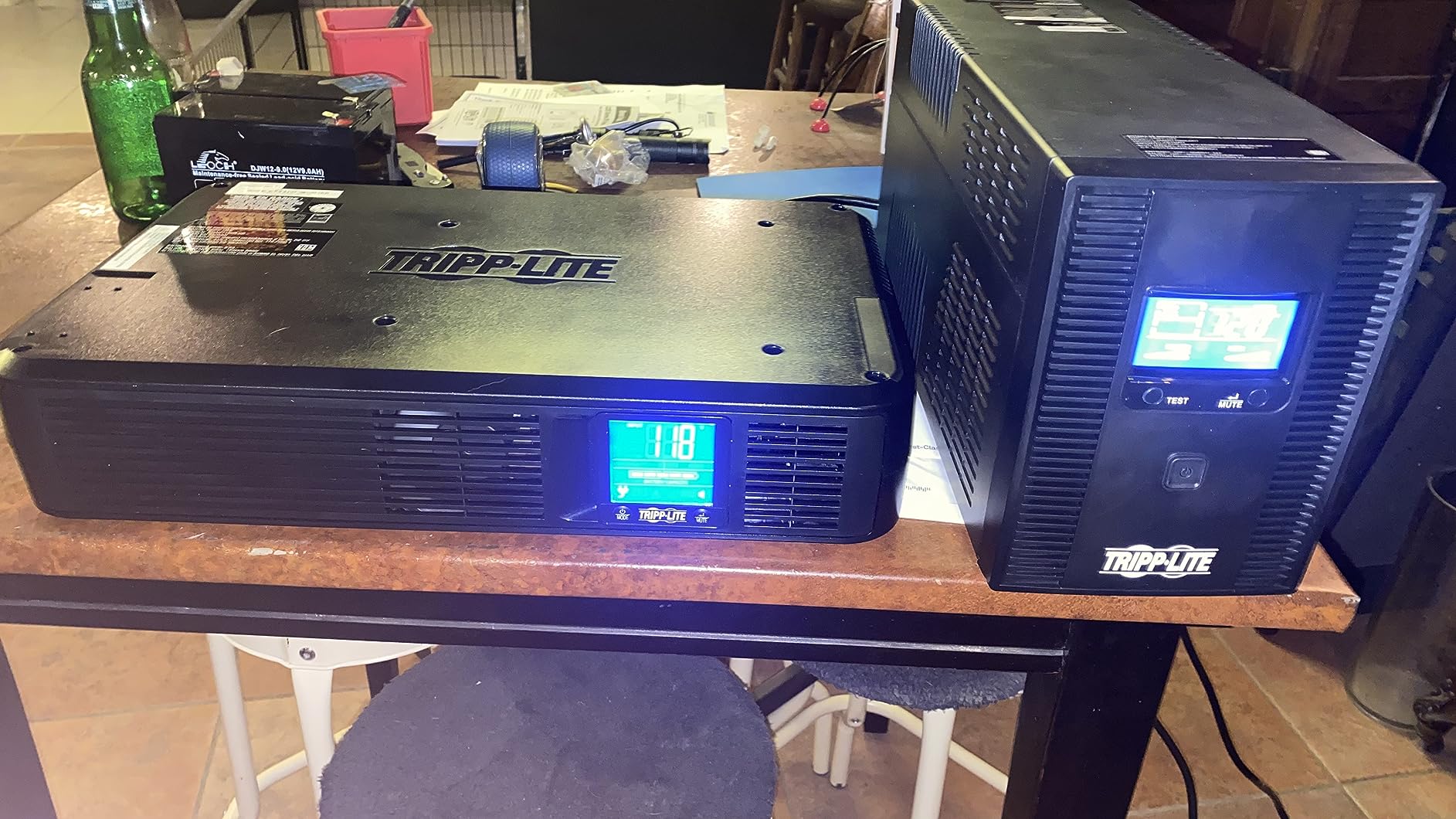
The LCD is the most detailed on test, cycling through output voltage, frequency, load percent and wattage. Combined with 900W of continuous output, it handles a gaming PC with a monitor, speakers and network gear on battery without argument.
Phone support is genuinely good, and the three-year warranty is backed by connected equipment insurance. Batteries come out via an RBC51 cartridge, so servicing is straightforward.
Where it falls short?
It is among the largest and heaviest things in this roundup at 19.29 inches deep and 27.3 pounds, and the bundled USB cable is only about 6 feet. If your PC sits far from the wall you will want a longer run.
It also carries the lowest average rating here at 4.2 stars. Reviewers report it sticking in AVR boost mode after the three-year mark and needing a button press following an outage, and 650 joules of surge protection is on the low side for the class. Fine gear, but the least polished of the eight.
We earn a commission, at no additional cost to you. CERTAIN CONTENT THAT APPEARS ON THIS SITE COMES FROM AMAZON. THIS CONTENT IS PROVIDED 'AS IS' AND IS SUBJECT TO CHANGE OR REMOVAL AT ANY TIME.
6. GOLDENMATE 1000VA/800W Lithium UPS – Longest Battery Life
GOLDENMATE 1000VA/800W Lithium UPS Battery Backup & Surge Protector, White
★★★★★★★★★★1000VA/800W pure sine wave
LiFePO4 pack rated 10 years
Eight outlets
Under 50 dB fan
White tower
- Only lithium unit here with a 10-year pack rated for over 5000 cycles
- Pure sine wave output at 1000VA which is unusual in this power class
- Light at about 12.4 pounds versus 22 to 28 pounds for lead-acid rivals
- Built-in battery management system cuts charge and discharge at limits
- Certified to UL1642 UL1973 UL1778 FCC and TUV
- Only 8 outlets against 9 to 12 on the lead-acid units
- Shorter two-year warranty than rivals
- 10-hour charge time is longer than typical
- Narrower 90-140V input range needs checking locally
- Newer brand with a smaller review base
Everything else on this list runs sealed lead-acid batteries that you replace every few years. This one does not. The GOLDENMATE uses a lithium iron phosphate pack rated for a lifespan over 10 years and more than 5000 charge cycles, which changes the long-term ownership math more than any other spec here.
It also delivers pure sine wave output at 1000VA, a combination you rarely see at this power level, and rates 800W continuous. That makes it a genuinely capable partner for a mid-range gaming PC, monitor and router, without the floor-tower bulk of the 1500VA units.
Weight is the surprise. At about 12.4 pounds it is roughly half what the lead-acid towers weigh, so it is far easier to reposition and perfectly reasonable beside a desk or a small form factor build. The cooling fan stays below 50 dB and only spins up under heavy battery load, and the buzzer can be muted from the multi-function switch.
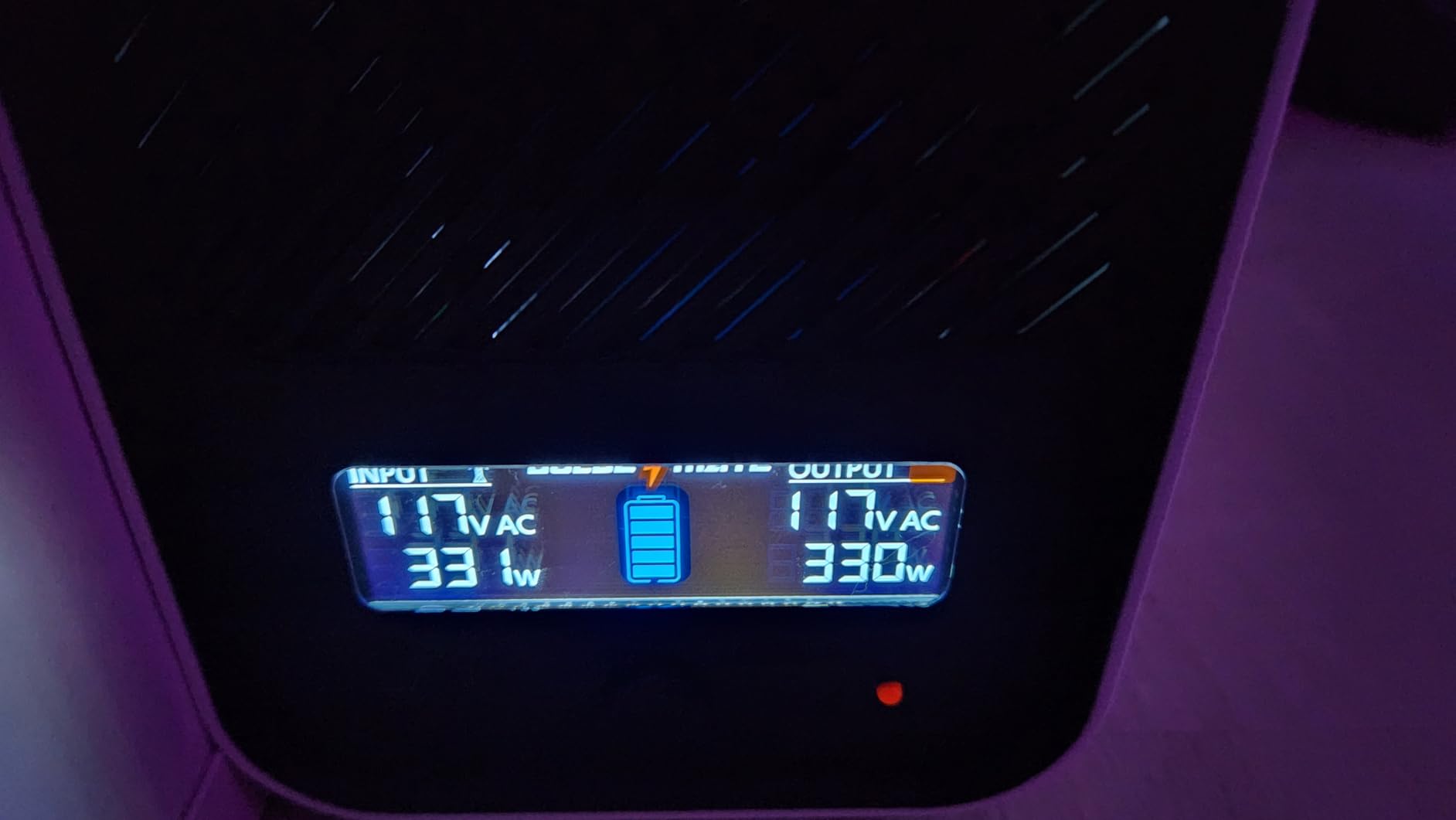
The intelligent LCD shows real-time battery and power status, and the built-in battery management system halts charging or discharging at limit thresholds, which is a sensible guardrail on a lithium pack.
Why the lithium pack is different?
Lead-acid cells lose capacity with every deep discharge and typically need replacing around year three. A LiFePO4 pack rated for 5000-plus cycles means you will probably replace the batteries once in the life of the unit, if at all. Buyers report a substantially lower total cost of ownership over that span.
That makes it the lowest-cost unit to keep over a decade of ownership. For anyone whose grid is unreliable enough to drain the battery often, it is the pick we would make on arithmetic alone.
Where it falls short?
Eight outlets is fewer than the 9 to 12 offered by the lead-acid units, and the warranty is two years rather than three. The 10-hour charge time is longer than typical as well, so it needs a full night on the wall before you trust it.
Two cautions. The 90-140V AC input range is narrower than rivals, so check it against local supply. And this is a newer brand with a smaller review base and less field history, which is a real consideration when the alternative carries 13,000 reviews.
We earn a commission, at no additional cost to you. CERTAIN CONTENT THAT APPEARS ON THIS SITE COMES FROM AMAZON. THIS CONTENT IS PROVIDED 'AS IS' AND IS SUBJECT TO CHANGE OR REMOVAL AT ANY TIME.
7. APC BR1000MS – Quietest Pick for a Desk Setup
APC UPS 1000VA/600W Pure Sine Wave UPS for Computer, Electronics, BR1000MS
★★★★★★★★★★1000VA/600W pure sine wave
42 min runtime at 100W
10 outlets with USB charging
No fan noise
ENERGY STAR certified
- True pure sine wave output at a 1000VA capacity
- Noticeably quieter than most UPS units with no constant fan noise
- Low 35W idle draw while on line
- 10 outlets including 6 battery-backed plus coax and Ethernet protection
- Angled LCD shows line voltage frequency event count runtime and load
- 600W continuous output is tight for a high-end gaming PC
- Outlet spacing can be cramped with bulky power bricks
- Display resets to default on any power event
- Internal battery must be connected manually on unboxing
The BR1000MS is among the quietest units we tested, and for a bedroom or desk-adjacent setup that matters as much as wattage. Reviewers single out the absence of constant fan noise repeatedly, and the low 35W idle draw while on line keeps a permanently plugged-in device from costing you much over a year.
What makes it interesting is the waveform. True pure sine wave output in a 1000VA class is unusual, and it is why we put this 600W unit ahead of higher-capacity simulated-wave models on this list for anyone with a mid-range build.
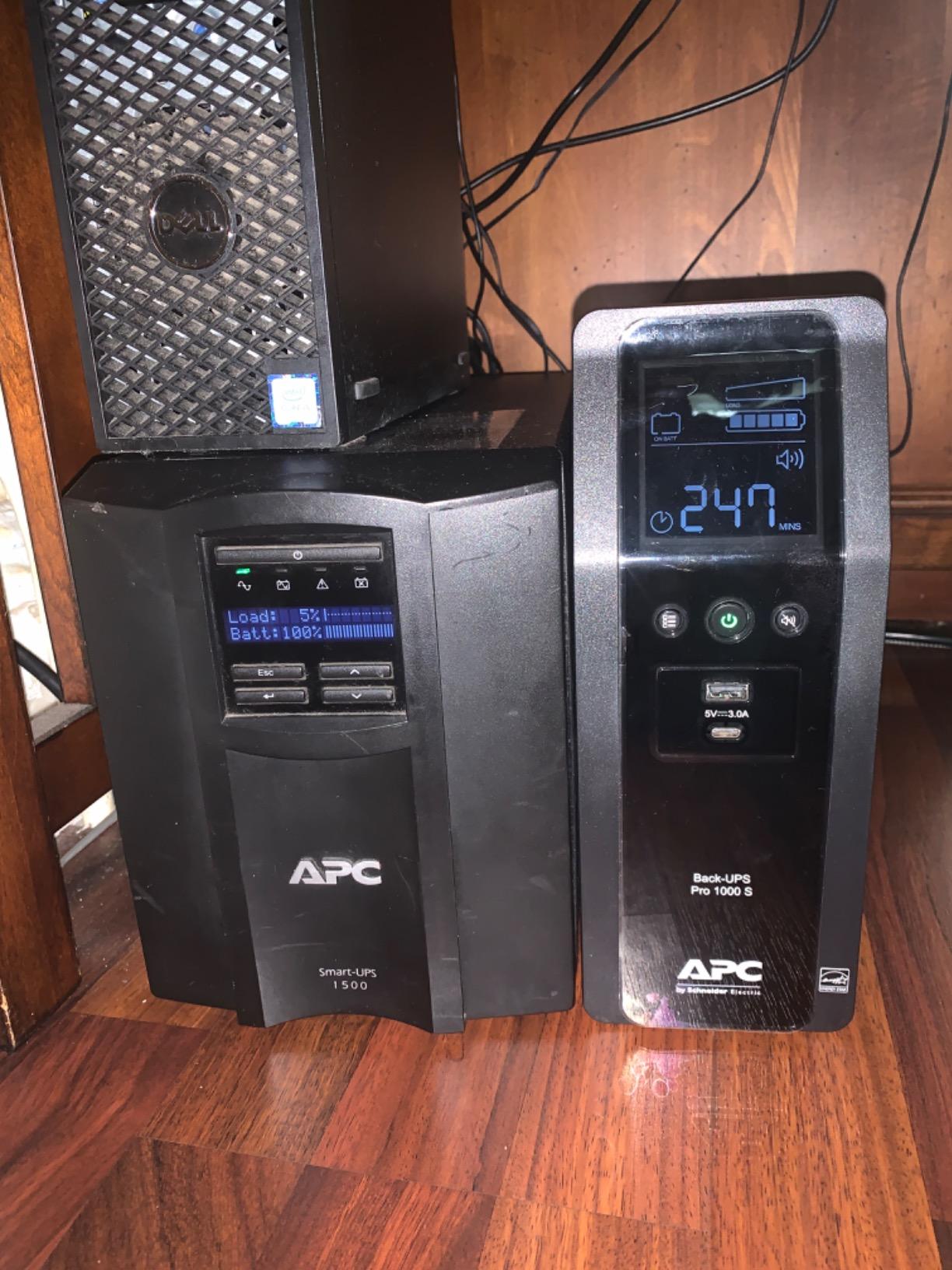
Ten outlets, six of them on battery, plus coaxial and Ethernet protection, and front USB-A and USB-C charging ports for phones. The angled LCD reports line voltage, frequency, event count, estimated runtime and load, which is more than most units at this capacity bother with.
Published runtime is up to 42 minutes at a 100W load, and owners report good results running file servers and NAS units on it. For network-first setups this is a strong option.
What we liked about the BR1000MS?
AVR boosts low voltage and trims high voltage smoothly without draining the battery, so brownouts on an unreliable line do not become constant battery cycles. The battery is user-replaceable, which keeps the three-year warranty useful past its term.
ENERGY STAR certification, a three-year manufacturer warranty and metal construction make this feel like a step up in build quality over the plastic budget towers.
Where it falls short?
600W is the ceiling, and it is a real one. A high-end gaming PC plus GPU will sit uncomfortably close to it, and startup spikes from an overclocked CPU can trip the overload. If your PSU is 850W or larger, look at the 900W units instead.
Minor frictions: the display resets to default on any power event rather than holding the screen you chose, the internal battery has to be connected manually when you unbox it, and outlet spacing can be tight with bulky laptop-style bricks.
We earn a commission, at no additional cost to you. CERTAIN CONTENT THAT APPEARS ON THIS SITE COMES FROM AMAZON. THIS CONTENT IS PROVIDED 'AS IS' AND IS SUBJECT TO CHANGE OR REMOVAL AT ANY TIME.
8. Eaton Tripp Lite OMNI1500LCDT – Best for a PC with Two Monitors
Eaton Tripp Lite OMNI1500LCDT 1500VA UPS 810W 10 Outlets 650 Joules AVR LCD
★★★★★★★★★★1500VA/810W
10 outlets
650 joules surge protection
AVR 92V to 150V
Carries PC plus two monitors
- 810W and 1500VA carry a PC plus two monitors modem and router
- Switches back to line power automatically when utility power returns
- Bright readable LCD with runtime load wattage and input voltage
- RJ45 and RJ11 dataline protection built in
- 3-year warranty with connected equipment insurance
- 810W is lower than the 900W of the SMART1500LCDT
- Heavy at 24.6 pounds once wired
- 650 joules of surge protection is modest for the class
- Outage buzzer is loud at night
- One reviewer needed a long-press reset after 14 months
The OMNI1500LCDT answers a question most roundups ignore: what happens to your second monitor? Its 810W output and ten outlets are enough to carry a gaming PC, two monitors, a modem and a router on battery, which is a configuration that quietly trips smaller units.
It auto-recovers when utility power returns, so you do not come back to a machine sitting dead after an outage. Owners running full desktop setups report that their systems carried through without interruption.
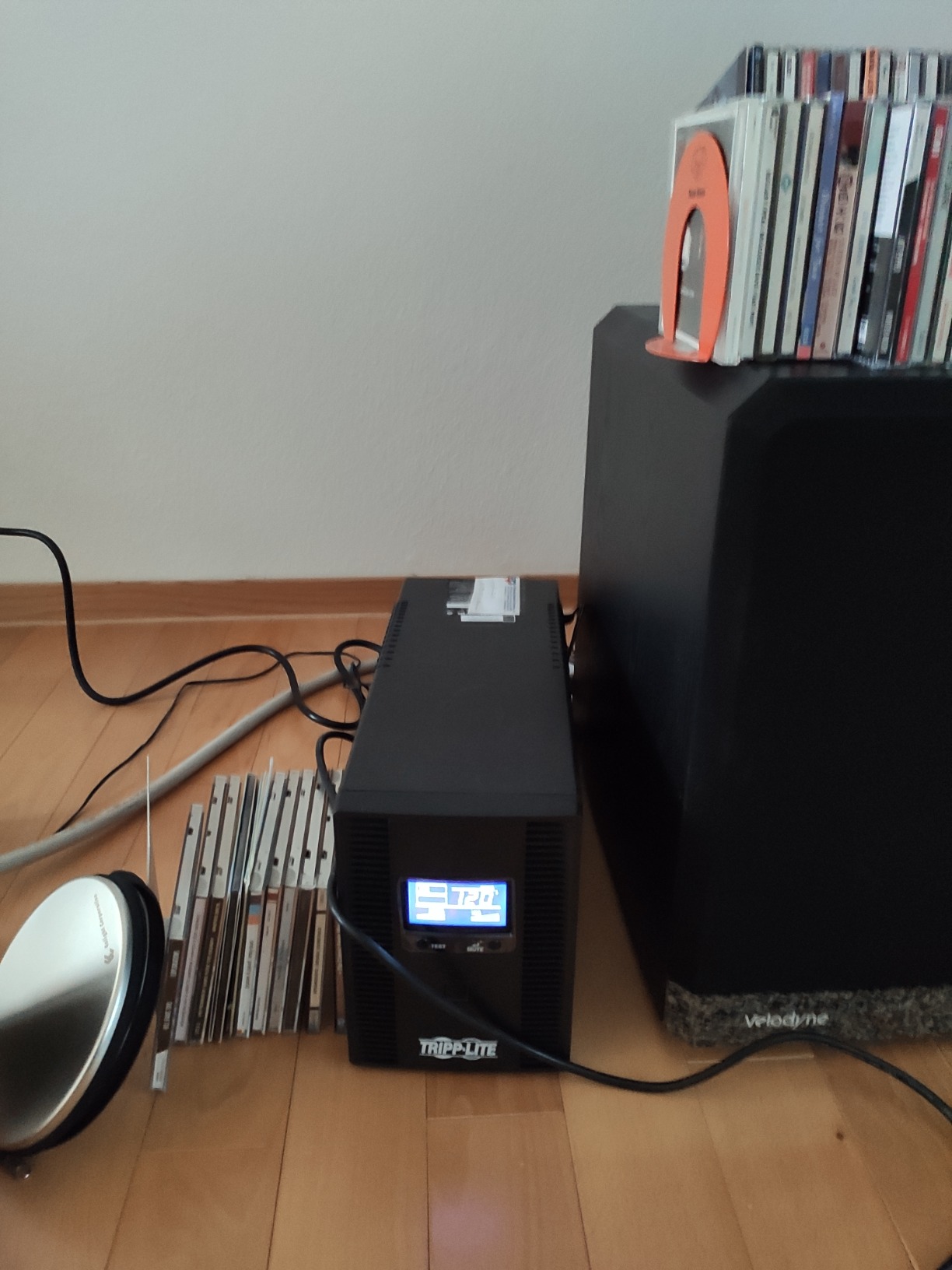
The LCD is bright and readable, showing runtime, load wattage, overload status, AVR state, input voltage and battery status. The buzzer can be loud during an outage, which is the one complaint that shows up repeatedly from people sleeping near the unit.
Batteries come out through an RBC51 cartridge, and the three-year warranty includes connected equipment insurance. One owner still reports several hours of runtime on a five-year-old battery.
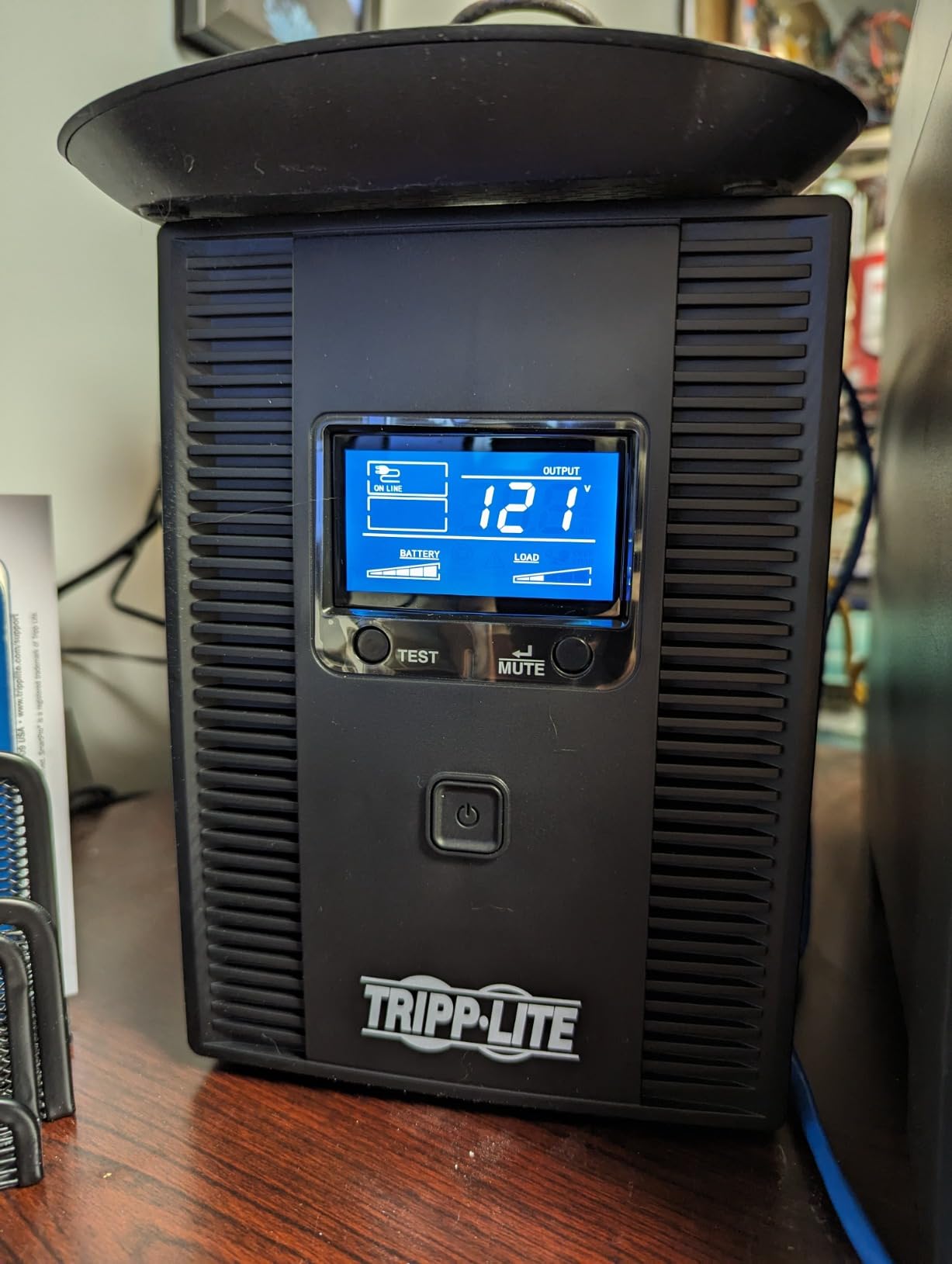
What we liked about the OMNI1500LCDT?
For a dual-monitor desk, the outlet count and the 810W ceiling are the story. If your PC plus screens plus network gear was tripping a smaller unit, this is sized for exactly that load and nothing else.
It also carries Ethernet and phone line protection, so it can cover the network side of a desk as well as the PC side, which is where the streaming PC builds we cover tend to need the most help.
Where it falls short?
It weighs 24.6 pounds and shares the same 19.29 inch deep chassis as the SMART1500LCDT, so it is not a compact option despite the outlet count. The 650-joule surge rating is modest for the class.
It is also the least-proven unit here with just over 900 reviews, and it rates 4.4 rather than the 4.5 held by the leaders. If your rig is a single monitor, the higher-wattage units are a better buy.
We earn a commission, at no additional cost to you. CERTAIN CONTENT THAT APPEARS ON THIS SITE COMES FROM AMAZON. THIS CONTENT IS PROVIDED 'AS IS' AND IS SUBJECT TO CHANGE OR REMOVAL AT ANY TIME.
How to Size a UPS for Your Gaming PC?
Most sizing mistakes come from comparing the wrong two numbers. VA is the capacity of the unit and watts are what your PC actually pulls, so a 1000VA UPS is not a 1000W UPS. For power factor corrected loads like a modern gaming PC, a 1000VA unit delivers roughly 600 to 700 usable watts, not 1000.
Here is the rule of thumb we use: look at the wattage label on your PSU, add your monitor and anything else that stays on, then pick a UPS whose continuous watt rating sits comfortably above that total. Keeping headroom matters because PC power draw spikes at startup and during load transitions.
If your rig is on the smaller side, our mini gaming PC roundup covers builds that pair naturally with a 1000VA unit. For anything with a discrete GPU, treat the wattage tiers below as your starting point rather than the marketing VA number on the box.
Which capacity tier fits your build?
A 500W or 650W PSU is comfortably handled by a 1000VA unit, and even a 600W continuous model will do if your GPU is mid-range. An 850W PSU wants at least a 1500VA unit with 900W continuous output. For 1000W and 1200W power supplies, you are at the ceiling of what a desktop UPS is designed to carry, and a pure sine wave model becomes essential rather than optional.
If your build sits at the top of those tiers, remember the reality check: a 1500VA unit at 900W gives a high-end rig a short but genuine save-and-shutdown window. Anything longer is what whole-home battery systems are for, not a tower UPS.
Runtime Expectations: How Long Will a Battery Backup Run a PC?
Short answer: expect 10 to 20 minutes under a real gaming load, and treat anything longer as a bonus. The published runtime figures on these units are measured at a 100W load, which is roughly a monitor, a router and a modest desktop. A gaming PC drawing 400W or more burns through the same battery several times faster.
Look at the published numbers side by side and the pattern is clear. The APC BX1500M lists 68 minutes at 100W, the BR1500MS2 lists 73, the APC BR1000MS lists 42, and the Tripp Lite SMART1500LCDT is quoted at 10 minutes under a heavier load. The Tripp Lite figure is the closest thing here to a realistic gaming-load number, and it lines up with what long-term owners in hardware communities report, around 10 minutes on a healthy 1000VA-class unit.
PC only versus PC plus monitor is the other variable. Add a screen and a set of speakers and your runtime drops by a meaningful chunk. If you want the longest window available, plug the PC in on battery and leave the monitor on the wall.
Pure Sine Wave vs Simulated Sine Wave
A pure sine wave matches the shape of the power your wall socket delivers. A simulated, stepped or modified sine wave is a cheaper approximation. That single spec decides whether a UPS cooperates with your power supply or fights it.
Some PSUs, particularly budget units and some Active PFC designs, dislike a stepped wave enough to latch off when the UPS switches over to battery. The result is exactly what you were trying to prevent: a hard shutdown with no warning and no chance to save. Forum owners describe this pattern repeatedly, and upgrading to a pure sine wave unit is what fixed it for them.
Our rule for a desktop gaming PC: buy pure sine wave. The BX1500M here is the exception we still recommend, because its 900W ceiling, ten outlets and enormous review base outweigh the stepped output for most builds. If you are pairing anything with a high-end GPU and an expensive motherboard, go pure.
APC vs CyberPower: Which Brand Should You Buy?
These two brands dominate the category, and community consensus treats them as the only serious options. Where builders disagree is on quality control versus value per dollar. In hardware forum threads, APC is regularly singled out for strict quality control, while CyberPower is repeatedly recommended as the way to get more VA per unit of money.
Our take from eight units side by side: if you want pure sine wave at the lowest cost, CyberPower wins. If you want the longest published runtime figures, the strongest warranty story and the quietest operation, APC tends to edge ahead. The APC BX1500M also carries more than 13k reviews, which is a genuine advantage when you are buying something you hope never to think about again.
Neither brand is a mistake. The one thing to avoid is buying the lowest-cost unit in either lineup with a stepped waveform and expecting it to protect a build full of expensive components. Both brands sell pure sine wave models at 1000VA and 1500VA, and that is where the decision should be made.
For broader coverage of the category at the network end, our UPS and battery backup roundup covers smaller units for routers and NAS setups.
Surge Protector vs UPS: Which One Do You Actually Need?
They solve different problems, and the honest answer for most gaming desks is that both roles matter. A surge protector clamps voltage spikes and does nothing else. A UPS also performs line conditioning, correcting the sag and brownouts that a surge protector cannot touch, and adds battery ride-through when power actually stops.
Plenty of the units here also carry surge protection ratings from 650 joules up to 1080 joules, so a single box often covers both jobs. For peripheral equipment that is not worth shutting down cleanly, surge-only outlets on the same unit handle it.
What to plug in, and what never to?
Plug the PC and monitor in on battery. Add the router and modem if you want to keep your connection up long enough to finish saving. Speakers and peripherals are fine on battery too, as long as you watch the load percentage on the LCD.
Never plug in a space heater, a kettle, a laser printer or a hair dryer. These are the loads behind the overload trips and overheating complaints forum owners report. High-draw heating appliances on a UPS is the fastest way to force an early shutdown, and it is the most common misuse we see. Reserve high-current sockets for the kettle and leave the PC on its own protected circuit where you can.
Battery Care, Self-Testing and That Constant Beeping
Run the self-test. Every unit in this roundup has a test function that cycles the load onto battery briefly so you can confirm the cells still hold charge. Do it twice a year and you will never be surprised by a dead pack during a real outage.
Expect replacement on a schedule. Lead-acid packs in the APC, CyberPower and Tripp Lite units generally need swapping around the three-year mark. The GOLDENMATE lithium pack is rated for over 10 years and more than 5000 cycles, which is the single biggest reason to consider it despite the shorter warranty.
Beeping is usually not a fault. Most units beep on switchover, during self-test and at regular intervals while running on battery, and the alarm can generally be silenced from the front panel. Constant beeping while plugged in and healthy points at a battery that has stopped accepting charge, which is the problem forum users most often describe.
One habit worth avoiding: repeatedly running the battery flat. Deep discharge cycles wear lead-acid cells and can stress the internal charging circuit that has to bring them back up over a long recharge. Most of these units quote eight to sixteen hours to recover, and owners who let them ride down only occasionally report noticeably longer battery life.
Frequently Asked Questions
How long will a 1000VA UPS last?
A 1000VA unit is not the same as a 1000W unit. Because of power factor correction, it delivers roughly 600 to 700 usable watts, so expect 10 to 20 minutes on a real gaming PC and monitor. Published 100W-load figures of 40 to 70 minutes look generous because a 100W load is closer to a monitor and router than a gaming desktop.
How long will a battery backup run a PC?
Plan for 5 to 20 minutes on a gaming PC, and less if you add a monitor, speakers and router on battery. Runtime shrinks as load rises, so a 400W system drains the same pack several times faster than a 100W desktop. These units are for saving your game and shutting down cleanly, not for gaming through an outage.
Is 1000VA UPS enough for a gaming PC?
Yes for mid-range and budget builds, no for high-end ones. A 1000VA unit gives roughly 600 to 700 usable watts, so it suits a PC with a 650W PSU and can handle a 400 to 500W gaming draw. For an 850W PSU or larger, move to a 1500VA unit rated at 900W continuous output.
How many watts UPS for a gaming PC?
Pick a UPS whose continuous watt rating is comfortably above your PSU wattage plus your monitor. A 500W or 650W build is served by a 1000VA unit. An 850W build wants 900W continuous from a 1500VA unit. For 1000W and 1200W power supplies, choose pure sine wave output to avoid PSU shutdown issues.
Is CyberPower UPS better than APC?
It depends on what you prioritise. CyberPower typically delivers more capacity per unit of money and holds the best pure sine wave value slot, while APC is regularly praised in hardware communities for strict quality control and offers the longest published runtime figures. Compare waveform, continuous watts, LCD detail and warranty rather than brand alone.
Is 600W UPS enough for a gaming PC?
A 600W continuous rating is enough for a router, a monitor or a low-power office desktop, but it is tight for a modern gaming PC with a discrete GPU, and startup spikes can trip the overload. Choose it for a mid-range build with a 650W PSU and unplug high-draw appliances like space heaters from the battery-backed outlets.
Conclusion: Which Battery Backup Should You Buy?
The APC BX1500M is our pick for most people. It pairs 900W of continuous output with ten outlets, an unusually wide AVR correction window starting at 88V, and more than 13,000 reviews behind it. Its one weakness is the stepped waveform, which matters only if your PSU is prone to latching off on switchover.
For a high-end build where waveform compatibility is not a gamble, the CyberPower CP1500PFCLCD gives you 1000W of PFC sine wave output and twelve outlets, while the APC BR1500MS2 does the same thing with longer published runtime and the quietest operation we found in the group. For long-term ownership, the GOLDENMATE lithium unit removes battery replacement from the equation almost entirely.
Whatever you choose, size it above your PSU wattage, insist on pure sine wave where the budget allows, and expect ten to twenty minutes. That is enough to save and shut down cleanly, and that is the whole job. Recheck the current details for your build before you order.