
Finding the best budget gaming PCs used to mean picking whichever tower had the loudest RGB. In 2026 the entry end of the market has split into two very different groups: brand-name prebuilts with a warranty you can actually rely on, and no-name assemblers that fit a dedicated graphics card and 16GB of memory into a case for noticeably less money. Both can be good buys. They fail in different ways.
We went through twelve budget towers, read the customer review history on each one, and compared the parts lists line by line. Our shortlist covers everything from a Ryzen 5 5600GT office tower that needs a graphics card added later, up to a Ryzen 7 5700 and RTX 5060 machine that plays current AAA titles at 1080p. Every tower below is built on standard, socketed components you can replace, rather than sealed custom hardware.
A note on money before we start: prices on budget PCs move constantly, and the cheapest listing is rarely the one worth your time. We have deliberately kept dollar figures out of this guide and pointed to the current price check button under each pick instead. What we do rank is value per component, upgradability, and the quality problems that show up in owner reviews after month two rather than on day one.
If you want the short version, the CyberPowerPC Gamer Xtreme VR is the one we would buy first. If you want current-generation graphics without a rebuild later, the Skytech Azure with an RTX 5060 is the smarter buy. If you are comfortable adding a graphics card yourself, the YAWYORE MX240 is a cheap platform to grow from.
Table of Contents
- Top 3 Budget Gaming PCs (September 2026)
- Every Budget Gaming PC We Reviewed at a Glance
- 1. CyberPowerPC Gamer Xtreme VR – The Best Budget Gaming PC Overall
- 2. HP Pavilion Gaming Desktop – Quiet, Compact and Easy to Live With
- 3. Skytech Gaming Azure – Best Premium Pick With Current-Generation Graphics
- 4. iBUYPOWER Element SE – The Only DDR5 Platform in This Group
- 5. YAWYORE MX240 – An AM4 Platform You Can Grow Into
- 6. suevery Prebuilt Desktop – The Smallest Tower With 16GB of Memory
- 7. NINGMEI Ryzen 5 5500 – Best Storage and Power Supply Headroom
- 8. STGAubron i7 and RX 580 – Strong Performance Per Dollar on Older Titles
- 9. ZYNEEX S5 – Ray Tracing on a Budget, With a Small Review Base
- 10. CyberPowerPC Gamer Master – The Platform to Build a Better GPU Onto
- 11. WIWB Ryzen 7 4700LE – Eight GB of VRAM and Eight Cores Together
- 12. MXZ Core i5-12400F and RTX 4060 – Best Raw Gaming Performance Here
- How to Choose a Budget Gaming PC in 2026?
- Frequently Asked Questions
- What are the best budget PC builds for gaming?
- Is 700 enough for a gaming PC?
- What is a good but affordable gaming PC?
- Is 32GB RAM overkill for gaming?
- How much should I spend on a budget gaming PC?
- What is the most budget-friendly gaming PC?
- Can a budget gaming PC handle 1440p gaming?
- Should I buy a prebuilt gaming PC or build my own?
- The Verdict
Top 3 Budget Gaming PCs (September 2026)
Every Budget Gaming PC We Reviewed at a Glance
| Product | Key Specs | Pricing |
|---|---|---|
| CyberPowerPC Gamer Xtreme VR |
|
Check Latest Price |
 HP Pavilion Gaming Desktop HP Pavilion Gaming Desktop |
|
Check Latest Price |
 Skytech Gaming Azure Skytech Gaming Azure |
|
Check Latest Price |
 iBUYPOWER Element SE iBUYPOWER Element SE |
|
Check Latest Price |
 YAWYORE MX240 YAWYORE MX240 |
|
Check Latest Price |
 suevery Prebuilt Desktop suevery Prebuilt Desktop |
|
Check Latest Price |
 NINGMEI Ryzen 5 5500 NINGMEI Ryzen 5 5500 |
|
Check Latest Price |
 STGAubron i7 and RX 580 STGAubron i7 and RX 580 |
|
Check Latest Price |
 ZYNEEX S5 ZYNEEX S5 |
|
Check Latest Price |
 CyberPowerPC Gamer Master CyberPowerPC Gamer Master |
|
Check Latest Price |
 WIWB Ryzen 7 4700LE WIWB Ryzen 7 4700LE |
|
Check Latest Price |
 MXZ Core i5-12400F MXZ Core i5-12400F |
|
Check Latest Price |
1. CyberPowerPC Gamer Xtreme VR – The Best Budget Gaming PC Overall
CyberpowerPC Gamer Xtreme VR Gaming PC, Intel i5-10400F 2.9GHz, GeForce GTX 1660 Super 6GB, 8GB DDR4, 500GB NVMe SSD, WiFi Ready & Win 10 Home (GXiVR8060A10)
★★★★★★★★★★i5-10400F 6-core
GTX 1660 Super 6GB
8GB DDR4
500GB NVMe
- GTX 1660 Super holds 60+ FPS at 1080p
- Recognizable component brands throughout
- Entirely standard and upgradable parts
- Four 120mm intake fans move plenty of air
- Single 8GB RAM stick costs dual-channel performance
- Bundled CPU cooler runs warm and noisy
- Power supply has no published specifications
This is the tower we keep coming back to, and the reason is the component list rather than the benchmark sheet. You get a six-core Intel Core i5-10400F at 2.9 GHz, a GTX 1660 Super with 6GB of GDDR6, 500GB of PCIe NVMe storage, and a tempered glass case with RGB lighting. Every one of those parts can be bought separately and swapped without special tools.
The GTX 1660 Super is the reason it works. It is an older architecture, but at 1080p it holds 60 FPS or better in the kind of titles most budget buyers actually play, and the 6GB of VRAM avoids the texture problems that punish cheaper 4GB cards. Our top pick also arrives with a gaming keyboard and mouse in the box, which most competitors charge extra for.
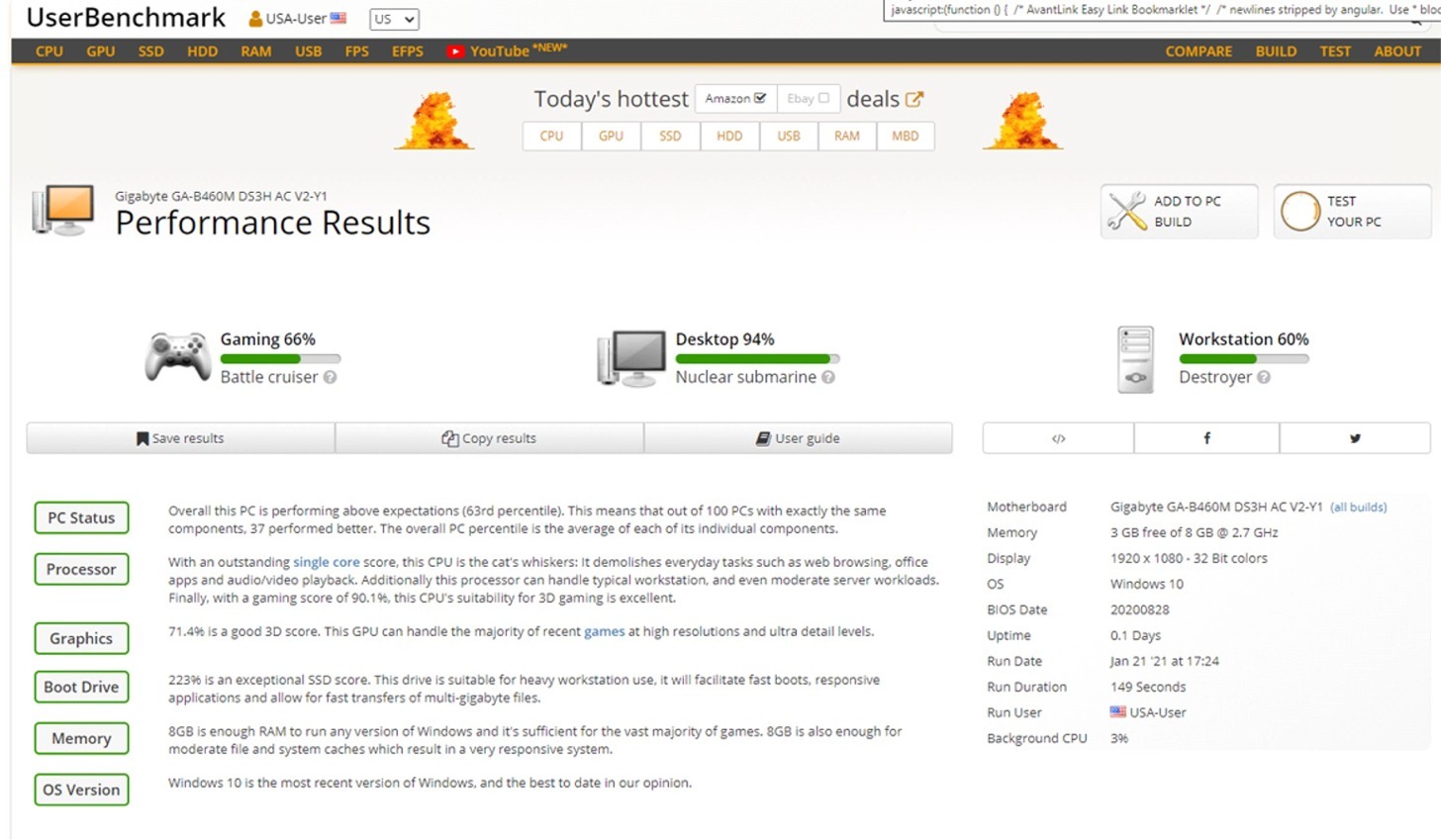
Two things about the configuration need saying plainly. The 8GB of memory is a single DDR4 stick, and a single stick cannot use dual-channel bandwidth, so adding a matching 8GB module is the first upgrade every owner should make. Second, the power supply is unbranded with no published wattage or efficiency rating, which is the one specification we would want to see listed before buying.
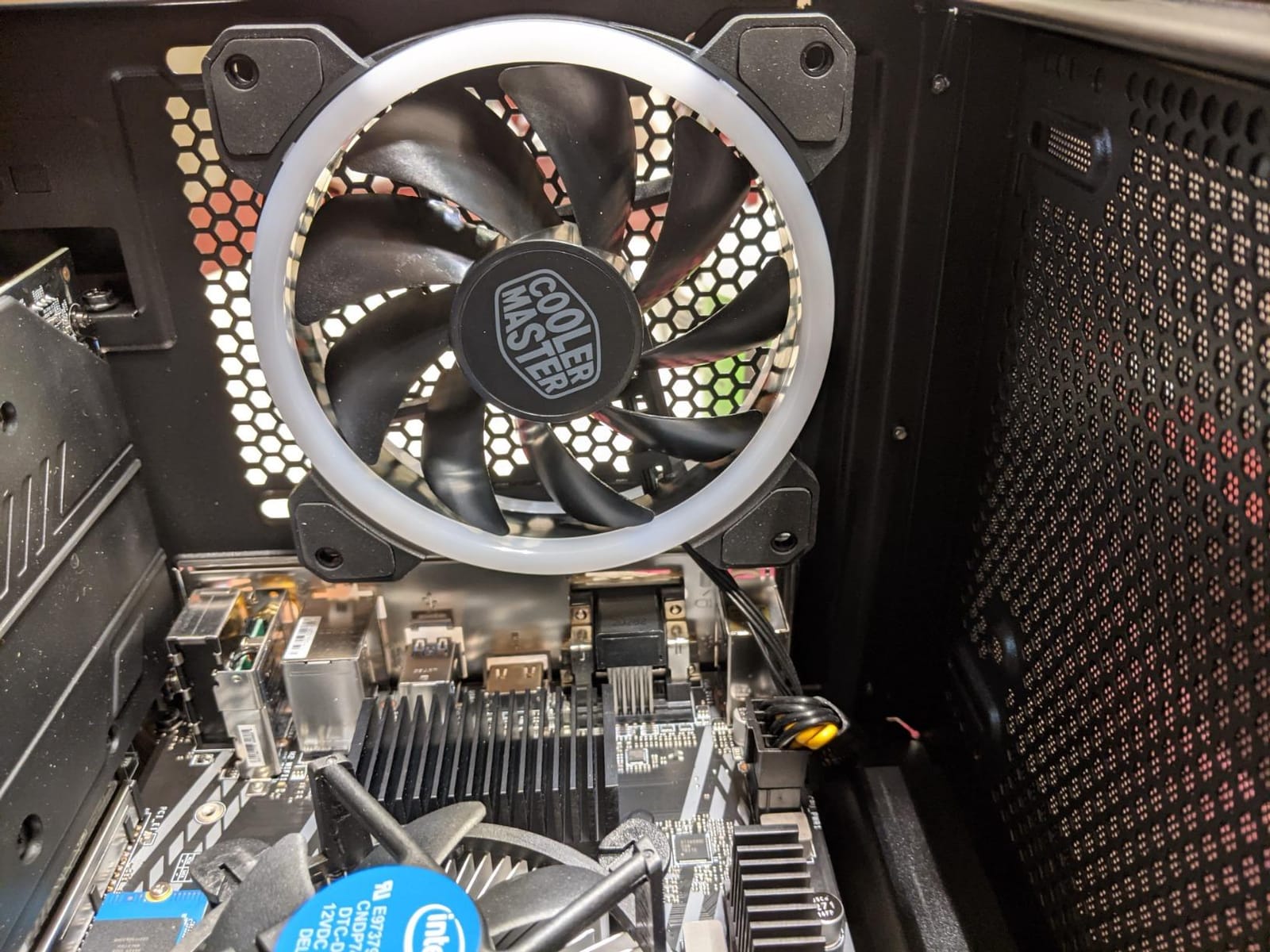
Cooling is the other recurring note in owner feedback. The bundled Intel CPU cooler runs warm, and the case fans spin up constantly, so the machine is audible from across a room during lighter games. A basic tower air cooler fixes the temperature; the fan noise is a smaller issue that most people stop noticing after a week.
Who the Gamer Xtreme VR suits?
It suits anyone buying a first desktop who wants a machine that plays competitive shooters, indie titles and older AAA at 1080p without any assembly. Long-term owners report several still running this configuration years later, and the standard motherboard, CPU socket and power supply mean the machine has a real upgrade path rather than a sealed ceiling.
It also suits anyone who wants a known brand on the warranty label. CyberPowerPC covers parts and labour for one year and adds lifetime technical support, which is a meaningfully better safety net than an unnamed integrator.
Who should look elsewhere?
Skip it if your library leans on recent AAA releases at high settings. The GTX 1660 Super will render them, but not comfortably, and no amount of configuration software changes that. If you want ray tracing, DLSS or headroom for a 1440p monitor later, the RTX-class picks further down the list make more sense.
Also skip it if you refuse to open a side panel. The 8GB memory shortfall is unavoidable out of the box, and leaving it there costs a measurable amount of frame rate in CPU-heavy games.
We earn a commission, at no additional cost to you. CERTAIN CONTENT THAT APPEARS ON THIS SITE COMES FROM AMAZON. THIS CONTENT IS PROVIDED 'AS IS' AND IS SUBJECT TO CHANGE OR REMOVAL AT ANY TIME.
2. HP Pavilion Gaming Desktop – Quiet, Compact and Easy to Live With
2021 HP Pavilion Gaming Desktop Computer, AMD Ryzen 5 3500 Processor, 8GB RAM, 256GB PCIe NVMe SSD, GeForce GTX 1650 Super 4GB, Windows 10 Home
★★★★★★★★★★Ryzen 5 3500 6-core
GTX 1650 Super 4GB
8GB DDR4
256GB NVMe
- Quiet in daily use and quick to set up
- Three display outputs make dual monitors simple
- Capable with VR headsets and mainstream titles
- Good all-round performance for work and study
- 256GB drive fills up almost immediately
- GTX 1650 Super is entry-level for 3D work
- Some systems refuse to boot with extra USB devices
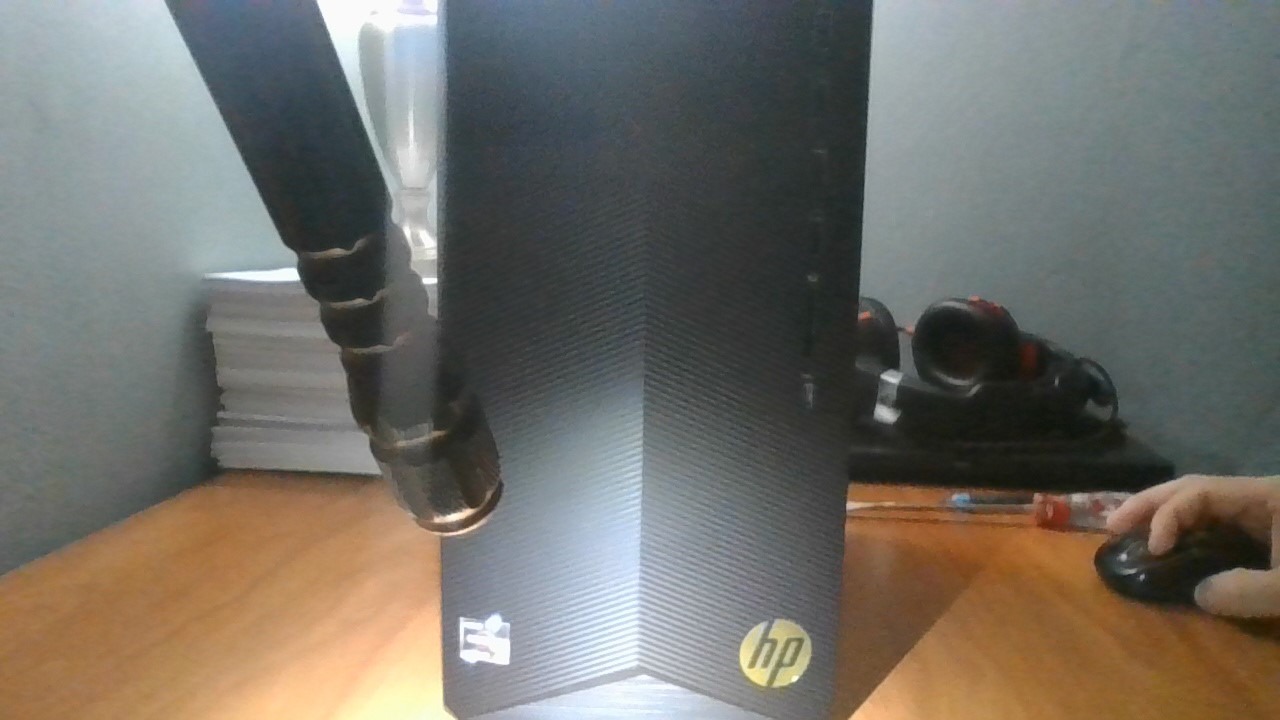
HP built this Pavilion Gaming tower for people who want a gaming machine that also behaves like an office computer. Owners describe it as the quietest of the towers we looked at, it goes from box to updated desktop in under half an hour, and the Ryzen 5 3500 handles browsing, documents and light photo work without complaint alongside games.
The port selection is the quiet hero here. Four front USB 3.1 ports, a front USB-C, and HDMI, DisplayPort and DVI-D on the rear mean you can plug in two or even three displays without hunting for an adapter. Owners running dual-monitor setups report it is among the easiest to set up in this roundup.
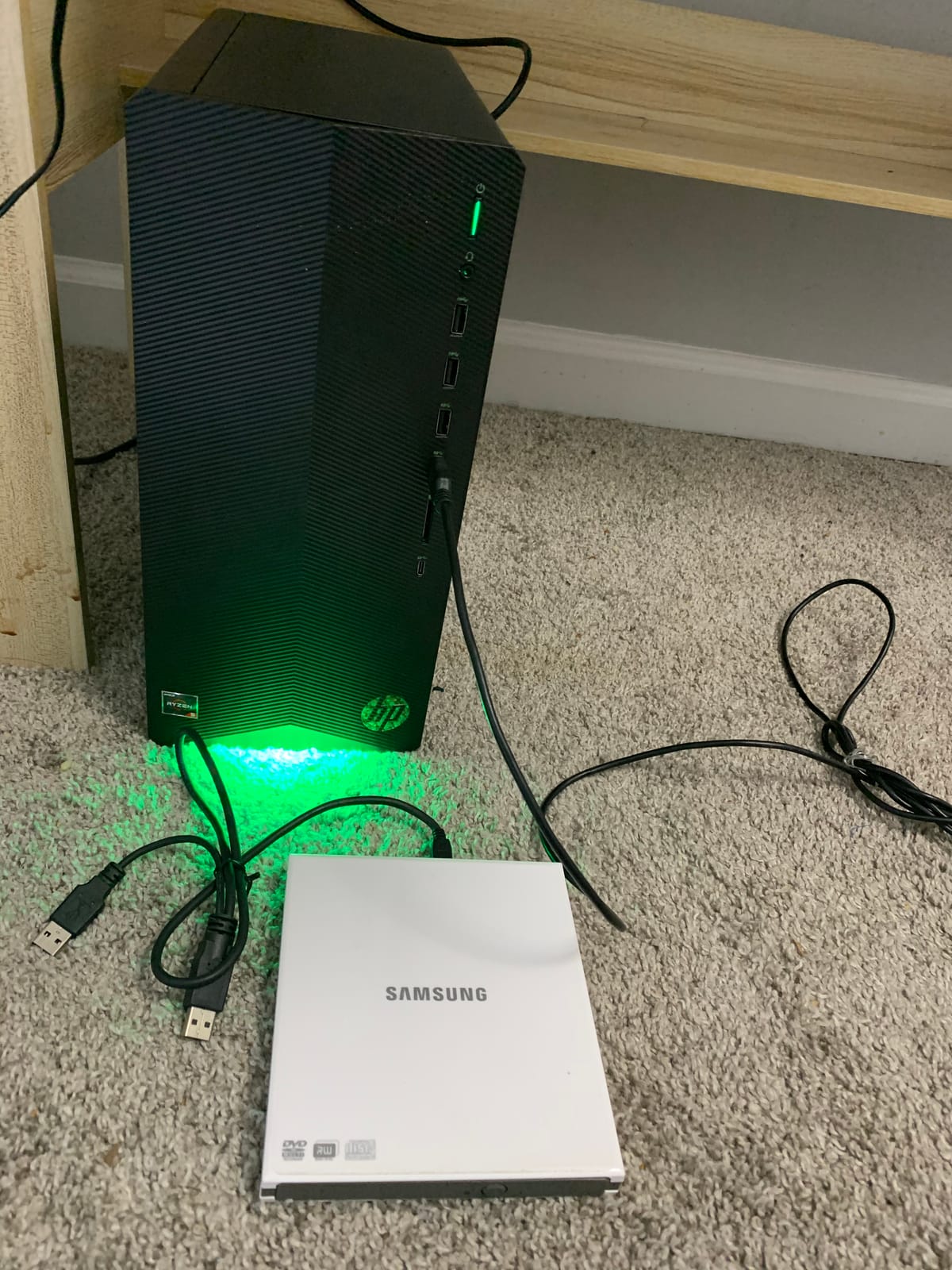
Where it falls short is storage and graphics. The 256GB NVMe drive is the smallest here, and modern AAA titles routinely run past 100GB each, so you will be swapping it or adding a secondary drive almost immediately. The GTX 1650 Super with 4GB of GDDR5 runs esports titles and older games well, but it is not a card to buy for anything demanding.
Worth knowing before you commit: HP has since discontinued the Pavilion gaming line, which several long-term owners mention with regret. Support will fade over time, and if you want a machine with a five-year horizon you may prefer one of the smaller integrators that are still actively building.
What the Pavilion is good for?
This is the pick for a shared household computer, a student machine, or anyone who plays in short bursts rather than long sessions. Low noise matters in a living room, and the compact, plain case does not visually dominate a desk the way a glass-and-RGB tower does.
It is also the safest first step for a parent buying for a child, because the whole system is a recognised retail product rather than a small integrator with a thin support record.
What the Pavilion is bad for?
Do not buy it to play new releases at high settings, and do not buy it without planning to replace the storage almost immediately. The combination of a 4GB graphics card and a 256GB drive makes this a machine you will be upgrading inside a year rather than settling in with.
If your monitor is 1440p or higher, the GTX 1650 Super is the wrong engine. You want a card with more memory and more throughput for that resolution.
We earn a commission, at no additional cost to you. CERTAIN CONTENT THAT APPEARS ON THIS SITE COMES FROM AMAZON. THIS CONTENT IS PROVIDED 'AS IS' AND IS SUBJECT TO CHANGE OR REMOVAL AT ANY TIME.
3. Skytech Gaming Azure – Best Premium Pick With Current-Generation Graphics
Skytech Gaming PC Azure 3, Ryzen 7, RTX 5060, 16GB RAM, 1TB SSD
★★★★★★★★★★Ryzen 7 5700 8-core
RTX 5060 8GB GDDR7
16GB DDR4
1TB NVMe
- RTX 5060 handles current AAA titles at 1080p
- 16GB RAM and 1TB NVMe are generous
- Quiet fans and a small attractive tower
- No bloatware and Windows 11 included
- Only two RAM slots limits future memory upgrades
- Reaching the drive bays needs near-full disassembly
- Bundled mouse is basic
The Azure is the only tower here with an RTX 50-series card, and that single fact moves it up the ranking. An RTX 5060 with 8GB of GDDR7 alongside a Ryzen 7 5700 plays titles like Cyberpunk 2077 and Hogwarts Legacy at 1080p on ultra settings, according to both the manufacturer’s claims and owner reports. No other graphics card in this roundup sits in that class.
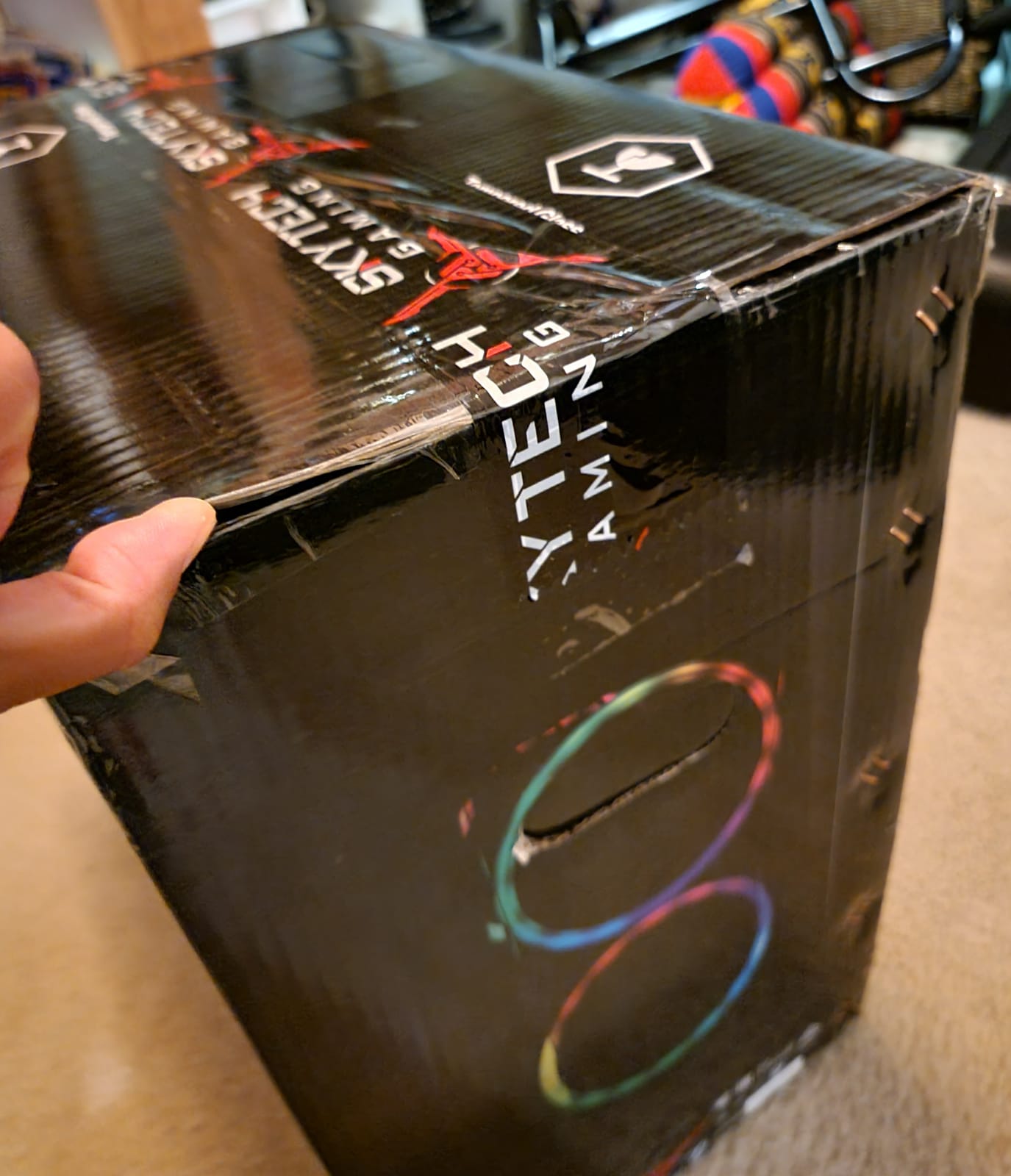
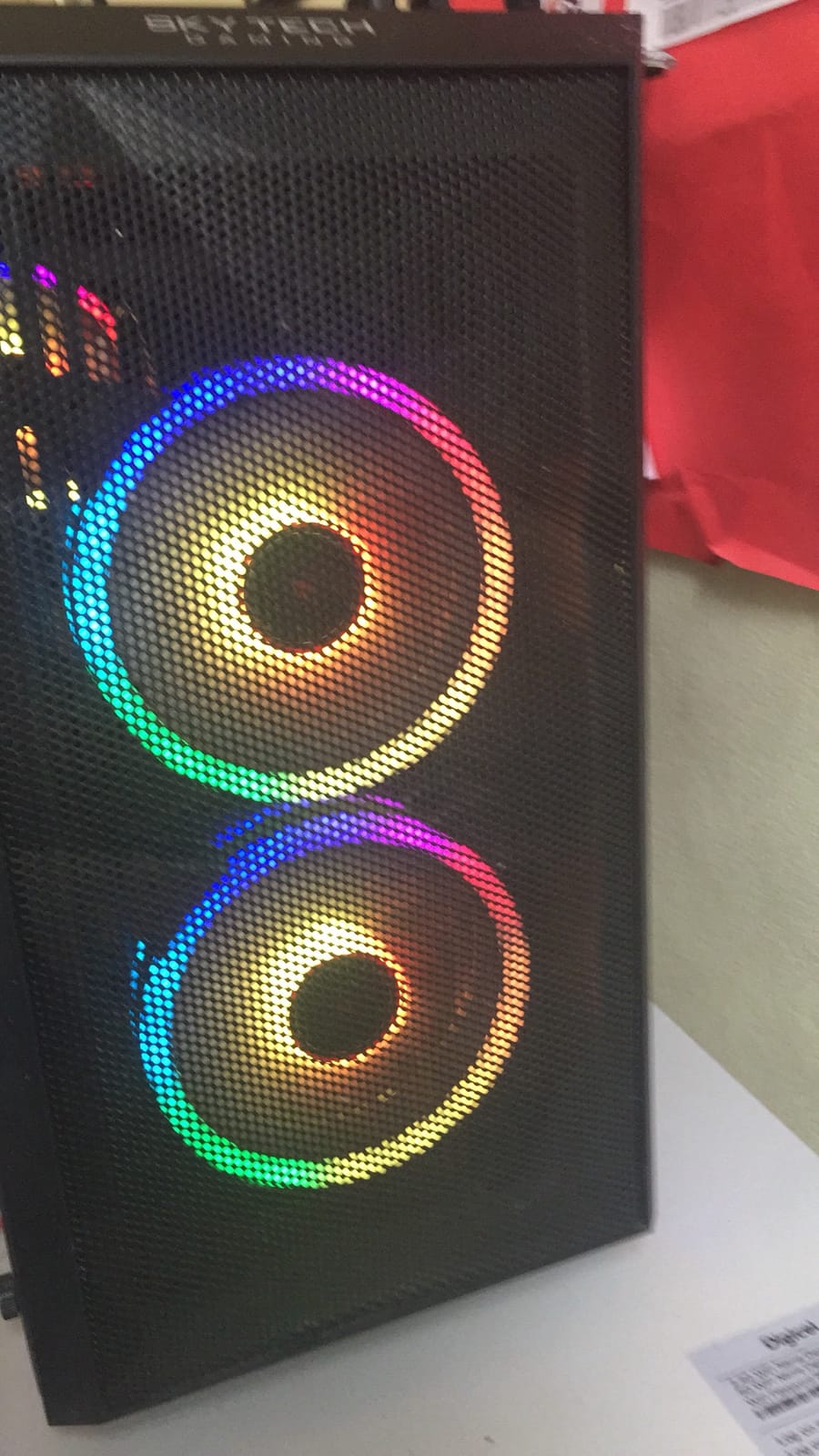
Everything around the GPU is chosen sensibly too. You get 16GB of DDR4 at 3200 MHz, a 1TB NVMe M.2 drive, a tempered glass case with ARGB fans, and a high-performance air cooler that keeps the thing quiet. It measures 17.2 by 9.1 by 17.8 inches, small enough for a dorm room or a shelving unit, and it is assembled in the USA with a one-year parts and labour warranty plus lifetime technical support.
The limitation is memory, and it is structural rather than fixable. There are two RAM slots and they are the only two, so future upgrades mean buying larger-capacity sticks rather than adding another module. For a 1080p gaming machine today, 16GB is fine; for a machine you expect to run for a decade, plan around it.
Service access is the other wrinkle. Reaching the internal drive cables and free SATA ports requires pulling the case almost fully apart, which is tedious but not difficult. A small number of owners also report LED or fan connections working loose in transit and needing to be reseated, and isolated power-on issues traced to a case switch wire.
Why buy the Azure?
Buy it if you want a single tower that covers 1080p gaming now and has the graphics headroom to move to a 1440p monitor later without a rebuild. Ray tracing support and DLSS frame generation are the practical wins over every GTX 1660 Super and RTX 3050 in this guide, and the 1TB drive means you are not immediately shopping for storage.
The Ryzen 7 5700 also makes it a better all-rounder. Eight cores handle streaming, editing and heavy multitasking alongside a game in a way a six-core budget chip cannot.
Why not buy the Azure?
It is the wrong choice if the machine is a stopgap you will replace in a year, because the extra graphics capability is wasted on esports titles that a cheaper card already runs at hundreds of frames per second. Two RAM slots and near-total disassembly for a drive swap are also real costs for anyone planning frequent tinkering.
We earn a commission, at no additional cost to you. CERTAIN CONTENT THAT APPEARS ON THIS SITE COMES FROM AMAZON. THIS CONTENT IS PROVIDED 'AS IS' AND IS SUBJECT TO CHANGE OR REMOVAL AT ANY TIME.
4. iBUYPOWER Element SE – The Only DDR5 Platform in This Group
iBUYPOWER Element SE Gaming PC Desktop Computer AMD Ryzen 5 8400F CPU, NVIDIA GeForce RTX 3050 6GB GPU, 16GB DDR5 RAM, 1TB NVMe SSD, Windows 11 Home, Gamer Keyboard and Mouse – ESA5N3501
★★★★★★★★★★Ryzen 5 8400F 6-core
RTX 3050 6GB
16GB DDR5
1TB NVMe
- Modern AM5 and DDR5 platform
- 16GB and 1TB feel current for the tier
- Arrives well packaged and boots without fuss
- No bloatware
- keyboard and mouse included
- Recurring power supply failures within months
- Factory CPU cooler pushes into the mid-70s
- Limited tech support hours
The Element SE is the one machine here built on AM5 with 16GB of DDR5 at 4800 MHz. That matters if you think in five-year terms: DDR4 boards and AM4 sockets are effectively retired, while this platform has both memory generation and CPU socket upgrade paths still open. The Ryzen 5 8400F boosts to 4.7 GHz, and the RTX 3050 6GB handles mainstream titles at high settings without stutter.
On paper it is one of the more sensibly balanced specifications here. 1TB NVMe storage, six USB 3.1 ports, 802.11ac Wi-Fi and Bluetooth, a tempered glass case with 16-colour RGB, and a keyboard and mouse in the box. No bloatware is installed, which saves you the clean-install afternoon that some competitors force on buyers.
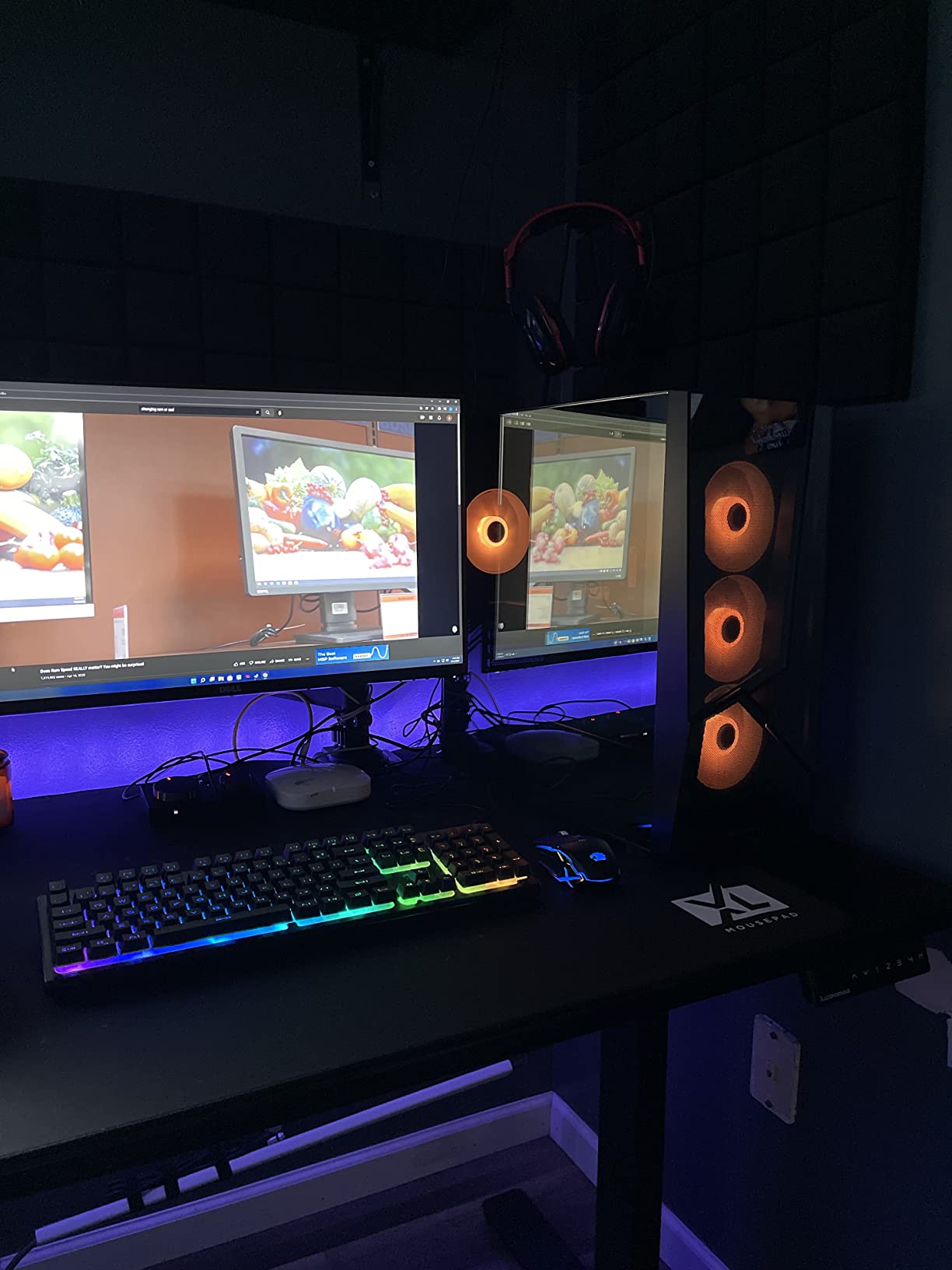
The 4.0 average is not a rounding error. A meaningful share of reviews describe a power supply that fails within weeks or months, sometimes taking the whole system down, and the one-star reviews are a real proportion of the total. That is the most expensive thing that can go wrong in a budget build, and some owners have replaced the unit themselves as cheap insurance.
Cooling is the second issue. The bundled CPU cooler runs hot enough that games push temperatures into the mid-70s. There are also isolated reports of systems arriving with unwanted software preinstalled, so a scan before you sign into anything is sensible.
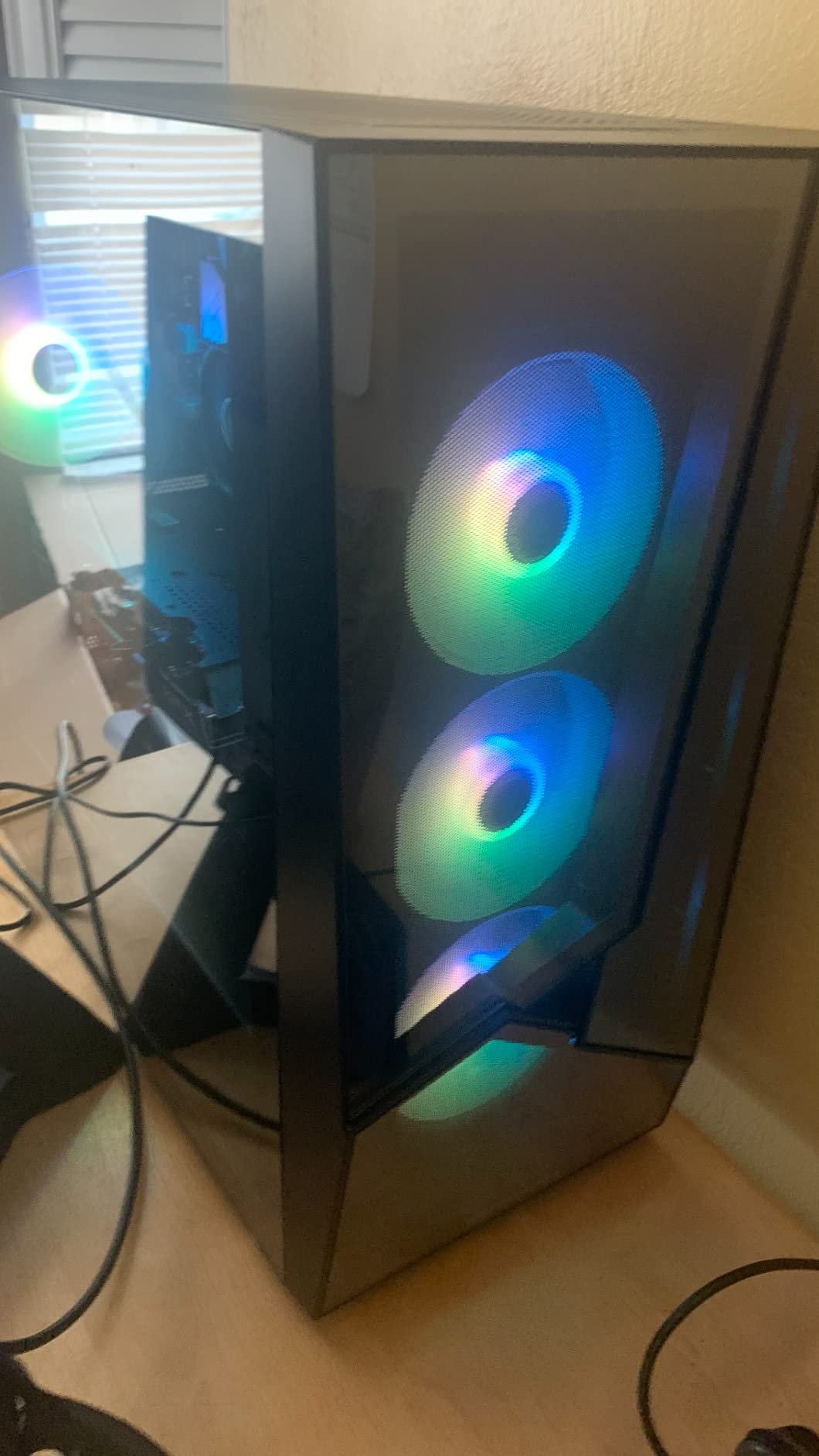
Where the Element SE wins?
It wins on platform longevity. Most of the other machines in this guide run DDR4, and DDR5 memory prices have been pushed around by data centre demand, so buying into the older standard means a future memory upgrade is a more expensive one. If you want a budget PC that still has somewhere to go, this is the one.
It is also a clean out-of-the-box experience for a beginner: drivers install, Windows 11 is already there, and the peripherals are in the box.
Where the Element SE loses?
It loses on reliability, which is the one category where a prebuilt cannot be talked around. A system that crashes at month three costs you more time than a slightly slower card would. The RTX 3050 inside is also a modest step below the RTX 4060 fitted in the MXZ.
If you are comfortable with parts, buy it knowing you may want to fit a better power supply in the first month.
We earn a commission, at no additional cost to you. CERTAIN CONTENT THAT APPEARS ON THIS SITE COMES FROM AMAZON. THIS CONTENT IS PROVIDED 'AS IS' AND IS SUBJECT TO CHANGE OR REMOVAL AT ANY TIME.
5. YAWYORE MX240 – An AM4 Platform You Can Grow Into
YAWYORE Gaming PC Desktop Computer AMD R5 5600GT 16GB 1TB NVMe Towers WiFi
★★★★★★★★★★Ryzen 5 5600GT 6-core
16GB DDR4
1TB NVMe
550W Bronze PSU
- 16GB and 1TB at a low entry point
- 550W 80PLUS Bronze power supply
- Case takes a full-size discrete GPU
- Five ARGB fans with remote control
- Integrated Radeon Vega graphics need a GPU added
- Slow in games until a card is installed
- Some power supply failures reported
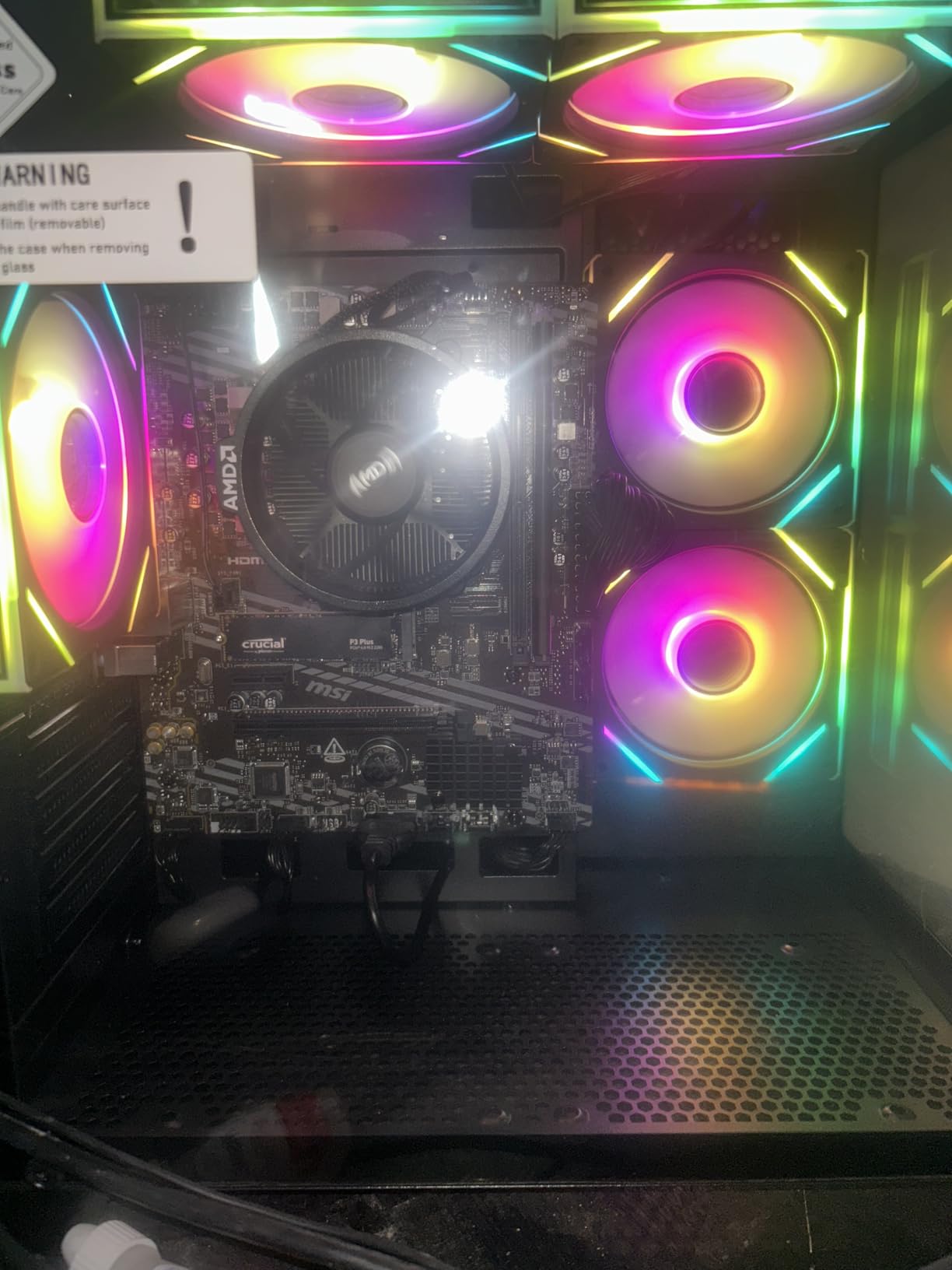
Be clear about what this machine is: a complete AM4 desktop with no graphics card. The Ryzen 5 5600GT is a six-core, twelve-thread chip on a real MSI A520M-A PRO motherboard, with 16GB of DDR4 at 3200 MHz, a 1TB M.2 NVMe drive and a 550W 80PLUS Bronze power supply. The integrated Radeon Vega graphics are fine for desktop work, video playback and very light titles, and nothing more.
That makes it a starting platform rather than a gaming PC, and a rather smart one. Owners report fitting a full-size discrete card such as a GTX 1070 Ti without case modification, which tells you the case, cooling and power supply are all sized for a real upgrade. Five 12cm ARGB fans with a remote keep it quiet in normal use.
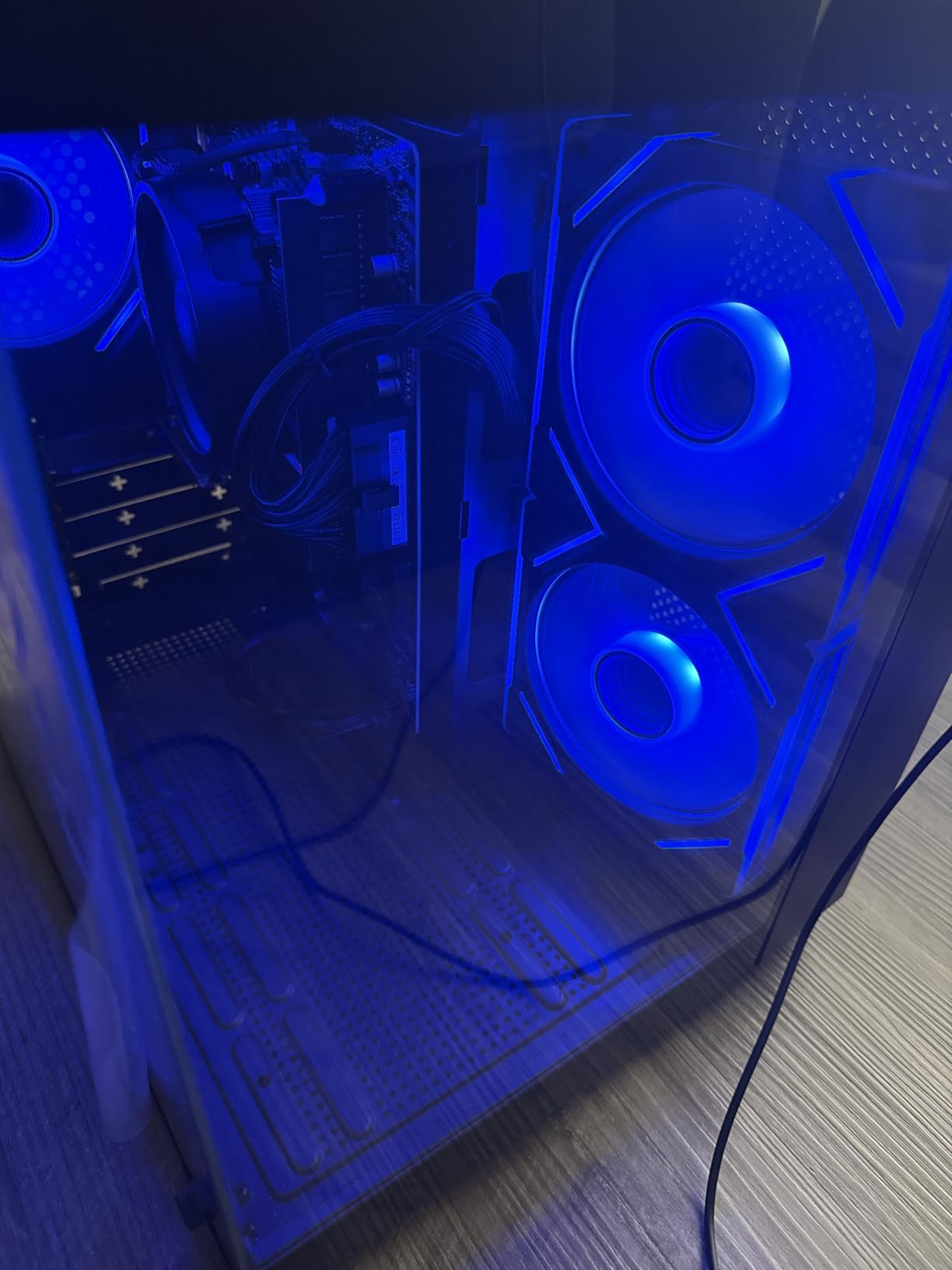
Two cautions. First, without a graphics card the Radeon Vega integrated solution struggles with anything beyond casual play, so budget for a card before you game. Second, a smaller group of owners report the power supply failing within the first few months, showing up as Windows Error 41 restarts, which is the same class of problem that drags down several prebuilts in this price band.
The bundled Wi-Fi hardware is also entry-level and underperforms for its price position, and cable routing inside the case is awkward if you plan to tidy it. Neither is a dealbreaker; both are small.
Who should buy the MX240?
Buy it if you already know how to install a graphics card, or if you are learning. The cost of the tower plus a mid-range card usually lands below a ready-made machine with the same parts, and you end up with a machine you understand rather than one you hope works.
It is also a strong office, school and light-gaming machine on its own, and the 1TB drive means you are not immediately constrained by storage.
Who should not buy the MX240?
Do not buy it expecting to plug it in and play. Any plan that starts with gaming on integrated Radeon Vega graphics ends in disappointment, and the disappointment is not the machine’s fault but the missing component’s.
Also consider the ZYNEEX S5 or the NINGMEI instead if you want a tower that is game-ready on arrival for a similar outlay, since both include a discrete card.
We earn a commission, at no additional cost to you. CERTAIN CONTENT THAT APPEARS ON THIS SITE COMES FROM AMAZON. THIS CONTENT IS PROVIDED 'AS IS' AND IS SUBJECT TO CHANGE OR REMOVAL AT ANY TIME.
6. suevery Prebuilt Desktop – The Smallest Tower With 16GB of Memory
suevery Prebuilt Desktop Computer Gaming PC Black
★★★★★★★★★★Ryzen 5 6-core
Radeon RX 560 4GB
16GB DDR4
512GB NVMe
- 16GB DDR4 and an NVMe drive for the money
- Compact tower fits small desks and dorms
- Wi-Fi 6 included
- RGB adjustable from the power switch
- RX 560 4GB is an older entry-level card
- Only 6 threads for the processor
- Windows must be installed separately
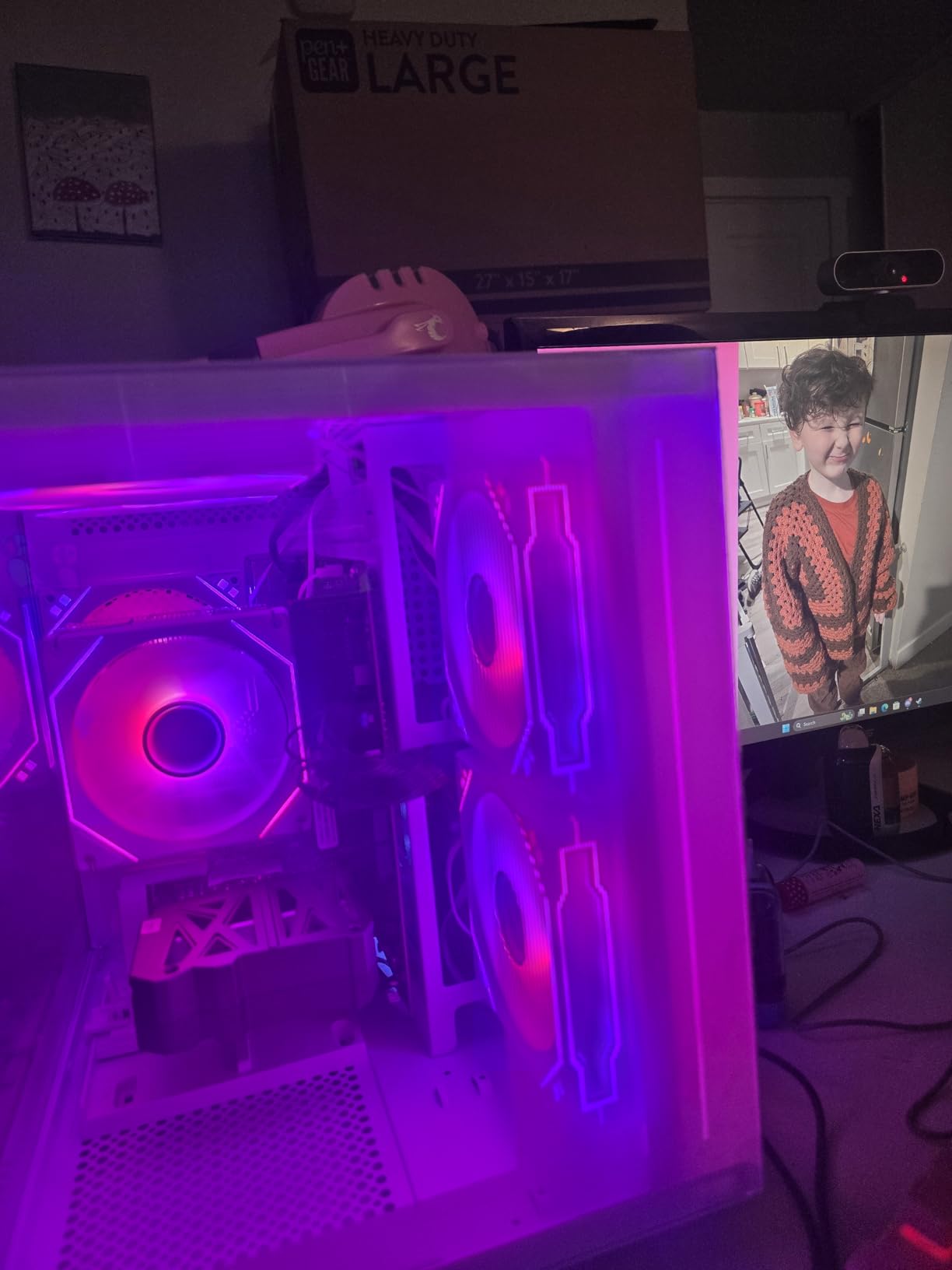
This is the smallest footprint in the group by volume, and that is genuinely its headline feature. At 13.35 by 10.87 by 12.99 inches it fits a dorm desk where most towers do not, and the transparent side panel still shows off the components. You get 16GB of DDR4 at 3200 MHz across two slots, a 512GB NVMe drive and built-in Wi-Fi 6, which is a better baseline than most machines at this size.
The Radeon RX 560 4GB is the problem. It is an older card, and while it will run lighter titles, 4GB of VRAM is thin for anything released in the last few years. The processor is listed as a Ryzen 5 with 6 cores and 6 threads, which is the other weak point: a six-thread chip falls behind six-core and twelve-thread alternatives in any multi-threaded work.
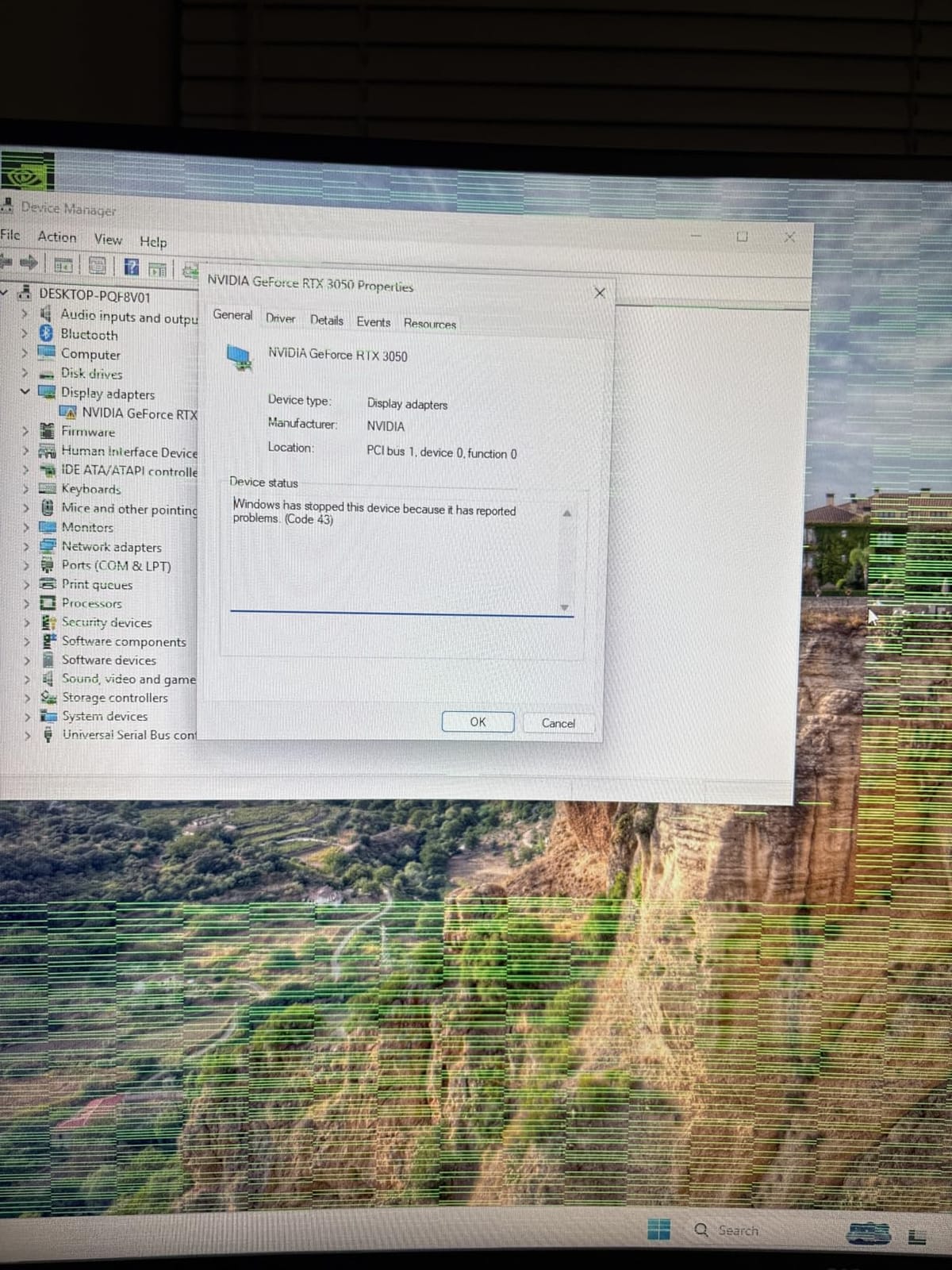
There is a genuine configuration issue here that buyers should confirm before ordering. The listing states the operating system is DOS, which means Windows is not included and you need your own licence and install media. For a first-time PC buyer that turns a simple setup into an afternoon project.
The specific Ryzen 5 model is also not clearly stated, which makes direct comparison with other listings difficult. Ports are reasonable for the class, with one HDMI, two USB 3.0 and four USB 2.0.
Reasons to pick the suevery
Physical size is the honest reason. If your gaming space is a bedroom desk in a shared room, a tower this small changes what is possible, and the 16GB of fast memory is a lot to fit into so little space.
Wi-Fi 6 out of the box also removes one common first-day annoyance, and the RGB lighting is adjusted from the case power switch rather than software.
Reasons to skip the suevery
Skip it if you want to install games and go. The RX 560 and the DOS-only configuration are the two blockers, and together they turn a budget buy into a project. Buyers with existing Windows licences and older game libraries may still find it good value.
We earn a commission, at no additional cost to you. CERTAIN CONTENT THAT APPEARS ON THIS SITE COMES FROM AMAZON. THIS CONTENT IS PROVIDED 'AS IS' AND IS SUBJECT TO CHANGE OR REMOVAL AT ANY TIME.
7. NINGMEI Ryzen 5 5500 – Best Storage and Power Supply Headroom
NINGMEI Prebuilt Gaming PC,AMD Ryzen 5 5500 GTX 1660 Super 6GB GDDR6
★★★★★★★★★★Ryzen 5 5500 6-core
GTX 1660 Super 6GB
16GB DDR4
1TB Gen4
- GTX 1660 Super 6GB handles a wide range of games
- 650W 80PLUS Bronze power supply with real headroom
- Dual side panels pop off for easy access
- Quiet in normal use
- Only two RAM slots and both are occupied
- Mini-ATX case is tight for very large cards
- Component brands are not documented
Two specifications separate the NINGMEI from most of its rivals, and both are the kind that only matter once you have owned the machine for a year. The first is a 650W 80PLUS Bronze power supply with a documented wattage, which is more headroom than many budget towers offer and leaves room for a stronger graphics card later. The second is a 1TB Gen4 NVMe drive on an AM4 board with two RAM slots and 16GB of DDR4 at 3200 MHz.
Performance is solid where it matters. The Ryzen 5 5500 runs six cores and twelve threads, and the GTX 1660 Super with 6GB of GDDR6 on a 192-bit bus handles a wide range of titles at high or epic settings at 1080p. The case has dual side panels that pop off for access, and owners report swapping in a larger GPU without difficulty.
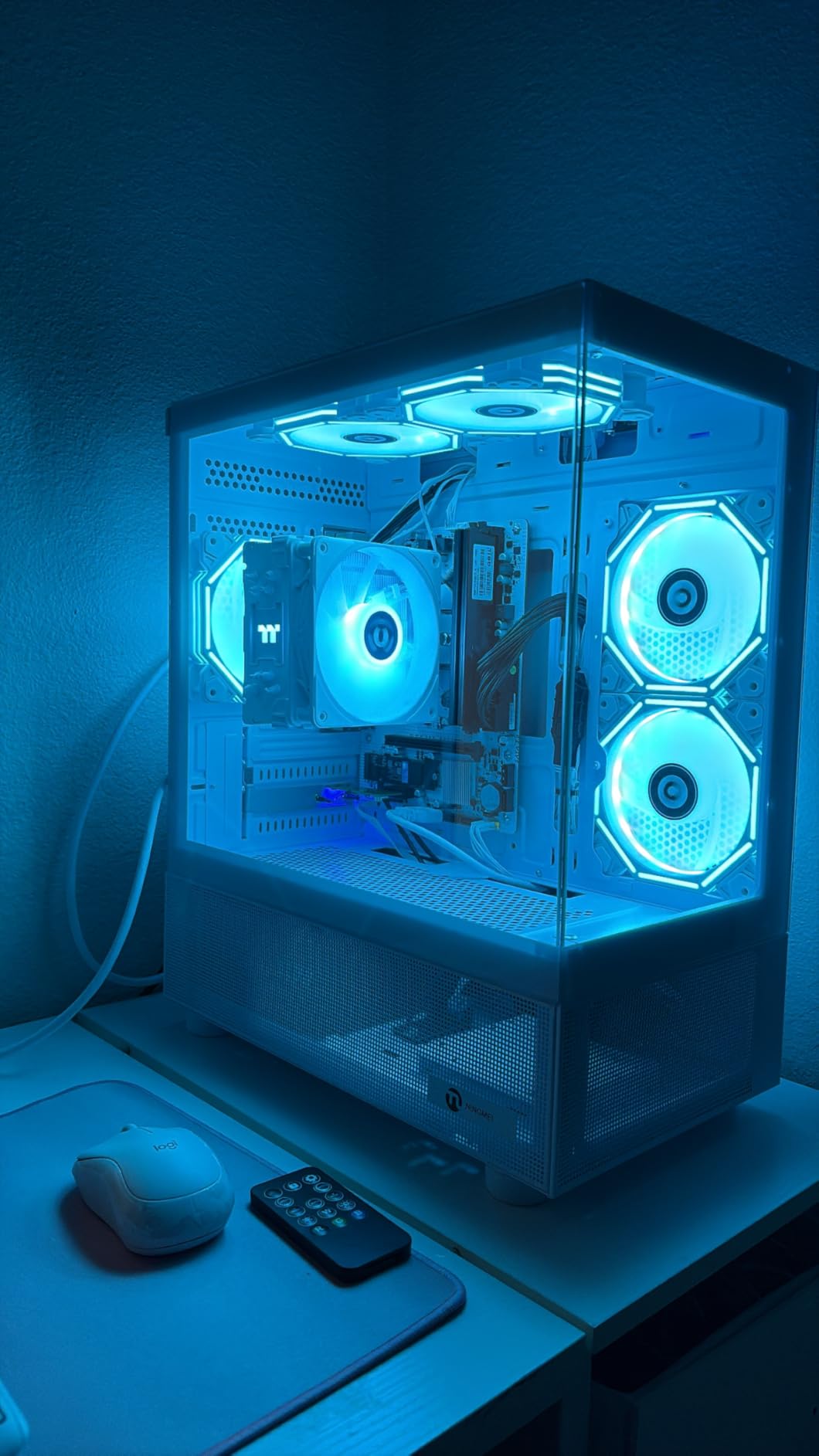
The structural catch is memory. There are two RAM slots on the B450M board and both arrive occupied, so going beyond 32GB means replacing the modules rather than adding them. The board supports up to 64GB, so this is a slow problem rather than a hard wall.
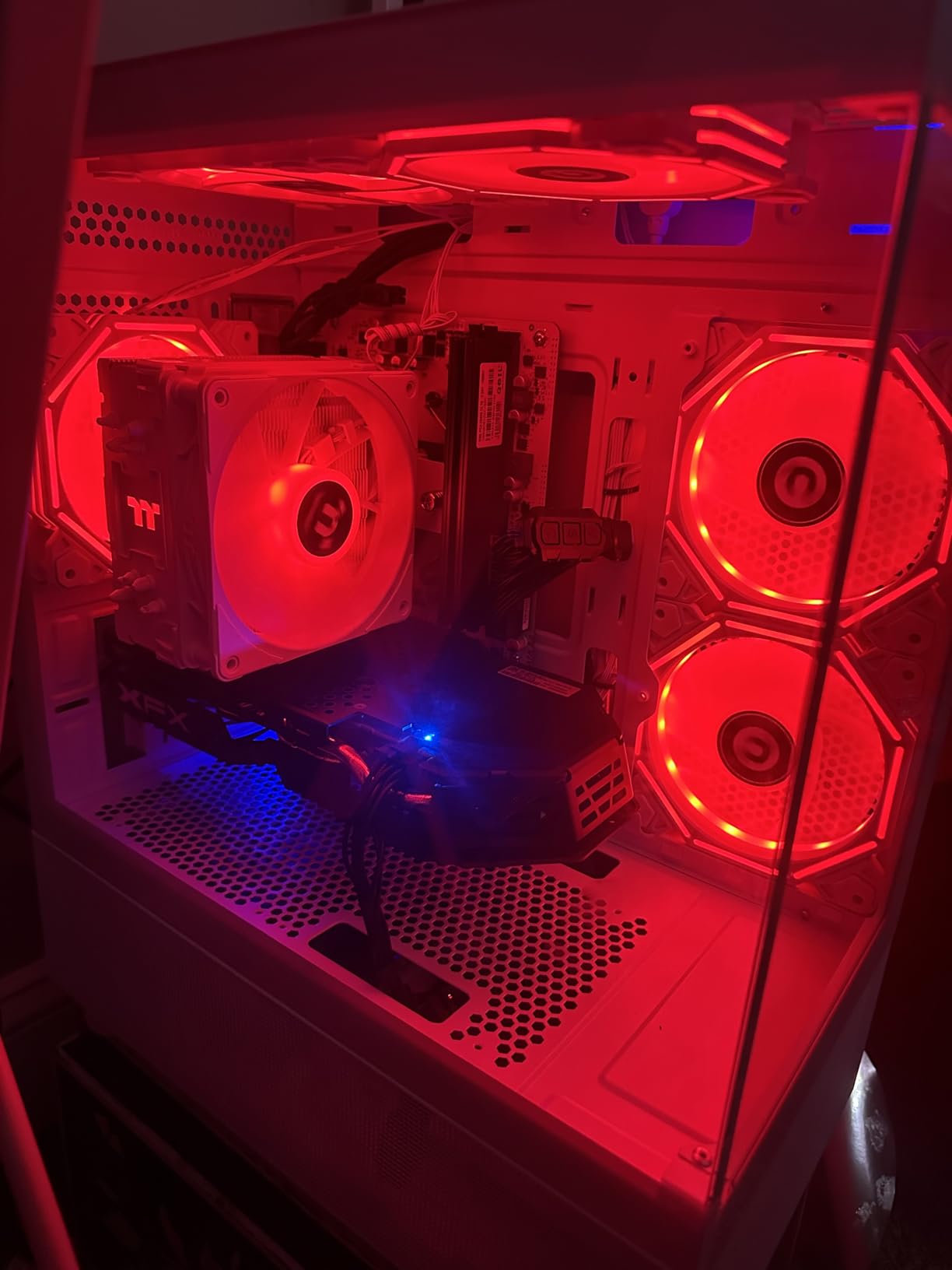
The mini-ATX case is also tight for very large graphics cards, and the RAM, fans and motherboard are unbranded with no published specifications, which makes future troubleshooting harder. Customer service is another recurring complaint, with buyers reporting difficulty getting component details answered.
What makes the NINGMEI worth it?
The power supply is the quiet hero. Several rival towers in this roundup ship with an undocumented unit; here you have a stated 650W bronze rating and a connector set with enough spare SATA and Molex for a second drive or extra fan.
It also includes Windows 11, Wi-Fi and Bluetooth, an oversized mouse pad, and one year of warranty plus lifetime technical support, so it is more complete on arrival than several rivals.
What makes it less appealing?
If you expect to add memory regularly, the occupied two-slot board is a real limit. And for a buyer who wants to know exactly which RAM and motherboard inside, undocumented components are a legitimate reason to look elsewhere.
We earn a commission, at no additional cost to you. CERTAIN CONTENT THAT APPEARS ON THIS SITE COMES FROM AMAZON. THIS CONTENT IS PROVIDED 'AS IS' AND IS SUBJECT TO CHANGE OR REMOVAL AT ANY TIME.
8. STGAubron i7 and RX 580 – Strong Performance Per Dollar on Older Titles
STGAubron Gaming PC Computer Desktop, Intel Core i7 up to 3.9GHz, Radeon RX 580 8G Video Card, 16GB RAM, 1TB SSD, WiFi 6, BT 5.0, RGB Fan x 6, Windows 11 Home
★★★★★★★★★★Intel Core i7 4th gen
Radeon RX 580 8GB
16GB RAM
1TB SSD
- Runs Fortnite
- Warzone and Minecraft smoothly
- 16GB RAM and 1TB SSD for the money
- Open interior makes cleaning and GPU swaps easy
- Quiet fans with a remote for the RGB
- Repeated blue screen errors reported on some units
- LGA 1150 platform caps the upgrade path
- Memory listed as DDR3 despite a DDR4 claim
STGAubron takes a simple approach: pair a 4th-generation Intel Core i7 with a Radeon RX 580 carrying 8GB of GDDR5, and put 16GB of RAM and a 1TB SSD around it. For the games most budget buyers grew up on, that combination is more than adequate. Owners report Fortnite, Warzone, GTA V, Apex Legends, Minecraft and Elden Ring running at 60 FPS or better.
The 8GB of VRAM is a genuine advantage over the 4GB and 6GB cards that dominate this price band, and the open, uncluttered interior behind the glass panel makes cleaning and GPU changes straightforward. Wi-Fi 6, Bluetooth 5.0, six RGB fans with a remote, and an RGB keyboard and mouse are all included.
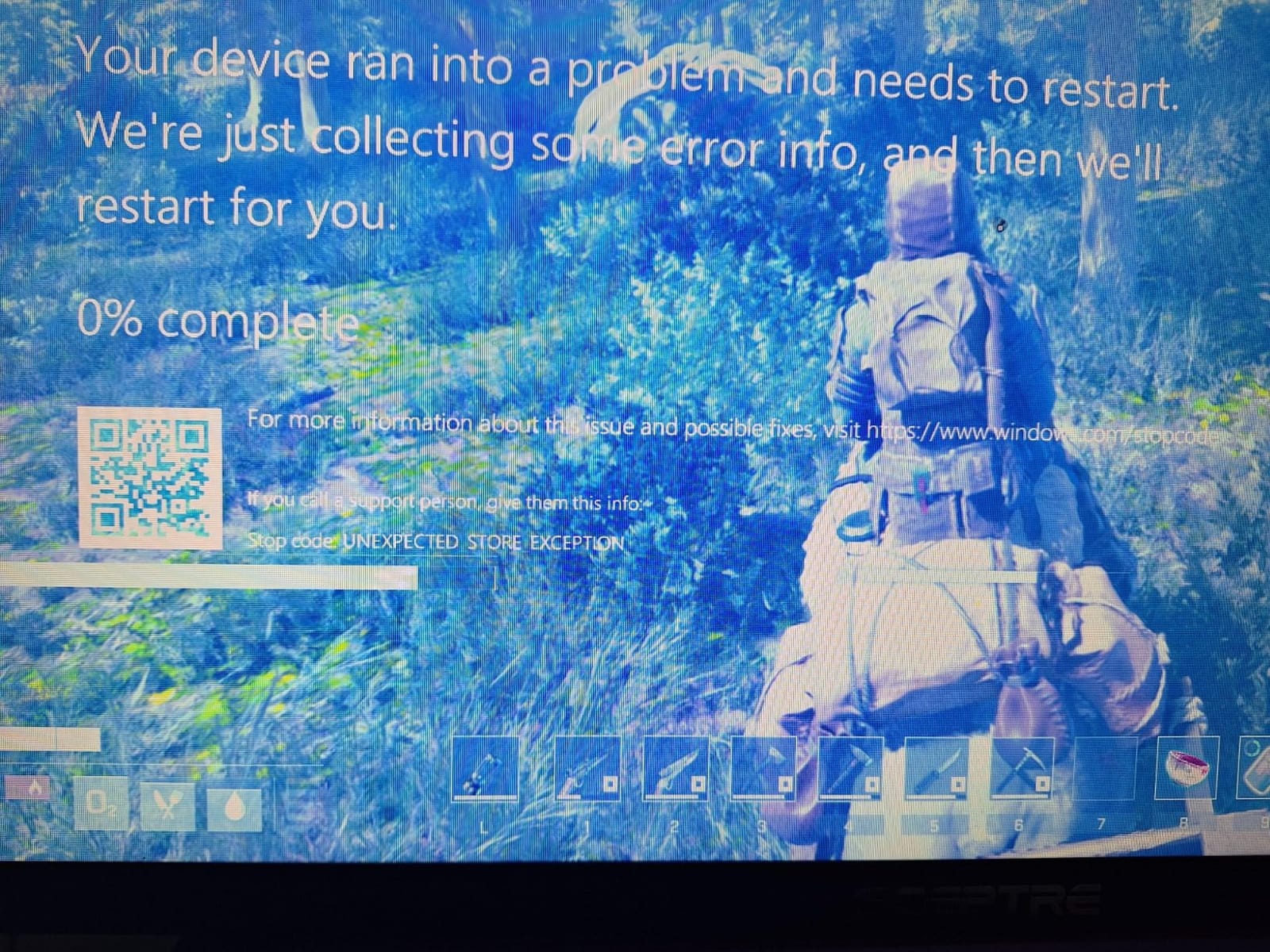
Two things make this a risk. The first is reliability: a meaningful minority of units develop repeated Blue Screen of Death errors within a few months, traced to a failing drive, power supply or graphics memory. That is not a minor annoyance; it is a machine that may not last.
The second is the platform. A 4th-generation LGA 1150 processor has effectively no upgrade path, and owner comments also note memory that appears to be DDR3 despite listing claims, with some sticks glued together. There is also a report of the base model’s BIOS blocking anti-cheat in competitive shooters, which would rule it out for a subset of players.
Who the STGAubron works for?
It works for a child or a first PC on a non-competitive game library, particularly if you want a complete package with peripherals in the box and a card with 8GB of memory. The VRAM headroom is among the largest in the group, and the extra display outputs are handy for an older monitor setup.
Several configurations are offered from the same listing, so a newer Ryzen or RTX build is available at a higher point if you want to spend up.
Who should stay away?
Competitive players should skip it because of the anti-cheat concern, and anyone planning to keep a machine for more than two years should skip it because the LGA 1150 socket ends the upgrade path today. The blue screen cluster is the reason we rank it low despite the attractive specification sheet.
We earn a commission, at no additional cost to you. CERTAIN CONTENT THAT APPEARS ON THIS SITE COMES FROM AMAZON. THIS CONTENT IS PROVIDED 'AS IS' AND IS SUBJECT TO CHANGE OR REMOVAL AT ANY TIME.
9. ZYNEEX S5 – Ray Tracing on a Budget, With a Small Review Base
ZYNEEX Prebuilt Gaming Desktop PC, AMD Ryzen 5 5500, GeForce RTX 3050 6GB,16GB DDR4 3200MHz RAM, 1TB NVMe SSD, ARGB Air Cooling, Wi-Fi,Tower Computer for Gaming, Streaming, Editing
★★★★★★★★★★Ryzen 5 5500 6-core
RTX 3050 6GB
16GB DDR4
1TB NVMe
- RTX 3050 6GB supports ray tracing at 1080p
- 16GB fast DDR4 and 1TB NVMe included
- ARGB cooling stays quiet in long sessions
- Arrives with a screwdriver and manual
- Only 58 ratings behind the 4.6 average
- RTX 3050 will not hold up at 1440p
- Ryzen 5 5500 has a modest upgrade ceiling
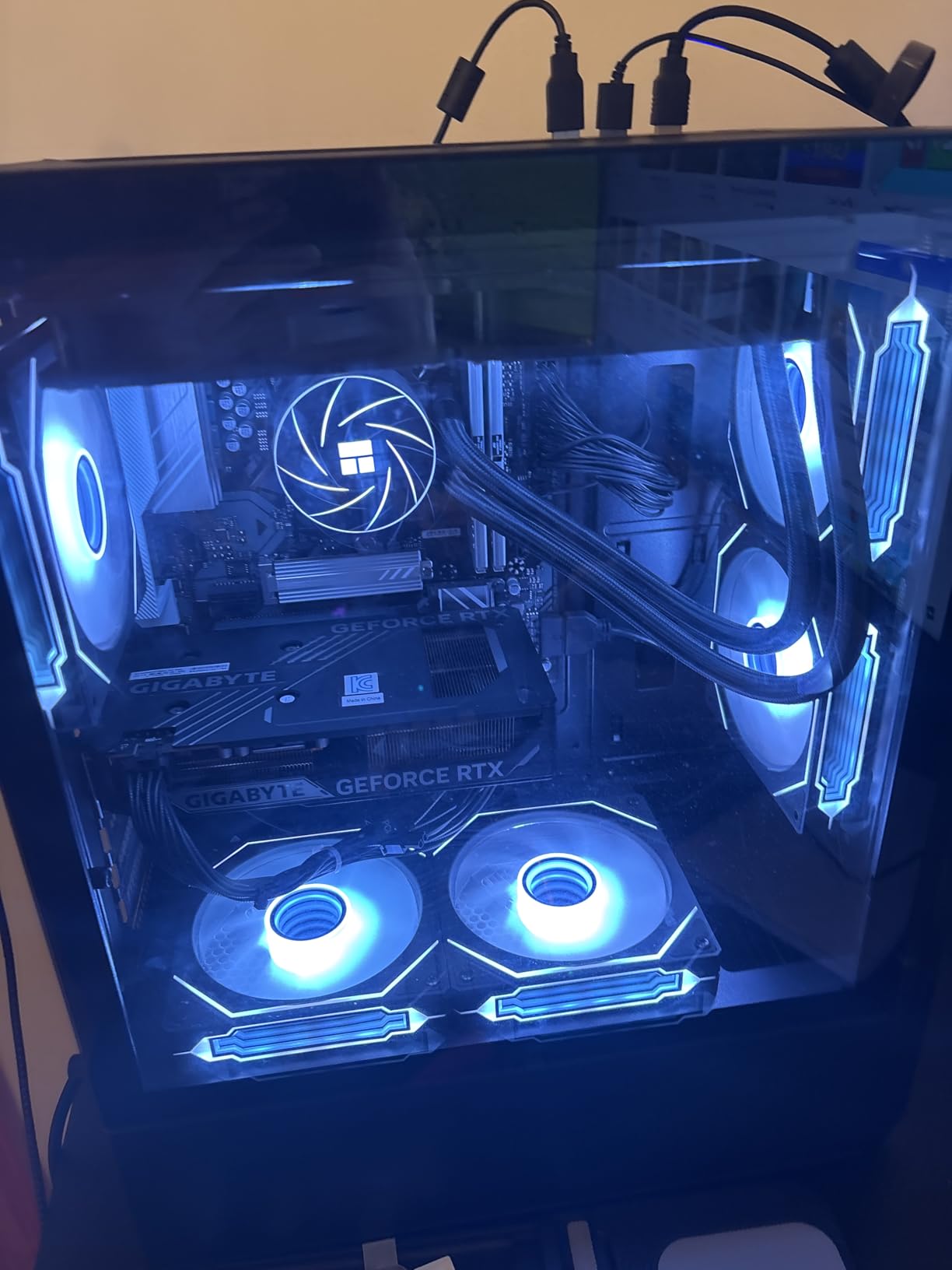
The S5 pairs a Ryzen 5 5500 with an RTX 3050 6GB, and that card is the point. It is one of only three RTX cards in this roundup and the only entry-level one, so if you care about the look of ray-traced lighting rather than raw frame counts, this is the machine to look at. Around it sit 16GB of DDR4 at 3200 MHz, a 1TB NVMe drive and ARGB air cooling designed to keep noise low in long sessions.
It is a genuinely plug-and-play package. Built-in Wi-Fi and Bluetooth, ten USB ports, HDMI and DisplayPort, and a screwdriver and manual in the box mean you can go from delivery to playing without buying anything else. Measured at 4.6 across its ratings, it sits alongside our top pick for the highest average in the group.
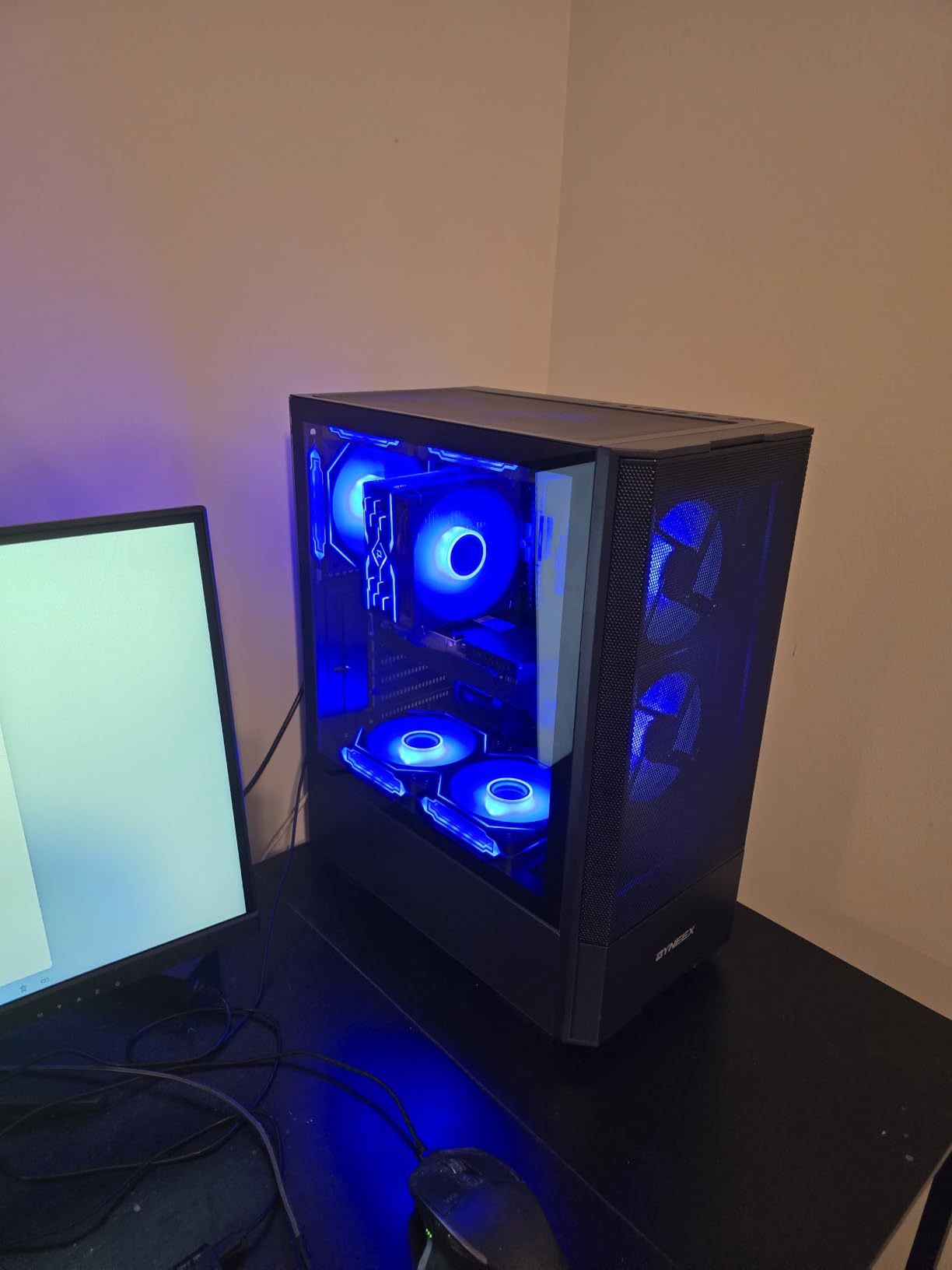
Here is the catch, and it is a real one: 58 ratings is a small sample for an average that high. The score rests on few owners, so it carries much less information than the 5086 ratings behind our top pick. An average across a thousand reviews tells you considerably more than an average across fifty.
The hardware limits are straightforward. The RTX 3050 is an entry-level card and will not hold up at 1440p or on heavy AAA settings, and the Ryzen 5 5500 is an older AM4 part with a modest upgrade ceiling above it.
Reasons to choose the S5
8GB of VRAM at this entry level is unusual, and a 1TB drive means storage is not an immediate problem. The ARGB cooling is the kind of detail that only matters after month three, and owners confirm it stays quiet.
It is also a sensible choice for streaming, since 16GB of fast memory and an RTX card handle encoding alongside a game more comfortably than the alternatives here.
Reasons to choose something else
The small review base is the argument against. You are taking more risk on a machine with less field history than a similarly specified alternative, and the RTX 3050 sits below the RTX 4060 option on raw performance for similar money.
Choose a tower with a longer review history if your priority is a machine you will not have to troubleshoot in six months.
We earn a commission, at no additional cost to you. CERTAIN CONTENT THAT APPEARS ON THIS SITE COMES FROM AMAZON. THIS CONTENT IS PROVIDED 'AS IS' AND IS SUBJECT TO CHANGE OR REMOVAL AT ANY TIME.
10. CyberPowerPC Gamer Master – The Platform to Build a Better GPU Onto
CyberPowerPC Gaming PC, AMD Ryzen 5 5500, Radeon RX 6500 XT 4GB
★★★★★★★★★★Ryzen 5 5500 6-core
Radeon RX 6500 XT 4GB
8GB DDR4
500GB NVMe
- B550 chipset leaves room for a stronger GPU later
- 8GB DDR4 supports up to 128GB
- 500GB PCIe 4.0 NVMe for fast loading
- Keyboard
- mouse and Wi-Fi included
- RX 6500 XT 4GB is limited in modern games
- Only 8GB of RAM out of the box
- 16 percent of ratings are 1-star
Think of this as a starting chassis rather than a finished gaming PC. You get a Ryzen 5 5500, an AMD B550 chipset, 8GB of DDR4 that can be expanded all the way to 128GB, and a 500GB PCIe 4.0 NVMe drive. The B550 board is the important part: it supports a far stronger graphics card than the one fitted, so the machine is not a dead end.
The extras are decent for a build at this level. Wi-Fi 5, Bluetooth 5.0, seven channels of audio, a tempered side panel with custom RGB lighting, and a keyboard and mouse in the box. Windows 11 Home is installed, and CyberPowerPC again adds lifetime technical support on top of the one-year parts and labour warranty.
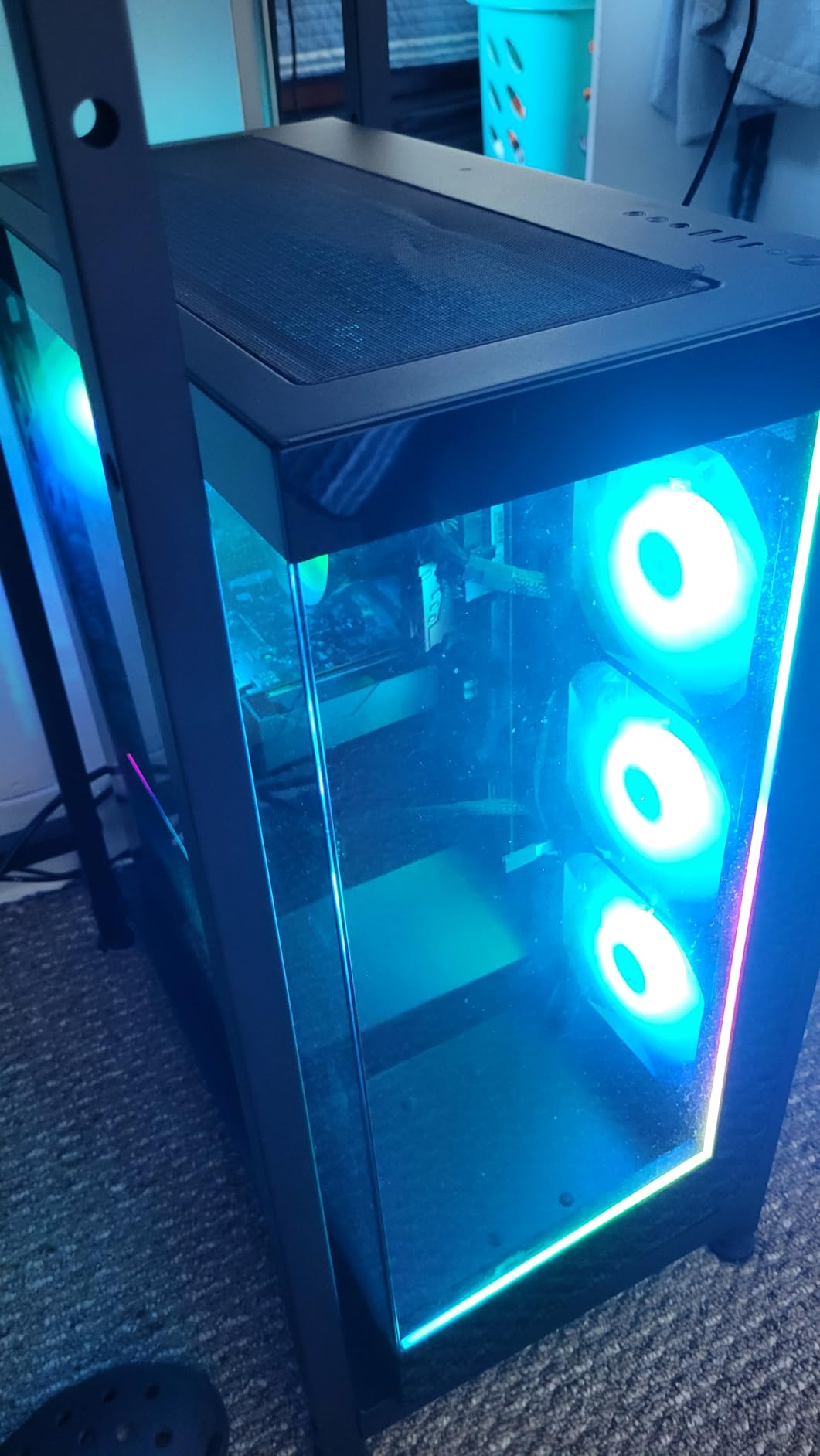
What arrives is thin. The Radeon RX 6500 XT with 4GB is a current entry-level card, and 8GB of system RAM is light for a new build in 2026. The 500GB drive is also one of the smallest here, so your first purchase after this is probably storage.
Reliability is the other issue, and it is measurable: 16 percent of ratings are one-star, which is a high early-failure share. With 47 ratings it is also one of the smallest review bases here, so the 4.0 average is thin evidence either way.
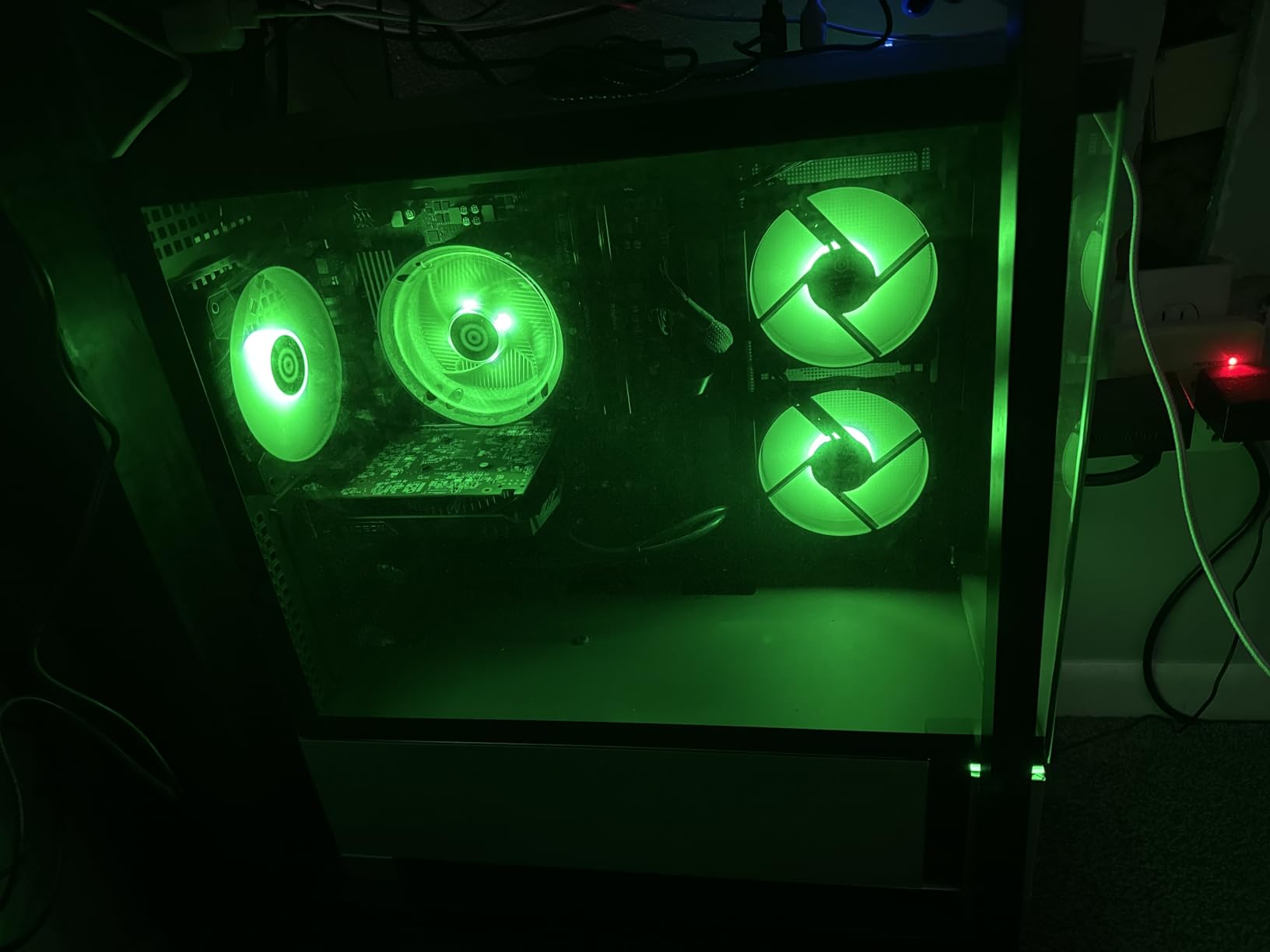
Why the Gamer Master works?
It works if your plan is to install a proper graphics card in the first month. The B550 chipset, the Ryzen 5 5500 and the DDR4 memory all stay current, and the only component you would replace is the one that is cheapest to replace.
It also suits a buyer who wants a CyberPowerPC warranty and support structure without paying for a finished gaming configuration they do not need yet.
Why it does not work?
It does not work if you want to unbox and play. An RX 6500 XT and 8GB of RAM is below what current titles want, and the 500GB drive means a second purchase immediately. Add up the graphics card, the memory and the storage and you have spent more than the alternatives above.
We earn a commission, at no additional cost to you. CERTAIN CONTENT THAT APPEARS ON THIS SITE COMES FROM AMAZON. THIS CONTENT IS PROVIDED 'AS IS' AND IS SUBJECT TO CHANGE OR REMOVAL AT ANY TIME.
11. WIWB Ryzen 7 4700LE – Eight GB of VRAM and Eight Cores Together
WIWB Gaming PC Desktop Computer, GeForce RTX 3050 8GB GDDR6, Ryzen 7 4700LE
★★★★★★★★★★Ryzen 7 4700LE 8-core
RTX 3050 8GB
16GB dual-channel
512GB NVMe
- 8GB of VRAM handles modern textures better
- 8 cores and 16 threads aid streaming and multitask
- Snappy and quiet for work and dual monitors
- Responsive seller support for setup questions
- Only 40 ratings behind the 4.2 average
- 4700LE is a lower-power 8-core part
- 512GB drive is small for modern libraries
This one pairs an RTX 3050 8GB with a Ryzen 7 4700LE, and that combination is unusual in the budget tier. Eight gigabytes of VRAM is enough to hold modern textures without stuttering and gives you room for a higher-resolution monitor than most budget cards can drive, and the eight-core, sixteen-thread processor gives you real headroom for streaming or editing alongside a game.
Elsewhere the specification is properly built rather than thin. 16GB of DDR4 at 3200 MHz in dual-channel, a 512GB NVMe M.2 drive, Wi-Fi 6, two HDMI outputs plus DisplayPort, and pre-built on the AM4 platform. Owners describe it as snappy and stable for home office work and dual-monitor setups, and the seller’s support is reported as responsive for setup questions.
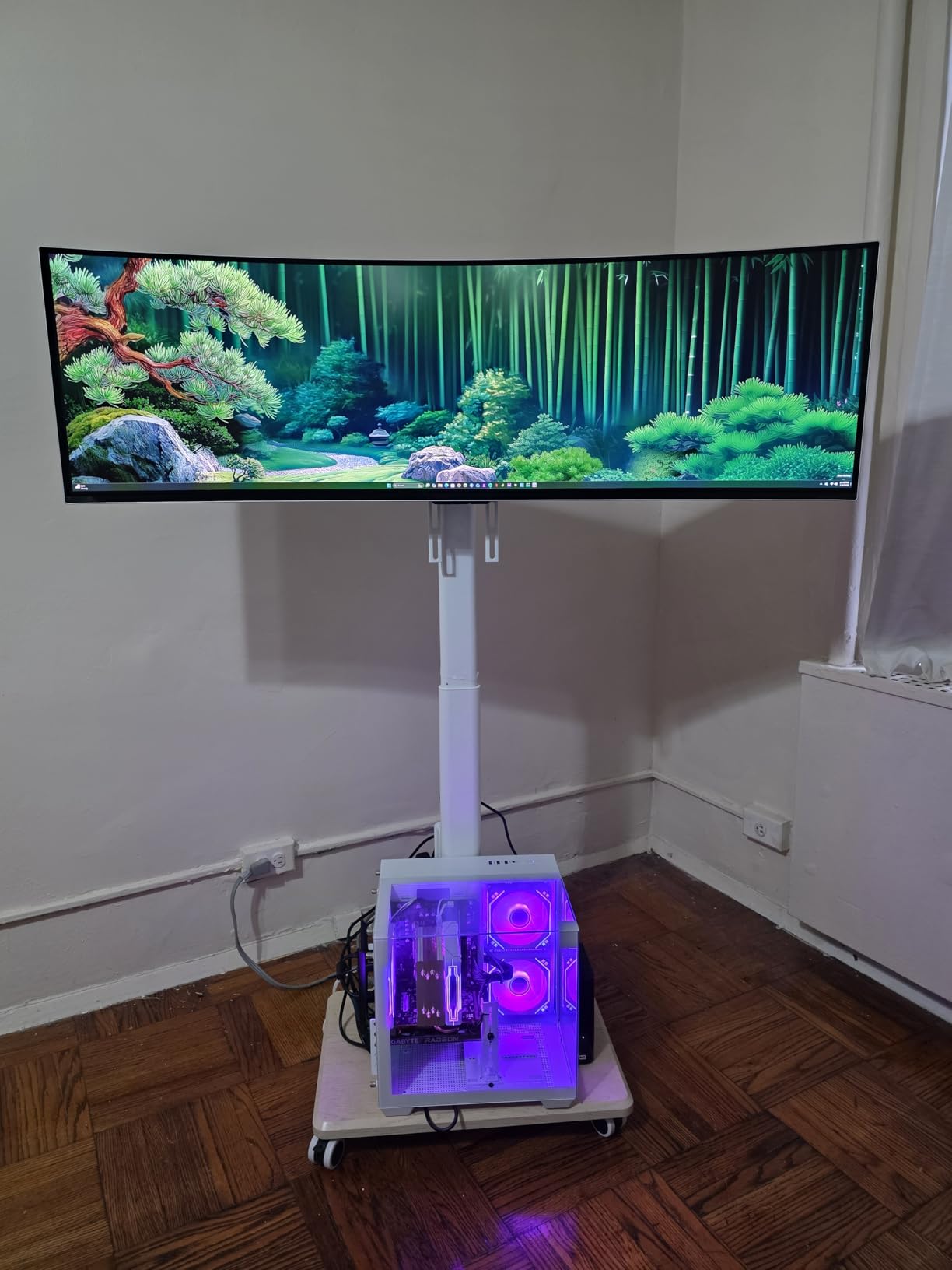
What holds it back is context. The 4700LE is a Zen 2 part with a lower power envelope, so it will not sustain the highest frame rates in heavy AAA titles even with 8GB of VRAM to work with. The 512GB drive is also on the small side, and it becomes a problem once you install two or three modern releases.
There is a small-sample caution too: 40 ratings is a very thin base for the 4.2 average. One detailed report describes graphics corruption and unrecoverable blue screens shortly after installing Steam, and one owner received a unit without Bluetooth and had to have it sent separately. Both look like individual incidents, but at this sample size they are worth knowing about.
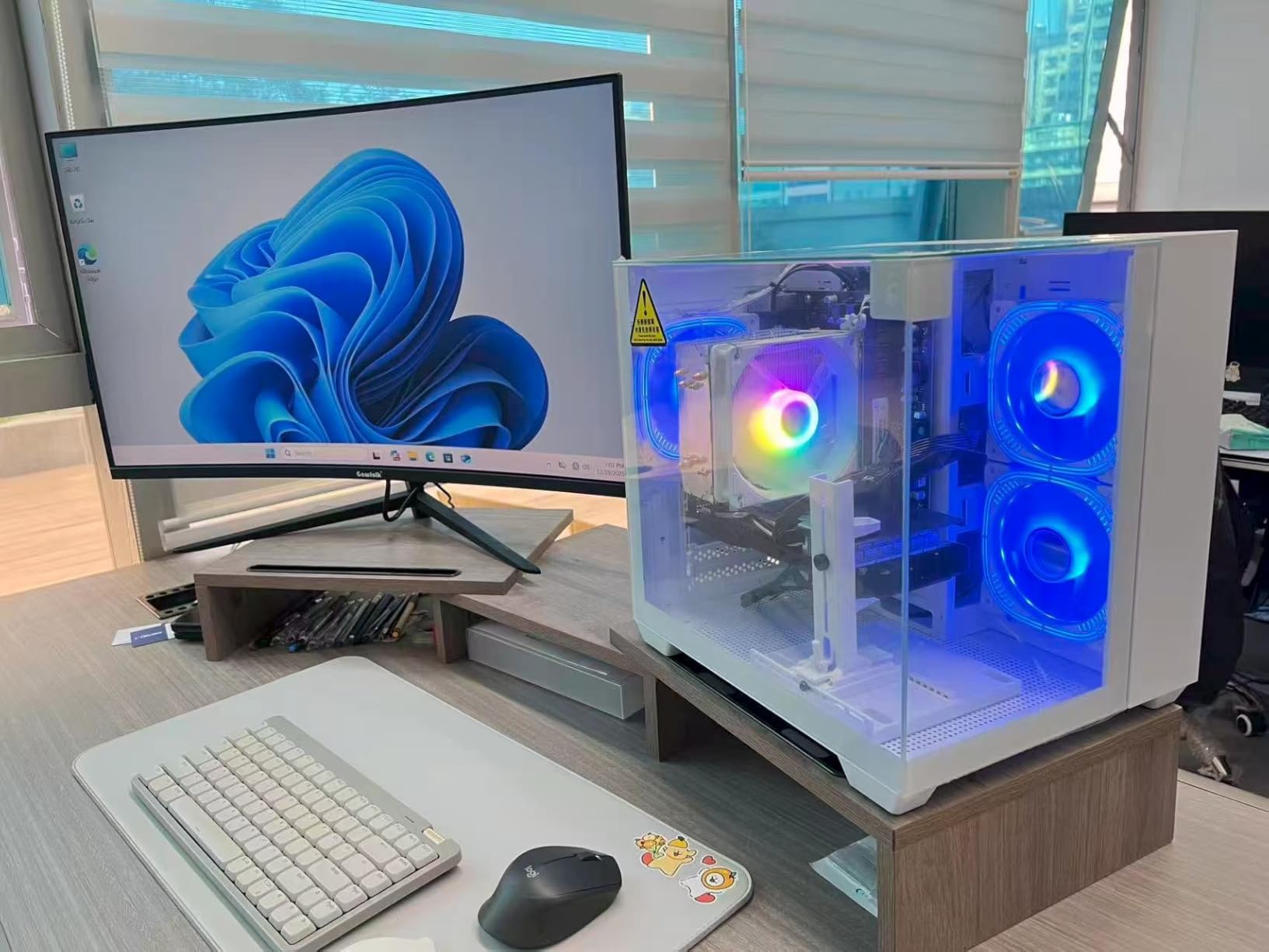
Where the WIWB fits?
It fits buyers who care about VRAM and core count more than peak gaming speed. If you stream, record, edit, or run heavy multitasking while gaming, eight cores and sixteen threads make a real difference compared with the six-core machines here.
The dual HDMI output is also a genuine convenience for anyone using a laptop-style or older panel as a second screen.
Where it does not fit?
It does not fit a player chasing frame rates in demanding new releases, and the 512GB drive means an immediate storage purchase. If you want both VRAM and a newer processor, the Skytech Azure gives you an RTX 5060 and eight modern cores in one machine.
We earn a commission, at no additional cost to you. CERTAIN CONTENT THAT APPEARS ON THIS SITE COMES FROM AMAZON. THIS CONTENT IS PROVIDED 'AS IS' AND IS SUBJECT TO CHANGE OR REMOVAL AT ANY TIME.
12. MXZ Core i5-12400F and RTX 4060 – Best Raw Gaming Performance Here
MXZ Gaming PC Desktop Computer,I5 12400F 4.4GHz,RTX4060,16GB DDR4 3200,NVME 500GB SSD,6RGB Fans,Win 11 Pro Ready(I5 12400F | RTX4060)
★★★★★★★★★★Intel Core i5-12400F 6-core
RTX 4060 8GB
16GB DDR4
Windows 11 Pro
- Owners report 144 FPS in Apex and 180 FPS in Warzone
- 12th-gen i5 and H610 leave upgrade headroom
- Quiet fans in an easy-to-work case
- Windows 11 Pro already installed
- Included Wi-Fi adapter is unreliable
- Some units arrive with a single 16GB stick
- 500GB drive is small for a modern library
On paper and in owner reports, this is one of the strongest gaming specification sets in the group. A 12th-generation Intel Core i5-12400F running to 4.4 GHz, an RTX 4060 with 8GB of GDDR6, and 16GB of DDR4 at 3200 MHz. Reviewers cite 144 FPS in Apex Legends, 180 FPS in Warzone and up to 300 FPS in Fortnite at maximum settings.
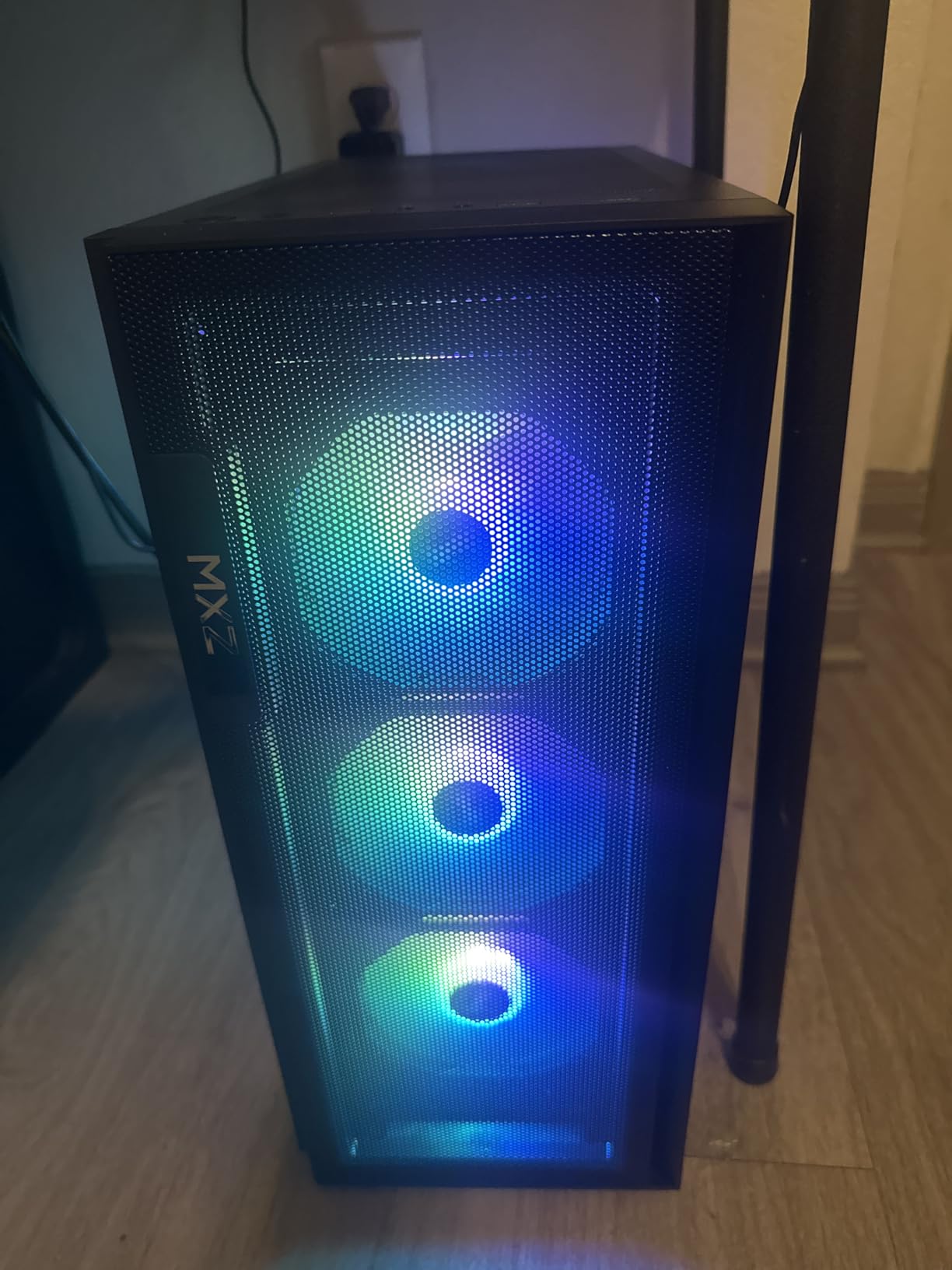
There are practical touches too. Four DIMM slots mean memory is easy to expand, the windowed side panel and five RGB fans with a hub keep the interior uncluttered and the fans quiet, and Windows 11 Pro is already installed rather than the Home edition most rivals ship. It is described across reviews as a solid first PC for beginners.
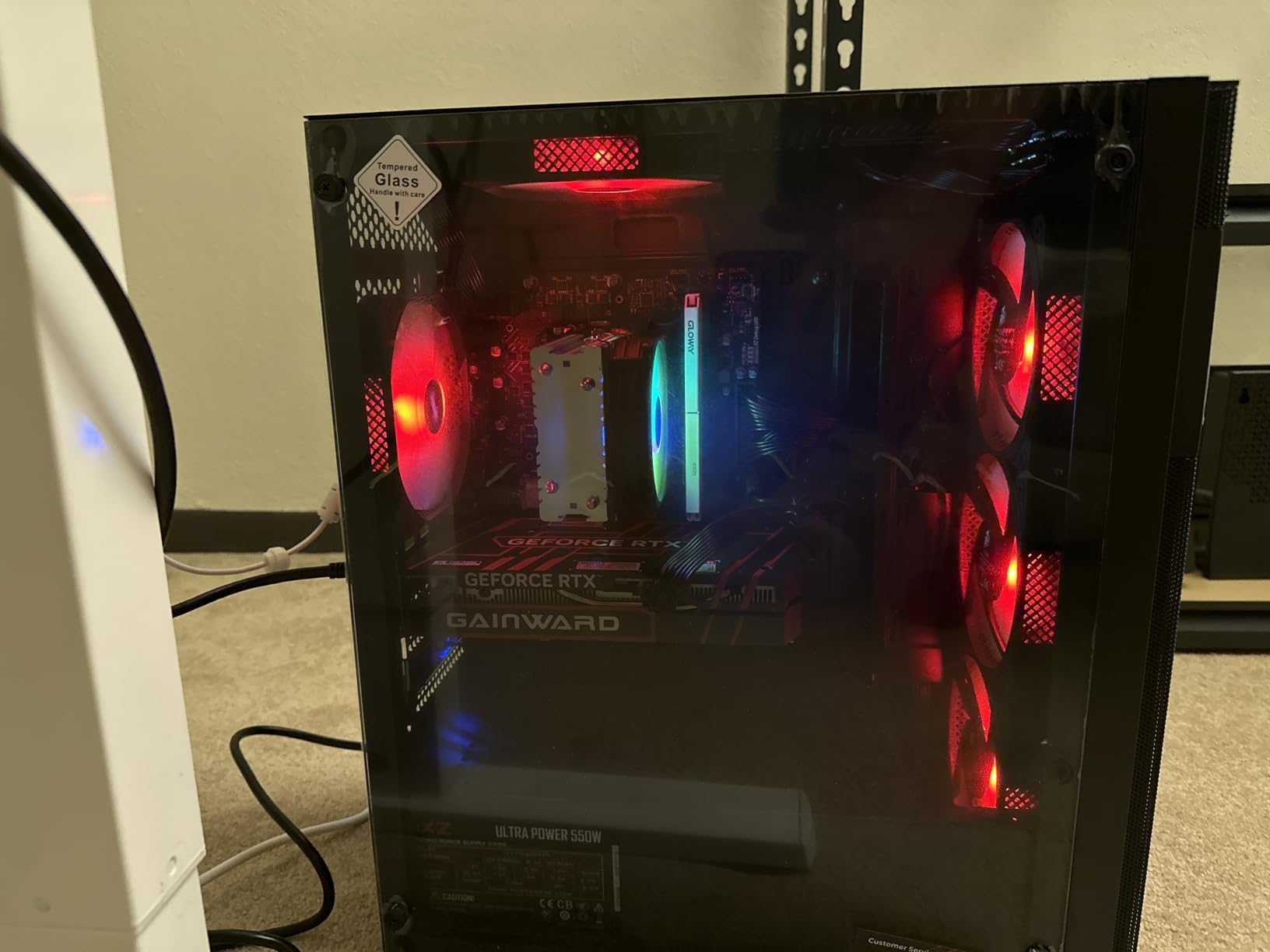
Three caveats. The included PCI-E Wi-Fi hardware is the most repeated complaint, with owners reporting connection drops and lag until a better receiver was added, so plan on replacing it or using Ethernet. Memory configuration varies between units, with some arriving as 2x8GB dual channel and others as a single 16GB stick, which changes performance noticeably.
The 500GB NVMe drive is small for a modern library, the RGB lighting is fixed rather than user-customisable, and one buyer reported a display that stopped waking after a day and a half of use. The review base is 38 ratings, so treat all of it as early evidence rather than settled fact.
Why the MXZ stands out?
It stands out on frame rates at 1080p. If your library is competitive shooters or anything with a 60 FPS target on high settings, this is the machine in the roundup that gets there most easily, and the H610 platform with 12th-generation Core i5 leaves more upgrade headroom than the older budget builds.
Getting Windows 11 Pro preinstalled is a small but genuine convenience for anyone setting up school or work software alongside games.
Why it is not our first pick?
It ranks last for two reasons, both about evidence rather than hardware. The review base is the smallest in the roundup, and the recurring Wi-Fi problem is the kind of annoyance that damages a first impression of a PC badly. The RTX 5060 in the Skytech Azure is also a stronger card with a larger review history behind it.
We earn a commission, at no additional cost to you. CERTAIN CONTENT THAT APPEARS ON THIS SITE COMES FROM AMAZON. THIS CONTENT IS PROVIDED 'AS IS' AND IS SUBJECT TO CHANGE OR REMOVAL AT ANY TIME.
How to Choose a Budget Gaming PC in 2026?
The reason budget PC advice goes wrong is that buyers treat every part as equally important. In a tower costing this much, the graphics card and the storage deserve the money, and the case, fans and lighting deserve almost none of it. Every recommendation in this guide follows that logic, and so should your own.
Where the money should go?
Spend on the graphics card first. It is the component that determines frame rate, and unlike the CPU it cannot be quietly worked around when a game gets demanding. Second priority is storage: a 500GB drive is gone in two or three modern AAA installs, and a 1TB drive removes the problem for years.
Third is memory. Fourth, and last among the parts that matter, is the case and its lighting. A plain steel tower with one fan performs identically to a glass panel with six ARGB fans once the temperatures are the same.
16GB is the floor, 32GB is the comfortable ceiling
Sixteen gigabytes is the sensible target, and eight gigabytes is no longer acceptable in a new build for gaming. With 16GB, current titles, a browser with a dozen tabs and background applications all run without stutter, which covers almost everyone reading this.
Thirty-two gigabytes is not overkill for gaming in isolation, but it is justified if you stream, run a heavy Discord setup, keep a large library mounted, or edit video on the same machine. Check the slot count before you buy, because several picks here have two slots and no room to add later.
Also check the configuration, not just the total. A single 16GB stick does not deliver dual-channel bandwidth, and the difference shows up most in CPU-bound games. Four slots, as on the MXZ, is the friendliest layout.
Storage: 500GB fills up fast
Modern AAA titles routinely exceed 100GB, so a 500GB drive is effectively a single-game machine and a 256GB drive is worse. Aim for 1TB if the budget stretches, and 512GB as the bare minimum. NVMe is the right technology at any of these sizes; a SATA SSD at the same capacity will feel noticeably slower on load times.
Adding a second drive later is easy on a tower with free SATA connectors and spare bays, and easy on a case with tool-less side panels. It is painful on a machine that has to be almost fully disassembled, so check service access before you commit to a small chassis.
Standard parts versus proprietary parts
This is the issue that causes the most regret. A proprietary motherboard, power supply or case layout means a component failure can end the machine rather than a single part. A standard ATX-family board with a normal socket and a documented power supply means every part in the machine can be bought anywhere and replaced independently.
All twelve machines in this guide use standard parts, which is part of why we recommend them. The tightest layouts are the mini-ATX boards with two occupied memory slots, and the least flexible is the LGA 1150 machine, where the processor socket itself has no remaining upgrade path. The one DDR5 tower is newer, but its memory type and socket both have longer lives ahead of them.
Cooling and noise at this price
Bundle coolers are the weak point in most budget towers, and the owner feedback in this roundup repeats the same complaint on multiple machines: the factory CPU cooler runs warm and loud under gaming load. A basic tower air cooler is the single cheapest upgrade available to almost every pick here.
Case fans are a different matter. Several machines run their fans at full speed constantly, which adds a constant background hiss under everything. If your machine sits in a bedroom rather than a study, that is worth checking in owner reviews before you buy.
Warranty, support and market timing
Support records vary more than specifications at this price. Two of the machines here offer lifetime technical support alongside a one-year parts and labour warranty, and the same two sell their platforms as assembled in the USA. Others offer a one-year warranty and nothing beyond it, with limited support hours on one in particular.
Timing matters too, and not only because component prices move. Data centre demand has been squeezing memory supply, which is one reason several picks here still run DDR4 rather than the newer DDR5 standard, and why the one DDR5 machine stands out on longevity grounds. Check what a given machine’s memory type costs before you upgrade it, and buy the whole machine at once where you can rather than in stages.
If you are still undecided on form factor, their best gaming PCs guide covers the mid-range and above, and our best mini PC picks cover the small-footprint end of the market.
Frequently Asked Questions
What are the best budget PC builds for gaming?
The best budget gaming PC right now is the CyberPowerPC Gamer Xtreme VR, an Intel Core i5-10400F with a GTX 1660 Super 6GB, 8GB DDR4 and a 500GB NVMe drive. It uses entirely standard parts, so memory, storage, the graphics card and the processor can all be replaced later. For current-generation graphics, the Skytech Azure pairs a Ryzen 7 5700 with an RTX 5060 8GB and 16GB of RAM. For the lowest outlay, the YAWYORE MX240 gives you an AM4 platform and a 1TB drive but needs a graphics card added.
Is 700 enough for a gaming PC?
Yes, a budget in that region buys a playable 1080p machine, though not a future-proof one. At that level you get a six-core processor, 16GB of RAM, a 1TB NVMe drive and a card such as the GTX 1660 Super or RTX 3050. Expect solid performance in esports titles and older games, and settings lowered in recent AAA releases. The NINGMEI and STGAubron towers sit in this bracket.
What is a good but affordable gaming PC?
A good affordable gaming PC needs a dedicated graphics card, 16GB of RAM and at least a 512GB SSD, and it should use standard parts so you can upgrade it later. In this roundup the NINGMEI Ryzen 5 5500, the ZYNEEX S5 and the STGAubron all hit that brief. The cheapest complete tower here qualifies on every point except the graphics card, which is integrated.
Is 32GB RAM overkill for gaming?
For gaming alone, 32GB is more than most players need and 16GB is the practical sweet spot. It becomes worthwhile when you stream, edit video, run heavy background applications or keep a large game library mounted. The catch is slot count: several budget towers have only two memory slots and arrive with both filled, so check before assuming you can add later.
How much should I spend on a budget gaming PC?
Community consensus across build forums lands in the high hundreds to low thousands as the sweet spot for value 1080p and 1440p gaming. Below that you are choosing a four-gigabyte graphics card, an eight-gigabyte memory configuration or a machine that needs a component added later. Above it, you are buying headroom rather than speed, which is worth it only if you plan to keep the machine for several years.
What is the most budget-friendly gaming PC?
Among the machines tested here, the STGAubron with a Radeon RX 580 8GB is the lowest-cost complete gaming system, and it handles Fortnite, Warzone and older AAA titles. The YAWYORE MX240 costs less again, but it has no dedicated graphics card and is a platform to build on rather than a gaming machine to switch on.
Can a budget gaming PC handle 1440p gaming?
Most of them can, but not comfortably. The GTX 1660 Super and RTX 3050 cards in the budget tier are built for 1080p and will drop frame rates at 1440p in demanding titles. The Skytech Azure with an RTX 5060 8GB and the MXZ with an RTX 4060 8GB are the two picks here with the graphics memory to hold a 1440p monitor at playable settings. Pair either with a lower-cost screen rather than upgrading both at once.
Should I buy a prebuilt gaming PC or build my own?
Building your own costs less for the same parts and teaches you how the machine works, but it requires confidence and time. A prebuilt gives you a warranty, plug-and-play setup and someone else to blame when something fails. The reviews in this roundup found recurring power supply failures in several budget prebuilts, which is the main argument for building your own with a documented supply. If you buy a prebuilt, check the power supply rating and the memory slot count first.
The Verdict
The best budget gaming PCs in 2026 come down to what you need the machine to do. If you want a dependable 1080p box with a real brand behind the warranty and a clear upgrade path, the CyberPowerPC Gamer Xtreme VR is the pick, and adding a matching memory stick to its single 8GB module is the first thing to do.
If your games skew toward current releases, spend the difference on the Skytech Azure. An RTX 5060 with 8GB of GDDR7 and a Ryzen 7 5700 handles today and tomorrow, and its 1TB drive and 16GB of memory mean no immediate second purchase. The MXZ with an RTX 4060 is the alternative if you want the highest competitive frame rates and are comfortable replacing its Wi-Fi adapter.
Whatever you choose, spend your attention on three numbers before you spend your money: the graphics card, the storage capacity, and the memory slot count. Those three decide whether a budget PC becomes a machine you keep for years or one you replace within one. Check the current price through the buttons above, and read the owner reviews for the model before you commit.