
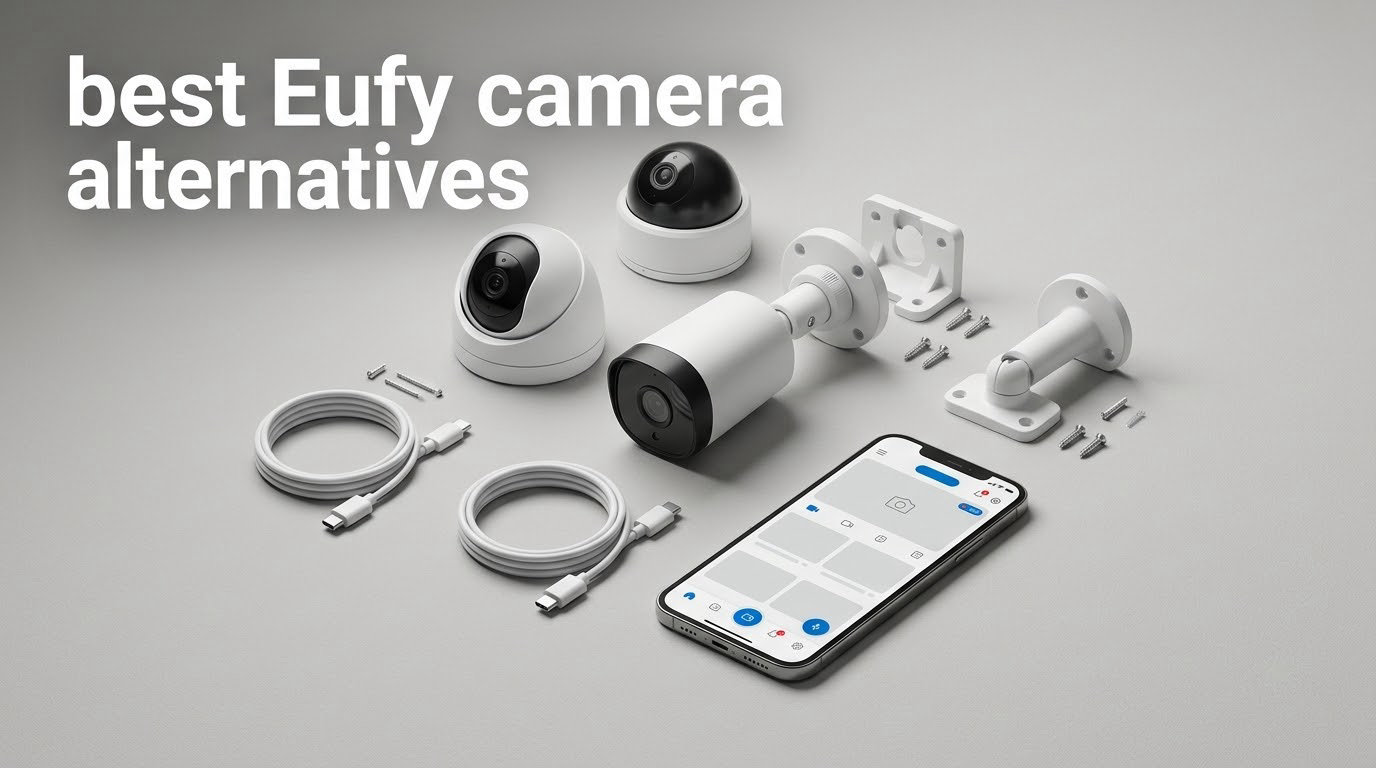
If you own a set of Eufy cameras and a HomeBase, you are probably reading this because something broke your trust. Maybe a doorbell stopped connecting, maybe AI features you used for free moved behind a paywall, maybe you just want your footage to stay on hardware you control. Whatever the trigger, the question is the same: which cameras do I buy instead?
Here is the short version. The best Eufy camera alternatives depend on whether you want genuinely local recording with no account, or whether you want the widest smart home integration. Our team compared eight current cameras from Wyze, Reolink, TP-Link Tapo, and Arlo across storage, power, night vision, and privacy behaviour, and the answer changes depending on where you mount them.
This guide is written as a migration rather than a shopping list. Each section tells you what you gain, what you give up, and who the camera is a poor fit for. We also cover what happens to footage already on a HomeBase, why “no subscription” often still means “still talks to the cloud”, and which brands quietly paywall the features they used to give away.
Table of Contents
- Why Eufy Users Are Switching in 2026?
- Top 3 Best Eufy Camera Alternatives (October 2026)
- Best Eufy Camera Alternatives at a Glance in 2026
- What No Subscription Actually Means?
- Local Storage: microSD vs Hub vs NVR vs Cloud
- 1. Wyze Cam OG – The Straightforward Eufy Swap
- 2. Wyze Cam Pan v3 – The Most Reviewed Camera in This Roundup
- 3. Reolink Argus Eco with Solar Panel – Fixed Driveway Watch on Solar
- 4. Tapo C500 – The Highest Rated Camera in This Roundup
- 5. Arlo Pro 3 Wireless Floodlight – Best Lit Yard Coverage, With a Catch
- 6. Wyze Cam v4 – Best Indoor Replacement With On-Device AI
- 7. Tapo SolarCam C402 KIT – Solar Where the Panel Cannot Sit Next to the Camera
- 8. Reolink Argus PT with Solar Panel – Best for Dual-Band WiFi and Self-Hosting
- How to Choose an Eufy Replacement?
- Switching Without Losing Coverage
- Brands That Push You Toward a Subscription
- Frequently Asked Questions
- Final Verdict
Why Eufy Users Are Switching in 2026?
The short answer on the Eufy camera scandal: in 2020, researchers reported that Eufy security cameras had been sharing identifiable user data with third-party analytics firms despite the company claiming its cameras were designed for local use and not to record identifiable footage. Engineers had also found hardcoded credentials inside the camera firmware that made devices easier to access than the company had implied.
That story turned into a class-action lawsuit alleging deceptive marketing and privacy practices around those claims. Eufy pushed back, and the litigation ran for years, but the reputational damage outlasted the legal outcome. The lasting effect is that a large share of owners now read “local storage” on a camera box and assume footage still passes through company servers.
There are practical reasons too, and they matter more to most readers than the litigation. Users report missed events where a person arriving or a lock turning did not trigger a clip. Others report app updates that stopped their cameras and doorbells from connecting at all, right in the middle of a setup. And features that were once included free have migrated to a paid tier, which is exactly the pattern buyers were trying to escape from other brands.
One honest note before the recommendations. Plenty of Eufy owners still rate it as the best brand they have tried, and switching is not the right call for everyone. If your system works and your objection is purely philosophical, keep it. Every camera below earns its place on a specific strength, not on brand momentum.
Top 3 Best Eufy Camera Alternatives (October 2026)

Wyze Cam OG
- 1080p with color night vision
- IP65 rated
- Local microSD up to 256GB
- 40-lumen spotlight and 90dB siren

Wyze Cam Pan v3
- 360 degree pan and tilt
- AI motion tracking
- 8x digital zoom
- microSD up to 512GB

Tapo C500
- 360 degree pan with 130 degree tilt
- Free person detection
- Night vision to 98 ft
- Physical privacy mode
Best Eufy Camera Alternatives at a Glance in 2026
| Product | Key Specs | Pricing |
|---|---|---|
| Wyze Cam OG |
|
Check Latest Price |
| Wyze Cam Pan v3 |
|
Check Latest Price |
 Reolink Argus Eco with Solar Panel Reolink Argus Eco with Solar Panel |
|
Check Latest Price |
| Tapo C500 |
|
Check Latest Price |
 Arlo Pro 3 Wireless Floodlight Arlo Pro 3 Wireless Floodlight |
|
Check Latest Price |
 Wyze Cam v4 Wyze Cam v4 |
|
Check Latest Price |
 Tapo SolarCam C402 KIT Tapo SolarCam C402 KIT |
|
Check Latest Price |
 Reolink Argus PT with Solar Panel Reolink Argus PT with Solar Panel |
|
Check Latest Price |
What No Subscription Actually Means?
“No subscription” means recording, playback, and alerts do not require a paid plan. It does not automatically mean your footage never leaves your house, and that distinction is where most disappointed buyers end up.
Three different claims get called no subscription:
Local recording with cloud remote view. Clips live on a microSD card, but the app streams through company servers so you can watch them from anywhere. The brand can also send push notification thumbnails that contain a still image of your porch.
Local recording with a vendor hub. A hub such as a HomeBase or Reolink Home Hub holds the footage, and the brand still brokers remote access. You own the storage device, not the path the data takes.
Fully self-hosted. The camera exposes a standard stream that a network video recorder or open-source platform on your own hardware pulls directly. This is the only version where your footage stays on your network.
Reolink is the brand in this group that documents the third option most clearly, offering microSD, a Reolink Home Hub, or an FTP server as storage targets without a plan. Wyze and Tapo both record locally to microSD with no subscription required, and both keep a cloud tier as an optional extra. Arlo is the outlier here, and we will get to that below.
The other half of the phrase is about features rather than footage. Brands have learned that storage is cheap to give away and detection is not, so some now move person or package recognition behind a paid tier after the fact. Before buying, check whether the AI detection you care about is listed under free features or under a plan.
Local Storage: microSD vs Hub vs NVR vs Cloud
A microSD card sits in the camera itself. It is the cheapest option, it needs no hub, and each camera records independently, which is exactly why these eight cameras all support it. The limits are card capacity, card lifespan, and the need to check footage on your phone rather than from a desktop timeline.
A hub is a small box with storage and sometimes a battery backup that pairs with specific cameras from the same brand. It gives you one timeline for many cameras and keeps the SD slot free. The catch is lock-in, and it is the exact problem that pushed many readers to look at Eufy alternatives in the first place: a HomeBase only talks to Eufy cameras, so switching brands strands it.
An NVR, or network video recorder, is a box that pulls standard streams from cameras on your network. It is the right answer for anyone self-hosting, and Reolink is the only brand in this group that documents an FTP and NVR path. Buyers who self-host consistently ask for RTSP or ONVIF support, and it is worth confirming before you buy rather than after.
Cloud storage is the only option that keeps working when your internet drops, and it is also the recurring cost you are probably trying to avoid. A practical middle path: record locally as the primary sink, and treat any cloud tier as optional backup for the one camera covering your front door.
1. Wyze Cam OG – The Straightforward Eufy Swap
WYZE Cam OG Indoor/Outdoor Security Camera with Color Night Vision
★★★★★★★★★★1080p video
Color night vision to 30 ft
IP65 rated
MicroSD up to 256GB
- Sharp 1080p with standout color night vision
- Quick setup and painless card migration
- Local microSD recording with no subscription
- Built-in spotlight and 90dB siren
- Clear two-way audio
- 2.4 GHz WiFi only with no 5 GHz support
- Fixed viewpoint with no pan or tilt
- Occasional false motion alerts
- Live feed can load slowly in the app
This is the camera I recommend first for anyone replacing an indoor EufyCam. It is a small white cube that screws to a wall, a shelf, or a soffit, and the entire setup is plugging in power, scanning a code, and inserting a card. The motion detection zones and sensitivity slider are where you should spend your setup time, because that is what decides whether you trust its alerts.
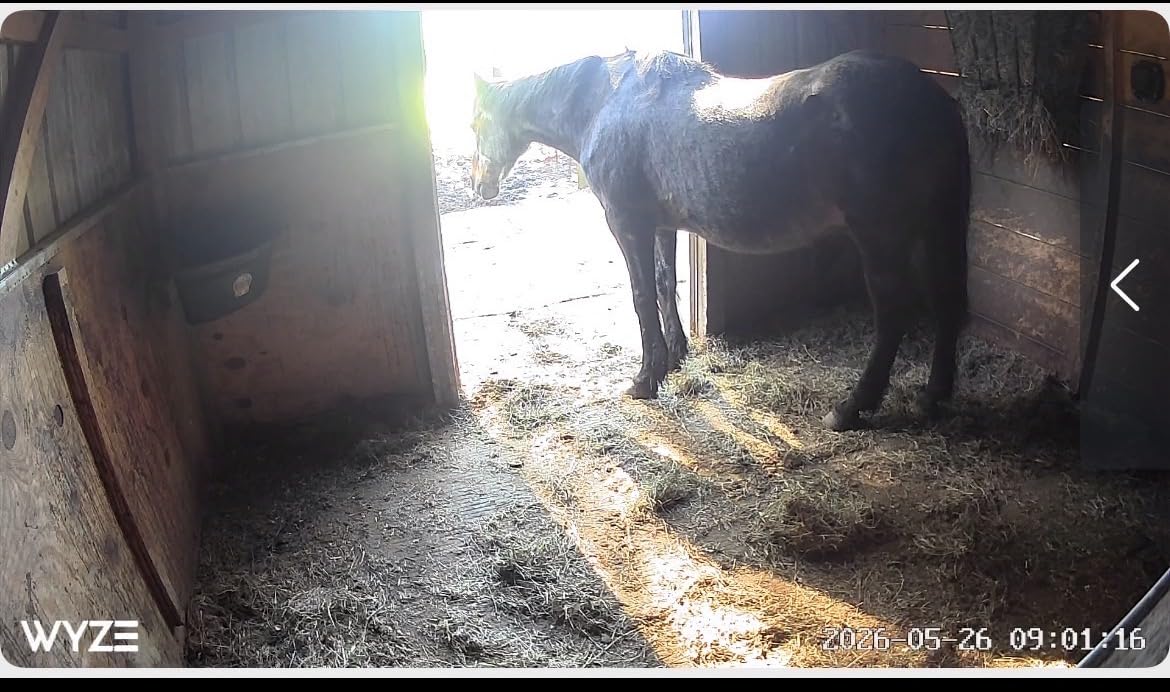
Reviewers consistently single out the color night vision as the standout feature for a camera at this level. The 30 foot night range is honest rather than inflated, and the integrated 40-lumen spotlight gives you a real option for a porch or a side passage without wiring a separate light. The 90-decibel siren is user activated from the app, so it is a deterrent you trigger rather than an automatic alarm.
Where it earns its spot over a more expensive replacement is the card migration path. Owners coming from older cameras report that moving an existing card across generations is painless, and continuous 24/7 local recording works with no subscription at all. Two-way audio is clearer than you would expect, with noise and echo cancellation doing real work.
Is the Wyze Cam OG good enough to replace a HomeBase camera?
Yes, for a single viewpoint. It records continuously to a card with no plan, and playback and alerts are free. What you give up is a shared timeline, because there is no hub in this setup, and motion events can interrupt continuous recording and start late, which matters if you need an unbroken record of a specific window.
Where the Cam OG will frustrate you?
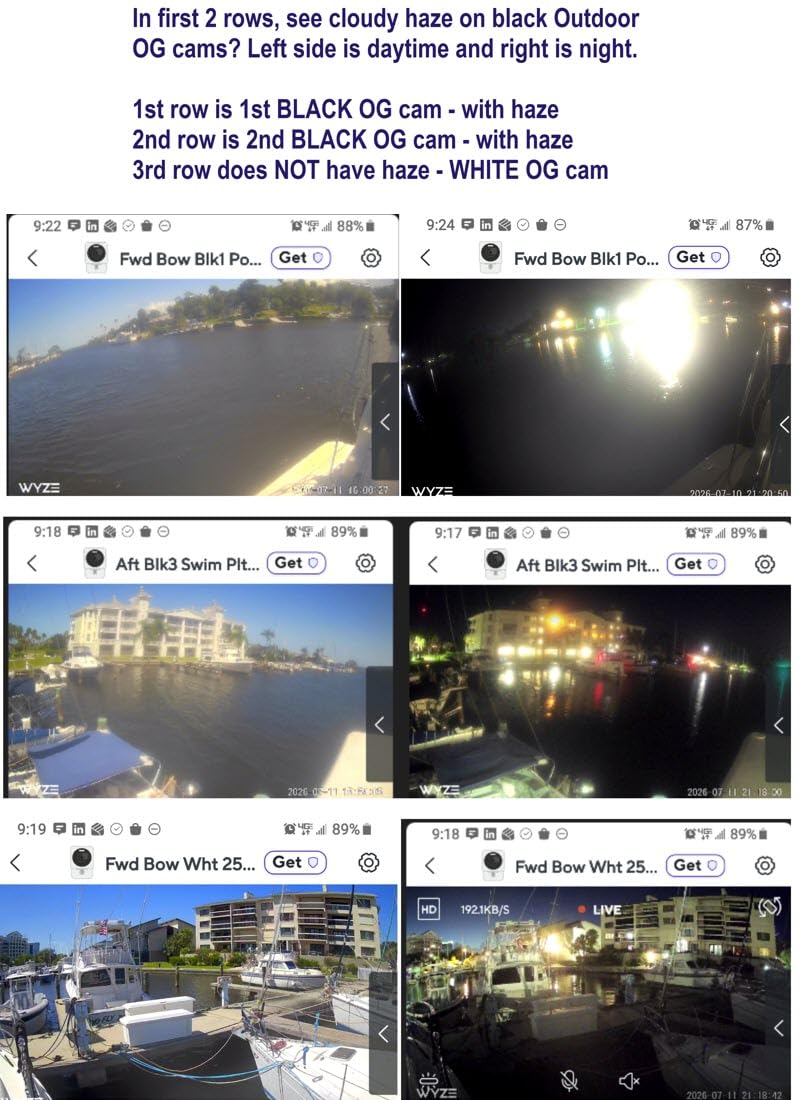
It is 2.4 GHz only, so it will not join a combined dual-band network without splitting your WiFi. The view is completely fixed with no pan, tilt, or tracking, and the live feed can take a long time to load over the app on a weak connection. There are also a small number of reports of cameras failing after a short period of use, and the web interface is weaker than the mobile app.
We earn a commission, at no additional cost to you. CERTAIN CONTENT THAT APPEARS ON THIS SITE COMES FROM AMAZON. THIS CONTENT IS PROVIDED 'AS IS' AND IS SUBJECT TO CHANGE OR REMOVAL AT ANY TIME.
2. Wyze Cam Pan v3 – The Most Reviewed Camera in This Roundup
WYZE Cam Pan v3, Indoor/Outdoor Security Camera with 360° Pan/Tilt/Zoom
★★★★★★★★★★1080p pan and tilt camera
8x digital zoom
120 degree field of view
microSD up to 512GB
- Pan
- tilt and 8x zoom cover a room from one device
- AI tracking follows people and pets
- Excellent color night vision
- 512GB local storage with no subscription
- Bluetooth setup with no QR code
- 2.4 GHz WiFi only
- Video quality drops while the camera pans
- Motor moves in stepped jumps
- Pan waypoints drift out of position
- Per-camera subscription for cloud features
This is the most heavily reviewed camera in our group, and the reason is the motor. A single unit sweeps 360 degrees to cover a nursery, a garage corner, or a small yard where a fixed cube would leave gaps. Setup runs over Bluetooth, which means no QR code scanning and no separate account juggling, and that frictionless pairing is closer to the Eufy experience than anything else here.
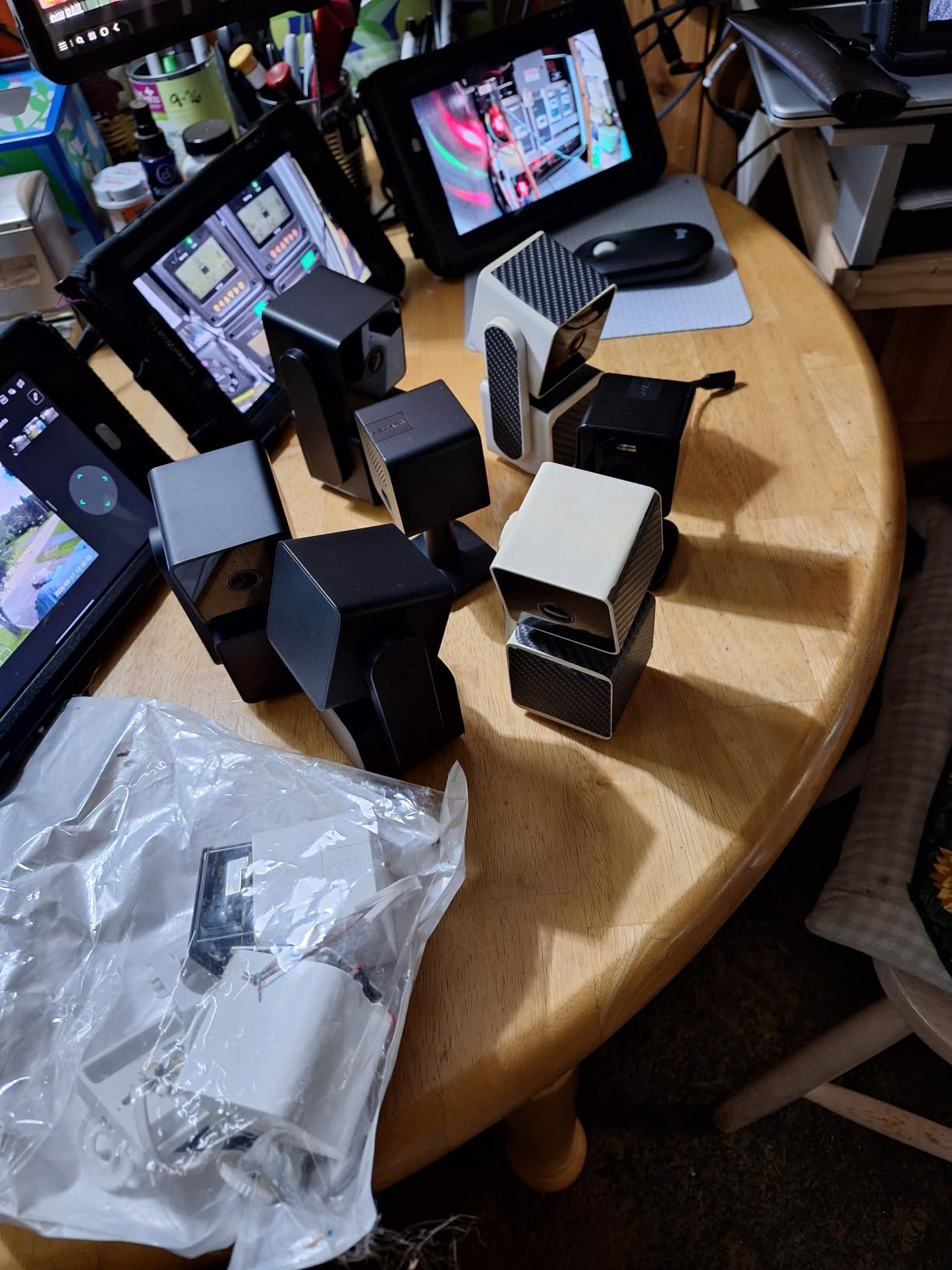
The AI motion tracking is the feature that earns the second slot. It follows a person or a pet across the frame and keeps them in view, which turns one camera into something closer to two. Combined with 8x digital zoom and custom motion zones with smoke and CO sound alerts, it covers most of what people use a mid-tier camera for.
Privacy Mode deserves a mention, because it is the physical answer to a question Eufy users ask constantly. The lens is blocked by the housing, not just software-disabled, which means you can prove the camera is off rather than trusting a toggle in an app.
Why most people land on the Pan v3?
It covers an entire room with one device and no recurring cost, and the tracking means a parent or pet owner can stop re-aiming it. Local microSD recording up to 512GB gives you one of the larger footage buffers among the standalone options here, and color night vision carries into low light.
Where the Pan v3 falls short?
It is 2.4 GHz only and will not connect to a combined dual-band network. Video quality degrades noticeably while the camera is panning, the motor steps rather than glides under manual control, and saved pan waypoints drift out of position over time.
AI classification also confuses pets, cars, and packages, and it can lock onto shadows and foliage. Note that the free tier is narrow, with the cloud tier sold per camera.
We earn a commission, at no additional cost to you. CERTAIN CONTENT THAT APPEARS ON THIS SITE COMES FROM AMAZON. THIS CONTENT IS PROVIDED 'AS IS' AND IS SUBJECT TO CHANGE OR REMOVAL AT ANY TIME.
3. Reolink Argus Eco with Solar Panel – Fixed Driveway Watch on Solar
REOLINK Solar Camera Outdoor Wireless 2K 5MP Smart AI Detction Argus Eco
★★★★★★★★★★2K 5MP sensor
3W solar panel included
33 ft infrared night vision
IP65 bullet housing
- Integrated 3W panel removes battery swaps
- 2K 5MP beats 1080p on detail
- Fully local storage with no subscription
- AI separates people vehicles and pets
- IP65 build handles seasonal weather
- 2.4 GHz WiFi only
- Fixed viewpoint with no tracking
- 15 fps frame rate
- 33 ft night range is short
- SD card not included
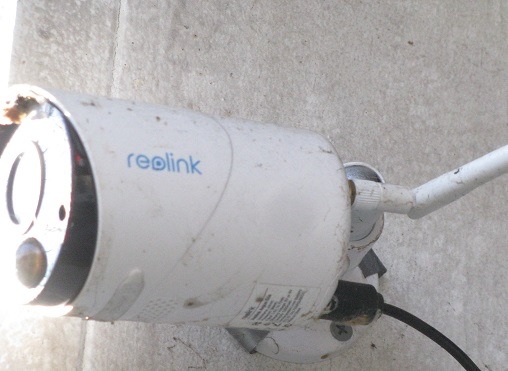
The Argus Eco is the shape most Eufy owners actually want at the edge of a property: one fixed bullet aimed at a gate, a driveway, or a back corner, powered by a small panel. The bundled 3W panel tops the battery up in ordinary daylight, which means no outlet, no wiring, and no ladder when the battery runs down.
Image quality is the reason to choose it over a cheaper solar option. The 2K 5MP sensor holds noticeably more detail than 1080p, which matters when the subject is a face or a number plate at the end of a long drive. Detection separates people, vehicles, and pets, and alerts go out as push, email, or siren.
For readers who self-host, the storage options are the quiet strength. You can use a microSD card up to 512GB, a Reolink Home Hub, or an FTP server, and the listing states plainly that no subscription is required. That third option is the difference between local recording and genuinely self-hosted recording.
Is the Argus Eco a good solar replacement for a SoloCam?
Yes, if your SoloCam is aimed at one fixed spot and you have genuine sun exposure. The panel is part of the package, the mount is screw-in, and the IP65 housing is rated for both indoor and outdoor placement. Reviewers call it a solid first step away from cloud-dependent systems for exactly that reason.
What you compromise on?
There is no pan, tilt, or tracking, so once it is aimed it stays aimed. The 15 fps frame rate is modest next to newer cameras, and night vision reaches 33 feet.
The SD card and any outdoor adapter are not in the box, so budget for both. Some users report slow responses to motion events and misclassified alerts, which is worth testing in a low-priority spot first.
We earn a commission, at no additional cost to you. CERTAIN CONTENT THAT APPEARS ON THIS SITE COMES FROM AMAZON. THIS CONTENT IS PROVIDED 'AS IS' AND IS SUBJECT TO CHANGE OR REMOVAL AT ANY TIME.
4. Tapo C500 – The Highest Rated Camera in This Roundup
Tapo 1080P Outdoor Wired Pan/Tilt Security Wi-Fi Camera, 360° View, Motion Tracking, Works with Alexa & Google Home, Night Vision, Free AI Detection, Cloud & SD Card Storage(up to 512GB), Tapo C500…
★★★★★★★★★★1080p dome
360 degree pan and 130 degree tilt
Night vision to 98 ft
IP65 housing
- 4.5 star rating with nearly 7000 reviews
- 360 degree pan plus vertical tilt
- Reliable person tracking
- Free person detection with no plan
- Physical privacy mode
- Two year manufacturer warranty
- Corded adapter must stay dry
- Monochrome night vision with no color mode
- No built-in spotlight or floodlight
- Shared detection layer across all views
- Some cameras reboot repeatedly
Tapo is the least familiar brand in this group and the best rated, which is enough reason to pay attention. The C500 is a dome that pans a full 360 degrees horizontally and tilts 130 degrees vertically, mounted under an eave, on a soffit, or on a wall. Person detection and tracking are free with no plan, which is the feature TP-Link is most careful about not moving behind a paywall.
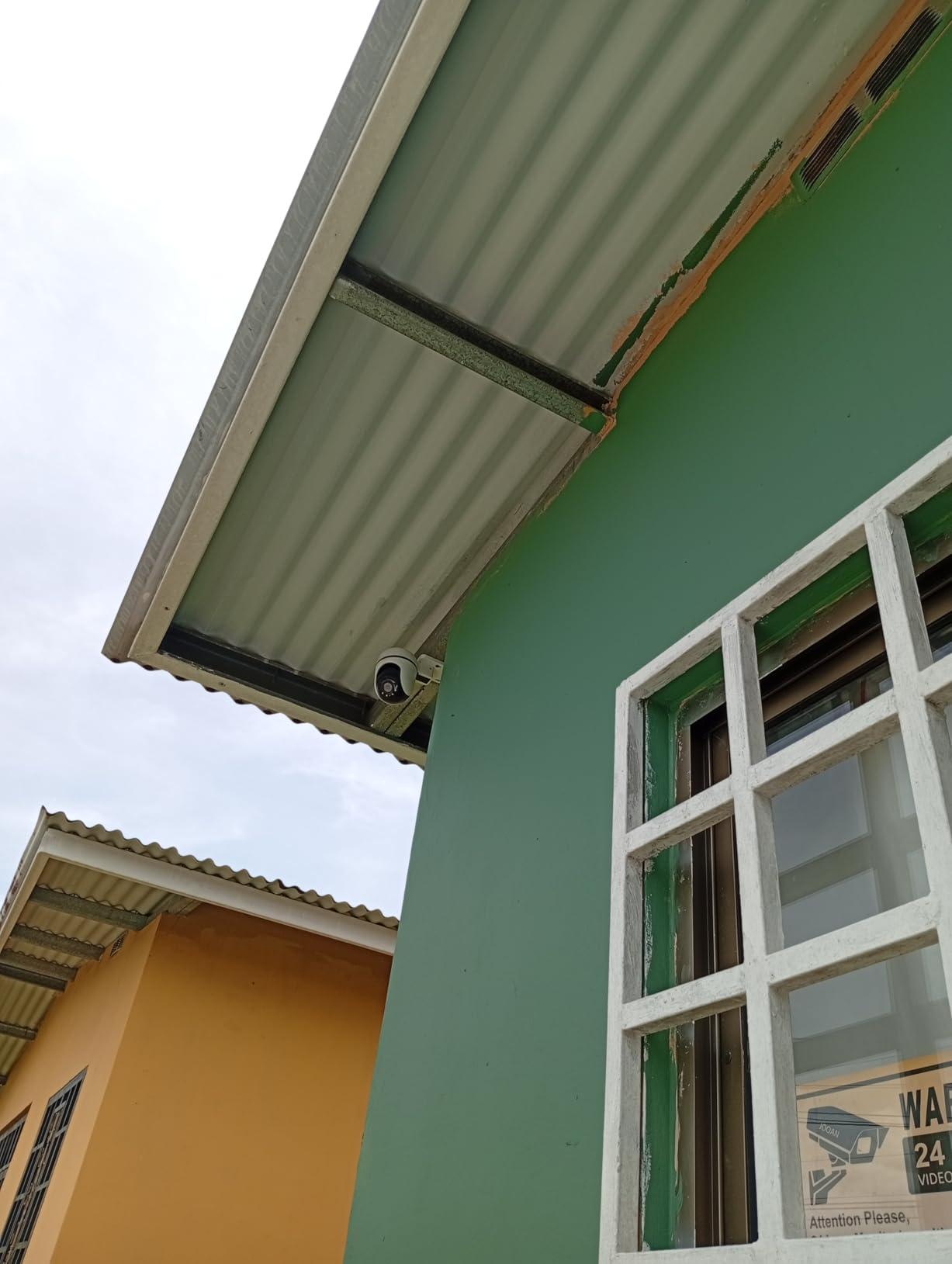
The 98 foot night range is long for an outdoor dome, and the tracking reliably follows a person through the frame rather than firing a clip and forgetting them. Two-way audio includes push to talk and a customisable sound alarm, and the physical privacy mode blocks the lens with the housing instead of relying on software.
Storage is microSD up to 512GB or the optional Tapo Care cloud, with firmware updates delivered through the app. The warranty is listed at two years, which is worth having on a camera meant to live outside.
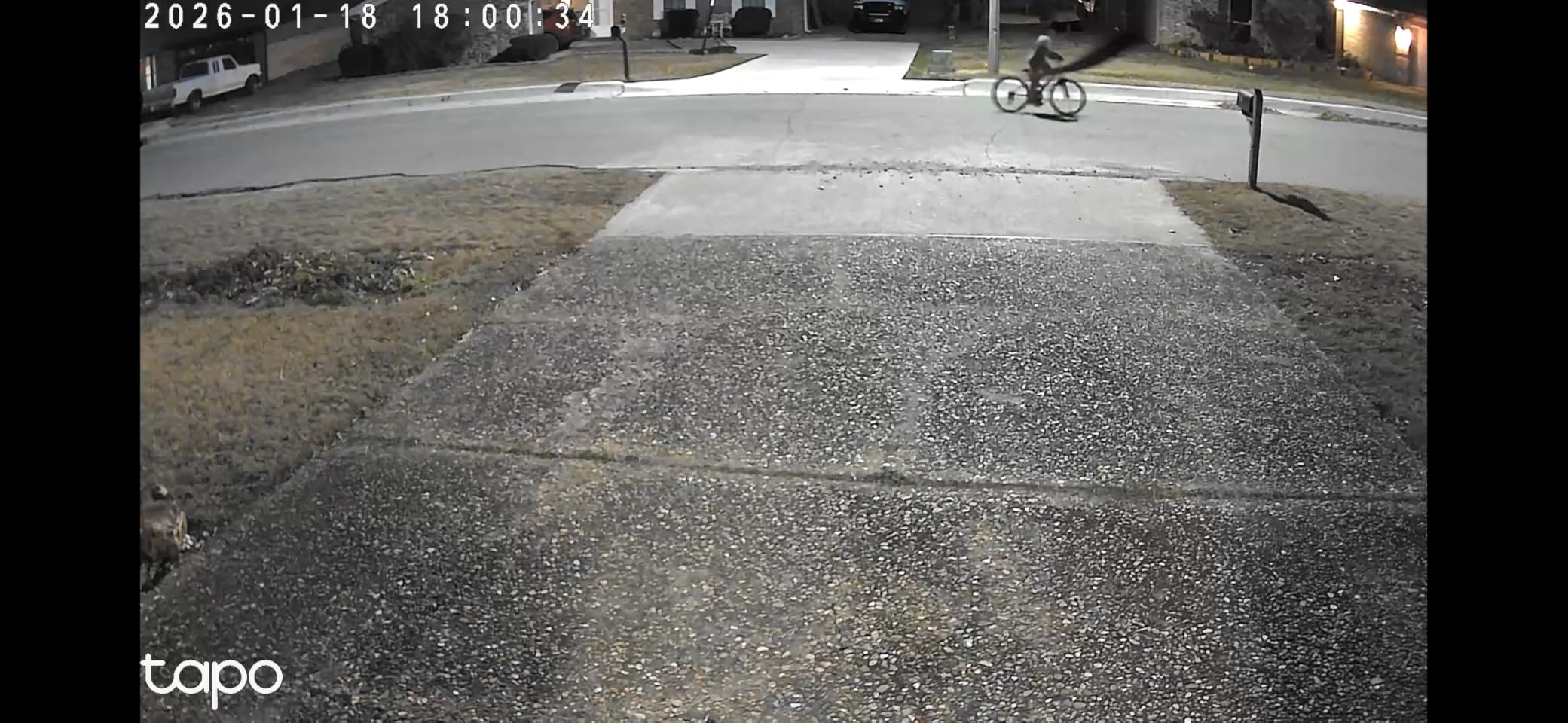
Is the Tapo C500 a good direct swap for an outdoor Eufy?
For coverage, yes. A single dome can replace two fixed cameras over a porch or a yard corner, the detection is free, and the card slot removes the monthly cost. It also works with Alexa and Google Assistant if you already use either.
Where it will not suit you?
Power comes from a corded adapter rather than a hardwired run, and that adapter has to stay dry, which is a real constraint in winter climates. Night vision is black and white with no colour mode and there is no built-in light, so colour footage is off the table.
All pan and tilt viewpoints share a single detection layer, and reviewers report the pan motor can whine and drift out of calibration, with some cameras rebooting several times a day.
We earn a commission, at no additional cost to you. CERTAIN CONTENT THAT APPEARS ON THIS SITE COMES FROM AMAZON. THIS CONTENT IS PROVIDED 'AS IS' AND IS SUBJECT TO CHANGE OR REMOVAL AT ANY TIME.
5. Arlo Pro 3 Wireless Floodlight – Best Lit Yard Coverage, With a Catch
Arlo Wireless Floodlight Security Camera 2K HDR – 1-Cam
★★★★★★★★★★2K HDR at 160 degrees
Up to 3000 lumen floodlight
Color night vision
Rechargeable 13000 mAh battery
- Bright floodlight covers a large yard or driveway
- Sharp 2K HDR at 30 fps
- Color night vision when the light is on
- Completely wireless install
- Works with Alexa Apple Home Google Home SmartThings and IFTTT
- Video history and advanced features need a subscription
- Reports of cameras dropping offline
- Battery access means taking the camera down
- 2 to 3 second recording delay on battery
- Cannot be hardwired to a standard box
If your Eufy setup includes a floodlight camera, this is the closest match in the group. The Pro 3 pairs a 2K HDR sensor with a 160 degree field of view, 12x digital zoom, auto zoom and tracking, and an integrated LED floodlight rated up to 3000 lumens. Live streaming, basic alerts, remote siren, and two-way audio work with no plan.
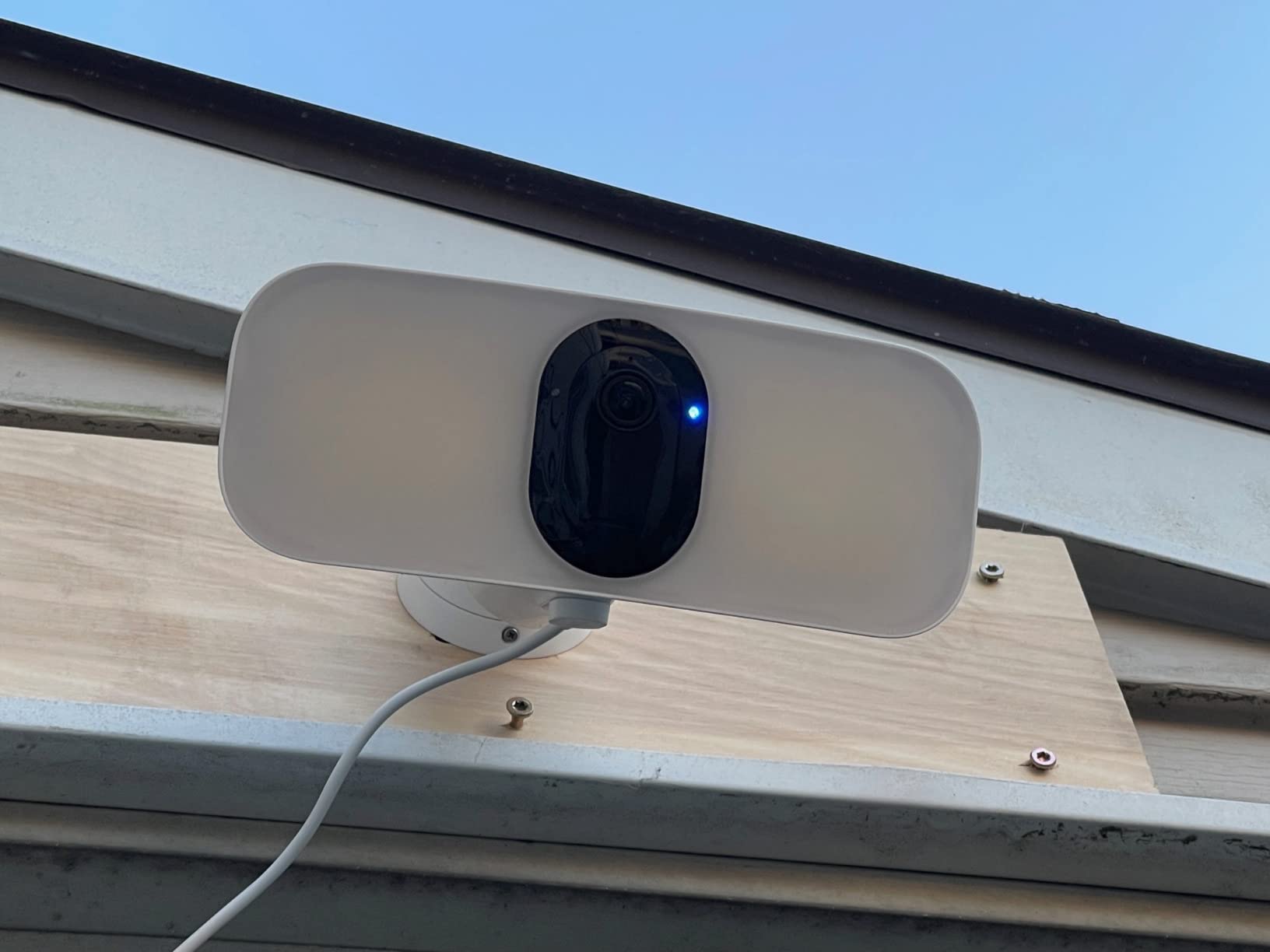
The colour night vision is good once the light is on, and the 13000 mAh battery means you can mount it high on a wall with no wiring at all.
Owners also praise Arlo’s support responsiveness and the easily aimed ball mount, which is a real convenience when you are aiming coverage across a driveway.
This is also the honest exception to the no-subscription framing of this guide. The listing states that Arlo Secure unlocks 60-day video history, AI detection, and emergency response, so without a plan you get live view and basic alerts rather than a recording you can come back to.
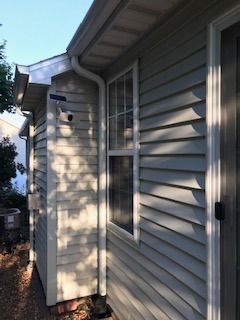
Is the Arlo Pro 3 Floodlight worth it for a large property?
If the priority is visible deterrence and colour detail across a wide area, the light and the 160 degree view do something the other cameras here do not.
Why we would not switch to it purely to escape fees?
Because it moves you toward the model you are leaving. Owners report cameras frequently dropping offline or stopping connecting, and a 2 to 3 second recording delay on battery with notification delays of up to 10 minutes in some cases.
Battery access is also awkward, since charging means taking the whole camera down. Some owners find the floodlight dimmer than expected next to a hardware store floodlight, and warranty support is listed as unavailable outside the US.
It is the strongest light coverage among these eight, and it supports the broadest set of ecosystems, with Alexa, Apple Home, Google Home, SmartThings, and IFTTT.
We earn a commission, at no additional cost to you. CERTAIN CONTENT THAT APPEARS ON THIS SITE COMES FROM AMAZON. THIS CONTENT IS PROVIDED 'AS IS' AND IS SUBJECT TO CHANGE OR REMOVAL AT ANY TIME.
6. Wyze Cam v4 – Best Indoor Replacement With On-Device AI
WYZE Cam v4 (Latest Model), 2.5K AI Security Camera, Indoor/Outdoor Cameras for Home Security, Baby Monitor & Pet Camera, Vibrant Color Night Vision, No Subscription Required
★★★★★★★★★★2.5K QHD at 2560x1440
120 degree field of view
StarLight sensor with 72 lumen spotlight
IP65 from minus 4F to 113F
- 2.5K detail picks out licence plates and labels
- Starlight sensor plus spotlight gives true colour night
- 512GB local storage with no monthly fee
- On-device AI filters cars and branches
- Magnetic base needs no drilling
- 2.4 GHz WiFi only
- Fixed view with no tracking
- Corded power needs an outlet
- Extended smart alerts need the paid cloud tier
- 20 fps frame rate
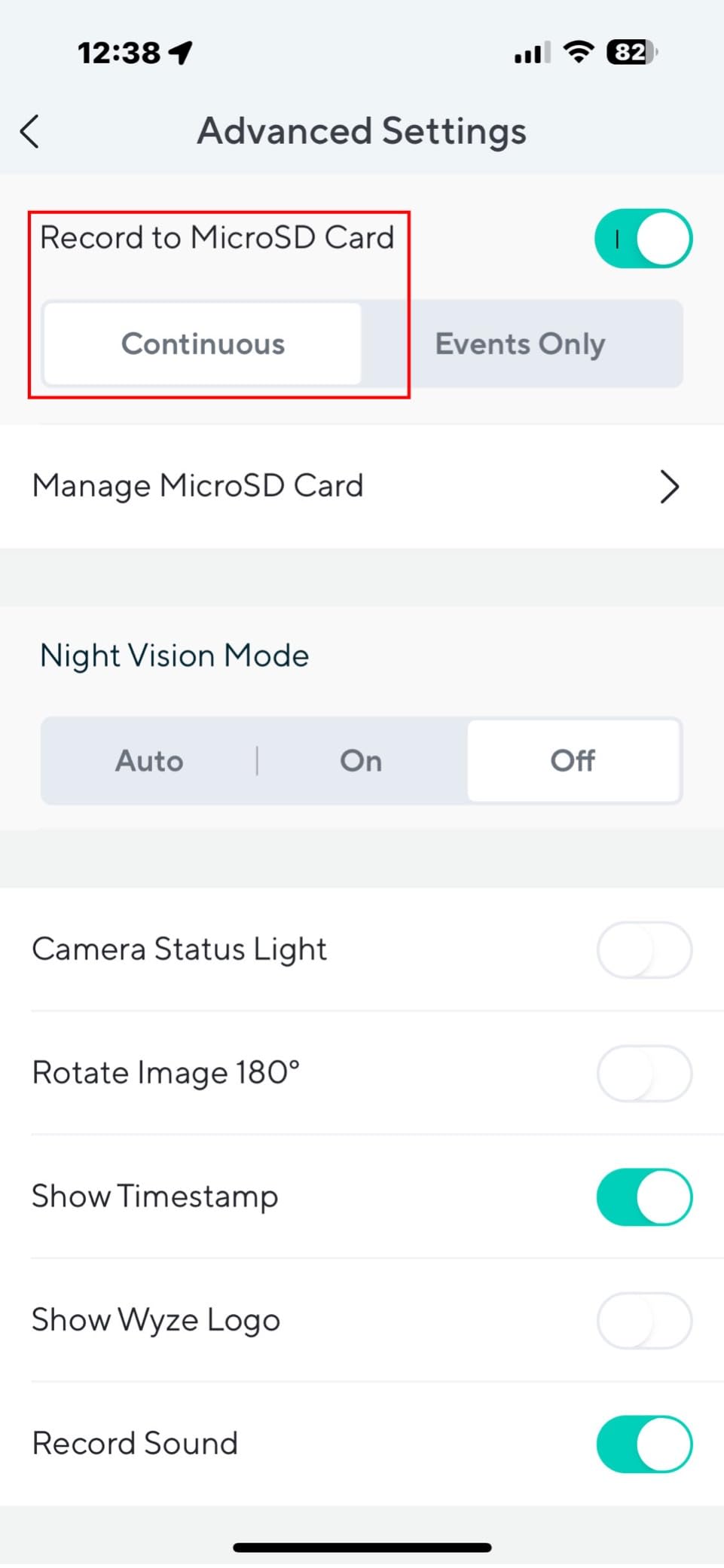
The Cam v4 is the indoor replacement to start with if your main problem is alert fatigue. The AI runs on the device. Owners report that on-device detection meaningfully cuts false alerts by filtering out passing cars and swaying branches, which is the complaint that most often drives people to abandon a camera in the first place. The free tier covers that detection.
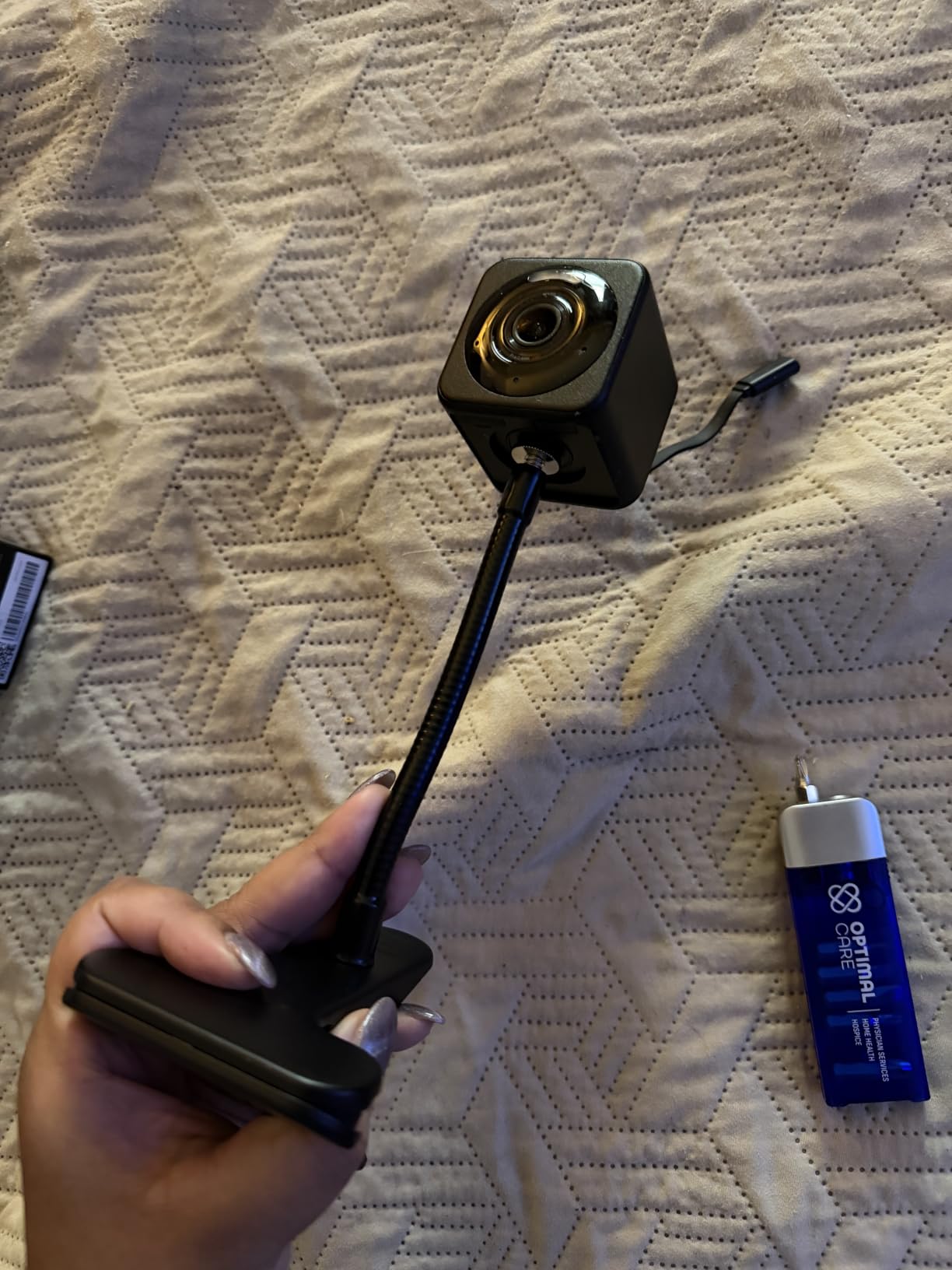
Detail is the second argument. At 2.5K QHD with a 120 degree field of view, this is the camera here that reliably picks out a number plate, a label on a delivered box, or a face across a room. The StarLight sensor paired with a 72-lumen spotlight produces full colour footage in darkness, and the motion-activated spotlight with a 100 dB siren adds real deterrence.
Installation is the easiest of the indoor options. The magnetic base, freestanding stand, and screw mount all come in the box, so a renter can reposition it weekly without a drill. It is IP65 rated and rated from minus 4F to 113F, so a covered porch or a garage shelf works too.
When the Cam v4 beats the Pan v3?
Choose it when you care more about what is in the frame than about where the camera is pointing. Fixed view means nothing is missed because the motor was mid-turn, the resolution is higher, and the colour night performance is stronger. It is also the better pick for a baby or pet monitor where you want detail at a specific spot.
When it is the wrong buy?
If you need to follow a subject around a room, the Pan v3 does something this camera cannot, because the v4 has no pan, tilt, or tracking. It is 2.4 GHz only, and it is corded so it needs an outlet nearby.
The 20 fps frame rate is modest, and cloud recording plus smart alerts beyond basic detection sit behind the paid tier.
We earn a commission, at no additional cost to you. CERTAIN CONTENT THAT APPEARS ON THIS SITE COMES FROM AMAZON. THIS CONTENT IS PROVIDED 'AS IS' AND IS SUBJECT TO CHANGE OR REMOVAL AT ANY TIME.
7. Tapo SolarCam C402 KIT – Solar Where the Panel Cannot Sit Next to the Camera
Tapo SolarCam 1080p Security Camera Wireless Outdoor- Battery Power with Solar, Person Detection, Subscription-Free Local Storage or Optional Cloud, Works with Alexa & Google Assistant, C402 KIT
★★★★★★★★★★1080p colour night vision
Solar panel with battery backup
13 ft panel cable
IP65 body
- Panel and camera mount separately
- Battery rated for up to 180 days on one charge
- Full colour 1080p night vision to 30 ft
- Free person and motion detection
- Local microSD up to 512GB
- Fixed view with no pan or tilt
- Solar charging stops below 32F
- Battery only so no mains recording
- Comparatively high share of one-star reviews
- Cloud backup still needs Tapo Care
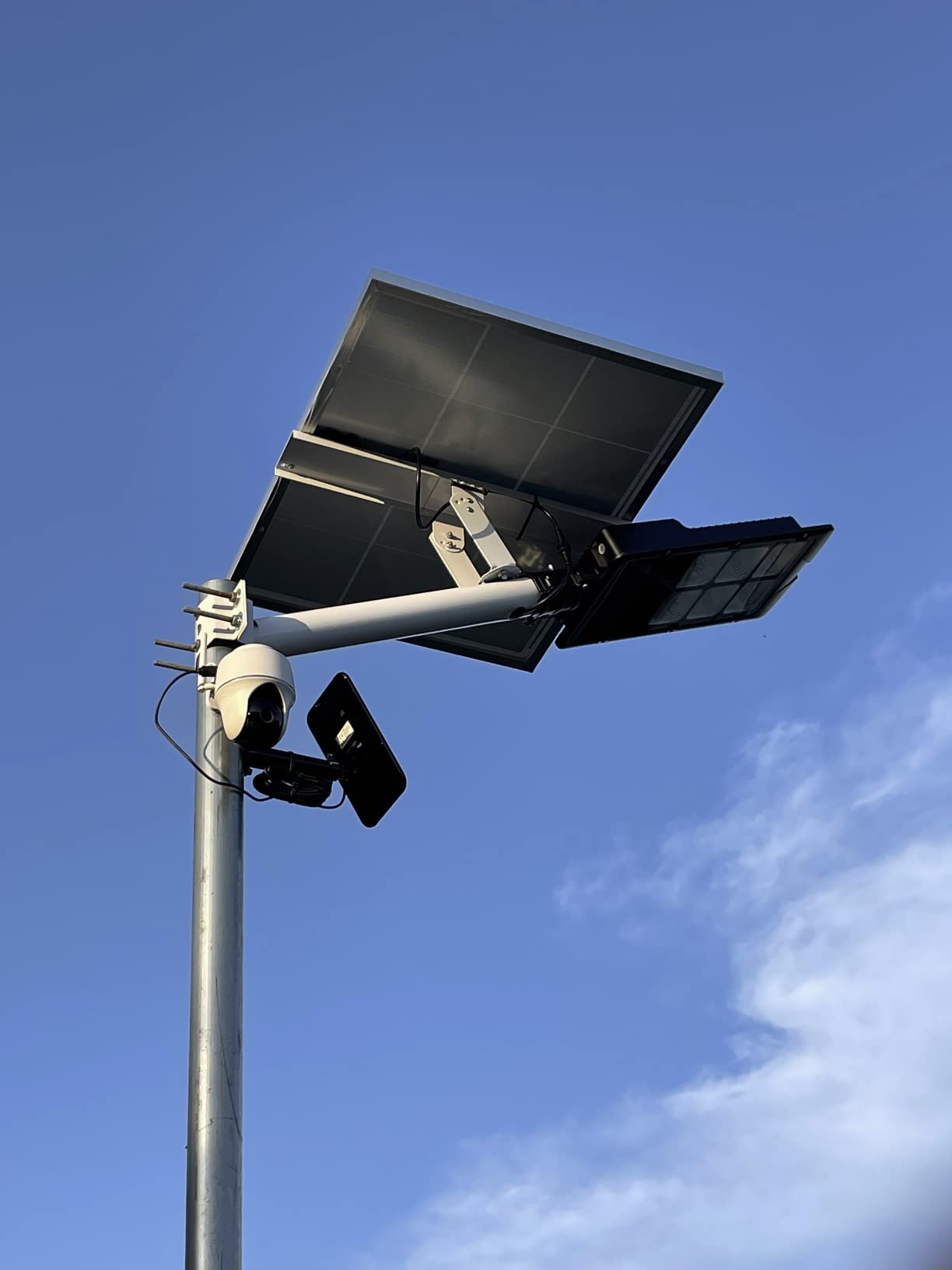
The reason this kit is worth a separate section is the 13 foot extension cable between the panel and the camera. Solar only works if the panel gets real sun, and the best shade-free spot is often not the spot you want the camera in. Mount the panel on a south-facing roof edge and the camera under the eave, and both jobs get done properly.
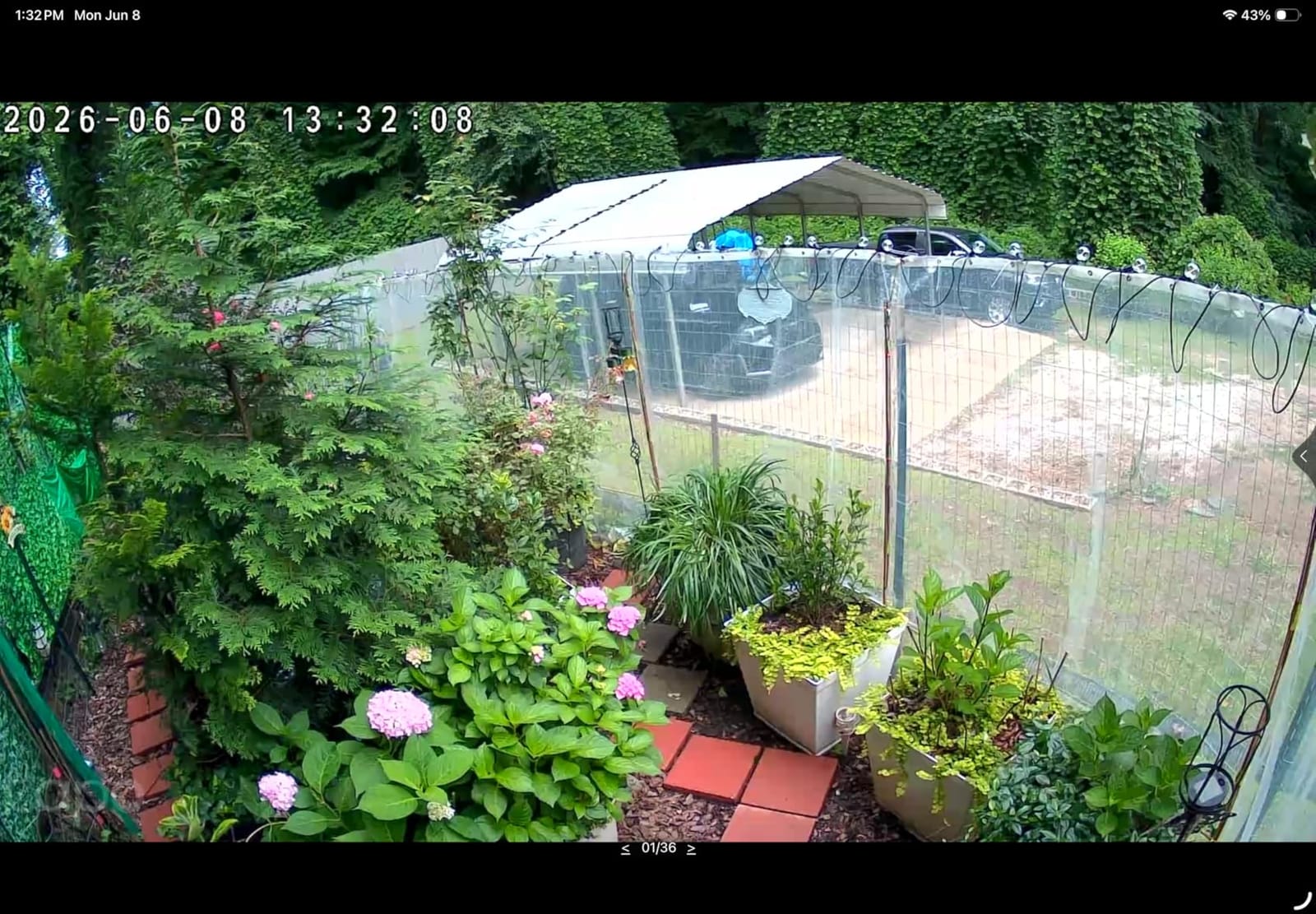
Power behaviour is genuinely strong. About 45 minutes of direct sunlight covers a full day, and the battery is rated for up to 180 days on a single charge in cloudy weather. Colour night vision runs to 30 feet from a large-aperture lens with built-in spotlights, so you get colour footage at night without adding a light to the wall.
Detection is free with configurable activity zones, storage is microSD up to 512GB with no subscription, and the body is IP65 for rain, dust, and snow. The kit also includes two-way audio, a custom alarm, dual spotlights, and a built-in siren.

Is the C402 the better solar pick than the Argus Eco?
For most placements, yes on resolution and night colour, and the flexible panel placement is the feature you cannot replicate with a fixed bullet. The Argus Eco records in 2K 5MP, so if your priority is distant detail and a fixed aim, that resolution edge matters more than colour at 30 feet.
Where the C402 disappoints?
Solar charging stops working below 32F, which is a genuine limitation for anyone in a long winter, and battery-only power means no continuous mains recording. The view is fixed, and roughly 13 percent of reviews are one-star, driven by reliability complaints and missed detections.
Cloud backup still requires Tapo Care if you want it.
We earn a commission, at no additional cost to you. CERTAIN CONTENT THAT APPEARS ON THIS SITE COMES FROM AMAZON. THIS CONTENT IS PROVIDED 'AS IS' AND IS SUBJECT TO CHANGE OR REMOVAL AT ANY TIME.
8. Reolink Argus PT with Solar Panel – Best for Dual-Band WiFi and Self-Hosting
REOLINK Solar Security Cameras Wireless Outdoor 360° Coverage Argus PT
★★★★★★★★★★5MP 1440p dome
355 degree pan and 140 degree tilt
Dual-band 2.4 and 5 GHz
Includes solar panel
- Dual-band WiFi in a solar camera
- Wide 355 by 140 degree pan and tilt
- 10x digital zoom and colour night vision
- microSD Home Hub or FTP storage
- No storage upsell in the app
- No auto tracking on this 5MP model
- 4 to 7 second response delays reported
- Some cameras lose connection
- 15 fps frame rate
- Battery cameras need a Home Hub for Home Assistant
This is the pick for readers whose main reason for leaving Eufy is integration. It is one of the few solar cameras in this roundup with dual-band 2.4 and 5 GHz WiFi, so it joins a modern network without forcing you to split your router. Storage can go to a microSD card, a Reolink Home Hub, or an FTP server, which makes it the clearest path to self-hosting here.
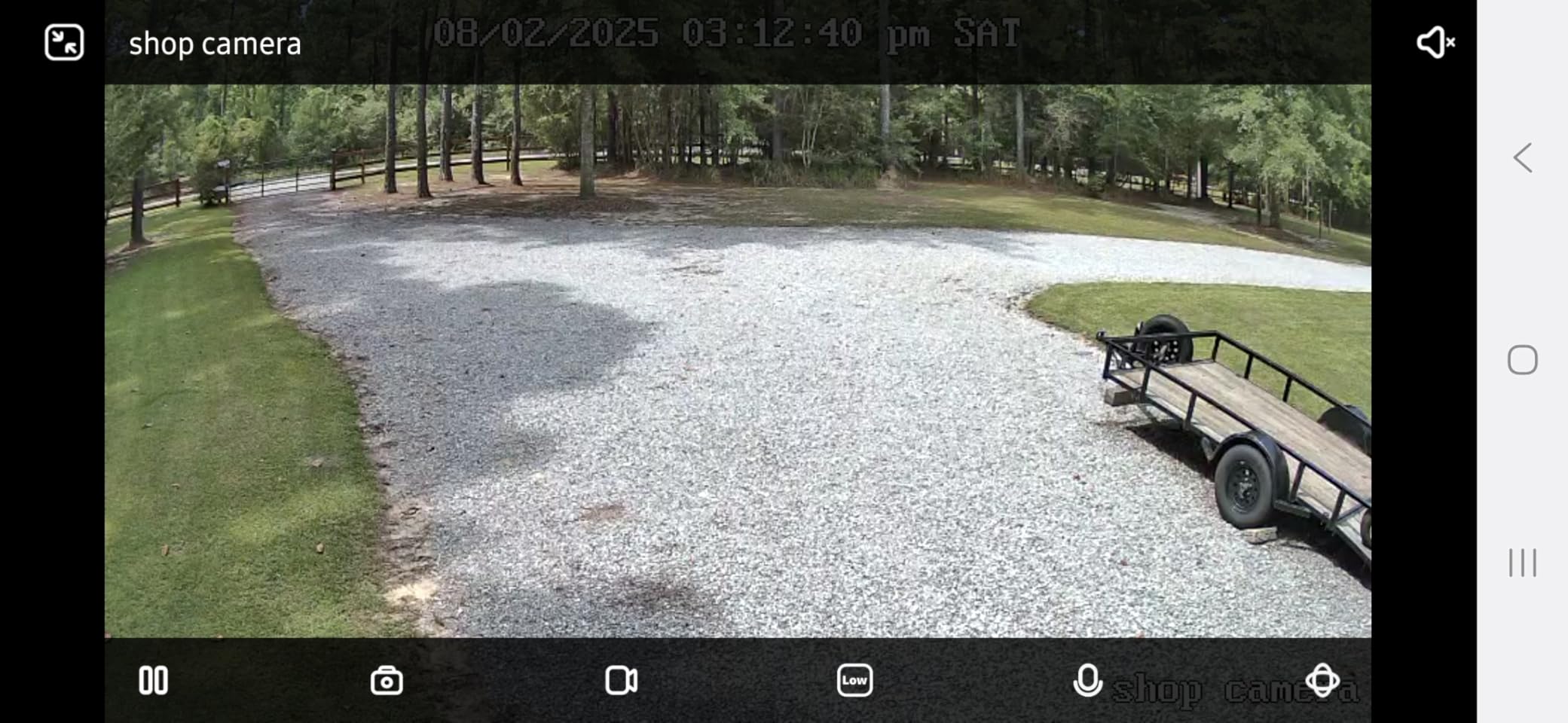
Coverage is the other draw. A single unit pans 355 degrees horizontally and tilts 140 degrees vertically with 10x digital zoom, and at 5MP 1440p the picture holds up well with colour night vision out to 33 feet. Smart detection separates humans, vehicles, and pets and sends instant alerts, and reviewers specifically note the absence of storage upsells in the app.
Important detail for anyone comparing it to the 4K Argus PT Ultra: this is the 5MP Argus PT, and the listing does not make that obvious. The two are different cameras, and the review consensus repeatedly trips over that confusion.
Is the Argus PT right for a Home Assistant setup?
It is a strong fit for a self-hosted network, because the FTP and NVR storage path and dual-band WiFi both matter once your platform pulls streams directly. Reviewers still flag that battery cameras are not supported by the Home Assistant integration without adding a Reolink Home Hub, so plan for that if automations are the point.
What the delays cost you?
This model has no auto tracking, so a moving subject can walk out of frame. Owners report 4 to 7 second delays responding to commands and to motion, especially at night, which causes missed events, and classification accuracy is inconsistent.
There are also reports of cameras losing connection every few hours, a 15 fps frame rate, and poor support for small replacement parts like the rubber weather flap over the power switch.
We earn a commission, at no additional cost to you. CERTAIN CONTENT THAT APPEARS ON THIS SITE COMES FROM AMAZON. THIS CONTENT IS PROVIDED 'AS IS' AND IS SUBJECT TO CHANGE OR REMOVAL AT ANY TIME.
How to Choose an Eufy Replacement?
Start with the mounting spot, not the brand. A camera that needs a card in the ceiling works well indoors and poorly on a driveway. Match the power source to the location first: corded for indoor and covered spots, solar for open outdoor positions with real sun, and only consider batteries if you have tested the same spot in winter.
Second, decide how you will watch footage. If you want a phone-only setup with no hub, microSD on each camera is the simplest path. If you want one timeline for six or more cameras, factor in the cost of a hub and confirm the hub works with the exact models you are buying. If you run Home Assistant or self-host, verify RTSP or ONVIF support before anything else.
Third, check the free feature list, not the headline. Ask three questions of every camera: is person detection free, is recording to a card free, and is the app asking me to pay for playback history. Arlo, as noted, is the one in this group where the answer to the third question is effectively yes.
Fourth, look at the WiFi band. Four of these listings state 2.4 GHz only, which is fine on a 2.4 GHz router and a problem on a combined network. The Argus PT is the one that explicitly supports both bands, and that alone can decide a self-hosted build.
Fifth, set expectations on night vision. Colour night vision needs either a starlight sensor or a light source. Cameras that give you 30 feet of colour are honest about their range, while cameras claiming 98 feet are giving you monochrome. For a driveway you care about number plates, which is an argument for resolution and a light rather than a long range claim.
Finally, if you are covering a large property, plan the overlap before you buy. A solid tripod or a proper wall mount for the first camera makes the second one easier, and the right mounting height of eight to ten feet is the difference between a camera that stays aimed and one that needs a ladder every month. Our guides to camera tripods and camera backpacks cover the mounting and gear side of a rollout.
One last point on image quality that is easy to miss. A security camera records a narrow slice of time, so sharpness at distance matters far more than headline megapixels, and a wider lens at a closer mounting height will beat a longer lens indoors. If you also shoot stills or video alongside your cameras, our guide to camera lenses covers how field of view and focal length trade off against each other.
Switching Without Losing Coverage
Most readers are not replacing everything at once, and they should not. The people who regret a switch are the ones who rip out a working system before the new one is proven, and the ones who assume old footage is portable when it is not.
Start by adding, not removing. Put the first new camera on the position that matters most, your front door or driveway, and run it for two weeks alongside the Eufy system. You will learn the mounting angle, the WiFi coverage, and the false alert rate before anything depends on it.
Then be clear about the HomeBase. It only works with Eufy cameras, so it is not reusable as a hub for any of the eight cameras in this guide. Footage already stored on a HomeBase is not something you can move into a Tapo or Wyze app, so if you need that history, download or screen-record the clips you care about before you unpair anything.
Next, inventory your positions. Match each Eufy camera to one of these eight based on what it was doing, not on what looks nicest on a wall. A fixed indoor cube becomes a Cam OG or Cam v4, a pan/tilt view becomes the Pan v3 or C500, and a solar outdoor position becomes the Argus Eco, the C402, or the Argus PT depending on your WiFi band and whether you self-host.
Finally, retire old hardware in stages. Once a new camera has covered a position for a month without a missed event, unpair the Eufy device and put it somewhere useful rather than discarding it. If you are still using Home Assistant, check whether your existing Eufy devices have any integration path before you assume the whole house has to move at once.
Brands That Push You Toward a Subscription
The reader question we get most is why not just buy Ring or Google Nest, and the answer is about business models rather than image quality. Those ecosystems are built around a paid plan for anything beyond live view, so the free tier is deliberately thin. The trade is a polished, deep integration ecosystem in exchange for a recurring cost and cloud-held footage.
Arlo sits in a similar category here. The Pro 3 floodlight in this roundup works as a live camera without a plan, but recorded history and advanced detection need Arlo Secure, which is the opposite of what most Eufy refugees are looking for.
Wyze and Tapo are the two brands in this group that currently keep core detection free, and Reolink is the one that documents the widest range of local and self-hosted storage targets. None of that is permanent. The pattern that burned Eufy users is a free feature moving behind a paywall after purchase, so check the current free tier at the time you buy rather than trusting any list, including this one, to be permanent.
On vendor trust specifically, the useful question raised in owner discussions is whether you trust the new vendor more than the old one. Eufy’s HomeKit cameras were often praised even by people who distrusted the company, which tells you brand reputation and hardware quality are separate axes. Judge each brand on its current behaviour, not on its loudest critic.
Frequently Asked Questions
What was the Eufy camera scandal?
In 2020, researchers reported that Eufy cameras shared identifiable user data with third-party analytics firms despite claims that the devices were built for local use, and that engineers had found hardcoded credentials in the firmware. The revelations led to a class-action lawsuit and permanently damaged trust in Eufy’s privacy claims.
What is the lawsuit against Eufy?
A class-action lawsuit alleged that Eufy had misled customers about the security and local-processing behaviour of its cameras. The case centred on the company’s marketing claims versus what researchers found, and it ran for years. Eufy disputed the allegations, but the outcome did not undo the reputational cost.
Are Reolink better than Eufy?
Reolink is the strongest answer for readers who want storage that is clearly local and flexible. It records to microSD, a Reolink Home Hub, or an FTP server with no subscription, and the Argus PT supports dual-band WiFi. Eufy generally offers a more polished consumer app, so the honest answer depends on whether you prioritise control or polish.
Which home security camera brand is best without a subscription?
Among the brands in this roundup, Tapo and Wyze keep core detection and local recording free, and Reolink documents the widest local and self-hosted storage options. There is no permanent answer to this question, because any of these brands could move a feature behind a plan later, so check the current free tier before buying.
What other cameras work with Eufy?
No other brand’s cameras work with a HomeBase, because the hub only pairs with Eufy devices. If you want to keep Eufy hardware but move the viewing to your own platform, check whether your specific model exposes a standard stream for a network video recorder. Otherwise a staged swap is the practical route.
Is Eufy safe from hackers?
Safety depends on current firmware, network hygiene, and whether you use a strong account password with two-factor authentication, not on the brand name alone. The 2020 firmware findings were a specific, documented weakness that the company addressed. If that history is your reason for switching, the eight cameras above are all current-generation models.
Final Verdict
Start with the Wyze Cam OG if you want the least disruptive swap and the most straightforward indoor camera. It records locally with no plan, handles indoor and covered outdoor placement, and is the simplest way to get local-only recording working. If you want one camera to cover a whole room, the Wyze Cam Pan v3 adds tracking and carries the largest review base of the eight.
Move to Tapo when you want free detection and the highest star rating among these eight, or to Reolink when local control and self-hosting matter more than app polish. The Argus PT is the one to buy if dual-band WiFi or an FTP and NVR storage path is part of your plan, and the Arlo floodlight is worth it only when you accept a subscription for history.
Whichever you choose, replace one position at a time and keep the old system running until the new camera has proven itself at that spot. That is the whole migration, and it is far less painful than doing it all in a weekend. If you are still undecided, the Cam OG and the C500 cover the most common household between them, and both keep your footage off a subscription.
Those are our best Eufy camera alternatives for 2026, tested against storage, power, night vision, and privacy behaviour rather than brand reputation.