
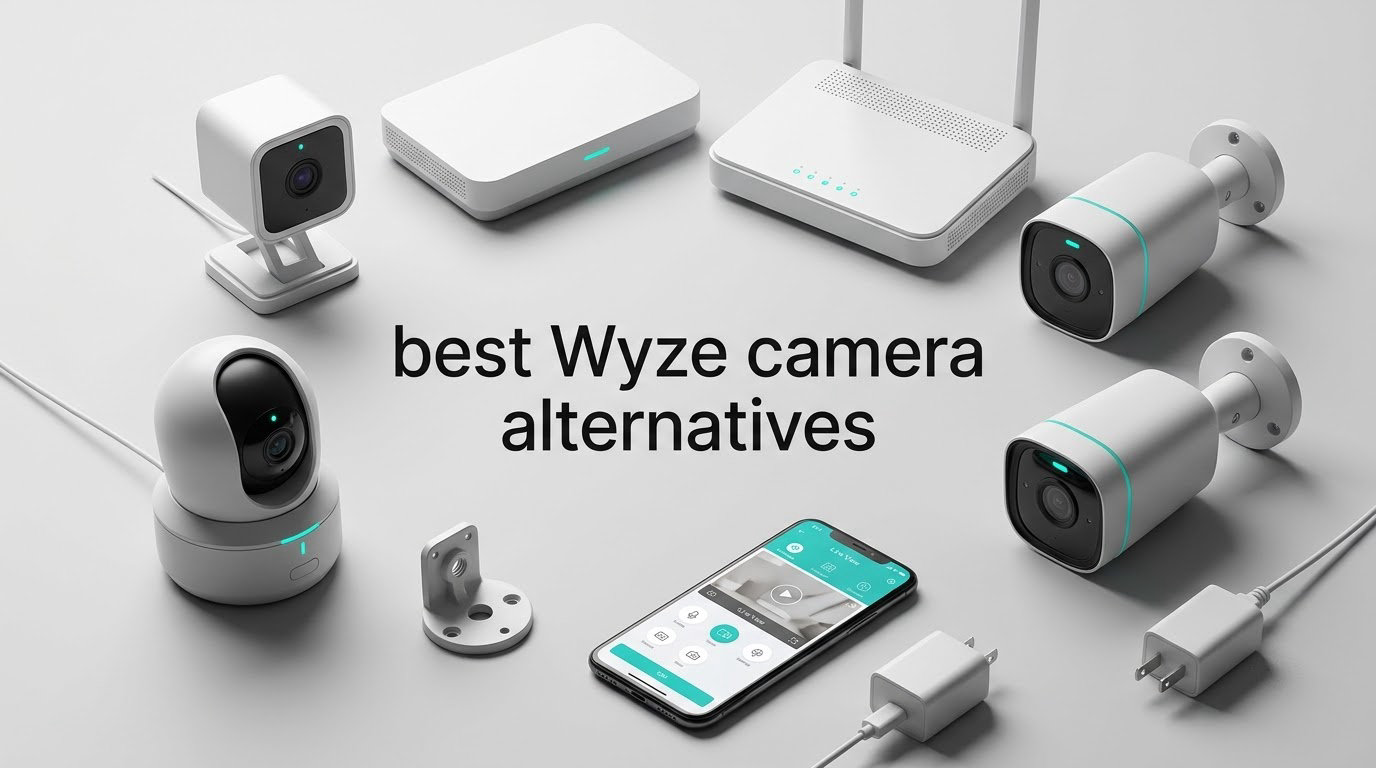
If you own a Wyze Cam V2, V3 or V4 and you are done paying for clip storage, the best Wyze camera alternatives in 2026 fall into three clear groups. The Tapo C200 is the cheapest and most proven swap, the eufy Indoor Cam E220 is the smoothest no-subscription upgrade for indoor use, and the Reolink E1 Pro 3K wins if you want your footage on your own network. All three record to a microSD card with no monthly fee attached.
We spent weeks going through owner reviews, spec sheets and app behaviour for every camera in this list, and the pattern was clear: Wyze owners are not unhappy with the hardware. They are unhappy with the subscription arithmetic, the firmware reliability and the app. A camera that costs about the same but keeps AI detection and recording local solves nearly all of it.
Everything below is chosen for one job, replacing a Wyze camera without handing your data to a cloud plan. If you also shoot photos, our [camera backpack picks](https://bansocialism.com/best-camera-backpacks/) and [camera tripod guide](https://bansocialism.com/best-camera-tripods/) cover the gear side of things.
Table of Contents
- Why Wyze Owners Are Looking Elsewhere in 2026?
- Top 3 Best Wyze Camera Alternatives (October 2026)
- All 8 Wyze Camera Alternatives at a Glance in 2026
- 1. Tapo C200 – Best Overall Wyze Camera Alternative
- 2. eufy Indoor Cam E220 – Best No-Subscription Indoor Pick
- 3. Reolink E1 Pro 3K – Best for NVR, NAS and RTSP Control
- 4. Tapo C500 – Best Budget Outdoor Pan and Tilt Camera
- 5. eufy Indoor Cam E30 4K – Best for 4K Detail and Colour Night Vision
- 6. Tapo C400 – Best Battery Powered Outdoor Camera
- 7. Ring Outdoor Cam 2K – Best for Alexa and Echo Show Homes
- 8. Arlo Essential 2K 3rd Gen – Best for the Widest Smart Home Roster
- How to Switch from Wyze to a Different Brand?
- Buying Guide: Storage, Power and Ecosystem
- Frequently Asked Questions
- Final Verdict
Why Wyze Owners Are Looking Elsewhere in 2026?
Most people leave Wyze for the same three reasons: cloud storage and AI detection moved behind Cam Plus, the plan price climbed while clip retention stayed short, and firmware updates or Wi-Fi drops made cameras unreliable enough to require physical reboots. The cameras themselves were rarely the problem.
That is the honest answer, and it comes straight from owner reports rather than marketing copy. Here is the breakdown:
Subscription creep. Clip history and smarter detection features that used to be free now sit behind a paid plan, and the annual cost has gone up more than once.
Firmware reliability. Owners in r/wyzecam describe updates breaking cameras that had been working fine for months, with no quick way back other than a hard reset.
Wi-Fi drops. Several long-term users report cameras randomly losing their connection, and powering the unit off and on at the wall being the only reliable fix.
Accessory frustration. A spotlight or floodlight accessory attached to a camera has to be physically unplugged before the camera will restart, which is not a fix you can automate.
Short retention windows. Even with a plan, the event window can be tight. For anyone who needs footage as evidence rather than a notification, local recording is the answer.
One r/wyzecam owner running five Wyze units described the pattern neatly: after years of maintenance, they bought a budget Tapo camera and reported that it does more than their Wyze cameras and costs nothing extra to run. That is the single most common reason people end up on this list.
Top 3 Best Wyze Camera Alternatives (October 2026)

All 8 Wyze Camera Alternatives at a Glance in 2026
| Product | Key Specs | Pricing |
|---|---|---|
| Tapo C200 1080p Pan/Tilt |
|
Check Latest Price |
 eufy Indoor Cam E220 eufy Indoor Cam E220 |
|
Check Latest Price |
 Reolink E1 Pro 3K Reolink E1 Pro 3K |
|
Check Latest Price |
 Tapo C500 Outdoor Tapo C500 Outdoor |
|
Check Latest Price |
 eufy Indoor Cam E30 4K eufy Indoor Cam E30 4K |
|
Check Latest Price |
 Tapo C400 Battery Tapo C400 Battery |
|
Check Latest Price |
 Ring Outdoor Cam 2K Ring Outdoor Cam 2K |
|
Check Latest Price |
 Arlo Essential 2K 3rd Gen Arlo Essential 2K 3rd Gen |
|
Check Latest Price |
1. Tapo C200 – Best Overall Wyze Camera Alternative
TP-Link Tapo Pan/Tilt Security Camera for Baby Monitor, Pet Camera w/Motion Detection, 1080P, 2-Way Audio, Night Vision, Cloud & SD Card Storage, Works with Alexa & Google Home (Tapo C200)
★★★★★★★★★★1080p
360-degree pan and 114-degree tilt
microSD up to 512GB
Indoor use
2 year warranty
- Sharp 1080p with infrared night vision to 40 ft
- 360-degree horizontal pan plus 114-degree vertical tilt
- Local microSD up to 512GB with no monthly fee
- Two-way audio plus a sound and light alarm
- Tapo app setup is quick and clear
- microSD card not included and must be formatted in the app
- Picky about which microSD cards it accepts
- Advanced detection modes sit behind the Tapo Care plan
The Tapo C200 is the most direct replacement for a Wyze Cam V3 that we found, and the owner review base tells you why. More than 42,000 reviews at a 4.5 average is the largest sample of real households on this list, and the praise lands on exactly the things Wyze users want back: local recording, decent night vision and a straightforward app.
It captures 1080p at 15 fps with a 5 MP sensor behind a 114-degree vertical tilt, and the pan motor gives you 360 degrees of horizontal sweep. Infrared night vision reaches 40 feet, which is plenty for a nursery, a small office or a hallway. Storage is a microSD card up to 512GB, and there is no fee to turn recording on.
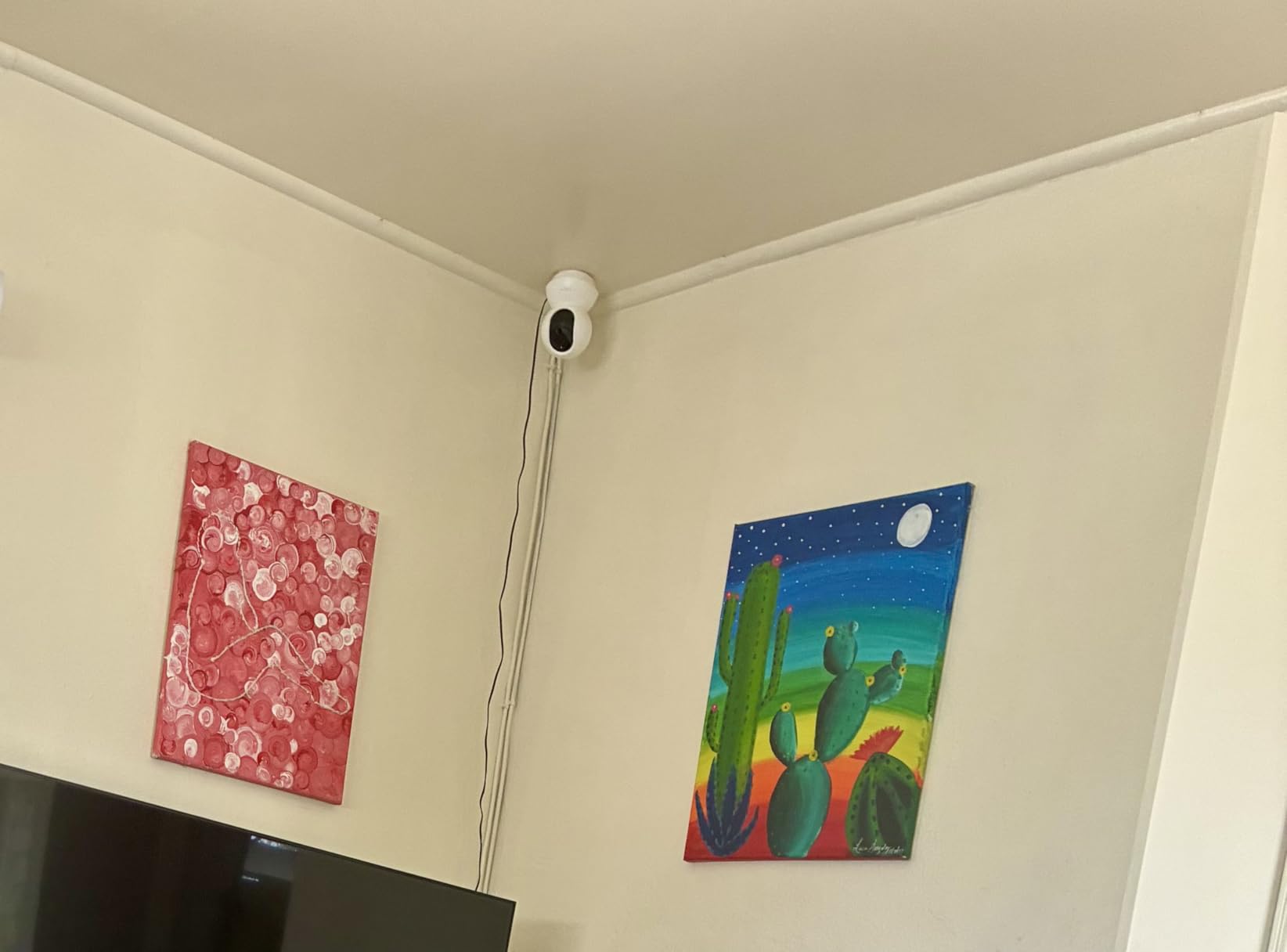
What surprised us most was where it does not fall short. Sound and light alarms are built in, two-way audio is live and clear, and motion detection with phone notifications worked reliably in the owner reports we read. It also runs 2.4 GHz Wi-Fi only, so a crowded dual-band network is not an issue.
The honest catch is that the richer detection options, including snapshot notifications and more granular zones, come with Tapo Care. Basic motion detection and full local recording do not. That distinction matters, because it is exactly the line Wyze has been pushing in the wrong direction.
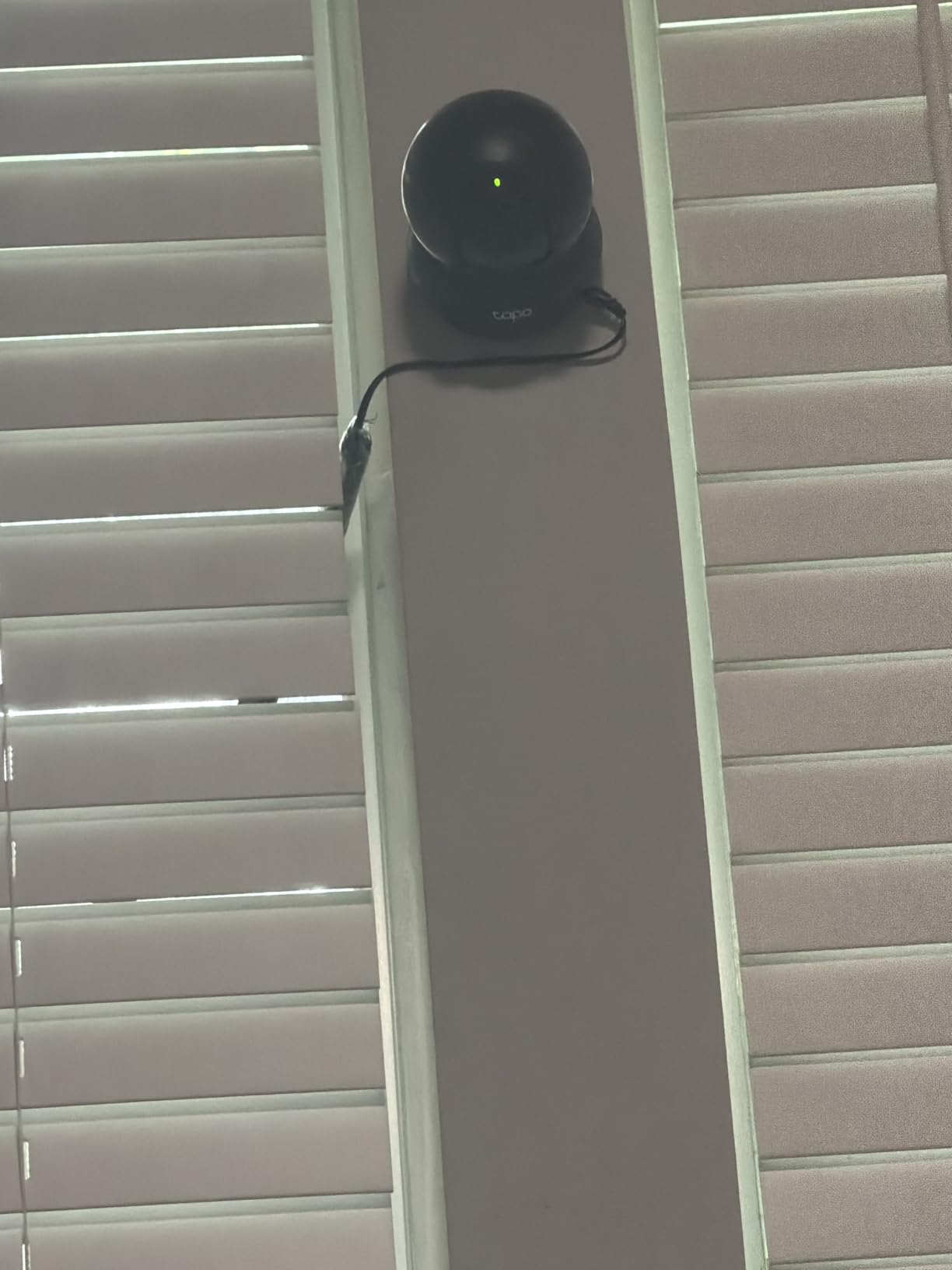
What Wyze owners gain by switching to the C200?
Owner reviews repeatedly mention the same three wins: a microSD card that just works, no annual charge for clip history, and an app that does not need a restart after every firmware push. The 512GB ceiling means a card bought once covers roughly a month of continuous footage before overwrite.
Baby and pet monitoring is where this camera shows up most often. It ranks in the top tier of both baby monitor and pet camera categories, and the tilt range means you can watch a crib, a playpen or a sleeping dog from a single mount.
Where the C200 falls short?
The microSD card is not included, and it has to be formatted inside the Tapo app before recording starts. Owners also report that it is fussy about card compatibility, so check the TP-Link approved list before buying anything expensive.
It is a corded indoor camera rated IP21, which means no porch, no driveway and no garden. If you need weather coverage, look at the C500 or C400 further down this list.
We earn a commission, at no additional cost to you. CERTAIN CONTENT THAT APPEARS ON THIS SITE COMES FROM AMAZON. THIS CONTENT IS PROVIDED 'AS IS' AND IS SUBJECT TO CHANGE OR REMOVAL AT ANY TIME.
2. eufy Indoor Cam E220 – Best No-Subscription Indoor Pick
eufy Security Indoor Cam E220, Dog/Pet Camera, Pan and Tilt
★★★★★★★★★★2K sensor
360-degree pan and tilt
On-device AI
Apple HomeKit
2.4 GHz only
- On-device AI sorts humans and pets
- 2K clarity with 360-degree tracking
- No subscription needed for local recording
- Works with HomeKit and Alexa
- Reliable two-way audio and simple setup
- AI detection inconsistent at night
- Only two activity zones can be configured
- 2.4 GHz Wi-Fi only
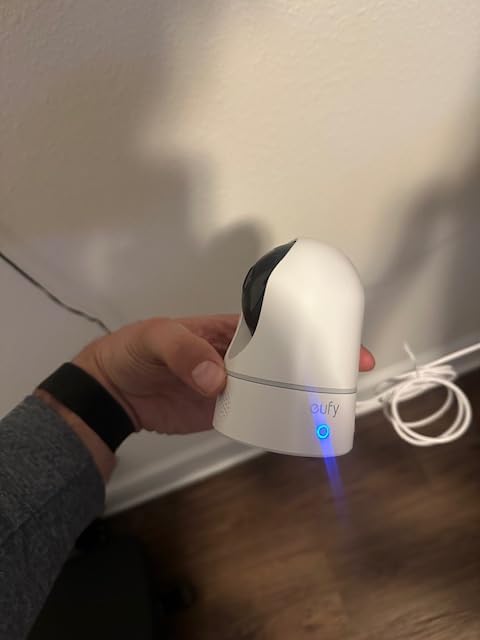
The eufy Indoor Cam E220 is the pick if your main objection to Wyze is being asked to pay for basic features. Its selling point is the on-device AI chip, which decides whether a human or a pet caused the motion before it records anything, and that processing happens locally rather than in a cloud queue.
The sensor puts out 3 MP, shown as 2K in the eufy app, and drops to 1080p when you view it through Apple HomeKit. The pan-and-tilt head gives full 360-degree coverage with auto-tracking once motion is spotted, and the camera comes with a ceiling mount bracket, USB cable and adapter.

Like the Tapo C200, it records to a microSD card with no monthly charge, and the reviewer consensus is that the picture quality and tracking are excellent for an indoor unit. A 4.4 average across more than 21,000 reviews says this is not a marginal product.
Worth knowing before you buy: eufy has faced its own privacy scrutiny in recent years over past security research on its connected devices. That does not affect how the camera performs, but if cloud-free operation is your priority, this one is worth pairing with a plan that keeps footage local.
Best fit for Apple Home and privacy-minded households
This is one of the few indoor cameras in our list that can sit inside an Apple Home setup without a bridge. Streams show up in the Home app alongside your lights and locks, and you can pull up live view from a HomePod or Apple TV without opening eufy software.
The on-device AI is the part owners notice after the novelty wears off. Because the camera sorts events itself, you get fewer recordings of a ceiling fan and more of the actual reason you bought a camera.
Where the E220 struggles?
Activity zones are limited to two, and those two zones share the same global detection settings, so you cannot tune a nursery separately from a hallway. Reviewers also report that AI detection is noticeably less reliable in darkness and when someone is only partially in frame.
The app gets occasional complaints for lag and slow event loading, and 2.4 GHz only means it will not join a 5 GHz network. There is no built-in spotlight on this model, so night footage is infrared rather than colour.
We earn a commission, at no additional cost to you. CERTAIN CONTENT THAT APPEARS ON THIS SITE COMES FROM AMAZON. THIS CONTENT IS PROVIDED 'AS IS' AND IS SUBJECT TO CHANGE OR REMOVAL AT ANY TIME.
3. Reolink E1 Pro 3K – Best for NVR, NAS and RTSP Control
REOLINK E1 Pro 3K Dual-Band Wi-Fi Indoor Camera for Baby & Pet Monitoring
★★★★★★★★★★2880x1616 3K video
Dual-band 2.4/5 GHz
RTSP/ONVIF support
FTP and NAS
40 ft night vision
- Sharp 3K sensor with an F1.6 aperture
- 2.4 and 5 GHz dual-band for stable connections
- microSD plus NVR and FTP and NAS storage options
- Crying sound and pet detection
- Pan and tilt motion lags and is hard to aim precisely
- Some units struggle with Wi-Fi setup
- Scheduled alert view is less intuitive than a calendar
The Reolink E1 Pro 3K is the answer for anyone who wants their footage to stay on hardware they own. It supports RTSP and ONVIF alongside microSD, FTP and NAS, which means you can point it at a Reolink NVR, a Home Hub, or a third-party recorder without a subscription in the middle.
Video is recorded at 2880×1616, roughly 3K, from a 5 MP sensor with an F1.6 aperture that helps in low light. Night vision reaches 40 feet, and dual-band 2.4 and 5 GHz Wi-Fi with Bluetooth makes pairing faster and the connection steadier than single-band models.
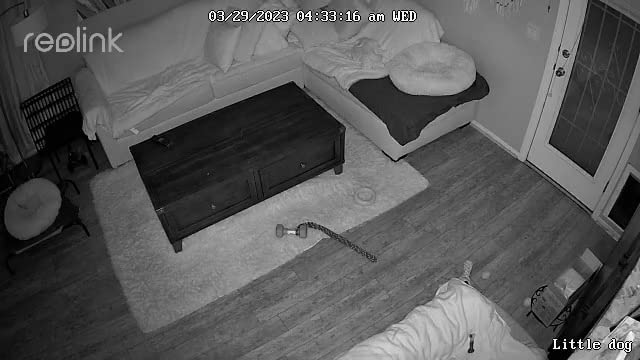
On the software side it detects people, pets and crying sounds to cut false alerts, and it follows movement across 355 degrees of pan. For parents, that crying detection is a genuine upgrade over a plain motion trigger, and several owners describe it as the first feature that made them stop checking the app constantly.
At a 4.2 average from more than 13,000 reviews it scores a little lower than the two picks above, and the gap is mostly about the mechanics of the pan motor and app polish rather than picture quality.
What makes this the privacy-first pick?
Reolink is the only brand here that documents RTSP and ONVIF support as a headline feature, and that matters if you plan to grow into a multi-camera system. You can verify it yourself by checking the spec sheet for the model before purchase, then enabling the stream in the Reolink app once it is on your network.
Storage is genuinely flexible here. A microSD card up to 512GB is the simple route, an NVR is the whole-home route, and FTP or NAS is the route for anyone already running a home server.
Where the E1 Pro 3K frustrates people?
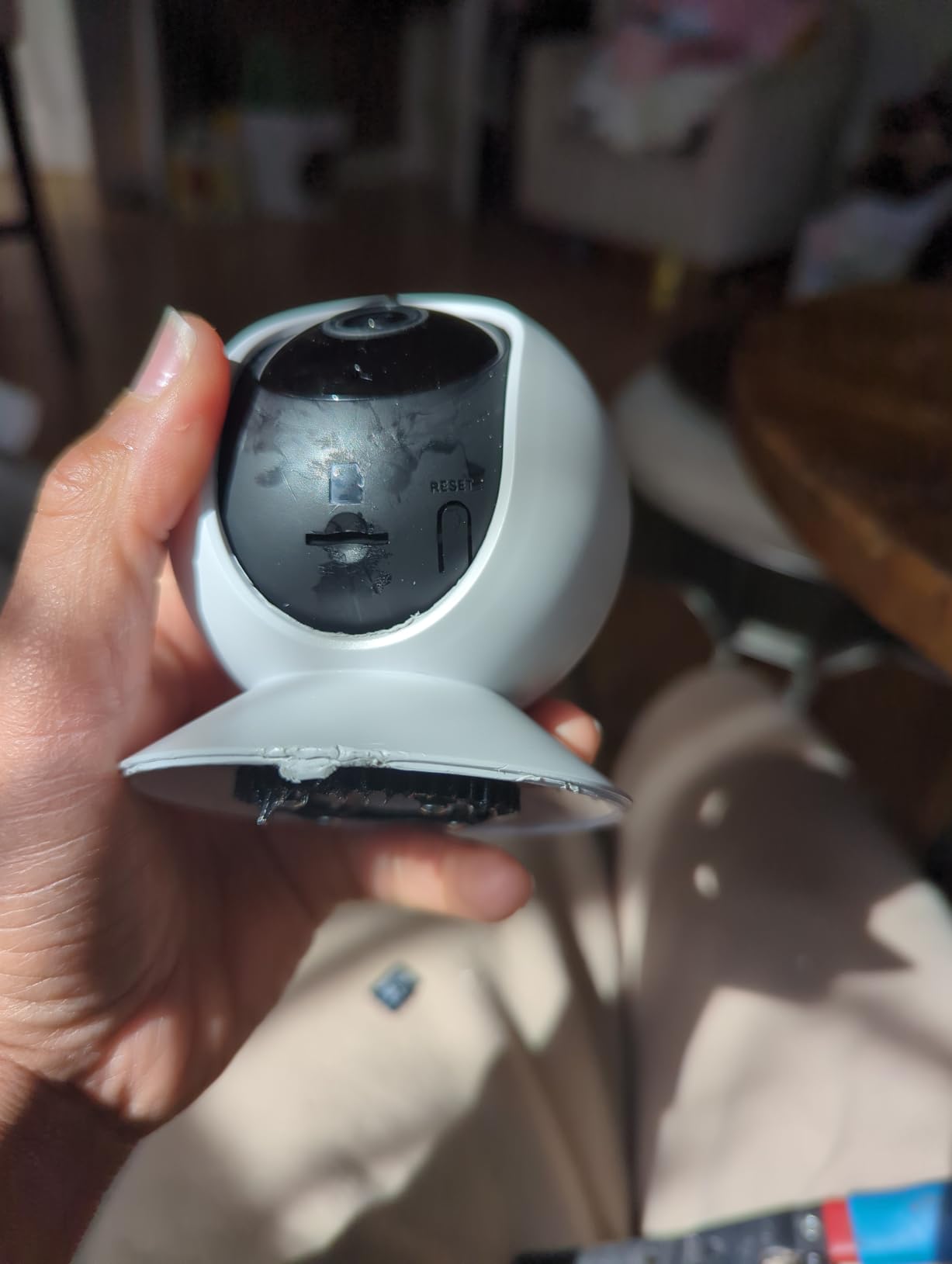
Pan and tilt movement is slow and coarse. Owners trying to aim the camera at a specific spot report overshooting and having to wait for the motor to settle, so for a fixed view, a fixed-lens camera is the better buy.
There are also occasional reports of Wi-Fi setup difficulty where a wired connection is needed first, and a small number of long-distance playback hiccups from the onboard card that clear after a power cycle. One review raises a privacy concern about cameras appearing in other Reolink accounts on the same network, which is worth checking in the app’s sharing settings.
We earn a commission, at no additional cost to you. CERTAIN CONTENT THAT APPEARS ON THIS SITE COMES FROM AMAZON. THIS CONTENT IS PROVIDED 'AS IS' AND IS SUBJECT TO CHANGE OR REMOVAL AT ANY TIME.
4. Tapo C500 – Best Budget Outdoor Pan and Tilt Camera
Tapo 1080P Outdoor Wired Pan/Tilt Security Wi-Fi Camera, 360° View, Motion Tracking, Works with Alexa & Google Home, Night Vision, Free AI Detection, Cloud & SD Card Storage(up to 512GB), Tapo C500…
★★★★★★★★★★IP65 weather rating
360-degree pan and 130-degree tilt
Person detection with tracking
Physical privacy mode
- Clear 1080p day and night
- 360-degree pan with 130-degree vertical tilt
- Person detection with fast motion tracking
- Physical privacy shutter and sound alarm
- microSD up to 512GB or Tapo Care
- Not hard-wired
- so the power adapter must stay dry
- No floodlight and monochrome night vision
- Some units need frequent reboots after pan calibration drift
The Tapo C500 covers a porch, a patio or the side of a garage for a fraction of what an outdoor camera from Ring or Arlo costs, and it holds a 4.5 average across roughly 7,000 reviews. It is the outdoor counterpart to the C200 and shares the same Tapo app, so many people end up running both in one account.
Coverage is the selling point: 360 degrees of horizontal pan with 130 degrees of vertical tilt, rated IP65 for dust, rain and heat, with night vision reaching up to 98 feet. Person detection with high-speed motion tracking follows a subject across the frame and sends a notification.
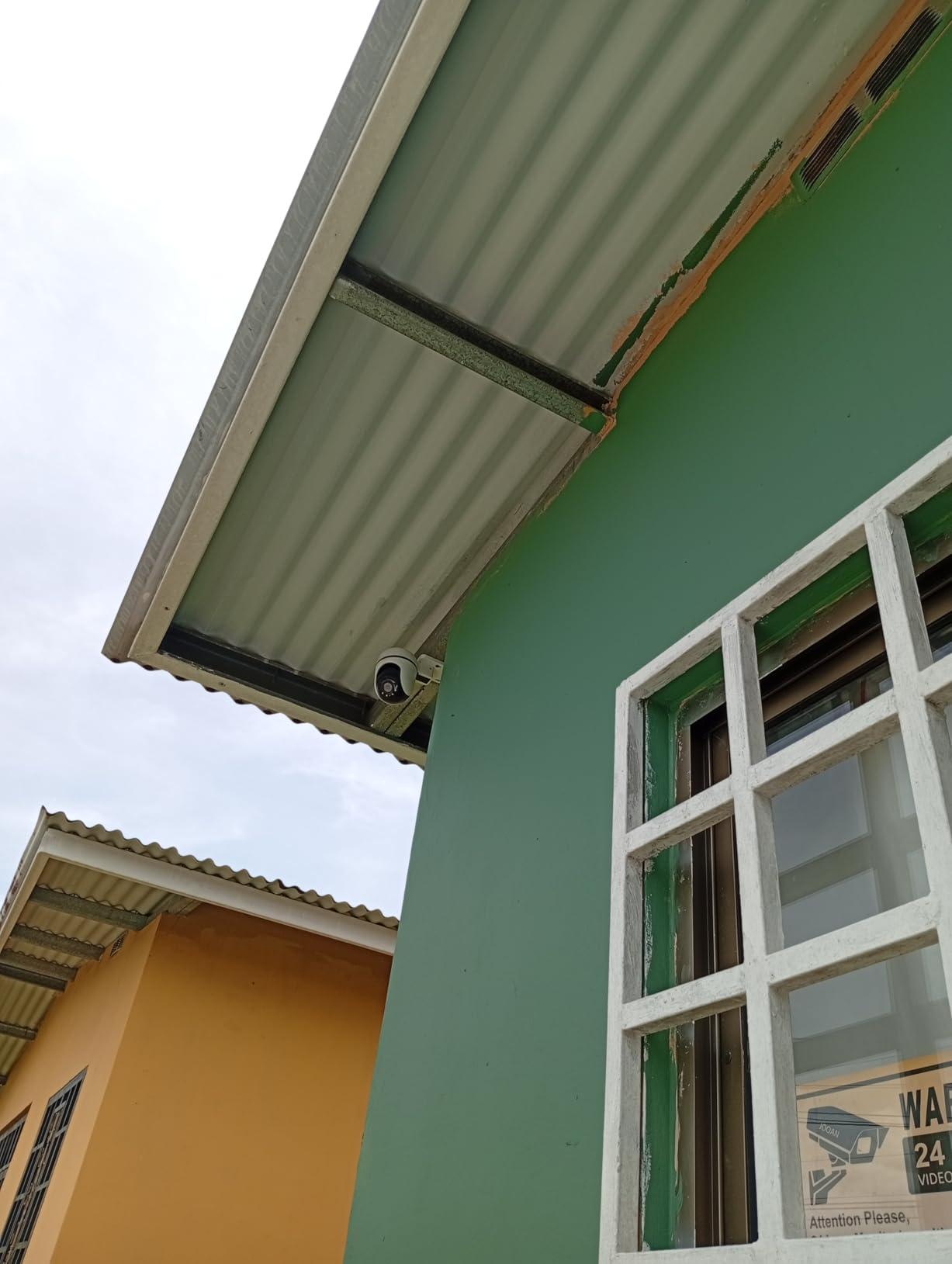
The physical privacy mode is a nice hardware touch that most budget cameras skip. The housing itself blocks the lens, so it is a mechanical guarantee rather than a software promise, which matters for a camera pointed at a shared walkway or a neighbour’s yard.
It also works with Alexa and Google Assistant, and records to a microSD card up to 512GB without a subscription, with Tapo Care as an optional alternative for people who want off-site copies.
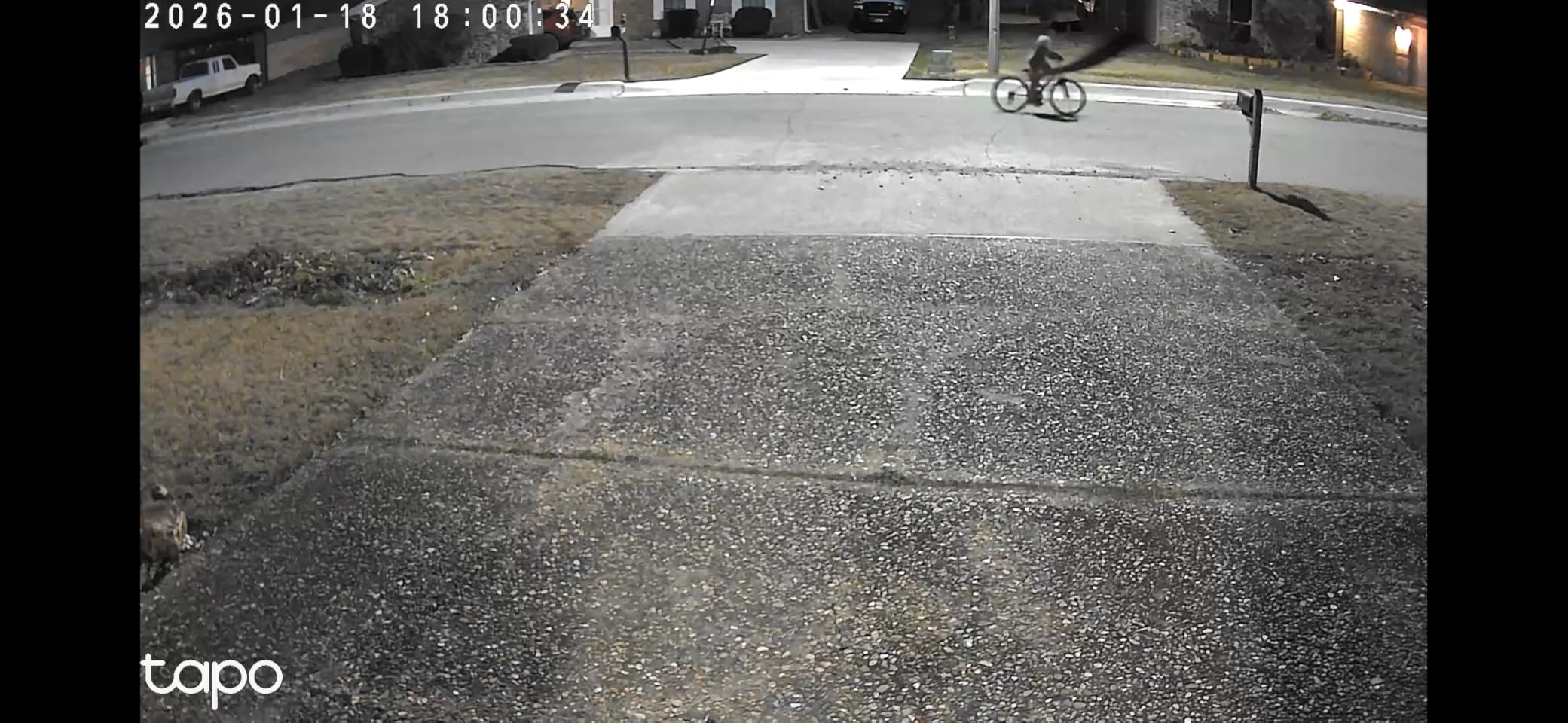
Best for covering a yard without running cable
A single pan and tilt unit replaces the two fixed cameras most people install at the front and back of a house. The tracking behaviour means you get a clip of a person crossing the whole frame rather than a snapshot as they enter the edge of view.
Two-way audio with a push-to-talk button and a customisable sound alarm covers the deterrence side too, which is why this shows up as a driveway and delivery camera as often as a general outdoor unit.
Where the C500 falls short?
Despite the outdoor label, this is not a hard-wired camera. It comes with a DC power adapter that has to stay dry, so you need an indoor socket or a weatherproof outlet close by, and that is the single most common misunderstanding in the reviews.
There is no built-in floodlight and night footage is monochrome. A minority of owners report needing frequent reboots because the pan calibration drifts, and detection zones can warp after the camera gets nudged.
We earn a commission, at no additional cost to you. CERTAIN CONTENT THAT APPEARS ON THIS SITE COMES FROM AMAZON. THIS CONTENT IS PROVIDED 'AS IS' AND IS SUBJECT TO CHANGE OR REMOVAL AT ANY TIME.
5. eufy Indoor Cam E30 4K – Best for 4K Detail and Colour Night Vision
eufy Security 4K Indoor Camera E30, No Subscription, Work as Pet Camera
★★★★★★★★★★4K UHD H.265 at 25 fps
Built-in spotlight with colour night vision
On-device AI
128GB UHS-1 microSD
- Very sharp 4K that holds detail when zoomed
- Colour night vision from the built-in spotlight
- On-device AI with crying detection
- Auto tracking with 360-degree pan
- No subscription for full local storage
- Notifications can be overly sensitive
- Needs a high-endurance microSD card
- Some units report missed motion events and slow app playback
The eufy Indoor Cam E30 is the only camera in this list that records genuine 4K UHD, encoded in H.265 and running at 25 frames per second. If you want to identify a face or read a label across a room, that resolution gap is the whole reason to step up from the E220.
It also adds things the E220 leaves out: a built-in spotlight that switches between colour night vision and infrared, audio and motion alerts rather than motion only, and auto tracking. Local storage tops out at 128GB on a UHS-1 card, and every function works without a subscription.

Owners upgrading from 1080p units report the difference most in the spotlight footage. Colour night video makes it far easier to tell what colour clothing someone was wearing, which is genuinely useful and rare at this end of the market.
It ranks in the top ten for both video baby monitors and pet cameras, and the on-device AI covers humans, pets, general audio cues and crying sounds without a paid plan attached.
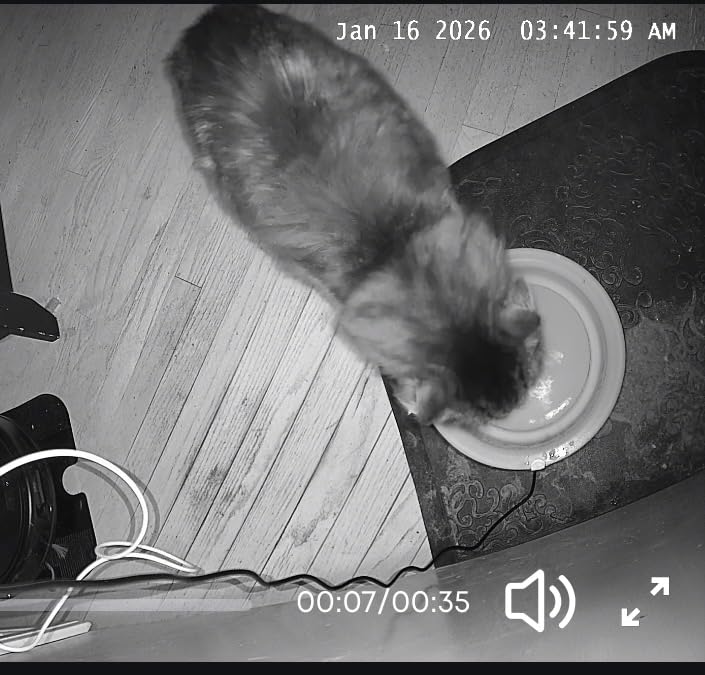
When 4K actually changes the outcome?
Resolution only matters when you need to identify something rather than just know that something happened. A 4K stream holds detail on a face at a distance where a 1080p stream turns to mush, and the 25 fps frame rate makes playback noticeably smoother than the 15 fps indoor Tapo models.
The spotlight is the second reason to pick it. Colour night vision combined with on-device person detection gives you both a usable image and a filtered event list, which is a combination the cheaper cameras rarely manage.
Where the E30 falls short?
You have to buy a high-endurance microSD card yourself, and reviewers warn that a cheap card produces unreliable local storage. Notification sensitivity is also criticised as overly twitchy, flagging very small movements such as shadows or insects.
At 4.4 the rating is solid but the review base is the thinnest of the eufy models here, at around 2,400 reviews, and a minority of owners report missed motion events and slow live view in the app. The head is also a touch bulky for a narrow shelf.
We earn a commission, at no additional cost to you. CERTAIN CONTENT THAT APPEARS ON THIS SITE COMES FROM AMAZON. THIS CONTENT IS PROVIDED 'AS IS' AND IS SUBJECT TO CHANGE OR REMOVAL AT ANY TIME.
6. Tapo C400 – Best Battery Powered Outdoor Camera
Tapo 1080p Outdoor Wireless Security Camera, Up to 180-Day Battery, C400
★★★★★★★★★★5200mAh rechargeable battery
IP65 rated
1080p with colour night vision
117-degree view
- Sharp 1080p with instant playback
- Wireless install works at long distances from the router
- IP65 build has held up across seasons
- Reliable person detection with custom zones
- No subscription for local recording
- Real-world battery life falls short of the stated 180 days
- Battery is not user-replaceable
- Night vision occasionally fails until the unit is rebooted
The Tapo C400 is the pick when running cable is not an option. It is a bullet-style outdoor camera on a 5200mAh rechargeable battery, rated IP65, with a 117-degree field of view and 1080p recording that includes full-colour night vision in low light.
Installation takes minutes with no wiring, and that is exactly the appeal for renters, garden cameras, sheds, driveways and anything away from a socket. Owners frequently note that the wireless connection holds up at long distances from the router, which is the usual weak point of battery cameras.
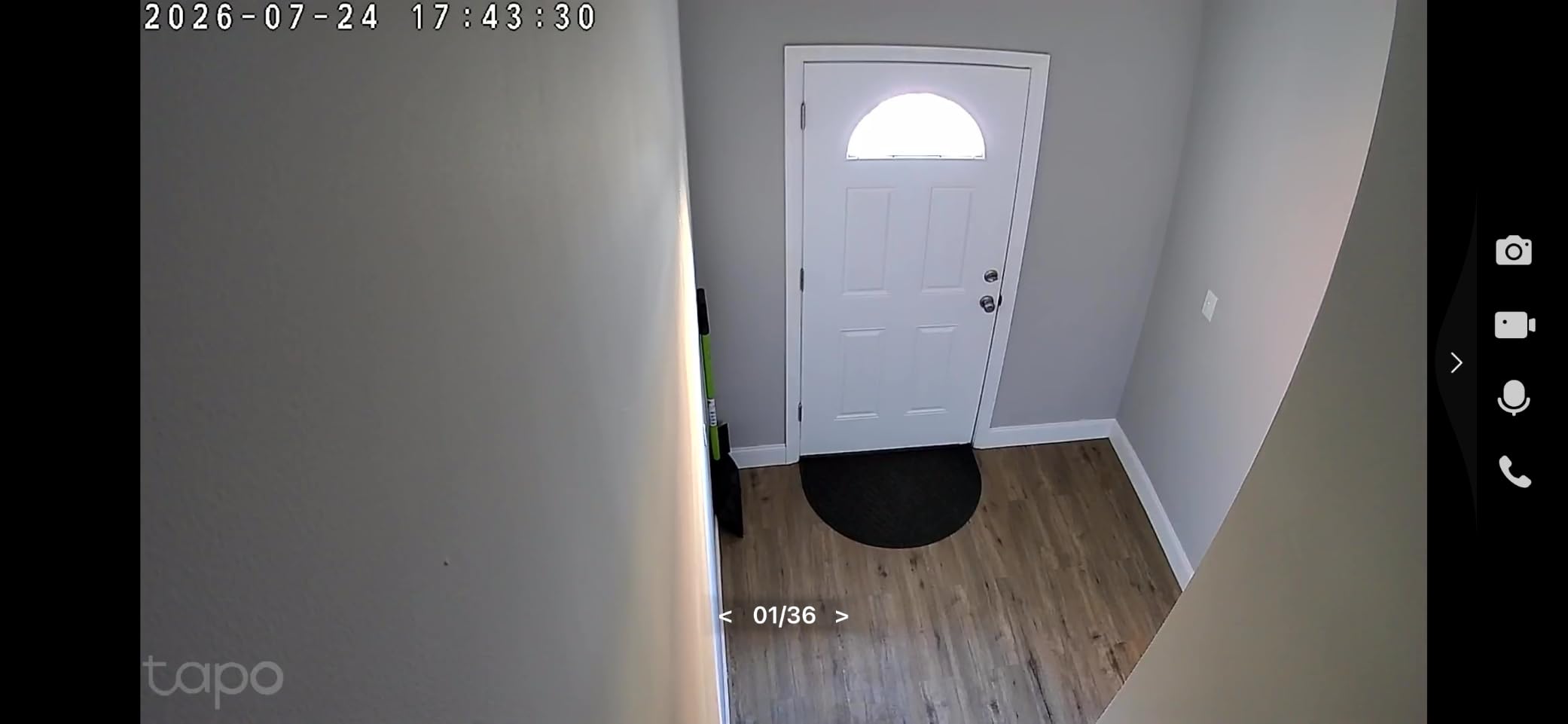
Person detection runs in custom zones that you draw yourself, and it works with no subscription attached. Recordings go to a microSD card up to 512GB, with Tapo Care as an option if you want a cloud copy as well. The camera was also designed under the US CISA Secure-by-Design pledge, which is a reasonable signal for anyone privacy-conscious.
Two-way audio and an adjustable light alarm cover deterrence, and the whole thing works with Alexa and Google Assistant.
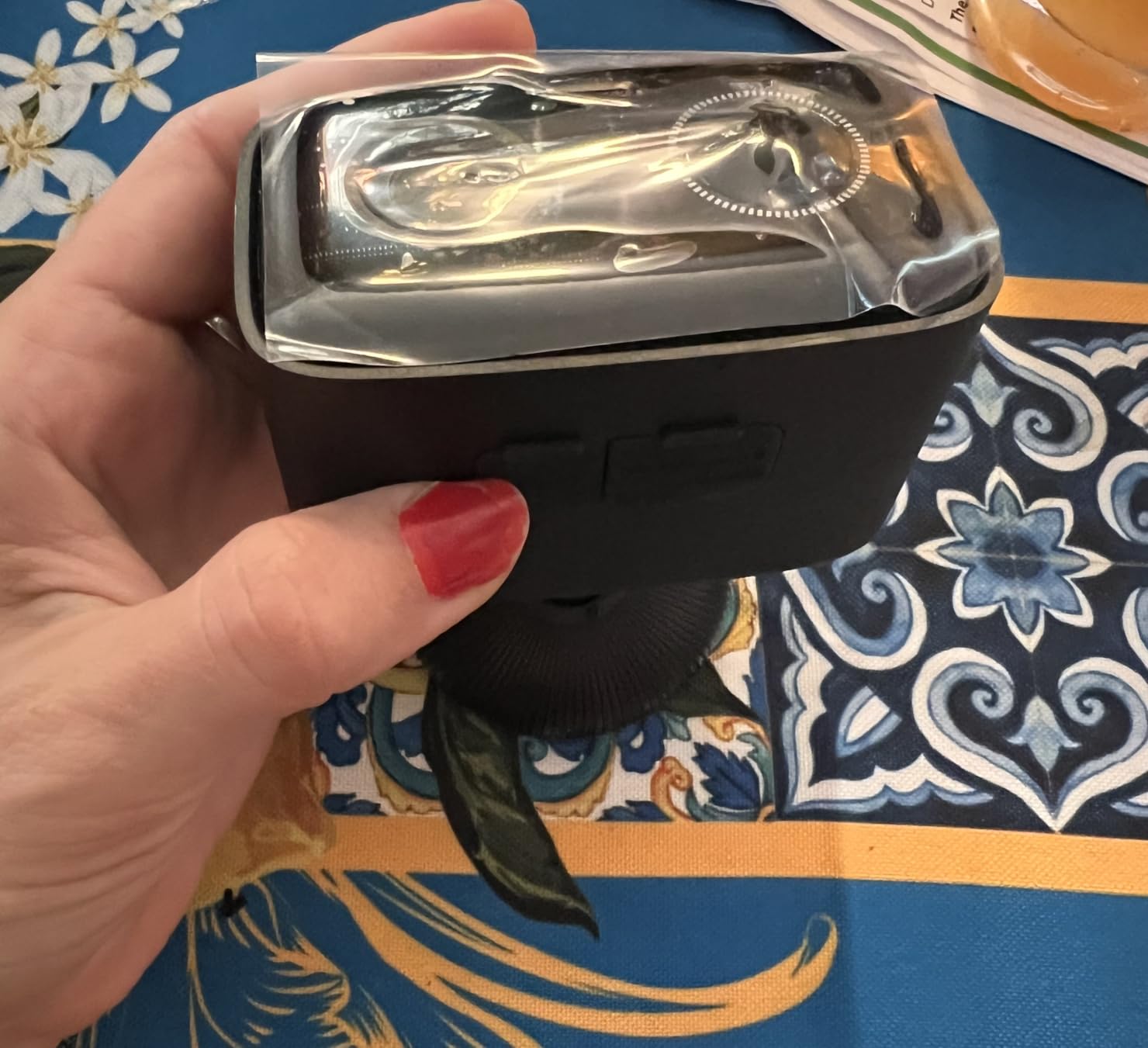
Best for driveways, sheds and rental homes
For a garden or a side passage where running cable means calling an electrician, the freedom is worth the battery trade-off. The 117-degree view covers a doorway or a bin store comfortably from a single mount, and IP65 has held up through seasons of outdoor use according to owners.
If you travel in an RV or watch a holiday let, the same wireless design applies with no fixed installation at all, provided you have a way to recharge the unit between visits.
Where the C400 falls short?
Battery life is the headline complaint. The stated figure is up to 180 days under typical use, and owners commonly report closer to one to three months in real conditions, particularly with frequent motion events or a weak signal.
The battery is not user-replaceable, so a full recharge is a downtime event. Some owners also report night vision failing until the camera is power-cycled, and mounting high to cover more ground makes faces harder to identify.
We earn a commission, at no additional cost to you. CERTAIN CONTENT THAT APPEARS ON THIS SITE COMES FROM AMAZON. THIS CONTENT IS PROVIDED 'AS IS' AND IS SUBJECT TO CHANGE OR REMOVAL AT ANY TIME.
7. Ring Outdoor Cam 2K – Best for Alexa and Echo Show Homes
Ring Outdoor Cam 2K (newest model), Battery, Home or business security, Wide-Angle Retinal 2K Video, 6x Enhanced Zoom, Night Vision, White
★★★★★★★★★★Retinal 2K video
Up to 6x enhanced zoom
Built-in siren
Weather-resistant body
- Clear wide-angle 2K that holds up on faces
- Good low-light and night viewing
- Simple installation and setup
- Smooth Alexa and Echo Show integration
- Reliable in pairs covering more yard
- Replaying past events needs a paid Ring plan
- Motion sensitivity needs tuning
- No way to link units so all record together
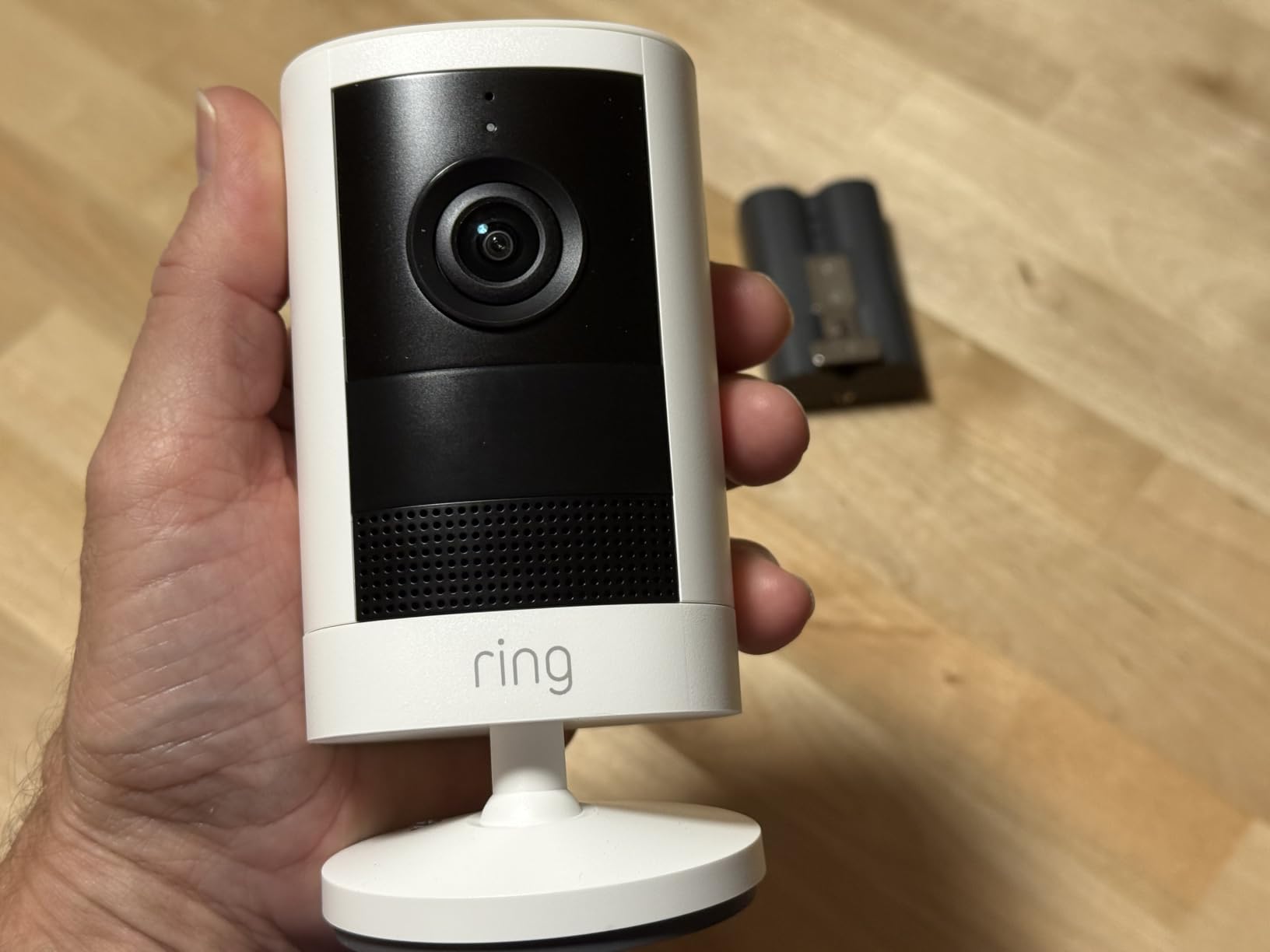
The Ring Outdoor Cam 2K is the only pick here from a brand where the app and voice assistant are the main draw. If your household already runs Echo Show screens and leans on Alexa, the setup experience is smoother than anything else on this list, and live view on a kitchen display is genuinely useful.
Video is wide-angle Retinal 2K with up to 6x enhanced zoom, plus true-colour night vision that switches to black and white in near darkness. There is a built-in siren you can trigger from the app, live view with two-way talk, and a weather-resistant body with a mounting bracket and screw pack in the box.
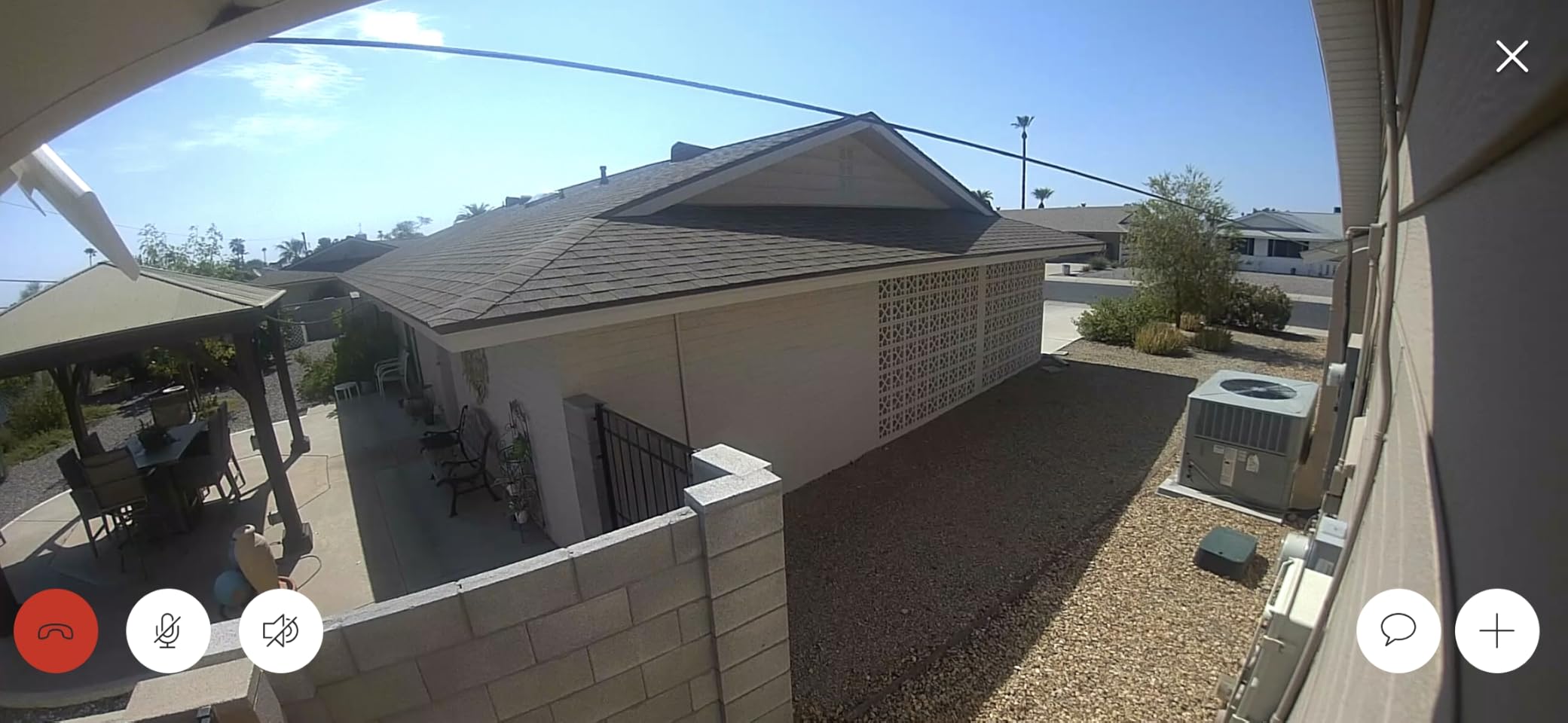
Owners highlight easy installation, sharp picture quality and reliable night viewing, and several use them in pairs to cover more of a yard. The motion detection with instant mobile alerts is straightforward to set up and works well once tuned.
Be clear-eyed about the trade-off though. Replaying missed events and intelligent alerts both require a Ring Protect plan, which is the opposite of what most people on this list are looking for.
When the ecosystem matters more than the storage model?
Ring is the right answer for a home where other people use Alexa. Live view on an Echo Show removes the phone from the equation entirely, and the app is one of the more polished in the category, which addresses the reliability complaint that drives many people off Wyze in the first place.
It is also a reasonable second camera rather than a first one. Owners commonly run two of them to cover a wider yard, since the wide-angle lens is fixed.
Where the Ring falls short?
Past-event playback is behind the paid plan, which is a hard deal-breaker for anyone who is switching specifically to escape subscription costs. There is also no way to link units so that all cameras record when one triggers, which limits its usefulness as a whole-home system.
Motion sensitivity needs real tuning, and reviewers report it triggering on moths while missing people beyond roughly 20 feet. The review base is also the smallest here at around 350 reviews, so long-term reliability is less well documented, and there are isolated reports of a battery or charger fault.
We earn a commission, at no additional cost to you. CERTAIN CONTENT THAT APPEARS ON THIS SITE COMES FROM AMAZON. THIS CONTENT IS PROVIDED 'AS IS' AND IS SUBJECT TO CHANGE OR REMOVAL AT ANY TIME.
8. Arlo Essential 2K 3rd Gen – Best for the Widest Smart Home Roster
Arlo Essential Wireless Security Camera 2K (3rd Gen) – 1-Cam
★★★★★★★★★★1440p 2K video
130-degree field of view
Dual-band Wi-Fi
IP65
12x zoom with spotlight
- Clear 2K across a broad 130-degree view
- Dual-band Wi-Fi locks onto the strongest signal
- Rechargeable install takes minutes with no wiring
- Detects people vehicles pets and packages
- Works with Alexa Home SmartThings and IFTTT
- 60-day history and intelligent alerts need a paid Arlo plan
- Advanced detection is subscription-gated
- Night vision range listed at 16 feet
The Arlo Essential 2K 3rd Gen is the broadest ecosystem play in this list. It works with Alexa, Apple Home, Google Home, Samsung SmartThings and IFTTT, which makes it the least likely pick to be blocked by whatever smart home platform you settle on later.
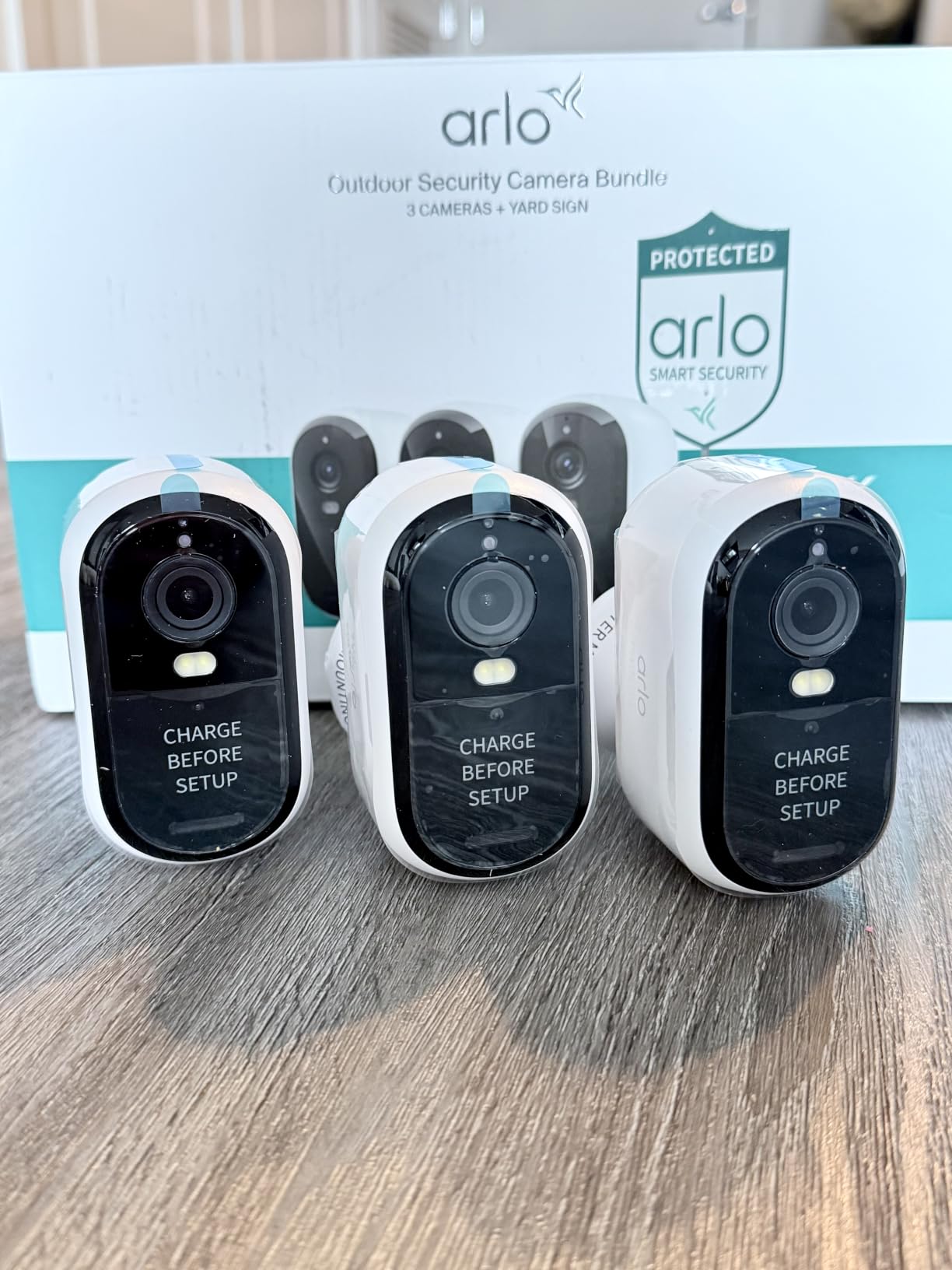
Specifications are solid: 1440p 2K video across a 130-degree field of view, IP65 weather resistance, 12x zoom, a built-in spotlight with colour night vision, and a remote siren. The rechargeable battery and screw-in mount mean installation takes minutes, and dual-band Wi-Fi picks the strongest band automatically.
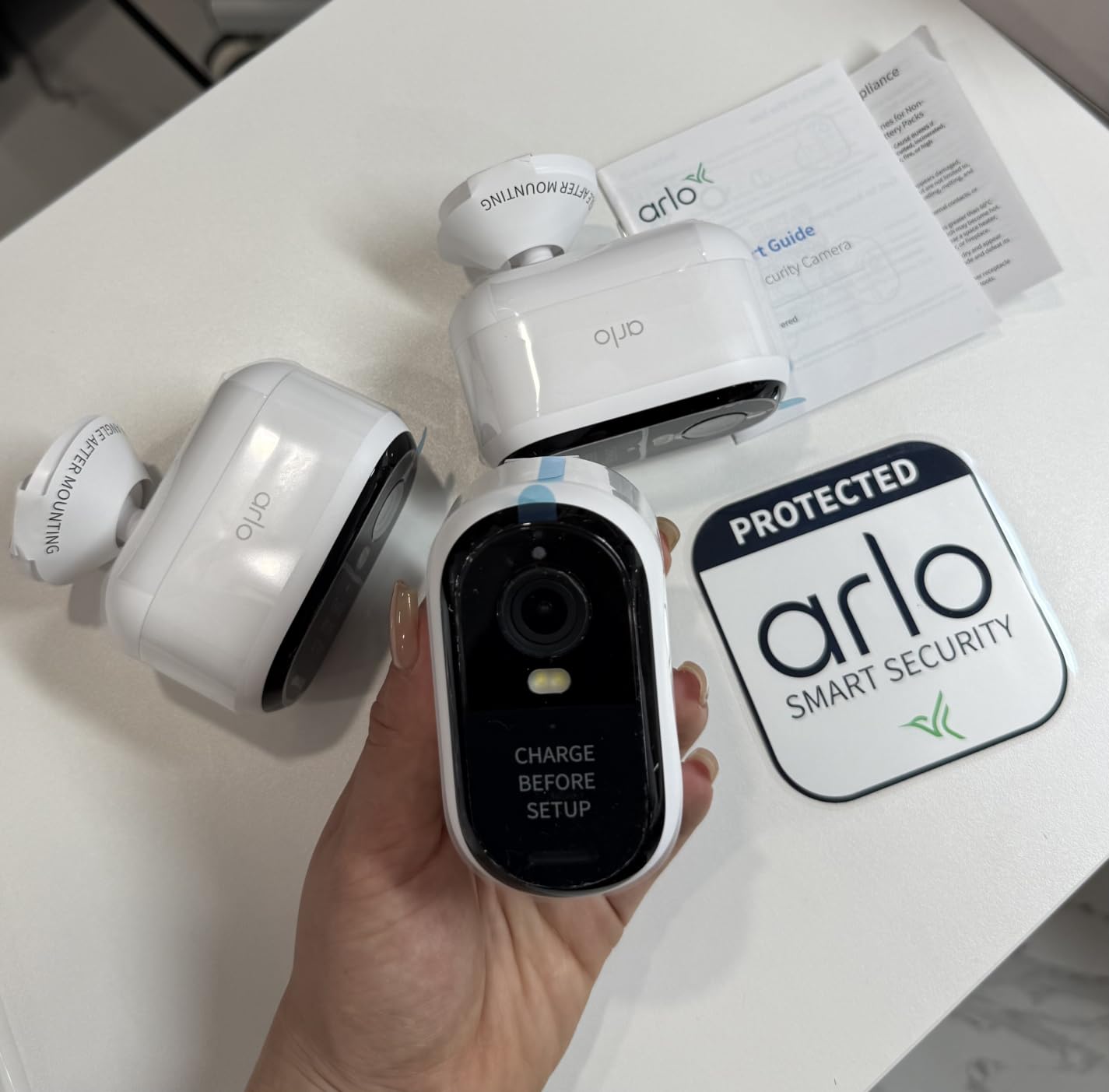
Detection is the strongest set in this group, covering people, vehicles, pets and packages with animated event previews so you can see what happened before you even open the app. Battery capacity is listed at 17.2 watt-hours, and a 1-year limited warranty comes as standard.
Live streaming and basic motion alerts work without a subscription. The paid Arlo Secure plan is where the 60-day video history, intelligent alerts and emergency response features sit, after a one-month trial.
Best when you may change platforms later
If you are not settled on Apple or Google or Alexa, or you want camera automations in SmartThings, this camera has the longest list of integrations of any pick here. That flexibility is the argument for choosing it over a cheaper brand-specific option.
Vehicle and package detection are also the most granular in the list, which makes it a decent fit for a driveway where you mostly care about deliveries and cars rather than general motion.
Where the Arlo falls short?
The subscription question is unavoidable. Sixty-day history, intelligent alerts and 24/7 emergency response all require Arlo Secure after the trial, so for anyone switching away from Wyze to avoid a plan, this is a mismatch.
Night vision is listed at only 16 feet, which is short for a yard or a driveway, and the spotlight is what makes colour night footage possible at all. It is also a newer model with under 500 reviews, so there is not yet a long ownership history to judge it by.
We earn a commission, at no additional cost to you. CERTAIN CONTENT THAT APPEARS ON THIS SITE COMES FROM AMAZON. THIS CONTENT IS PROVIDED 'AS IS' AND IS SUBJECT TO CHANGE OR REMOVAL AT ANY TIME.
How to Switch from Wyze to a Different Brand?
Nobody in this category publishes a migration guide, which is strange because the reader arriving on a page like this is usually mid-switch. The good news is that swapping brands is mostly a hardware problem, not a technical one.
1. Check whether your mounts are reusable. Most Wyze Cam V3 mounts are a small screw pattern that also lines up with the plate included on Tapo C200 and C500 units. Cylinder-style Wyze mounts are less universal, so bring the old plate or plan on a fresh screw and anchor.
2. Plan for new power. Wyze cams are USB or corded and the new camera may want a different adapter. Reolink and Tapo units that sit outdoors need a weather-rated outlet rather than an indoor adapter left in the rain.
3. Expect a new app and a new account. Tapo, eufy, Reolink, Ring and Arlo all run their own apps with their own logins. If you have household members using the Wyze app, get them added to the new account before you pull the old cameras down.
4. Decide what happens to existing clips. Footage already stored in the Wyze cloud stays in the Wyze app. Nothing migrates to the new brand, so download anything you actually need before you close the account.
5. Format the new card in the new app. Both Tapo models need the microSD formatted inside the Tapo app before recording begins. For the eufy E30, use a high-endurance card rather than the cheapest one you can find.
6. Keep one Wyze camera as a fallback. Several owners do exactly this: a spare Wyze cam on a smart plug so it can be power-cycled remotely when it drops offline. That is a pragmatic hybrid rather than a full switch.
If your motivation is partly about what you carry on trips, a small camera bag for the units you take with you is covered in our [camera backpacks guide](https://bansocialism.com/best-camera-backpacks/). For tripod and support gear, see our [camera tripod guide](https://bansocialism.com/best-camera-tripods/).
Buying Guide: Storage, Power and Ecosystem
Pick your storage path before you pick a brand
The single most useful question when choosing among Wyze camera alternatives is where the footage goes. It decides which brands are viable at all.
MicroSD is the simplest route. The Tapo C200, C500 and C400, both eufy indoor cams and the Reolink E1 Pro all record to a card in the camera. You buy one card, nothing recurs, and anyone with the physical card can view the footage. Retention depends on card size, so a 512GB card buys roughly a month of continuous recording before it wraps.
NVR is the whole-home route. Reolink sells recorders that accept its cameras directly, and its ONVIF and RTSP support means some of its models also pair with third-party recorders. This is the answer for four or more cameras.
Cloud is the fallback. Ring and Arlo both put replay behind a paid plan, and Tapo Care and eufy plans are optional rather than required on the models here. If your priority is footage you can access from anywhere without any hardware, accept that this is a recurring cost.
Battery or wired, and why it matters for accuracy
Battery cameras are the right call for a driveway, a shed, a garden wall or a rental where there is no socket. The Tapo C400 is the honest option in this list, and the caveat is real: the advertised 180-day runtime is a best case, and most owners see one to three months.
Wired cameras are quieter, smaller and last longer. The Tapo C500 and the Reolink E1 Pro both sit in this group, and a wired unit that can pan is worth more than a battery unit with a wider lens, because dead frames are useless for identification.
2.4 GHz only versus dual-band
Several budget cameras here are 2.4 GHz only, including the Tapo C200 and the eufy Indoor Cam E220. That is not a defect. 2.4 GHz reaches further through walls and is more forgiving in a house with other devices, so a single-band camera is often the one that stays online.
The Reolink E1 Pro, the Arlo Essential and the Tapo C500 support both bands and pick the stronger one automatically, which helps in dense flats where 2.4 GHz is congested.
How to verify local recording before you buy?
Look for three things in the spec sheet. First, a stated microSD capacity, since a camera that only accepts 64GB will disappoint a year in. Second, explicit wording that detection and playback work without a subscription. Third, for anything you plan to wire into an NVR, RTSP or ONVIF support listed by the manufacturer rather than assumed from the app.
Buyers moving from Wyze often assume 24/7 continuous recording. Most of these cameras record events only, with motion or AI detection deciding what gets written. If you genuinely need round-the-clock recording, budget for an NVR rather than a single card.
Frequently Asked Questions
Why do we no longer recommend Wyze cameras?
Most Wyze owners leave for three reasons rather than hardware quality: cloud storage and AI detection moved behind the Cam Plus subscription, the plan price rose more than once, and firmware updates or Wi-Fi drops left cameras needing physical reboots. A similarly priced camera with free local microSD recording solves the core problem, which is why Tapo, eufy and Reolink dominate this list.
Are Tapo cameras better than Wyze?
For most people, yes on the two points that matter: person detection works without a subscription and recordings go to a microSD card you own. The Tapo C200 holds a 4.5 rating across more than 42,000 reviews. Tapo still pushes some detection features and snapshot notifications behind Tapo Care, so read the plan details before relying on them.
Is Reolink better than Wyze?
Reolink is the better pick when you want storage flexibility. The E1 Pro 3K records to microSD, a Reolink NVR, a Home Hub, FTP or NAS, and it documents RTSP and ONVIF support. It also runs dual-band Wi-Fi. Against it, the pan motor is slow and coarse, and the app is less polished.
Are Eufy cameras better than Wyze?
The eufy indoor cams compete well on subscription-free local storage and on-device AI that sorts humans and pets before recording. The E220 adds Apple HomeKit support, and the E30 adds 4K with a built-in spotlight and colour night vision. The trade-offs are two configurable activity zones on the E220, 2.4 GHz only, and eufy’s own past privacy scrutiny.
What is better, Arlo or Wyze?
The Arlo Essential 2K 3rd Gen wins on ecosystem breadth, with Alexa, Apple Home, Google Home, SmartThings and IFTTT, plus vehicle and package detection. It loses on the point that drives most people off Wyze: 60-day video history and intelligent alerts sit behind the Arlo Secure plan after the trial. Live view and basic alerts stay free.
Which home security camera is best without monthly fees?
It depends on how many cameras and how much you want local. For one or two indoor cameras, the Tapo C200 or eufy Indoor Cam E220 is the cleanest answer. For an outdoor pan and tilt, the Tapo C500. For four or more cameras or for footage on your own server, the Reolink E1 Pro 3K with a Reolink NVR, thanks to RTSP and ONVIF support.
What is the best budget security camera without a subscription?
The Tapo C200 is the pick. It captures 1080p with a 360-degree horizontal pan and 114-degree vertical tilt, supports microSD cards up to 512GB, includes two-way audio and a sound and light alarm, and needs no monthly plan for basic recording. Budget for a microSD card separately, since one is not included and must be formatted in the app.
Final Verdict
The Tapo C200 is our pick among the best Wyze camera alternatives in 2026. It carries the largest owner review base of any camera we assessed, records to a microSD card up to 512GB with no monthly charge, and does the small indoor job better than the Wyze Cam V3 it is replacing.
Step up to the eufy Indoor Cam E220 if you want a steadier 2K picture and on-device AI, or to the E30 if 4K detail and colour night vision justify the extra spend. Go with the Reolink E1 Pro 3K when your footage needs to live on an NVR, a NAS or your own network through RTSP.
For outdoors, the Tapo C500 covers a porch or yard on a budget and the C400 removes the need for wiring entirely. Ring and Arlo are here for ecosystem reasons, with the honest caveat that both push replay behind a paid plan. Whichever you pick, buy the microSD card, format it in the new app, and give the old Wyze cam a role as a backup before you sell it.