
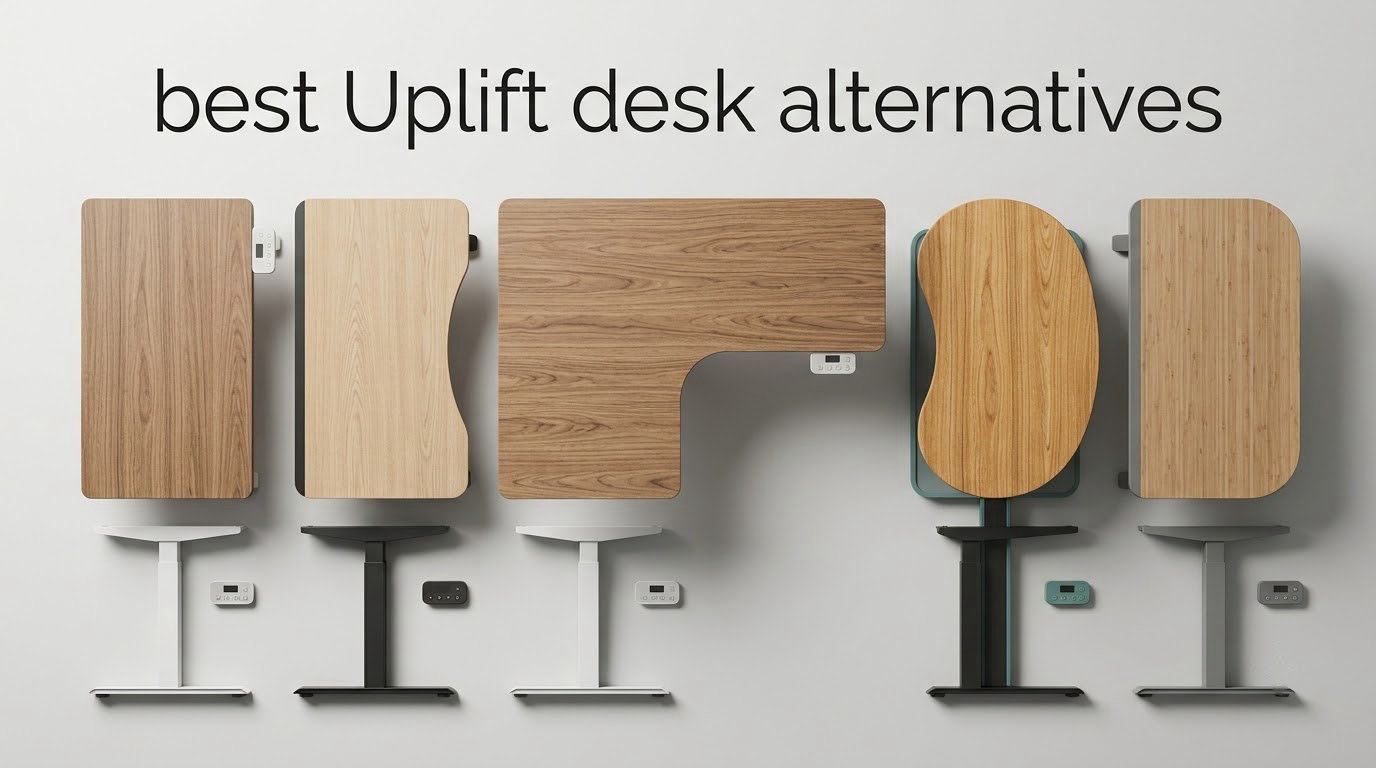
Uplift builds the desk most people end up wanting after they have already bought something else. The frame is genuinely excellent, the warranty is long, and the configurator lets you build almost any top you can imagine. It is also one of the most expensive height-adjustable desks in the home office category, and the box is big enough to make a one-person apartment feel smaller for a week.
If you already know what you like about an Uplift V2 or V3 and just want the same core performance for less, in a smaller footprint, or with a two-hour assembly instead of a weekend project, this roundup is for you. We compared the replacement set that serious buyers actually land on: Vari, Desktronic, SHW, farexon, FlexiSpot, VIVO and HUANUO, plus the frame-only route for anyone who already owns a top they like.
The short version: the closest single substitute for an Uplift in everyday use is the Vari Classic Electric Standing Desk, because it pairs a limited lifetime warranty with a pre-installed frame that goes together in under ten minutes. If your setup is heavy gear rather than a laptop and a monitor, the Desktronic HomePro carries more and reaches higher. If budget is the constraint, the FlexiSpot EN1 is the one most people should actually buy.
Table of Contents
- Uplift V2 vs V2-Commercial vs V3 in 60 seconds
- Top 3 Uplift Desk Alternatives (October 2026)
- Uplift Desk Alternatives at a Glance
- 1. Vari Classic Electric Standing Desk – the easiest Uplift substitute to live with
- 2. Desktronic HomePro Standing Desk – the pick for heavy setups and tall users
- 3. SHW 55 x 28 Electric Standing Desk with Drawer – storage without spending Uplift money
- 4. farexon 71 x 28 Electric Standing Desk – the wide option for two people
- 5. FlexiSpot EN1 One-Piece Standing Desk – the budget default
- 6. VIVO 32 in Standing Desk Converter – the answer when floor space is the constraint
- 7. VIVO Dual Motor Electric Standing Desk Frame – reuse the desktop you already own
- 8. HUANUO 48 x 24 Electric Standing Desk with 2 Drawers – storage on a budget
- How to choose an Uplift desk alternative?
- Frequently Asked Questions
- Why are Uplift desks so expensive?
- What are the key differences between the Uplift V2 and V3 standing desks?
- What are the key differences between the Uplift V2 and V2-Commercial standing desks?
- Which standing desk is better, FlexiSpot or Uplift?
- Is Uplift desk a Chinese company?
- What are some good alternatives to FlexiSpot?
- What is the 20-8-2 rule for standing desks?
- The bottom line on Uplift desk alternatives in 2026
Uplift V2 vs V2-Commercial vs V3 in 60 seconds
The single most common confusion in this category is which Uplift model you are actually replacing, because the three are not interchangeable. The V2 is the mainstream two-stage workhorse, the V2-Commercial steps up the weight rating and the build for commercial load, and the V3 adds a third telescoping segment per leg, which is where the extra height range and the extra rigidity come from.
Here is the practical difference for a buyer shopping alternatives. If you are over six feet tall or need your monitors noticeably higher than a typical sitting desk allows, the V3’s taller top-out is the spec you would have been shopping for, and the desks below that reach past 50 inches are the ones that can substitute for it. If you are running monitors on arms plus a tower plus a laptop, the capacity of the frame matters more than the top material, and that is the axis on which the Desktronic and the budget frames pull away from Uplift.
Everything else about the Uplift line, including the broad top catalogue, the memory keypad and the length of the warranty, is a feature of the brand rather than of one model. No desk in this roundup replicates the whole package. What these eight do offer is the part buyers miss least: a frame that does not wobble when they type standing up.
Top 3 Uplift Desk Alternatives (October 2026)
Our three headline picks cover the three most common reasons people leave Uplift: wanting a shorter assembly, carrying heavier equipment, or spending less. Each of the eight below is a legitimate substitute for a specific buyer, but these three are the ones we would put in front of most people.

Vari Classic Electric Standing Desk
- Assembles in under 10 minutes
- Limited lifetime warranty
- 25 to 50.5 inch range
- 1.25 inch top

Desktronic HomePro Standing Desk
- 352.7 lb capacity
- Dual motor at 2 in/s
- 25.4 to 51.2 inch range
- USB-C charging port

FlexiSpot EN1 One-Piece Standing Desk
- One-piece seamless top
- 176 lb capacity
- 4 memory presets
- Quiet electric lift
Uplift Desk Alternatives at a Glance
Every desk below is measured against the same five things: how much weight the frame holds, how far it travels, how many heights it remembers, how long the warranty runs, and what the assembly actually costs you in a Saturday. The full eight-row matrix is here so you can scan before you read.
| Product | Key Specs | Pricing |
|---|---|---|
| Vari Classic Electric Standing Desk |
|
Check Latest Price |
| Desktronic HomePro Standing Desk |
|
Check Latest Price |
 SHW 55 x 28 Electric Standing Desk SHW 55 x 28 Electric Standing Desk |
|
Check Latest Price |
 farexon 71 x 28 Electric Standing Desk farexon 71 x 28 Electric Standing Desk |
|
Check Latest Price |
| FlexiSpot EN1 One-Piece Standing Desk |
|
Check Latest Price |
 VIVO 32 in Standing Desk Converter VIVO 32 in Standing Desk Converter |
|
Check Latest Price |
 VIVO Dual Motor Standing Desk Frame VIVO Dual Motor Standing Desk Frame |
|
Check Latest Price |
 HUANUO 48 x 24 Electric Standing Desk HUANUO 48 x 24 Electric Standing Desk |
|
Check Latest Price |
1. Vari Classic Electric Standing Desk – the easiest Uplift substitute to live with
Vari Classic Electric Standing Desk – 60×30 – Reclaimed Wood/Slate
★★★★★★★★★★200 lb capacity
25 to 50.5 inch height range
1.25 inch top
Limited lifetime warranty
- Assembles in under 10 minutes with a pre-installed frame
- 1.25 inch one-piece laminate top on steel T-Style legs
- Whisper-quiet dual-power motor
- Limited lifetime warranty
- 25 inch minimum height suits shorter users
- Only 4 height presets
- 200 lb capacity is modest for heavy gear
- No drawer storage
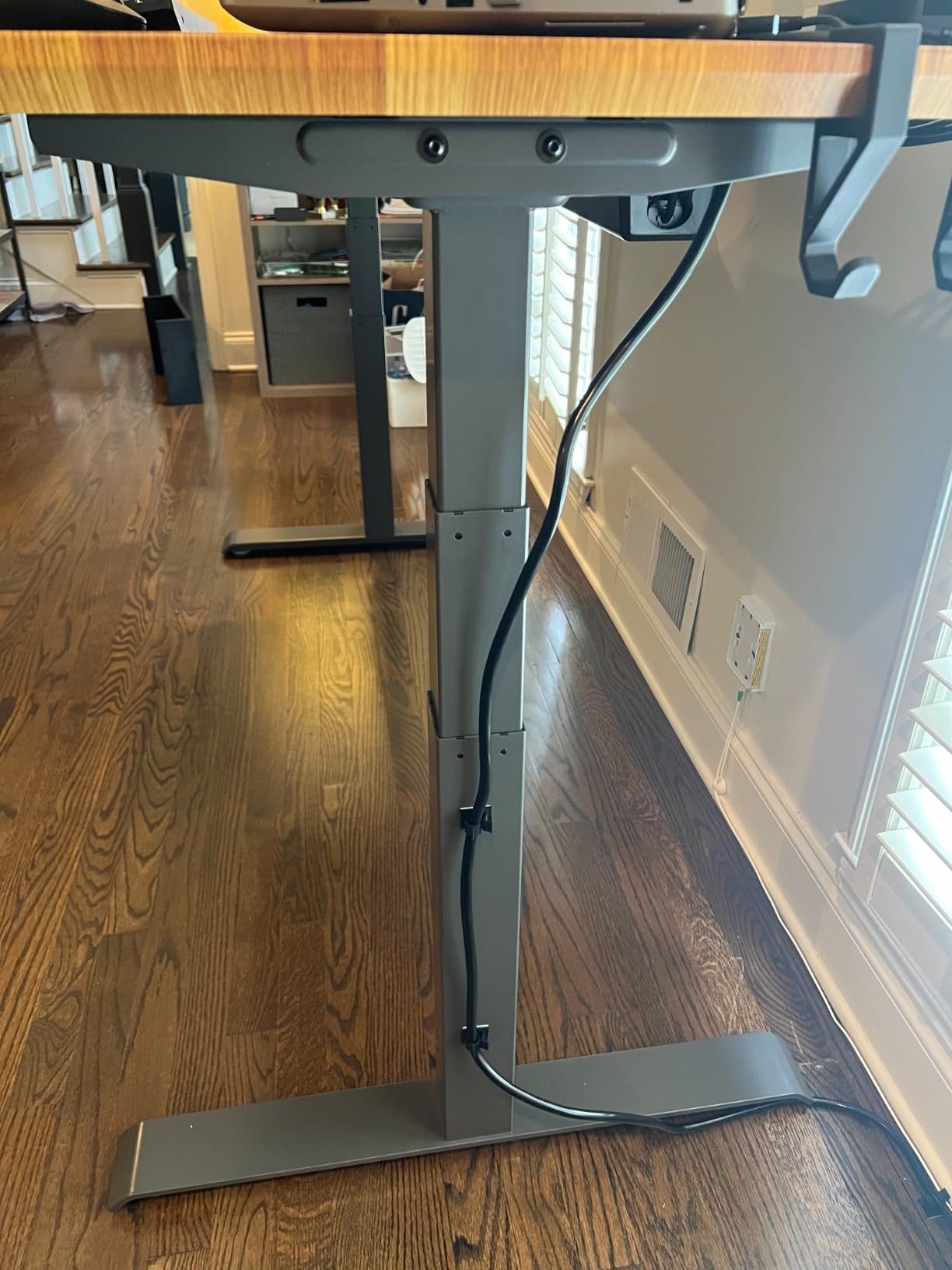
The Vari is the desk we keep coming back to, and the reason is boring and reliable: the frame arrives pre-installed with slide-and-lock legs, so the entire build is a matter of rolling it out, locking two legs, and attaching the top. Owners consistently put assembly at under ten minutes, and that is the single biggest practical difference from an Uplift, where the box is large, the parts are numerous, and a second adult is genuinely useful.
That 1.25 inch top is thicker than what most of the alternatives in this roundup ship, and it is a one-piece laminate rather than a split or multi-panel surface. On a reclaimed wood and slate finish it also looks considerably less like office furniture than the alternatives wrapped in plain black. We found the top to be quiet under a keyboard, with no monitor wobble when typing, and the steel T-Style legs held steady across the 25 to 50.5 inch travel.
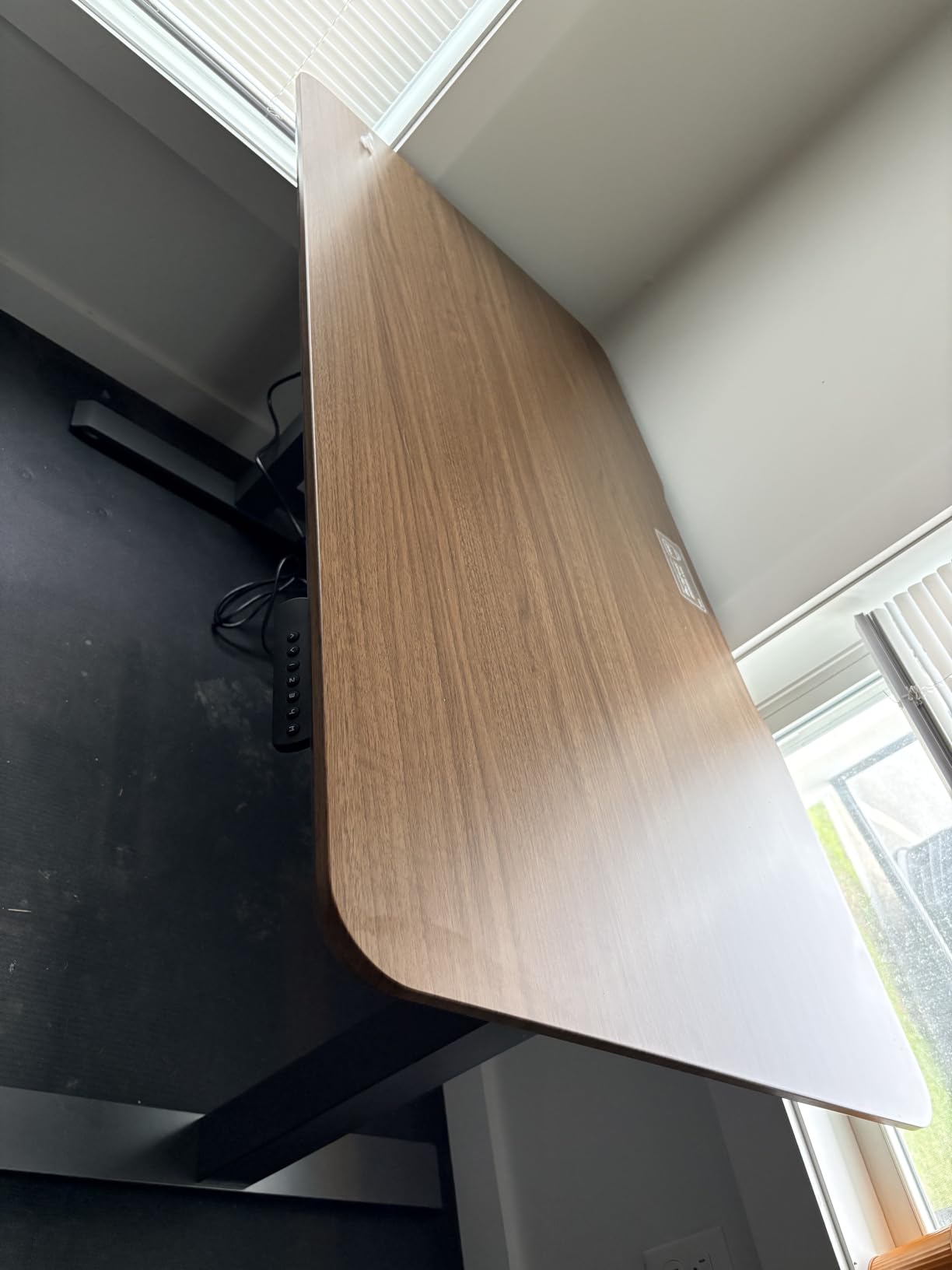
The motor is quiet enough that we could raise and lower the desk during a call without anyone noticing, which is the practical test most buyers care about. Four programmable positions with an LED control panel is a thinner feature set than an Uplift keypad, and for anyone who moves between two or three fixed heights it makes no practical difference at all.
Who the Vari Classic suits?
It suits anyone who wants an Uplift-like experience without the Uplift logistics: one person, one room, one evening. The 25 inch minimum height is genuinely low enough for shorter users to sit properly, which rules out a surprising number of budget frames, and the top thickness means it doubles as a light work surface for a laptop that is not on an arm.
It also suits anyone who plans to keep the desk for a decade. A limited lifetime warranty on a frame with this few moving parts is the strongest long-term coverage in this roundup, and it removes the cost-of-ownership question that shadows cheaper frames.
Where the Vari falls short?
The 200 lb weight capacity is the constraint to think about carefully. A single monitor, a laptop and a lamp will never reach it, but three monitors on arms plus a desktop tower plus a ring light will start to push toward the limit, and once you are close to the rating the desk feels different at full standing height.
There is no drawer and no cable tray beyond a headphone hook, so storage has to live elsewhere. Reviewers also note the unit sits at the expensive end of the standing desk category, which undercuts the point if your main reason for leaving Uplift was cost. In other words, the Vari trades dollars for time and calm, not the reverse.
We earn a commission, at no additional cost to you. CERTAIN CONTENT THAT APPEARS ON THIS SITE COMES FROM AMAZON. THIS CONTENT IS PROVIDED 'AS IS' AND IS SUBJECT TO CHANGE OR REMOVAL AT ANY TIME.
2. Desktronic HomePro Standing Desk – the pick for heavy setups and tall users
Desktronic HomePro Standing Desk 60×30 — Made in Europe, Ergonomic Sit Stand Home Office Desk, Electric Height Adjustable, Dual Motor, USB & USB-C Charging, Wobble-Free, Touchscreen, 3 Memory Presets
★★★★★★★★★★352.7 lb capacity
25.4 to 51.2 inch range
2 in per second lift
Assembles in under 30 minutes
- Dual motors hold 352.7 lb without hesitation
- Top-out of 51.2 inch suits very tall users
- 2 in per second travel
- USB-A and USB-C charging in the desk
- Made in Europe
- Only 3 memory presets
- Slight rock at maximum height
- Needs a second person to flip upright
Where the Vari is about convenience, the Desktronic HomePro is about headroom. Its dual synchronized motors lift 352.7 lb at 2 inches per second, which is the highest capacity and fastest travel of any complete desk in this roundup, and its 25.4 to 51.2 inch range tops out higher than the Vari. For a user who is over six feet, that extra three quarters of an inch is the difference between a comfortable monitor height and a hunched one.
Reviewers describe the frame as flat under monitor arms, with the top holding steering-wheel level torque without visible flexing, and several note that it holds heavy dual-monitor setups without hesitation through the whole travel. The 60 x 30 inch one-piece desktop is a sensible size for a docking station and a drawing tablet, and the rounded corners are a small ergonomic win.
Charging is built in. The touchscreen controller carries 3 memory presets, an anti-collision sensor with auto-reverse, and integrated USB-A and USB-C ports, which means the desk handles your devices rather than just holding them. It is also the one option here that states it is made in Europe, which matters to buyers who would rather not own a desk from the far side of the world.
Who the Desktronic HomePro suits?
It suits heavy and tall users, full stop. A triple-monitor rig, a tower, a monitor arm rated well past the screen size and an audio interface will all sit comfortably on a 352.7 lb frame, and the 51.2 inch ceiling means the standing position actually works for a 6 foot 5 inch person rather than being theoretical.
It also suits anyone who wants a full desk with a full manufacturer warranty and dedicated support in a single box. The whole unit is 130 lb, which is a warning as much as a specification: you will want a second person to help flip it upright.
Where the HomePro falls short?
Three memory presets is thin. Anyone who alternates between more than three positions, or who shares the desk with a partner of a different height, will be pressing buttons every time.
There is also a recurring note that the surface can rock slightly at maximum height, which mostly matters for the very tallest users who are the reason to buy it. Assembly runs closer to 45 minutes than the 30 minutes claimed, and the printed instructions are confusing enough that reviewers recommend the QR-code video walkthrough instead. Budget the video, not the booklet.
We earn a commission, at no additional cost to you. CERTAIN CONTENT THAT APPEARS ON THIS SITE COMES FROM AMAZON. THIS CONTENT IS PROVIDED 'AS IS' AND IS SUBJECT TO CHANGE OR REMOVAL AT ANY TIME.
3. SHW 55 x 28 Electric Standing Desk with Drawer – storage without spending Uplift money
SHW 55 x 28 Electric Height Adjustable Standing Desk w/Drawer, Walnut
★★★★★★★★★★110.2 lb capacity
28 to 45 inch range
0.6 inch walnut top
Single drawer
- Built-in drawer plus cable tray and grommets
- Over 21000 reviews at 4.5 stars
- Quiet smooth lift with four presets
- Stable with no wobble while typing
- Headphone and bag hooks
- 110.2 lb capacity is the lowest here
- 0.6 inch top is thin
- Control panel needs a screwdriver that is not included
The SHW does something the more expensive desks in this roundup mostly do not: it puts storage in the desk. A single drawer under the surface, plus integrated headphone and bag hooks, a cable management tray and desktop grommets, means a small office can keep its clutter off the floor and out of a separate unit. That is a genuine functional difference, not a spec-sheet one.
It is also the most reviewed desk we looked at, with more than 21,000 ratings averaging 4.5, and that volume tells you something real. Long-term owners report the motor still running after five years of daily use, and multiple owners specifically call out that there is no wobble while typing, which is the complaint that decides most comparisons in this category.
The curved front edge is designed for wrist comfort during long sessions, and the adjustable floor levellers are a small but real feature on uneven carpet. Four height presets, a quiet motorized lift and a 55 x 28 inch walnut-finish surface sized for dual monitors make this a complete workspace rather than a frame and a plank.
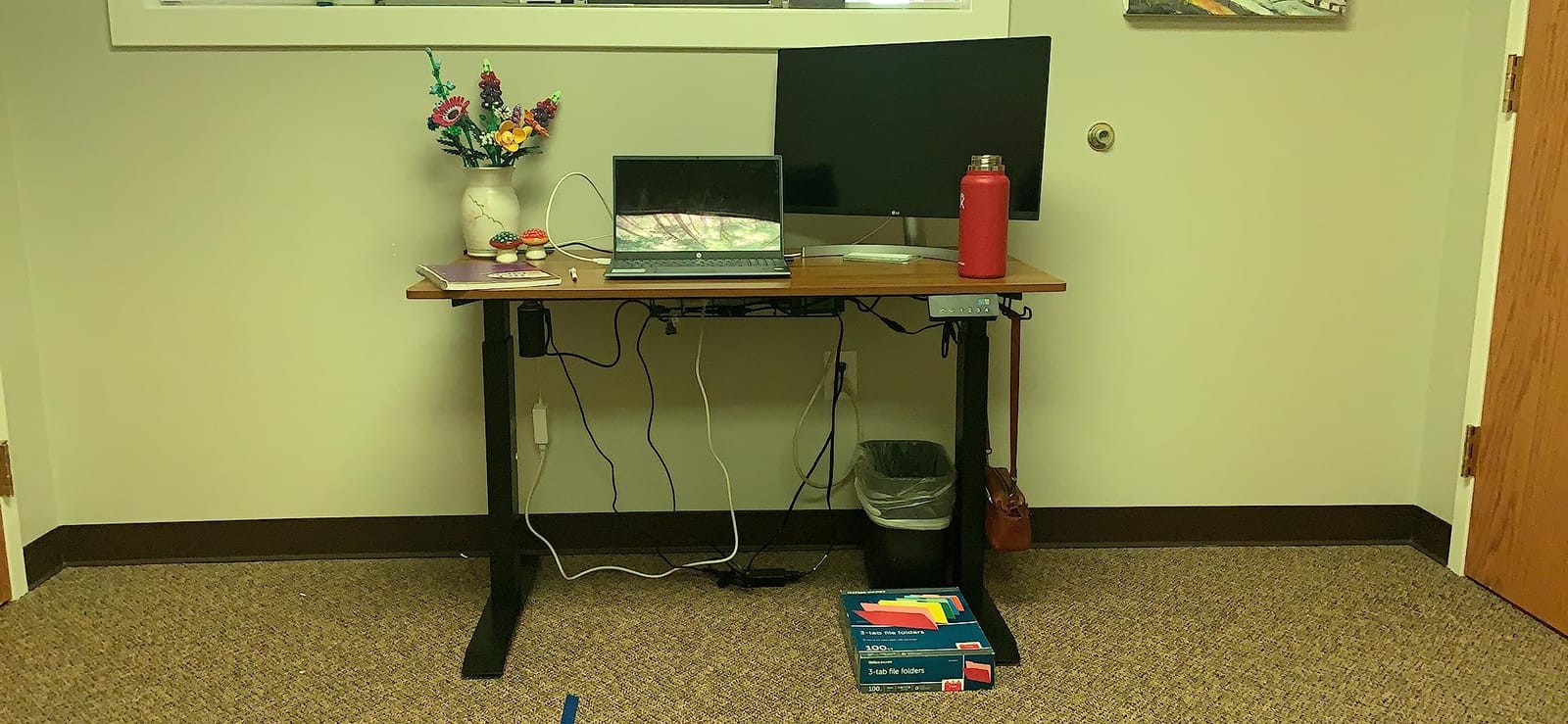
Who the SHW desk suits?
It suits anyone whose real problem is clutter rather than centimetres of height range. A home office that already has storage elsewhere can do without a drawer, but a study that has to hold stationery, cables and a bag benefits more from this desk than from a heavier frame it will never load.
It also suits buyers who prioritise proven longevity over headline capacity. The 28 to 45 inch range is comfortable for most adults, and the review volume gives you far more evidence about five-year durability than a smaller sample from a newer model can.
Where the SHW falls short?
The 110.2 lb capacity is the lowest of the eight and rules it out for heavy multi-monitor rigs or anything that includes a desktop tower. The 0.6 inch top is thin enough to flex slightly under a heavy keyboard press, and reviewers warn that the laminate veneer can lift if adhesive tape is left on the surface.
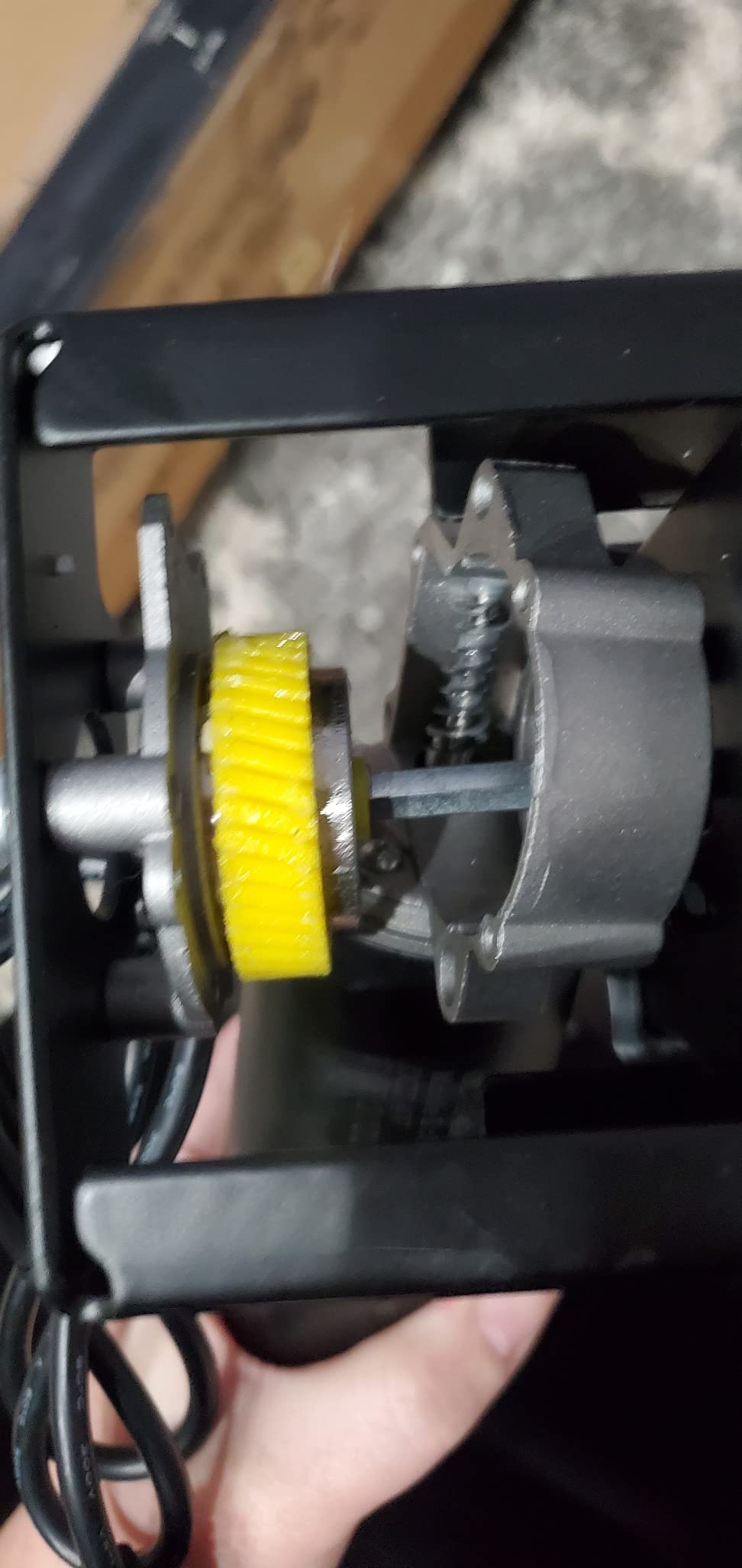
Assembly has its own friction. Instructions are mostly diagrams, the control panel needs a screwdriver that is not included, and a small number of units arrive with a two-piece top or an incompletely assembled motor. The motor is also slower to travel than any of the dual-motor frames here.
We earn a commission, at no additional cost to you. CERTAIN CONTENT THAT APPEARS ON THIS SITE COMES FROM AMAZON. THIS CONTENT IS PROVIDED 'AS IS' AND IS SUBJECT TO CHANGE OR REMOVAL AT ANY TIME.
4. farexon 71 x 28 Electric Standing Desk – the wide option for two people
farexon 71×28 Inch Electric Standing Desk with Mouse Pad, Oak Gray
★★★★★★★★★★71 x 28 inch top
28.35 to 45.6 inch range
Anti-collision with 2 cm retract
Lockable casters
- Extra wide 71 inch surface usable by two people
- Free large mouse pad included
- Height memory survives power loss
- Anti-collision retracts 2 cm on contact
- Lockable casters and cord hole
- Top out at 45.6 inch suits average heights only
- Top built from four panels with visible seams
- Screwdriver needed but not supplied
Width is the thing here. A 71 x 28 inch surface is long enough for two people to work at it facing each other, or for one person to spread out a laptop, two monitors and a drawing tablet without anything touching the edge. In r/StandingDesk threads, oversized configurations are consistently the hardest request to satisfy outside the few brands that build custom L-shapes, which is why this desk keeps coming up as a compromise.
The details are unusually practical for the category. Three memory buttons hold their settings after a power failure, the anti-collision technology reverses 2 cm on contact and then holds the height when powered off, and the lockable casters mean the whole desk can be rolled back against a wall when it is not in use.
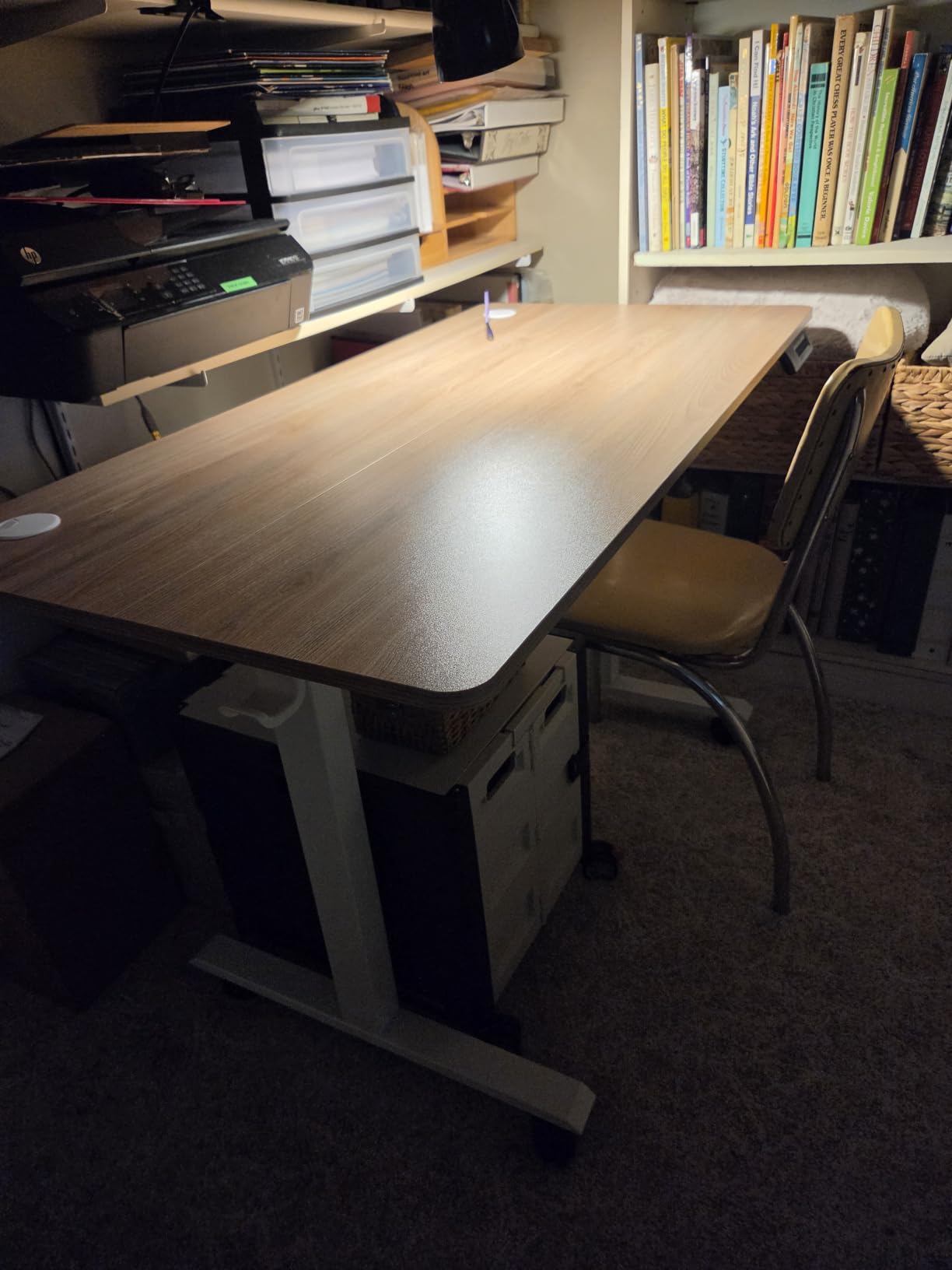
A large mouse pad of 110 x 50 cm is bundled, which sounds trivial until you compare it with buying one separately, and a cord retraction hole keeps the power cable routed. Installation takes roughly half an hour with written instructions and a video.
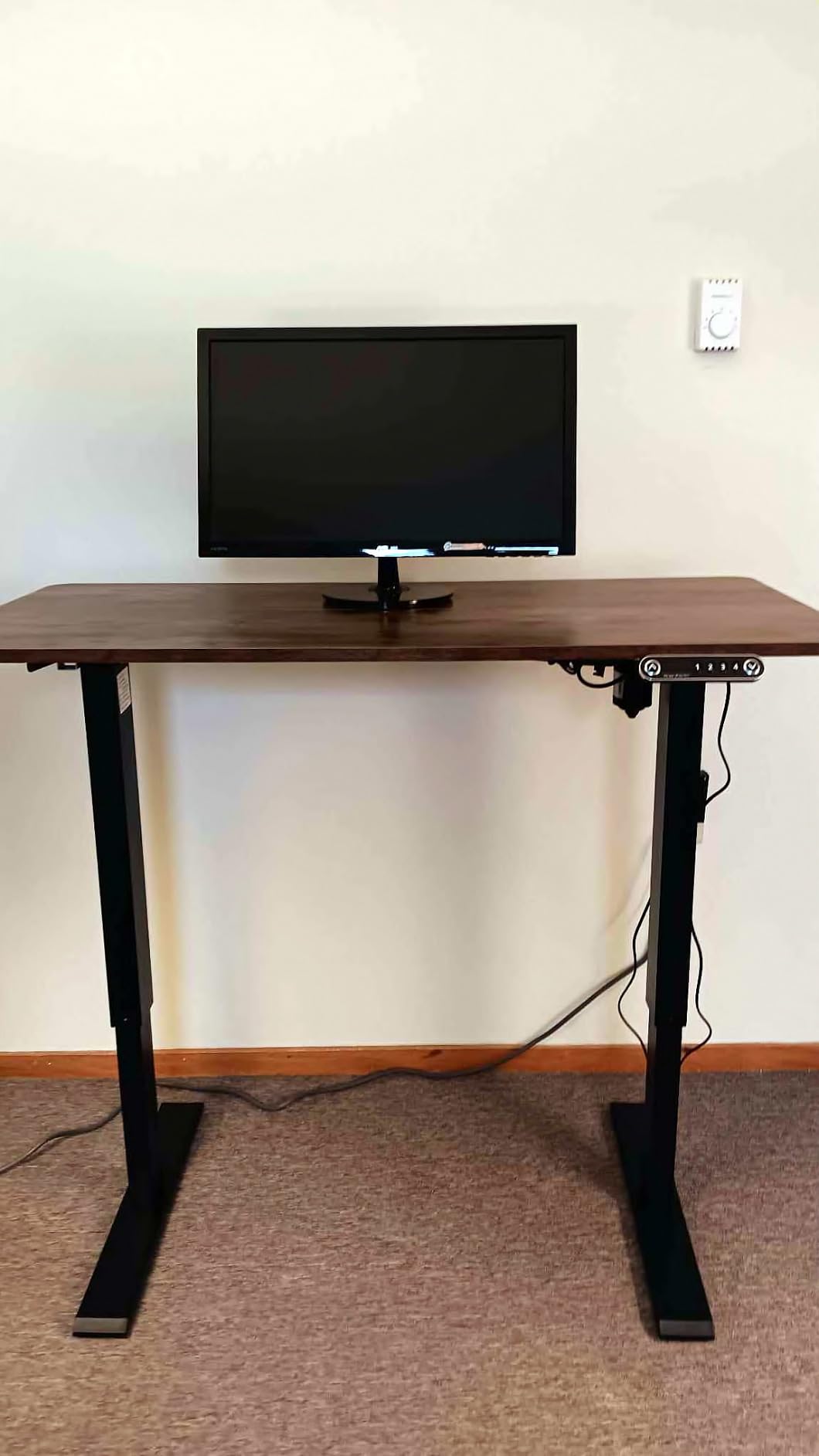
Who the farexon desk suits?
It suits shared desks, dual-person studios and anyone who has ever hit the wall on a 48 inch surface with three things to place. The width is the reason to buy it, and if your setup is one monitor and a notebook you would be paying for empty space.
It also suits renters and anyone who moves house often. The casters, the compact height range and the single-column shipping footprint make it far easier to relocate than a 72 inch L-shaped custom build.
Where the farexon falls short?
The 45.6 inch top-out will not serve a very tall user, and the 70 inch top is assembled from four panels, so seams show across the surface. That is the visible cost of the width, and it is why the desk does not appear in our headline picks despite the strong review count.
Assembly needs a Phillips screwdriver that is not supplied, and some owners report the controller showing a reset code that requires pressing the down button twice to clear. It is a small annoyance, not a fault, but it is the kind of thing that only surfaces on day one.
We earn a commission, at no additional cost to you. CERTAIN CONTENT THAT APPEARS ON THIS SITE COMES FROM AMAZON. THIS CONTENT IS PROVIDED 'AS IS' AND IS SUBJECT TO CHANGE OR REMOVAL AT ANY TIME.
5. FlexiSpot EN1 One-Piece Standing Desk – the budget default
FLEXISPOT EN1 One-Piece Standing Desk, Electric Adjustable with 4 Memory Presets, 176 LBS Capacity, Stable & Quiet, Seamless Desktop for Home Office & Dual Monitors, 48″x24″ Black
★★★★★★★★★★176 lb capacity
28.1 to 46.3 inch range
0.63 inch seamless top
4 memory presets
- One-piece top with no center seam
- 176 lb capacity holds dual monitors
- Quiet smooth electric adjustment
- Quick assembly with fewer steps
- Over 12700 reviews at 4.5 stars
- 48 x 24 inch surface is compact
- 46.3 inch maximum height
- Top panels need careful alignment
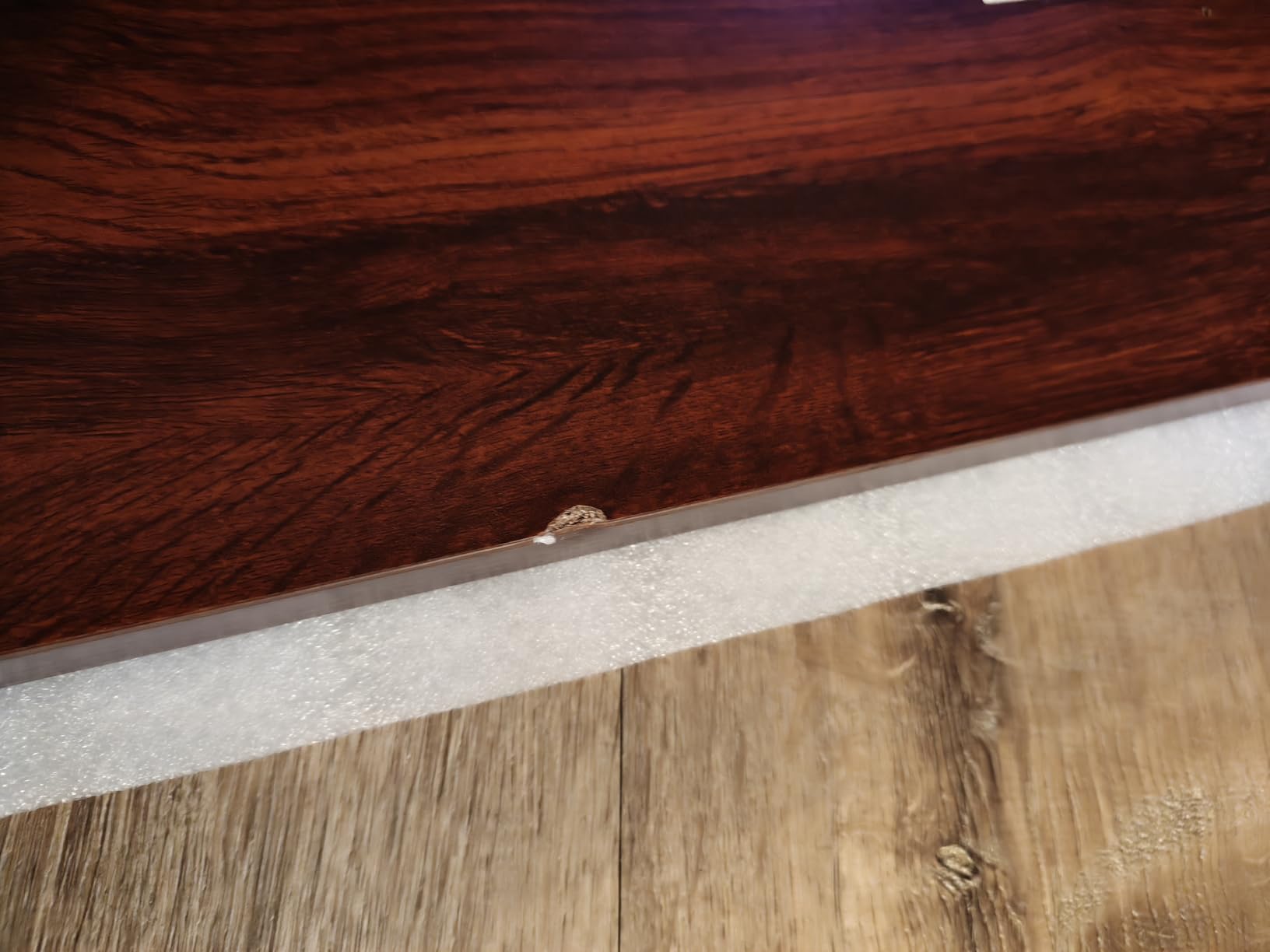
The EN1 solves one specific problem better than anything else at this end of the market: the split top. Most budget desks ship a desktop assembled from two or more panels, and the seam down the middle shows up immediately as something your forearms touch while you type. This one is a single piece of engineered wood with no centre seam, which is a visible and tactile upgrade for very little money.
It has 176 lb of capacity, enough for dual monitors and a laptop with a monitor arm and no flex you can detect, and the electric adjustment runs from 28.1 to 46.5 inches across four memory presets. The alloy steel frame is quiet in operation, and assembly involves fewer steps and less lifting than most frames in this roundup.
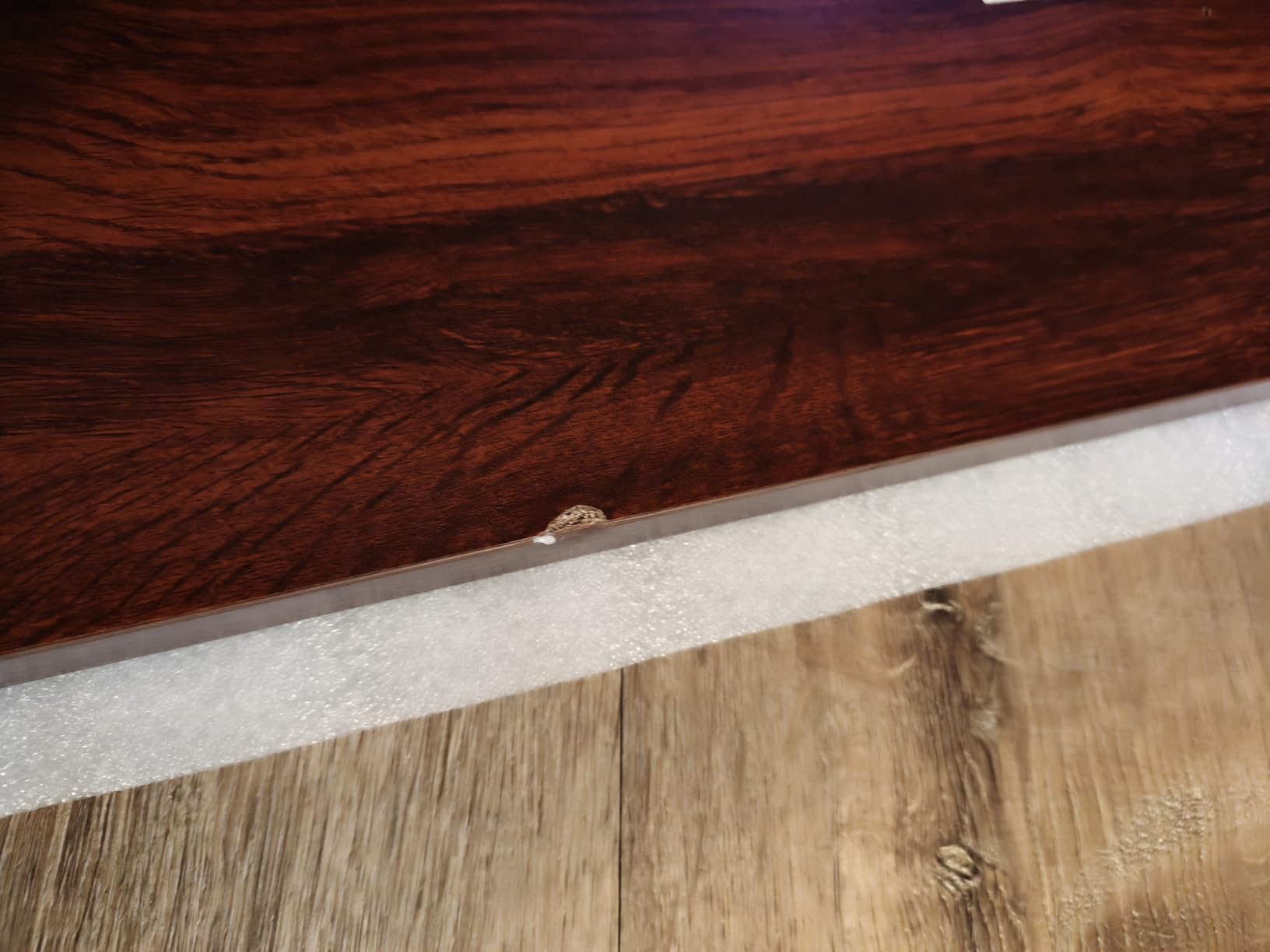
It is also the most proven budget desk in this roundup by review volume alone, with more than 12,700 ratings at 4.5 stars. Cable clips and a headphone hook come included, and the warranty runs 5 years on the frame and motor with 2 years on the controller and electronics, which is worth reading carefully against an all-in warranty.
Who the FlexiSpot EN1 suits?
It suits the majority of home office buyers: one person, one or two monitors, a laptop, a desk in a bedroom or a spare room. It is the desk most people end up buying and liking, and for that use nothing in this roundup beats it on the combination of price, seam-free top and proven reliability.
It also suits anyone who has already been burned by a wobbling budget frame. Reviewers consistently describe the EN1 as stable and quiet, which is the specific complaint that drives people away from cheaper alternatives in the first place.
Where the EN1 falls short?
The 48 x 24 inch surface is genuinely compact. Once a second monitor, a keyboard and a mouse are placed, there is little room left for anything else, and reviewers moving to a larger setup report outgrowing it quickly.
The 46.3 inch maximum height will not serve a tall user, and the top panels still need careful alignment during assembly despite the low panel count. The warranty scope is also the main cost-of-ownership question: 5 years on the frame and motor, 2 on the electronics, which is a narrower promise than a single all-in term.
We earn a commission, at no additional cost to you. CERTAIN CONTENT THAT APPEARS ON THIS SITE COMES FROM AMAZON. THIS CONTENT IS PROVIDED 'AS IS' AND IS SUBJECT TO CHANGE OR REMOVAL AT ANY TIME.
6. VIVO 32 in Standing Desk Converter – the answer when floor space is the constraint
VIVO Black 32 in Standing Desk Converter, DESK-V000K
★★★★★★★★★★Pneumatic spring lift
4.2 to 19.7 inch range
33 lb lift assist
31.5 x 15.7 inch surface
- Assembles in minutes with about six screws
- No power outlet required
- Keyboard tray rises in sync with the surface
- Spring lift raises with light one-handed pressure
- Over 15000 reviews at 4.6 stars
- Lowering the lever takes real effort
- Does not go low enough for a comfortable seated position
- Some wobble when raised
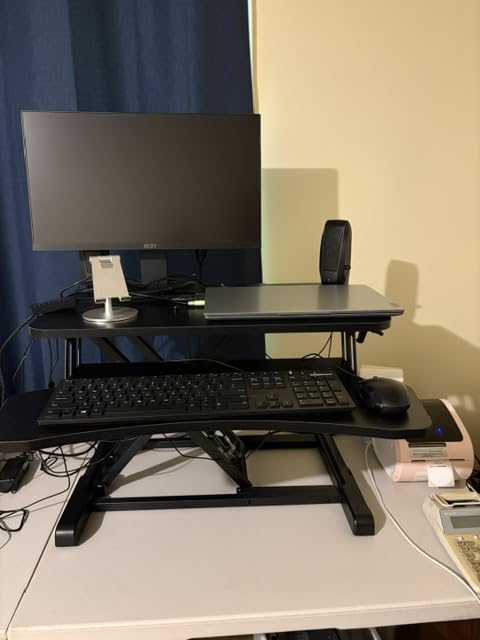
A converter is not a desk, it is a way to keep the desk you already have. It clamps or sits on a fixed surface and lifts your keyboard, mouse and monitors into a standing position, which means you get the daily habit change without giving up the desk you chose years ago. For a studio apartment, a shared room or a rented flat where a 60 inch footprint is not available, it is the only realistic route to standing.
The mechanics are pneumatic rather than electric. A spring lift raises smoothly with light one-handed pressure and a touch lever locks the height, with no power outlet anywhere near it. The 31.5 x 15.7 inch top takes dual monitors, and the 31.3 x 11.8 inch keyboard tray has a 10.5 inch section that rises in sync with the surface so your forearms stay supported rather than hanging.
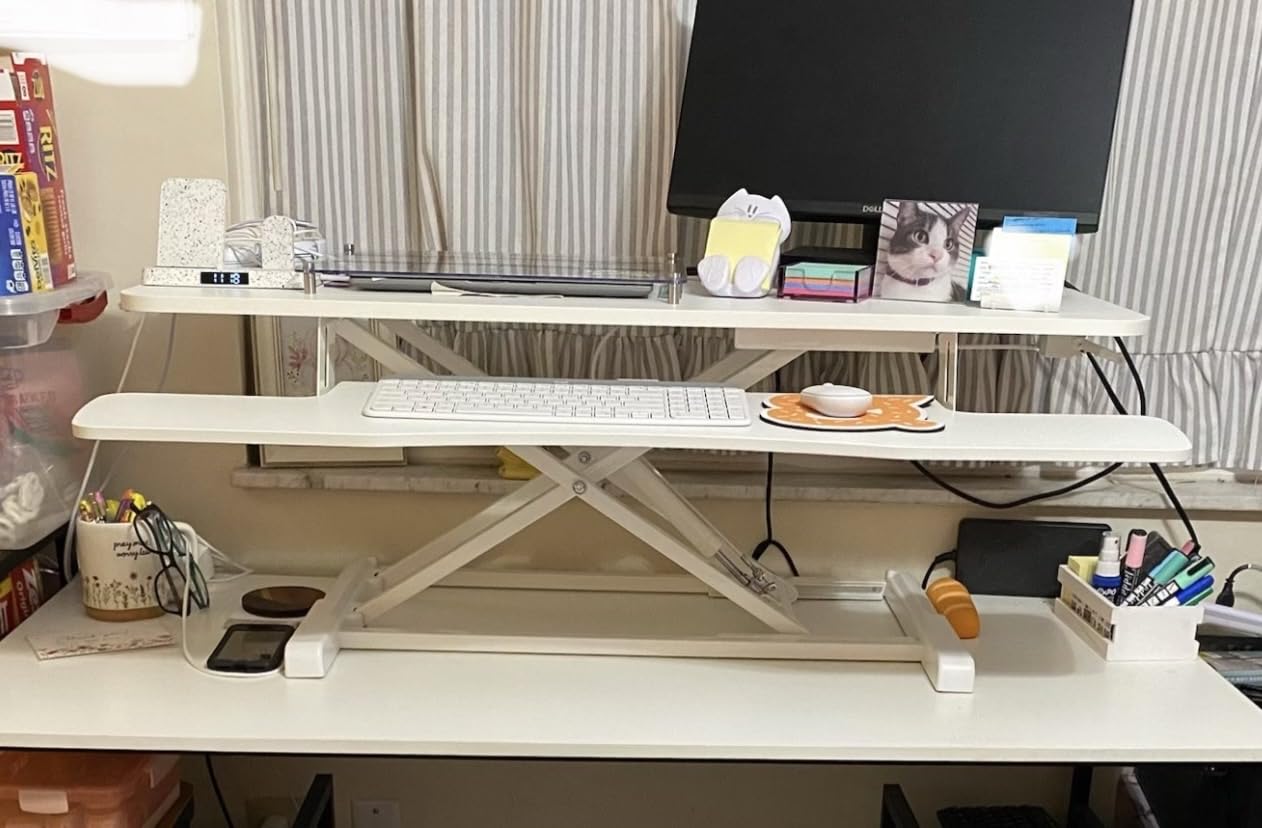
Assembly is close to instant. Most owners finish with about six screws in a few minutes, and the 33 lb lift assist covers a normal keyboard, mouse and monitor load comfortably. There is a 3-year manufacturer warranty behind it, and the surface colour options are designed to sit against common existing desks without looking bolted on.
Who the VIVO converter suits?
It suits anyone whose floor space, rental agreement or budget rules out a full height-adjustable desk. If you want to test whether standing actually helps before committing, this is the cheapest and least permanent way to find out, and moving it to a different room takes seconds.
It also suits anyone who wants one surface to do two jobs. Sitting down, the desk is a normal desk with normal legroom underneath; standing up, the same footprint becomes a workstation.
Where the converter falls short?
Pushing the lever down takes noticeable effort because of the gas-spring design, and that effort returns every time you sit back down. It is the design trade that buys you the absence of a power cable.
It also does not lower far enough for a comfortable seated position when the riser is in place, so you are not sitting at a full-height desk, and there is some wobble when raised that depends on what it is standing on. We covered the converter category in more depth in our standing desk converter guide if you want the full comparison.
We earn a commission, at no additional cost to you. CERTAIN CONTENT THAT APPEARS ON THIS SITE COMES FROM AMAZON. THIS CONTENT IS PROVIDED 'AS IS' AND IS SUBJECT TO CHANGE OR REMOVAL AT ANY TIME.
7. VIVO Dual Motor Electric Standing Desk Frame – reuse the desktop you already own
VIVO Black Dual Motor Electric Standing Desk Frame, DESK-E-200B
★★★★★★★★★★Frame only, top sold separately
220 lb capacity
28.5 to 47.3 inch range
1 inch per second lift
- Dual motors are smoother and quieter than single-motor frames
- All-steel build with quality joints
- Retrofitting an existing desktop takes about an hour
- Takes thick tops such as butcher block or countertop
- 3 programmable presets
- Tabletop not included
- Assembly instructions are poorly sequenced
- Included screws are too short for thicker tops
- Two-stage range suits average heights
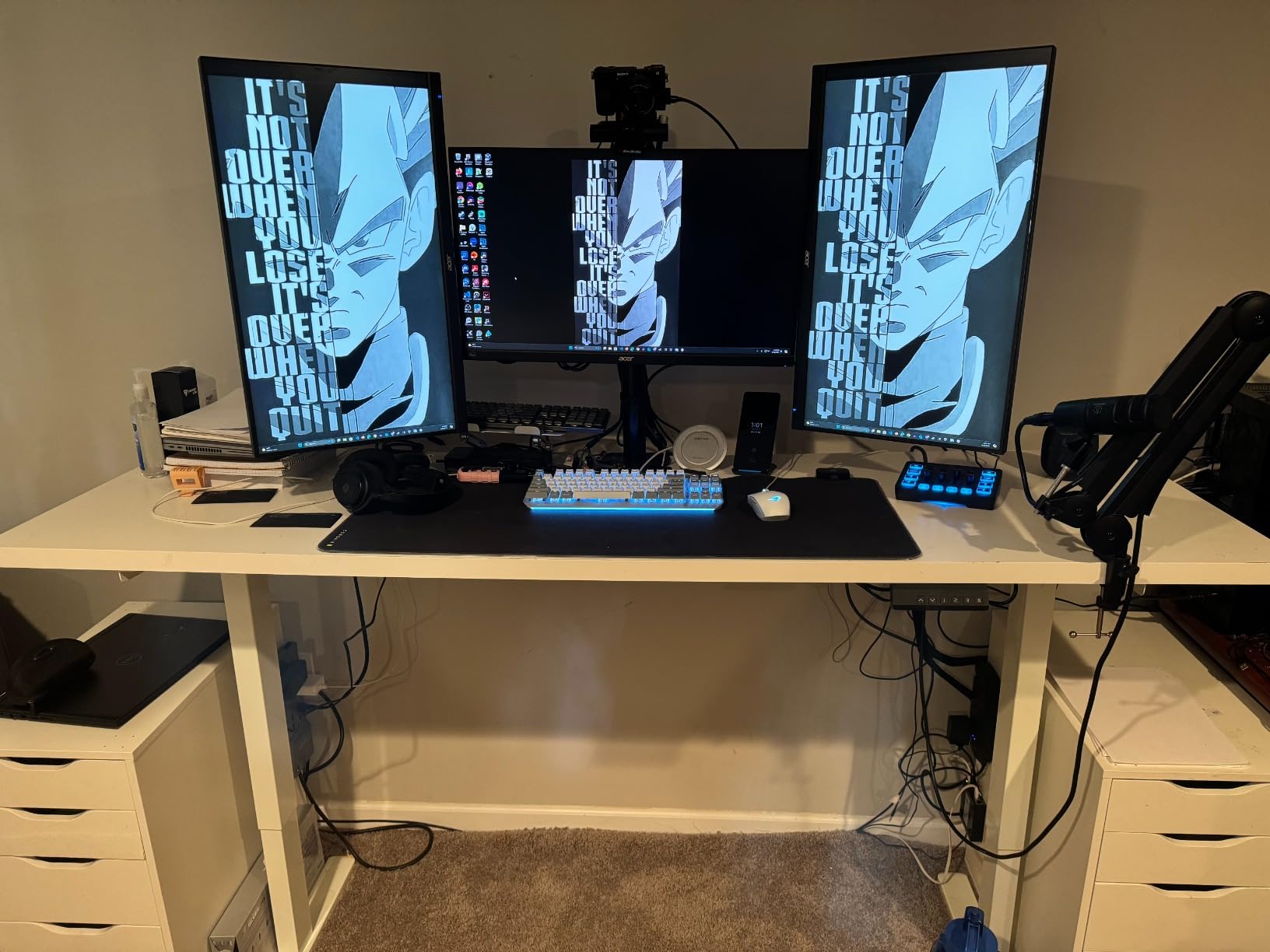
This is the cheapest legitimate path off an Uplift price tier, and it is the option forum buyers reach for most often when they already own a top they do not want to replace. You are buying a dual motor frame and nothing else. The VIVO DESK-E-200B is all steel, holds 220 lb, and its hidden-drive internal motors lift at 1 inch per second, which is calmer than a single-motor kit and quieter than most of the complete desks in this roundup.
It accepts tops from 40 to 77 inches long and 23 to 43 inches wide, at least 3/4 inch thick, which covers everything from a standard office top to a butcher block or a prefabricated countertop. Owners report converting an existing desktop in about an hour, and the push-button controller stores three presets.
Frame length adjusts from 40 to 57.3 inches, so it can be fitted tight to a smaller top or stretched under a wide one, and leveling feet handle uneven floors. The joints and internal grease get called out specifically as the reason the frame outlasts cheaper single-motor kits.
Who the VIVO frame suits?
It suits anyone with a top they like. If you already own a solid wood desk, a stone-effect slab or a top cut to fit an awkward alcove, this frame converts it into a dual motor standing desk for a fraction of the cost of replacing both pieces, and it is the route we would take first.
It also suits anyone who wants dual motor stability without a configurator. There is no top selection, no add-on pricing and no colour matching to get wrong, and the all-steel construction takes a heavier top than most complete desks in this roundup.
Where the frame falls short?
The two-stage column means the minimum and maximum heights are narrower than a three-stage Uplift V3, and very short users may find 28.5 inches too high to sit comfortably. Very tall users will not get the reach they would from a three-stage leg.
Documentation is the weak point. Instructions are poorly sequenced, so owners improvise their own plan, and the included mounting screws are too short for thicker wood tops, which means buying your own fixings before you start. The controller housing is plastic and can crack if over-tightened.
We earn a commission, at no additional cost to you. CERTAIN CONTENT THAT APPEARS ON THIS SITE COMES FROM AMAZON. THIS CONTENT IS PROVIDED 'AS IS' AND IS SUBJECT TO CHANGE OR REMOVAL AT ANY TIME.
8. HUANUO 48 x 24 Electric Standing Desk with 2 Drawers – storage on a budget
HUANUO 48″ x 24″ Electric Standing Desk with 2 Drawers, C-Clamp Mount Compatible, Height Adjustable Computer Desk, Home Office Stand Up Desk with 4 Preset Heights & 2 Hooks, Black
★★★★★★★★★★176 lb capacity
27.5 to 46.4 inch range
2.36 inch rear C-clamp edge
2 drawers and a cubby
- Two drawers and an open cubby at this price
- Extended rear edge accepts a C-clamp monitor mount
- 4 one-touch height presets
- Curved ergonomic edges
- Compact footprint
- 48 x 24 inch surface is small
- 46.4 inch maximum height
- Assembly needs a screwdriver and a second person
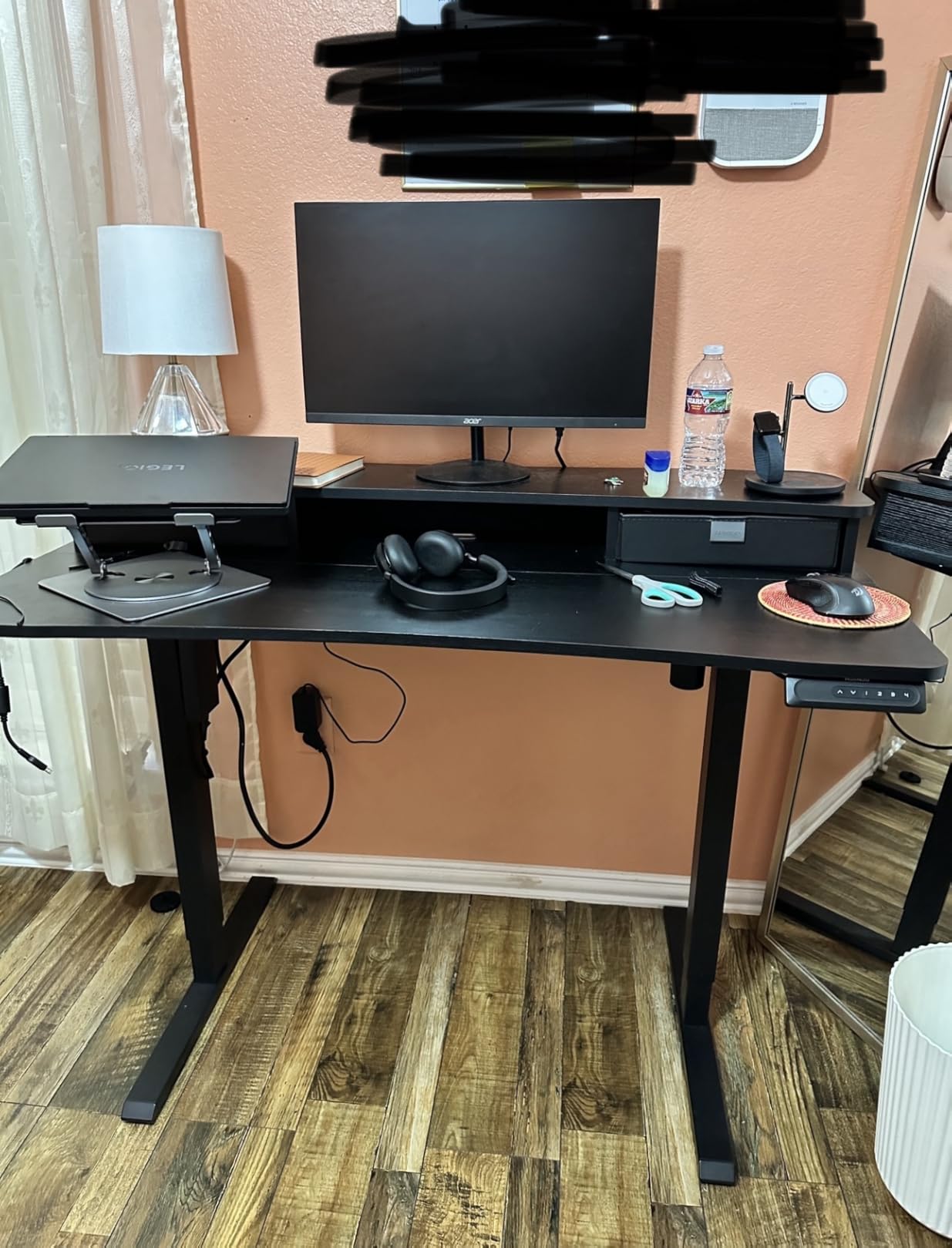
The HUANUO competes with the SHW from a different direction. Instead of one drawer and more desk, it gives you two drawers plus an open storage cubby for a keyboard and mouse, on a 176 lb carbon steel frame, with the same 4.6 star rating across roughly 1,250 reviews. If your problem is a keyboard occupying prime desk space, the cubby is the feature that sells it.
The other standout is the extended 2.36 inch rear platform edge. It is designed to accept a C-clamp monitor mount, so you can raise your screens to eye level and get the desk surface back, which is the arrangement most Uplift owners pay an accessory for. Four one-touch presets make switching between sitting and standing a single tap, and the rising desktop has curved ergonomic edges around the front.
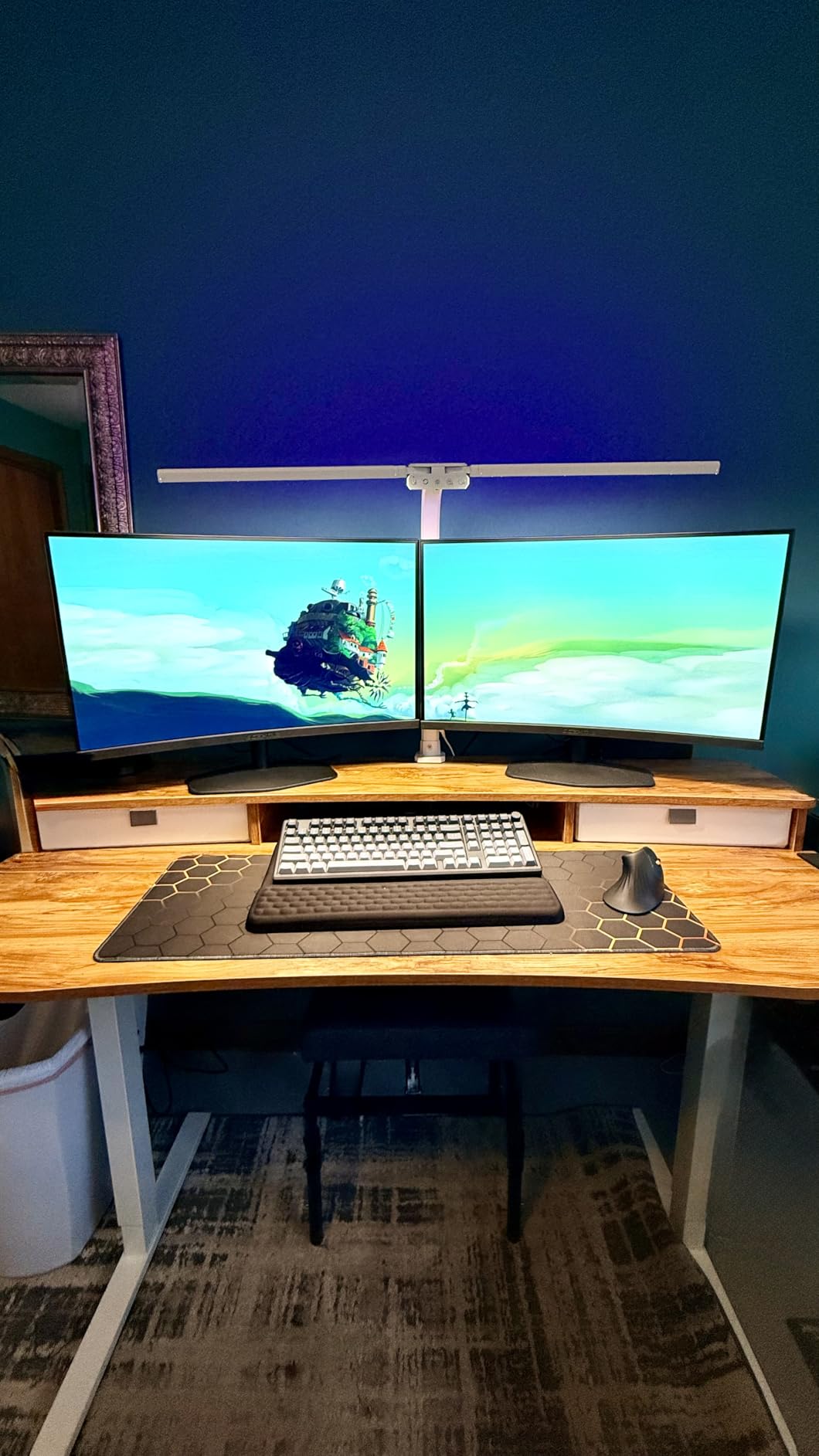
Two side hooks take a bag or headphones, the height range runs 27.5 to 46.4 inches, and the compact 48 inch footprint is built for a small home office. Reviewers regularly single out the drawers and the C-clamp edge as features usually reserved for costlier desks.
Who the HUANUO desk suits?
It suits small rooms and buyers who want visible features rather than raw frame specifications. A 48 x 24 inch footprint fits where a 60 inch desk does not, and the storage keeps the surface usable without a separate pedestal taking up floor space.
It also suits anyone who works at a fixed screen position. The C-clamp rear edge is the reason this desk suits eye-level monitor setups, and combined with the curved front edges it is comfortable for a long working day.
Where the HUANUO falls short?
The 48 x 24 inch surface is on the small side for a multi-monitor setup, and the 46.4 inch top-out is below the reach of very tall users. Assembly is not fully tool-free: it needs a screwdriver and a second person to turn it upright.
The black laminate top shows scratches more readily than lighter finishes, and the warranty is limited rather than the longer all-in term some complete desks in this roundup carry. Treat the storage as the reason to buy it, not the frame.
We earn a commission, at no additional cost to you. CERTAIN CONTENT THAT APPEARS ON THIS SITE COMES FROM AMAZON. THIS CONTENT IS PROVIDED 'AS IS' AND IS SUBJECT TO CHANGE OR REMOVAL AT ANY TIME.
How to choose an Uplift desk alternative?
The reason Uplift costs what it costs is not a mystery, and understanding it tells you which part of the premium you actually need. You are paying for a heavier frame, three-stage legs on the V3, a long all-in warranty, US-based support and a broad catalogue of desktops and finishes that are cut to order. On the forums in r/StandingDesk, multiple buyers point out that Uplift, Vari, FlexiSpot and Monoprice appear to share a broadly similar leg assembly, which means much of the gap is top, warranty and service rather than motor. So decide which of those three you are actually buying.
Frame type is the first filter. A dual motor frame lifts each leg independently, so the two sides stay level and the desk does not twist under uneven load; a single motor is cheaper and fine for light setups. Two-stage legs have two telescoping segments and suit average heights, while three-stage legs add a third and are what let a very tall user get a monitor to eye level standing up. If you are replacing a Uplift V3 specifically, the three-stage legs are the spec you are chasing.
Weight capacity: do the math before you choose?
Add up your monitors, arms, laptop, dock, speakers, lighting and any tower, then add 25 percent. A two-monitor setup with a basic arm lands around 70 lb and any desk here will carry it. A triple-monitor rig with a tower and a heavy arm pushes past 200 lb, which is where the Vari’s rating becomes the limit and the Desktronic’s 352.7 lb becomes the reason to buy it. Manufacturers rate capacity as a maximum static load, and the number that matters is the one you will not exceed on day one.
Height range and who actually fits
The desk must go low enough that your elbows are at 90 degrees when seated and high enough that your elbows are at 90 degrees when standing. Most adults need roughly 28 to 46 inches, which covers the majority of this roundup, but a user above six feet needs a top-out past 50 inches to avoid shrugging at a monitor, and that requirement is where the 45.6 inch farexon and the 46.3 inch FlexiSpot EN1 fall out. A user around five foot two needs a minimum below 28 inches, which is where the Vari’s 25 inch floor is a genuine advantage.
Warranty length is not warranty scope
Read what the term covers before you celebrate. A 15-year frame warranty and a 15-year everything warranty are not the same product, and the difference shows up when a controller fails in year four. The FlexiSpot EN1 runs 5 years on the frame and motor with 2 on the controller and electronics; the Vari carries a limited lifetime warranty; the converter offers 3 years. If you plan to keep the desk for a decade, the electronics term is the number that actually matters, because that is the part most likely to need replacing.
Why Uplift desks cost what they cost?
Three things drive the premium, and only one of them is the motor. The frame is built heavier and, on the V3, with three telescoping segments per leg, which is more steel and more machining. The warranty is long and all-in, which the manufacturer has to fund. And the desktops are made in dozens of sizes and finishes, with a configurator that lets you match a specific wood tone, which means inventory and cut-to-order handling costs rather than warehouse stock. Buyers who need none of those things are overpaying for them.
Which is why the frame-only route deserves serious consideration. If you already own a top you like, buying a dual motor frame and pairing it with your existing desktop gives you the mechanical part of an Uplift without paying twice for a surface you already have. We covered the desk surface question separately in our desk shelf picks, and the mat side of the setup in our standing desk mat guide.
Set the desk up properly once it is assembled
Sit first, before you wire anything. Set the desk so your elbows are at 90 degrees with your hands resting on the keyboard, and make sure your feet are flat on the floor. Then place the monitor so the top of the screen is at or just below eye level when you are standing, roughly an arm length away, with the keyboard directly under it. Memory presets are worth setting the moment you are comfortable, because an untuned desk is the reason people abandon the habit in month two.
Alternate rather than commit. The widely cited 20-8-2 pattern, twenty minutes standing, eight sitting and two walking per half hour, gives your back variation instead of one posture held for hours. An anti-fatigue mat matters far more on carpet than on hard floors, and it is the cheapest ergonomic upgrade on this list.
When you should just buy the Uplift anyway?
Buy the Uplift anyway if you need a very wide or L-shaped configuration in a specific size, if you are above six feet and need a three-stage top-out above 52 inches, or if you intend to keep the desk for many years and value a single all-in warranty. It is also the right call if you simply do not want to make decisions, because the configurator removes every judgement call on the page.
None of that applies to most people, which is why this roundup exists. Match the frame to your gear, the range to your height and the warranty to how long you will keep it, and the brand on the label matters far less than the specification.
Frequently Asked Questions
Why are Uplift desks so expensive?
The premium comes from three things: a heavier frame, three-stage legs on the V3, and a long all-in warranty that the manufacturer funds. Add a configurator offering dozens of made-to-order desktops and finishes, which costs inventory and handling rather than shipping a stocked slab. Buyers who need none of those are overpaying for them, which is why a frame-only dual motor route exists.
What are the key differences between the Uplift V2 and V3 standing desks?
The V3 uses three telescoping segments per leg instead of two, which produces a taller top-out height and more rigidity at full extension. That matters most for users over six feet who need monitors at eye level while standing. The V2 remains the mainstream model and is a better fit for average heights, and it usually costs less.
What are the key differences between the Uplift V2 and V2-Commercial standing desks?
The V2-Commercial steps up the weight rating and the frame build for commercial load, while the V2 is the mainstream home and small office model. Buyers who merely want a second work surface for one person do not need the Commercial version. It is a load and duty-cycle question rather than a feature question.
Which standing desk is better, FlexiSpot or Uplift?
It depends on what you are buying. FlexiSpot wins on price and on the one-piece seamless top, while Uplift wins on warranty scope, build instructions and customer support. In r/StandingDesk threads the recurring conclusion is that the price gap buys warranty and service rather than a better motor, because several major brands share a similar leg assembly.
Is Uplift desk a Chinese company?
Uplift is a US company selling direct from its own site with US-based customer support, which is the part most buyers are actually asking about. The question usually follows a price comparison, where Uplift costs more than directly imported alternatives. Support location and warranty servicing are the meaningful differences, not assembly location.
What are some good alternatives to FlexiSpot?
Vari is the closest overall substitute, with a pre-installed frame, a thick one-piece top and a limited lifetime warranty. Desktronic suits heavy setups at 352.7 lb, SHW and HUANUO add built-in storage, and the VIVO dual motor frame covers anyone who already owns a desktop they want to keep. The right pick depends on capacity, height range and storage needs.
What is the 20-8-2 rule for standing desks?
It is a simple pattern for alternating posture: roughly twenty minutes standing, eight minutes sitting and two minutes walking in each half hour. The point is variation rather than standing all day, which tends to produce its own discomfort. Setting the two main heights in the memory presets makes switching automatic.
The bottom line on Uplift desk alternatives in 2026
The Vari Classic Electric Standing Desk is the pick we would put in front of most people leaving Uplift, because a ten-minute assembly, a thick one-piece top and a limited lifetime warranty solve the parts of the Uplift experience people miss least. Heavy setups and very tall users should look at the Desktronic HomePro for its 352.7 lb capacity and 51.2 inch reach, tight budgets should take the FlexiSpot EN1, and anyone who already owns a good desktop should buy the VIVO dual motor frame and be done.
Pick by capacity first, height range second and warranty scope third, and these eight Uplift desk alternatives will serve you for years.