
Here is the short answer. If you are on an AMD AM5 board, buy a 2x16GB DDR5-6000 CL30 kit with an EXPO profile. If you are on Intel LGA 1851 or LGA 1700, step up to DDR5-6400 CL32 with XMP 3.0. Everything else on this page is detail: height, lighting, and which brand survives a big air cooler.
That platform rule is not my invention. It is what forum consensus on r/buildapc converges on, what motherboard vendors put on their QVL lists, and what the retailers actually stock in volume. Buy the wrong speed class for your CPU and you leave performance sitting on the table; buy the wrong profile and you are manually tuning timings at midnight.
We pulled 12 of the most-reviewed 32GB DDR5 kits on the market and compared them on the things that actually move frame rates: rated speed, CAS latency, secondary timings, operating voltage, module height, and which one-click profile ships on the DIMM. Every kit below is a matched 2x16GB pair, which is the configuration we recommend for any gaming build in 2026.
One note before you start reading specs. Every kit here boots at a slower JEDEC default until you enable its profile in BIOS. If you see a benchmark at 4800 MT/s, the owner never turned on EXPO or XMP. That is the single most common cause of a disappointing first impression with DDR5.
While you are picking parts, our guides to the best gaming mice and the best gaming headsets cover the two peripherals that have the most direct effect on how games feel, regardless of what your memory is doing.
Table of Contents
- Top 3 Best 32gb Ddr5 Ram Kits For Gaming (October 2026)
- All 12 Kits at a Glance in 2026
- 1. CORSAIR Vengeance RGB 32GB 6000 CL30 – Best All-Rounder
- 2. Crucial Pro 32GB 6000 CL36 – Best Low-Profile Kit
- 3. CORSAIR Vengeance 32GB 6000 CL30 – Best Value Pick
- 4. G.SKILL Trident Z5 RGB 32GB 6000 CL36 – Best QVL-Covered RGB Kit
- 5. TEAMGROUP T-Force Delta RGB 32GB 6000 CL30 – Best RGB Lighting
- 6. Patriot Viper Venom 32GB 6000 CL30 – Best for Budget Builds
- 7. Crucial Pro 32GB 6400 CL32 – Best Bandwidth for Intel
- 8. Kingston FURY Renegade RGB 32GB 6400 CL32 – Best RGB at 6400 MT/s
- 9. Kingston FURY Beast 32GB 6000 CL30 – Best AM5 Stability Pick
- 10. Kingston FURY Beast White RGB 32GB 6000 CL30 – Best White-Themed RGB
- 11. TEAMGROUP T-Force Vulcan ECO 32GB 6000 CL30 – Best No-RGB Eco Build
- 12. G.SKILL Ripjaws S5 32GB 6400 CL32 – Best Low-Profile 6400 Kit
- How to Choose a 32GB DDR5 Kit?
- Going From 16GB to 32GB
- Frequently Asked Questions
- Final Verdict
Top 3 Best 32gb Ddr5 Ram Kits For Gaming (October 2026)
Three kits cover almost every gaming build we can think of. The Corsair Vengeance RGB is the all-rounder, the TEAMGROUP Delta RGB is the same speed class with wider lighting, and the plain Corsair Vengeance does the job with no glow at all.

All 12 Kits at a Glance in 2026
Every kit below is 32GB in a 2x16GB layout. The table is sorted in the order we recommend them, not alphabetically.
| Product | Key Specs | Pricing |
|---|---|---|
| CORSAIR Vengeance RGB 32GB 6000 CL30 |
|
Check Latest Price |
 Crucial Pro 32GB 6000 CL36 Crucial Pro 32GB 6000 CL36 |
|
Check Latest Price |
 CORSAIR Vengeance 32GB 6000 CL30 CORSAIR Vengeance 32GB 6000 CL30 |
|
Check Latest Price |
 G.SKILL Trident Z5 RGB 32GB 6000 CL36 G.SKILL Trident Z5 RGB 32GB 6000 CL36 |
|
Check Latest Price |
 TEAMGROUP T-Force Delta RGB 32GB 6000 CL30 TEAMGROUP T-Force Delta RGB 32GB 6000 CL30 |
|
Check Latest Price |
 Patriot Viper Venom 32GB 6000 CL30 Patriot Viper Venom 32GB 6000 CL30 |
|
Check Latest Price |
 Crucial Pro 32GB 6400 CL32 Crucial Pro 32GB 6400 CL32 |
|
Check Latest Price |
 Kingston FURY Renegade RGB 32GB 6400 CL32 Kingston FURY Renegade RGB 32GB 6400 CL32 |
|
Check Latest Price |
 Kingston FURY Beast 32GB 6000 CL30 Kingston FURY Beast 32GB 6000 CL30 |
|
Check Latest Price |
 Kingston FURY Beast White RGB 32GB 6000 CL30 Kingston FURY Beast White RGB 32GB 6000 CL30 |
|
Check Latest Price |
 TEAMGROUP T-Force Vulcan ECO 32GB 6000 CL30 TEAMGROUP T-Force Vulcan ECO 32GB 6000 CL30 |
|
Check Latest Price |
 G.SKILL Ripjaws S5 32GB 6400 CL32 G.SKILL Ripjaws S5 32GB 6400 CL32 |
|
Check Latest Price |
1. CORSAIR Vengeance RGB 32GB 6000 CL30 – Best All-Rounder
CORSAIR Vengeance RGB DDR5 RAM 32GB (2x16GB) Up to 6000MHz CL30-36-36-76 1.40V AMD EXPO Intel XMP Desktop Computer Memory – Gray (CMH32GX5M2B6000Z30K)
★★★★★★★★★★32GB 2x16GB,6000MHz CL30-36-36-76,1.40V,EXPO plus XMP,Ten-zone RGB
- Highest review volume in this roundup
- Carries both EXPO and XMP profiles
- Aluminum spreaders control thermals
- iCUE voltage control for manual tuning
- Boots at JEDEC 4800 until the profile is enabled
- RGB can sit hidden under tower coolers
- Some owners needed manual BIOS tuning
This is the kit I put at the top of a build list without much deliberation. The rated spec is DDR5-6000 CL30-36-36-76 at 1.40V, which is exactly the AM5 gaming target, and it carries both an AMD EXPO profile and an Intel XMP profile on the same stick. If your CPU choice is still open six months from now, that dual profile removes the most common reason a good kit ends up in the wrong box.
With 4298 ratings at 4.8 stars, this is the most-reviewed kit in the group by a wide margin, and that matters more than it sounds. A large review pool means the failure modes have already been found by other people, so you are not gambling on an unproven silicon lot. Owners consistently describe 6000 MHz CL30 as delivering smooth gaming and heavy multitasking at the same time, with the aluminum spreaders keeping temperatures in check under long sessions.
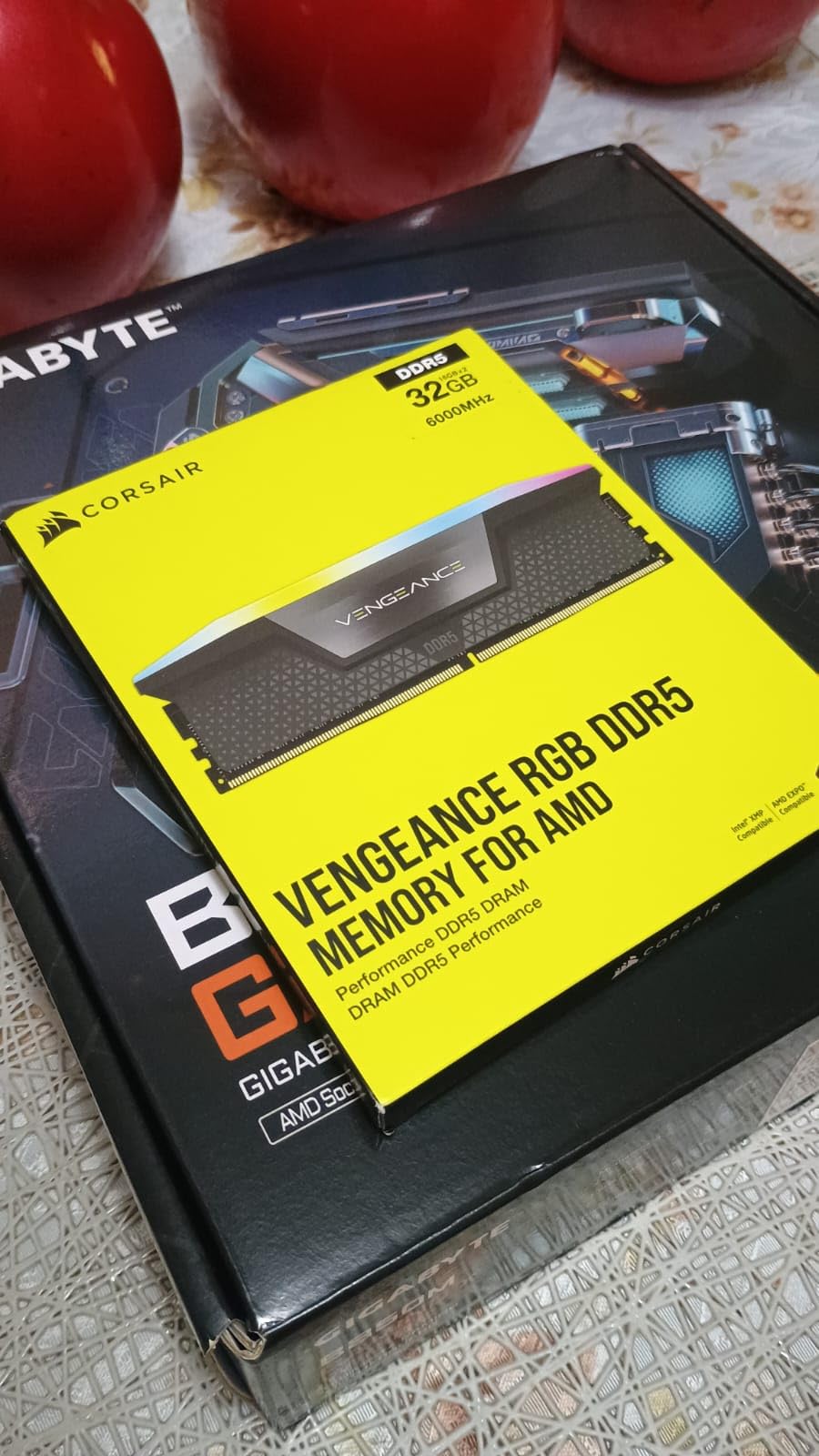
The one friction point is universal to DDR5: the module boots at the JEDEC 4800 MHz default, so the 6000 MHz number is only real once you enable EXPO or XMP in BIOS. Some owners on X670-class boards report needing manual tuning and long memory-training boot times. A few international buyers note that their kit runs at a lower EXPO speed depending on the CPU memory controller and BIOS version, while remaining completely stable.
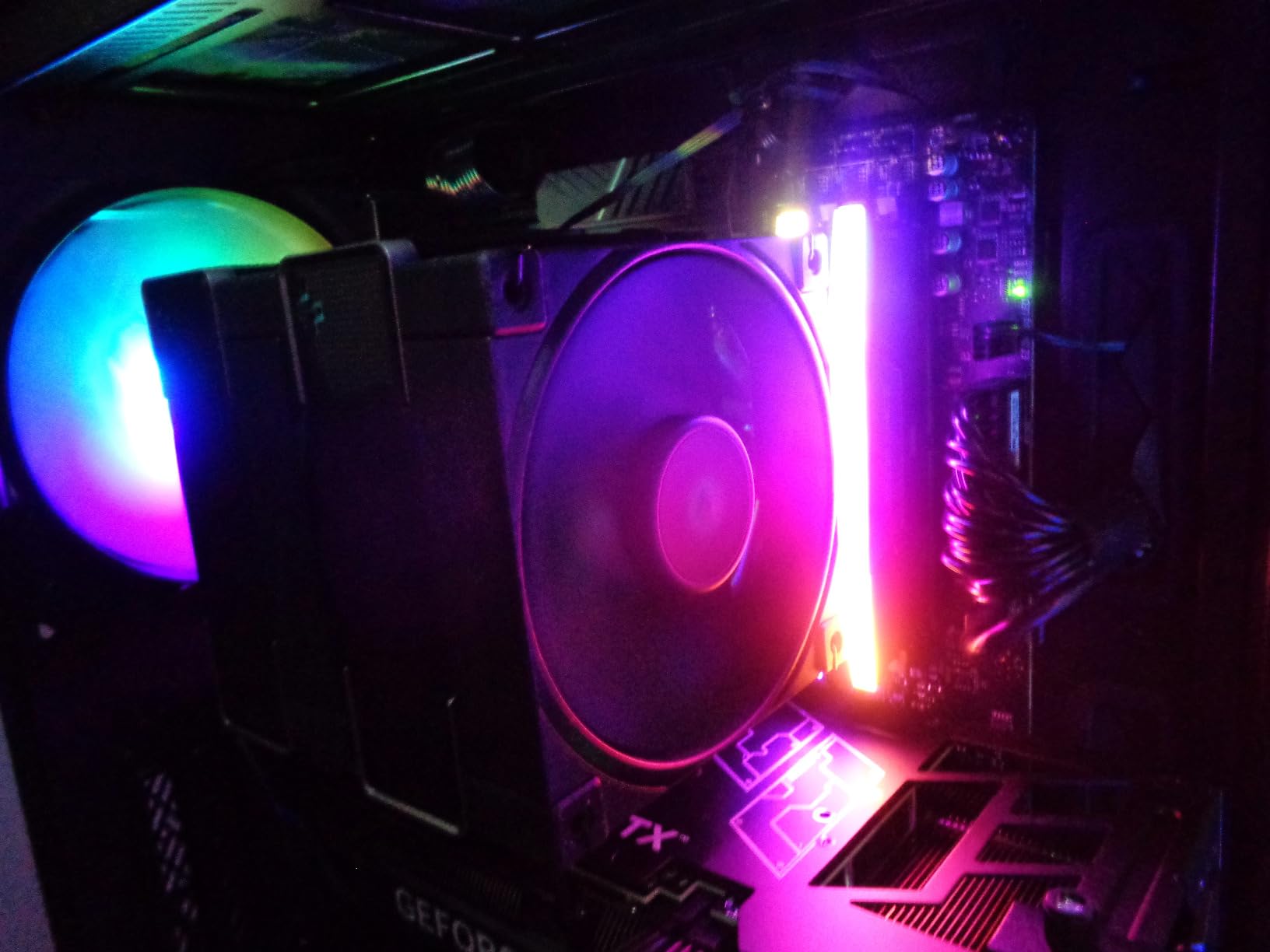
The ten-zone RGB with a panoramic light bar is bright and fully customisable through iCUE, and onboard voltage regulation gives you real control if you decide to push the timings further. One design caveat: the diffuser sits high enough that a large tower cooler can block much of the light bar, so check your cooler height before committing to the glow.
What 6000 MHz CL30 buys you in real games?
On an AM5 Ryzen system, 6000 MT/s is the speed where the memory controller can run a 1:1 ratio with the Infinity Fabric, and CL30 keeps the true latency low enough that CPU-bound games notice the difference over a JEDEC 4800 kit. The visible effect is strongest in 1% lows, which is exactly what competitive and simulation titles reward. A builder on r/buildapc running a 7800X3D with a 5070-class card reported this style of kit running really smoothly once EXPO was on.
Where it is the wrong pick?
Skip the RGB version if your cooler is a dual-tower air cooler with the fan mounted low, or if you simply do not want another piece of software managing your lighting. In those cases the non-RGB Corsair Vengeance in slot three is the same silicon and the same speed with a lower profile. It is also the wrong pick if you are on an LGA 1851 CPU and want to run 6400 MT/s, because this kit is not designed for that class of speed out of the box.
We earn a commission, at no additional cost to you. CERTAIN CONTENT THAT APPEARS ON THIS SITE COMES FROM AMAZON. THIS CONTENT IS PROVIDED 'AS IS' AND IS SUBJECT TO CHANGE OR REMOVAL AT ANY TIME.
2. Crucial Pro 32GB 6000 CL36 – Best Low-Profile Kit
Crucial Pro 32GB DDR5 RAM Kit (2x16GB),CL36 6000MHz, Overclocking Desktop Gaming Memory, Intel XMP 3.0 & AMD Expo Compatible, Black – CP2K16G60C36U5B
★★★★★★★★★★32GB 2x16GB,6000MHz CL36-38-38-80,1.35V,XMP 3.0 and EXPO,Micron tested
- Low-profile spreaders clear tall air coolers
- Runs 1.35V so it stays cool and efficient
- Recognised by BIOS without manual tweaks
- Component and module level Micron testing
- CL36 is looser than CL30 kits at the same speed
- Seating can be finicky in tight DIMM slots
- One isolated report of a stick failing
This kit exists for one reason: fit. The low-profile heat spreader with an integrated thermal solution is short enough to live under a large tower cooler without the fan being pushed up into a position that steals CPU clearance. If your build has a big Nocta-style or Peerless Assassin-style cooler in the plan, this is the 6000 MHz kit that installs without drama.
The spec sheet reads 6000 MHz at CL36-38-38-80 and 1.35V, tested at both component and module level by Micron and optimised for 13th gen Intel Core and Ryzen 9000 series. That 1.35V operating point is a real advantage over the 1.40V kits on this list: less power, less heat, and in a compact case that adds up.
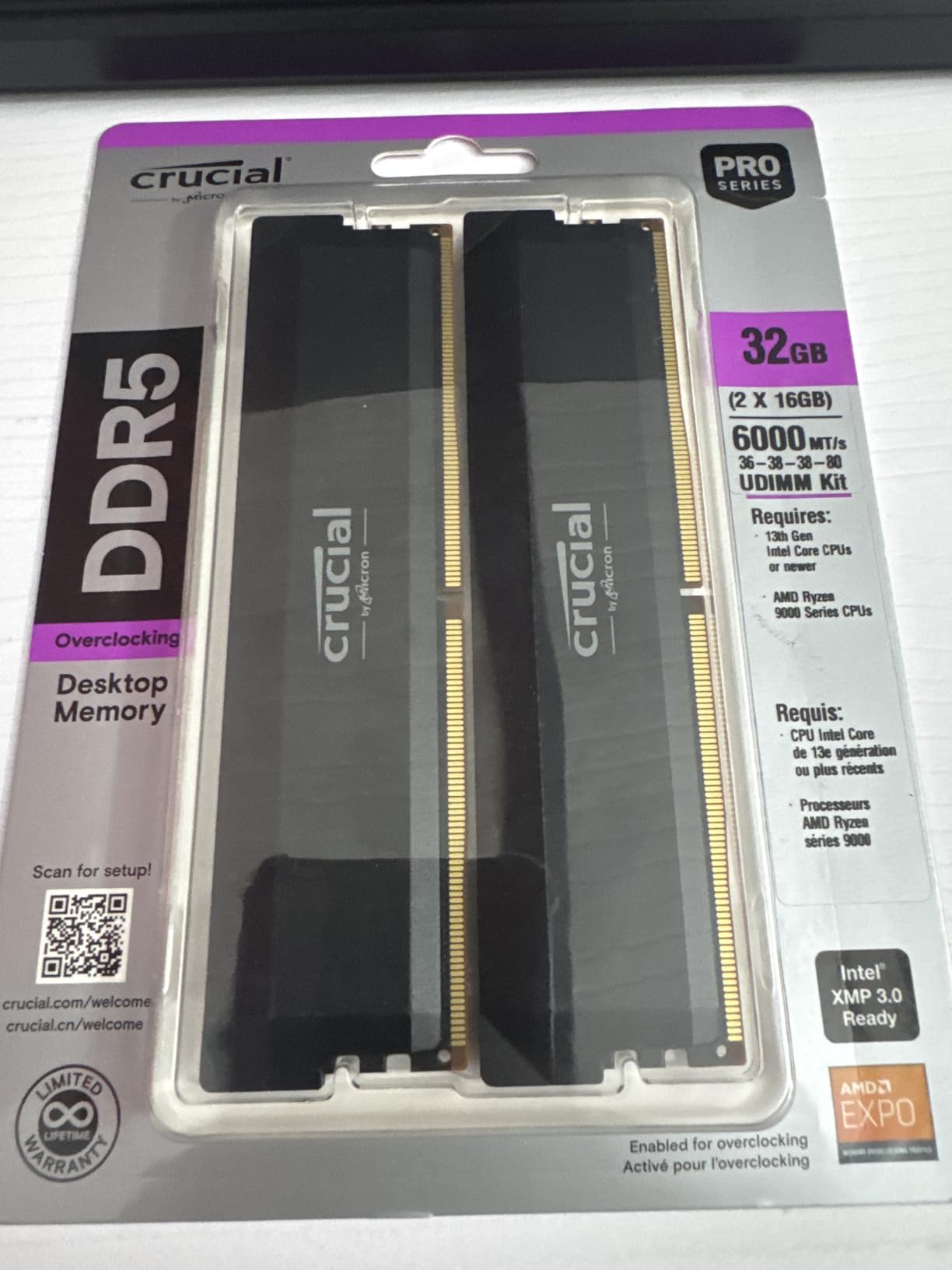
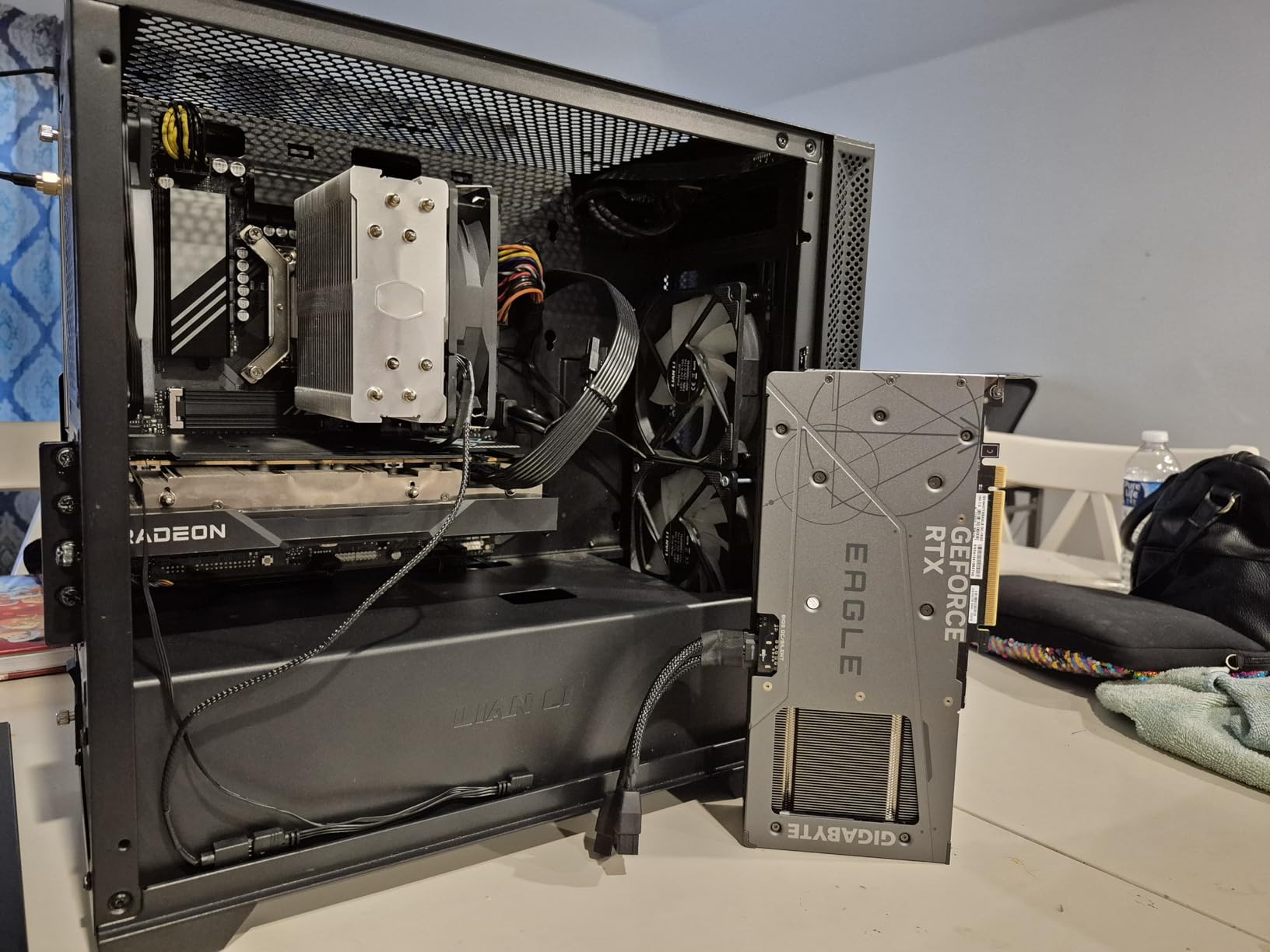
Owners treat it as a dependable plug-and-play upgrade. It clocks to its rated 6000 MHz straight from the XMP 3.0 or EXPO profile, gets recognised by the BIOS immediately with no manual tweaking, and stays stable under gaming plus heavy multitasking. With 3827 ratings at 4.8, it is one of the two best-reviewed kits here.
The honest drawback is the CL36 latency. At 6000 MHz, CL36 is looser than the CL30 kits, and while the difference is small in most games, it is real in CPU-bound scenarios. One owner also reported a single 16 GB stick failing after five months with no overclocking applied, which is an isolated report rather than a pattern.
When CL36 versus CL30 actually matters?
The gap between CL30 and CL36 at the same 6000 MHz transfer rate is about 0.33 nanoseconds per access in theory, which in practice shows up as a thin margin in CPU-limited games and as a slightly softer 1% low. If you play esports shooters or flight and racing sims, you will feel it. If you play at 1440p on a modern GPU where the frame rate is GPU-bound, you will not notice it at all.
Where it is the wrong pick?
Buy something else if you want the tightest latency available at 6000 MHz, because CL30 kits are cheaper and faster on paper for gaming. Initial seating can also be finicky in tight DIMM slots on some boards, so budget five minutes and check the latches properly. And if your workload is light browsing rather than gaming, this kit is far more than you need.
We earn a commission, at no additional cost to you. CERTAIN CONTENT THAT APPEARS ON THIS SITE COMES FROM AMAZON. THIS CONTENT IS PROVIDED 'AS IS' AND IS SUBJECT TO CHANGE OR REMOVAL AT ANY TIME.
3. CORSAIR Vengeance 32GB 6000 CL30 – Best Value Pick
CORSAIR Vengeance DDR5 32GB (2 x 16GB) Up to 6000MHz AMD Intel RAM
★★★★★★★★★★32GB 2x16GB,6000MHz CL30,1.40V,Dual EXPO and XMP 3.0,iCUE voltage control
- Same CL30 speed as the top pick without the lighting
- Dual profiles work on AMD and Intel
- Low-profile grey spreaders
- Onboard voltage regulation via iCUE
- No RGB at all
- Top speed depends on your CPU memory controller and BIOS
- Still boots at JEDEC until the profile is enabled
This is the same silicon and the same CL30 6000 MHz target as our top pick, with the light bar removed. That is not a compromise, it is the reason this kit is often the smarter purchase. You get dual AMD EXPO and Intel XMP 3.0 profiles, onboard voltage regulation tuned through iCUE, and tightly screened memory chips for overclocking headroom, with nothing between you and the CPU cooler.
Owners highlight cross-platform flexibility as the key benefit. Because the same kit is validated for both EXPO and XMP 3.0, it is a safe pick when the CPU is undecided, and it does not need a second purchase if you change platforms. Feedback centres on stable 6000 MHz CL30 operation, clean low-profile styling and easy BIOS setup.
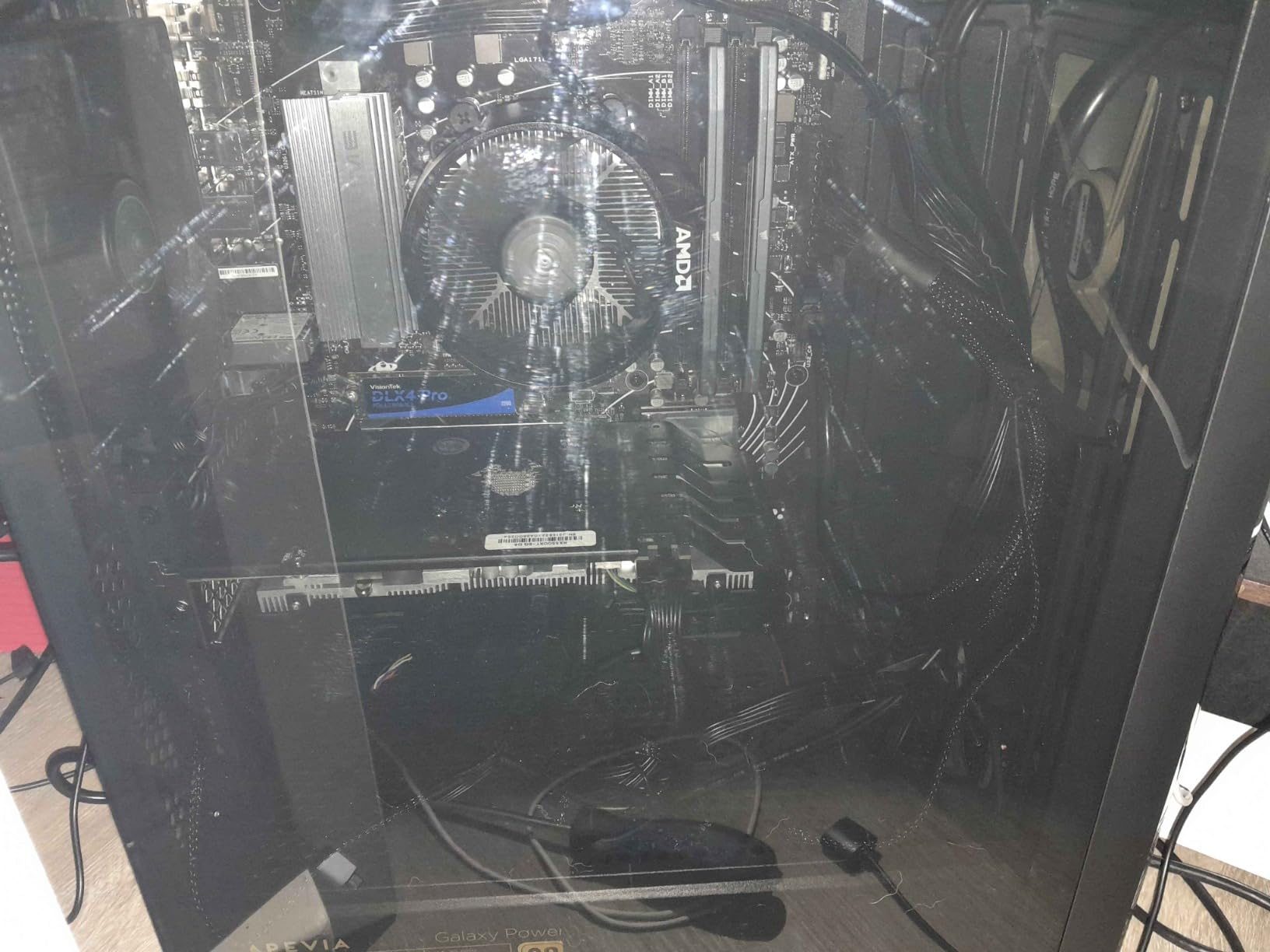
The caveat is the one every memory kit carries: maximum speed depends on the CPU memory controller and the motherboard BIOS. Two identical kits can behave differently in two identical cases, which is memory controller lottery rather than a fault in the kit. The grey finish is also the least decorative option here, reading closer to black from outside the case.
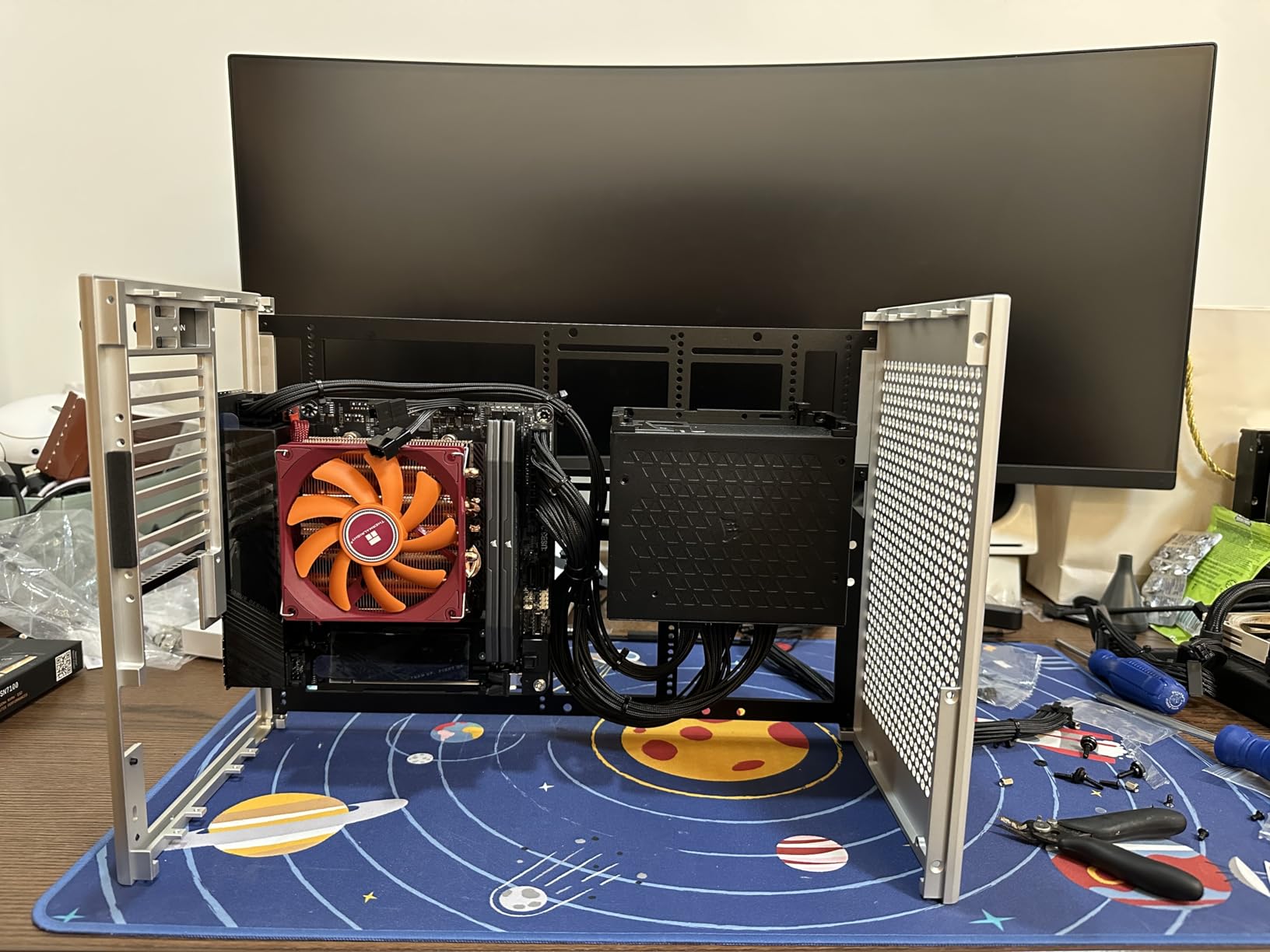
For a plain gaming build with a mid-tower air cooler, this is the configuration I would ship. Low profile means no clearance guesswork, no RGB software to install, and no extra background process fighting your other utilities for control.
Why the non-RGB version is the safer default?
Every RGB kit on this list adds a dependency. The lighting needs a control package, that package sometimes conflicts with motherboard utilities, and the module itself is physically taller. Removing the light bar removes all three problems at once while leaving the memory controller exactly as happy. For most gaming builds, the frame rate is identical.
Where it is the wrong pick?
It is the wrong pick if your build theme depends on lighting, or if you have already committed to a case that shows off internals. It is also not the kit to reach for on LGA 1851 if you want to run 6400 MT/s, since the headroom is not validated there. If you need the extra bandwidth, look at the Crucial Pro 6400 CL32 in slot seven.
We earn a commission, at no additional cost to you. CERTAIN CONTENT THAT APPEARS ON THIS SITE COMES FROM AMAZON. THIS CONTENT IS PROVIDED 'AS IS' AND IS SUBJECT TO CHANGE OR REMOVAL AT ANY TIME.
4. G.SKILL Trident Z5 RGB 32GB 6000 CL36 – Best QVL-Covered RGB Kit
G.SKILL Trident Z5 RGB Series DDR5 RAM (Intel XMP 3.0 & AMD EXPO) 32GB (2x16GB) Up to 6000MT/s* CL36-36-36-96 1.35V Desktop Computer Memory U-DIMM – Matte Black (F5-6000J3636F16GA2-TZ5RK)
★★★★★★★★★★32GB 2x16GB,6000MT/s CL36-36-36-96,1.35V,XMP 3.0 and EXPO,QVL validated
- Validated for both Intel Z/B 600-700 series and AMD X/B 500-800 series boards
- Runs at an efficient 1.35V
- Bright and even RGB lighting
- Over 91 percent of buyers rate it five stars
- CL36 is looser than CL30 kits at the same speed
- RGB height can interfere with large air coolers
- Profile must be enabled in BIOS
This kit’s standout quality is validation rather than raw numbers. It is QVL-validated across Intel Z890, Z790, Z690, B860, B760 and B660 boards and AMD X870, X670, B850, B840, B650 and A620 platforms, which means fewer lottery tickets when you enable the profile. It includes a JEDEC default profile plus both Intel XMP 3.0 and AMD EXPO profiles.
The spec is 6000 MT/s at CL36-36-36-96 and 1.35V. That 1.35V figure is worth pausing on: it is 0.05V below the 1.40V kits, which means less power draw and cooler modules in a closed case, and 1.35V is where most 6000 MT/s silicon is happiest for stability.
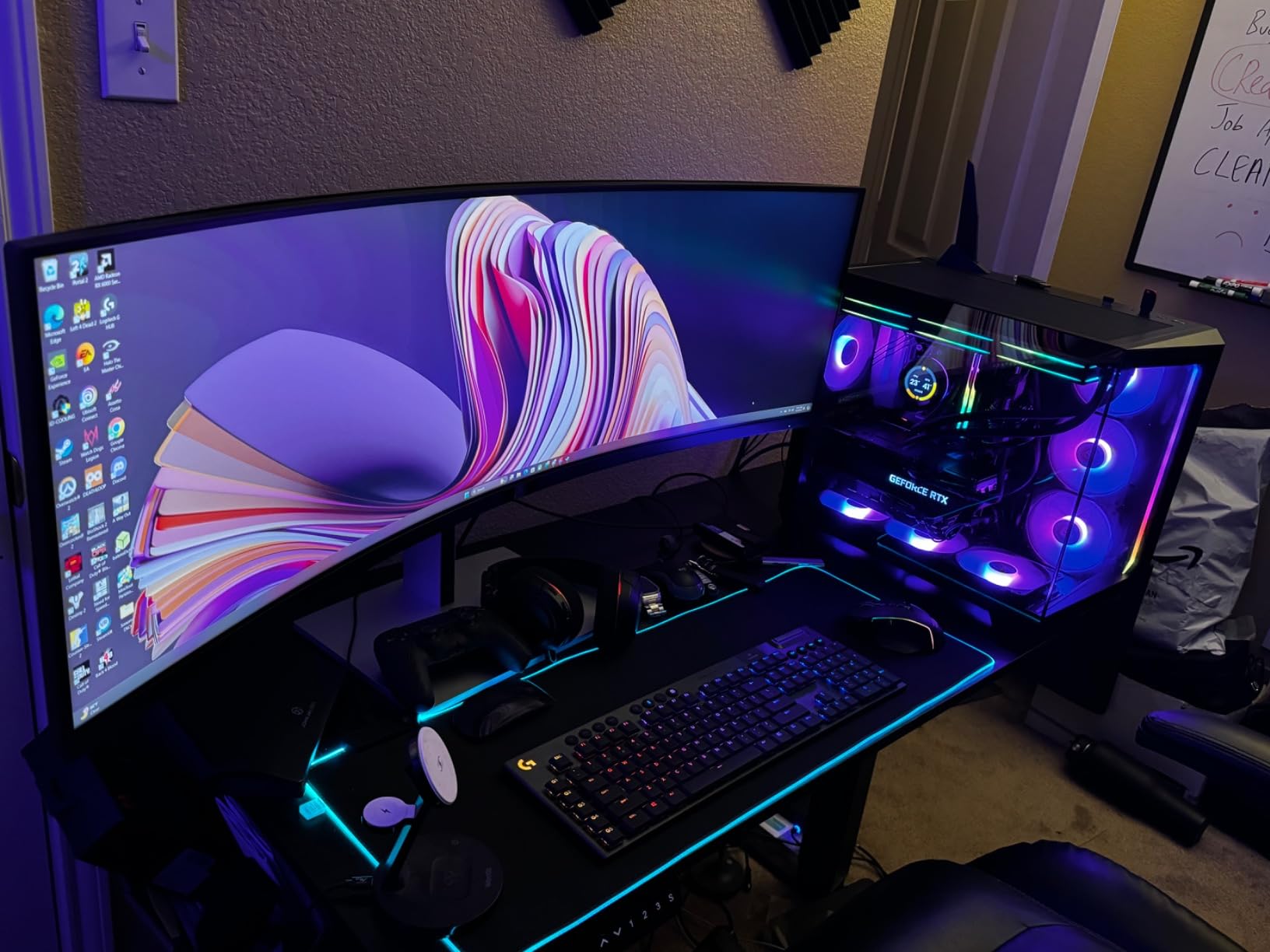
Owners like the Trident Z5 RGB lighting for being bright, even and fully customisable, and the QVL coverage is repeatedly cited as a reason for confidence. Over 91 percent of buyers rate it five stars. The kit is sold as a matched pair and G.SKILL is explicit that the modules should not be mixed with another kit.
Two things work against it. CL36 latency at 6000 MT/s is looser than the CL30 kits, and the RGB-equipped heat spreader is tall enough that some large air coolers need the fan raised. If clearance is tight in your case, the low-profile non-RGB options further down this list are a better fit.
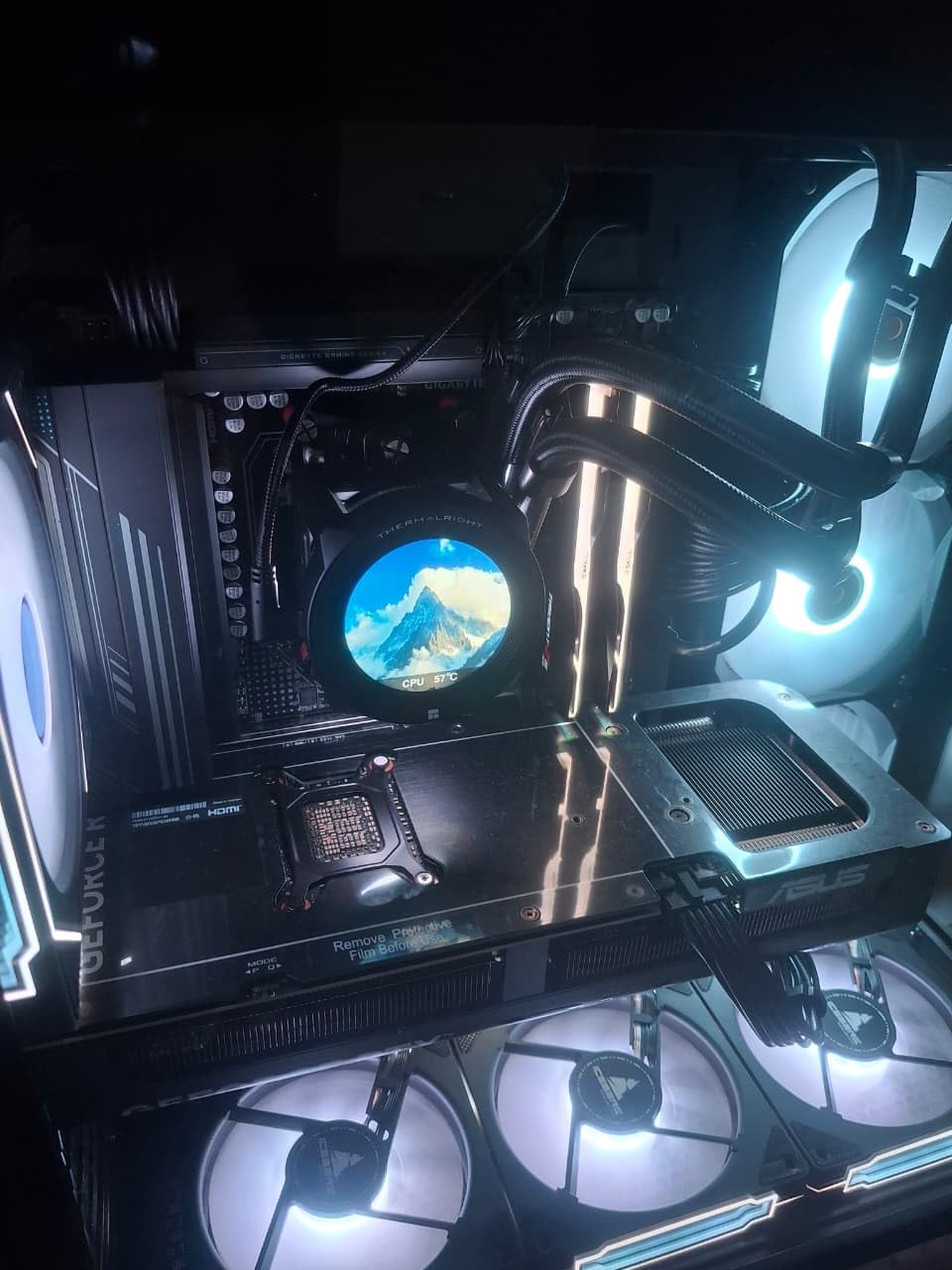
What QVL validation is actually worth?
The qualified vendor list is the motherboard maker’s list of memory kits tested with that board. A kit on the list has been through the vendor’s lab, so when you enable the profile you are far more likely to hit rated speed on the first boot. A kit not on the list is not a bad kit, but it is a kit where the outcome depends more on your particular CPU sample.
Where it is the wrong pick?
It is the wrong pick for a compact build with a large air cooler, because the RGB diffuser is the tallest part of the module. It is also the wrong pick if you play CPU-bound esports titles and want every microsecond of latency you can get, since CL30 is available at the same speed. And for the same reason as the other CL36 kits, it is not the choice for chasing 6400 MT/s.
We earn a commission, at no additional cost to you. CERTAIN CONTENT THAT APPEARS ON THIS SITE COMES FROM AMAZON. THIS CONTENT IS PROVIDED 'AS IS' AND IS SUBJECT TO CHANGE OR REMOVAL AT ANY TIME.
5. TEAMGROUP T-Force Delta RGB 32GB 6000 CL30 – Best RGB Lighting
TEAMGROUP T-Force Delta RGB DDR5 Ram 32GB (2x16GB) 6000MHz PC5-48000 CL30 Intel XMP 3.0 & AMD Expo Compatible Desktop Memory Module Ram White FF4D532G6000HC30DC01
★★★★★★★★★★32GB 2x16GB,6000MHz PC5-48000 CL30,1.35V,XMP 3.0 and EXPO,120-degree RGB
- CL30 at the recommended gaming speed
- 120-degree ultra-wide RGB with smart RGB IC
- One-click XMP and EXPO setup
- Metal shell doubles as heat spreader
- Lifetime warranty
- Modules are tall so check air cooler clearance
- RGB software can clash with some motherboard utilities
- Boots at JEDEC 4800 until profile enabled
The T-Force Delta RGB hits the exact spec that community consensus treats as the AM5 gaming target: 6000 MHz at CL30-36-36-76 running at 1.35V, not the 1.40V that some competitors use. That 0.05V difference is small on paper and meaningful in a dense airflow case, and it also tends to mean the kit is easier to train at rated speed.
Where this kit beats the field is the light bar. The 120-degree ultra-wide RGB lighting with a smart RGB IC controller is the brightest and most even implementation in this roundup, and the white metal shell is a genuinely attractive option in a themed build. It carries both Intel XMP 3.0 and AMD EXPO profiles with one-click activation.
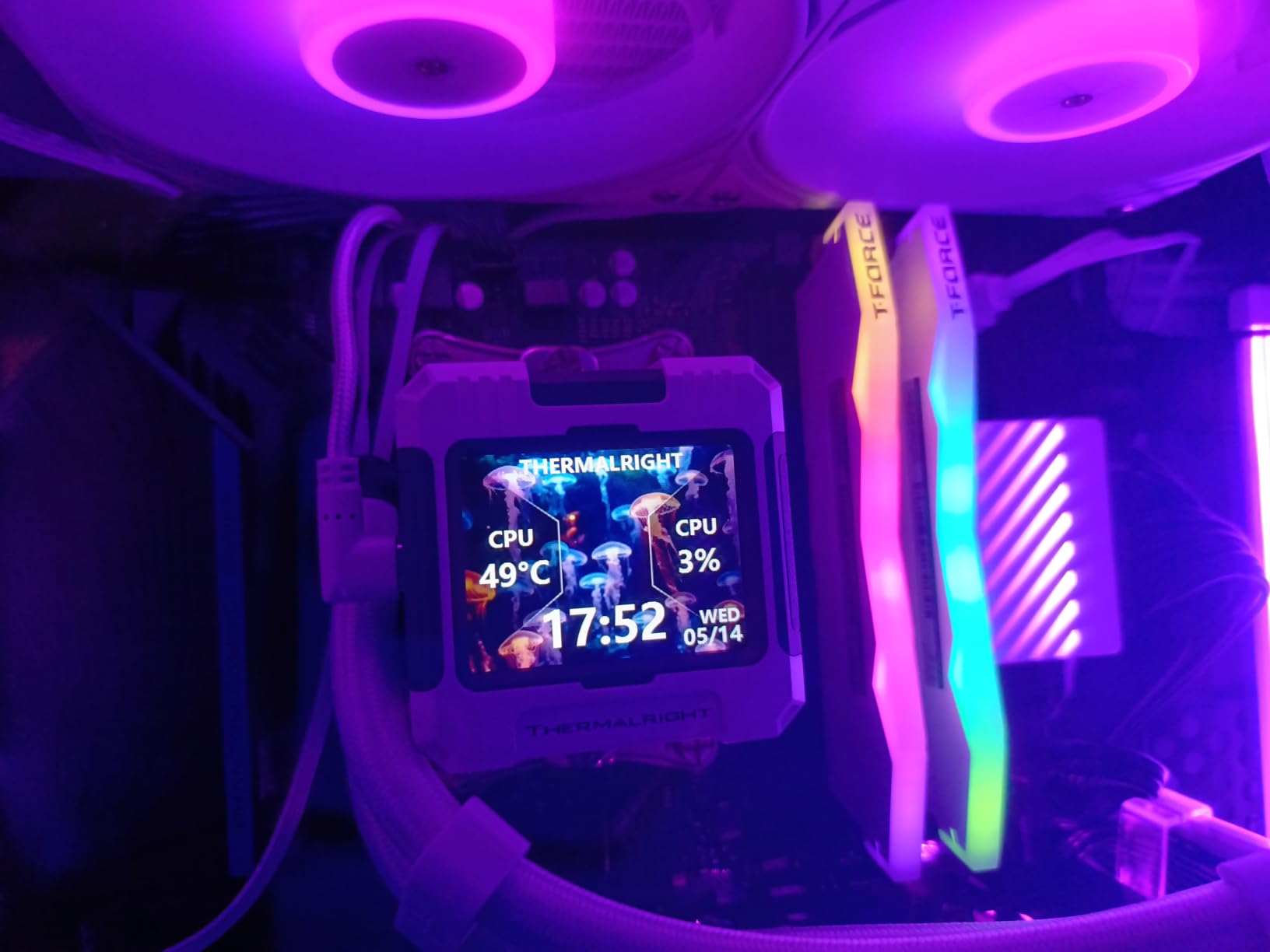
Buyers rate this kit highly for reliably hitting the canonical 6000 MHz CL30 target with easy EXPO or XMP activation and excellent RGB appearance in white builds. The metal shell casing doubles as an effective heat spreader, and the strengthened PMIC cooling design plus on-die ECC support stable operation under load. The warranty is a lifetime warranty.
The recurring practical caveat is physical. These modules are fairly tall, so clearance with a large air CPU cooler should be checked before you commit. RGB control software can also be inconsistent depending on the motherboard ecosystem, which is the usual trade for the widest lighting in the category.
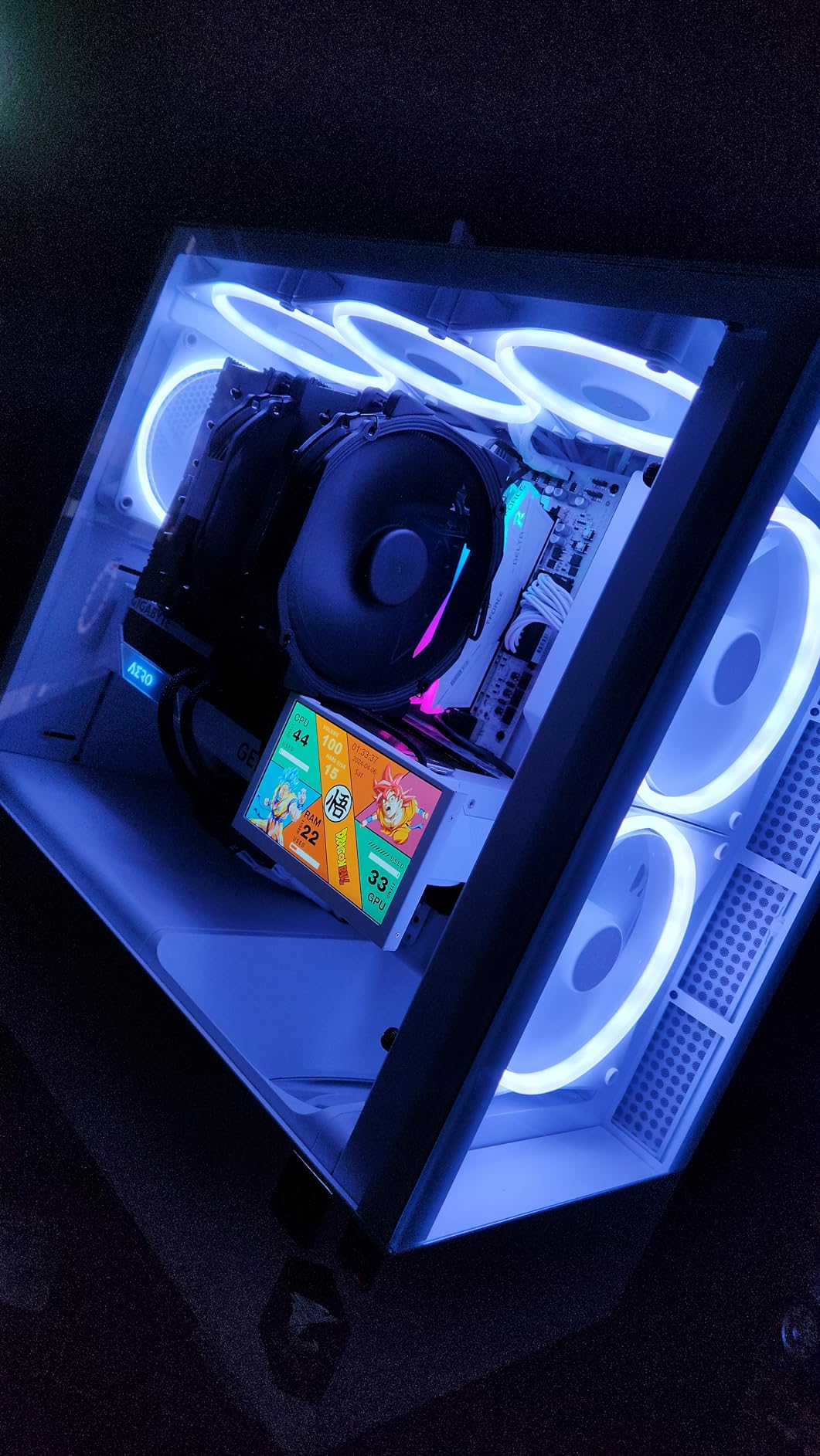
Why 1.35V beats 1.40V for a 6000 CL30 kit?
Higher voltage buys you headroom for tighter timings or higher speeds. At 6000 MT/s CL30, you do not need that headroom, so the extra voltage is pure heat. Running at 1.35V means lower module temperatures, less power draw from the memory power management ICs, and a better chance of a clean memory training pass on first boot. That is why this kit and the Patriot and Vulcan ECO in this list are the ones I would hand to someone on their first build.
Where it is the wrong pick?
Wrong pick if you run a dual-tower air cooler with no fan clearance to spare, because the light bar is the tallest element in the group. Also wrong if you dislike installing RGB control software or if your motherboard ecosystem has known lighting conflicts. On LGA 1851, you would be leaving performance unused by choosing 6000 MT/s over 6400 MT/s.
We earn a commission, at no additional cost to you. CERTAIN CONTENT THAT APPEARS ON THIS SITE COMES FROM AMAZON. THIS CONTENT IS PROVIDED 'AS IS' AND IS SUBJECT TO CHANGE OR REMOVAL AT ANY TIME.
6. Patriot Viper Venom 32GB 6000 CL30 – Best for Budget Builds
Patriot Viper Venom DDR5 RAM 32GB (2X16GB) 6000MHz CL30 Desktop Memory
★★★★★★★★★★32GB 2x16GB,6000MHz CL30-40-40-76,1.35V,UDIMM,XMP 3.0 and EXPO
- Reaches the standard 6000 CL30 gaming spec
- Dual XMP 3.0 and EXPO support
- Low-profile spreaders keep clearance workable
- Consistently ranks among the top sellers in Computer Memory
- No RGB lighting
- Secondary timings of 40-40-76 are looser than Corsair or TEAMGROUP
- Many similar SKUs in the family make variants confusing
The Viper Venom is the spec-sheet answer to a simple question: how do you get DDR5-6000 CL30 with both profiles and a low-profile cooler-friendly design without paying for lighting you do not use. It runs 6000 MHz at CL30-40-40-76 and 1.35V as a 288-pin UDIMM, with XMP 3.0 and EXPO support and a limited lifetime warranty.
At 654 ratings and 4.6 stars, it has a smaller but still substantial review base, and it has ranked among the best sellers in Amazon’s Computer Memory category. That traction is a reasonable signal that the silicon in this family is consistent enough to recommend to a first-time builder without caveats.
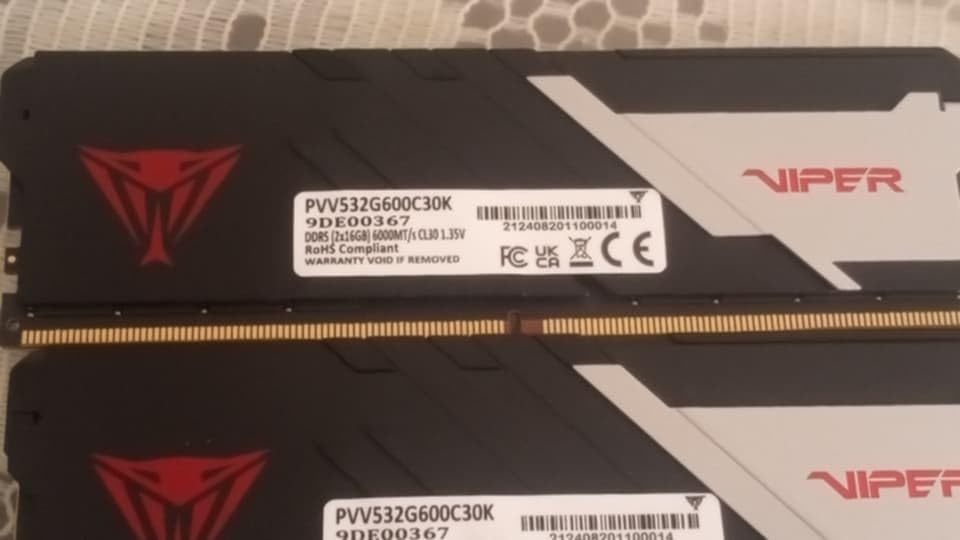
Reviews describe solid, stable performance in gaming and general office builds, with the low-profile heat spreader design keeping clearance workable in ordinary mid-tower cases. The kit has been tested across current DDR5 platforms for reliability, and the family covers a wide range of speed and capacity variants.
The limitation is in the secondary timings. CL30-40-40-76 is looser behind the CAS number than the CL30-36-36-76 kits from Corsair and TEAMGROUP, which matters in bandwidth-sensitive CPU workloads. There is also no RGB, and the product line is split across many similar SKUs, so check the part number carefully before ordering.
Does looser secondary timing change anything for gaming?
Secondary timings control how the memory controller handles reads, writes and refresh cycles beyond the headline CAS number. In practice they matter most when the CPU is already waiting on memory every cycle, which is precisely the CPU-bound case. In a GPU-bound 1440p or 4K scenario, the difference is not measurable in your frame times.
Where it is the wrong pick?
Skip it if your build is a themed or showpiece system where lighting is part of the plan, and skip it if you run a high-refresh competitive title where every frame of latency shows. It is also not the right kit for an LGA 1851 build wanting 6400 MT/s. If you want RGB at this speed class, the Delta RGB or the Trident Z5 RGB are the stronger options.
We earn a commission, at no additional cost to you. CERTAIN CONTENT THAT APPEARS ON THIS SITE COMES FROM AMAZON. THIS CONTENT IS PROVIDED 'AS IS' AND IS SUBJECT TO CHANGE OR REMOVAL AT ANY TIME.
7. Crucial Pro 32GB 6400 CL32 – Best Bandwidth for Intel
Crucial Pro DDR5 RAM 32GB Kit (2x16GB), 6400MHz CL32, Overclocking Desktop Gaming Memory, Intel XMP 3.0 & AMD Expo Compatible, Black – CP2K16G64C32U5B
★★★★★★★★★★32GB 2x16GB,6400MHz CL32-40-40-103,1.35V,XMP 3.0 and EXPO,Single-rank
- 6400 MT/s delivers more bandwidth than 6000 kits at similar real latency
- Profile is picked up correctly by the BIOS on first boot
- Runs cool under sustained stress
- No RGB so no extra software dependency
- No RGB lighting
- Some CPUs and boards only reach 5200 MT/s even with EXPO enabled
- May need a BIOS update for full 6400 MT/s
This is the kit to buy on LGA 1851 or a recent LGA 1700 board. 6400 MT/s at CL32-40-40-103 on 1.35V gives you more bandwidth than a 6000 MHz kit, and because the CAS number is only two steps looser, the real-world latency lands in a similar range. It is built on Micron memory technology and supports both XMP 3.0 and EXPO.
It is also a sober-looking kit. The battle-ready heat spreader comes in Stealth Matte Black camo or Snow Fox White, and there is no lighting at all, which means no RGB software to install and no lighting conflicts. That restraint is exactly what a lot of builders actually want.
Reviewers frequently choose this kit as a sensible, non-flashy upgrade, citing the BIOS picking up the XMP or EXPO profile correctly on the first boot and the modules staying cool even under sustained stress, around 55C or below in one owner’s report. One owner verified full 6400 MT/s across four UDIMMs, which is a strong result for a single-rank design built to stack well in four-DIMM configurations.
The most common caveat is that reaching 6400 MT/s is CPU and board dependent. Some users report the kit only reaching 5200 MT/s even with EXPO enabled, and a BIOS update may be needed for full 6400 MT/s compatibility. Check your board’s QVL before buying if you are on the fence.
Why 6400 CL32 is the Intel answer and not the AMD answer?
Intel’s memory controllers on recent desktop chips generally handle 6400 MT/s with CL32 more comfortably than AMD’s AM5 controllers. On AMD, pushing past 6000 MT/s often forces the Infinity Fabric off its 1:1 ratio with the memory controller, which adds latency and can erase the bandwidth gain entirely. That is the same warning forum users give about 7200 MT/s and above on AM5. On Intel, 6400 CL32 is close to a straight win with no such penalty.
Where it is the wrong pick?
It is the wrong pick on AM5 if you want the 1:1 ratio and lower latency, because 6000 CL30 will serve you better there. It is also the wrong pick for a themed build with an RGB case, and for anyone who does not want to sit through a BIOS update cycle before seeing rated speed. If you need 6400 MT/s with lighting, the Kingston FURY Renegade RGB is the alternative.
We earn a commission, at no additional cost to you. CERTAIN CONTENT THAT APPEARS ON THIS SITE COMES FROM AMAZON. THIS CONTENT IS PROVIDED 'AS IS' AND IS SUBJECT TO CHANGE OR REMOVAL AT ANY TIME.
8. Kingston FURY Renegade RGB 32GB 6400 CL32 – Best RGB at 6400 MT/s
Kingston FURY Renegade RGB 32GB (2x16GB) 6400MT/s DDR5 CL32 DIMM Desktop Memory (Kit of 2) | Intel XMP 3.0 | Overclocking Stability | KF564C32RSAK2-32
★★★★★★★★★★32GB 2x16GB,6400MT/s CL32,1.40V,Intel XMP 3.0 certified,Infrared Sync RGB
- One of the faster mainstream 32GB DDR5 kits available
- XMP 3.0 certified for reliable one-click loading
- Infrared Sync keeps both modules perfectly matched
- Patented FURY heat spreader handles sustained overclocking
- Lifetime warranty
- RGB modules are taller so large air coolers may need adjusting
- Only Intel XMP 3.0 is listed so EXPO is not guaranteed
- Smaller review base than the leading kits
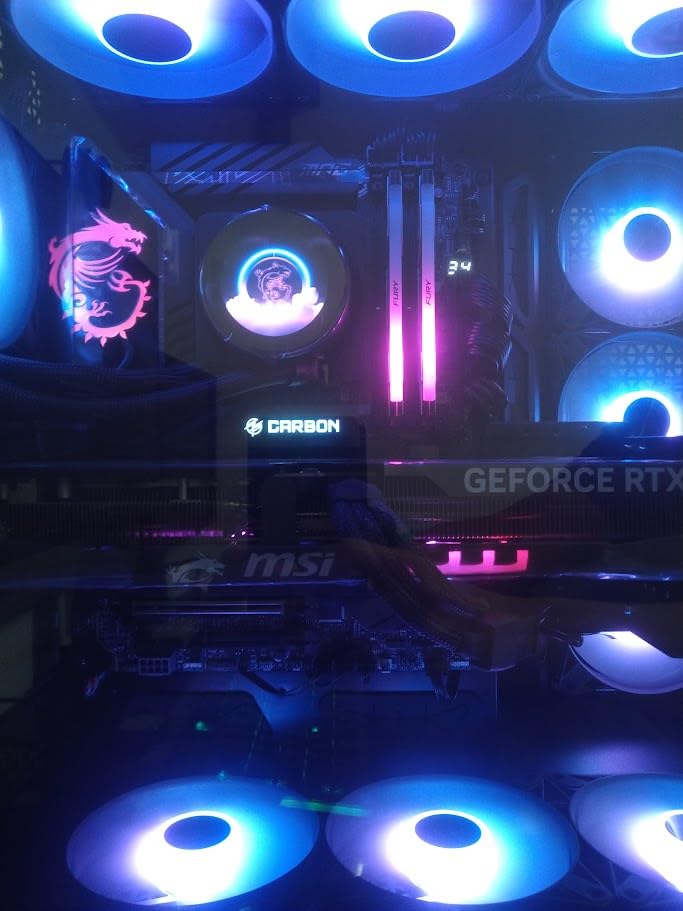
If you want 6400 MT/s and RGB in the same package, this is one of the few options that does both. The rated spec is 6400 MT/s at CL32 on 1.40V, Intel XMP 3.0 certified, with dynamic customisable RGB lighting and Kingston’s patented FURY Infrared Sync Technology, which keeps the two modules perfectly matched in lighting effects without visible mismatch between sticks.
The engineering is aimed at sustained performance. The patented FURY heat spreader is designed to handle sustained overclocking, and the module is built for maximum performance and extreme overclocking potential rather than for a low-power duty cycle.
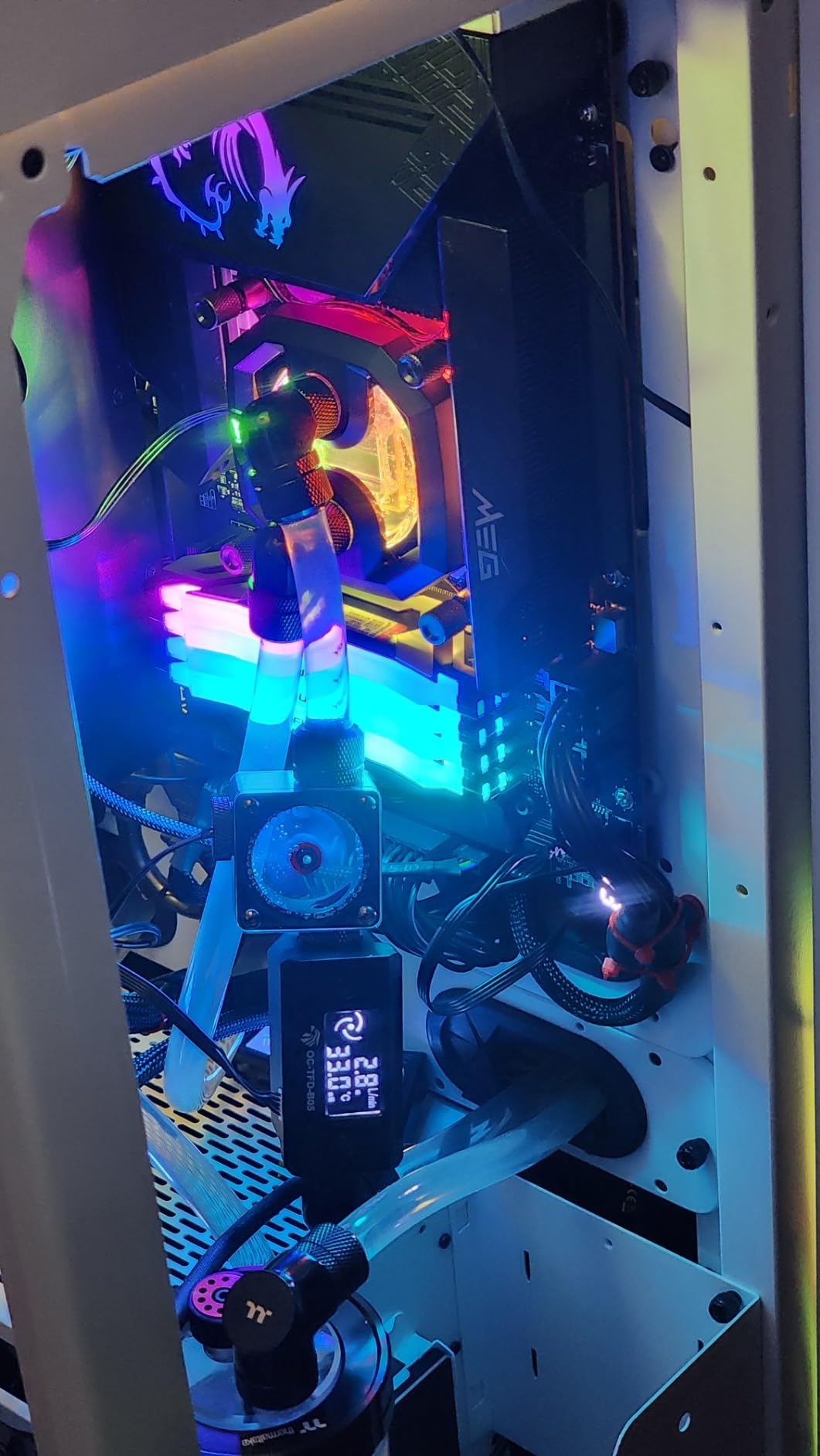
Buyers credit the kit with high speed, clean lighting synchronisation and easy XMP 3.0 setup. The 247-rating pool is the smallest among the well-reviewed kits here, so there is less long-term data behind it than the Corsairs or Crucials, but the feedback that exists is positive. Kingston backs it with a lifetime warranty.
Two things to weigh. First, only Intel XMP 3.0 is listed for this kit, so AMD EXPO profiles are not guaranteed, which is a real constraint if you are building on AM5. Second, the RGB modules are taller, so large air coolers may need adjustment to fit the fan back over the DIMM slots.
What Infrared Sync actually does for you?
Two RGB memory modules lit independently can end up with visibly different colours, brightness levels or animation phases, which looks cheap in a glass case. Infrared Sync transmits a signal from one module to the other so both display identical effects. On a two-module kit the effect is subtle, but it is the difference between coordinated and slightly-off lighting in a build where the RAM is the visual centrepiece.
Where it is the wrong pick?
It is the wrong pick on AMD, because EXPO is not guaranteed on this kit and the whole point of a 6400 MT/s part is an Intel platform. It is also the wrong pick under a large dual-tower air cooler with tight clearance, and the wrong pick if you want a large, well-proven review base behind the module. On AMD, the FURY Beast CL30 in slot nine is the better-matched choice.
We earn a commission, at no additional cost to you. CERTAIN CONTENT THAT APPEARS ON THIS SITE COMES FROM AMAZON. THIS CONTENT IS PROVIDED 'AS IS' AND IS SUBJECT TO CHANGE OR REMOVAL AT ANY TIME.
9. Kingston FURY Beast 32GB 6000 CL30 – Best AM5 Stability Pick
Kingston FURY Beast 32GB (2x16GB) 6000MT/s DDR5 CL30 Desktop Memory | AMD EXPO | Kit of 2 | KF560C30BBEK2-32
★★★★★★★★★★32GB 2x16GB,6000MT/s CL30,1.35V,EXPO and XMP 3.0,Low-profile spreaders
- Ideal spec for Ryzen X3D and modern Intel CPUs
- EXPO profile works with no BIOS tweaking
- Exceptionally stable with no reported crashes
- Low-profile spreaders clear large air coolers
- Consistently appears on motherboard QVL lists
- No RGB lighting on this variant
- Understated plain black look with less visual flair
- Modest review base compared with the leaders
At 4.8 stars across 322 ratings, this is one of the strongest-reviewed kits in the list by rating, and owners are unusually consistent in their description: it simply works. The EXPO profile works immediately with no BIOS tweaking, it boots reliably, and it has an exceptionally stable record with no crashes or boot failures reported in the reviews we read.
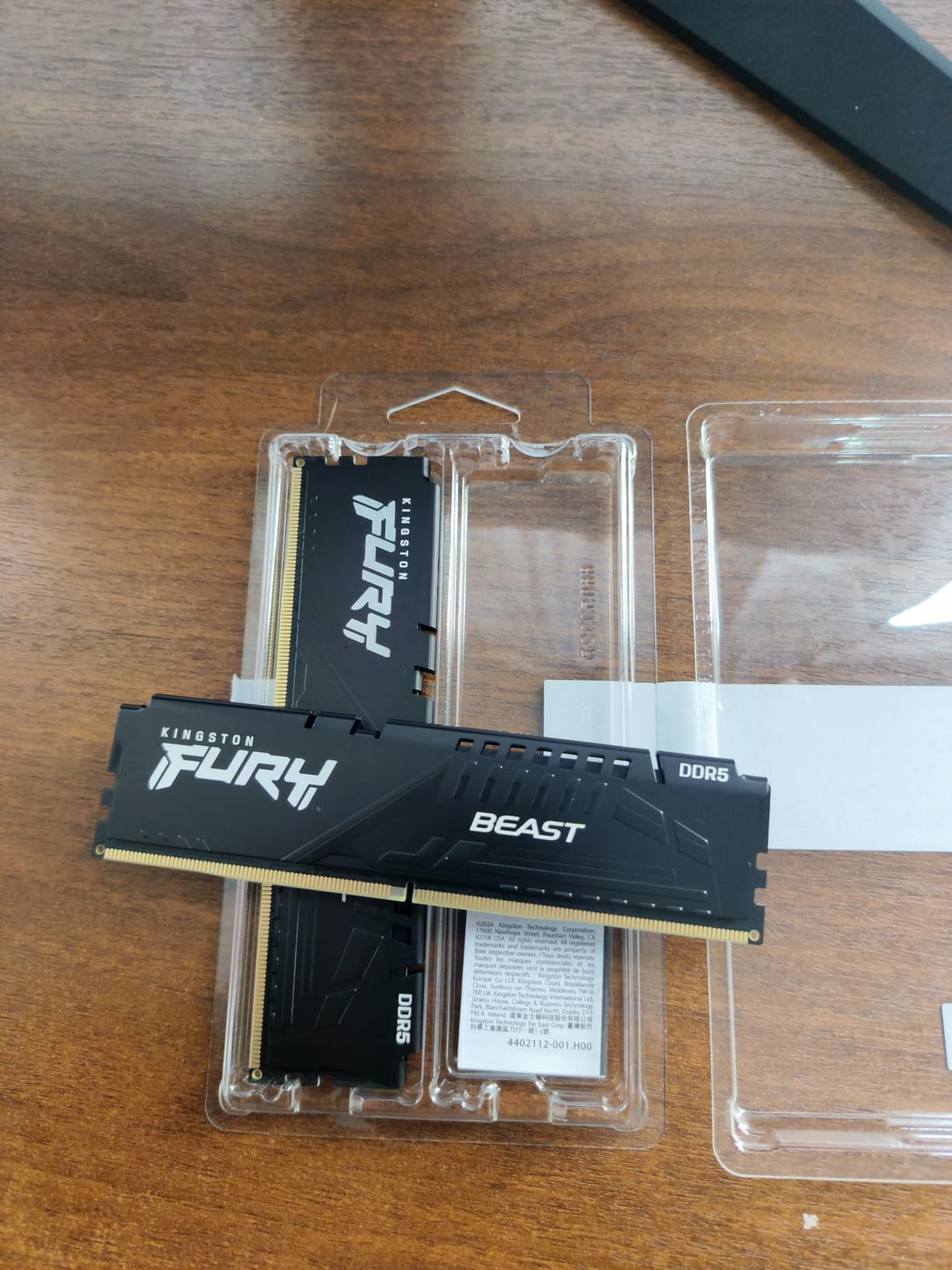
The spec is 6000 MT/s at CL30 on 1.35V, which is exactly the Ryzen X3D and modern Intel gaming target. It carries both AMD EXPO and Intel XMP 3.0 profiles with an auto-overclocking profile, and the low-profile black heat spreader design clears large air coolers without moving the fan up.
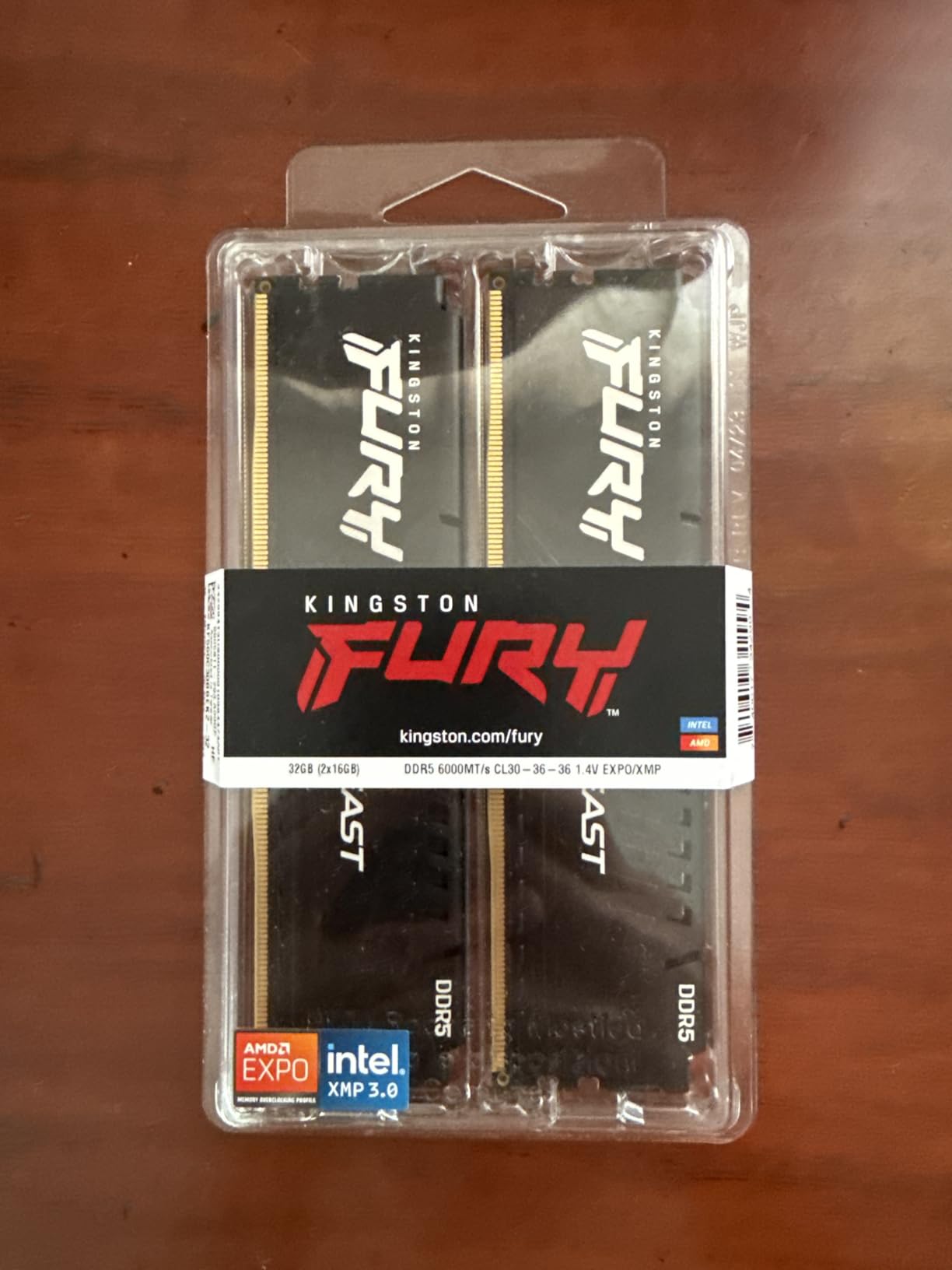
The engineering notes point in the same direction as the reviews: improved stability for overclocking, increased power efficiency, and a low-profile heat spreader that clears large air coolers. Reviewers pair it confidently with Ryzen 7800X3D and other AM5 builds, and it consistently appears on motherboard QVL lists, which is a meaningful compatibility signal.
The only recurring gripes are cosmetic. There is no RGB on this variant, and the large module heat spreaders are absent, so the look is plain for a themed build. That is a fair trade for the stability record, but it is a trade.
Why stability records matter more than benchmark deltas?
A memory kit that fails to train at its rated profile is a far worse outcome than one that runs 200 MT/s slower. The difference between 6000 CL30 and 6000 CL34 might be a rounding error in your average frame rate, while a kit that drops to 5600 or needs manual retraining every few BIOS updates is a permanent irritation. Reviewers who report zero crashes across months of X3D gaming are telling you something a synthetic benchmark cannot.
Where it is the wrong pick?
It is the wrong pick if your build is a glass-panel showcase where lighting is a design element, and it is the wrong pick on LGA 1851 if you want to run 6400 MT/s. It is also not the choice for a compact case with a large dual-tower cooler if you want lighting in the same kit, since the RGB FURY Beast variant in slot ten handles that case instead.
We earn a commission, at no additional cost to you. CERTAIN CONTENT THAT APPEARS ON THIS SITE COMES FROM AMAZON. THIS CONTENT IS PROVIDED 'AS IS' AND IS SUBJECT TO CHANGE OR REMOVAL AT ANY TIME.
10. Kingston FURY Beast White RGB 32GB 6000 CL30 – Best White-Themed RGB
Kingston FURY Beast White RGB 32GB (2x16GB) 6000MT/s DDR5 CL30 DIMM Desktop Gaming Memory Kit of 2 AMD EXPO/Intel XMP – KF560C30BWEAK2-32
★★★★★★★★★★32GB 2x16GB,6000MT/s CL30,EXPO and XMP,White RGB heat spreader,288-pin DIMM
- Matches the recommended 6000 MT/s CL30 gaming spec
- White spreader and RGB suit white themed builds
- Supports both EXPO and XMP profiles
- Rated 4.8 stars with 88 percent five-star reviews
- RGB height can conflict with large tower air coolers
- Smallest review base in the roundup at 171 ratings
- RGB sync depends on motherboard software support
This is the one to buy when your case is white and you refuse to compromise on the memory spec. It is 6000 MT/s at CL30 with both AMD EXPO and Intel XMP profile support, in a white RGB heat spreader, so it delivers the same gaming numbers as the plain black kits while matching a themed build.
It is one of the more established white DDR5 kits in this group, which matters for a niche colourway that is easy to discontinue. The 288-pin DIMM format and the Kingston FURY Beast series pedigree mean it shares the underlying platform support with the non-RGB Beast kit in slot nine.
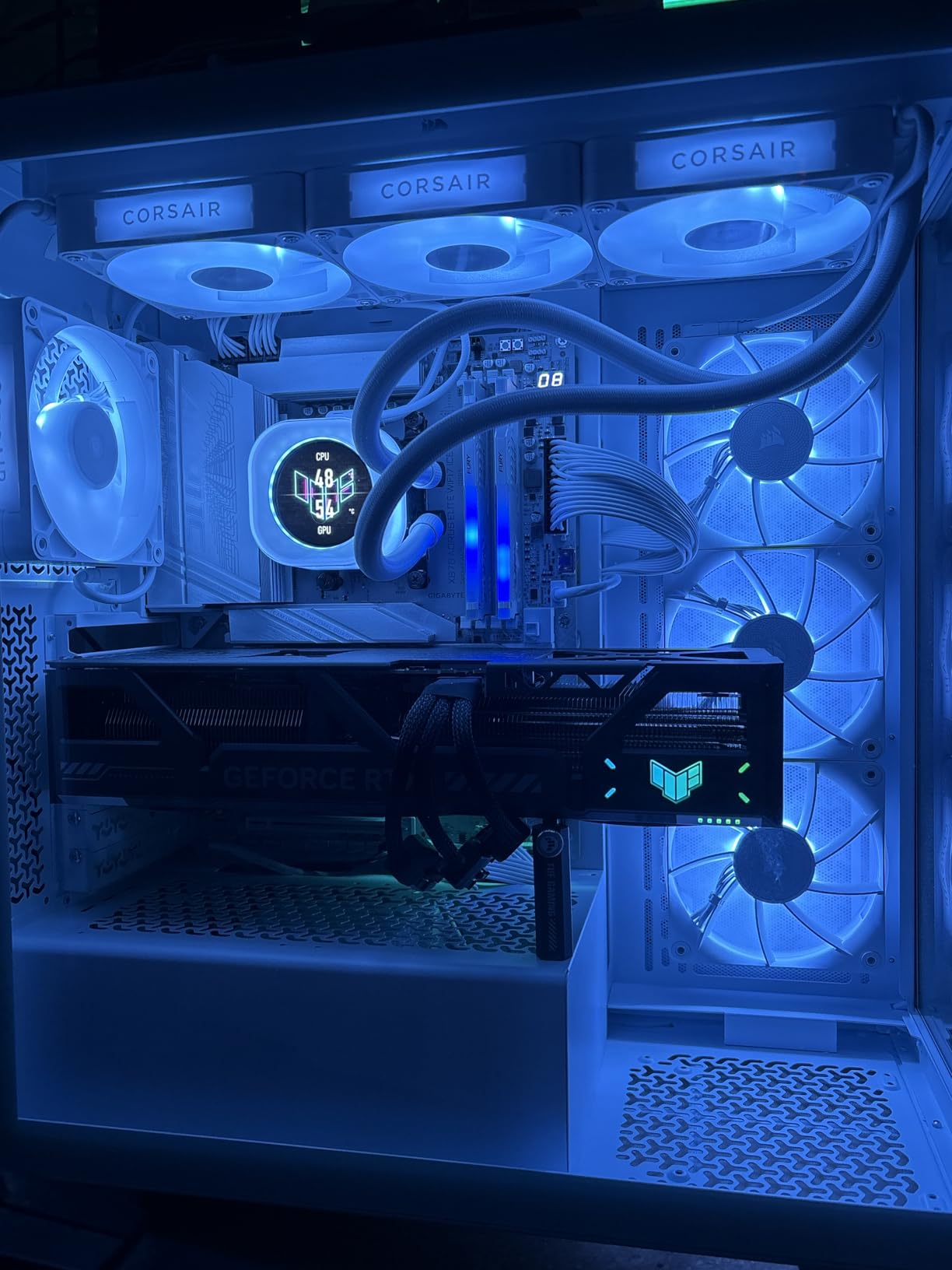
Ratings sit at 4.8 stars with 88 percent five-star and 9 percent four-star reviews across 171 ratings. That is a very high proportion of top marks, and the feedback centres on matching the 6000 MT/s CL30 gaming spec with a clean white aesthetic rather than on performance complaints.
Its limits are practical rather than technical. The RGB modules are tall enough to conflict with large tower air coolers, the 171-rating pool is the smallest here so you have less long-term data, and RGB synchronisation depends on your motherboard software supporting the effect.
Does the white version perform differently to the black one?
No, and that is the point. The spreader colour and the light bar change how the module looks and how it sheds heat cosmetically, but the memory controller sees the same 6000 MT/s CL30 profile either way. Pick whichever colour you will still like looking at in three years, because the frame rates will be identical.
Where it is the wrong pick?
Wrong pick if you run a large dual-tower air cooler, since the RGB diffuser is tall. Wrong pick if you want a large body of user reviews behind the kit before committing, and wrong pick for a build that does not want RGB software. On a black or all-metal build, spend the difference on the non-RGB Beast instead.
We earn a commission, at no additional cost to you. CERTAIN CONTENT THAT APPEARS ON THIS SITE COMES FROM AMAZON. THIS CONTENT IS PROVIDED 'AS IS' AND IS SUBJECT TO CHANGE OR REMOVAL AT ANY TIME.
11. TEAMGROUP T-Force Vulcan ECO 32GB 6000 CL30 – Best No-RGB Eco Build
TEAMGROUP T-Force Vulcan ECO DDR5 32GB (2x16GB) 6000MHz (PC5-48000) CL30 Desktop Memory Module Ram for 600 700 Series Chipset XMP 3.0 Silver FLESD532G6000HC30DC01…
★★★★★★★★★★32GB 2x16GB,6000MHz PC5-48000 CL30,1.35V,XMP 3.0 and EXPO,Recycled materials
- Standard 6000MHz CL30 gaming configuration
- One-click XMP 3.0 and EXPO on both platforms
- Strengthened PMIC cooling design
- On-die ECC adds system stability
- Built with recycled materials
- Lifetime warranty with technical support
- No RGB lighting
- Silver spreader is functional rather than decorative
- QVL compatibility must be checked against your board
The Vulcan ECO takes the standard gaming spec and wraps it in a design built with recycled materials and a reduced-profile silver heat spreader. It runs 6000 MHz at CL30 on 1.35V with one-click Intel XMP 3.0 and AMD EXPO profiles, so it drops into either platform without extra configuration.
Stability features are the focus rather than cosmetics. The strengthened PMIC cooling design keeps the power management section stable under load, and on-die ECC adds a layer of system-level error correction that helps with long gaming sessions. The warranty is a lifetime warranty with free technical support.
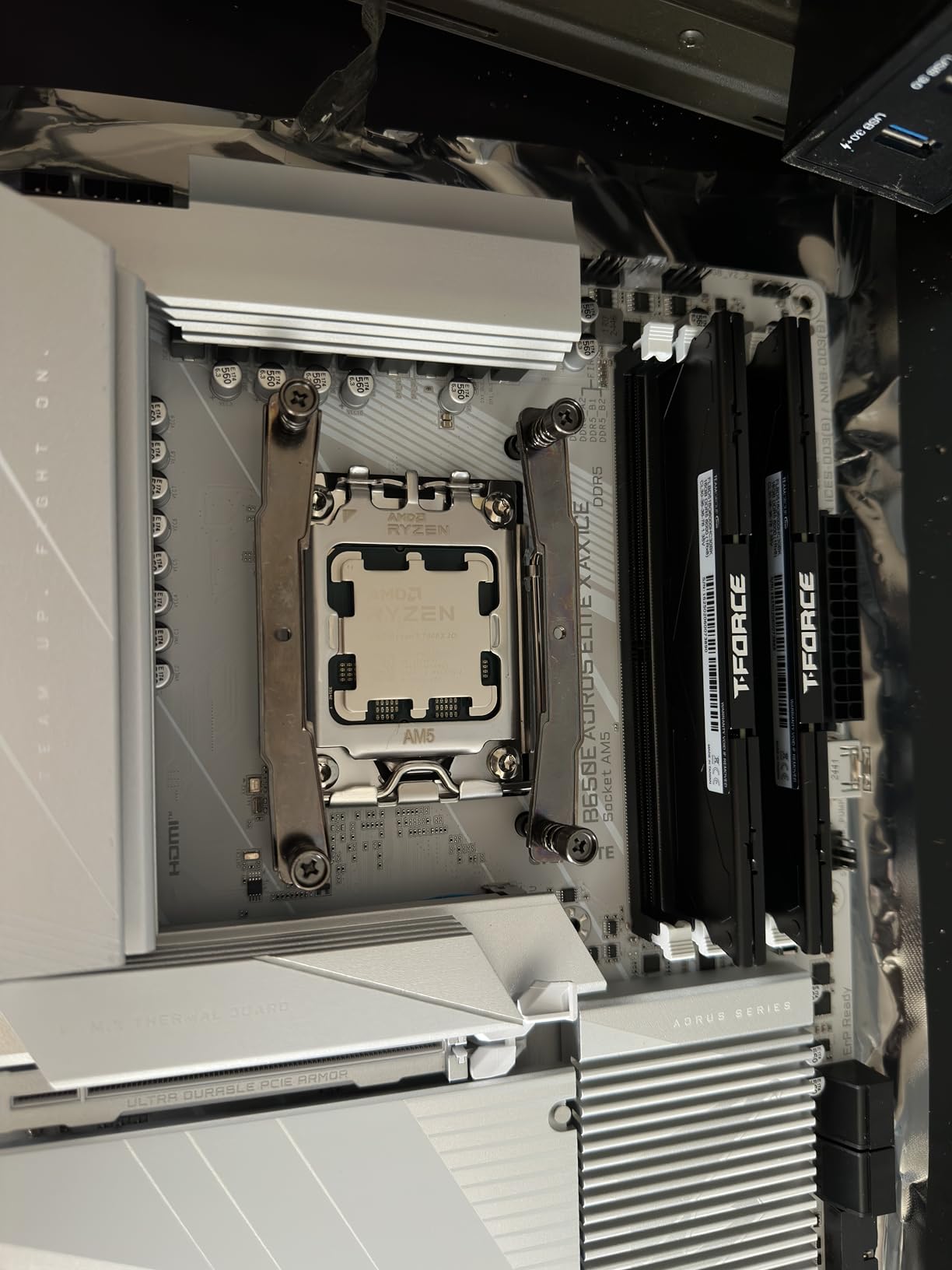
Reviews highlight straightforward XMP and EXPO setup, good stability and the PMIC cooling design, with the only noted limitation being the absence of lighting for those who want it. At 220 ratings and 4.7 stars it has a modest but consistently positive review history.
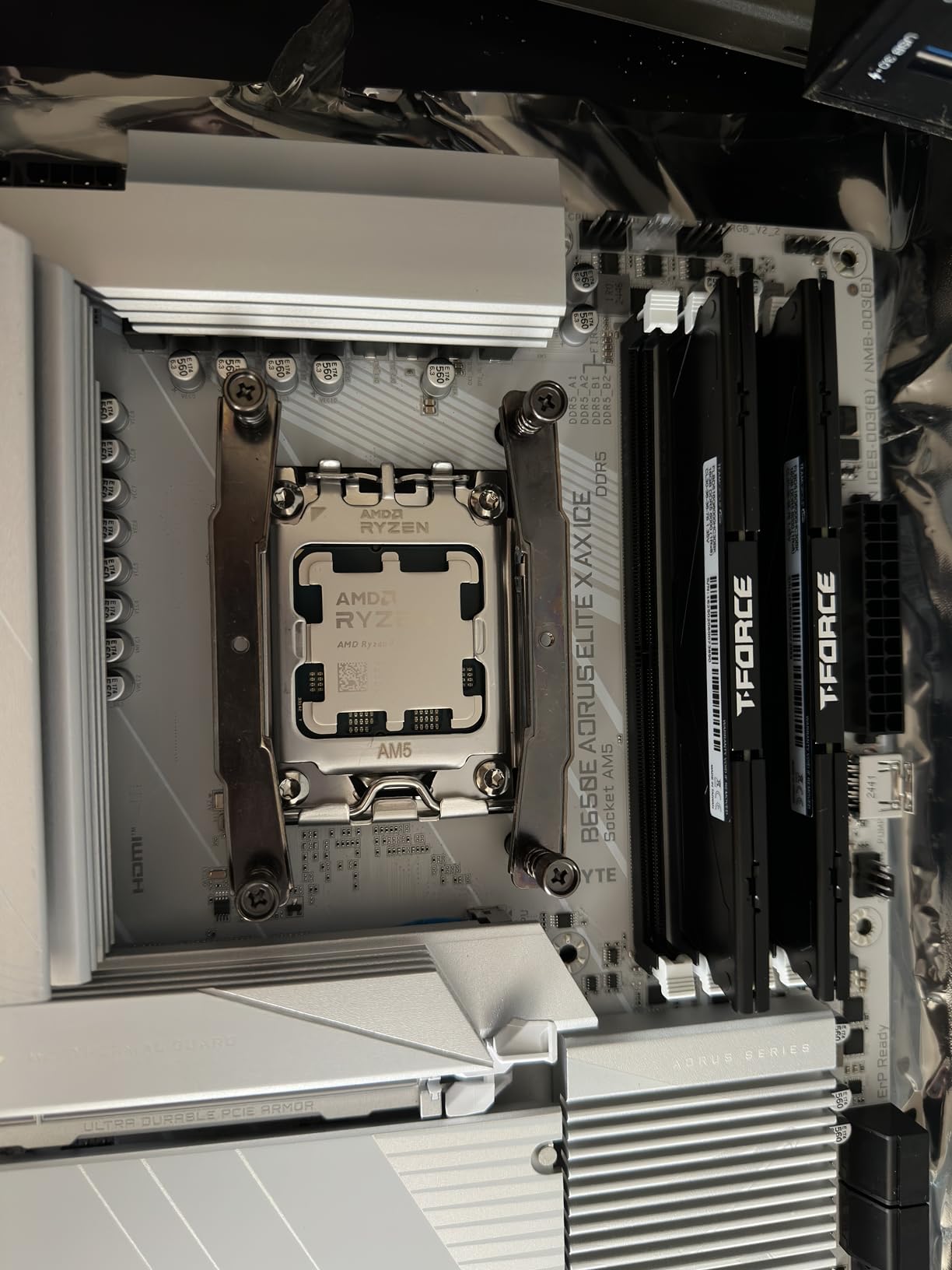
The silver eco heat spreader is deliberately functional rather than decorative, so it will not win any style awards. More practically, the reduced profile is a benefit in tight cases. The one thing to do before buying is check the QVL compatibility against your specific motherboard, since that is the vendor’s own guidance for this kit.
What on-die ECC actually does for you?
DDR5 moves error correction onto the memory die itself, so the module can detect and correct single-bit errors in the data stream as it is read without the CPU or the memory controller having to intervene. It is not the same as server ECC memory, and it will not protect a running system from a failing module. What it does do is reduce silent data corruption during long uptime, which for a gaming PC that doubles as a work machine is a genuine benefit.
Where it is the wrong pick?
It is the wrong pick if you want a showpiece build with coordinated lighting, since there is none here. It is also the wrong pick if your motherboard is an obscure model and you cannot confirm QVL compatibility, because you would be taking the compatibility risk on trust. On LGA 1851 wanting more bandwidth, a 6400 CL32 kit is the better direction.
We earn a commission, at no additional cost to you. CERTAIN CONTENT THAT APPEARS ON THIS SITE COMES FROM AMAZON. THIS CONTENT IS PROVIDED 'AS IS' AND IS SUBJECT TO CHANGE OR REMOVAL AT ANY TIME.
12. G.SKILL Ripjaws S5 32GB 6400 CL32 – Best Low-Profile 6400 Kit
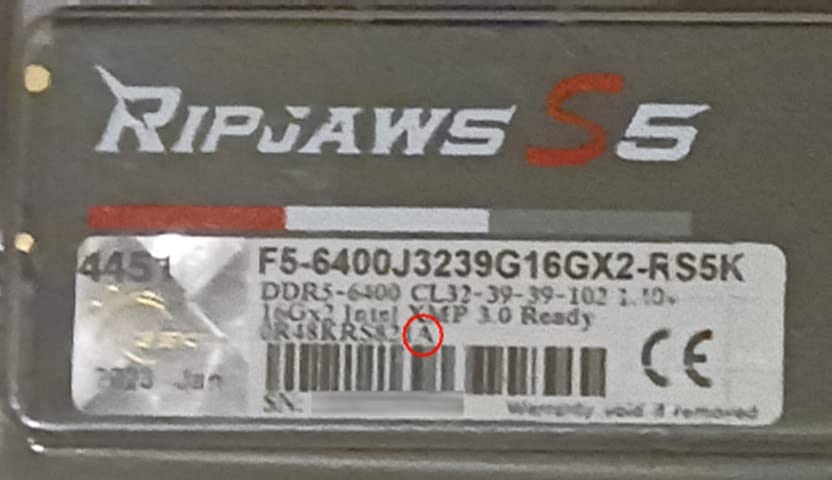
G.SKILL Ripjaws S5 Series DDR5 RAM (Intel XMP 3.0) 32GB (2x16GB) Up to 6400MT/s* CL32-39-39-102 1.40V Desktop Computer Memory U-DIMM – Matte Black (F5-6400J3239G16GX2-RS5K)
★★★★★★★★★★32GB 2x16GB,6400MT/s CL32-39-39-102,1.40V,Intel XMP 3.0,Very low profile spreaders
- Exceptionally low profile works under large tower coolers
- 6400 MT/s CL32 gives strong frame rates on current Intel
- XMP 3.0 loads reliably with no tweaking
- No RGB suits clean and ITX builds
- Runs cool at around 40C on an open test bench
- Intel XMP 3.0 only with no AMD EXPO listed
- Some SKUs use SK Hynix M-die that can miss rated speed on AMD boards
- Secondary timings of 39-39-102 are looser than premium CL32 kits
The Ripjaws S5 solves a problem most 6400 MT/s kits create: height. The very low profile heat spreader is designed to suit ITX and mATX builds and to clear tower air coolers, which is exactly where a 6400 CL32 kit would normally foul the cooler fan. The spec is 6400 MT/s at CL32-39-39-102 on 1.40V.
It is validated for Intel Z890, Z790, B860 and B760 platforms and includes a JEDEC default profile plus an Intel XMP 3.0 overclock profile. Modules boot at the JEDEC default SPD speed until XMP is enabled, which is the normal DDR5 behaviour and worth reminding yourself about when you first boot.
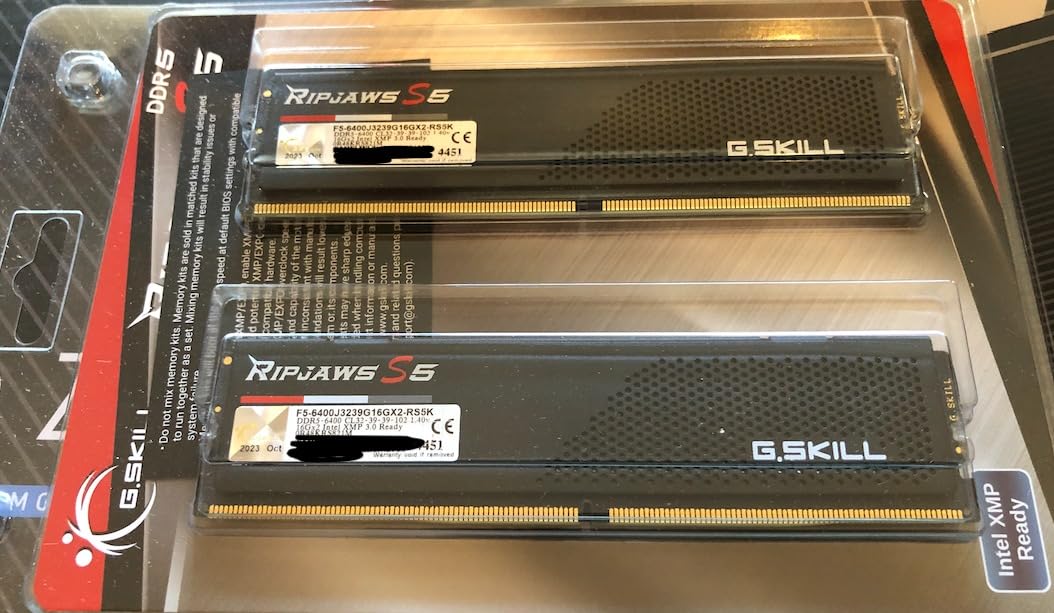
Owners value the Ripjaws S5 for combining 6400 MT/s speed with a very low profile height, which makes it a favourite for compact ITX builds and for clearing large air coolers. The XMP 3.0 profile loads reliably and the kit runs at rated speed with no tweaking, and it stays cool, around 40C on an open-air test bench in one report.
The main caveat reported is the Intel-only profile. This kit lists Intel XMP 3.0 with no AMD EXPO profile, and some SKUs ship with SK Hynix M-die silicon that can fail to hit rated speed on certain AMD boards. If you are on AM5, the 6000 CL30 kits on this list are the correct answer instead.
Why silicon choice matters more than the badge?
Two kits with identical printed speed and timings can perform differently because they use different DRAM die. SK Hynix M-die, Samsung dies and Micron dies each have different overclocking ceilings and different compatibility behaviour, and the same SKU number can be produced on more than one die type over the life of a product. This is exactly why the recurring forum advice is that any CL30 DDR5-6000 32GB kit will do and the underlying silicon is broadly equivalent, and why paying a large brand premium for an identical spec rarely buys you anything measurable.
Where it is the wrong pick?
It is the wrong pick on AMD, since the profile is Intel-only and the M-die variance risk is specifically an AMD board concern. It is also the wrong pick if you want lighting, and the secondary timings of 39-39-102 are looser than premium CL32 kits. On a blacked-out build with a huge air cooler and an Intel chip, though, it is the most sensible 6400 MT/s option here.
We earn a commission, at no additional cost to you. CERTAIN CONTENT THAT APPEARS ON THIS SITE COMES FROM AMAZON. THIS CONTENT IS PROVIDED 'AS IS' AND IS SUBJECT TO CHANGE OR REMOVAL AT ANY TIME.
How to Choose a 32GB DDR5 Kit?
Work through these seven decisions in order. If you get the first two right, almost any 32GB DDR5 kit will serve you well; the rest are about fit, looks and paying too much for headroom your CPU cannot use.
1. Match the profile to your platform first
Every kit here carries either XMP 3.0, EXPO, or both, and that is the single most important compatibility question. AMD AM5 boards read EXPO profiles, Intel boards read XMP 3.0. The good news is that most kits in this roundup carry both, which is why a dual-profile kit is the safest buy when your CPU is undecided. A single-profile kit becomes a deal breaker in the wrong build, and forum builders consistently treat that as the thing to check before anything else.
2. Pick the speed tier your CPU can actually hold
For AM5 and Ryzen 7000 or 9000, DDR5-6000 is the ceiling you should plan around. Above that, the Infinity Fabric often drops out of its 1:1 ratio with the memory controller and added latency erases the bandwidth gain, which is why forum users caution against 7200 MT/s and above on EXPO setups. For Intel LGA 1700 and LGA 1851, 6400 MT/s at CL32 is a realistic, comfortable target. Note the contradiction you will read across the web: one review calls 6000 CL30 the sweet spot, another insists anything above 6400 MT/s is worth it. Both are right for their own platform, and that is the entire resolution of the argument.
3. Read the whole timing string, not just CL
CAS latency is the first number in a string like CL30-36-36-76, and it measures cycles between a column access request and the data returning. Lower is tighter. The remaining three numbers are secondary timings and matter more under sustained load than people expect. Two CL30 kits at 6000 MHz can differ in their secondary timings, and the ones with 36-36-76 tend to be better in CPU-bound games than the ones with 40-40-76.
4. Choose 2x16GB, not 4x8GB
At 32GB, two modules is the right layout. Four 8GB modules populate every DIMM slot, which removes the upgrade path and makes it harder for the memory controller to reach rated speeds. Two 16GB modules also leave two slots free if you later want 64GB. Buy a matched kit rather than two separate sticks so both modules share the same speed, timings and voltage.
5. Check module height against your cooler
This is the mistake that ruins an otherwise perfect build. RGB heat spreaders are the tallest options in this roundup, and a large dual-tower air cooler with a low-mounted fan will physically sit on top of them. The genuinely low-profile picks here are the Crucial Pro kits, the Kingston FURY Beast, the Patriot Viper Venom, the non-RGB Corsair Vengeance and the G.SKILL Ripjaws S5. Measure before you order rather than after.
6. Decide about RGB honestly
RGB is a real preference, not a spec. It adds height, a control package, and occasional conflicts with motherboard utilities. If your case has a glass side panel and you enjoy tuning your build, the Trident Z5 RGB, the Delta RGB, the Renegade RGB and the FURY Beast White RGB are all competent implementations. If you do not care, the no-RGB kits give you the same frame rates with fewer variables.
7. Do not overpay for the badge
Here is the direct answer to the question of which company’s DDR5 RAM is best. For 32GB at 6000 MT/s, the silicon matters more than the logo, because the underlying DRAM die is broadly similar across brands at this spec. The common forum answer is that any CL30 DDR5-6000 32GB kit will do and you should get the cheapest one that suits your platform, with RGB if you want it. Pay a premium for a specific brand only when you are buying the profile support, the cooler clearance, the QVL coverage or the lighting.
Check your motherboard’s QVL before buying any kit outside the leaders, and update the BIOS before you first enable the profile. A BIOS update is often the difference between a kit hitting rated speed on first boot and landing at 5600 MT/s. For the rest of your build, our guides to the best gaming desks and the best gaming consoles cover what surrounds the tower.
Going From 16GB to 32GB
If your machine came with a single 16GB DDR5 stick, you do not always need to replace it. Check how many modules are installed first, because a machine with one 16GB stick in single-channel mode loses more than a machine with two mismatched sticks. Adding a matching 16GB module to reach 32GB in dual channel is the ideal upgrade, and it is the cheapest performance gain available in a prebuilt.
If the prebuilt has two 8GB modules instead, replace them together rather than adding to them, and buy a matched 2x16GB kit like any of the ones above. Mixing kits from different brands is not recommended: memory kits are sold matched and should not be mixed, and mismatched modules can fail to reach rated speed or fail to train at all. One r/buildapc owner described exactly this situation, having bought a prebuilt with a Ryzen 5 7500X3D and an RTX 5070 that shipped with 16GB of DDR5-6000, and being left to decide whether the upgrade was worth the money.
Once you have the kit, enable EXPO or XMP in BIOS before you judge anything. If you see 4800 MT/s in your task manager, the profile is off, not the kit.
Frequently Asked Questions
Is 32GB of DDR5 RAM overkill?
No. 32GB is the practical baseline for a modern gaming PC because a current AAA title, a browser with many tabs and a voice chat app can together pass 16GB. The jump from 16GB to 32GB shows up as fewer stutters and better 1% lows, not as a doubled frame rate. Going beyond 32GB only makes sense if you stream, edit video or run heavy background applications while gaming.
What is the best 32GB RAM for gaming?
The best 32GB RAM for gaming is a matched 2x16GB DDR5 kit at 6000 MT/s with CL30 and an EXPO profile on AMD AM5, or 6400 MT/s with CL32 and XMP 3.0 on Intel. The specific brand matters far less than hitting those numbers. A 2x16GB DDR5-6000 CL30 kit will serve almost any gaming build.
Which company’s DDR5 RAM is best?
For 32GB DDR5 at 6000 MT/s, the DRAM die matters more than the brand, and the silicon is broadly similar across manufacturers at that spec. The practical advice from experienced builders is to buy the cheapest CL30 6000 kit that carries the profile your platform needs, and to add a premium only for QVL coverage, cooler clearance or lighting. The exceptions are kits validated for specific platforms, such as Intel-only XMP kits you should not buy for AM5.
Is 32GB of DDR5 RAM good for gaming?
Yes, 32GB of DDR5 is a good amount of system memory for gaming and is the capacity most builders should target. It handles modern games, background applications and a streaming setup without falling back to slower storage paging. 16GB still runs games, but it leaves little headroom once everything else on the system is open.
What speed DDR5 RAM do you need for gaming?
For AMD AM5, 6000 MT/s is the speed you should target because it is where the memory controller can hold a 1:1 ratio with the Infinity Fabric. Going higher can add more latency than the extra bandwidth removes. For Intel LGA 1851 and LGA 1700, 6400 MT/s at CL32 is a realistic target. Above 7200 MT/s on AM5, stability becomes a real concern.
What is the difference between XMP and EXPO?
They do the same job for different CPU brands. XMP is Intel’s memory profile format and EXPO is AMD’s, and each one stores a tested set of speed, timings and voltage on the DIMM so the memory controller can apply them in one click. Most kits in this roundup carry both, which is why they work on either platform. A kit listed with only one profile should be matched to the matching CPU brand.
Is Crucial Pro DDR5 RAM 32GB Kit 2x16GB 6000MHz CL36 good?
It is a good kit, with a caveat about the latency. At 6000 MHz, CL36 is looser than the CL30 kits listed here, and it uses a low-profile heat spreader that is excellent for large air coolers. It runs at a low 1.35V, supports both XMP 3.0 and EXPO, and is backed by Micron component testing. If your games are GPU-bound at high resolution, the latency difference will not be visible. If you play CPU-bound esports titles, a CL30 kit is the better buy.
Final Verdict
For an AMD AM5 gaming build, the CORSAIR Vengeance RGB 32GB at 6000 MHz CL30 is the kit we would buy first, because it carries both EXPO and XMP profiles, runs the exact spec the platform is happiest with, and has the largest review base in the category. If your cooler is tall or you do not want RGB, the plain CORSAIR Vengeance gives you the same speed and timings with a lower profile.
On Intel, step up to 6400 MT/s CL32. The Crucial Pro 6400 CL32 is the sober pick, and the G.SKILL Ripjaws S5 is the one to take if a big air cooler is in the plan. For low-profile or stability-first builds on either platform, the Crucial Pro 6000 CL36 and the Kingston FURY Beast 6000 CL30 both fit under large coolers and run their profiles without fuss.
Whatever you choose, remember the two things that matter most: match the speed class to your socket, and enable the memory profile in BIOS before you judge the result. That is the whole difference between a 32GB DDR5 kit that performs and one that does not. These remain our picks for the best 32GB DDR5 RAM kits for gaming in 2026, and we update this list as new kits and BIOS revisions land.