
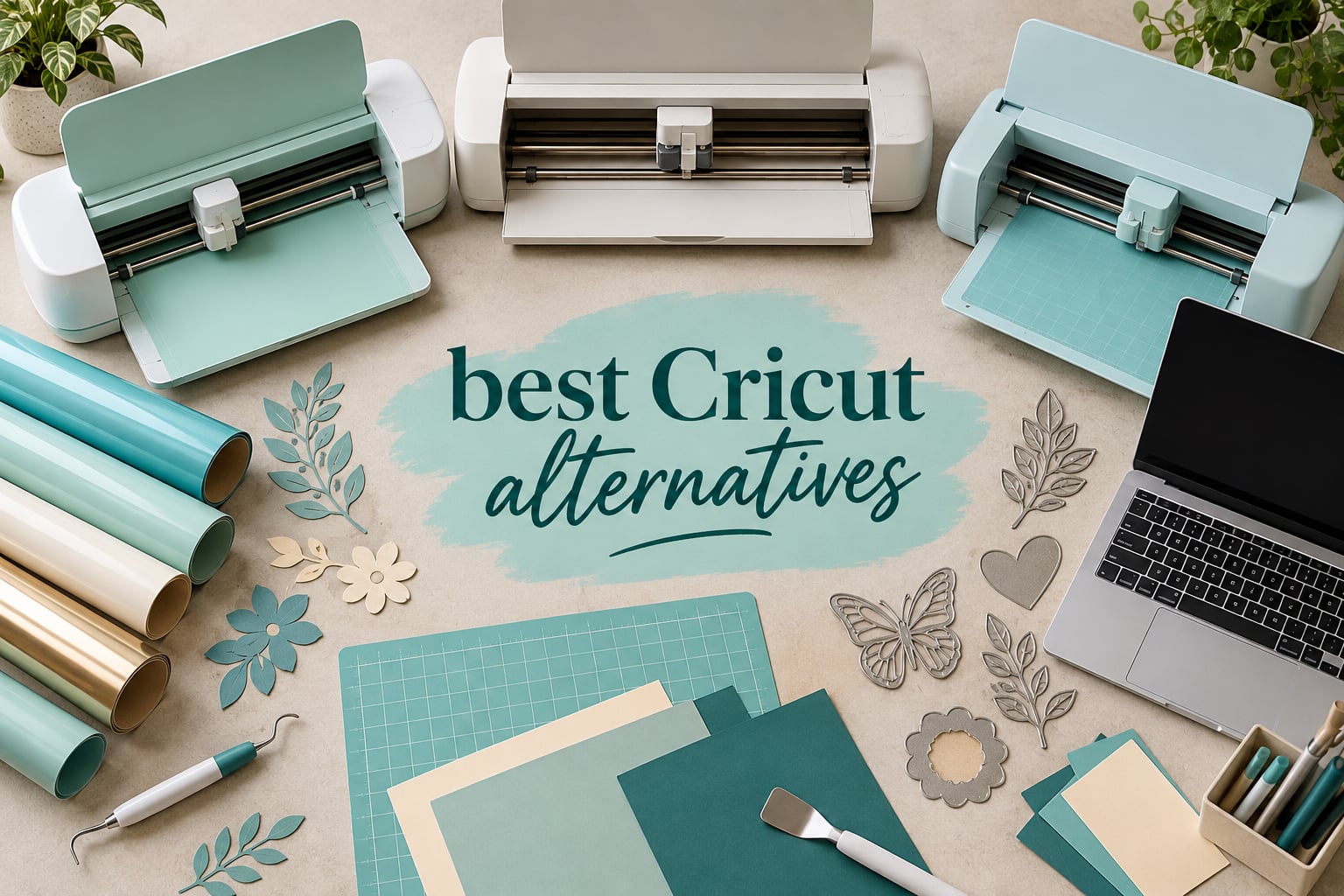
If you want the short version: the best Cricut alternatives in 2026 are the Silhouette Portrait 4 for most home makers, the Brother ScanNCut SDX125E if you refuse to use a computer, and the Silhouette Cameo 5 Alpha when you cut oversized signage and apparel blanks. All three cut vinyl, heat transfer vinyl and paper without Cricut Design Space and without a recurring Cricut Access subscription.
That matters because the machine is only half of what Cricut sells you. The other half is a browser-based design app that needs an internet connection on every single cut, plus a monthly membership for the best fonts, images and uploadable designs. Plenty of people reach the machine and then the software, and quietly decide the combination is not for them.
That is the exact situation on r/cricut and r/silhouettecutters, and it is the reason this list exists. Below you will find eight machines that do the same jobs a Cricut Maker or Explore does, an honest note on what you give up with each one, and a full breakdown of the free software options that replace Design Space.
Before we get into the machines, if you are still undecided about Cricut itself, read our Cricut machine roundup first. Some readers buy a Cricut for one project and then discover they needed a different tool entirely.
Table of Contents
- Quick Answer: the Best Cricut Alternatives in 2026
- Top 3 Best Cricut Alternatives (October 2026)
- Best Cricut Alternatives at a Glance in 2026
- 1. Silhouette Portrait 4 – Compact 9-inch Cutter With Print and Cut
- 2. Brother ScanNCut SDX125E – Built-In Scanner, No Computer Needed
- 3. Silhouette Cameo 5 Alpha – 12 by 24 Inch Area for Signage and Production
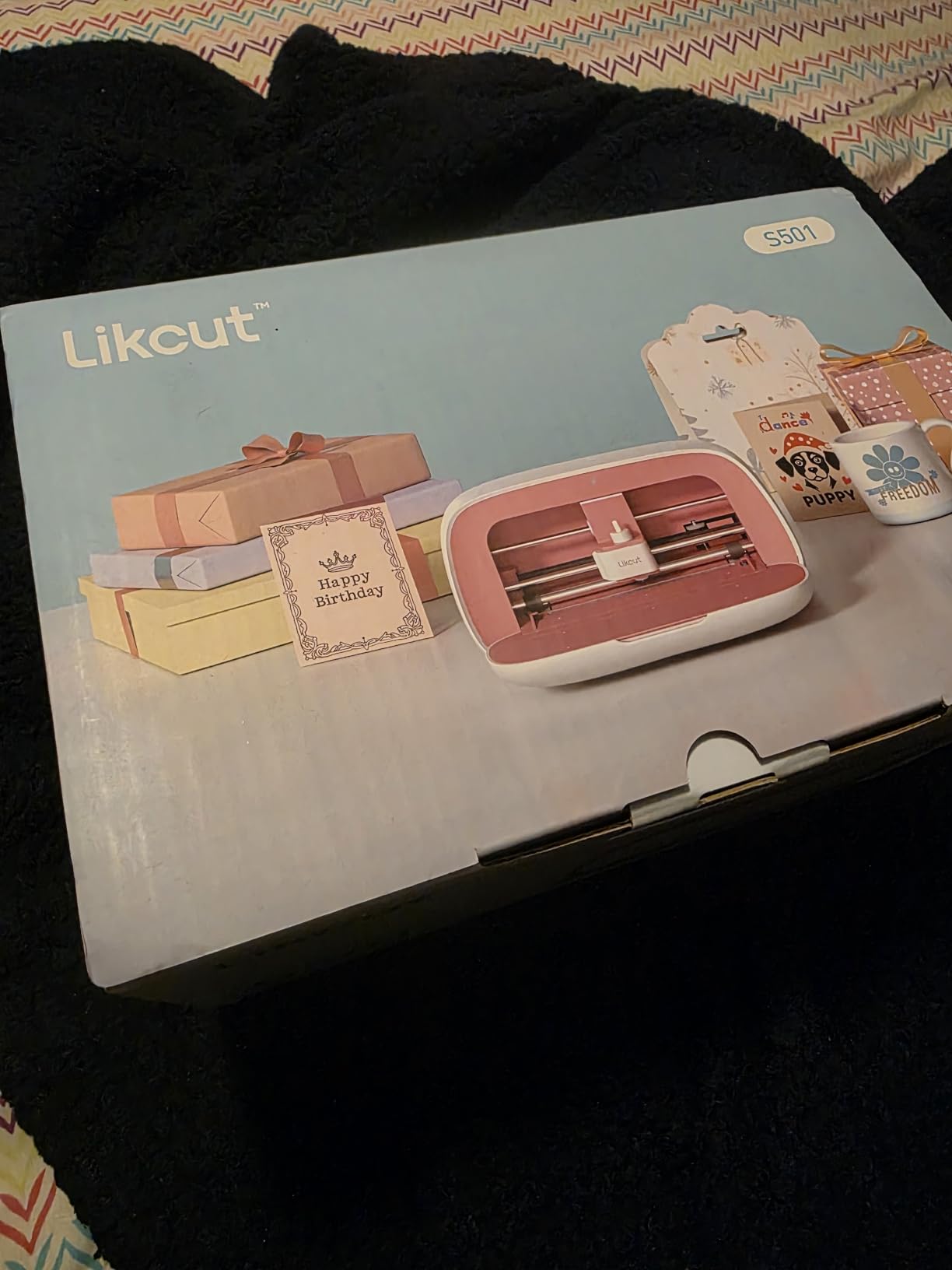
- 4. Likcut S501 – Budget Bluetooth Cutter With an AI Sticker Maker
- 5. Sizzix Big Shot Plus – Manual Die Cutting With No Software at All
- 6. Siser Romeo – 24 Inch Matless Cutter Built for Small Business
- 7. xTool S1 40W – Laser Cutter and Engraver in a Different Class
- 8. Sizzix Sidekick – Portable Manual Die Cutter for Beginners
- Free Cricut Design Space and Cricut Access Alternatives
- How to Choose a Cricut Alternative?
- What People Wish They Knew Before Leaving Cricut?
- Frequently Asked Questions
- Is there anything better than a Cricut?
- What do people use instead of Cricut Design Space?
- Is a Silhouette better than a Cricut?
- Is Siser or Cricut better?
- Which cutting machine is better, Scan and Cut or Silhouette?
- What is the best cutter machine similar to Cricut but cheaper?
- Do I need a computer to use a Cricut machine?
- What are some good alternatives to Cricut vinyl and materials?
- Conclusion: Which Cricut Alternative Should You Buy in 2026?
Quick Answer: the Best Cricut Alternatives in 2026
Every pick below cuts the same materials a Cricut does, and none of them requires Cricut Design Space:
Silhouette Portrait 4: the best all-round substitute for most home makers, with a 9-inch mat, print and cut, and a free basic version of Silhouette Studio.
Brother ScanNCut SDX125E: the pick if you want zero computer, because the built-in scanner turns a hand drawing into a cut file on the machine itself.
Silhouette Cameo 5 Alpha: best when your designs run wider than a standard sheet, thanks to a 12 by 24 inch cutting area and a four-point registration system.
Likcut S501: a low-cost way into vinyl cutting, with Bluetooth and an AI prompt-to-sticker feature that removes the design software entirely.
Sizzix Big Shot Plus: a manual die cutter for paper crafts, with no software, no subscription and no blade to blunt.
Siser Romeo: a 24-inch matless production cutter aimed at small businesses doing high-volume runs.
xTool S1 40W: a laser engraver and cutter, which opens wood, acrylic and metal jobs that no blade machine can touch.
Sizzix Sidekick: a portable manual die cutter for beginners, small dies and travelling crafters.
Top 3 Best Cricut Alternatives (October 2026)

Silhouette Portrait 4
- 9 inch cut width
- Print and cut
- Free Silhouette Studio basic
- IPT tension control

Brother ScanNCut SDX125E
- Built-in 600 dpi scanner
- Auto blade sensor
- 12x12 mat
- 682 built-in designs

Silhouette Cameo 5 Alpha
- 12x24 inch cut area
- Quiet motor at 400mm/s
- Print and cut
- AutoBlade included
Best Cricut Alternatives at a Glance in 2026
| Product | Key Specs | Pricing |
|---|---|---|
| Silhouette Portrait 4 |
|
Check Latest Price |
| Brother ScanNCut SDX125E |
|
Check Latest Price |
| Silhouette Cameo 5 Alpha |
|
Check Latest Price |
 Likcut S501 Likcut S501 |
|
Check Latest Price |
 Sizzix Big Shot Plus Sizzix Big Shot Plus |
|
Check Latest Price |
 Siser Romeo Siser Romeo |
|
Check Latest Price |
 xTool S1 40W xTool S1 40W |
|
Check Latest Price |
 Sizzix Sidekick Sizzix Sidekick |
|
Check Latest Price |
1. Silhouette Portrait 4 – Compact 9-inch Cutter With Print and Cut
Silhouette Portrait 4-9 inch Vinyl Cutting Machine with Studio Software, PixScan, Electric Tool and ES Mat Compatible, SNA and IPT Enabled, 50 db
★★★★★★★★★★9 inch cut width
81 sq in active area
18x9x9 inch footprint
Free Silhouette Studio basic
- Compact footprint that stores in a drawer
- Print and cut for stickers and patterns
- Uses fonts and graphics already on your computer
- Precise cuts on intricate layered designs
- Electric tool options beyond cutting
- Silhouette Studio has a steep learning curve
- Blade and material settings need test cuts to dial in
- Cutting mat grip is very sticky before it breaks in
The Portrait 4 is the machine I hand to friends who say they are scared of cutting machines. It weighs 16 ounces, measures 18 by 9 by 9 inches, and disappears onto a shelf when the project is finished. That footprint is the reason it wins this list for the widest range of people.
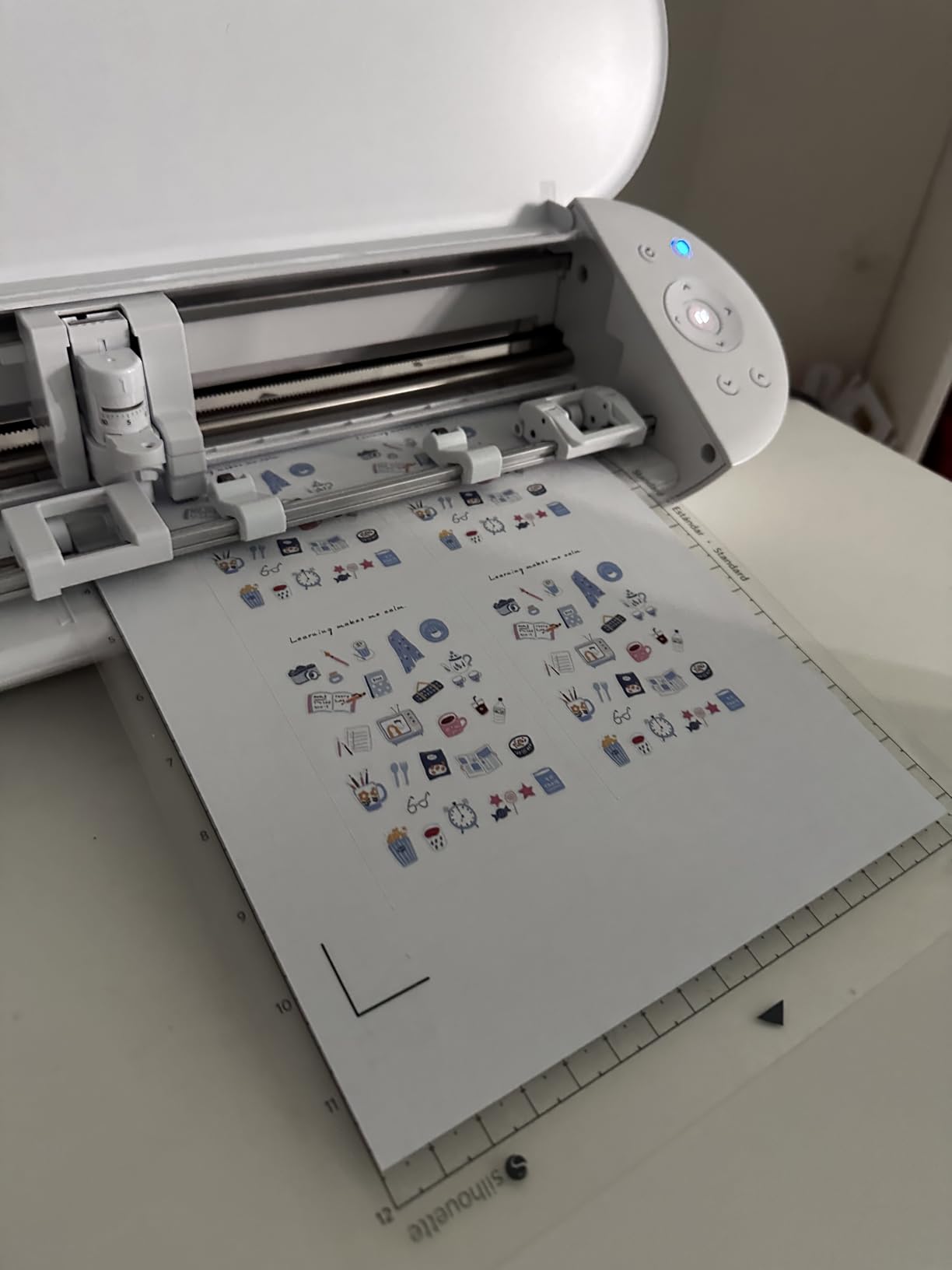
It cuts on an 81 square inch active surface using a standard 12 by 12 mat, and it does print and cut, which means you can print a sheet of sticker paper, print registration marks, and have the machine trim every border and contour for you. For anyone starting a sticker side business, that single feature is worth more than any bundled design library.
The software is Silhouette Studio, and the basic version is free. That free tier opens your own fonts and graphics, does SVG import, and handles offset layers and print and cut. You only pay if you want Silhouette Studio Plus or Design Store subscription content, and you never need to pay to operate the machine.
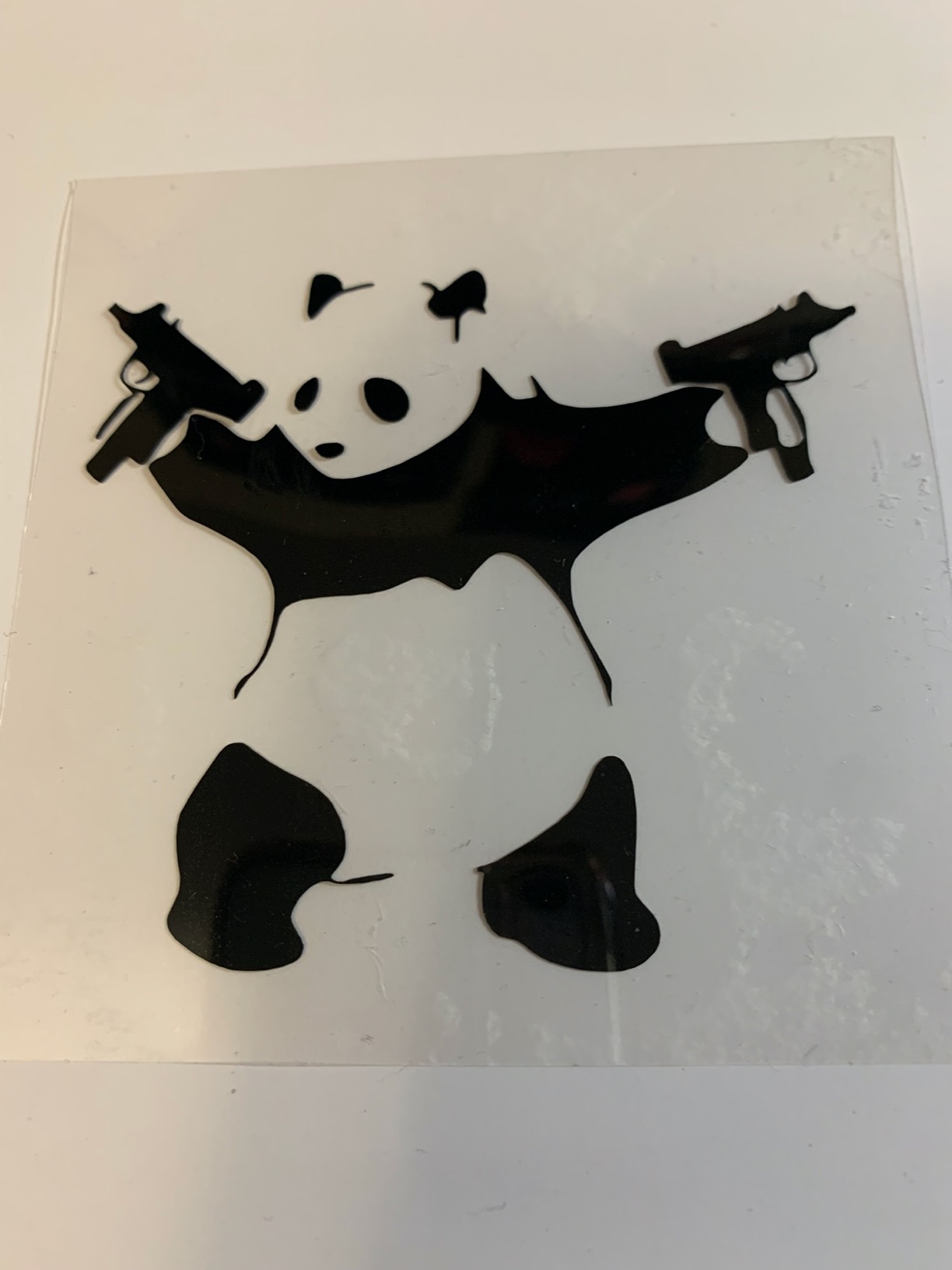
What gave me confidence is the ownership record: 2891 reviews averaging 4.4 stars, which is the largest review base in this group. Owners consistently describe it as a cheaper, more capable stand-in for a Cricut, and the recurring note is that it does more with your existing computer files than Design Space does.
The new SNA belt-driven chassis and IPT tension control improved on the older Portrait models. The machine is quieter, and the tension optimisation means it cuts thinner and slicker vinyl with fewer drag marks along the path. Electric tool options let you sketch, score and foil without swapping the whole carriage.
What it handles that surprises people?
Vinyl is the obvious one, and the cut quality on intricate multi-layer designs is the reason owners give it high marks. Weeding is clean because the blade does not chew the edges of tight corners the way a blunt blade does.
Heat transfer vinyl is the other surprise. Portrait users run HTV shirts and totes regularly, and the machine is a common recommendation on r/silhouettecutters for apparel work. Pair it with a real heat press rather than an iron and you avoid the peeling and air bubbles that frustrate new apparel makers.
Where it will disappoint you?
The learning curve in Silhouette Studio is real, and it is the number one complaint in the reviews. Offset, cut order and mat settings all look cryptic until you have done twenty test cuts. Budget a weekend of trial and error rather than an hour.
The 9-inch width also means anything wider than the mat needs multiple runs with repositioning. If your work is large-format signs or full-width decals, skip to the Cameo 5 Alpha. And the mat grip is deliberately very sticky, which protects long cuts but makes thin paper nearly impossible on a brand new mat until you have broken it in.
We earn a commission, at no additional cost to you. CERTAIN CONTENT THAT APPEARS ON THIS SITE COMES FROM AMAZON. THIS CONTENT IS PROVIDED 'AS IS' AND IS SUBJECT TO CHANGE OR REMOVAL AT ANY TIME.
2. Brother ScanNCut SDX125E – Built-In Scanner, No Computer Needed
Brother SDX125E ScanNCut Electronic Cutting Machine Scanner
★★★★★★★★★★Built-in scanner
144 sq in active area
Up to 3mm material
Auto blade sensor
- Scanner converts drawings to cut files on the machine
- 682 built-in designs including 100 quilting patterns
- Auto blade detects material thickness automatically
- Cuts material up to 3mm thick
- 5-inch touchscreen for on-machine editing
- Higher entry point than basic desktop cutters
- Learning curve for the touchscreen and ScanNCut workspace
This is the machine for the person whose actual problem is Design Space. Everything happens on the machine: you draw a design, slide the scanner over it, and the SDX converts it to a cut file without a computer, an internet connection or an app.
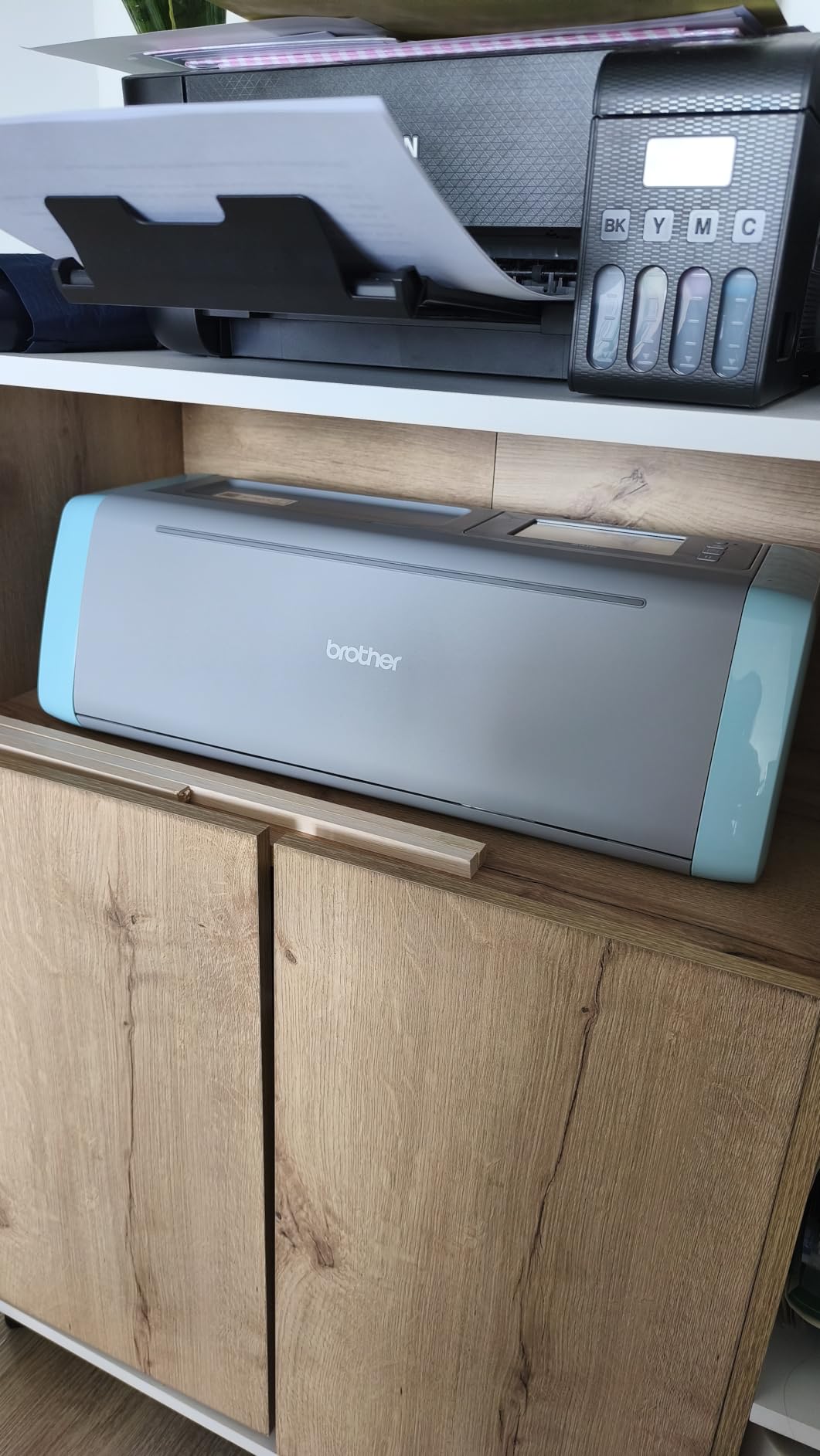
Among hobbyists the ScanNCut series is consistently described as the machine that gets you away from a required connected workflow, and the auto blade sensor means you are not telling the machine what you loaded. It measures thickness itself. When you buy a machine because you are escaping a mandatory online dependency, this is the strongest answer.
The 144 square inch active area gives you a full 12 by 12 mat, which is the same footprint as the Cricut Explore and larger than many compact rivals. It cuts up to 3mm of material, so thin chipboard and multiple cardstock layers are in range.
With 1316 reviews at 4.3 stars, the sample size is large, and reviewers keep pointing at the same two things: the scanner and the automatic blade. Papercrafters and quilters rate it especially highly, and the 682 built-in designs with 100 quilting patterns and 9 fonts mean a beginner can make something on day one.
You can still add your own designs by USB or wirelessly, so the machine is not trapped in its library. CanvasWorkspace is free, and the DX-level software adds background scanning and cutting from a USB drive when you outgrow the on-board workflow.
Why the scanner changes the workflow?
Hand-drawn patterns become cut files in seconds, which is huge for quilting, appliqué and paper piecing. Draw the block on paper, scan it, cut the fabric, and repeat with the same file on a different colourway.
The touchscreen also lets you place a scanned image precisely, nudge it, and cut it without ever opening a laptop. For crafters who share a machine in a shared craft room, not needing to log into an account on someone else’s laptop is a genuine convenience.
Where it will disappoint you?
It is not a small machine. The body is 20.9 inches wide and 6.8 inches tall, so it claims a full shelf even though it weighs 16 ounces.
Getting comfortable with the touchscreen menu and the ScanNCut workspace takes a week or so, and the on-board editing options are far less flexible than desktop software. If your work is long decals or heavy production runs, the 12-inch square area will feel small very quickly.
We earn a commission, at no additional cost to you. CERTAIN CONTENT THAT APPEARS ON THIS SITE COMES FROM AMAZON. THIS CONTENT IS PROVIDED 'AS IS' AND IS SUBJECT TO CHANGE OR REMOVAL AT ANY TIME.
3. Silhouette Cameo 5 Alpha – 12 by 24 Inch Area for Signage and Production
Silhouette America Cameo 5 Alpha (α) – Smart Cutting Machine for Print & Cut – Quiet Operation with AutoBlade, Studio Software, Cutting Mat- Vinyl, Paper & Fabric Compatible – Classic White
★★★★★★★★★★12x24 inch cutting area
400mm/s cut speed
Up to 3mm thick
11.5 lb body
- Largest usable cut area in this group
- Four-point registration keeps print and cut aligned
- Quiet motor running up to 400mm/s
- Fast Sketch Mode draws without losing detail
- Handles cutting sketching and embossing
- Silhouette Studio takes time to learn
- Blade and material settings still need test cuts
The Cameo 5 Alpha is the closest thing in this roundup to a full production machine without becoming a laser. A 12 by 24 inch cutting area means a full sheet of vinyl, a yard of transfer tape, or a sign blank in one pass, with no repositioning and no wasted mat space.
For anyone running a small shop, that width is the difference between one job and three jobs per session. Crafters moving off a Cricut because they were re-cutting the same decal in pieces usually land here.
The four-point registration system with vertical and horizontal correction is the feature sticker makers care about. It lines up printed sheets precisely, and owners who moved from a Cricut specifically praise the registration as noticeably tighter on curved and offset artwork.
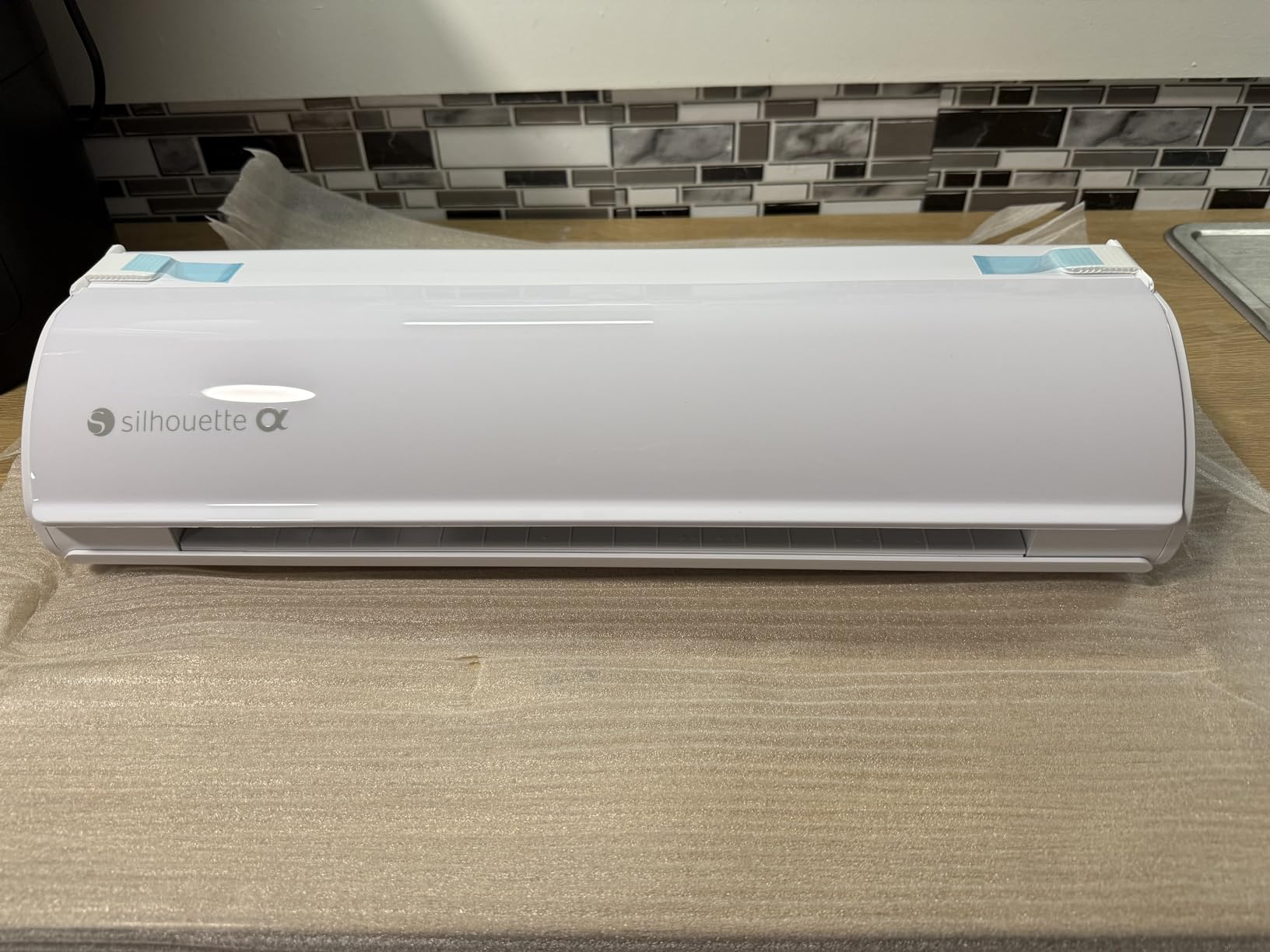
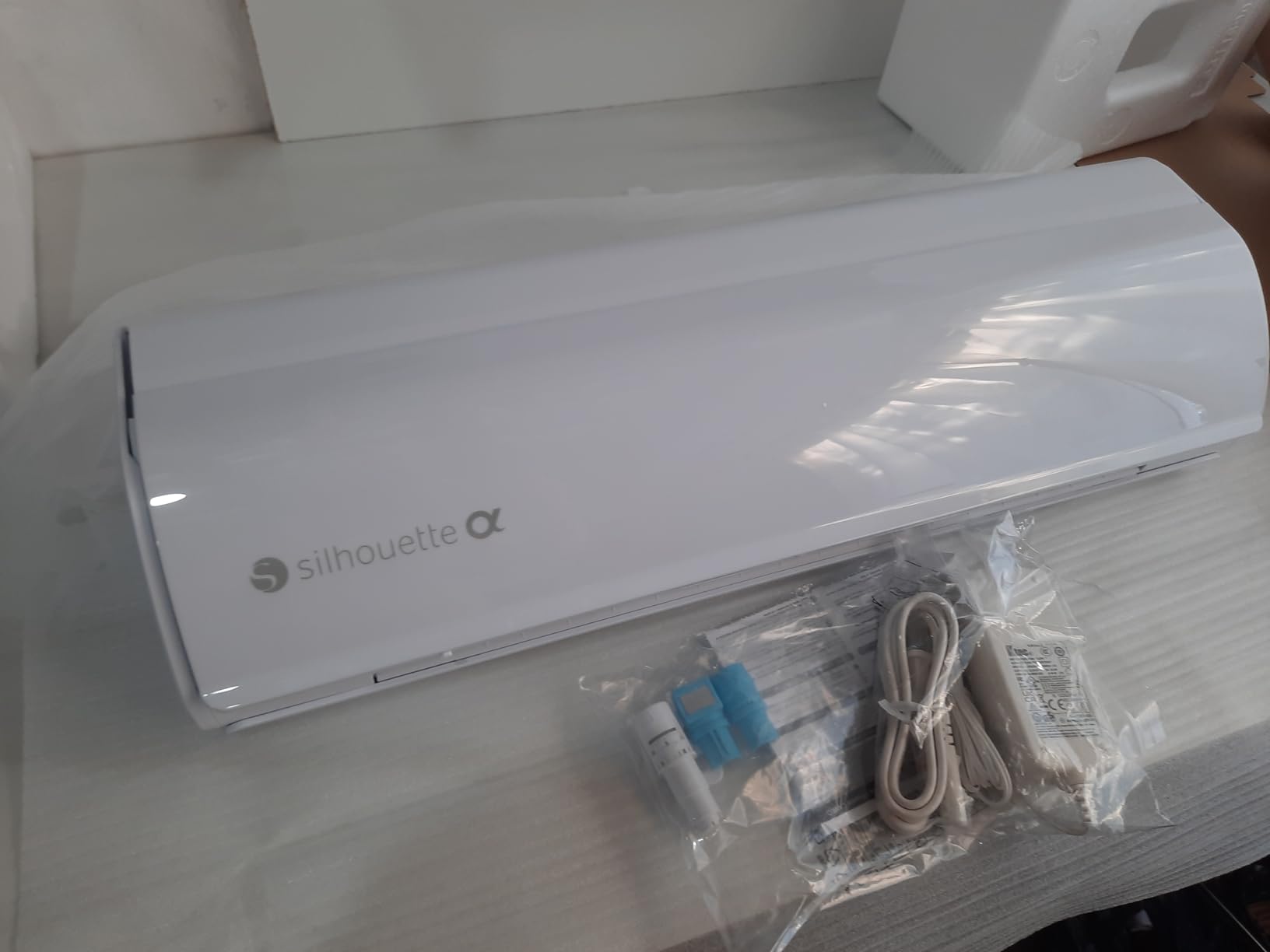
The box includes an AutoBlade, a cutting mat, a sketch pens adapter, 100 designs and Silhouette Studio, so there is nothing extra to buy on day one. It cuts, sketches and embosses material up to 3mm thick, and the motor runs quietly up to 400mm/s.
725 reviews at 4.4 stars is a smaller sample than the Portrait, and the reports are consistent: the cut width, the quiet motor and the registration earn the praise, while the Studio learning curve and per-material blade dial-in earn the complaints. That is the honest trade.
Where the extra width pays for itself?
Long decals, yard banners and full-width shirt transfers go on in a single pass. No seam, no registration guesswork across two mats, and far less wasted vinyl, which is the real ongoing cost most people underestimate.
Intelligent Path Technology optimises the cut order so the blade lifts and repositions fewer times, and Fast Sketch Mode draws designs at higher speed without losing line detail. Both save real minutes on a production run.
Where it will disappoint you?
It is 22.28 inches wide and 4.89 inches deep, so it needs a dedicated stretch of desk. That footprint is the single reason it is not our top pick for the average home crafter.
Software remains the friction point. Silhouette Studio has to be learned properly, and you will still run test cuts to find the right blade depth and material setting for every new material you try. Treat that as a normal part of the workflow, not a fault.
We earn a commission, at no additional cost to you. CERTAIN CONTENT THAT APPEARS ON THIS SITE COMES FROM AMAZON. THIS CONTENT IS PROVIDED 'AS IS' AND IS SUBJECT TO CHANGE OR REMOVAL AT ANY TIME.
4. Likcut S501 – Budget Bluetooth Cutter With an AI Sticker Maker
Likcut S501 Vinyl Cutter Machine, AI Sticker Cutter, 4.5″ Wide Cutting
★★★★★★★★★★4.5 inch cut width
Bluetooth 5.0 and USB-C
3.2 inch per second
Over 50 material types
- A low-cost entry point into vinyl cutting
- AI voice and text prompts turn ideas into cut files
- Dual cutting and drawing modes
- Fast Bluetooth pairing over USB-C backup
- Compatible with over 50 material types
- Build quality and cut consistency trail established brands
- Design store depends on the companion app and internet
- 4.5 inch width limits bigger projects
The Likcut S501 answers the question we get most: what is the best cutter machine similar to Cricut but cheaper. It is the lowest-cost way to cut your own vinyl rather than buying printed stickers, and for a beginner who wants stickers and simple labels it does the job without a subscription and without a desktop app.
The interesting part is the AI design tool. You describe a sticker in plain text or speak it, and the machine’s design store turns that into a cut file you can send over Bluetooth. That removes the single biggest barrier for new users, which is not the machine, it is the software.
Pairing takes about three seconds over Bluetooth 5.0, and USB-C is there when you want a wired path. The cut speed is up to 3.2 inches per second, and the blade is rated past 4610 meters, which is a lot of vinyl for a first machine.
With 769 reviews at 4.1 stars, it sits at the bottom of the ratings in this group, and the reviews say why. The AI prompt-to-sticker feature gets consistent praise, and so does the pairing speed, but owners also mention the plastic build feel and the need to test pressure settings for each material.
It is also not a subscription trap in the Cricut sense, but the design store does need the companion app and an internet connection, so if escaping online software is your main priority, this is a partial escape rather than a full one.
Best for first projects on a small budget
A 4.5 inch cutting width is plenty for name labels, planner stickers, envelope liners and small decals. Dual cutting and drawing modes mean you can sketch a border straight onto vinyl without changing tools.
The design library claims over a million designs and more than 1200 fonts, which sounds impressive but matters less than the AI tool. Being able to type what you want and get a cut file is what keeps a beginner making projects past week two.
Where it will disappoint you?
Cut consistency is the honest weakness. The blade depth is not auto-sensing like the Brother, so you will tune pressure by hand, and thin vinyl can drag if the setting is off. Budget time for test cuts.
Anything wider than 4.5 inches is out of reach, so this is not a signage machine. And unlike the Silhouette, it is not mat-based, so long decals are not a realistic project on this hardware.
We earn a commission, at no additional cost to you. CERTAIN CONTENT THAT APPEARS ON THIS SITE COMES FROM AMAZON. THIS CONTENT IS PROVIDED 'AS IS' AND IS SUBJECT TO CHANGE OR REMOVAL AT ANY TIME.
5. Sizzix Big Shot Plus – Manual Die Cutting With No Software at All
Sizzix Big Shot Plus Starter Kit (9″), White/Grey
★★★★★★★★★★9 inch opening
Manual crank operation
19 dies and embossing folder included
9.05 kg base
- Heavy stable base gives clean embossing
- 9 inch opening handles A4 material
- Starter kit ships with dies folder and 40 sheets of cardstock
- Cuts paper tissue cardstock felt cork and balsa
- Stack and turn operation with minimal assembly
- Some plates hesitate before feeding on the first pass
- Manual hand crank rather than electronic cutting
- Bulky footprint compared with compact die cutters
The Big Shot Plus is the answer for anyone who does not want a computer, a subscription or a blade in their life at all. It is a manual die cutter: you feed a sandwich of cutting plates and material through the crank, and a steel die cuts the shape.
That is a fundamentally different craft from vinyl cutting, and it is not worse. It is the fastest way to produce identical shapes in paper, cardstock, felt, cork and balsa wood, and it never needs software, an account or an internet connection. For cardmaking and scrapbooking it is arguably the right tool, not a compromise.
The starter kit is unusually complete for a manual machine: a 19-piece Thinlits die set, an embossing folder, 20 sheets of cardstock in 20 colours and 20 more in rose gold and charcoal. You can make something the day it arrives.
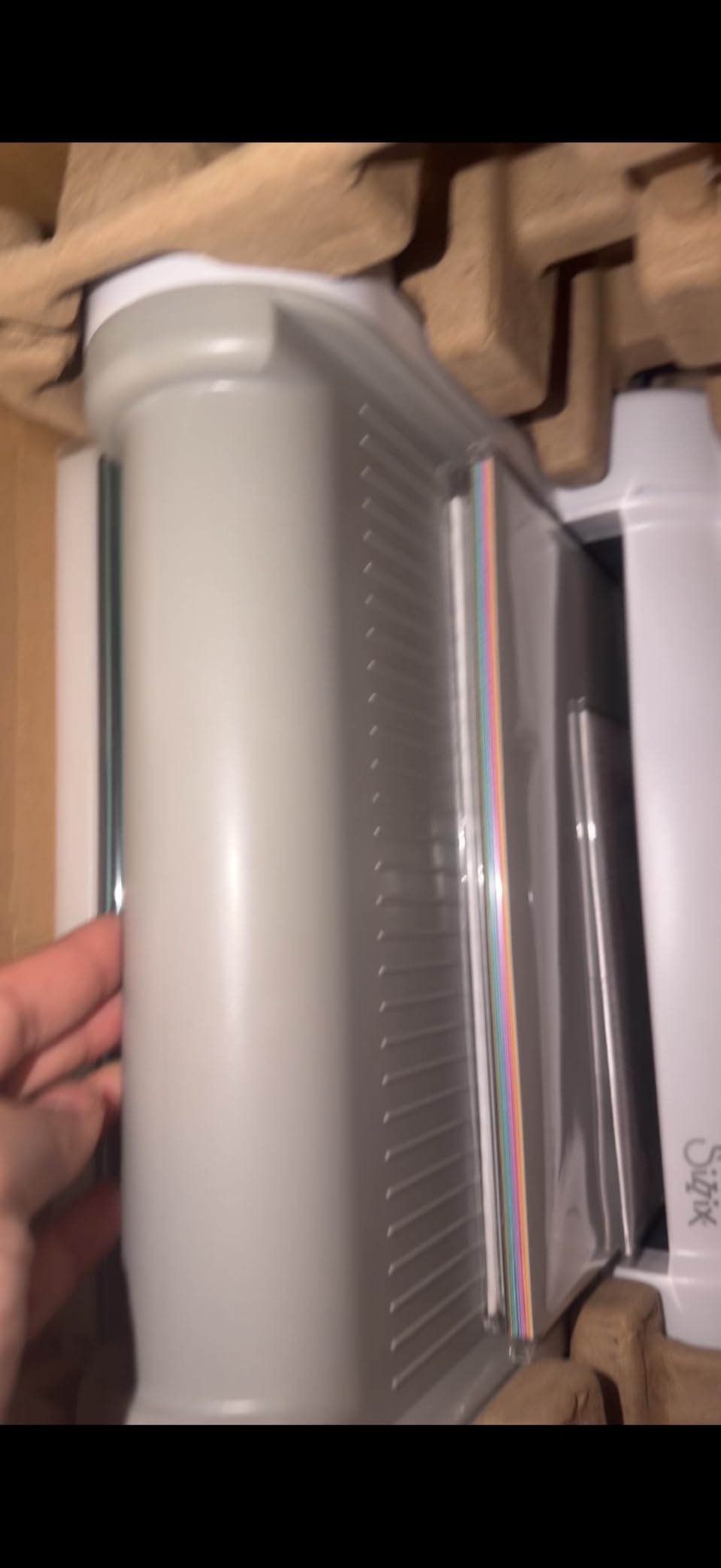
Reviews average 4.5 stars across 318 owners, and the recurring praise is for the weight and stability of the base, which is what produces a clean embossing result. Light machines flex and give you a half-pressed folder.
Because it is manual, there is no blade to blunt, no blade holder to replace and no consumable beyond the plates and the dies themselves. That is a genuinely different ongoing cost profile from an electronic machine.
Where it beats every electronic machine?
Repeat shapes, hundreds of them, at speed. A die does not wander, does not need re-registration and does not care about material tension. Felt, cork and balsa wood are simply out of reach for a blade machine, and straightforward here.
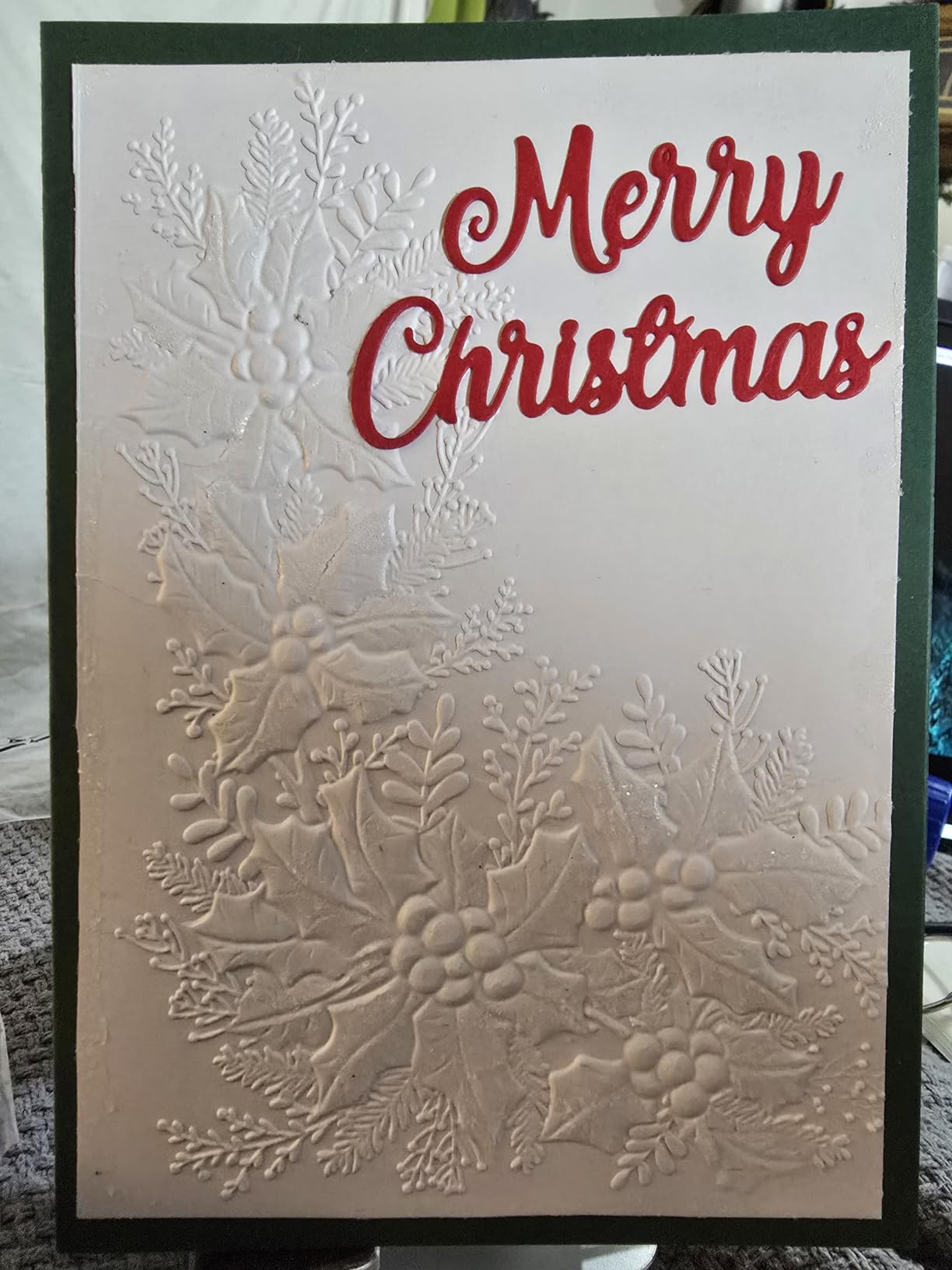
Embossing is the quiet superpower. The heavy platform and cutting pads distribute pressure evenly, and folder-then-die combos give a finished card in a single pass that an electronic cutter cannot replicate.
Where it will disappoint you?
You are limited to dies and folders you own, and the die catalogue is an ongoing expense that replaces the software subscription rather than eliminating it. Plan for shapes you will use repeatedly, not one-offs.
It is also a genuinely large machine at 9.05 kg, and it wants a dedicated shelf. A few owners report that a plate occasionally hesitates on the first pass and needs a second push, which is normal for a manual crank and worth knowing.
We earn a commission, at no additional cost to you. CERTAIN CONTENT THAT APPEARS ON THIS SITE COMES FROM AMAZON. THIS CONTENT IS PROVIDED 'AS IS' AND IS SUBJECT TO CHANGE OR REMOVAL AT ANY TIME.
6. Siser Romeo – 24 Inch Matless Cutter Built for Small Business
Siser Romeo High-Definition Cutter – 24″ Professional Cutting Machine for Vinyl, Paper, and More – WiFi Compatible with Windows & Mac – Includes Leonardo Design Studio Software, Roll Holder Accessory
★★★★★★★★★★24 inch cutting area
Matless cutting mode
285.5 sq in active area
Leonardo Design Studio included
- Full 24 inch cutting area for production runs
- Matless mode uses the entire cutting area
- Preinstalled settings for Siser HTV and EasyPSV materials
- Adjustable pinch rollers and variable grit rollers
- Faster and quieter than traditional desktop cutters
- Large footprint needs a dedicated work area
- Leonardo Design Studio takes time to learn
The Siser Romeo is the pick if your business question is throughput. Its 24 inch cutting area is double the Juliet model’s, and matless cutting means you use the whole width of that area instead of losing a centimetre or two to mat edges on every pass.
Matless is the real efficiency story for anyone cutting heat transfer vinyl by the roll. You load a length of HTV, cut a run of designs, and unload. No mat to peel, no adhesive to clean off, no replacement mats in the budget. Small shop owners moving off a Cricut frequently cite mat waste as the reason they switched.
The motor cuts up to 60 percent faster and quieter than traditional desktop cutters, and the touch-screen interface has adjustable pinch rollers and variable grit rollers so you can tune grip for delicate HTV or heavy cardstock.
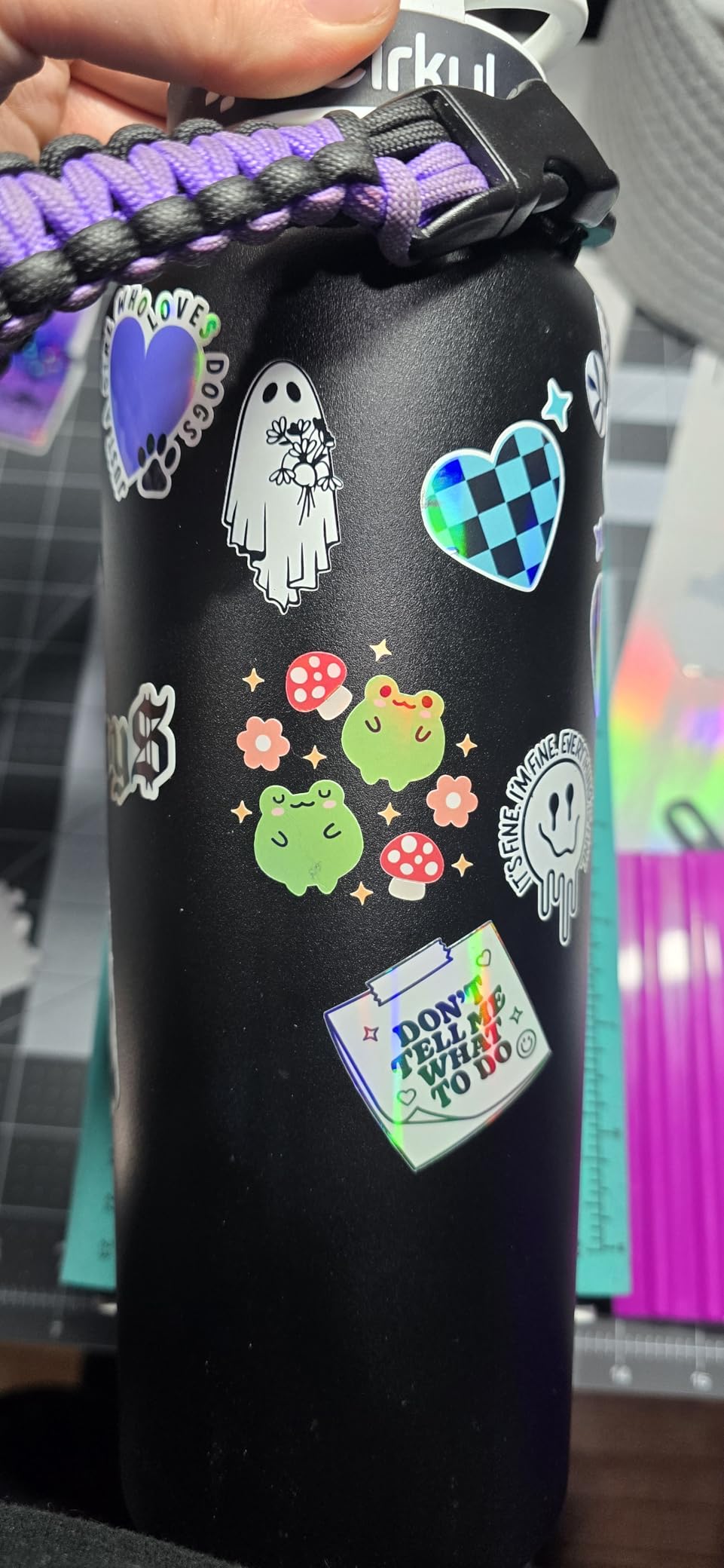
Leonardo Design Studio is included, which is the software that separates Siser from the pack: it takes SVG files directly rather than forcing you through a proprietary workflow, and it has preinstalled cut settings for Siser HTV and EasyPSV materials so you are not guessing blade depth.
244 reviews at 4.3 stars, and the small-business owners in that group consistently mention the same two things. The 24 inch width handles production volume, and the first weeks with Leonardo Design Studio were a ramp-up period.
Where matless changes your margins?
Every mat-based machine loses usable area to the mat border and to gaps between cuts. Over hundreds of shirts, that waste adds up in material cost alone, and matless cutting removes it.
It also removes a task. Weeding and reloading mats is the least enjoyable part of any production day, and a roll-feed workflow removes it entirely. It ships with a 12 by 12 light tack mat for the jobs that still need one.
Where it will disappoint you?
Size, plainly. At 36.5 inches wide and 7.75 inches tall with a 10 kg weight, this is a workstation, not a desktop accessory. If you craft at a kitchen table, this is not your machine.
Leonardo Design Studio rewards time investment. Users coming from simpler point-and-click tools find the first weeks slower, and the preinstalled settings only cover Siser’s own materials, so third-party vinyl still needs manual setup.
We earn a commission, at no additional cost to you. CERTAIN CONTENT THAT APPEARS ON THIS SITE COMES FROM AMAZON. THIS CONTENT IS PROVIDED 'AS IS' AND IS SUBJECT TO CHANGE OR REMOVAL AT ANY TIME.
7. xTool S1 40W – Laser Cutter and Engraver in a Different Class
xTool S1 40W Laser Cutter and Laser Engraver for Tumblers, 23.93″ x 15.16″ Bed Size, 600mm/s Speed, Laser Engraving Machine, Laser Engraver for Wood and Metal, Acrylic, Big Project – Rotary Bundle
★★★★★★★★★★40W diode laser
23.93x15.16 inch bed
600mm/s engraving speed
Enclosed Class 1 cover
- 40W laser cuts 18mm cherry wood in one pass
- Large bed handles sign blanks and batch work
- Enclosed Class 1 cover filters 99 percent of laser light
- Five flame sensors plus emergency stop and lid-open stop
- Creative Space with 400 plus material settings
- Needs strong ventilation because cutting produces smoke and odor
- Z probe can be dented and give false readings
- AutoPassthrough needs a separate feeder module
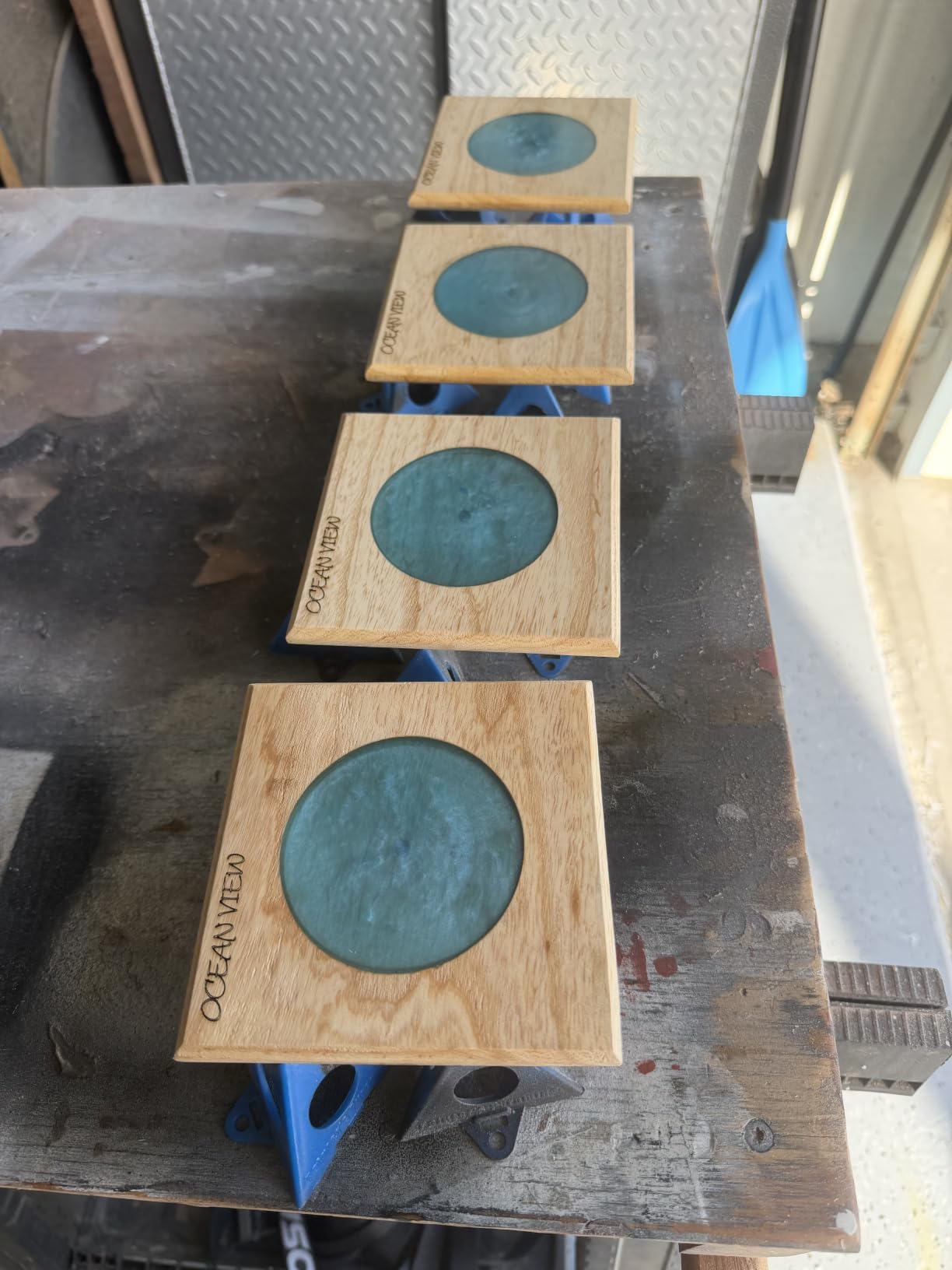
The xTool S1 is not a Cricut substitute so much as an upgrade path. A 40 watt diode laser engraves and cuts wood, acrylic, leather, anodised metal and coated tumblers, none of which a blade machine can touch at all. Personalisation is a far bigger business when you can engrave a photo on a tumbler.
The rotary bundle version adds a rotary attachment, and Pin-point Positioning technology is designed for engraving on curved surfaces. The bed measures 23.93 by 15.16 inches, so sign blanks and small batch jobs fit in one pass.
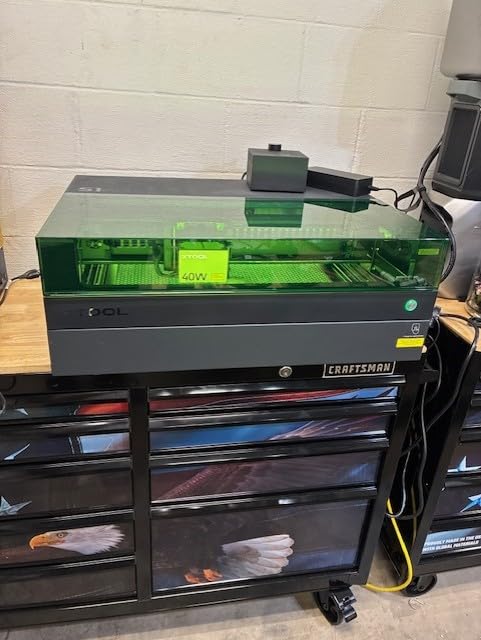
Safety is the part people underrate. This is an enclosed Class 1 laser with a cover that filters 99 percent of the laser light, five flame sensors, an emergency stop and a lid-open stop. It is still a laser, and it still needs ventilation, but the enclosure is a real step up from open-frame hobby lasers.
At 4.6 stars across 233 reviews, this is the highest-rated machine in our group. Owners cite clean first cuts, straightforward setup and a polished enclosed design, and the Creative Space software carries more than 400 pre-tested material settings plus 1000 plus project tutorials.
The repeated caveats are consistent enough to plan around. Ventilation is non-negotiable because cutting produces noticeable smoke and odor, and a few owners reported air-assist cable and position-sensor problems that xTool support resolved with replacements.
What a laser opens that a blade cannot?
Engraving removes weeding entirely. There is no vinyl to weed, no transfer tape to burn, and the finish looks more professional on wood, glass and coated metal than a printed layer ever will.
It also cuts thicker material. Owners report the 40W laser cutting 18mm cherry wood in a single pass, and acrylic and plywood projects are the mainstream use case rather than an experiment.
Where it will disappoint you?
It is 86.8 pounds and needs a real work area with ventilation, not a craft corner. If you cannot vent, a laser is the wrong purchase, full stop. The first calibration also takes patience.
Two specific cautions from reviews: the spring-loaded Z probe can be dented and give false height readings, so treat the carriage gently, and AutoPassthrough is not included in the base package, it needs a separate feeder module for projects over the bed size.
We earn a commission, at no additional cost to you. CERTAIN CONTENT THAT APPEARS ON THIS SITE COMES FROM AMAZON. THIS CONTENT IS PROVIDED 'AS IS' AND IS SUBJECT TO CHANGE OR REMOVAL AT ANY TIME.
8. Sizzix Sidekick – Portable Manual Die Cutter for Beginners
Sizzix Portable Manual Die Cutting & Embossing Machine for Arts & Crafts, Scrapbooking & Cardmaking, 2.5” Opening, One Size, Tim Holtz Sidekick Starter Kit
★★★★★★★★★★2.5x4.5 inch cutting area
2.6 pound portable body
Vacuum seal base
Includes starter kit
- Compact and light enough to travel or store in a drawer
- Cuts small intricate dies cleanly including 300gsm card
- Two layers of 90lb cardstock in one pass
- Vacuum seal base holds to a smooth surface
- Least demanding entry into die cutting
- 2.5 inch opening limits dies to 2.5 by 4.5 inches
- Suction grip is weak on some surfaces
- Handle turns opposite to the intuitive direction
The Sidekick is the smallest real die cutter in this roundup, and with 1160 reviews it is also the most proven. It weighs 2.6 pounds, measures 3.75 by 7.8 by 5.5 inches, and comes as a Tim Holtz starter kit, which makes it the easiest possible first machine.
You turn the handle, the die cuts, and that is the whole process. No software, no account, no subscription, and no learning curve beyond a minute of reading. For a beginner who is not sure they will stick with crafting, that is the lowest-risk way in.
It takes Thinlits dies, Framelits dies and embossing folders up to 2.5 inches wide, and the vacuum seal base grips the machine to a smooth surface so you can use both hands on the handle.
Long-term owners describe it as a dependable little workhorse that cuts intricate small dies cleanly, including 300gsm card, and two layers of 90lb cardstock in a single pass. Cutting plates are rotated rather than replaced, which is why these machines keep working for years.
Reviews at 4.2 stars across 1160 owners are consistent. The complaints all concern the same things: the 2.5 inch size limit, the suction base, and occasional jamming that a second pass clears.
Why the size limit is not really a limit?
A 2.5 by 4.5 inch window covers the majority of real die cutting work: sentiments, labels, small tags, box tabs and journal pieces. It is larger work such as large circles, backgrounds and full card fronts that need the Big Shot.
Because it travels, crafters take it to classes, meet-ups and shared makerspaces. A machine that lives in a drawer and comes out for one evening of crafting is often the one that actually gets used.
Where it will disappoint you?
Everything bigger than 2.5 inches. If your project list is full-size cards and layered backgrounds, this is the wrong tool and you will outgrow it within a month.
The vacuum seal base works well on a smooth table and poorly on a textured or cloth surface, and it needs resetting between cuts. The handle also turns opposite to the way most people instinctively push, so expect a slightly awkward first minute.
We earn a commission, at no additional cost to you. CERTAIN CONTENT THAT APPEARS ON THIS SITE COMES FROM AMAZON. THIS CONTENT IS PROVIDED 'AS IS' AND IS SUBJECT TO CHANGE OR REMOVAL AT ANY TIME.
Free Cricut Design Space and Cricut Access Alternatives
Here is the part almost every other roundup leaves out. If the reason you are looking at alternatives is the software rather than the machine, you may not need to change hardware at all. Design Space and Cricut Access are separate things, and only one of them is a recurring cost.
Cricut Design Space is the free design app. It needs a compatible PC, Mac, tablet or phone and an internet connection every time you cut. That is the part that frustrates people, because a simple 20-minute cut can be blocked by a login screen or a connection failure.
Cricut Access is the optional monthly membership that adds premium fonts, images and monthly uploads, plus commercial usage rights. If you make and sell products, the commercial licence terms are the real reason people consider it, not the images.
If you own a Cricut and want to reduce the software load, these are the free tools people actually use:
Sure Cuts A Lot: a free Windows cutting software that imports SVG, DXF and PDF files, does multi-layer cutting, and adds registration marks for print and cut. It is the most widely recommended Design Space replacement on craft forums.
Inkscape: free and open source vector editing for Windows, macOS and Linux, with precise pen-node control and SVG as its native format. Steeper than a click-and-drag tool but unlimited and offline.
Affinity Designer: a paid-once vector editor for Windows, Mac and iPad with no subscription model. A common choice for people leaving a monthly fee behind.
Affinity Photo: the raster companion, useful for cleaning up traced images and preparing sticker artwork before you send it to the cutter.
Free font and SVG libraries: Google Fonts and the open-source fonts bundled with most desktop systems, plus free SVG resources for outlines, which replace the font library role Design Space plays.
Two practical notes. First, cutting files are the real asset, not the app. If your designs are saved as SVGs, you can move between cutting software for years without redoing work. Second, most people who truly want to leave Cricut Design Space end up changing machines, because the app still needs an internet connection to drive the cutter even when the design work happens elsewhere.
How to Choose a Cricut Alternative?
Decide what you cut first. Vinyl and heat transfer vinyl point to a blade machine: Portrait 4, Cameo 5 Alpha, Romeo or the Likcut. Paper shapes, felt, cork and balsa point to a manual die cutter. Engraving and thicker wood point to a laser. Trying to make one machine do all three is the most common buying mistake we see.
Check the software cost honestly. Silhouette Studio, CanvasWorkspace and Leonardo Design Studio all have usable free tiers. A machine whose only software is a free desktop app is a genuinely different long-term cost from one with a required subscription, and it is worth paying a little more upfront for that.
Look at matless cutting if you cut in volume. The Siser Romeo and the xTool branch of machines skip mats entirely. For someone cutting HTV by the roll or running a sticker operation, that removes both material waste and a repetitive task.
Measure the cut area, not the machine width. The Portrait gives you 81 square inches of usable space on a 12 by 12 mat, the Brother gives you 144, the Cameo 5 Alpha gives you a 12 by 24 mat, and the Romeo gives you 285.5. The reported active surface area is the number that decides whether your designs fit in one pass.
Factor in print and cut if you sell stickers. A registration system that corrects vertically and horizontally, like the Cameo 5 Alpha’s four-point setup, is worth more than a bigger bundled design library. It is the difference between a batch of clean stickers and a batch of trimmed corners.
Think about noise and footprint. A machine that lives in a craft room can be loud. A machine that has to be pulled out after dinner cannot. The Cameo 5 Alpha runs quietly at up to 400mm/s, and the Portrait 4 stores in a drawer, which matters more than spec sheets in a small flat.
Consider a second machine instead of a switch. The pattern we see most often is a blade machine for vinyl and HTV plus a manual die cutter for paper. The Sidekick and the Big Shot together cost less than one mid-range electronic machine, and each does one job properly.
What People Wish They Knew Before Leaving Cricut?
Most people who switch do not regret the machine. What surprises them is the software, and crafters on r/cricut and r/silhouettecutters describe the same pattern repeatedly.
Design Space is genuinely hard to leave behind on a Cricut. Multiple users confirm that running a Cricut without Design Space is not a realistic option, and that unofficial workarounds risk damaging the machine. If your objection is the software, changing machines is the fix, not changing apps.
The learning curve moves, it does not disappear. Silhouette Studio, Leonardo Design Studio and the ScanNCut touchscreen all get called harder than Design Space. The difference is that those platforms let you keep working offline once set up.
Your Cricut materials are not wasted. Cutting mats, transfer tape and weeding tools are largely interchangeable across brands, and standard 12 by 12 mats fit several machines. Third-party vinyl and HTV works on any blade machine, which is exactly where the material cost savings come from.
Brand communities are smaller. This is the trade-off almost nobody mentions. A Cricut has a huge file-sharing ecosystem, so a non-Cricut maker has fewer ready-made projects and fewer tutorials, even though the cutting result is often better. If you learn to design your own files, that gap disappears.
Crafters over-buy the machine and under-buy the press. The single most repeated upgrade recommendation across forums is a proper heat press instead of an iron. No peeling carrier, no air bubbles, no folded edges. Our own guide to switching one product category for another makes the same point: the machine matters less than the consumables and accessories around it.
Used and refurbished is a real option, with a checklist. If you want a Cricut without the new-machine commitment, buying pre-owned is reasonable. Check that the blade auto-sensor recognises the holder, that the mat grip has not gone, that the belts do not slip, and confirm the machine can still be linked to an account. A machine that cannot be linked is far less useful.
Frequently Asked Questions
Is there anything better than a Cricut?
For most home makers, yes. The Silhouette Portrait 4 and Brother ScanNCut SDX125E do the same cutting work without Cricut Design Space or a Cricut Access subscription, and the Brother adds a built-in scanner so you need no computer at all. The answer depends less on the machine than on whether your objection is hardware, software or the recurring cost.
What do people use instead of Cricut Design Space?
The most recommended free option is Sure Cuts A Lot, a Windows program that imports SVG, DXF and PDF files and adds registration marks for print and cut. Inkscape is the free and open source alternative for vector editing, and Affinity Designer is a paid-once option with no subscription. Most of these prepare the file, but a Cricut still needs Design Space to actually drive the cutter.
Is a Silhouette better than a Cricut?
For general crafting and print and cut sticker work, most owners say yes. The Portrait 4 and Cameo 5 Alpha offer a wider usable cut area than entry Cricut machines, the free tier of Silhouette Studio is genuinely usable, and the machine cuts without an internet connection once your file is prepared. The trade-off is a steeper software learning curve and a smaller file-sharing community.
Is Siser or Cricut better?
For high-volume vinyl and heat transfer vinyl work, the Siser machines are usually better because matless cutting uses the full width of the cutting area and removes the mat entirely. The Romeo’s 24 inch area doubles the Juliet’s, and it runs faster and quieter. The Cameo 5 Alpha is the better choice if you want a smaller footprint and the largest file community.
Which cutting machine is better, Scan and Cut or Silhouette?
Choose the Brother ScanNCut SDX125E if you want zero computer, because the built-in scanner converts a hand drawing into a cut file on the machine itself and the auto blade sensor detects material thickness. Choose the Silhouette Cameo 5 Alpha if you want a larger 12 by 24 area, a stronger software library and a bigger community for finding or sharing designs.
What is the best cutter machine similar to Cricut but cheaper?
The Likcut S501 is a genuinely low-cost way to start cutting your own vinyl, with a 4.5 inch cutting width, Bluetooth pairing and an AI prompt-to-sticker feature that turns a typed description into a cut file. It suits small labels and planner stickers. If you want more headroom for a similar outlay, the Sizzix Sidekick is a manual die cutter with no software at all.
Do I need a computer to use a Cricut machine?
Yes, with one exception. Design Space runs on a PC, Mac, tablet or phone and needs an internet connection on every cut, so a computer-class device is required in practice. The Brother ScanNCut SDX125E is the machine that breaks the pattern, because its built-in scanner and touchscreen let you design and cut with no computer connected at all.
What are some good alternatives to Cricut vinyl and materials?
Standard adhesive vinyl, heat transfer vinyl and transfer tape are industry-standard products, so you are not limited to branded stock. Use any quality vinyl roll on a blade machine, and you will also save money compared with branded material. Keep in mind that Cricut Smart Materials are proprietary matless material, and matless cutting on alternatives uses your own vinyl from a roll instead.
Conclusion: Which Cricut Alternative Should You Buy in 2026?
The Silhouette Portrait 4 is our pick for the best Cricut alternatives overall, because it balances cut quality, footprint, print and cut and a genuinely free software tier, and it has the largest ownership history in this group at 2891 reviews. Buy the Brother ScanNCut SDX125E if a computer-free workflow is your priority, the Cameo 5 Alpha if your work is wider than a sheet, and the xTool S1 if you want to engrave rather than cut.
Whichever machine you choose, the honest advice is to buy the simplest one that fits your materials, learn its software properly before your first real order, and keep your old mats and transfer tape, because they work with the new machine too.