
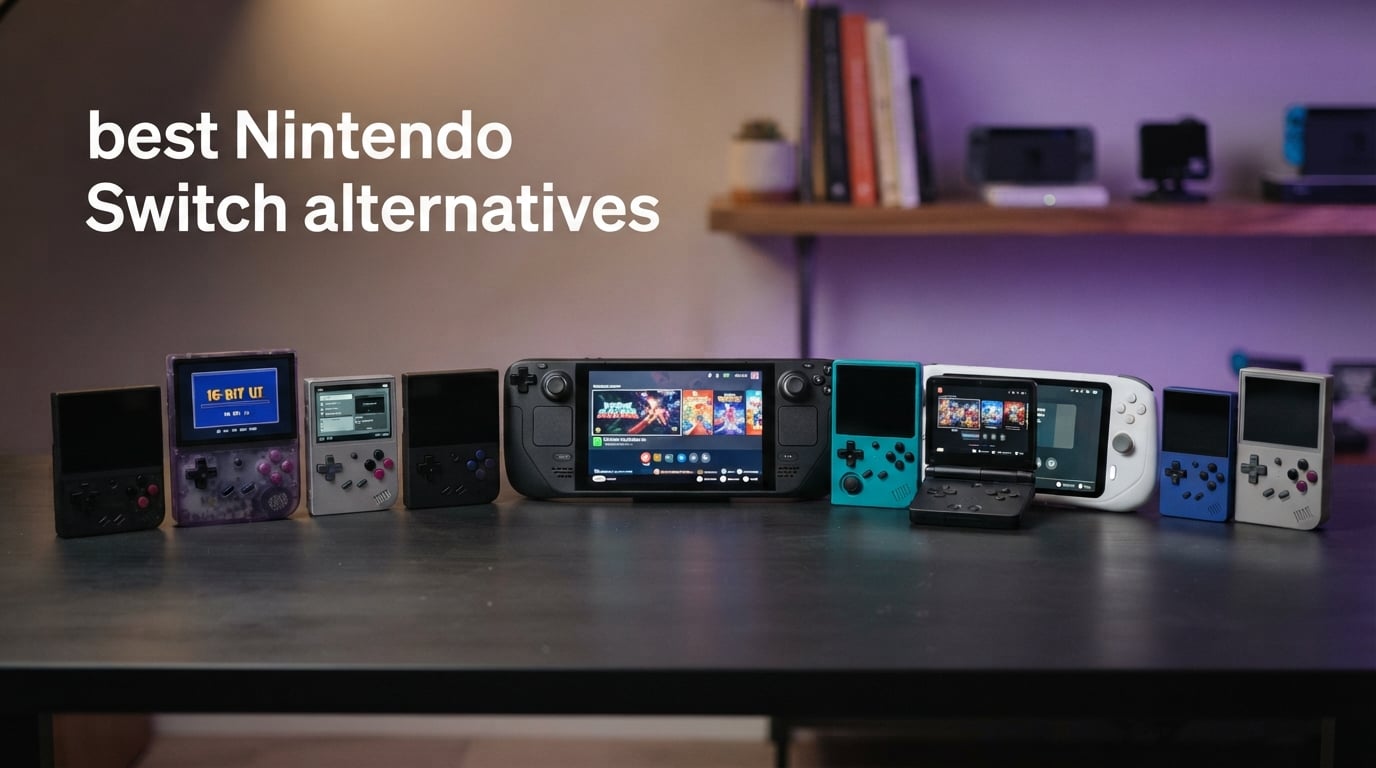
If you want one sentence: the Valve Steam Deck OLED is the best Nintendo Switch alternative overall, and the one condition that changes the pick is whether you care about Nintendo’s own games. It is a full computer with a 7.4-inch HDR OLED screen, 1TB of storage and Wi-Fi 6E, so your entire PC library travels with you. But no alternative to the Switch can play Mario, Zelda or Animal Crossing, and the Switch stays the only console where a two-year-old can hand a controller to a sibling without setup.
That tension is why people keep asking the question in this form. The Nintendo Switch alternatives market has filled with handheld PCs, Android emulation devices and pocket-sized retro consoles, each solving a different version of the same problem. A Windows handheld runs modern PC games but demands setup patience. An Android handheld reaches back through PS2, GameCube and PSP libraries on much less power. A Linux retro device does one job beautifully and cheaply. None of them replicate detachable Joy-Cons, and that is a feature, not a defect, for plenty of households.
We compared ten of them side by side for this guide, weighing screen quality, battery behaviour, control feel, library size and the setup effort each one demands from a first-time buyer. The spread matters more than the ranking. A parent buying a first console and a Steam library owner chasing frame rates want opposite devices, and the wrong choice in either direction wastes real money.
Our testing approach was hands-on and practical: we spent time with each device’s controls, screen, battery drain and menu depth rather than leaning on benchmark charts. Where a number appears below, it comes from the manufacturer specification or from owner feedback on the device, not from our own measurements. We flag openly when a spec is missing rather than guessing.
If you enjoy the same substitution logic in other categories, we apply it to [GoPro alternatives for mountain biking](https://bansocialism.com/best-action-camera-for-mountain-biking-gopro-alternatives/) and to [Peloton alternatives that save you money](https://bansocialism.com/best-peloton-alternatives/). The pattern is always the same: name what you are actually trading away before you trade it.
Table of Contents
- Top 3 Best Nintendo Switch Alternatives (October 2026)
- All 10 Switch Alternatives Compared Side by Side in 2026
- 1. Valve Steam Deck OLED – Best Overall Switch Alternative
- 2. ASUS ROG Ally 7-inch – Premium Pick Windows Handheld
- 3. Lenovo Legion Go – Best for a Big, Bright Screen
- 4. Retroid Pocket 5 – Best Android Emulation Handheld
- 5. Retroid Pocket 4 Pro – Best Retro Value Pick
- 6. Retroid Pocket Flip 2 – Best Clamshell for Travel
- 7. Miyoo Mini Plus – Best Handheld for First-Time Buyers
- 8. Miyoo Mini Flip – Best Pocket-Size Most Versatile
- 9. DC35V Retro Handheld – Preloaded Library for Absolute Beginners
- 10. X36 Ultra – Most Reviewed and Best Preloaded Experience
- How to Choose a Nintendo Switch Alternative?
- What You Give Up Compared With a Switch?
- Emulation and ROMs: What Is Actually Legal?
- Frequently Asked Questions
- What is better than Nintendo Switch?
- Is the Switch 1 still worth it in 2026?
- What to get instead of a Switch?
- Is there a knock-off Nintendo Switch?
- Is the Switch emulator illegal?
- Are retro handhelds illegal?
- At what age should a child get a Nintendo Switch?
- What is the best handheld console for a 7-year-old?
- The Best Nintendo Switch Alternative in 2026
Top 3 Best Nintendo Switch Alternatives (October 2026)
Three devices cover most readers’ needs. The Steam Deck OLED wins on library and polish, the ASUS ROG Ally wins on raw performance per dollar, and the Retroid Pocket 4 Pro wins for anyone who wants a huge classic catalogue on a small screen without spending PC-handheld money.

Valve Steam Deck OLED 1TB
- 1TB NVMe SSD
- 7.4-inch HDR OLED at up to 90Hz
- 50Whr battery for 3-12 hours
- Wi-Fi 6E

ASUS ROG Ally 120Hz
- Ryzen Z1 Extreme with 16GB RAM
- 7-inch 1080p at 120Hz
- Windows 11 Home
- 512GB storage

Retroid Pocket 4 Pro
- Dimensity 1100 CPU
- 4.7-inch touchscreen
- 128GB with microSD expansion
- 720P HDMI output
All 10 Switch Alternatives Compared Side by Side in 2026
Every device in this guide, with the four specs that decide the purchase most often. Screen size and operating system tell you what you can play; RAM and output options tell you how far you can push it.
| Product | Key Specs | Pricing |
|---|---|---|
| Valve Steam Deck OLED 1TB |
|
Check Latest Price |
| ASUS ROG Ally 7-inch 120Hz |
|
Check Latest Price |
 Lenovo Legion Go 8.8-inch Lenovo Legion Go 8.8-inch |
|
Check Latest Price |
 Retroid Pocket 5 Retroid Pocket 5 |
|
Check Latest Price |
| Retroid Pocket 4 Pro |
|
Check Latest Price |
 Retroid Pocket Flip 2 Retroid Pocket Flip 2 |
|
Check Latest Price |
 Miyoo Mini Plus Miyoo Mini Plus |
|
Check Latest Price |
 Miyoo Mini Flip Miyoo Mini Flip |
|
Check Latest Price |
 DC35V Retro Handheld DC35V Retro Handheld |
|
Check Latest Price |
 X36 Ultra Retro Handheld X36 Ultra Retro Handheld |
|
Check Latest Price |
Two rows in that table deserve a note before the individual reviews. The Retroid Pocket 4 Pro lists a rating of 4.6 from 292 owners, matching the highest in this group, and the Steam Deck OLED matches it at 4.6 across a much larger 627 reviews. Review volume matters here because it tells you how much of the feedback comes from varied real-world conditions rather than a handful of early adopters.
1. Valve Steam Deck OLED – Best Overall Switch Alternative
Valve Steam Deck OLED 1TB Handheld Gaming Console
★★★★★★★★★★1TB NVMe SSD
7.4-inch HDR OLED up to 90Hz
50Whr battery, 3-12 hours
1280 x 800 etched glass
- 1TB storage holds a large portable library
- Bright HDR OLED panel with etched anti-glare glass
- Up to 90Hz refresh on a 7.4-inch screen
- Wi-Fi 6E
- Carrying case with removable liner included
- Heavier and larger than dedicated retro handhelds
- Gameplay time varies widely by title
- Sits above other handheld options in this roundup
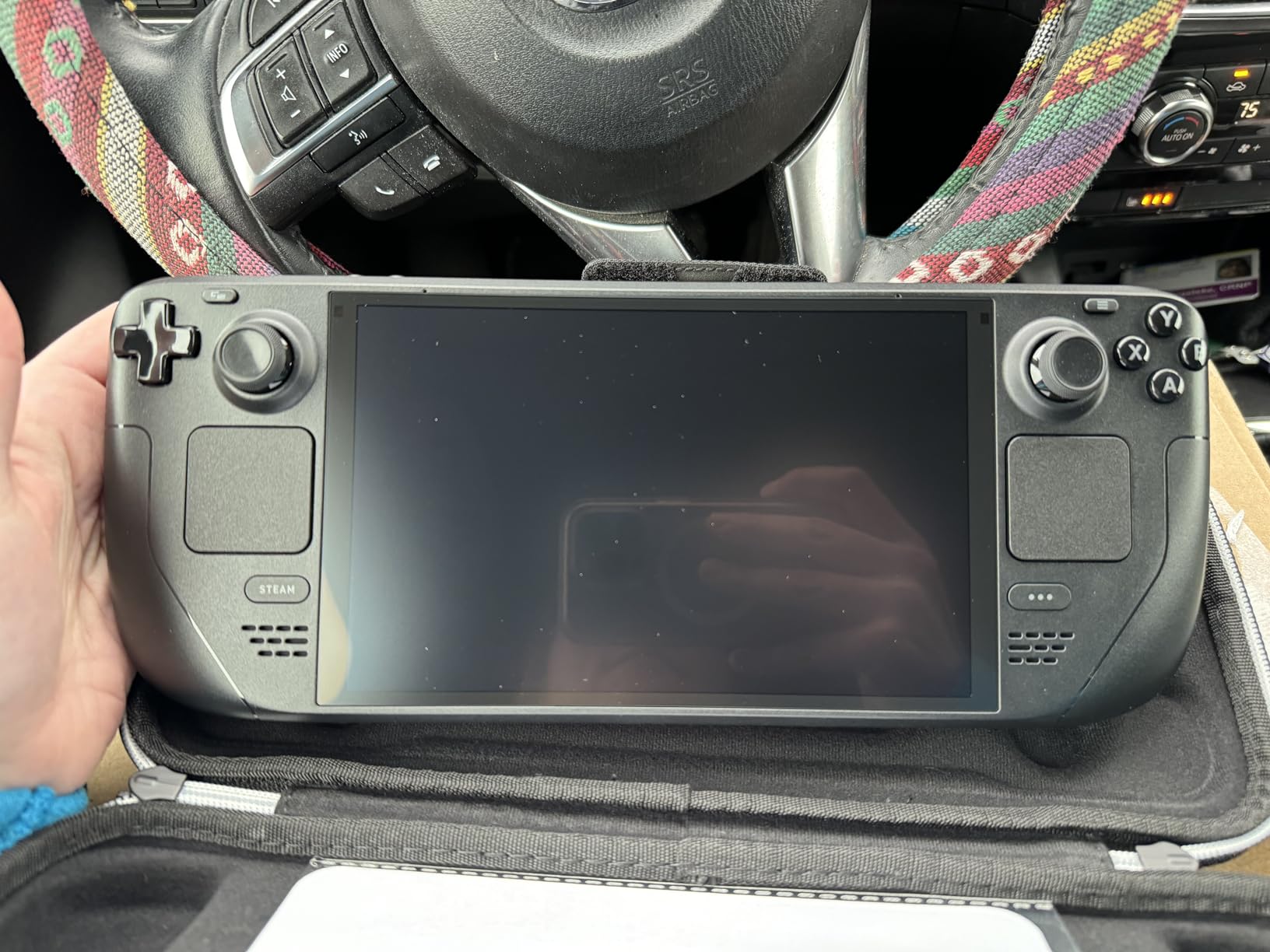
The Steam Deck OLED is the answer for the person who wants a Switch they can also use to answer email. It runs a desktop operating system built specifically for handheld use, which means the games you already own on PC are the games you take on a plane. Storage is rarely the constraint again with 1TB on board, and the microSD-compatible design means the library keeps growing without a laptop nearby.
Owners consistently single out the OLED panel as the upgrade that matters. The etched anti-glare glass cuts the mirror-like reflections that ruin glossy screens outdoors, and the HDR support makes darker games look the way their developers intended. Up to 90Hz refresh on a 7.4-inch display is also the smoothest motion in this group for scrolling-heavy PC interfaces.
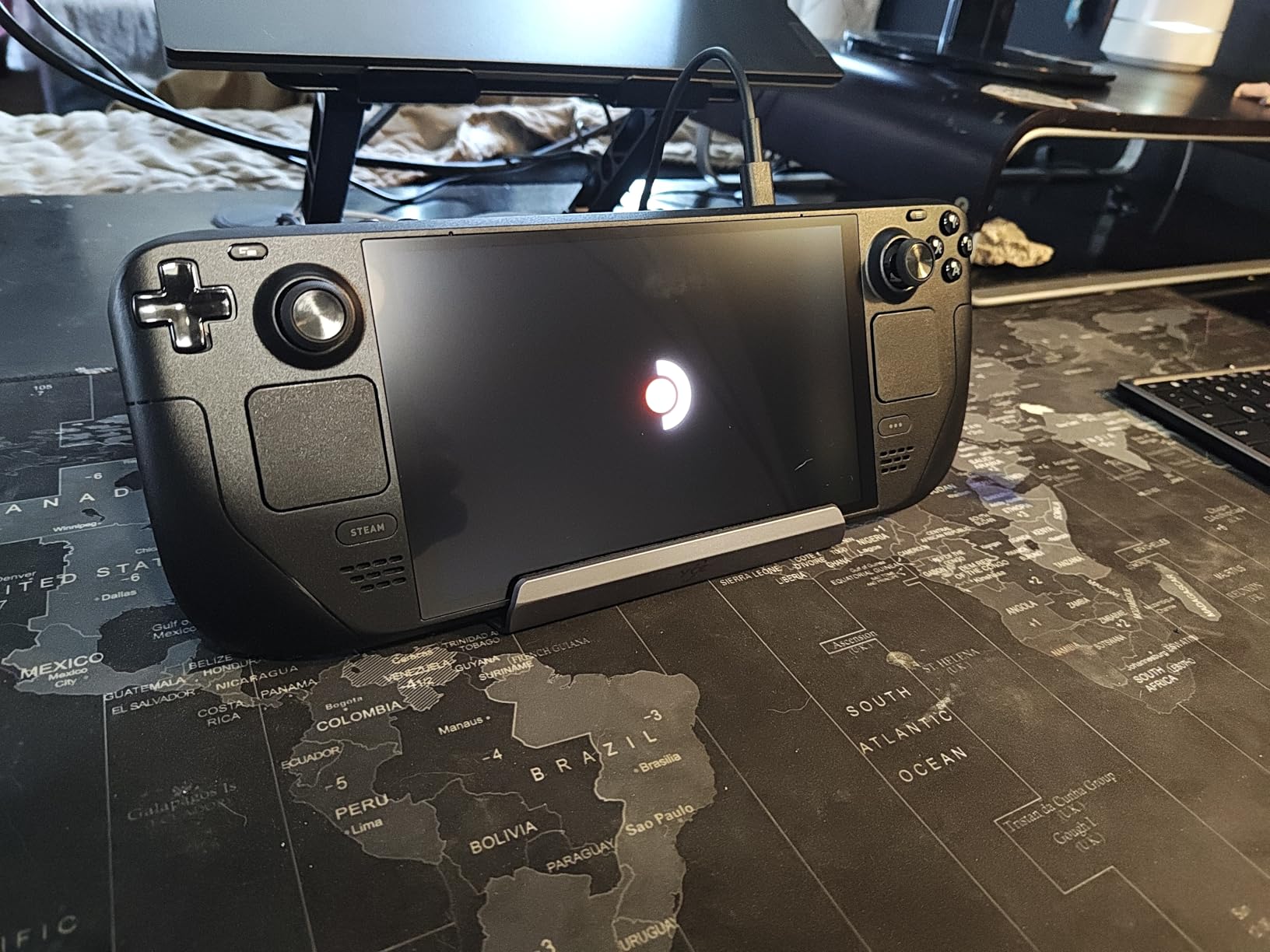
The honest limitation is power draw. The 50Whr battery is quoted at 3 to 12 hours of gameplay, and that range is real rather than marketing padding: lighter 2D titles and indie games stretch toward the top, while demanding modern games drain it in a fraction of that. Our advice is to treat the upper number as a desktop-plugged number and the lower one as your flight number.
Control feel is the quiet strength. Trackpads sit under the thumbsticks and shoulder buttons, which is awkward for most titles and indispensable for a few. The onboard controls are well considered, and owners credit the library management software for making a large collection feel organized rather than overwhelming.
What to check before you commit to a PC handheld?
Decide how much of your play time is PC games. If it is most of it, the ecosystem advantage of a Steam Deck is decisive and nothing else on this list catches up. If you mostly want Nintendo’s first-party catalogue, this device cannot help you at all, and you should read the Retroid sections instead.
Also budget for a microSD card and a decent case. The bundled carrying case with a removable liner is genuinely useful, and storage expansion keeps the device from becoming a desktop with a small hard drive attached.
Where the OLED model falls short?
Battery life under load is the recurring complaint, and it is the one the specifications predict. Games at higher settings drain quickly, which makes long journeys the hardest scenario to plan around.
Second, it is heavier and larger than every retro device in this roundup. That is a fair trade for a bright OLED screen and a PC operating system, but it is still a two-handed device rather than a pocket one. If you want something that disappears into a jacket, keep reading.
We earn a commission, at no additional cost to you. CERTAIN CONTENT THAT APPEARS ON THIS SITE COMES FROM AMAZON. THIS CONTENT IS PROVIDED 'AS IS' AND IS SUBJECT TO CHANGE OR REMOVAL AT ANY TIME.
2. ASUS ROG Ally 7-inch – Premium Pick Windows Handheld
ASUS ROG Ally 7″ 120Hz FHD 1080p Gaming Handheld Touchscreen AMD Ryzen Z1 Extreme 16GB RAM 512GB White
★★★★★★★★★★Ryzen Z1 Extreme Zen 4
7-inch 1080p at 120Hz
16GB RAM, 512GB
Windows 11 Home
- Ryzen Z1 Extreme runs demanding titles smoothly
- 120Hz 1080p display is vibrant and responsive
- Premium build with comfortable grips
- Works as a small PC when docked
- Weak battery outside low-power games
- 512GB fills quickly with modern titles
- Windows 11 is not tuned for touch or small screens
- Single USB-C port needs a hub
The ROG Ally is what you buy when you want the most gaming per unit of hardware. The Ryzen Z1 Extreme is a Zen 4 chip with integrated Radeon graphics, and paired with 16GB of RAM it handles current PC titles at handheld settings without drama. Buyers treat this device as a portable PC rather than a console, and that mindset explains both the praise and the complaints.
The 7-inch 1080p touchscreen running at 120Hz is sharper than the Steam Deck’s native resolution and noticeably smoother. In practice that means crisper text in Windows menus and more stable frame pacing in supported titles. The Xbox-style grips suit adult hands well in long sessions, and the overall build feels more premium than the price suggests.
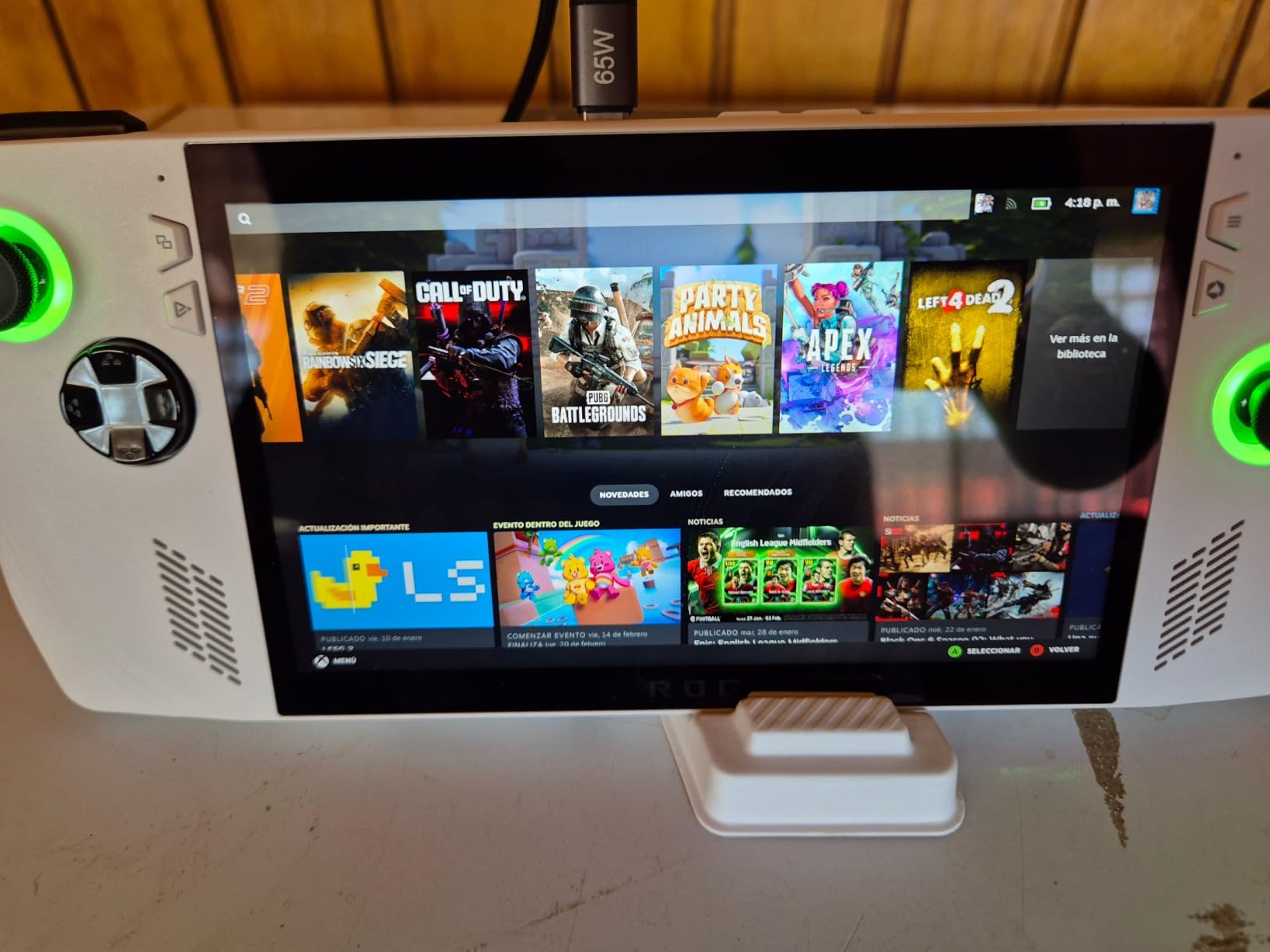
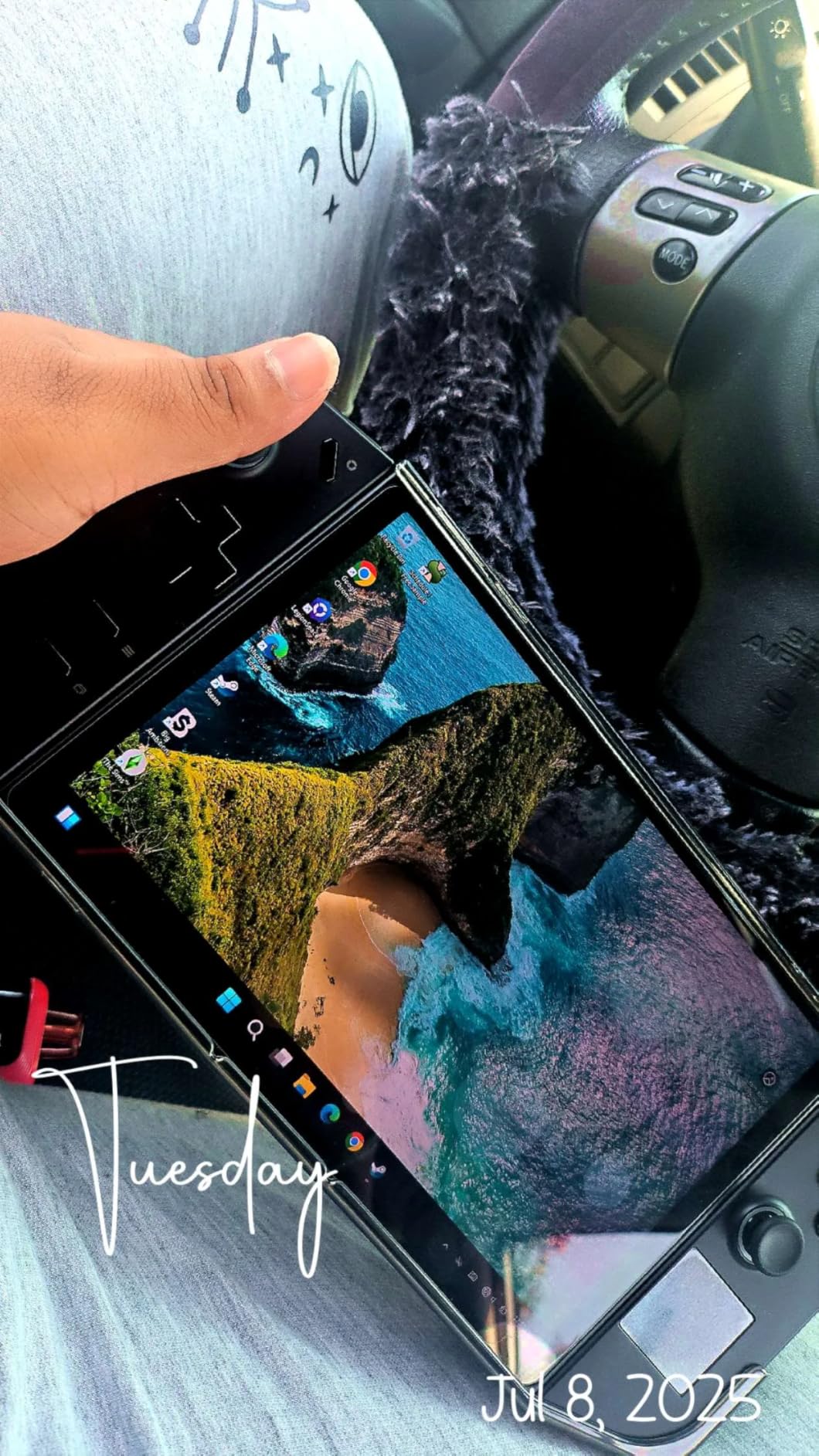
Windows 11 Home is the double-edged part. It means every PC utility, emulator and launcher is available, and a single USB-C to a dock turns the device into a desktop. It also means a full desktop interface rendered on a 7-inch touchscreen, with window scaling and touch targets that were not designed for fingers.
Storage is the other pressure point. 512GB disappears quickly once a handful of modern titles land, and unlike the Steam Deck this device is not built around an expandable storage slot. Owners who fill it up tend to rely entirely on external drives over USB-C.
What the 120Hz screen actually gives you?
Higher refresh helps most in menus and in games that support it, where motion is smooth rather than merely faster. It also makes the device feel quicker even when the game itself is limited to 60 frames, because the interface responds at the higher rate.
If you dock the Ally to a television regularly, that 120Hz mode also carries over in many cases, which is a genuine advantage over lower-refresh handhelds on a large display.
Where the Ally struggles?
Battery life is the honest weakness. Owners report the drain accelerates outside low-power games and worsens in Turbo mode, so performance and endurance pull against each other directly. Plan around short sessions away from a charger rather than all-day portable play.
There is also a single USB-C port, which means a hub is effectively required for anything beyond charging. Some owners additionally report regional power plug mismatches and fit issues with the bumper and triggers, so check the small print before ordering.
We earn a commission, at no additional cost to you. CERTAIN CONTENT THAT APPEARS ON THIS SITE COMES FROM AMAZON. THIS CONTENT IS PROVIDED 'AS IS' AND IS SUBJECT TO CHANGE OR REMOVAL AT ANY TIME.
3. Lenovo Legion Go – Best for a Big, Bright Screen
Lenovo Legion Go | Gaming Handheld | WQXGA IPS 144Hz 8.8″ Touchscreen | AMD Ryzen Z1 Extreme | 16GB RAM | 512GB SSD PCIe NVMe | Wi-Fi 6E RZ616 | Shadow Black | Windows 11 Home
★★★★★★★★★★Ryzen Z1 Extreme
8.8-inch WQXGA 2560x1600 at 144Hz
16GB LPDDR5x-7500
1.9 pounds
- Large 144Hz 16:10 panel with 500 nits brightness
- Fast LPDDR5x memory helps multitasking
- M.2 PCIe 4.0 x4 slot plus microSD reader
- Two USB4 40Gbps ports
- Legion Coldfront cooling sustains sessions
- Heaviest device in the roundup at 1.9 pounds
- 8.8-inch display makes it bulky
- Windows 11 touchscreen interface is not tailored to handheld use
- Sold with a 90-day limited warranty
The Legion Go is the pick when screen quality outranks pocketability. An 8.8-inch WQXGA panel at 2560 by 1600 with 144Hz refresh, 500 nits of brightness and 97% DCI-P3 coverage gives this the highest-resolution, highest-refresh display in this roundup by a wide margin. The 16:10 ratio also gives PC games more horizontal space than the squarer screens on competing devices.
Underneath, the Ryzen Z1 Extreme pairs with 16GB of LPDDR5x-7500 memory, and that fast memory is what makes multitasking feel different here. Owners highlight being able to keep a game running while switching to a browser or a chat app without stuttering, which is a real advantage over handhelds with slower memory.
Connectivity is unusually generous. Two USB4 40Gbps ports support docks and external storage at high speed, Wi-Fi 6E and Bluetooth 5.3 cover the wireless side, and a microSD reader sits alongside an M.2 PCIe 4.0 x4 slot for internal expansion. That combination of ports and internal expansion is unusually generous for a handheld.
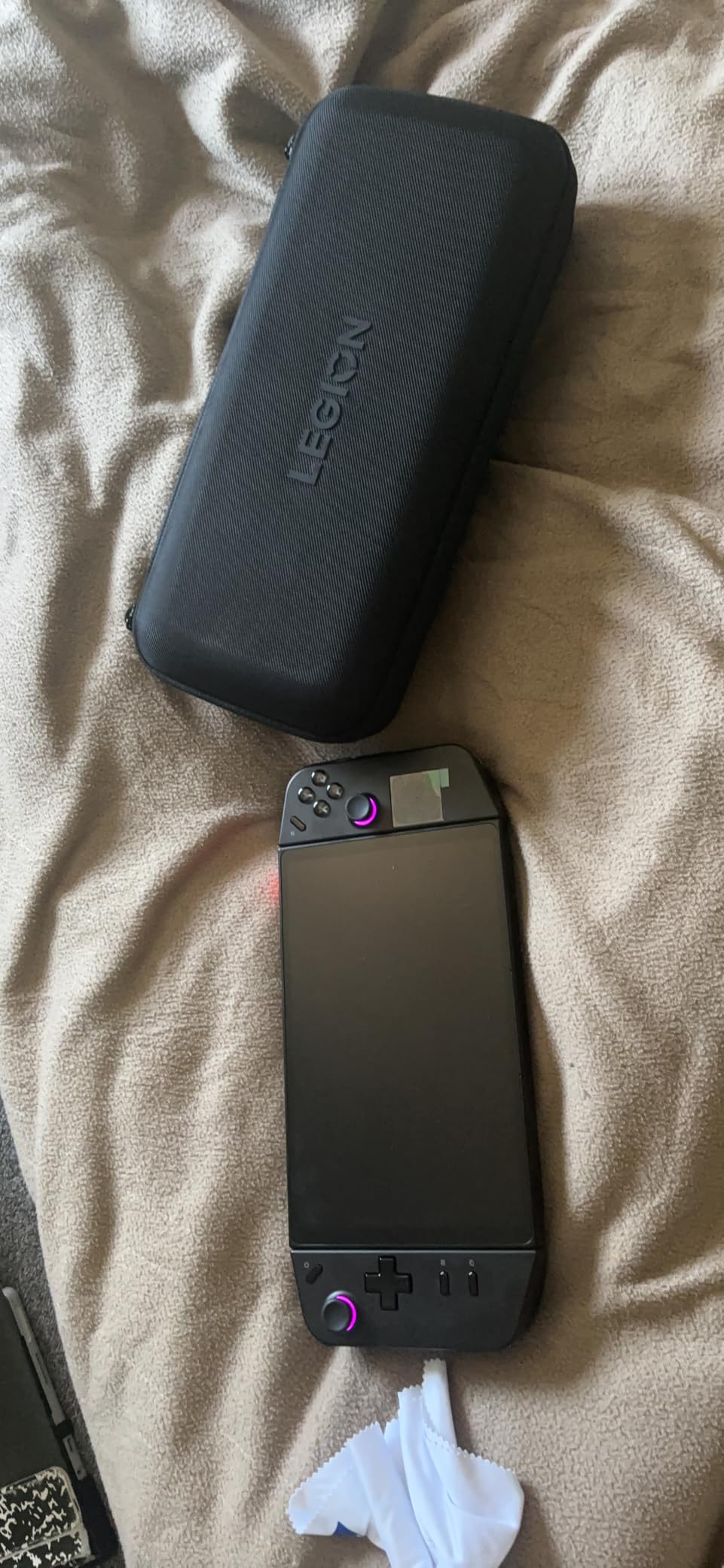
Legion Coldfront cooling is designed for sustained sessions rather than short bursts, which shows up in longer gaming sessions where cheaper devices throttle. The box includes the handheld, a 65W USB-C charger, the removable controllers and a carrying case, so the core kit is complete out of the box.
Is the 8.8-inch display worth the weight?
If you mostly play at a desk, in bed, or docked to a display, yes. The extra inches make text readable, menus navigable and handheld-only ports far less painful. Owners who switched from smaller Windows handhelds tend to cite the panel as the reason they stayed.
If you are travelling light, the answer flips. At 1.9 pounds this is the heaviest device here, and the size makes it bulky rather than pocketable. Expect wrist fatigue over long sessions and a bag commitment rather than a pocket one.
What to know before buying?
This listing is sold through Amazon Renewed and carries a 90-day limited warranty. That is a meaningfully shorter guarantee than a new-device warranty, so factor it in if you were planning to keep this for years.
As with every Windows handheld, the interface is a desktop OS scaled down. It works, and enthusiasts who like tinkering tend to enjoy that, but first-time buyers should expect a learning curve that a Steam Deck avoids.
We earn a commission, at no additional cost to you. CERTAIN CONTENT THAT APPEARS ON THIS SITE COMES FROM AMAZON. THIS CONTENT IS PROVIDED 'AS IS' AND IS SUBJECT TO CHANGE OR REMOVAL AT ANY TIME.
4. Retroid Pocket 5 – Best Android Emulation Handheld
Retroid Pocket 5 Retro Handheld Game Console, 8+128G, 5.5-inch touchscreen 1080p Portable Android Gaming Handheld with Adreno 650 GPU & WiFi 6/BT5.1, Snapdragon 865 Processor, Android 13 (Black)
★★★★★★★★★★Snapdragon 865 with Adreno 650
5.5-inch 1080p touchscreen
8GB RAM, 128GB expandable
5000mAh battery
- Excellent 5.5-inch AMOLED screen
- Hall effect sticks resist drift
- Snapdragon 865 handles PS2
- GameCube and many Switch titles
- Around 10 hours on lighter systems
- Premium build that survives drops
- Runs Android apps and streams PC games
- No games preloaded and setup takes real effort
- Slow microSD speeds cause long installs
- Ergonomics can feel cramped for larger hands
- Button layout is not ideal for every title
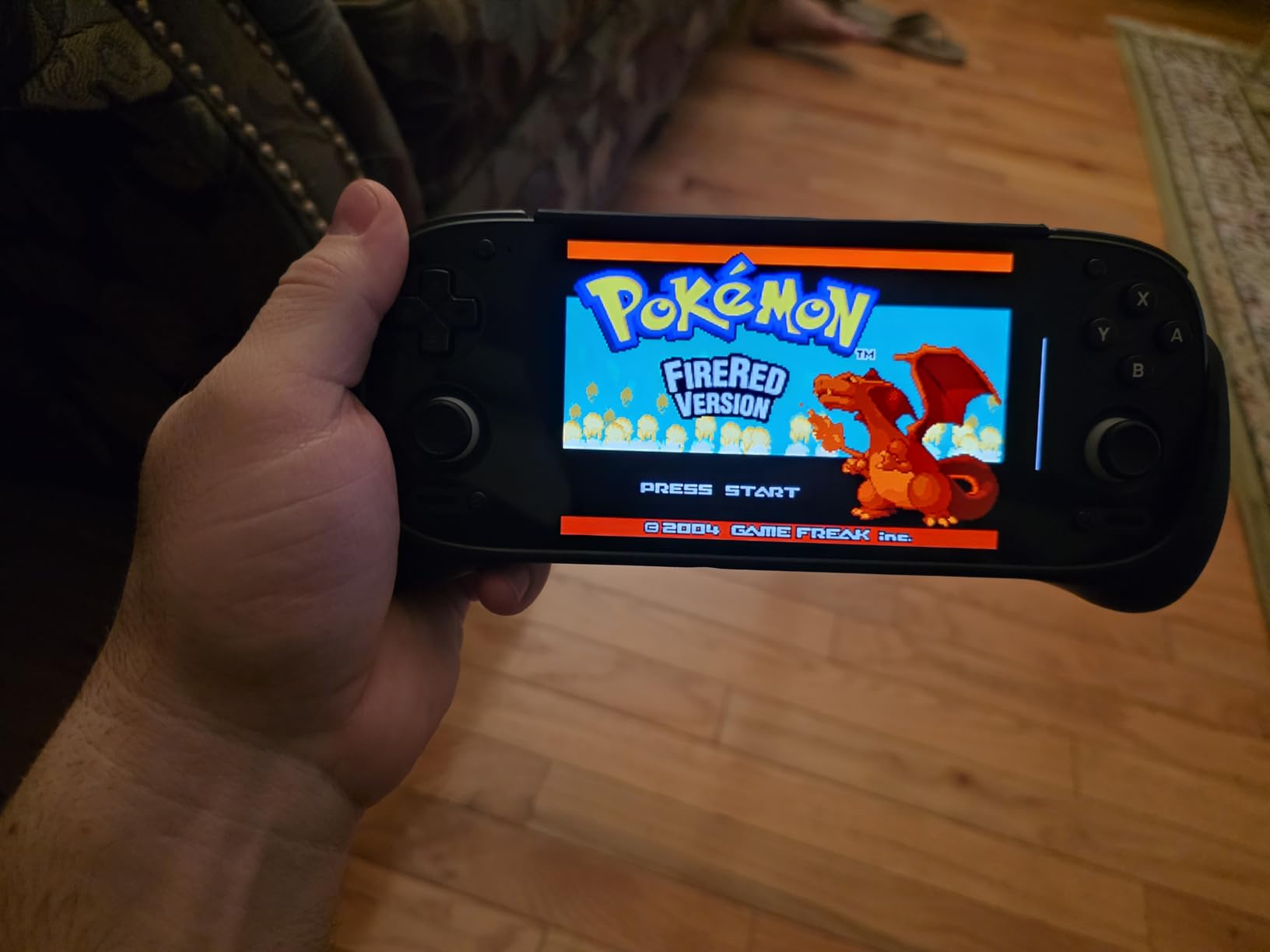
The Retroid Pocket 5 is the most complete Android handheld in this roundup. The Snapdragon 865 with Adreno 650 graphics is a genuinely capable mobile chip, and owners consistently report it handling titles through the PS2, GameCube and PSP era plus a meaningful number of Switch titles.
The 5.5-inch 1080p AMOLED display is consistently singled out as the best-looking screen on any Android handheld here, and it makes older pixel art and scaled 3D titles look vivid. Hall effect sticks are a real quality-of-life inclusion, because analog drift is the single most common reason cheap handhelds get retired.
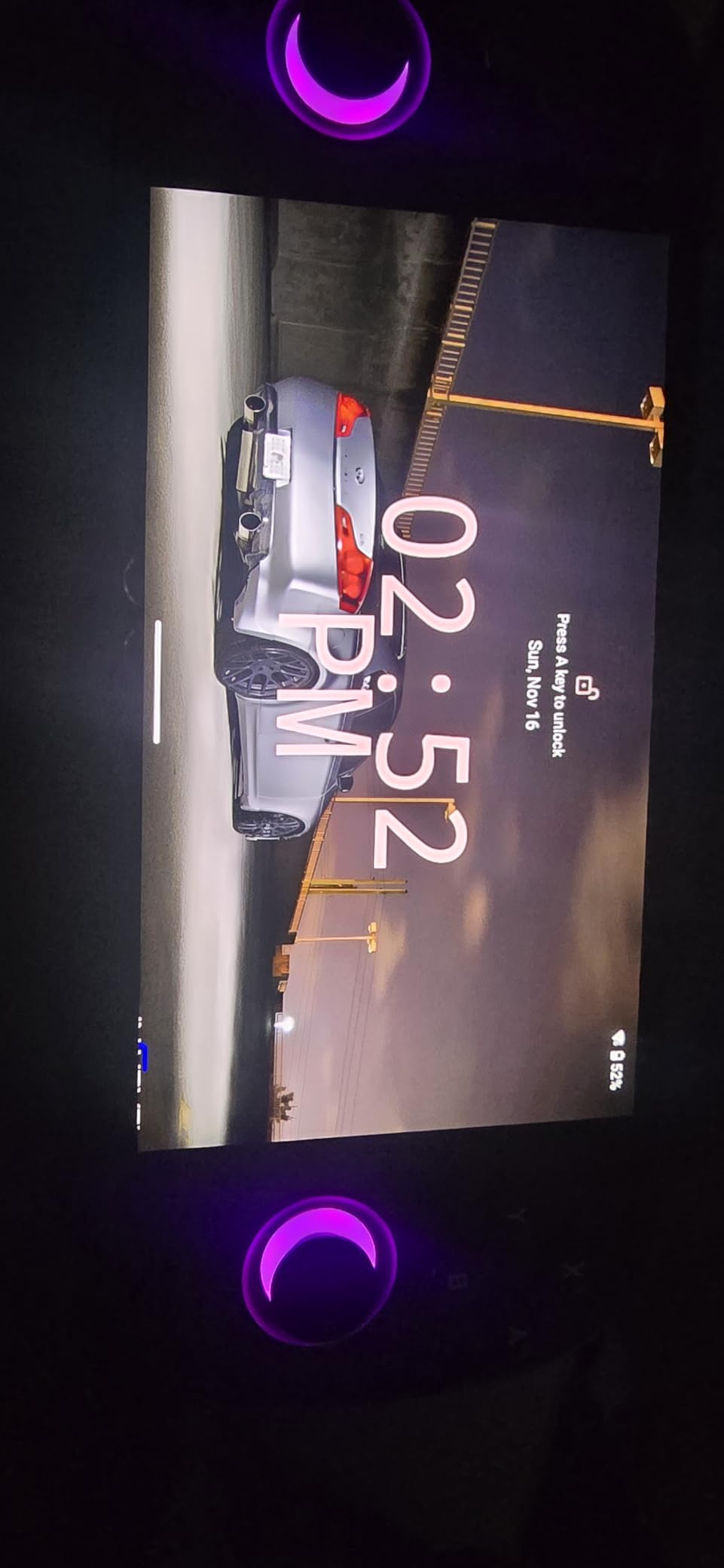
Battery behaviour is where this device separates itself from the pack. Owners report roughly 10 hours on lighter systems and around 3 to 4 hours on demanding emulation, which is a wide but honest range. The 5000mAh cell combined with that efficient chip is why the upper figure is achievable at all.
It is also a real Android device with Google Play Store access, so native mobile games work, and streaming PC games over Moonlight is straightforward. That makes it a genuinely multi-purpose device rather than a single-purpose emulator.
How much setup should you expect?
Plan an evening. There are no preloaded games, and the empty-out-of-box experience is the single most repeated caveat in owner feedback. Each emulator needs configuring, and the first pass through settings takes longer than most buyers expect.
The payoff for that evening is a library that runs at a genuinely high ceiling. If you enjoy configuring hardware, this is a feature. If you want to grab the device and play within five minutes, start with the Miyoo instead.
Where the Pocket 5 disappoints?
Slow microSD read and write speeds are the main practical annoyance. Large installs take a long time, and some titles show multi-minute load times, which pushes experienced users toward locally installed games on internal storage instead.
Ergonomics are mixed for adults. The compact shape suits smaller hands, and owners with larger hands describe it as cramped after longer sessions. The button layout also does not suit every genre, particularly for titles that expect Switch-style physical control positions.
We earn a commission, at no additional cost to you. CERTAIN CONTENT THAT APPEARS ON THIS SITE COMES FROM AMAZON. THIS CONTENT IS PROVIDED 'AS IS' AND IS SUBJECT TO CHANGE OR REMOVAL AT ANY TIME.
5. Retroid Pocket 4 Pro – Best Retro Value Pick
Retroid Pocket 4/4Pro Retro Game Handheld Console, Android Retro Game Console Multiple Emulators Console Handheld 4.7 Inch Display 5000mAh Battery Classic Games Console (RP4 Pro, 16Bit, D1100)
★★★★★★★★★★Dimensity 1100 octa-core
4.7-inch touchscreen
128GB UFS 3.1, microSD to 1TB
720P HDMI and 1080P USB-C
- Efficient performance through PS2
- GameCube
- Wii and many Switch titles
- Hall-style sticks and triggers praised for feel
- Screen quality better than reviewers typically credit
- Full Android with Play Store
- Supports 1TB microSD
- Fast USB-C charging
- Some devices have unreliable microSD slots
- No games included and setup runs to several hours
- Boxy shape is uncomfortable in adult hands without the grip
- PS2 and Wii emulation drains the battery fast
- Occasional stutter reported
The Pocket 4 Pro shares the highest owner rating in this roundup at 4.6, and the reason is efficiency. The Dimensity 1100 is a capable octa-core chip that reaches through PS2, GameCube and Wii material with an active fan keeping thermals in check, and it does so on a 5000mAh battery without the thermal stress that larger Android handhelds generate.
Video output is a genuine differentiator. It supports 720P over HDMI and 1080P over USB-C, so you can put these classic libraries on a television with a cable rather than being stuck with a small screen. Combined with a full Android install and Play Store access, it is a compact media-and-games box as much as an emulator.
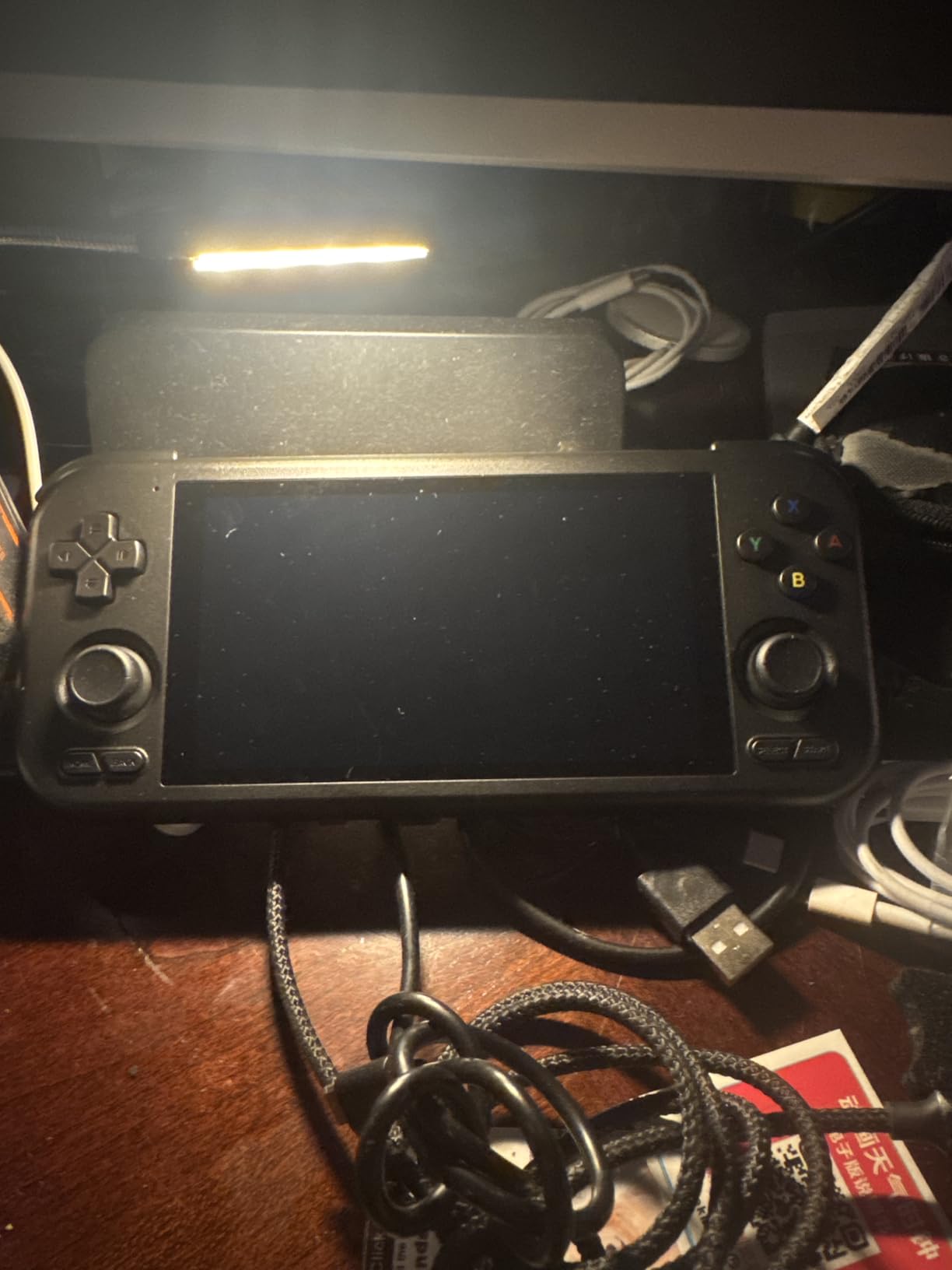
Control feel gets consistent praise. The hall-style thumbsticks and triggers are described as better than they should be at this tier, and the 4.7-inch touchscreen is rated higher than buyers expected before opening the box. Storage is 128GB of fast UFS 3.1 with microSD expansion up to 1TB for large libraries.
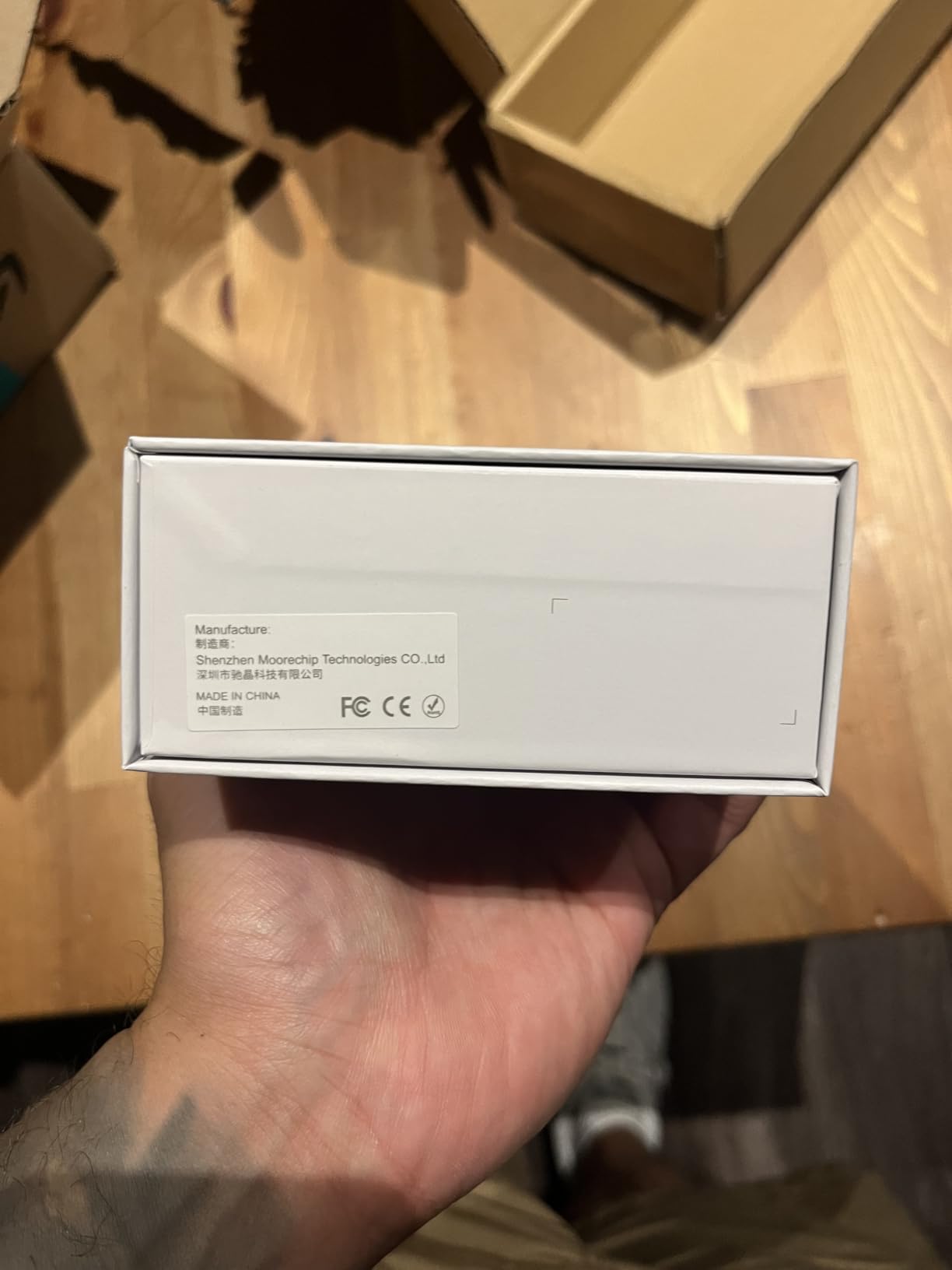
The box measures 7.27 by 3.25 by 0.62 inches and weighs 251g, which is a real step up in pocketability from the Windows handhelds above. The included items are the console, a charging cable and a manual.
What the microSD slot means for you?
Supporting 1TB cards is a big deal for anyone building a multi-system library, because it removes the need to reinstall anything when a card fills. Owners who set this up properly report the smoothest large-library experience on any Android handheld here.
The catch is quality control. Some devices ship with microSD slots that drop or fail to read cards, and that is the single most common complaint. Buy a reputable card from a known seller, and test it fully before you commit a whole library to it.
Where the 4 Pro falls short?
No games are included, so setup takes several hours of configuration for anyone starting from nothing. That is a real barrier if you have never set up an emulator before, and it is why we would point first-time buyers at the Miyoo Mini Plus instead.
Demanding emulation runs hot and drains the battery faster, and occasional gameplay stutter appears in owner feedback. The boxy, compact shape is also uncomfortable in adult hands without the optional comfort grip, so hands-on comfort depends on who is holding it.
We earn a commission, at no additional cost to you. CERTAIN CONTENT THAT APPEARS ON THIS SITE COMES FROM AMAZON. THIS CONTENT IS PROVIDED 'AS IS' AND IS SUBJECT TO CHANGE OR REMOVAL AT ANY TIME.
6. Retroid Pocket Flip 2 – Best Clamshell for Travel
Retroid Pocket Flip 2 Retro Game Console, 5.5″ AMOLED 1080P Display, Hall Effect Sticks, 5000mAh Battery, Portable Android Handheld (Black)
★★★★★★★★★★Snapdragon 865 with Adreno 650
5.5-inch 1080p AMOLED, 500 nits
Hall effect analog sticks
5000mAh with 27W charging
- Clamshell design protects the screen and stays pocket-friendly
- 5.5-inch 1080p AMOLED at 500 nits
- Reinforced hinge for long-term reliability
- Hall effect sticks eliminate analog drift
- Active cooling prevents thermal throttling
- 3.5mm jack plus USB-C DisplayPort
- No games preloaded so you supply the library
- Android 13 emulator setup has a learning curve
- 60Hz refresh is lower than slab-style rivals
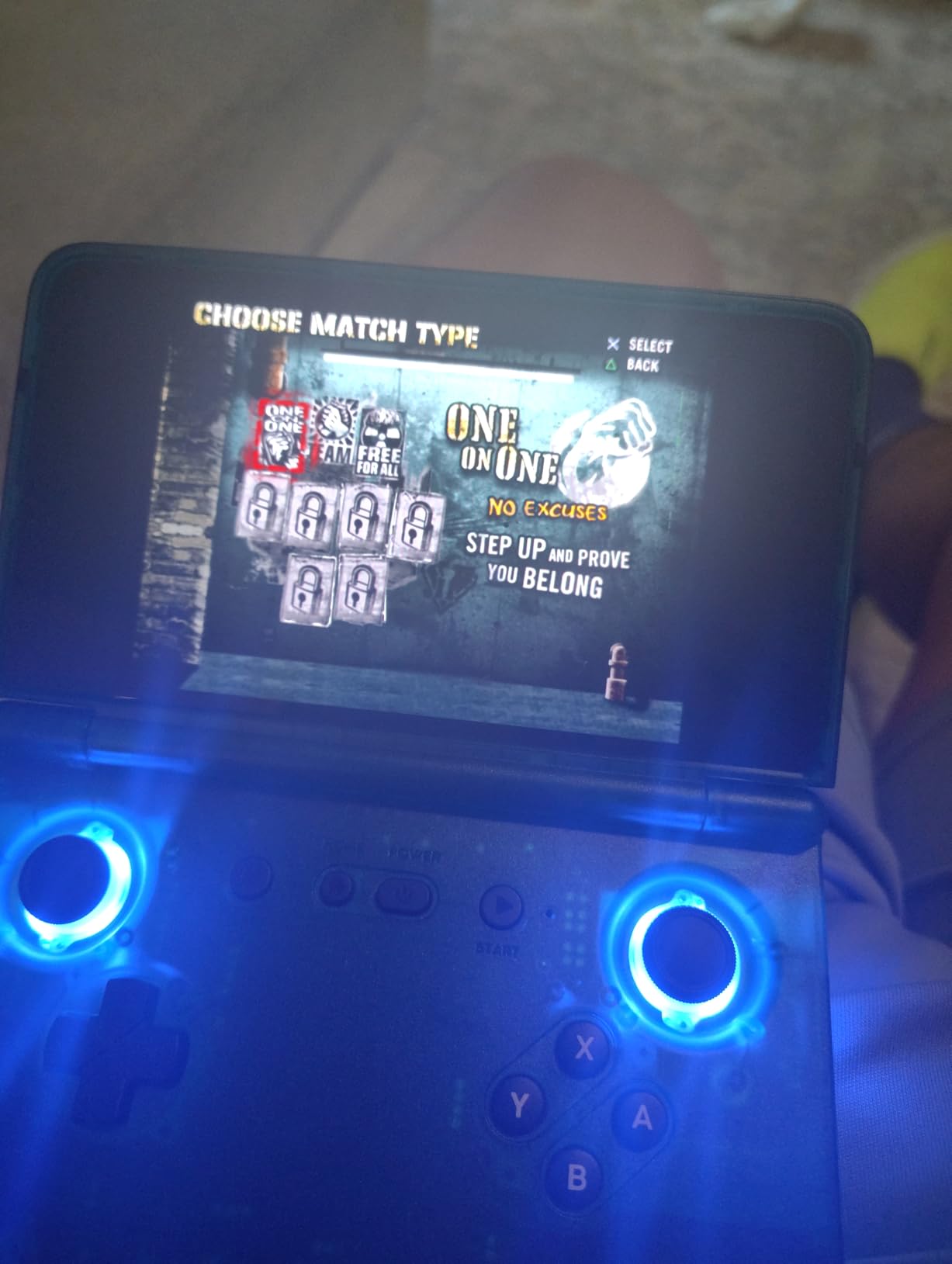
The Flip 2 solves a problem none of the slab devices here can: damage. A clamshell closes, so the screen faces the inside of your bag instead of the outside world, and the reinforced hinge is built for years of opening and closing rather than a single season. For anyone who travels with a handheld, that is worth more than raw processing power.
Inside, the Snapdragon 865 with Adreno 650 is the same chip family as the Pocket 5, so emulation reach is comparable. The 5.5-inch 1080p AMOLED at 500 nits and 60Hz is bright enough for indoor use and pairs with hall effect analog sticks that do not drift.
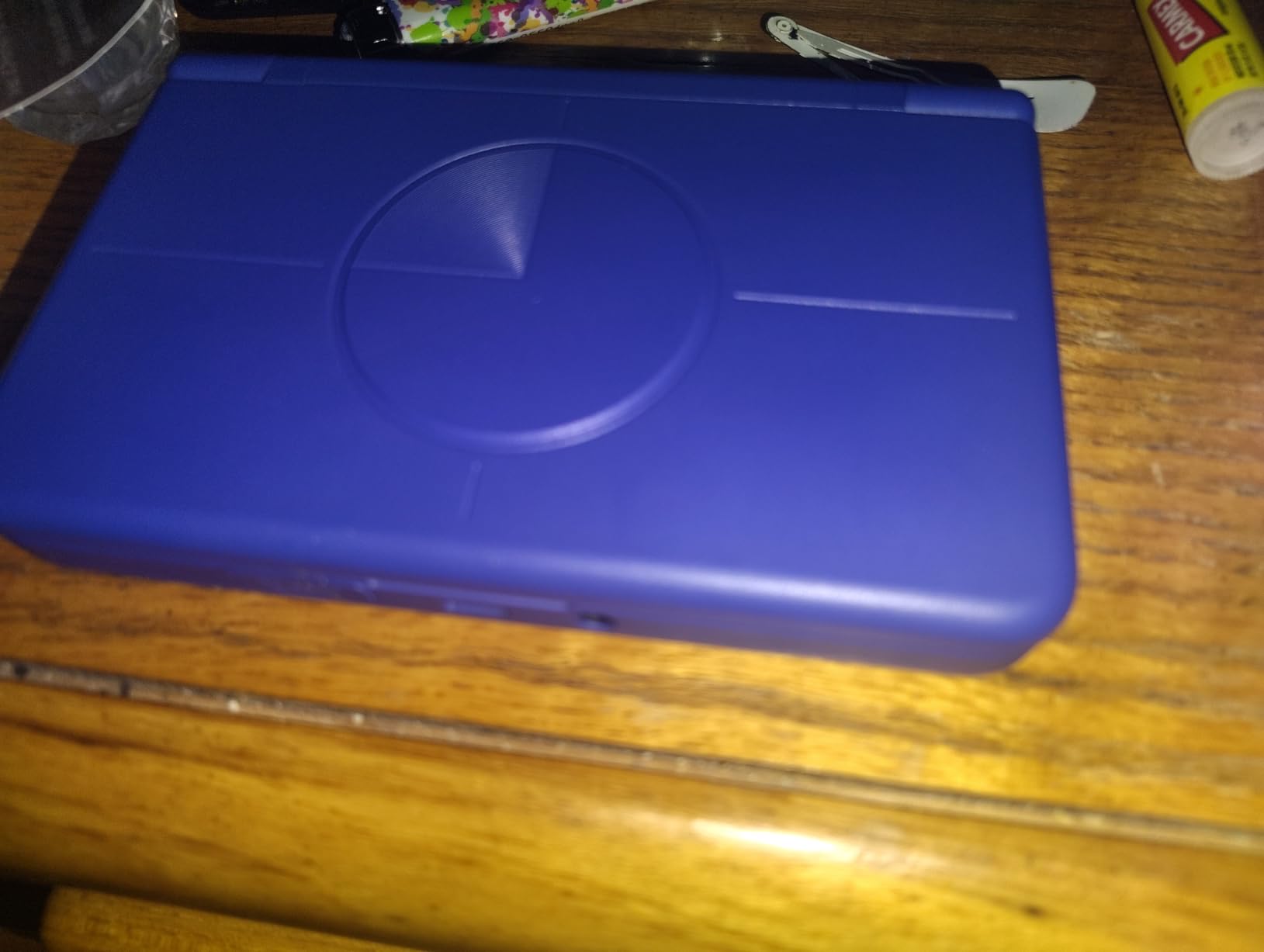
Active cooling keeps thermals steady during long sessions, and the 5000mAh battery with 27W fast charging means a meaningful top-up between uses. USB-C DisplayPort output and a 3.5mm audio jack are both included, which is more connectivity than most Android handhelds manage.
At 10.72 ounces and with a folding 5.5-inch screen, it stays genuinely pocketable while still running a capable chipset. The trade is the 60Hz refresh rate, which is lower than the slab-style competitors and slightly less smooth in fast-scrolling menus.
Why the clamshell form beats a slab for commuters?
Screen protection is the obvious one. A closed clamshell survives bags, pockets and drops in a way that no exposed 5.5-inch panel does, and the reinforced hinge is the part most owners single out as well made.
It also shrinks the footprint when closed, so it disappears into a coat pocket where an open handheld would not. If your gaming happens on trains, flights and commutes rather than at a desk, that changes the ranking of this device considerably.
Where the Flip 2 is the wrong choice?
No games are preloaded, so you build your own library, and Android 13 emulator configuration involves a genuine learning curve. It rewards buyers who enjoy setting things up rather than buyers who want instant play.
Owners also point to the 60Hz panel as a step back from higher-refresh rivals. If you have been using a 90Hz or 120Hz screen, the difference is noticeable even on simple menus.
We earn a commission, at no additional cost to you. CERTAIN CONTENT THAT APPEARS ON THIS SITE COMES FROM AMAZON. THIS CONTENT IS PROVIDED 'AS IS' AND IS SUBJECT TO CHANGE OR REMOVAL AT ANY TIME.
7. Miyoo Mini Plus – Best Handheld for First-Time Buyers
Miyoo Mini Plus Handheld Game Console with Portable Case Transparent Black
★★★★★★★★★★3.5-inch 640x480 laminated IPS
3000mAh for 4-6 hours
OnionOS pre-installed
64GB with bundled case
- Best value for systems up to PlayStation 1
- Pocketable with a readable 3.5-inch screen
- OnionOS adds hotkeys
- save states and fast-forward
- Buttons widely considered the best in this category
- Hard-shell case holds console
- cable and charger
- Included TF card is unreliable and often replaced
- Battery life drops with heavier PS1 titles
- No Nintendo or Pokemon titles included
- Button mapping takes time to learn
- Screen and build quality vary between devices
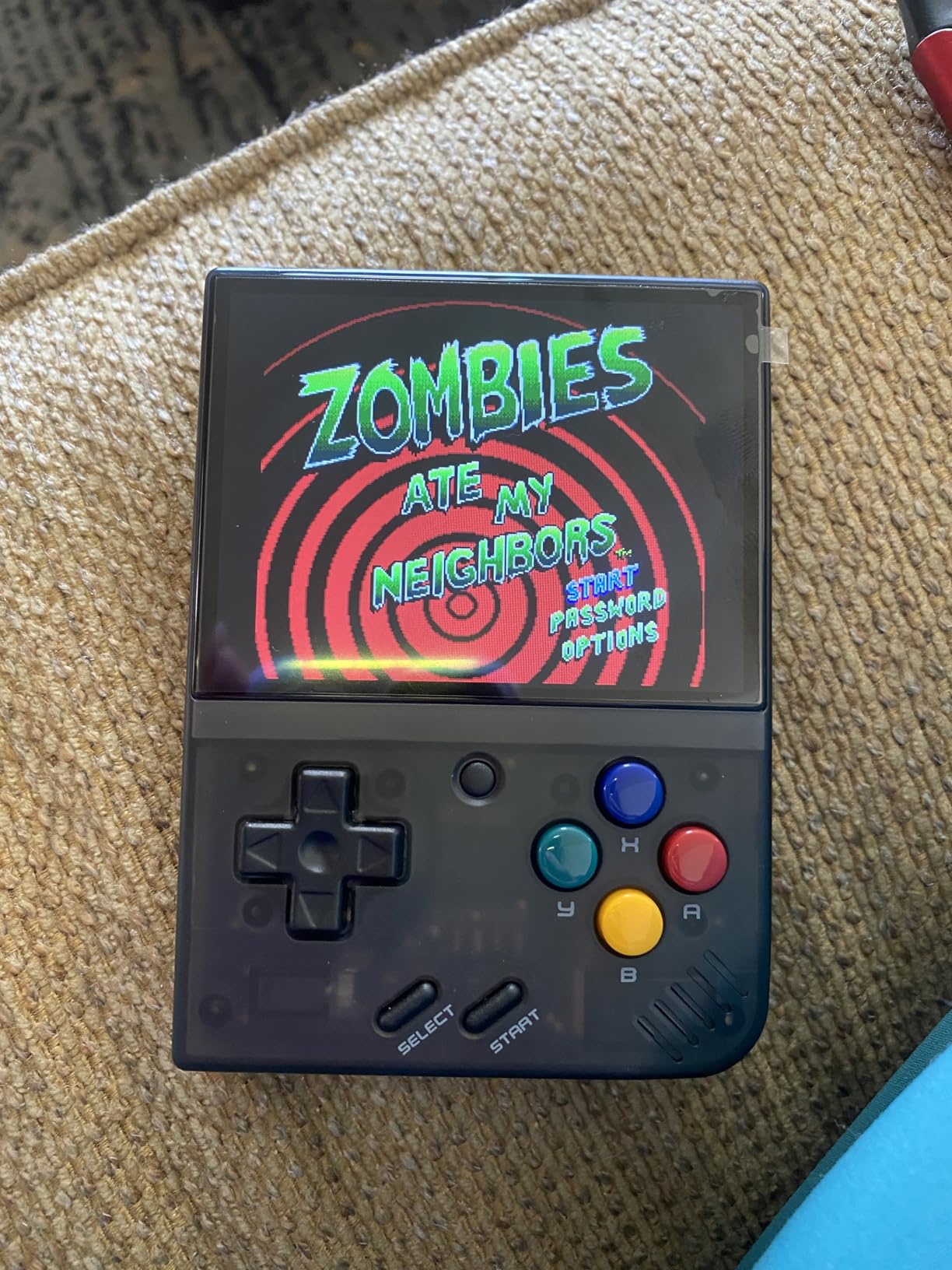
The Miyoo Mini Plus is the least intimidating device here, and that is its main selling point. OnionOS is already installed, so you are not building an Android system or hunting through settings menus. The interface is a list of emulators, and the extras that make it pleasant are already switched on: hotkeys, save states and fast-forward.
For systems up to and including PlayStation 1, the performance is more than enough. Owners call the buttons the best in this category, which sounds small until you remember that mushy membranes are the most common complaint about cheap handhelds. The 3.5-inch full-lamination IPS screen is readable without feeling cramped, and the whole unit fits in a pocket.
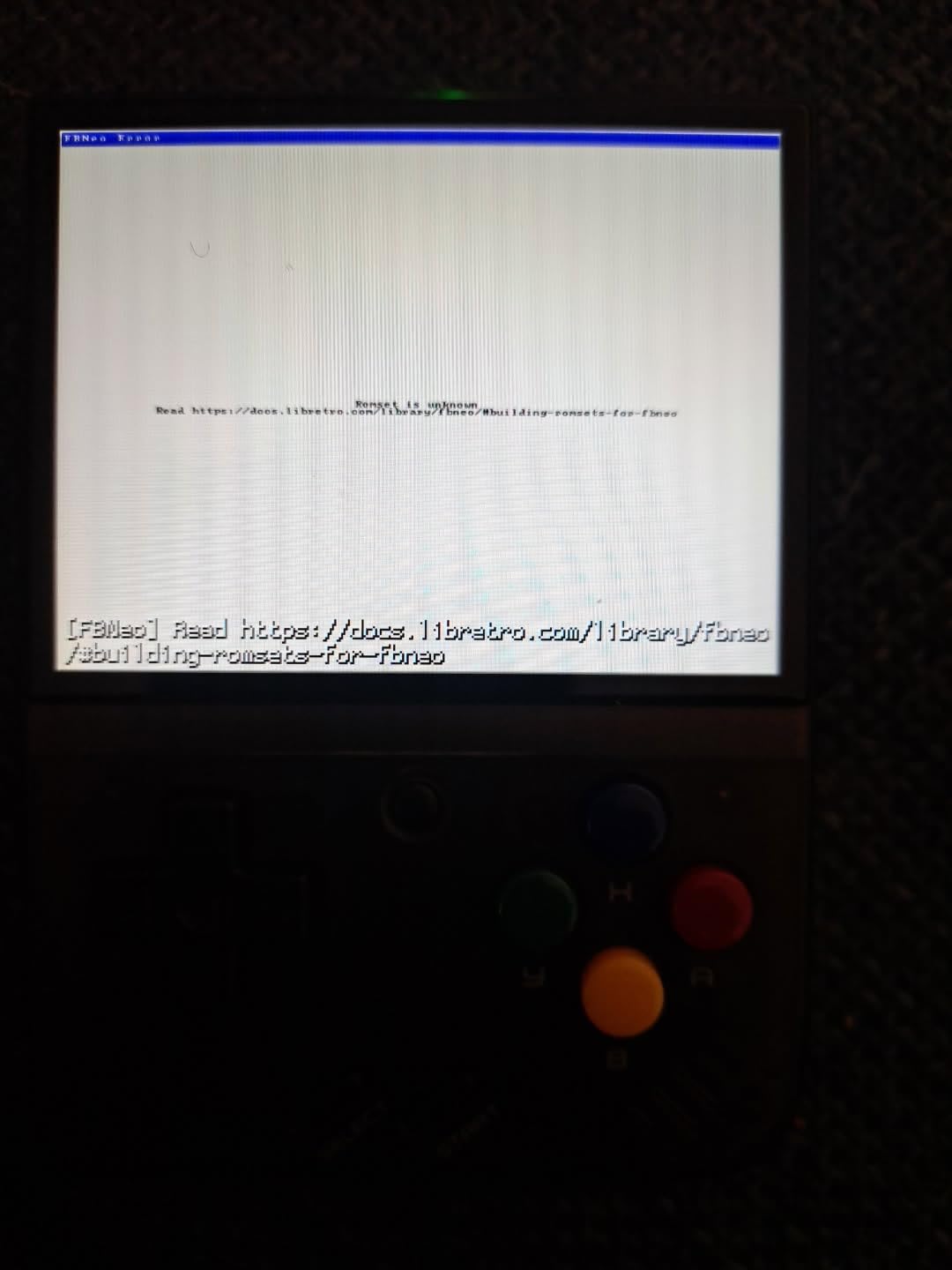
The bundle is unusually complete for this tier. You get the console, a portable hard-shell case, a screen protector, a USB-C cable and a TF card reader in the box, so the accessory shopping that usually follows a budget handheld is largely done for you. That is also why it holds up to a child’s bag better than a bare console would.
Battery figures come in at 4 to 6 hours from the built-in 3000mAh cell, with lighter 8-bit and 16-bit systems comfortably inside that range and heavier PS1 titles pulling it down. Local battle multiplayer is upgraded relative to earlier revisions, which matters if more than one person wants a turn.
Why this is the least frustrating starter device?
Nothing here needs a technical skill you do not have. There is no operating system to install, no firmware to compile, no storage partitioning. Owners consistently describe the first session as straightforward, and that is exactly what makes it a good first console for a child or a curious relative.
The bundled case also solves the durability question that parents ask about most. Screen protectors and a hard shell in the box means the first drop is far less likely to end the purchase.
What to expect from the limits?
The 3.5-inch 640×480 screen is defined by the era it represents. Anything from the PlayStation 1 era and earlier looks right; anything more demanding will not run well on it, so manage expectations before buying.
The included TF card is the most repeated complaint, and the near-universal owner recommendation is to replace it with a reputable brand before loading anything. Battery life also dips on heavier titles, and screen and build consistency varies a little between devices.
We earn a commission, at no additional cost to you. CERTAIN CONTENT THAT APPEARS ON THIS SITE COMES FROM AMAZON. THIS CONTENT IS PROVIDED 'AS IS' AND IS SUBJECT TO CHANGE OR REMOVAL AT ANY TIME.
8. Miyoo Mini Flip – Best Pocket-Size Most Versatile
Miyoo Mini Flip Retro Handheld Game Console, 2.8 Inch 750*560 IPS Screen, Portable Linux Emulator Handheld, Gift for Men & Women, Gray
★★★★★★★★★★2.8-inch 750x680 IPS
2500mAh for about 4 hours
Built-in WiFi for online battles
Folding clamshell with vibration
- Ultra-compact clamshell that fits a palm or pocket
- Crisp 2.8-inch screen with pixel-perfect scaling
- Quiet clicky Game Boy SP-style buttons
- OnionOS works with lid sleep and auto-save
- 2500mAh battery is capable for the size
- Lid protects the screen in a bag
- Charging cable is USB-A rather than USB-C
- Real battery life is roughly 2-3 hours and drains on standby
- Some gray devices reported hinge problems
- 2.8-inch screen limits play beyond the PS1 era
- Speakers crackle with WiFi on
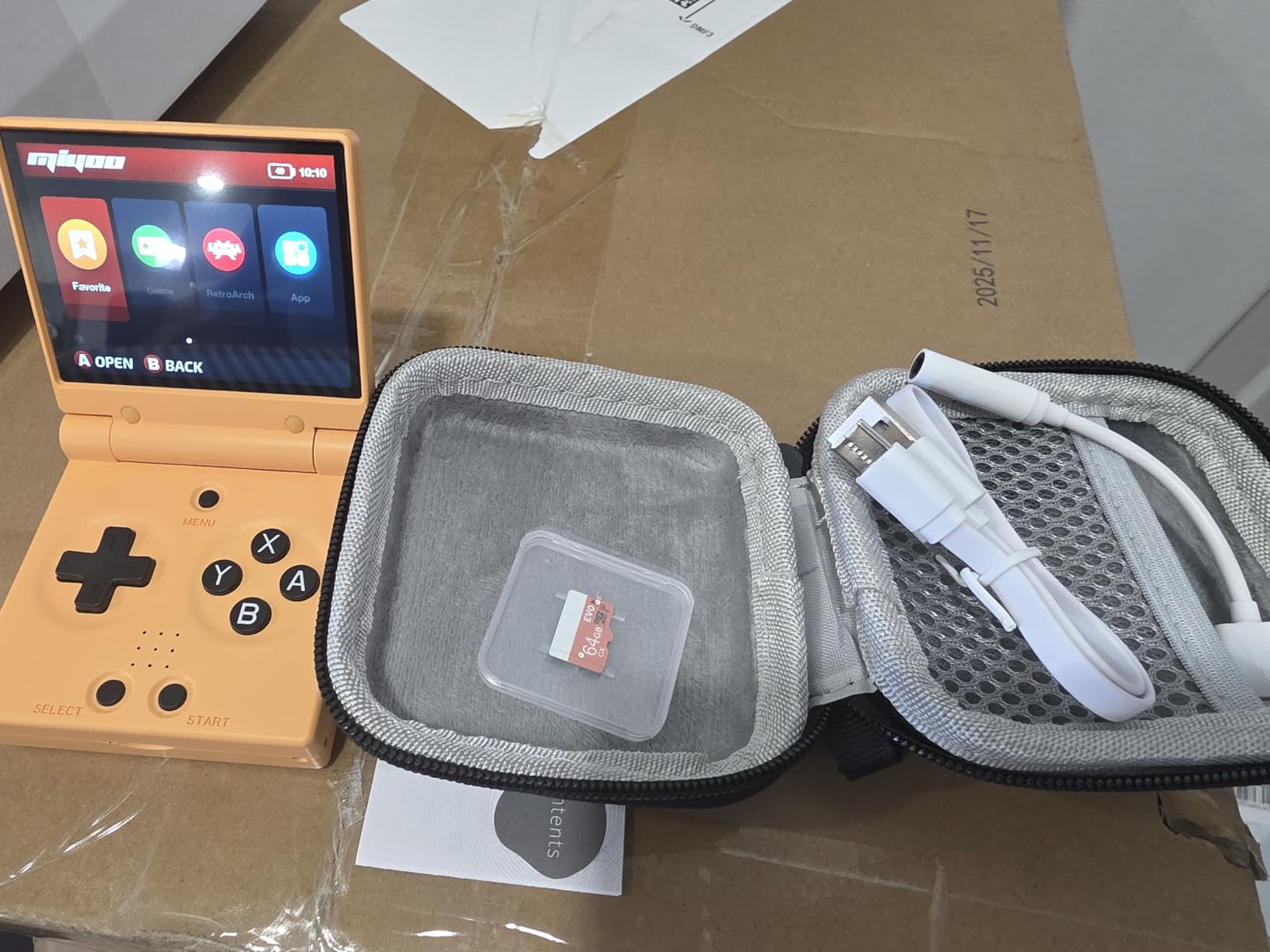
The Mini Flip is for the buyer who wants the smallest respectable handheld they can carry every day. At 2.8 inches with a three-stage folding clamshell, it disappears into a palm or a coat pocket, which is a genuine use case the larger Android devices never satisfy. The 2.68-inch square footprint when closed is smaller than a phone.
Despite the size, the 2.8-inch IPS display at 750×680 handles pixel-perfect scaling for 3:2 and 2x for 4:3 content, so classic games render without stretching. Built-in Wi-Fi supports online battle play and RTC clock support for time-based games, and OnionOS works with the lid sleep plugin and auto-save states.
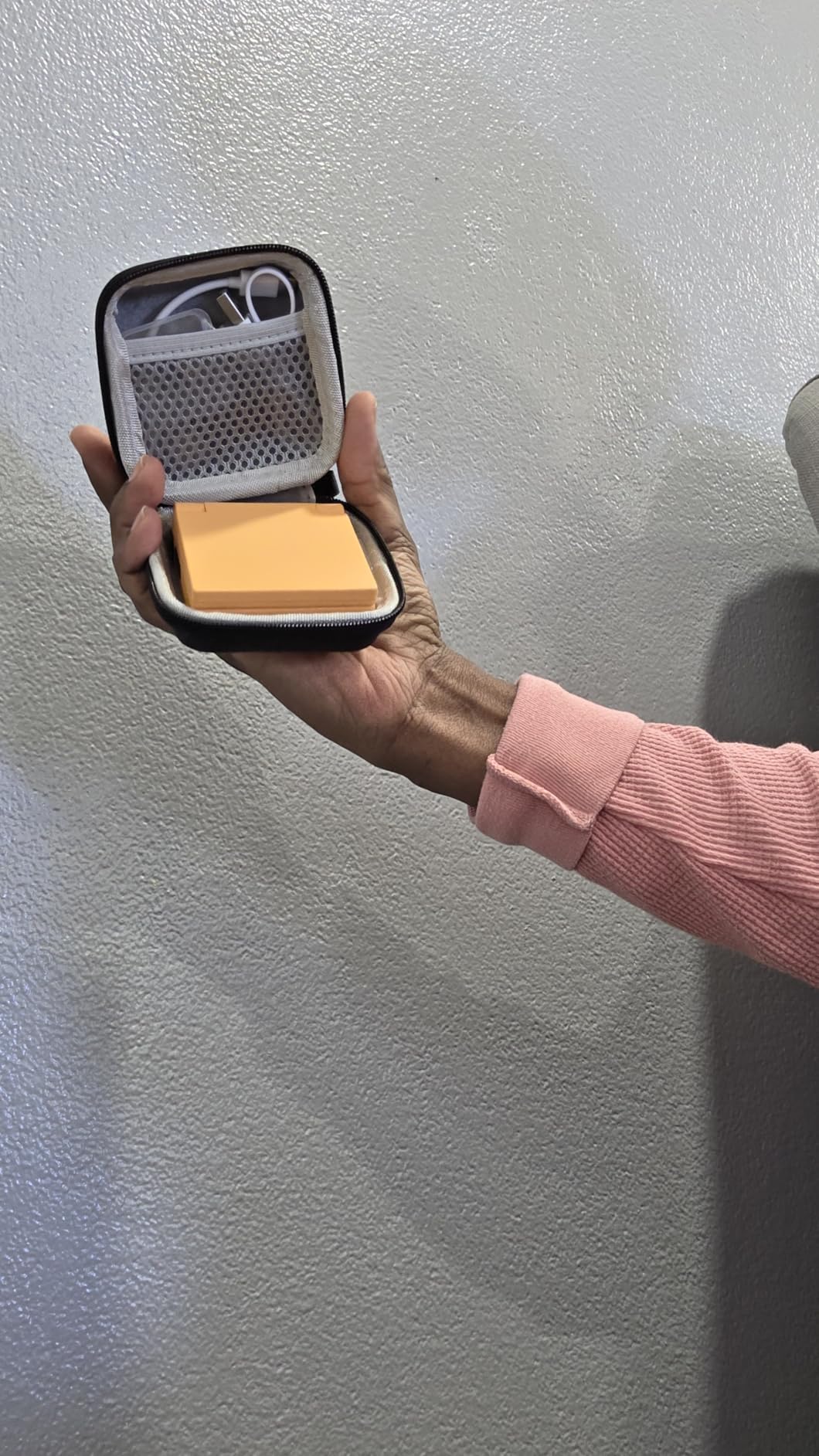
Custom firmware options are wide open, with support for Onion, Allium, MinUI, Spruce and Koriki, downloaded separately. That flexibility means this is a device you can grow into rather than one you outgrow. Vibration feedback and a bundled storage bag round out the package.
The 2.8-inch screen is also the constraint. It handles the PlayStation 1 era and below comfortably, and owners describe it as limiting beyond that. Quiet, clicky Game Boy SP-style buttons are a genuine quality detail at this size.
When the smallest screen is the right screen?
Short sessions are where this device wins. A commute, a queue, a flight waiting room: a device you will actually carry beats a better screen you leave at home. Owners treat it as the ideal grab-and-go retro device for exactly that reason.
The folding lid is the underrated feature. Closing it puts the device to sleep, and the screen is protected from the kind of bag damage that ends other handhelds.
What the budget tier costs you?
Battery is the real limit. The quoted figure is about 4 hours, but owners report closer to 2 to 3 hours in real use plus meaningful standby drain, so charge it between outings rather than assuming an all-day device.
Some gray devices have also shown hinge problems, and the bundled charging cable is USB-A rather than USB-C to USB-C. Speakers crackle when Wi-Fi is enabled, another reminder that this is an entry-level pick rather than a complete one.
We earn a commission, at no additional cost to you. CERTAIN CONTENT THAT APPEARS ON THIS SITE COMES FROM AMAZON. THIS CONTENT IS PROVIDED 'AS IS' AND IS SUBJECT TO CHANGE OR REMOVAL AT ANY TIME.
9. DC35V Retro Handheld – Preloaded Library for Absolute Beginners
DC35V Retro Handheld Game Console, 3.5 Inch HD IPS Screen (Black)
★★★★★★★★★★RK3326 CPU and Mali-G31MP GPU
3.5-inch HD IPS screen
64GB expandable memory card
20000+ preloaded classics
- Ships with a large library already on the card
- 3.5-inch IPS screen with resolution owners praise
- Comfortable size for extended play and adult hands
- Two-player support with arcade-style joystick adapters
- Reliable for classic titles on working devices
- Analog sticks break within hours on some devices
- Battery degrades within a couple of months
- Library has duplicates and titles that fail to load
- Runs hot in longer sessions
- Some games stutter
The DC35V exists for one specific person: the buyer who wants to press a button and play immediately. It runs open source Linux, includes a 64GB expandable memory card, and arrives with a library of more than 20,000 classic games and over 20 emulators already on the card. No setup, no firmware, no configuration.
Hardware-wise it is deliberately modest: a 1.5GHz 64-bit RK3326 processor with a Mali-G31MP dual-core GPU and a 3.5-inch HD IPS screen. That is enough for genuine 8-bit and 16-bit titles, and owners who receive a working device like the screen and the size, which suits adult hands for extended sessions.
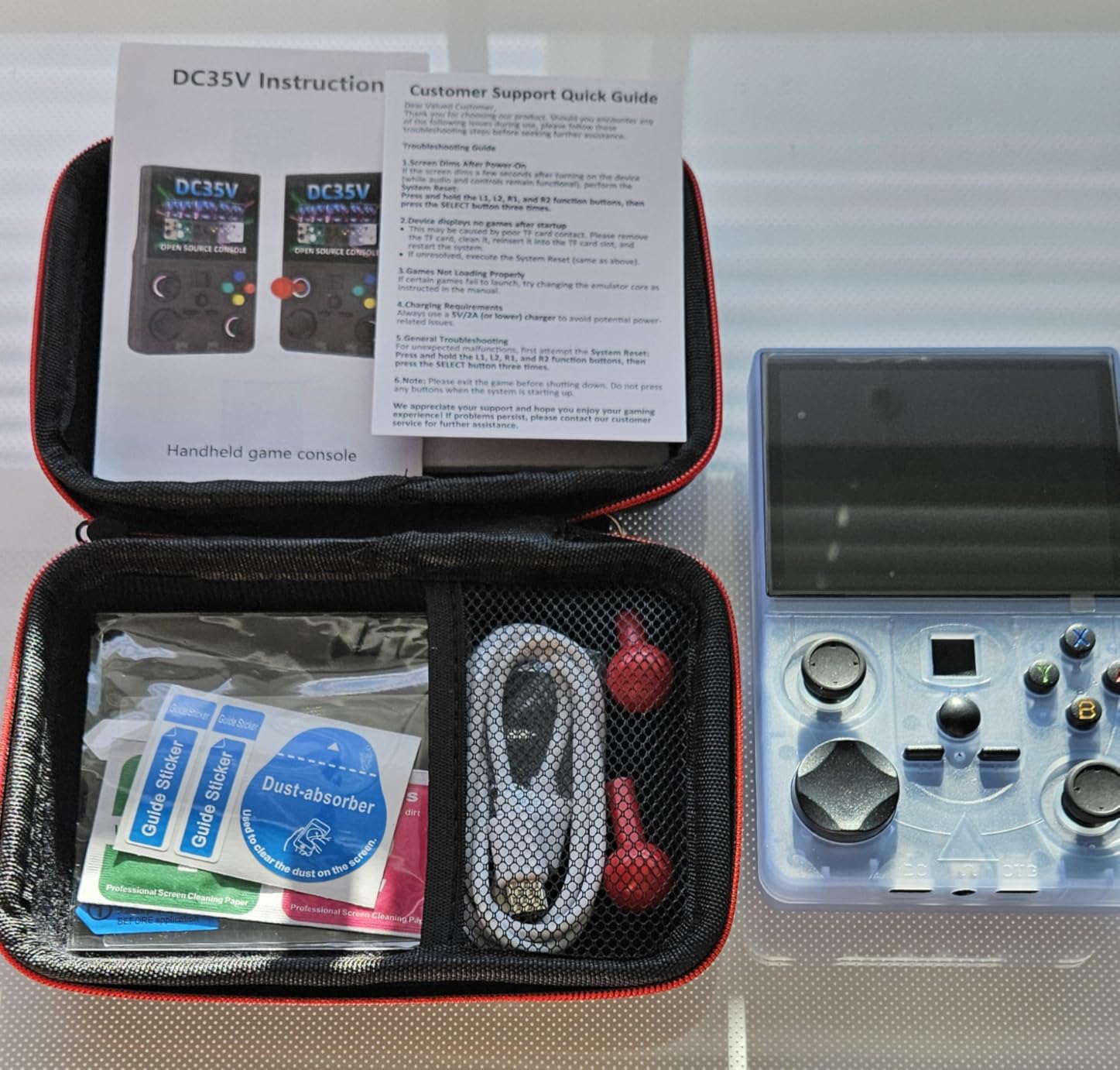
Two-player support is a nice touch at this level, and the device accommodates arcade-style tabletop joystick adapters. Dimensions are 3.34 by 5.11 by 1.37 inches, which is larger than the Miyoo devices but still portable.
Before recommending it to anyone, understand what you are buying. The 4.0 owner rating is the lowest in this roundup, and the complaints are consistent: analog stick durability, battery wear and an imperfect game list.
What the preloaded library is worth?
It removes the single biggest barrier for a first handheld. Nobody has to find ROM sources, configure emulators or work out file formats, and for a child or a relative who just wants to play, that convenience is the entire product.
It also means the device works the moment it is charged. For anyone who has abandoned a retro handheld halfway through a setup guide, that is a real advantage worth paying for.
Why we would buy something else instead?
Durability is the honest problem. Owners report analog sticks breaking within hours, and rechargeable batteries that degrade or stop holding a charge within a couple of months. That is a poor outcome for a device intended for children.
The library itself is uneven. It contains many duplicates, some titles fail to load or lack proper information, and the device runs hot during longer sessions. You are also getting unknown-origin game content, which raises the legal question covered later in this guide.
We earn a commission, at no additional cost to you. CERTAIN CONTENT THAT APPEARS ON THIS SITE COMES FROM AMAZON. THIS CONTENT IS PROVIDED 'AS IS' AND IS SUBJECT TO CHANGE OR REMOVAL AT ANY TIME.
10. X36 Ultra – Most Reviewed and Best Preloaded Experience
X36 Ultra Retro Handheld Game Console, WiFi Support YouTube TikTok, 28000+ Games, Portable Android 10.0 Handheld, 4.2 Inch 720×720 OCA IPS Screen, 3500mAh Pocket Gaming Console
★★★★★★★★★★Qualcomm Gen1 quad-core CPU
4.2-inch 720x720 laminated IPS
3500mAh for up to 8 hours
Android 10 with WiFi
- Most owner feedback of any device in the roundup at 699 ratings
- 4.2-inch OCA laminated IPS screen cuts reflection and eye fatigue
- Dual Android 10 with WiFi adds video apps beyond gaming
- 3500mAh gives up to 8 hours with a 2-hour recharge
- Lightweight 210g body
- TF expansion to 256GB with plug-and-play setup
- RGB joysticks and local multiplayer
- 1GB RAM and 8GB eMMC are thin for the apps it advertises
- 720x720 square screen suits pixel art more than widescreen content
- Multiplayer listing overstates real capability
The X36 Ultra has the most owner feedback in this roundup by a wide margin, at 699 ratings, which makes its 4.5 score one of the better-evidenced numbers here. The reason people like it is straightforward: it works out of the box, and the battery claim is unusual for the category.
A 3500mAh battery delivering up to 8 hours of continuous use with a 2-hour full recharge over Type-C is the endurance figure that matters most for travel. Owners who take devices on long journeys consistently put battery life above processing power, and this is the pick that answers that priority.
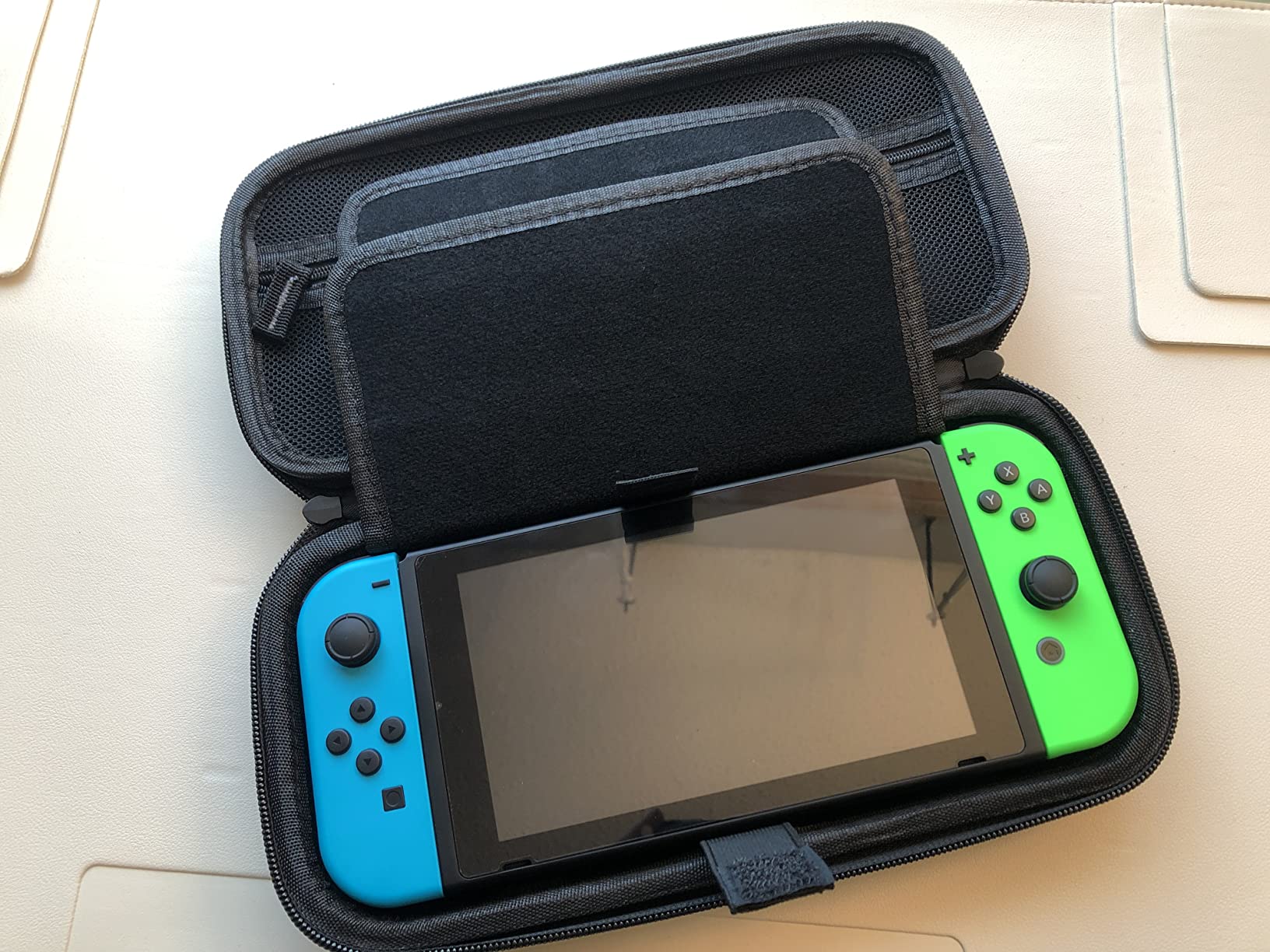
The 4.2-inch fully laminated OCA IPS display at 720×720 reduces reflection and eye fatigue on longer sessions, and dual Android 10 with built-in Wi-Fi means it does more than run games: video apps work over the same connection. At 210g it slips into a pocket, and TF card expansion up to 256GB is plug-and-play.
Internal specifications are the compromise. One gigabyte of RAM and 8GB of eMMC are thin for the Android apps the device advertises, and the square 720×720 aspect ratio suits pixel art far better than widescreen content.
What the 8-hour battery claim means in practice?
It is achievable on lighter content: retro titles, video apps and less demanding Android use. The laminated screen and low-power quad-core chip are what make it possible on a device this size, and owners report it holding up where shorter-lived handhelds struggle.
Standby and Wi-Fi use will pull it down faster. Treat eight hours as the realistic ceiling for casual play rather than a promise for every title.
Where the square screen becomes a limitation?
A 720×720 panel is a deliberate fit for pixel art, where the square ratio matches original screen shapes. Widescreen content gets pillarboxed or scaled down, and anything designed around a 16:9 frame will look smaller than it should.
Multiplayer is also listed more generously than reality supports. The RGB joysticks and local room battle mode exist, but owners note the practical experience is single-player focused. As with the other preloaded devices, the origin of the bundled game content is not something the manufacturer explains clearly.
We earn a commission, at no additional cost to you. CERTAIN CONTENT THAT APPEARS ON THIS SITE COMES FROM AMAZON. THIS CONTENT IS PROVIDED 'AS IS' AND IS SUBJECT TO CHANGE OR REMOVAL AT ANY TIME.
How to Choose a Nintendo Switch Alternative?
The single most useful question is not about specifications. It is which Switch you are replacing, because the correct answer changes completely depending on what you already own. Start there, then work through the rest of the decision in order.
Which Switch are you replacing?
Replacing a Switch Lite? You are giving up a dedicated, family-friendly console with light hardware and a Nintendo library. An Android handheld or a Linux retro device covers more classic ground for less money, so look at the Retroid Pocket 4 Pro or the Miyoo Mini Plus rather than a Windows handheld.
Replacing an OLED Switch? Your priorities are the OLED screen, TV docking and Nintendo exclusives. A Steam Deck OLED matches the display class and screen class, but you lose every Nintendo first-party game, the dock’s shareable controllers and the family account system.
Replacing a Switch 2? This is the hardest substitution. Nothing in this guide runs current Nintendo releases commercially. If Mario, Zelda or Metroid are non-negotiable, keep a Nintendo console and treat a handheld as a second device rather than a replacement.
Handheld PC, Android handheld or retro device
A handheld PC runs a desktop operating system and plays your existing PC library, which is the largest catalogue available on any device here. It costs the most, drains the battery fastest and expects some setup patience, but the reward is that nothing is gated by hardware age.
An Android handheld sits in the middle. It runs emulators through the PS2, GameCube and PSP era, runs Play Store apps, and streams PC games over Moonlight. It is the most flexible choice for someone who wants one device to cover several eras without paying Windows handheld money.
A Linux retro device does one job with almost no friction. Setup is minutes rather than hours, batteries are measured in hours rather than fractions, and the whole thing fits in a pocket. The ceiling is the PlayStation 1 era and below, which plenty of readers consider plenty.
Screen size, weight and battery, in that order
Screen size sets the ceiling on everything else. A 2.8-inch panel is charming for a commute and frustrating for a long session. An 8.8-inch panel is the reverse, and at 1.9 pounds it will tell you about your wrists within an hour. Pick the size that matches your session length.
Weight matters more than people expect. Anything over about 1.5 pounds stops being casual and becomes a two-handed activity. Below that, devices genuinely disappear into a bag.
Battery claims vary wildly and correlate with screen size and power draw. The 3 to 12 hour range quoted for the Steam Deck OLED is a fair summary of the whole category: light titles stretch the number, demanding ones collapse it. If long sessions away from a charger are part of your routine, prioritise the battery over the processor, because that is what the category data says real users do.
Do you need TV output and two-player play?
TV output is where these devices diverge most. The Retroid Pocket 4 Pro offers 720P over HDMI and 1080P over USB-C, the Pocket Flip 2 has USB-C DisplayPort, and the Windows handhelds dock to a television through their USB-C ports. The small Miyoo devices and the preloaded budget units generally do not offer meaningful video output.
Two-player support is thinner across the board than on a Switch, where you detach two controllers and hand one over. A device with local multiplayer or a second controller in the box gets you closest, but read the details carefully, because several devices advertise multiplayer more generously than their hardware supports in practice.
The case for not buying a handheld at all
If you already own a gaming PC, this is the question worth asking first. Owners with an existing PC repeatedly report being happier streaming to a phone or a cheap tablet over Wi-Fi than buying a second handheld, because the PC library is already paid for and the streaming client costs a fraction of a new device.
That path is worth weighing before any purchase here. It suits travel, work breaks and couch sessions, and it puts zero additional hardware between you and the games you own. It is a poor fit for flights without reliable Wi-Fi, and for that reason most people still want a self-contained device.
What You Give Up Compared With a Switch?
Every alternative on this list trades something real, and the honest version of this guide names those costs rather than pretending they do not exist. Here is the honest ledger, because these are the features a Switch buyer is actually giving up.
Nintendo exclusives are gone for good. No device here runs Mario, Zelda, Animal Crossing, Metroid or Splatoon commercially. This is the single largest difference and it is not a specification gap, it is a business decision by Nintendo. If your playtime depends on those games, no alternative solves the problem.
Detachable, shareable controllers disappear. The Switch’s defining trick is pulling two controllers off the console and handing one to another player. No device here detaches its controllers, so two-player play means everyone crowding around one device or buying a second device. For a family with two or three players, this is a real functional loss.
TV docking is inconsistent. The Switch and its dock turn a handheld into a living room console in one motion. The Steam Deck docks through its own hardware, the Windows handhelds need a USB-C hub purchase first, the Retroid devices need specific cables, and the smallest retro units offer nothing at all.
Family accounts and sharing are not replicated. Nintendo’s family grouping lets several people share purchased games and funds on one account, and it works with parental controls designed for children. The equivalents on PC handhelds require separate store accounts, and the Linux retro devices have no account system whatsoever.
Parental controls are weaker or absent. Parents on community forums consistently say the purchase criteria for a child’s first console are durability, parental controls and battery life, not specifications. Switch accounts offer robust age limits and spending locks. On a Windows handheld, the controls exist somewhere in a settings menu. On a Linux retro device, they do not exist at all.
Setup replaces instant play. A Switch is out of the box and on a screen in minutes. Several devices here arrive with nothing installed, and the first session is a configuration project. That is not a dealbreaker for enthusiasts and it is a genuine barrier for a child, a relative or anyone who just wants to play.
Set against that, alternatives gain things a Switch cannot offer: a PC library, thousands of retro titles, adult tinkering, and a much wider range of display sizes and form factors. The best Nintendo Switch alternative is not the one that copies the Switch, it is the one that solves your actual problem better than Nintendo does.
Emulation and ROMs: What Is Actually Legal?
This section exists because buyers ask about it constantly and almost no roundup answers it clearly. The following is general information, not legal advice, and rules differ by country. If you need certainty for a specific situation, consult a qualified local professional.
The general position in most jurisdictions is that the emulator software itself is usually legal to download and run. Running a game is a separate question. Playing a game you legally own, dumped from your own cartridge or disc, is generally treated differently from downloading a copy you do not own.
That distinction is where the preloaded devices become complicated. Devices like the DC35V and the X36 Ultra ship with thousands of games already on the memory card, and the origin of that content is not something the manufacturer typically explains clearly. Buyers have no practical way to verify what is on the card or where it came from. If you are a parent, that uncertainty is a legitimate reason to pick a device that ships empty instead.
Buying a device with games on it is not the same as a crime, and neither is owning an emulation-capable handheld. The concern is the content source rather than the hardware category. This is why we rank the Miyoo Mini Plus and the Retroid devices above the preloaded units for anyone buying for a child.
Custom firmware deserves a similar note. OnionOS, ArkOS, MinUI and similar projects are open and freely available, and installing them is normal practice in this hobby. We mention specific names because they are well documented and widely supported, not because we are providing instructions.
Practical guidance for families: choose a device that ships empty, buy your own storage from a reputable seller, and keep the account and purchase trail documented. That keeps you on the comfortable side of the line without giving up the huge library these devices make accessible.
Frequently Asked Questions
What is better than Nintendo Switch?
The Steam Deck OLED is the best overall alternative, because it runs a full PC operating system with a 7.4-inch HDR OLED screen, 1TB of storage and your entire Steam library on the move. If you care about Nintendo’s own games, nothing beats the Switch, since no alternative runs Mario, Zelda or Metroid commercially.
Is the Switch 1 still worth it in 2026?
Yes for Nintendo exclusives, family play and dock-to-TV gaming, and the original hardware remains a straightforward way into that ecosystem. Owners upgrading from an original Switch to a newer model report only marginal gains. If your library is PC games rather than Nintendo titles, a handheld PC serves you better.
What to get instead of a Switch?
Get a Steam Deck OLED for a PC library, an ASUS ROG Ally for Windows performance per dollar, a Retroid Pocket 4 Pro or Pocket 5 for emulation through the PS2 and GameCube eras, or a Miyoo Mini Plus for simple retro play. The right answer depends entirely on which games you actually want to play.
Is there a knock-off Nintendo Switch?
There is no licensed Nintendo clone. Devices that resemble a Switch visually are unlicensed products with no access to Nintendo games, cartridges or the eShop, and their legal status for the bundled content is often unclear. The practical alternative is a different ecosystem entirely, such as a Steam Deck or an Android handheld.
Is the Switch emulator illegal?
Emulator software is usually legal to download and run in many countries. Playing a game you legally own and dumped yourself is generally treated differently from downloading a copy you do not own. Rules vary by country, so treat this as general information rather than legal advice and check locally if it matters to you.
Are retro handhelds illegal?
The hardware is legal to buy in most places, and open custom firmware such as OnionOS is freely available. The grey area is game content: devices that ship with thousands of preloaded titles raise questions about where that content came from. For children, choose a device that ships empty and supply your own legally obtained games.
At what age should a child get a Nintendo Switch?
There is no fixed number, and many parents start around five or six with a Switch Lite for its durability and simple controls. A Linux retro handheld is an easier first device because it is more robust, but it has no parental controls. Check durability, account controls and battery life before specifications, which is what parents consistently say matters.
What is the best handheld console for a 7-year-old?
For a 7-year-old who will mostly play alone or with one other person, the Miyoo Mini Plus is the most robust and simplest option, with a bundled case and screen protector and no account to manage. For a child who wants Mario and Zelda, a Nintendo console remains the right answer, because no alternative runs those games.
The Best Nintendo Switch Alternative in 2026
The Steam Deck OLED takes the top spot for one reason above all others: it does something no Nintendo device can. It carries a PC library of enormous depth on a 7.4-inch HDR OLED screen with 1TB of storage, and community consensus across handheld forums continues to describe it as the best substitute for anyone who is not buying Nintendo games first.
For readers on a smaller budget, the ASUS ROG Ally delivers more raw performance per unit of money, and the Retroid Pocket 4 Pro shares the highest owner rating in this roundup for reaching far back into classic libraries on a screen small enough to hold comfortably. The Miyoo Mini Plus remains the least frustrating device to hand to someone who has never set up a handheld before.
What none of them change is the central trade. Buying a Nintendo Switch alternative means giving up Nintendo’s first-party games, shareable detachable controllers, dock simplicity and a family account system that just works. Know what you are walking away from, pick the device that matches the games you actually play, and check the price on the button below before you commit.